Generate a Matter Trust Statement
Salesforce
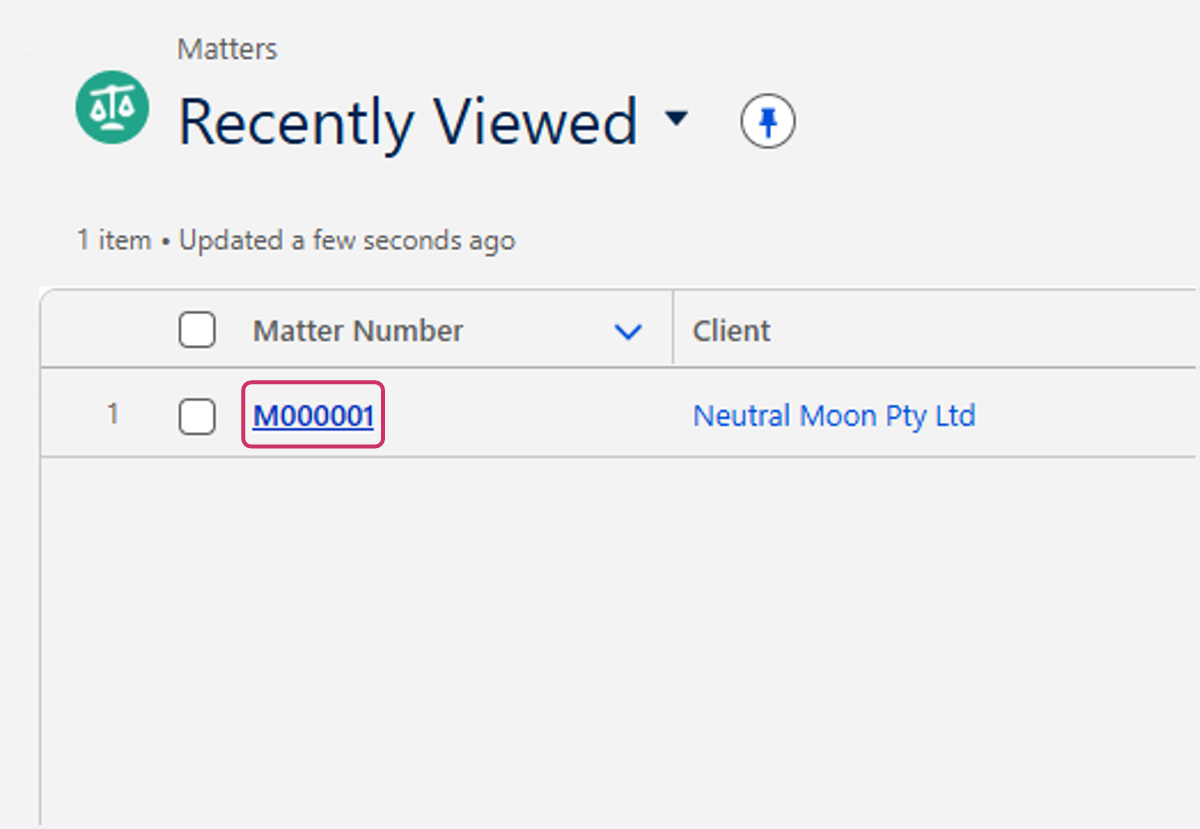
1. Click on M000001
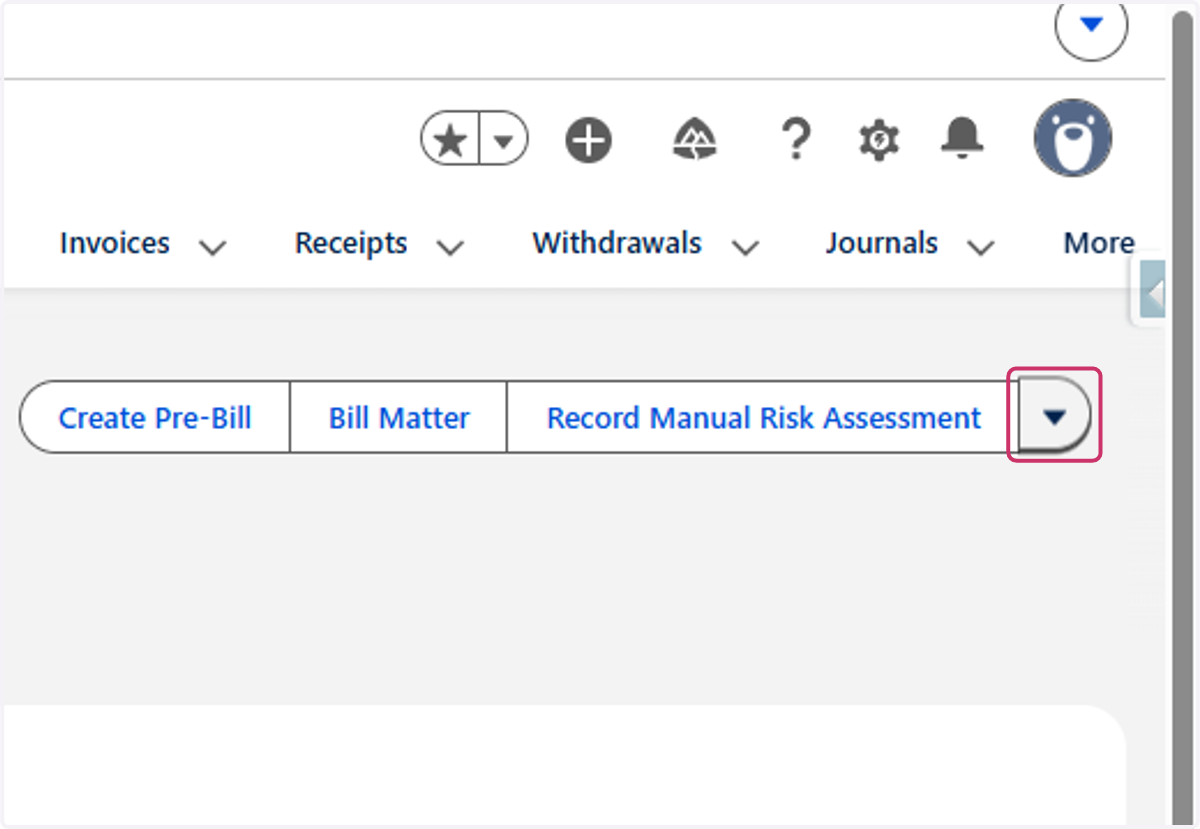
2. Click on Show more actions
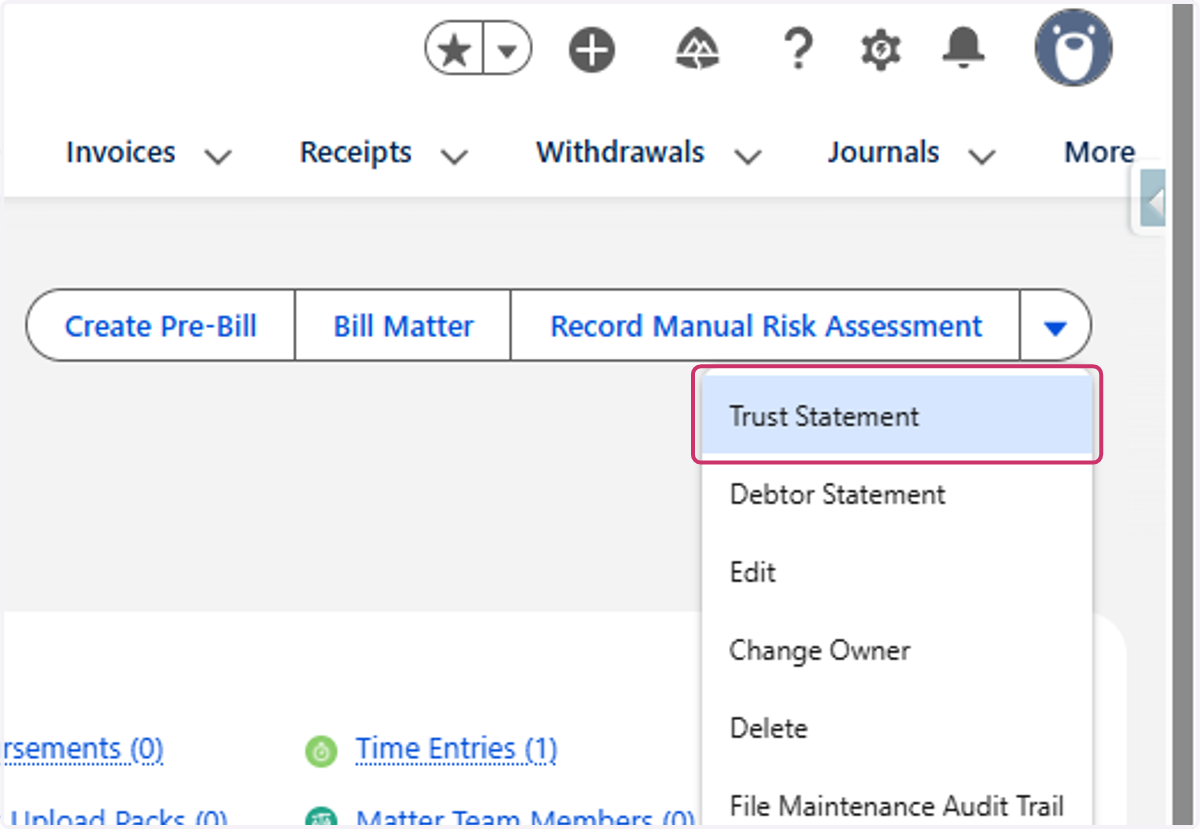
3. Click on Trust Statement
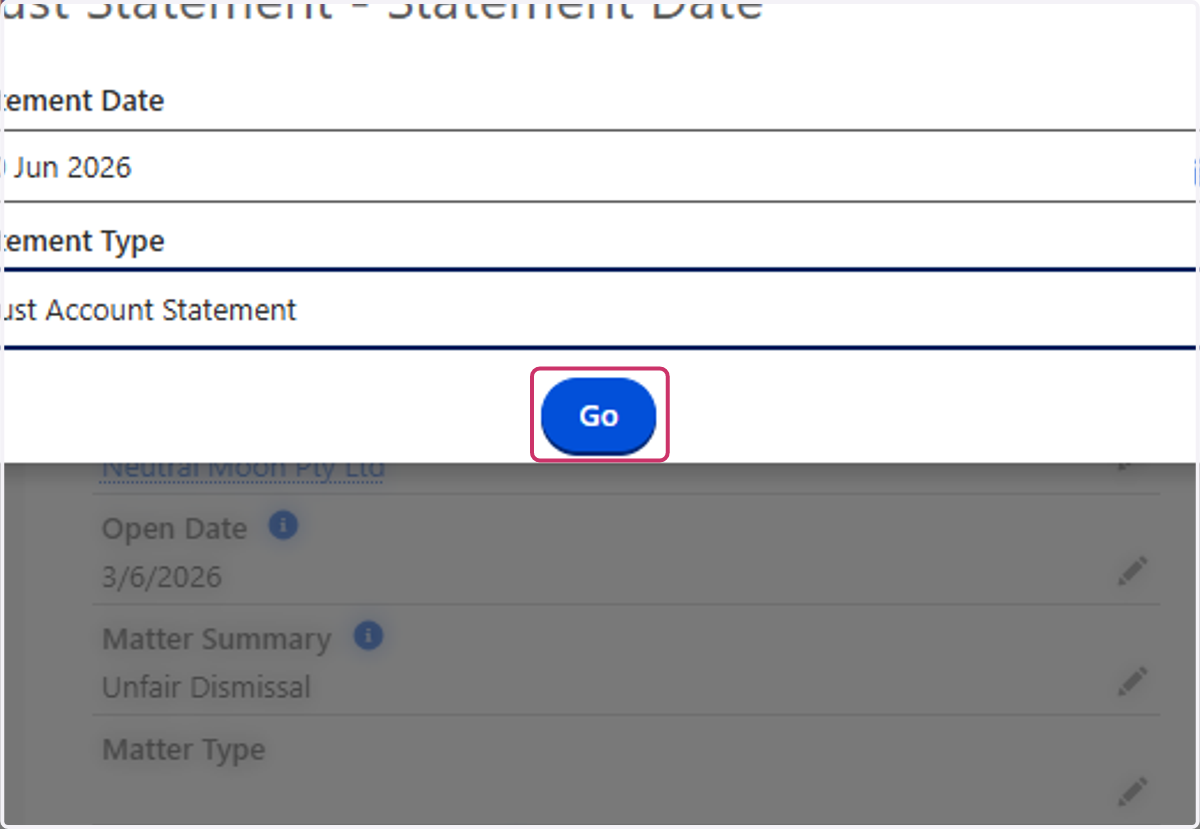
4. Select the statement date
Set to 30 June 2026 for EOFY Statements
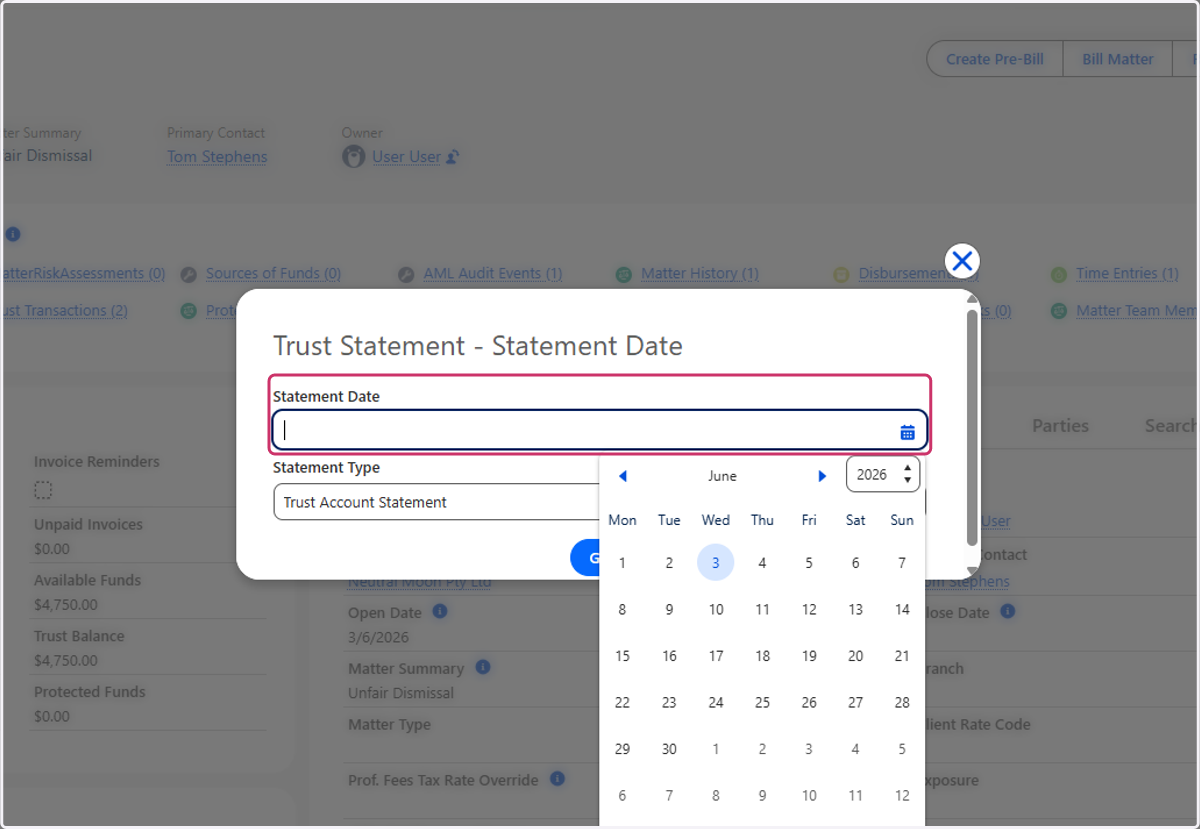
5. Select Trust Account Statement as the Statement Type
6. Click on Go
7. Download and mail the trust statement to the client