Generate SIS Integration Credentials through SBAA
SC Districts 24-25 | Starting Blocks
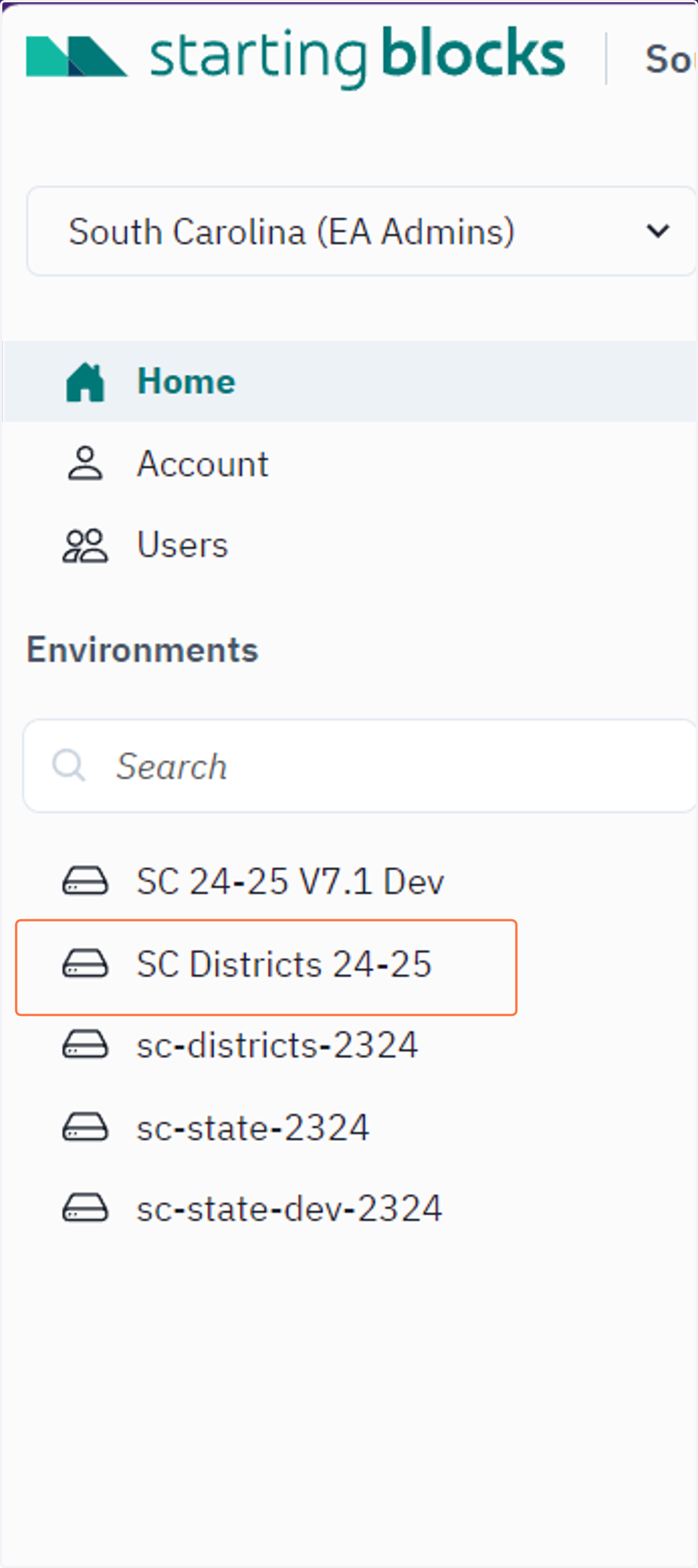
1. Click on SC Districts 24-25
Note: Districts will only see one environment in their list for 24-25 called SC Districts 24-25
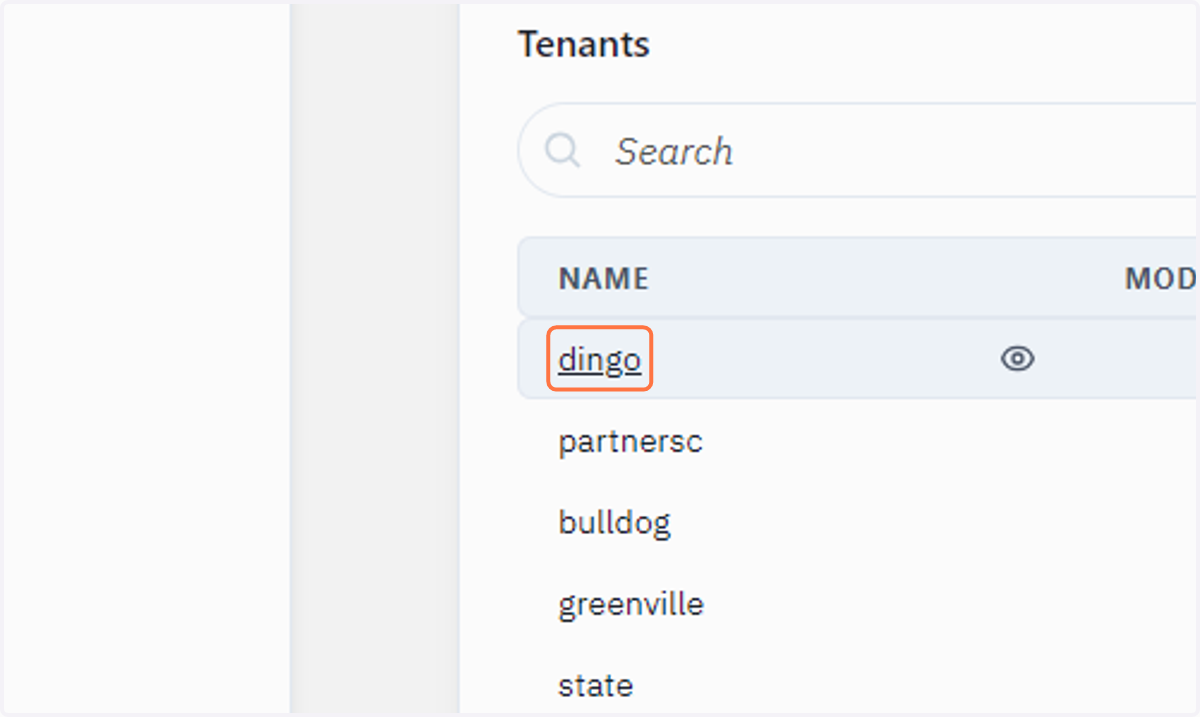
2. Click on your district name
Please note, you will only see your district name when you are logged in.
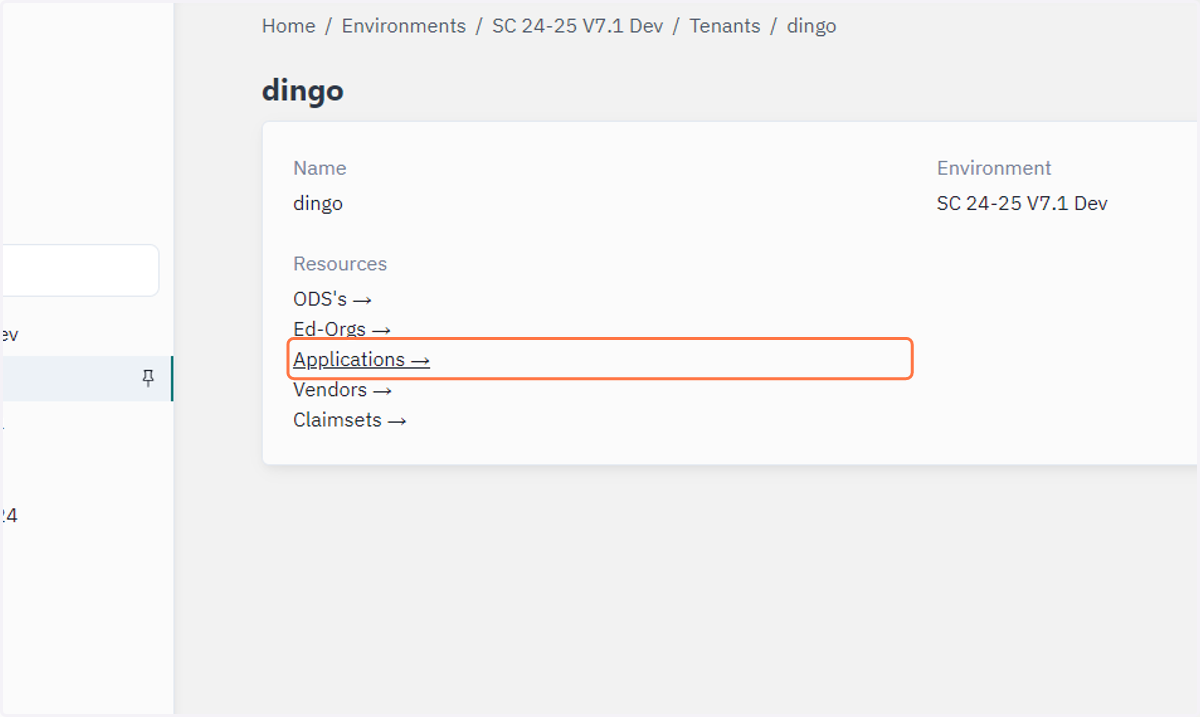
3. Click on Applications →
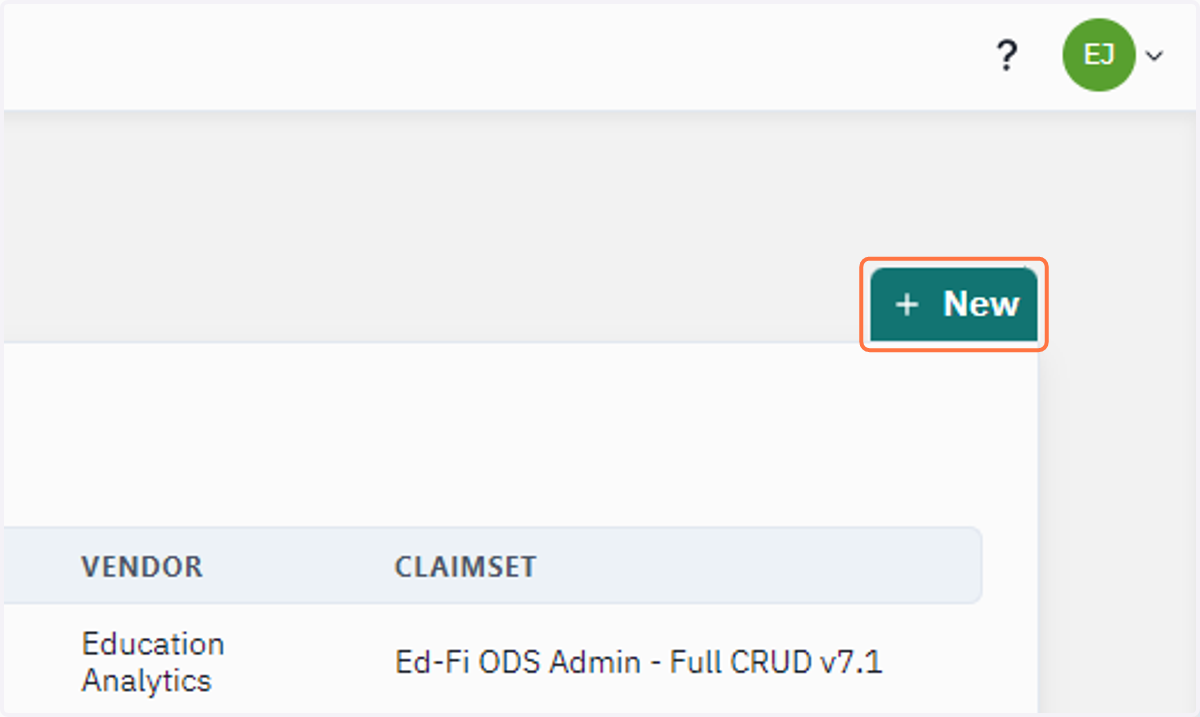
4. Click on New
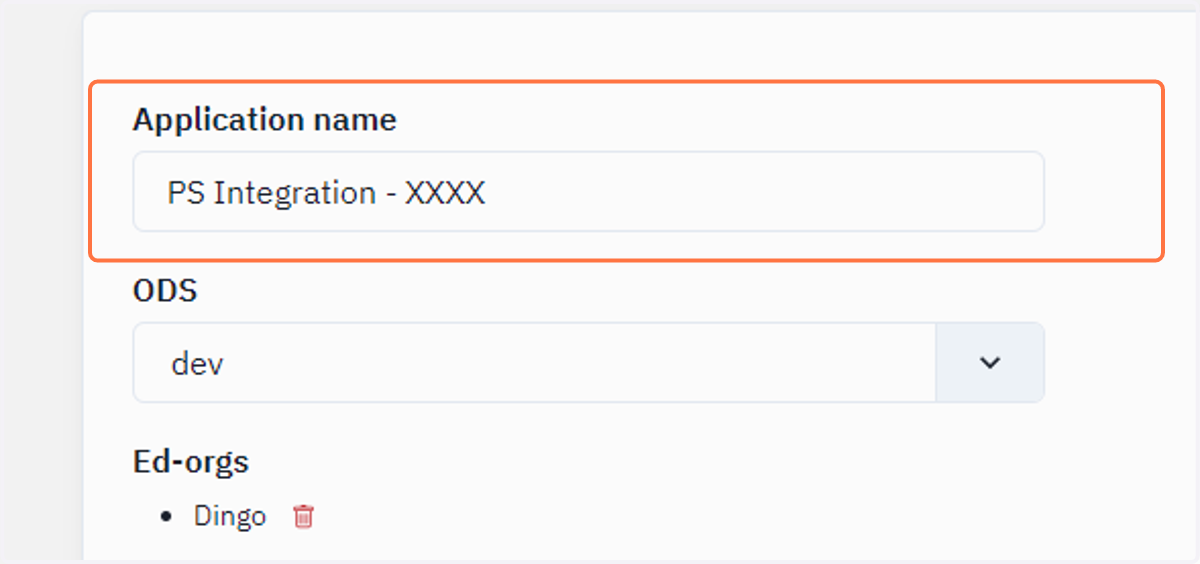
5. Type the name of the application.
For your district, it will be PS Integration - XXXX (where the XXXX should be replaced with your district's 4-digit code)
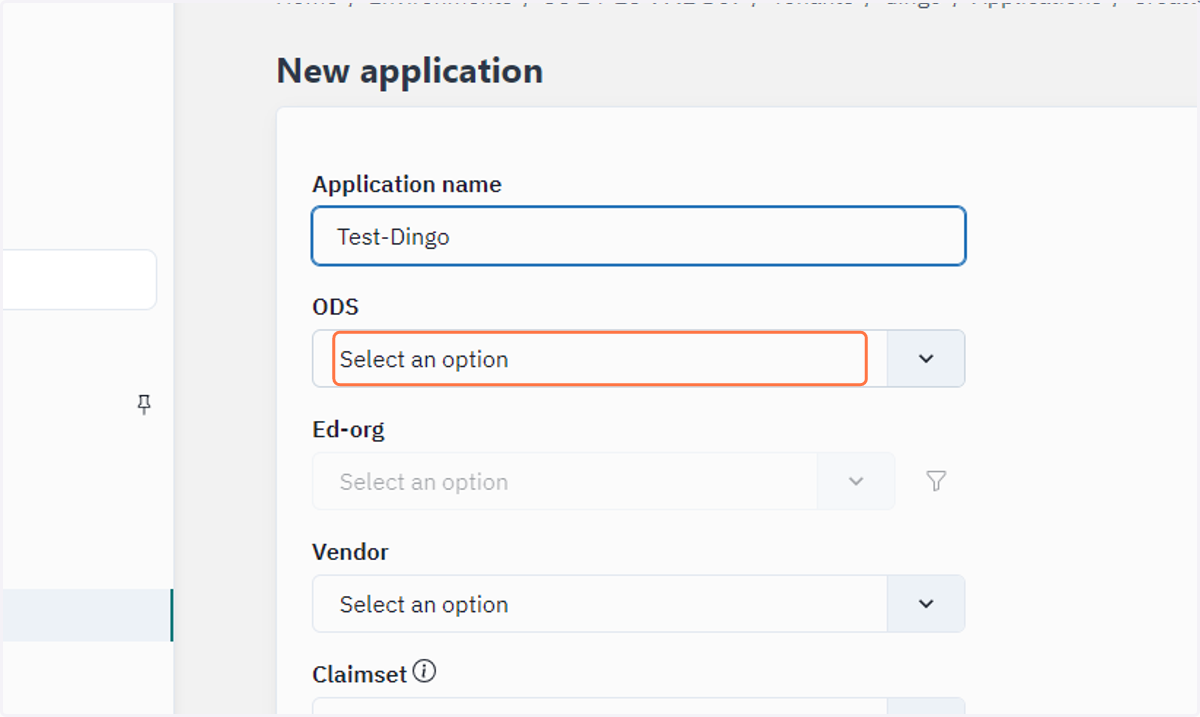
6. Click on ODS…
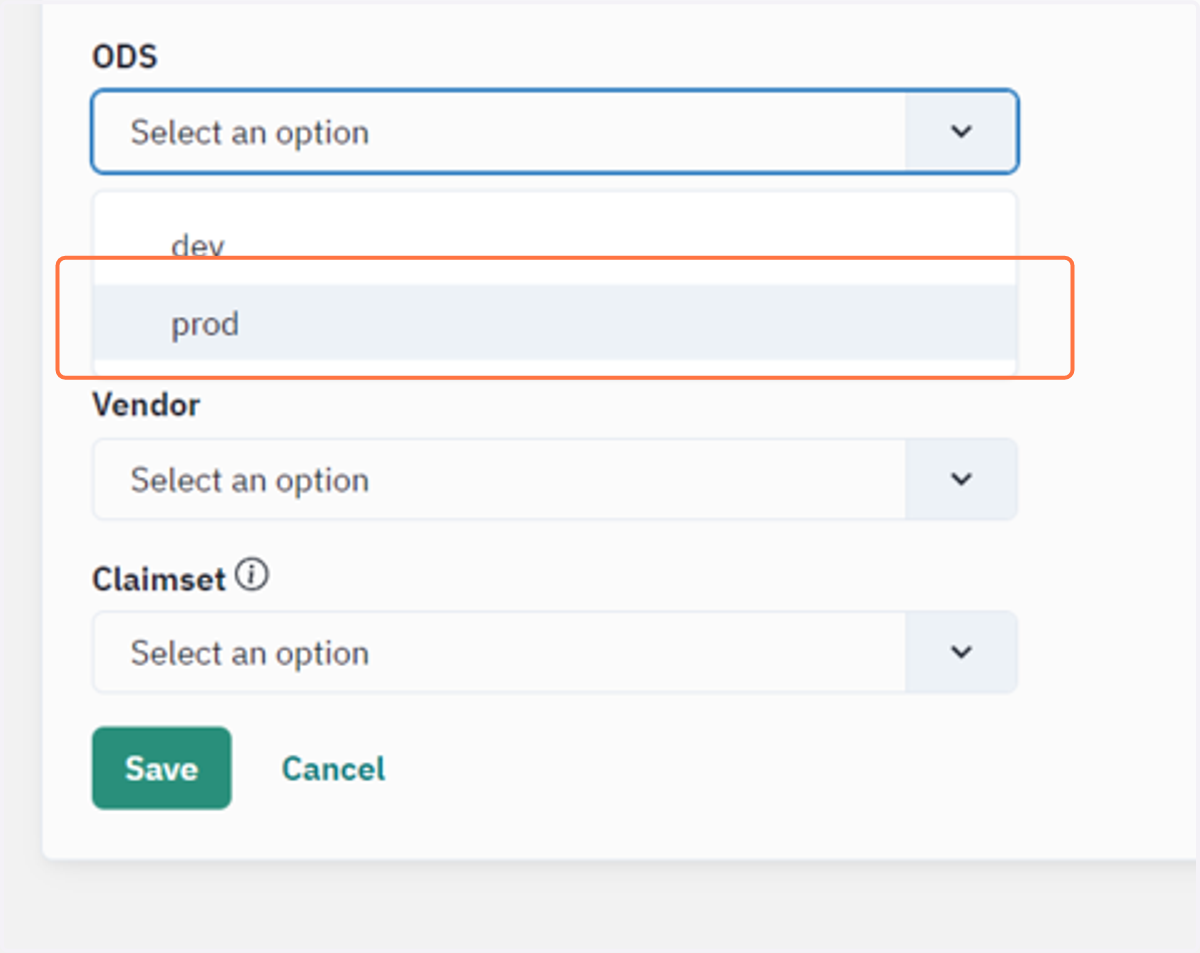
7. Click on prod
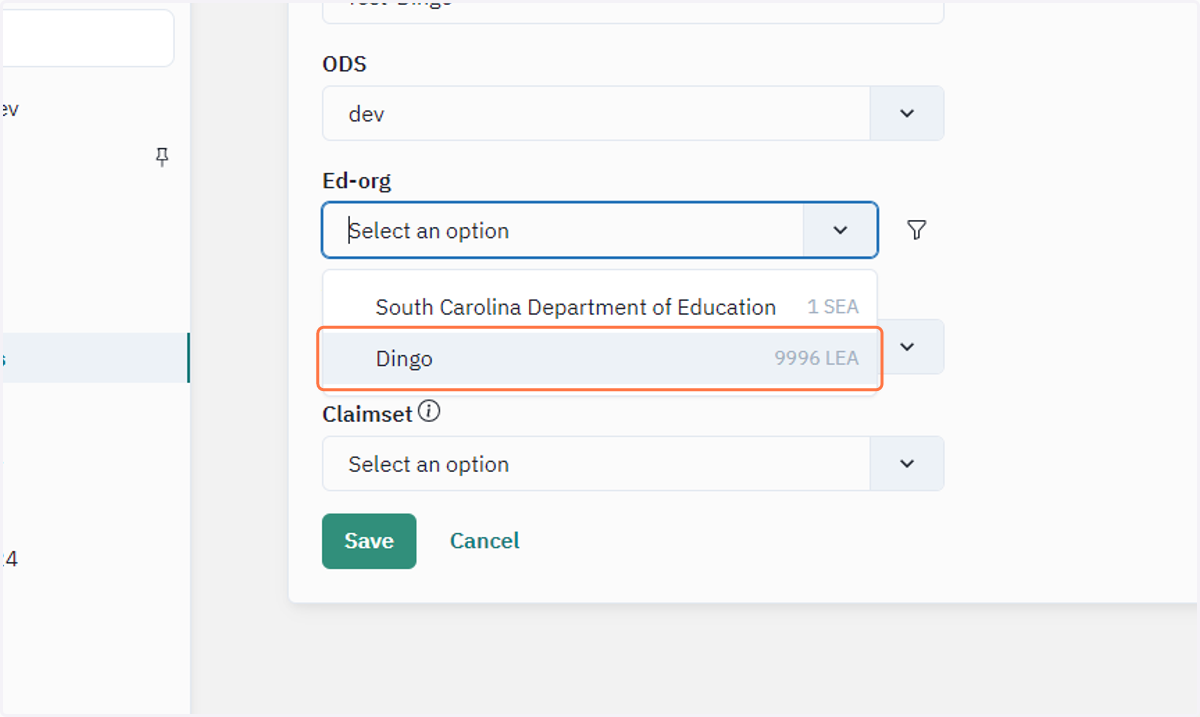
8. Click on Ed-org…
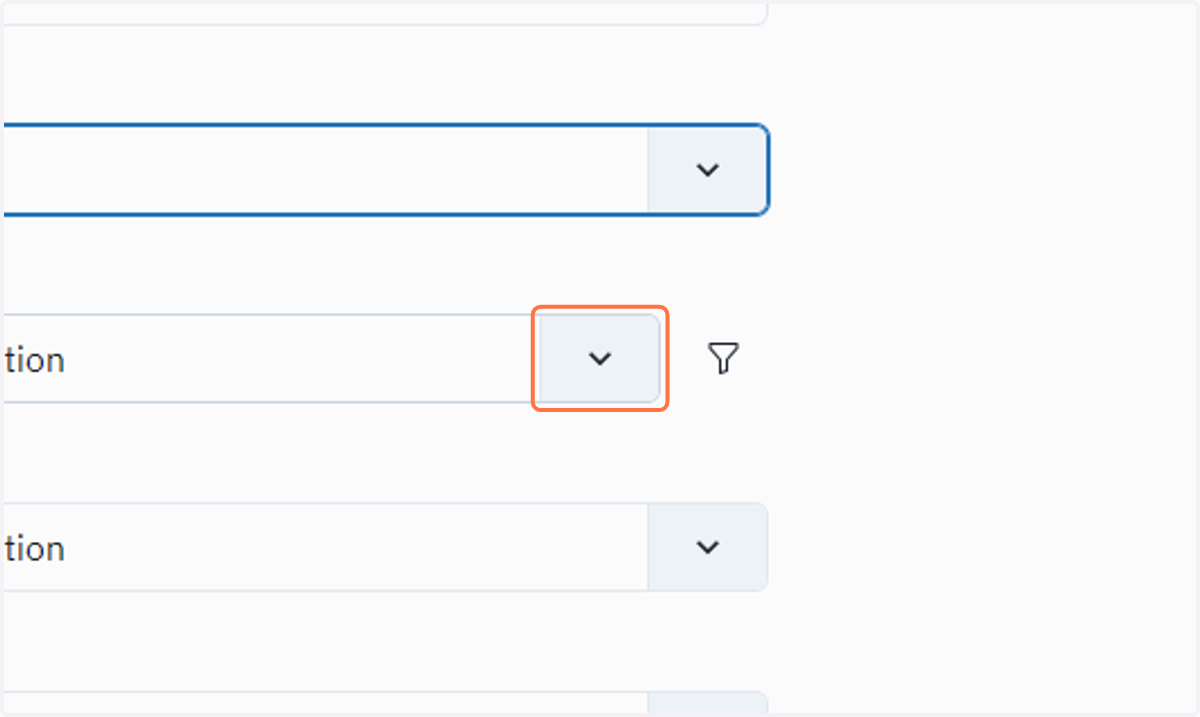
9. Click on your District name.
Note: Ensure you are selecting your district from the Ed-org Dropdown menu.
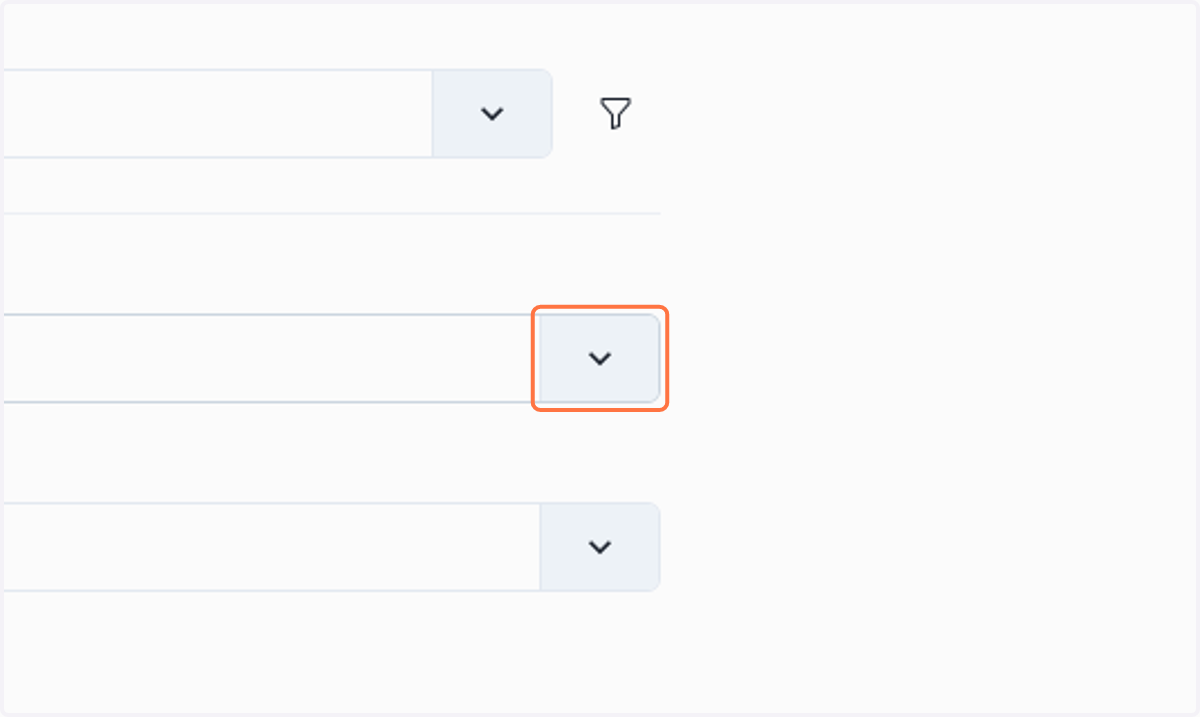
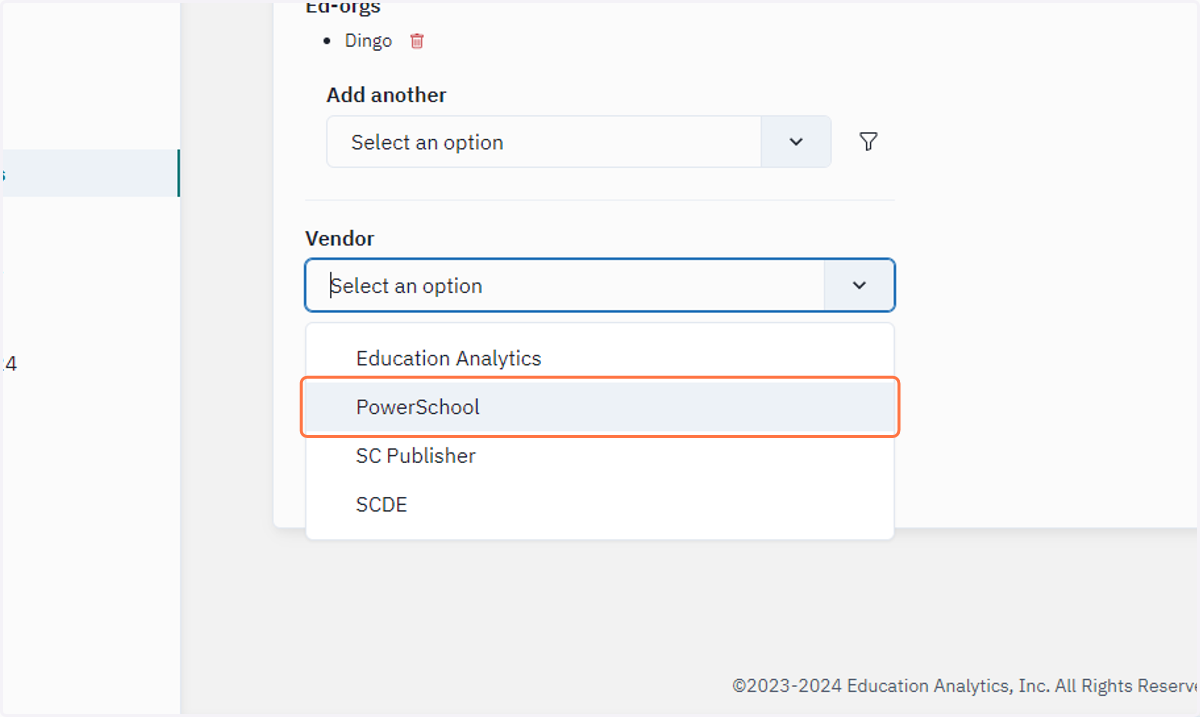
10. Click on Vendor…
11. Click on PowerSchool
12. Click on Claimset …
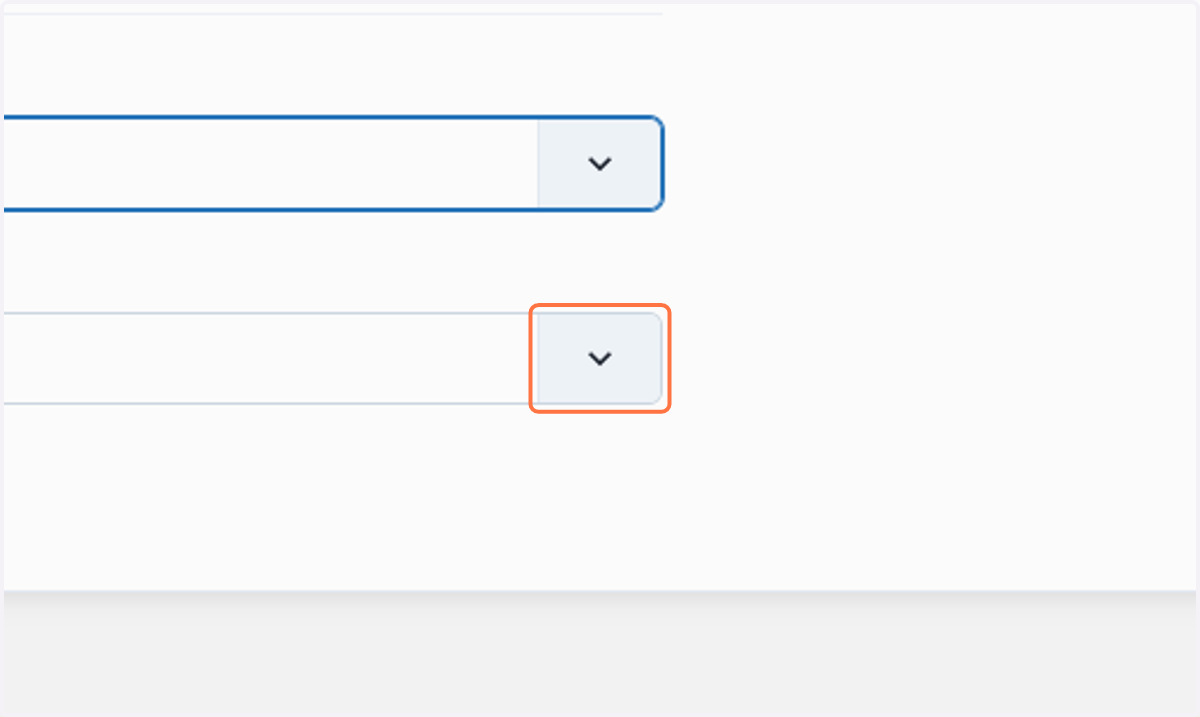
13. Click on SC Districts 24-25 Prod
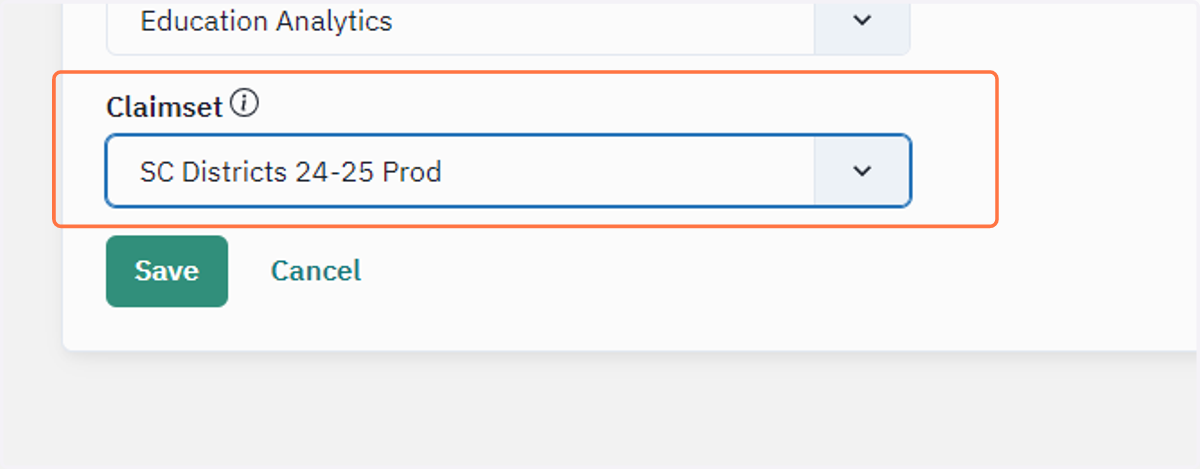
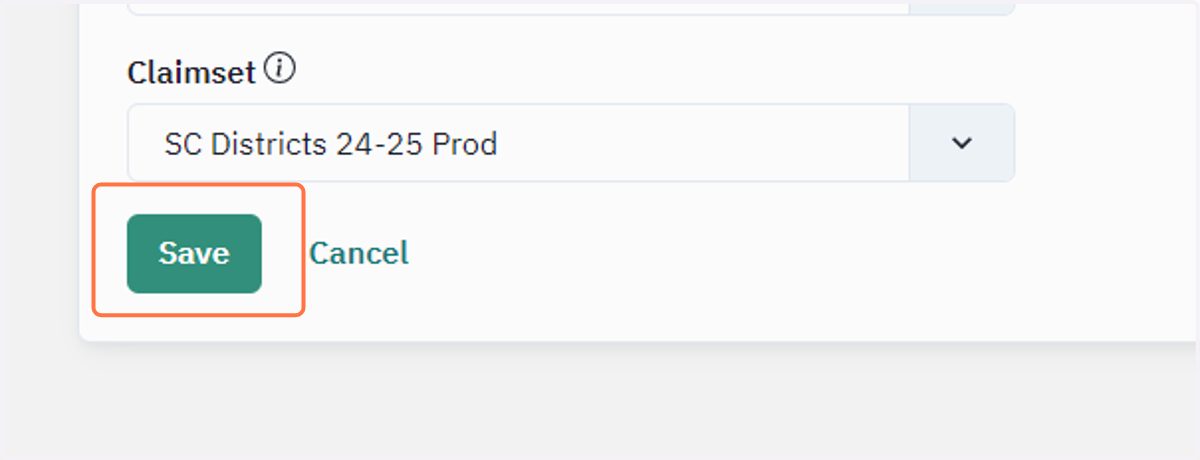
14. Click on Save
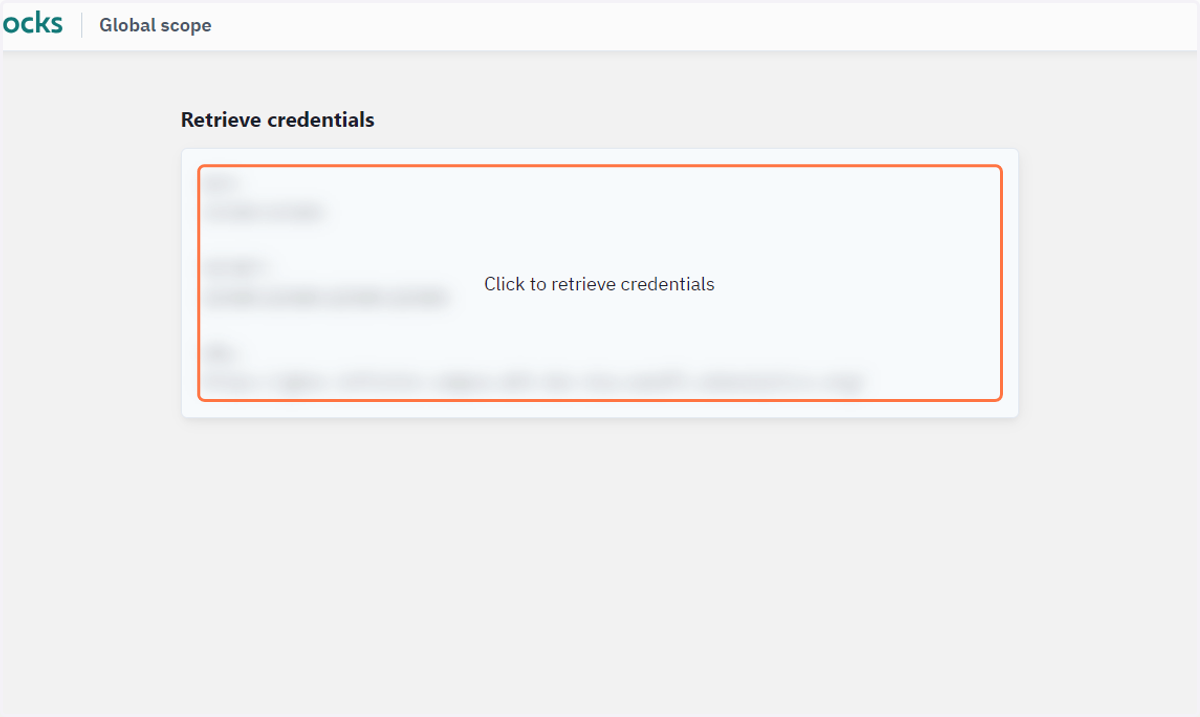
15. This step will provide you with the Key & Secret and API URL for your district.
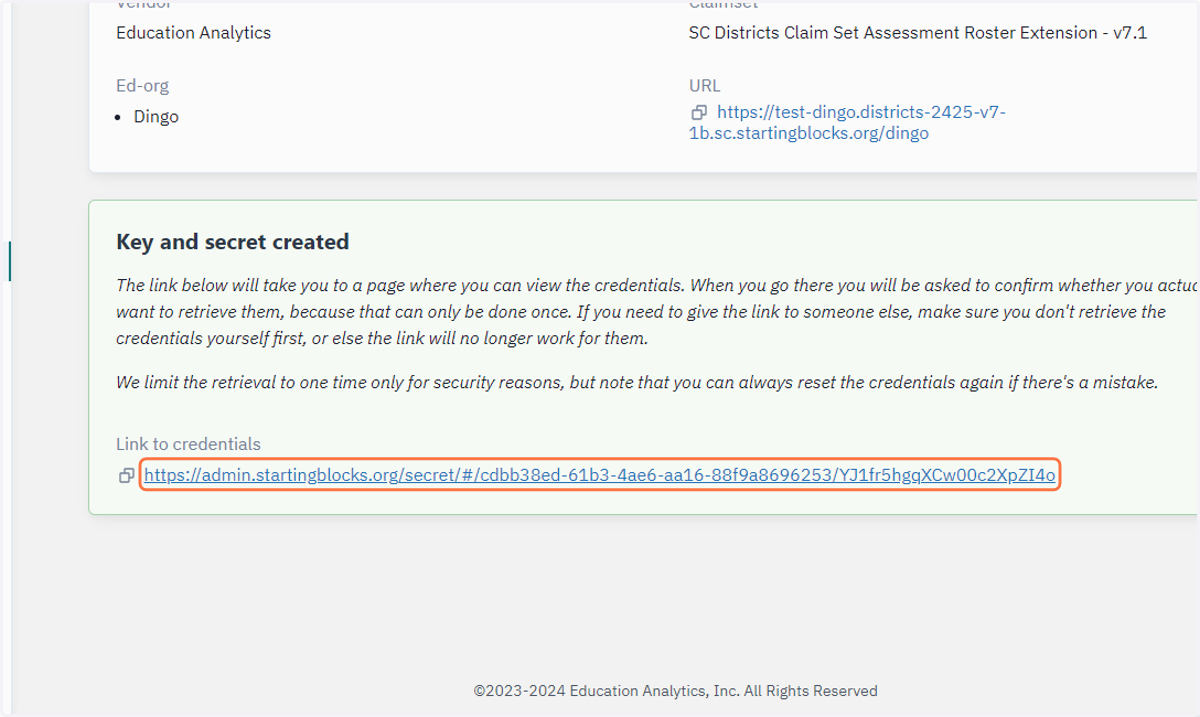
16. Click to retrieve your credentials.
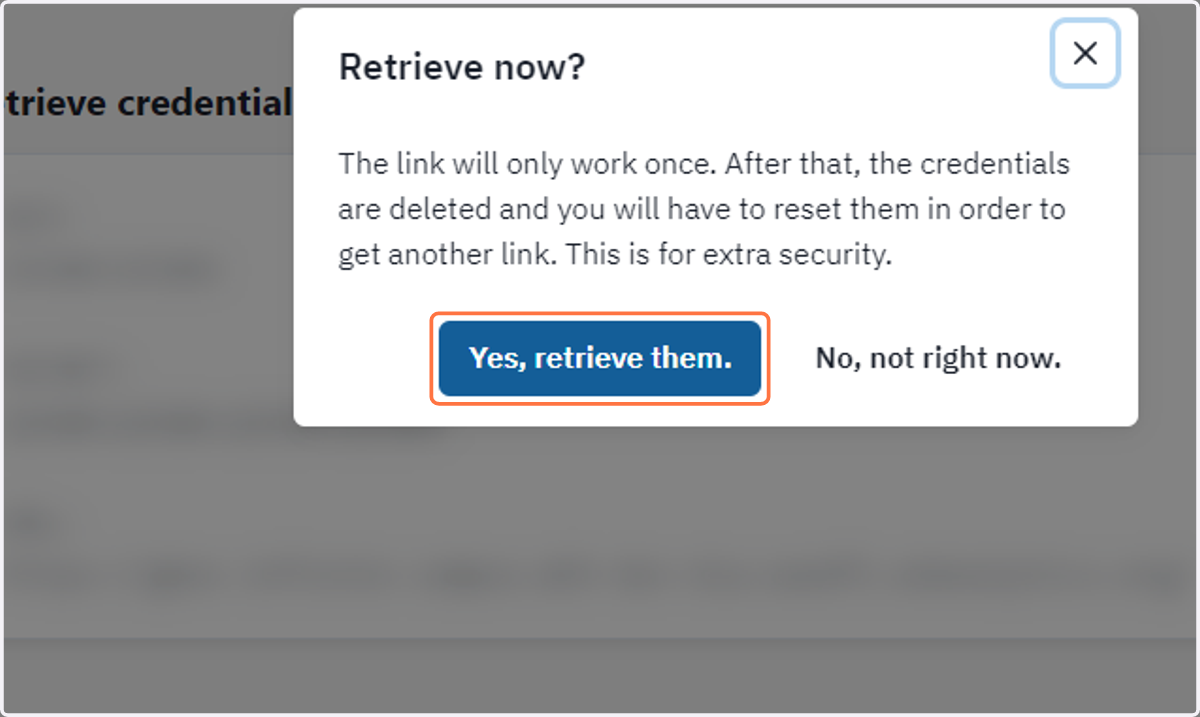
17. Click on Yes, retrieve them now to get your credentials.
PLEASE NOTE: If you are not the person to receive the credentials, do not click yes.
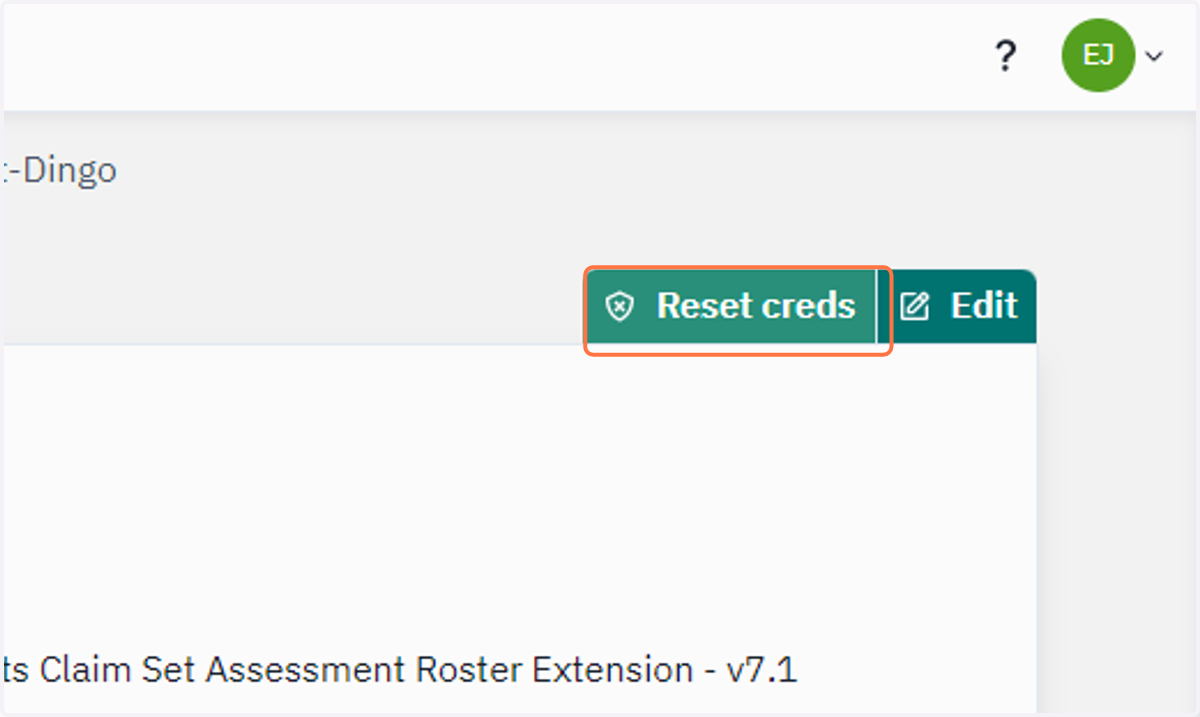
18. You can Reset Credentials if you need.