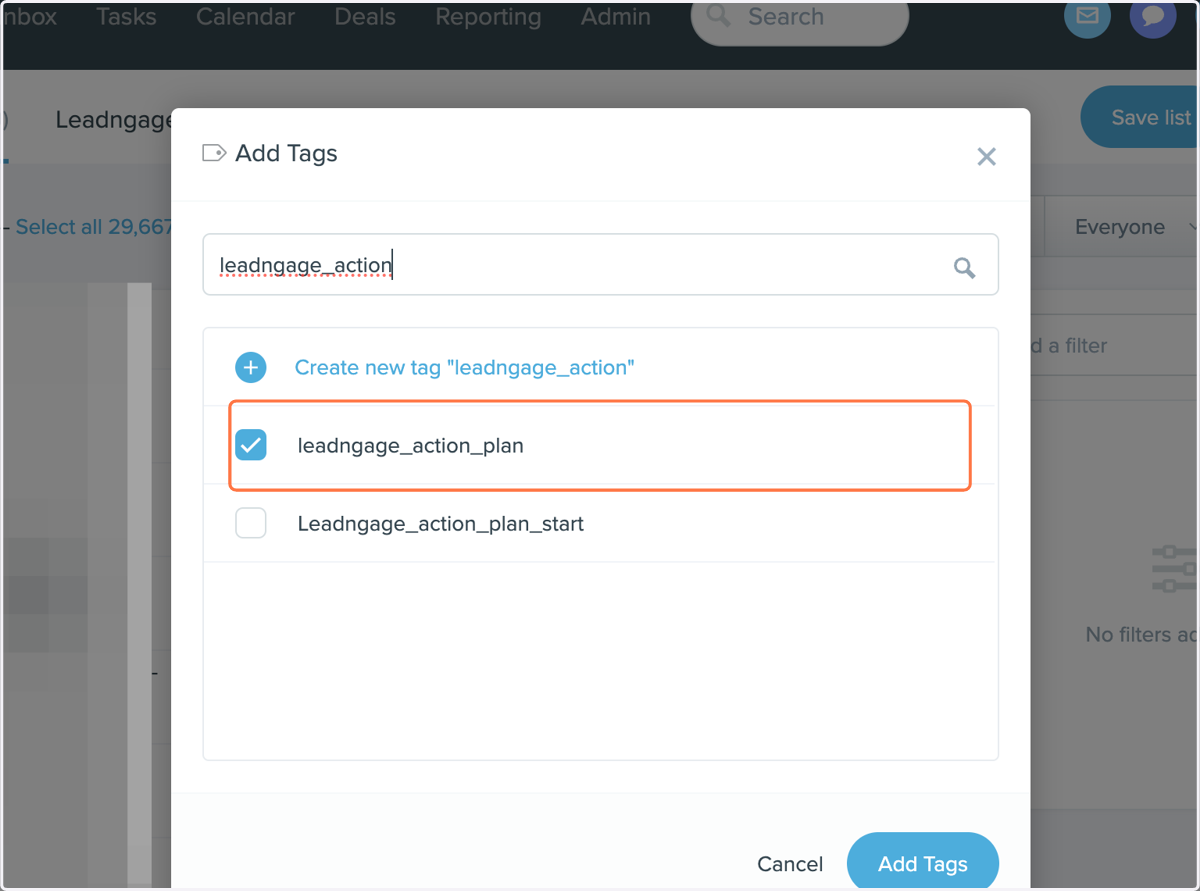
Follow Up Boss Automation Setup for Leadngage Action Plan
Follow Up Boss
1. Go To Our automation and Import it into your Follow Up Boss
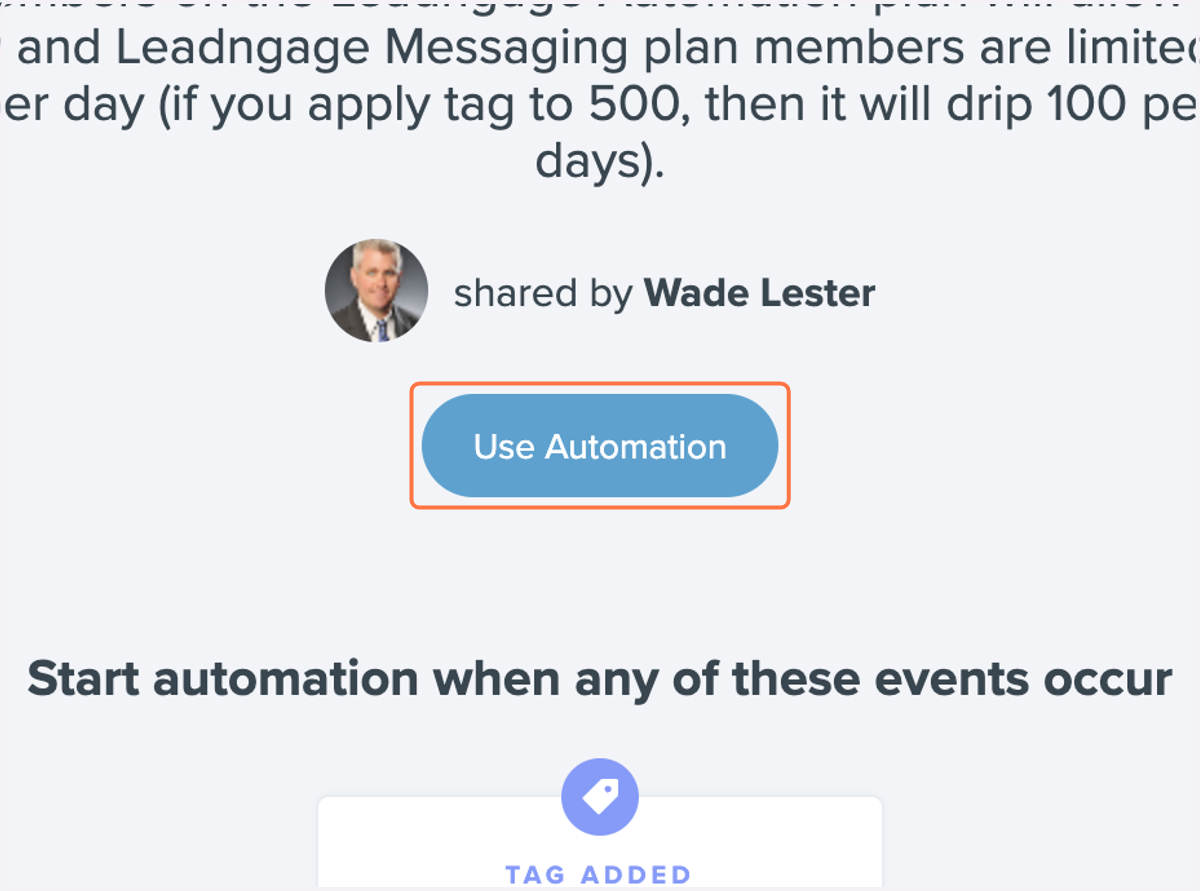
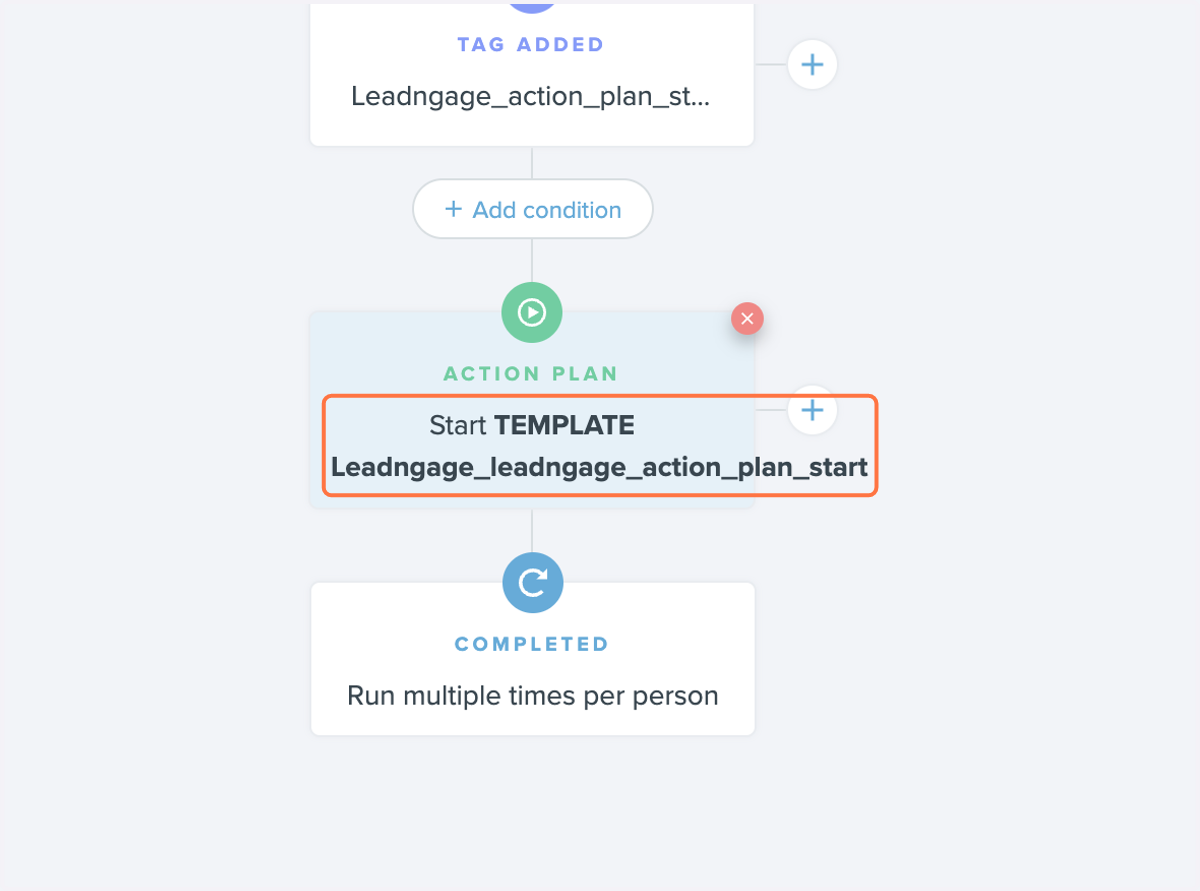
2. Click on Action plan and replace it with the action plan you want to add people to
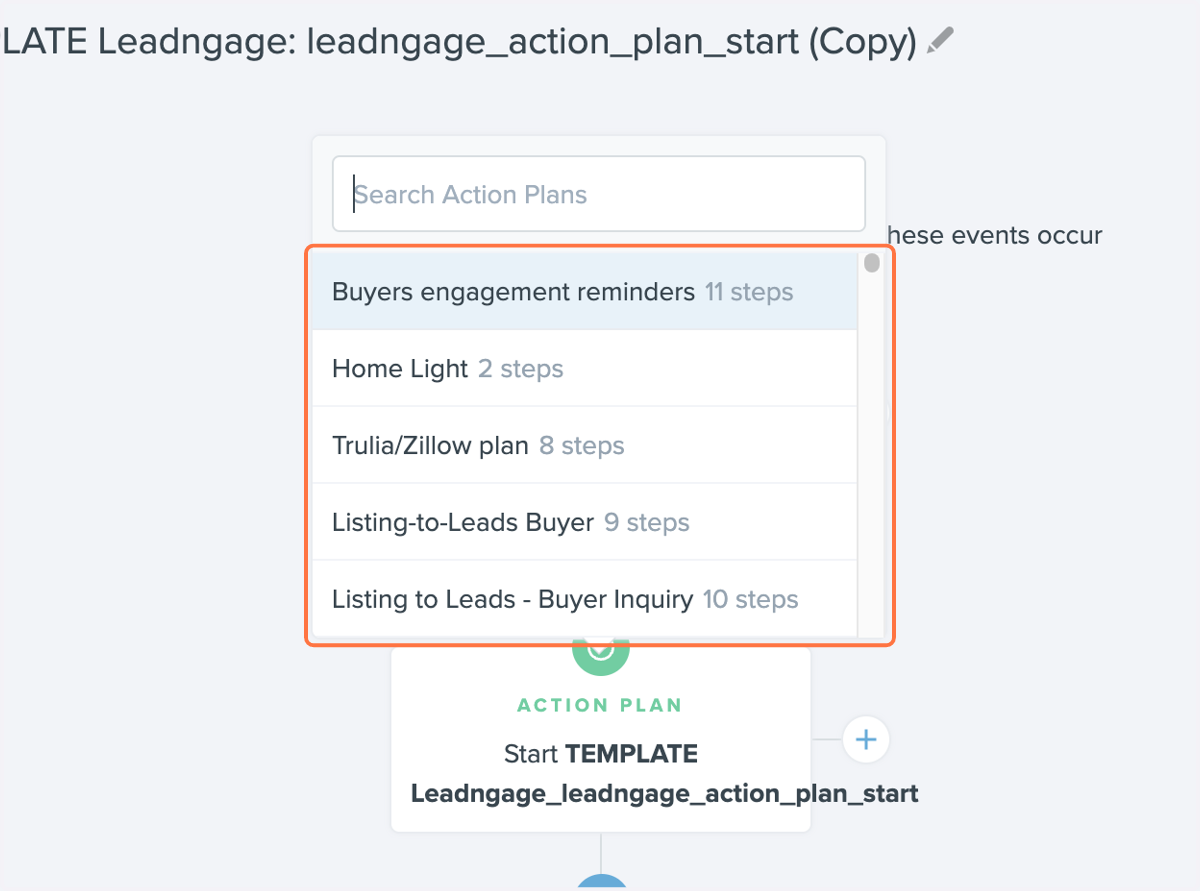
3. Select the action plan you want to use
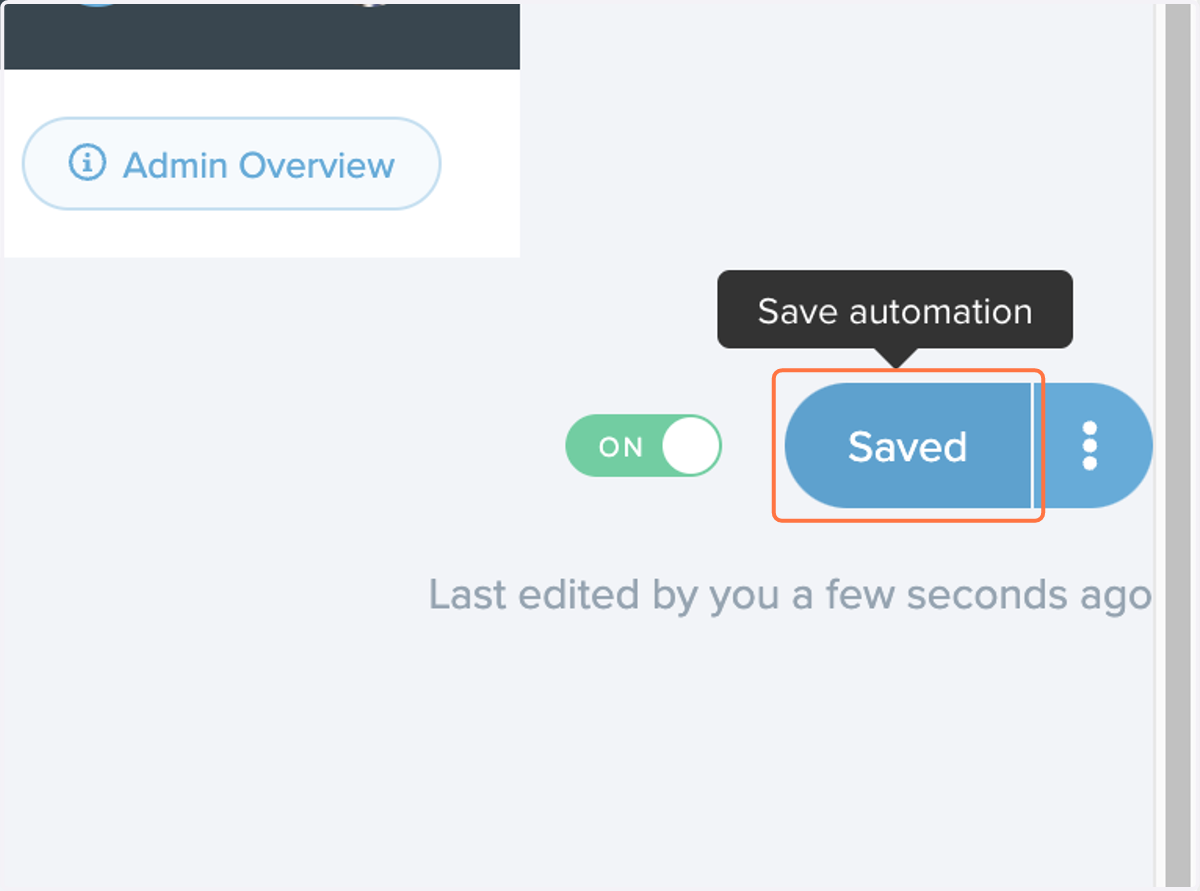
4. Turn on automation and save
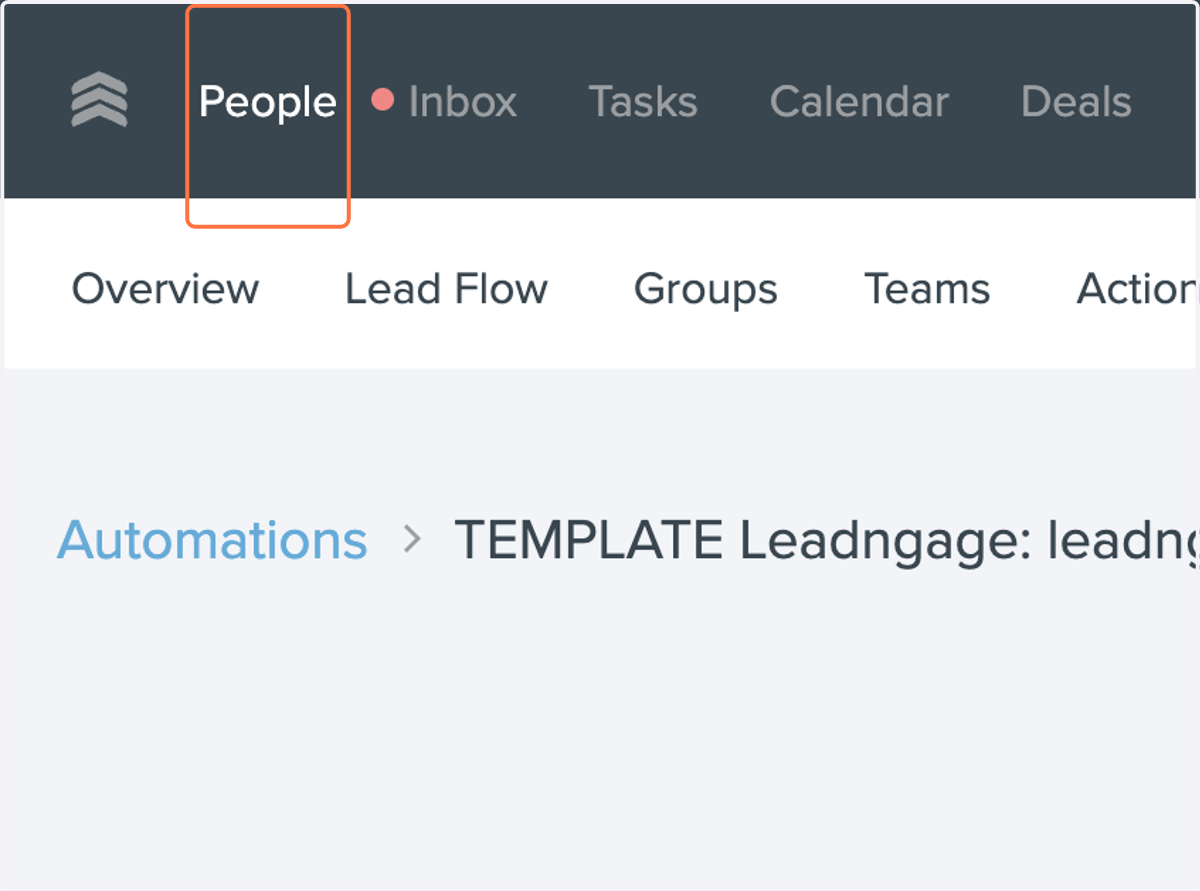
5. Go to your people
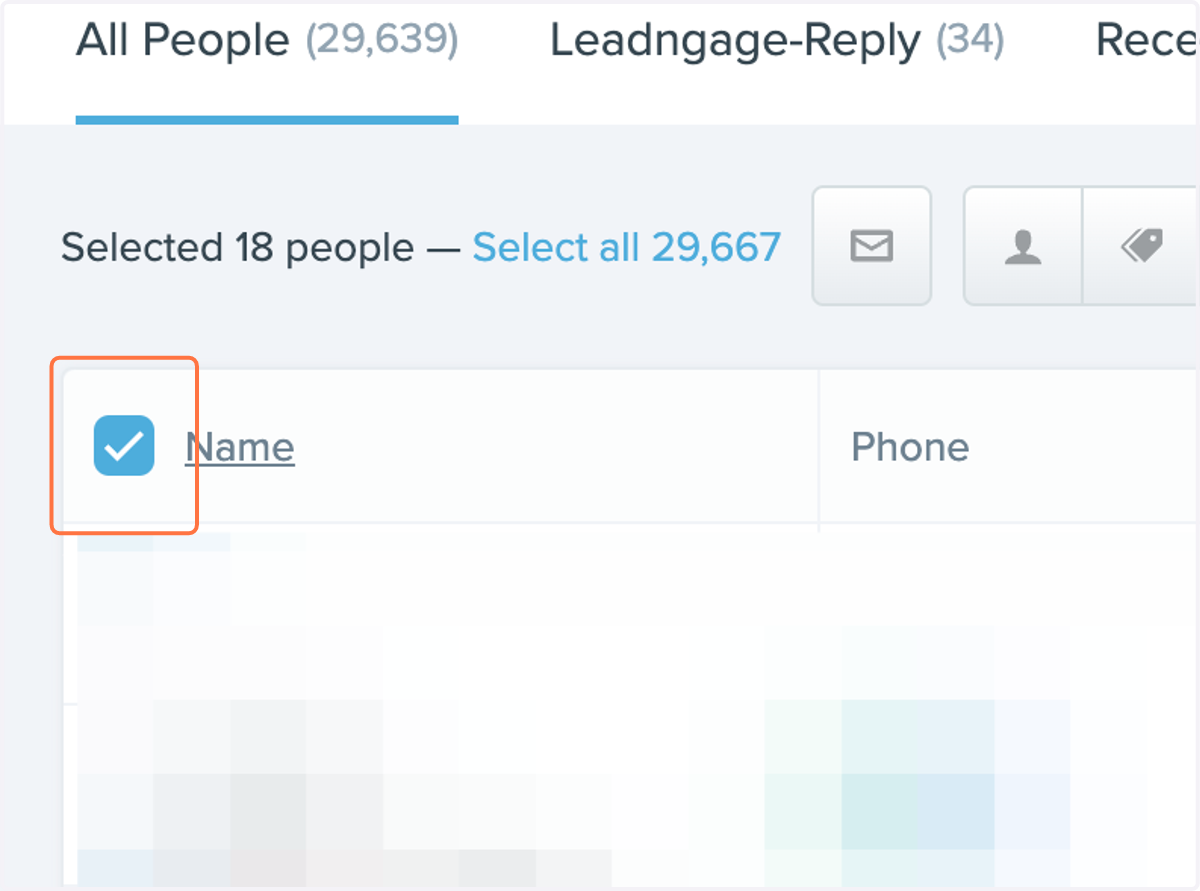
6. Check the people you want to add to the action plan
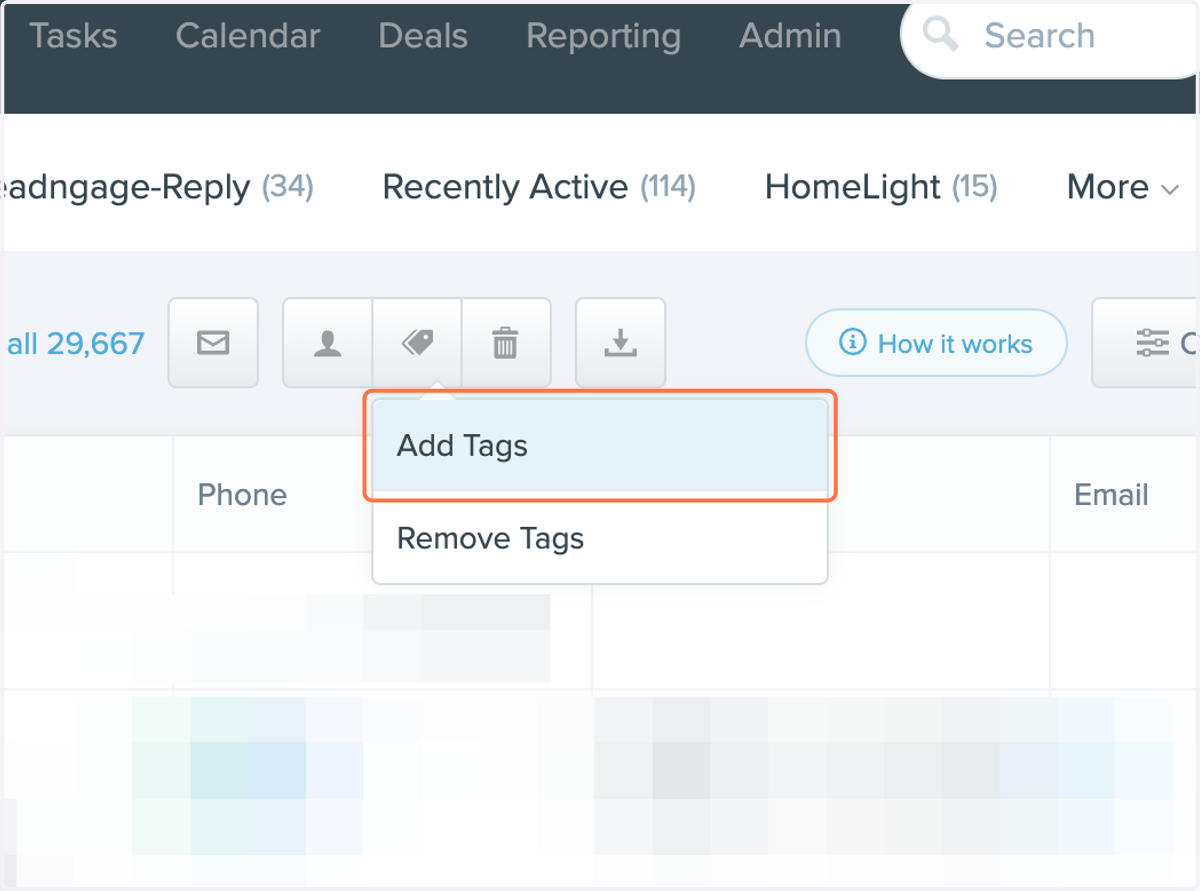
7. Click on Add Tags
8. Add or create the leadngage_action_plan and save
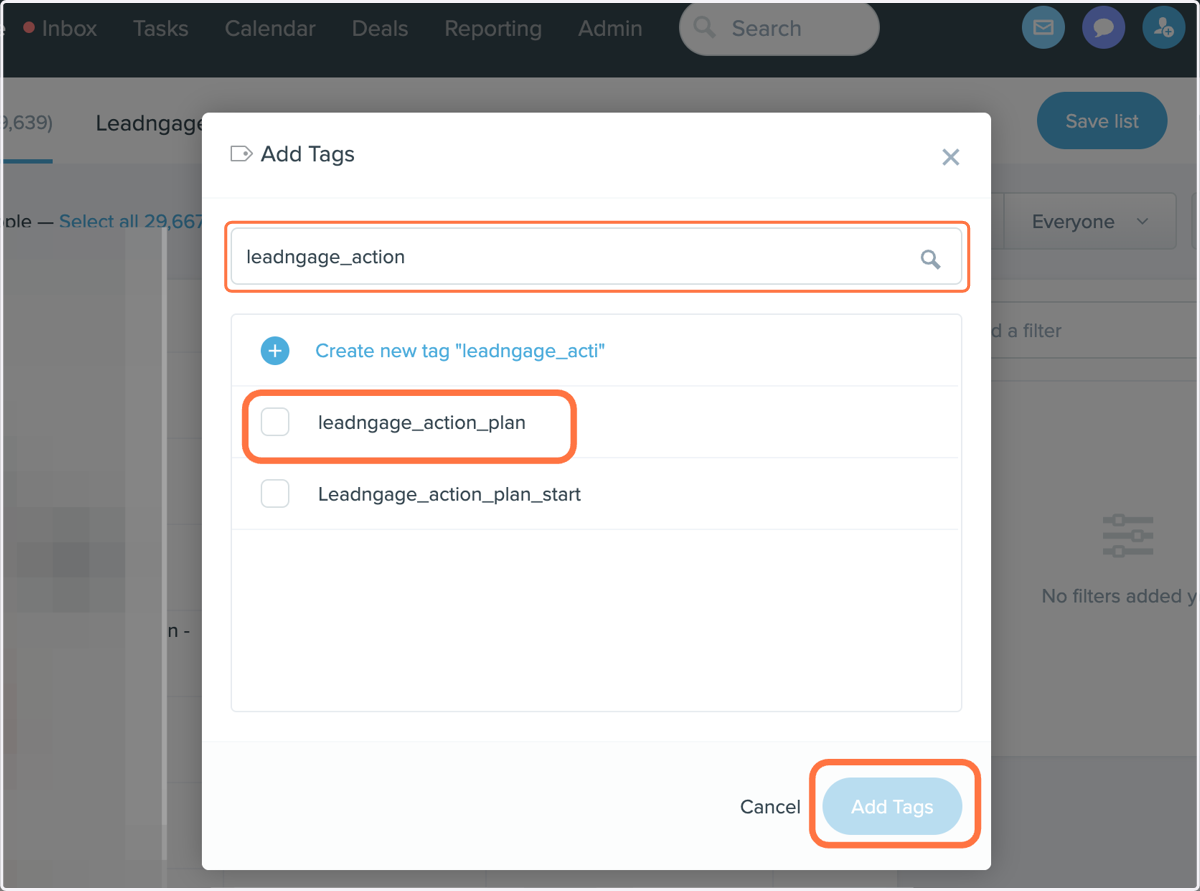
9. Check leadngage_action_plan