Flex Module
Overview
Flexible Section, Row, and Column Styling
Flexibility over the building blocks that contain content.Include up to Six Content Columns
Flexible Content Type
Heading
Rich Text & Video
Image
Icon
Meeting
Form
Button
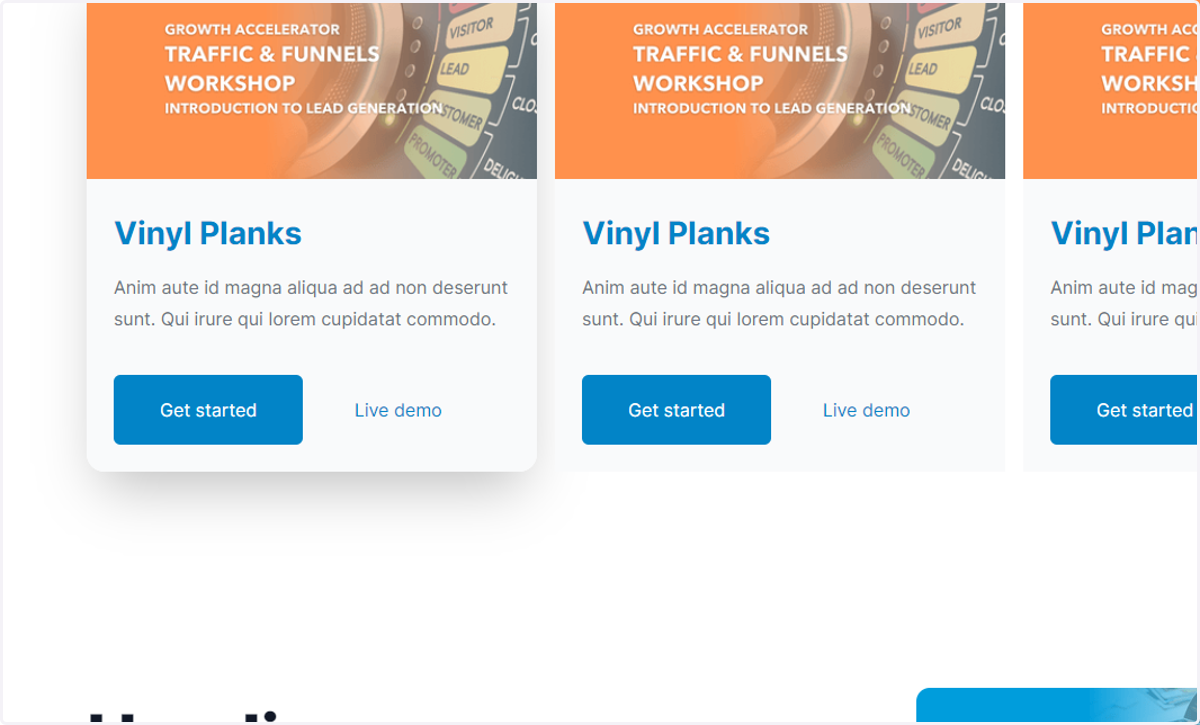
Cards
Flexible Animations On Scroll
Flexibility in Adding, Editing, and Organizing Content
1. Go to Edit Page
Hubspotpreview-na1
2. Type "Flex"
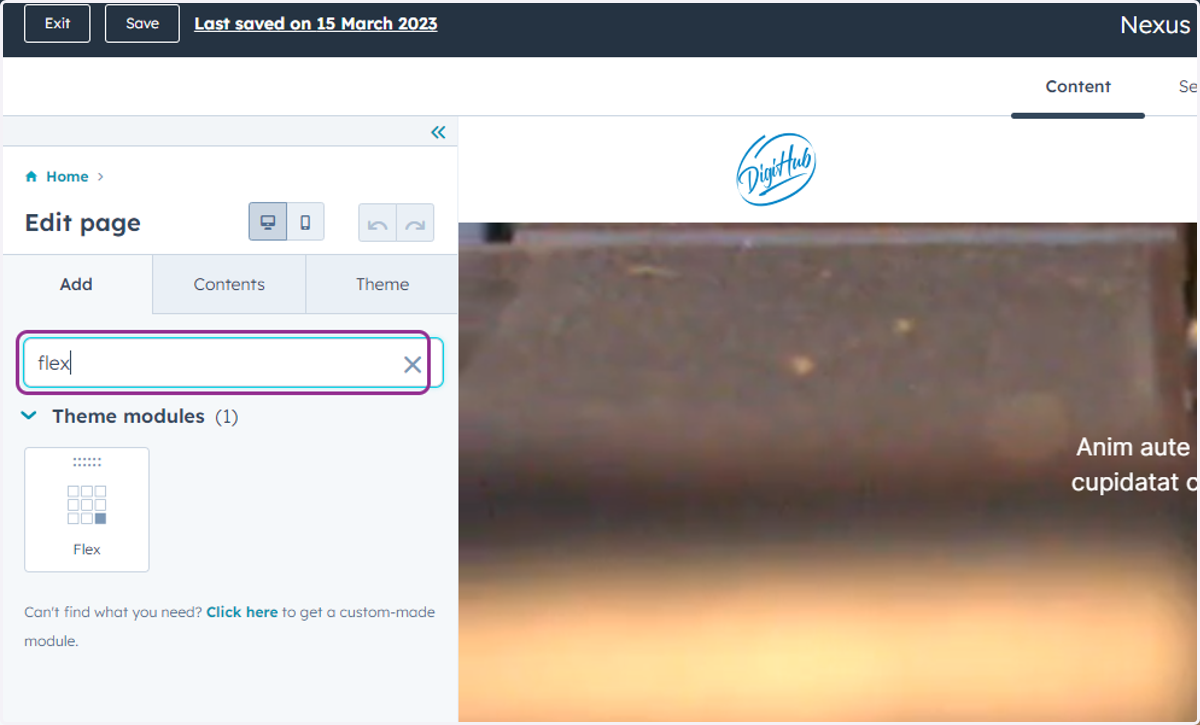
3. Drag highlighted option
You can drop it anywhere in Drag and Drop Section
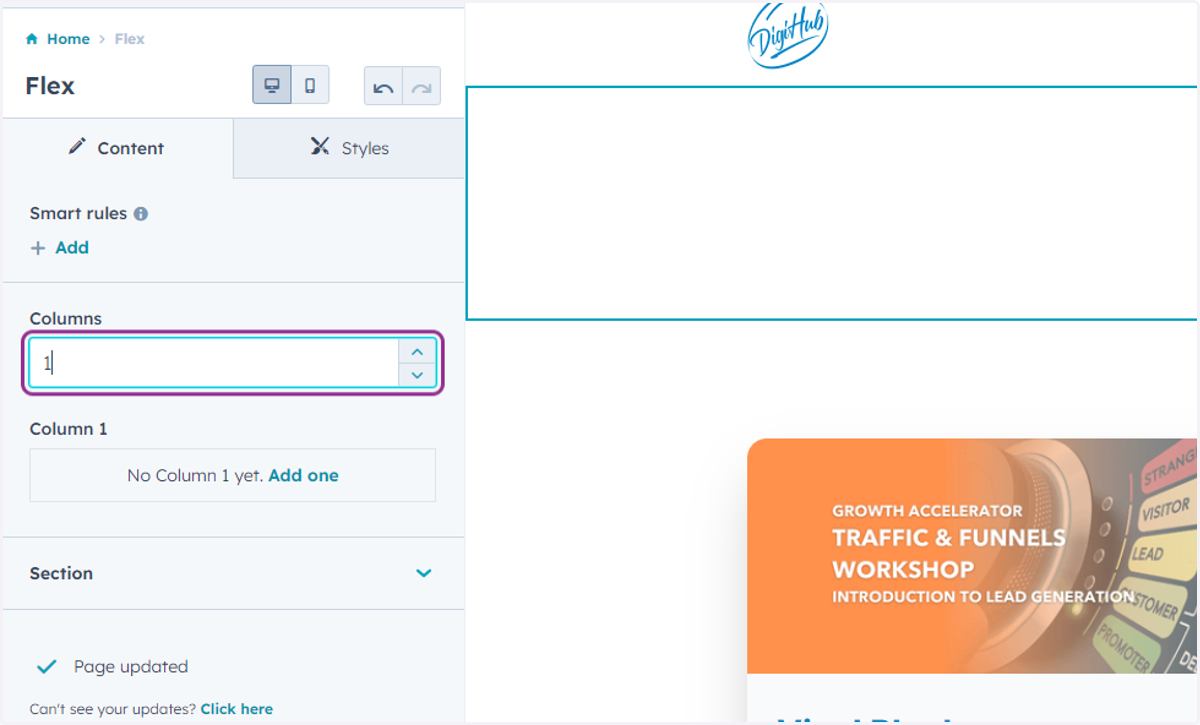
4. Include up to Six Content Columns
Select how many columns you want
Hubspotpreview-na1
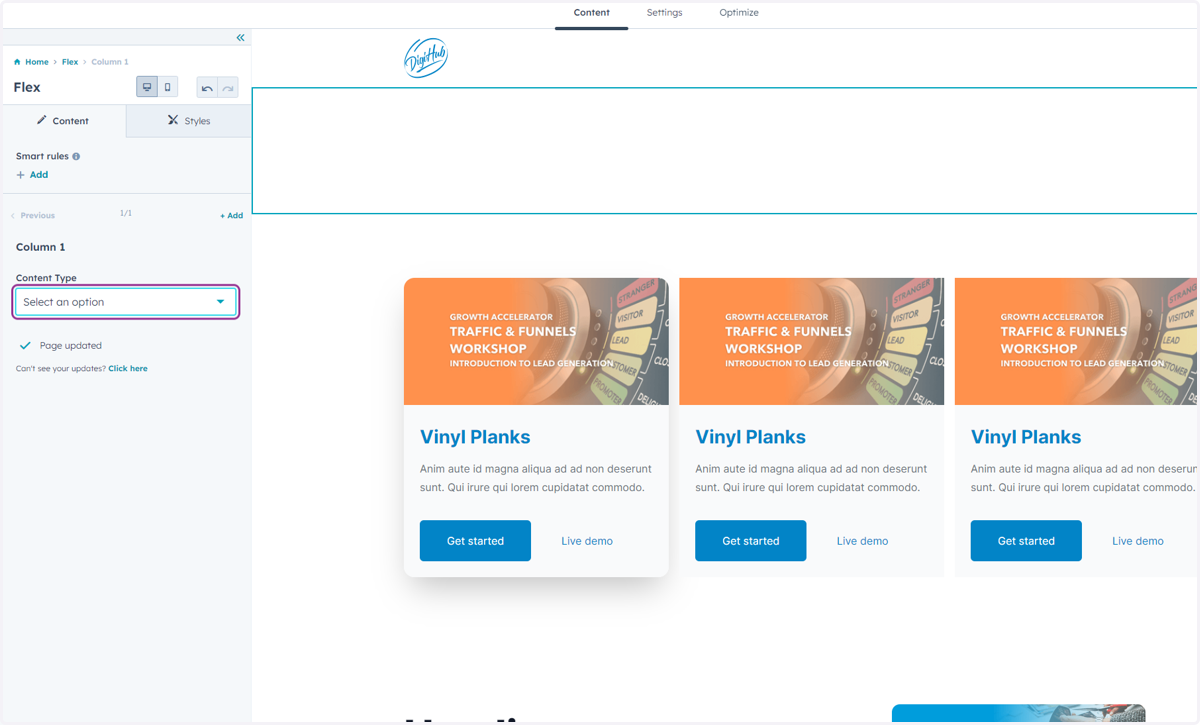
5. Add Content
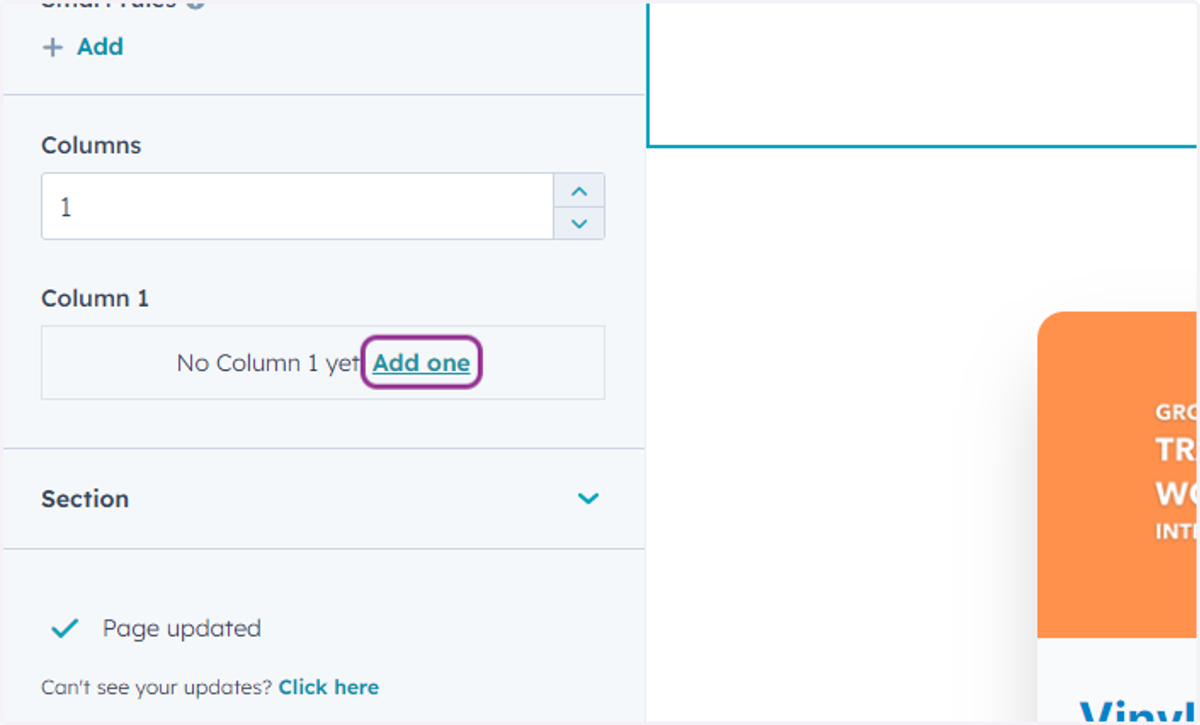
6. Select "Content Type"
Heading
Rich Text & Video
Image
Icon
Meeting
Form
Button
Cards
You can rearrange the order of the content type