First Time Logging into Engagifii
1. Look for Your Engagifii Login Invite Email to the Engagifii Workspace for Mississippi Association of Supervisors (MAS)
This invite will come from identify_donotreply@engagifii.com or email Yamaiky Gamez sendgrid.net

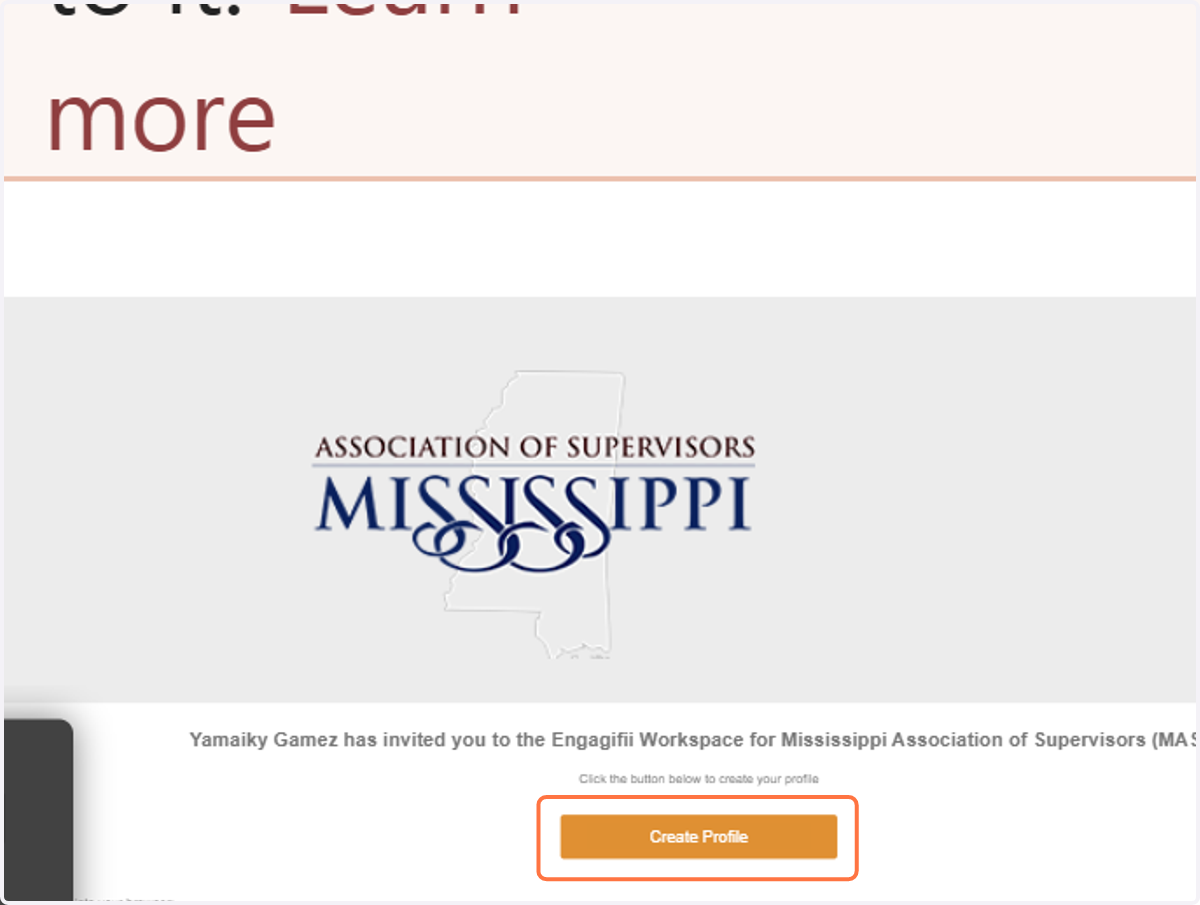
2. Click on Create Profile
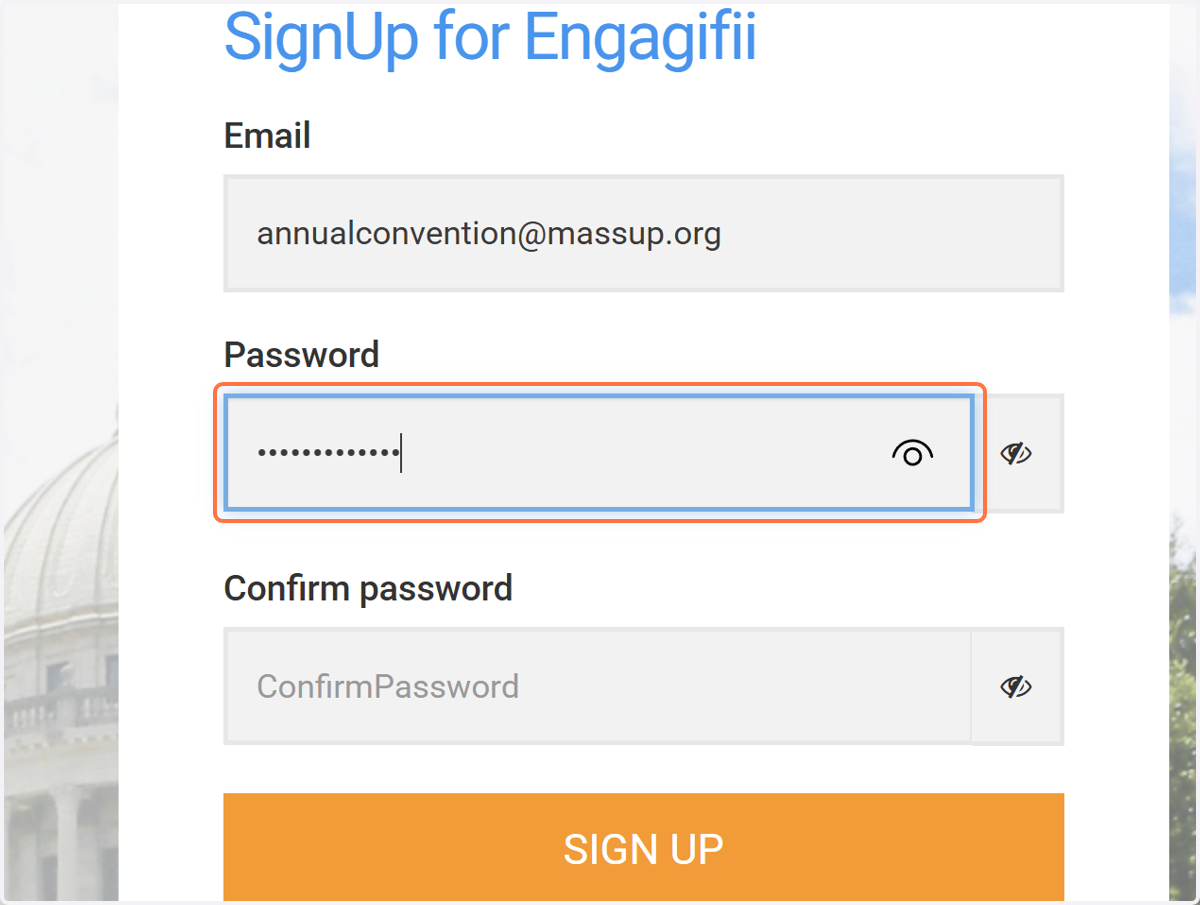
3. Create Your Password
Your username/email is the one where you received the invite to create your member profile!
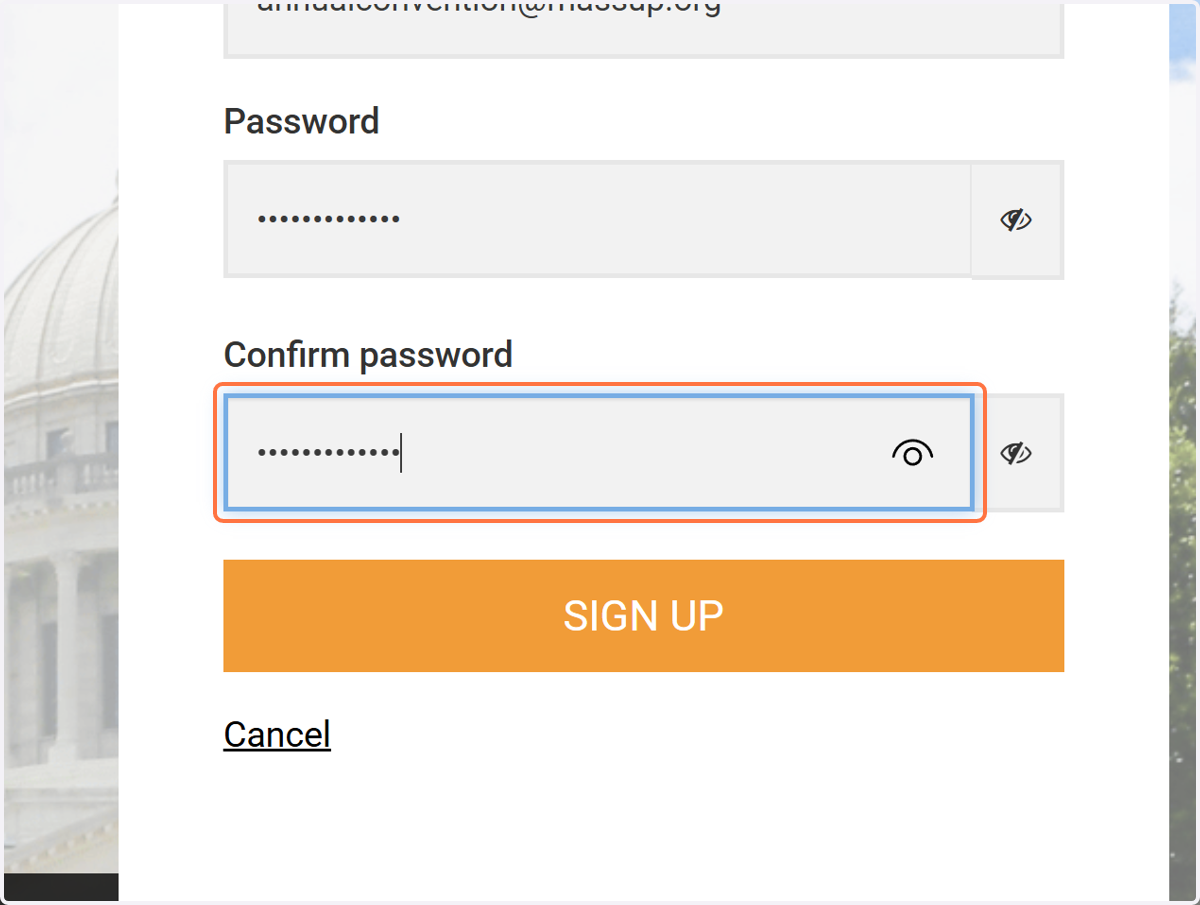
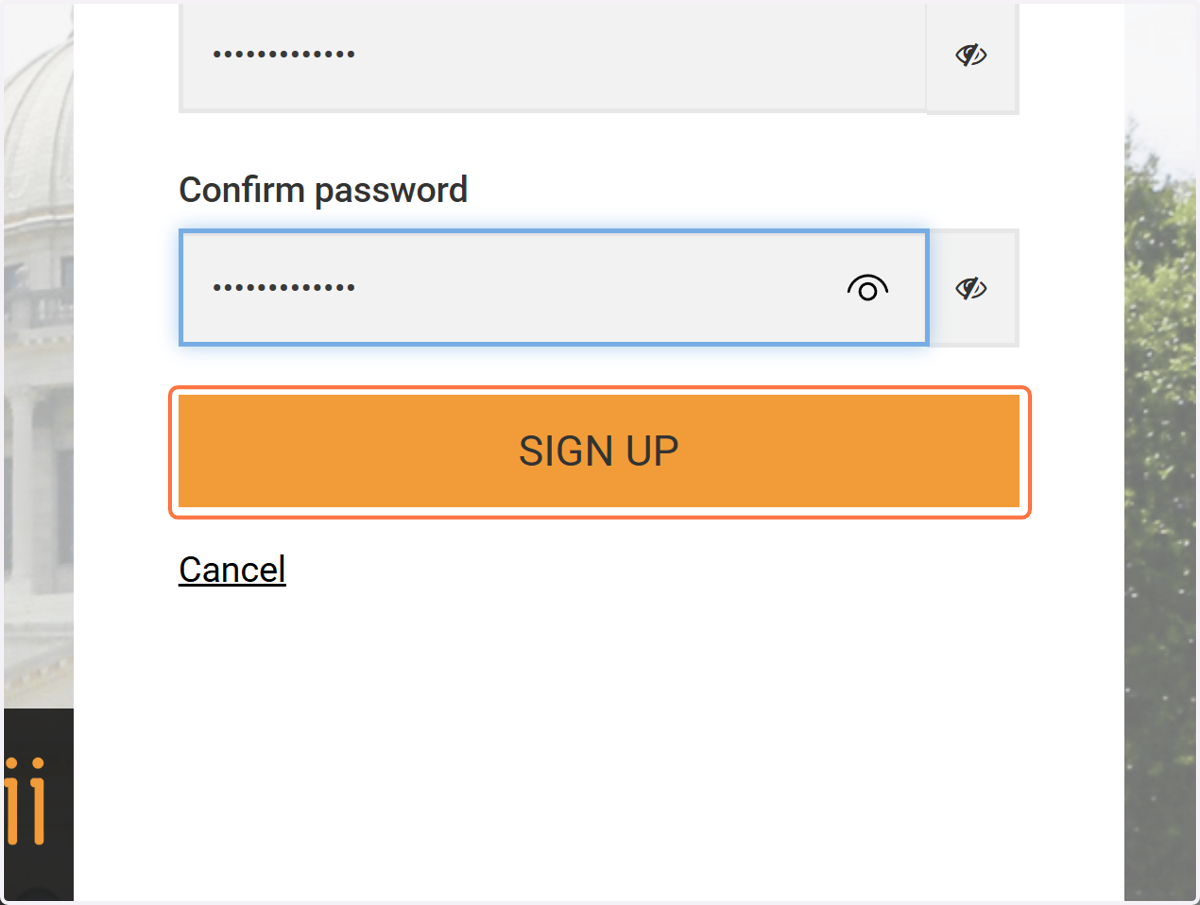
4. Confirm Password
Type in your password again
5. Click on SIGN UP
ENGAGIFII
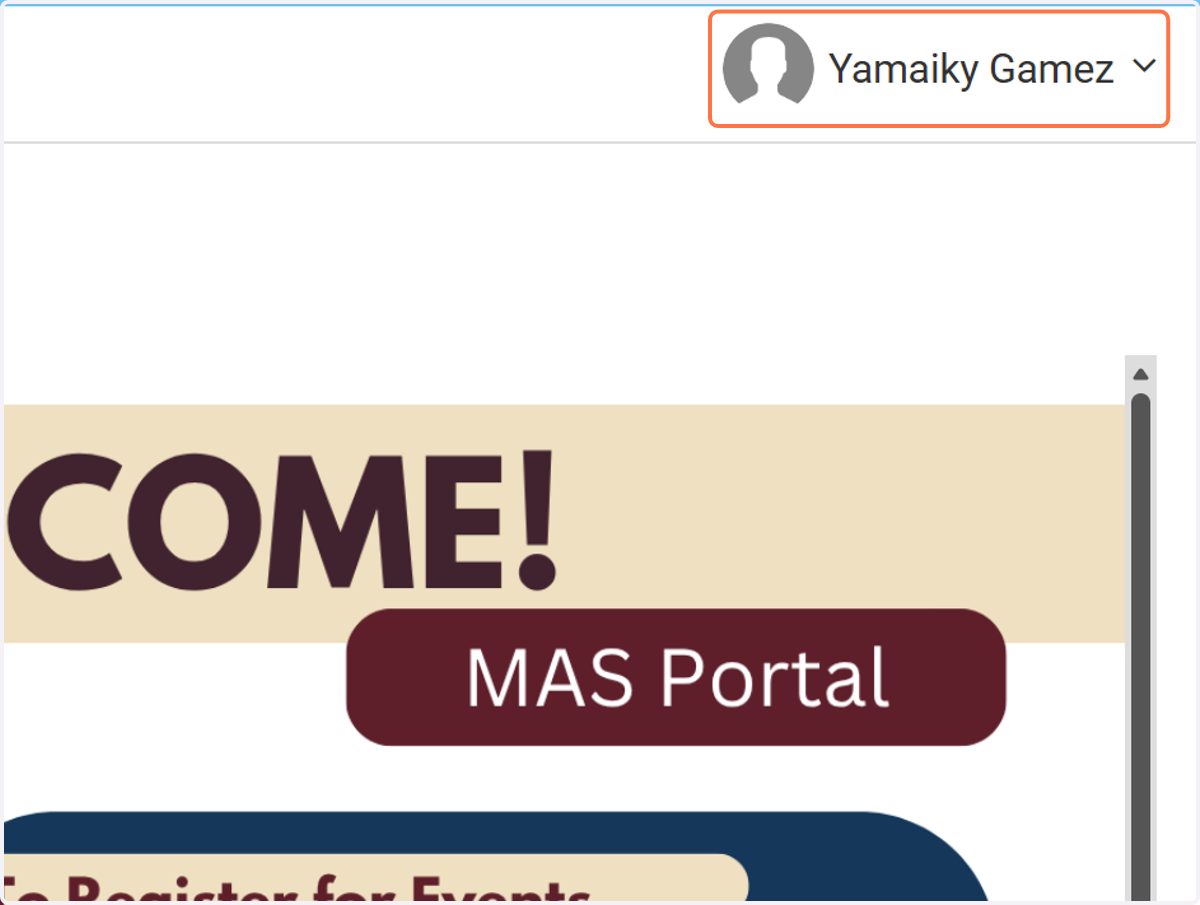
6. To edit your profile Click on Your Name
Top right corner
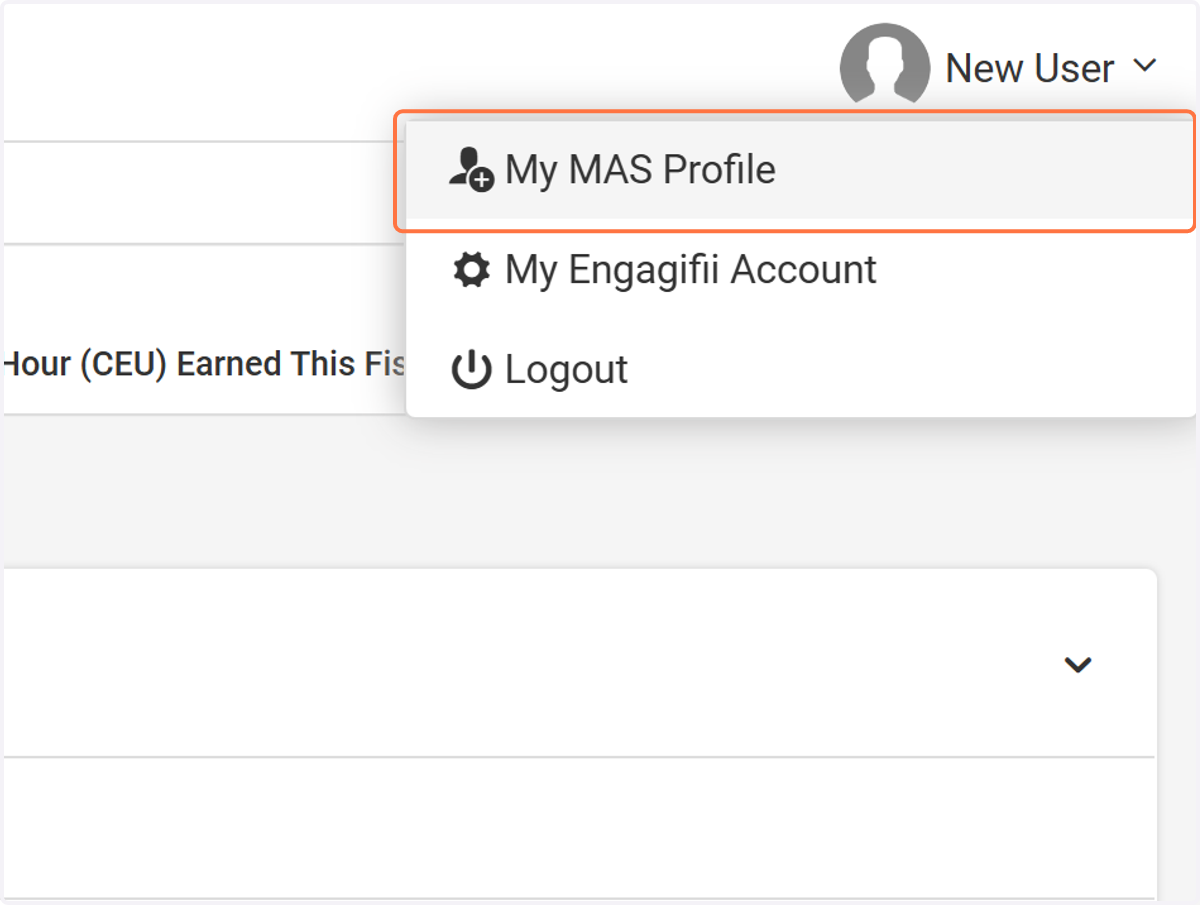
7. Then Click on My MAS Profile
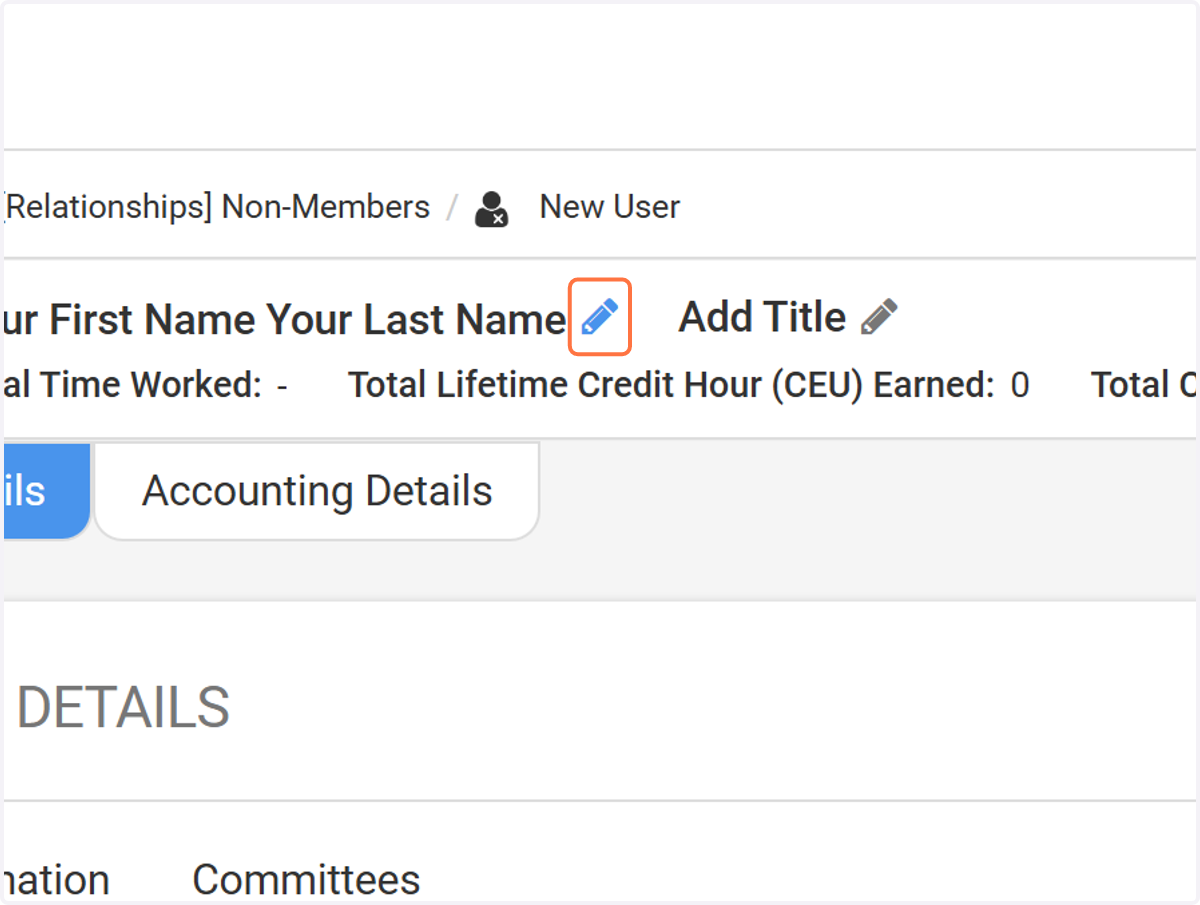
8. To Edit Your Name Click the Pencil
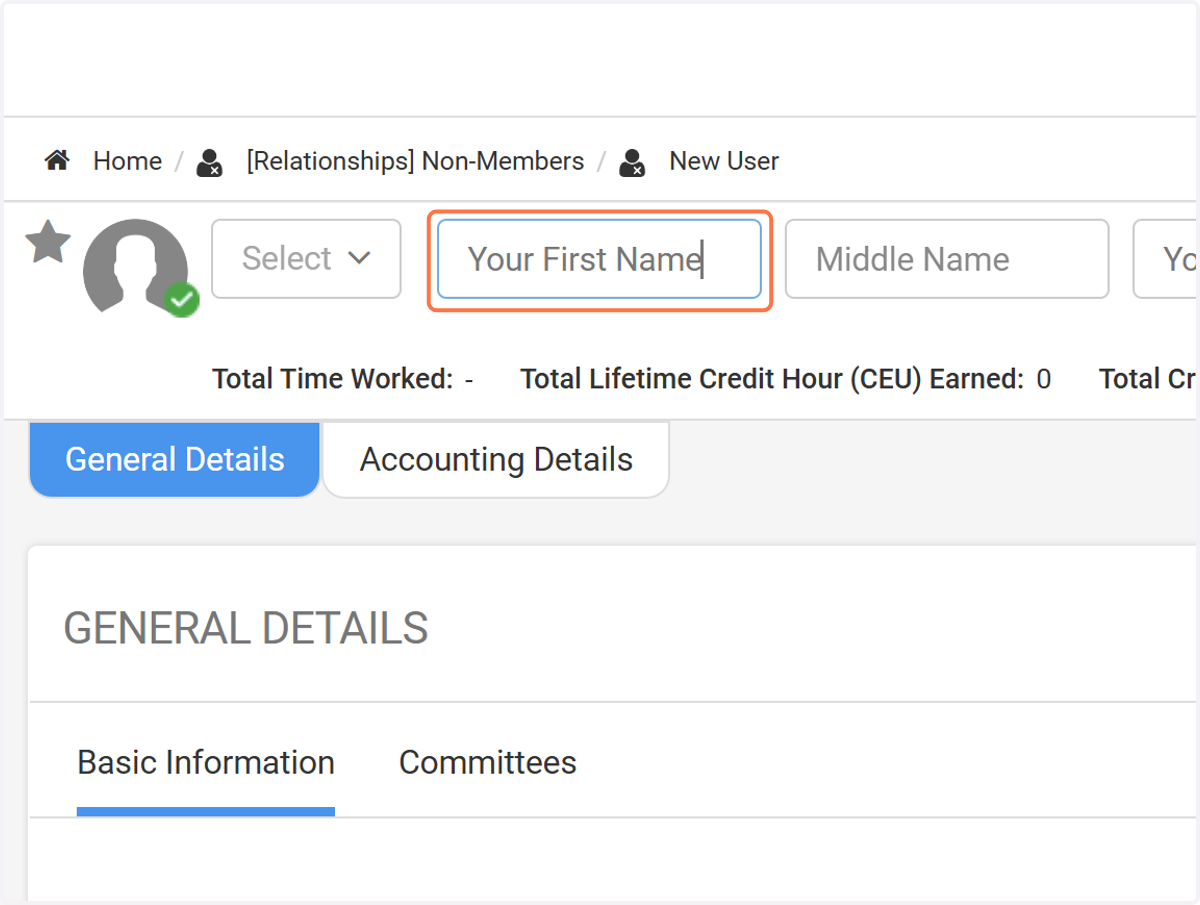
9. Click on First Name
To edit your first name
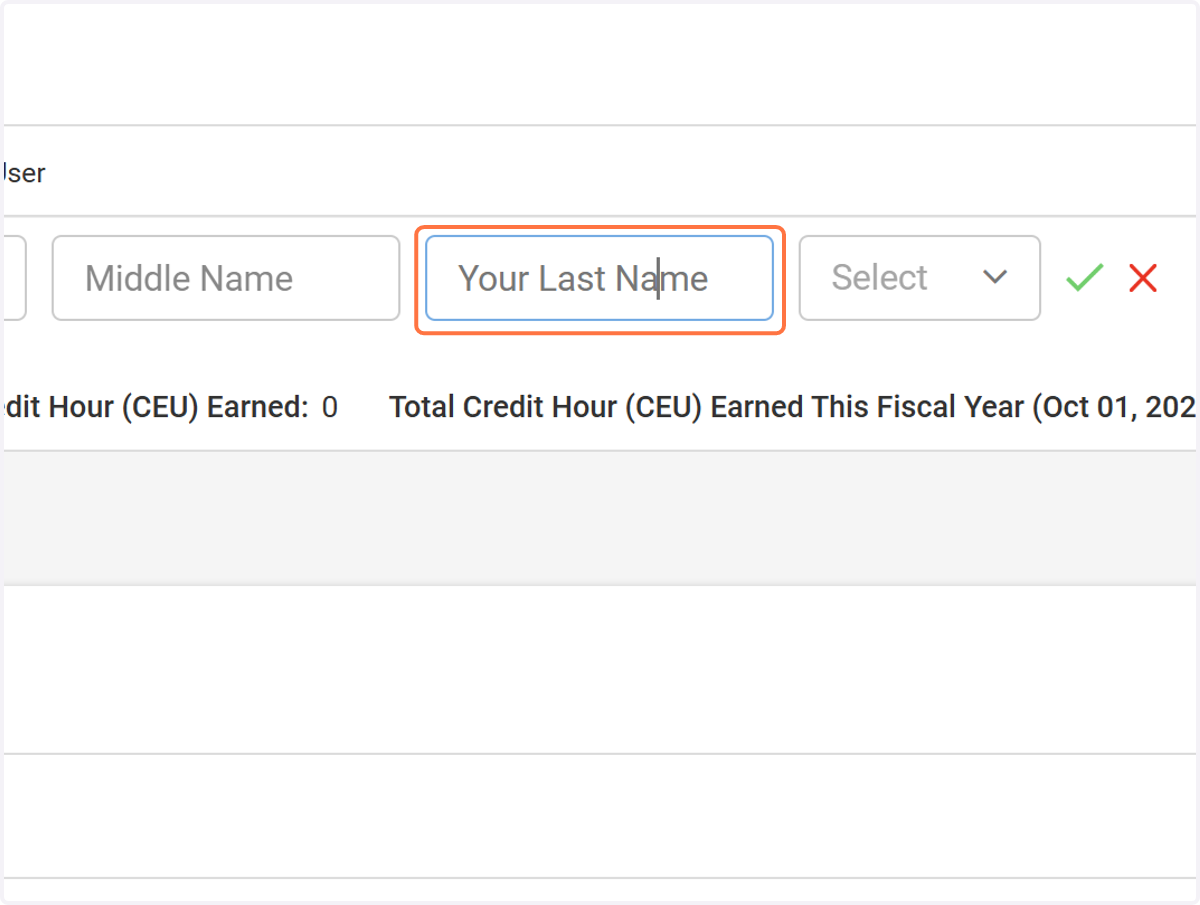
10. Click on Last Name
To edit your last name
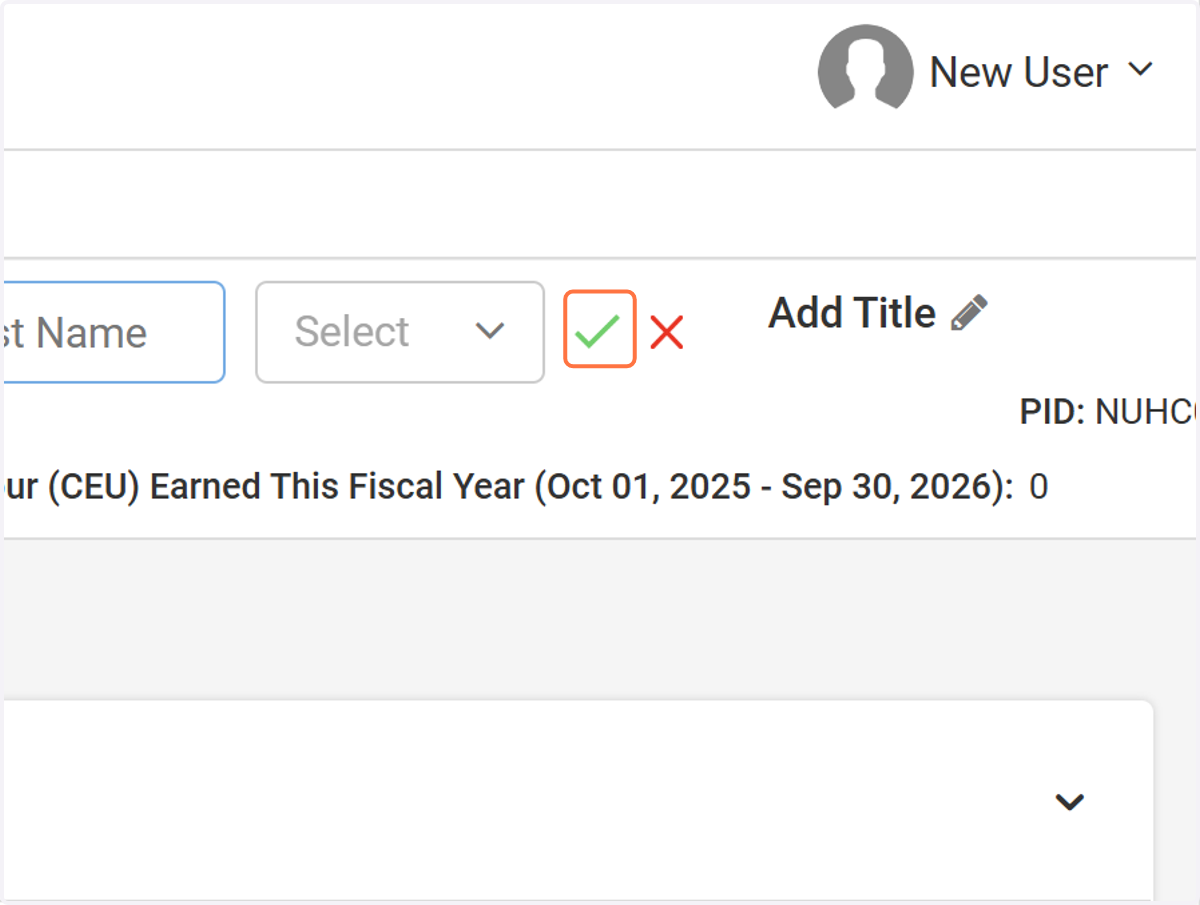
11. Click the Check Mark to Save Your Changes
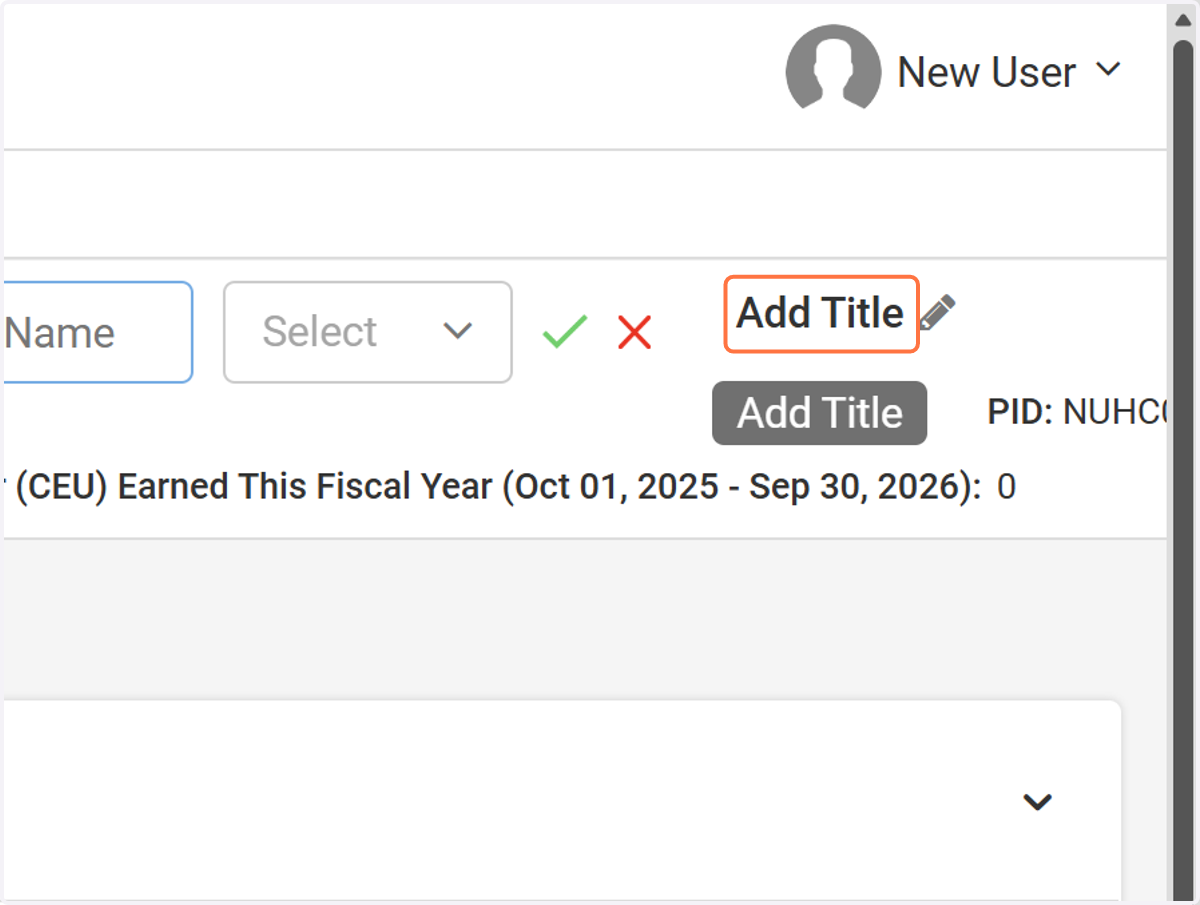
12. Click on Add Title to Add or Edit your Title
13. Enter Your Title
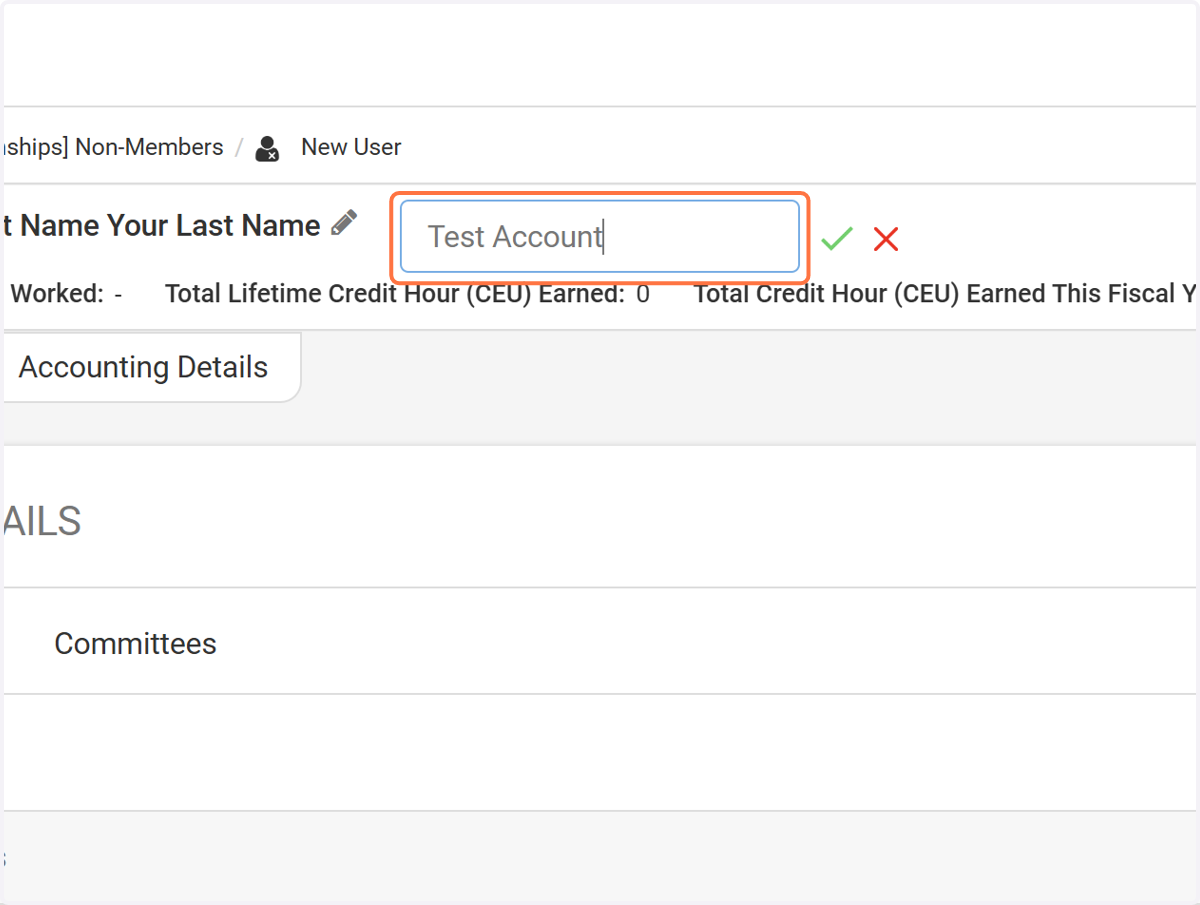
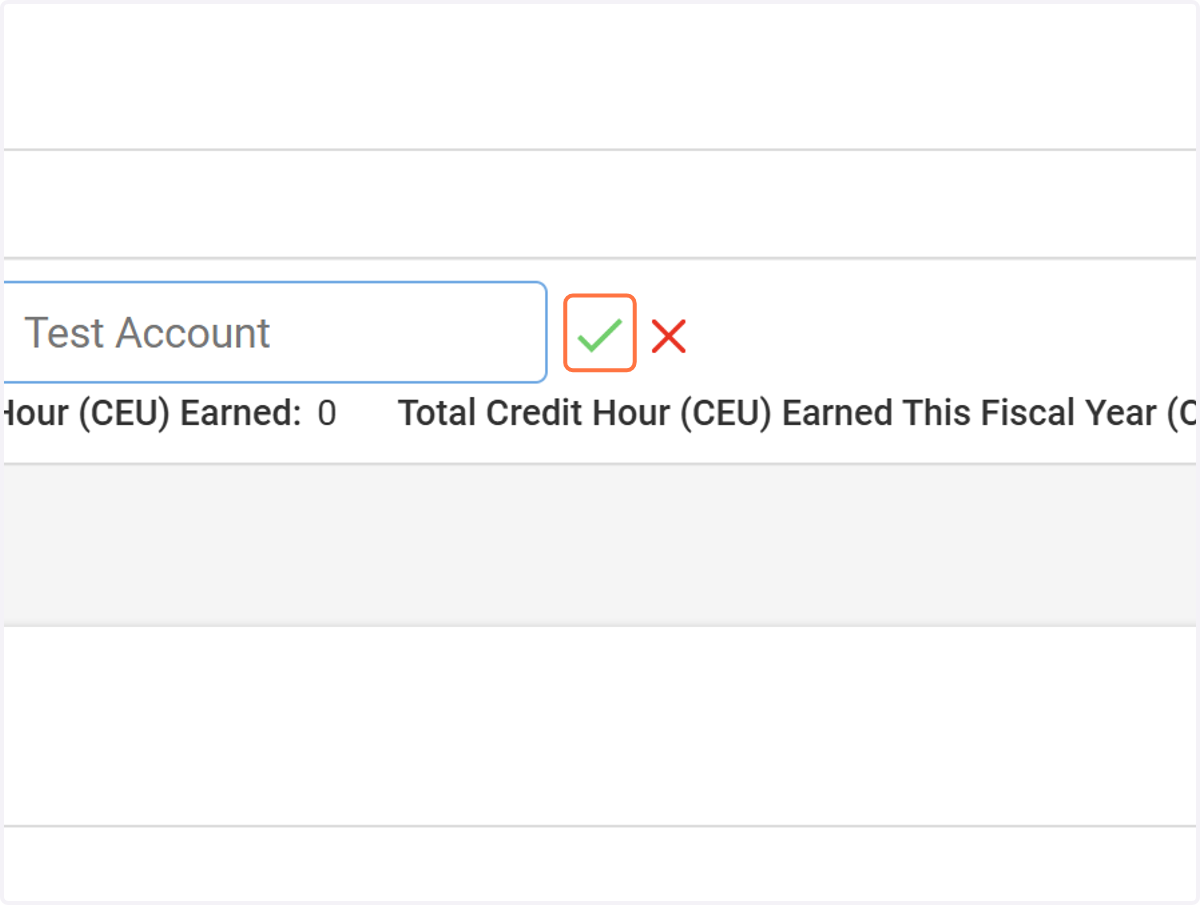
14. Click the Check Mark to Save Your Changes
ENGAGIFII
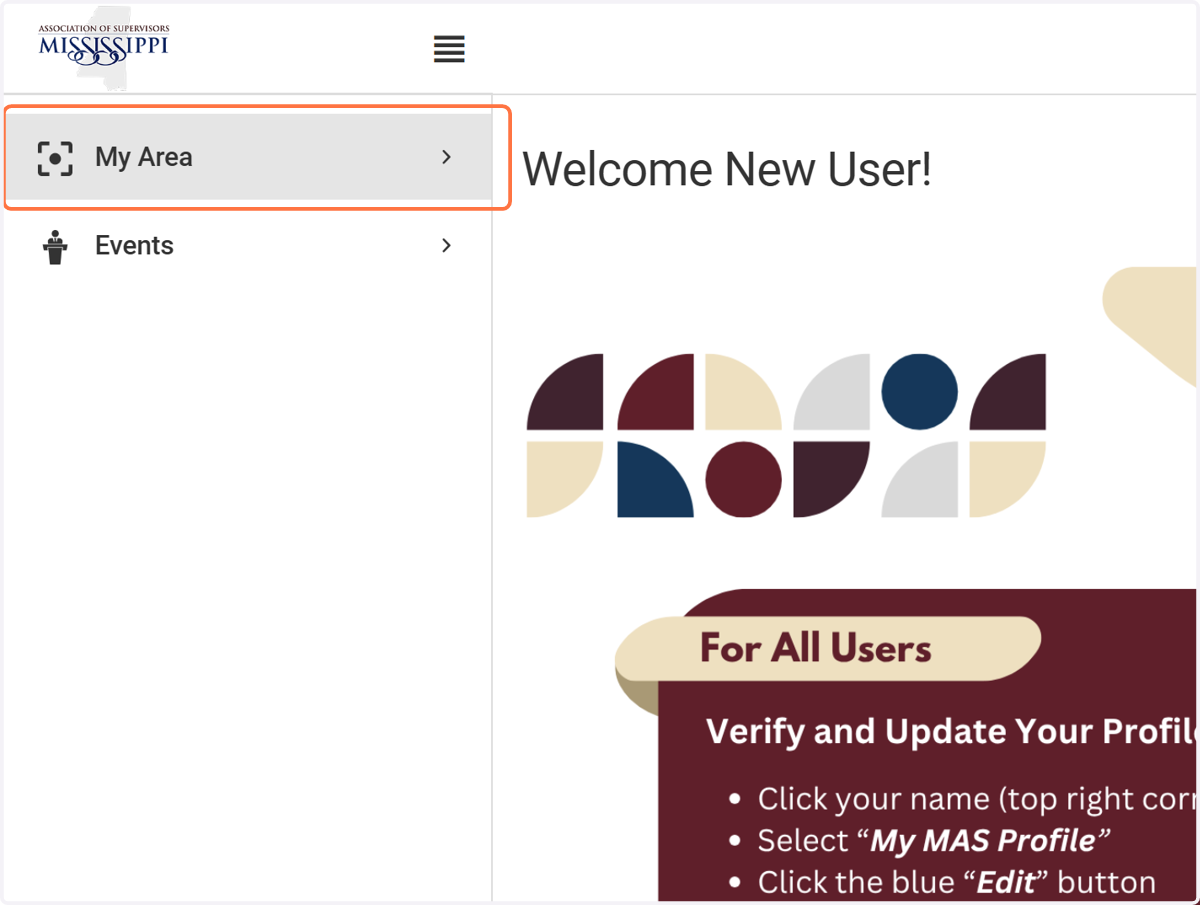
15. Cick on My Area to Find/Update Your Profile
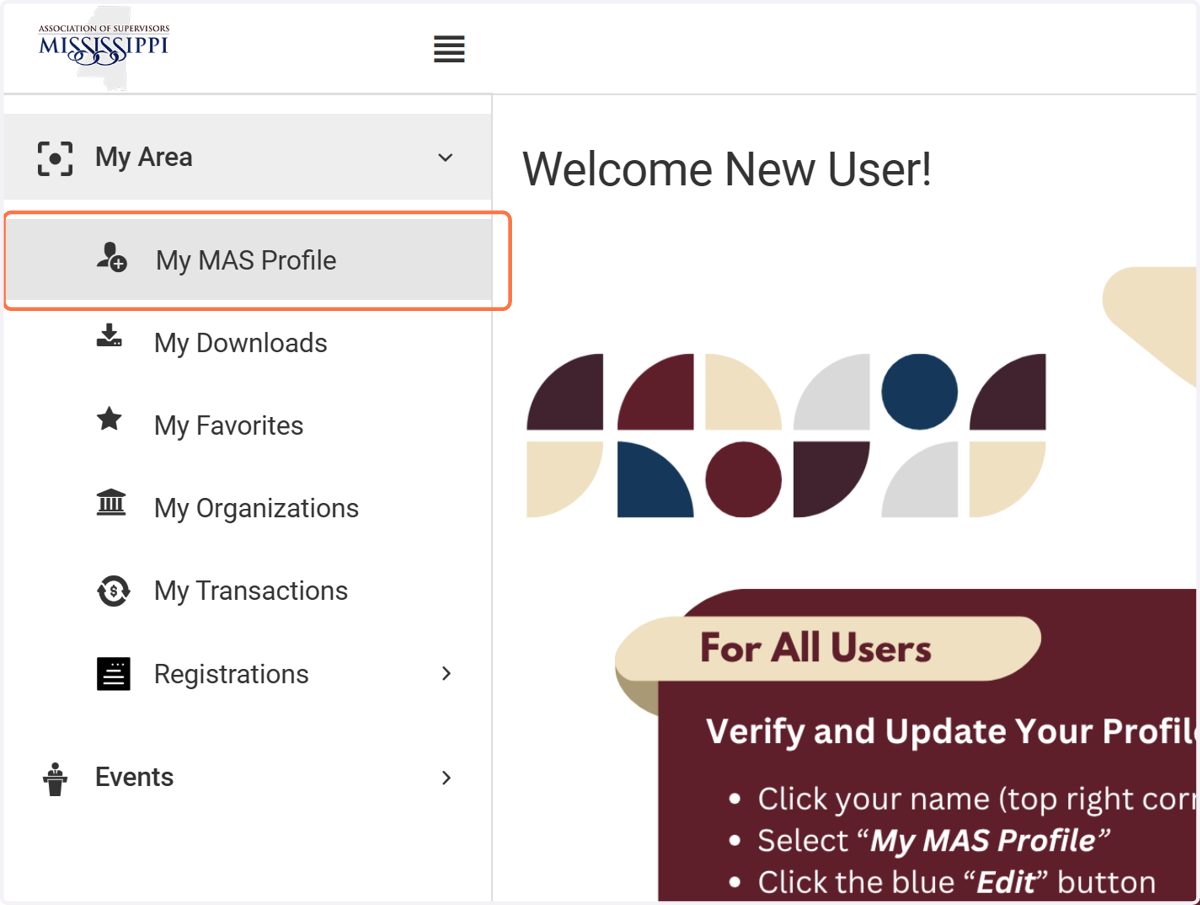
16. Click on My MAS Profile
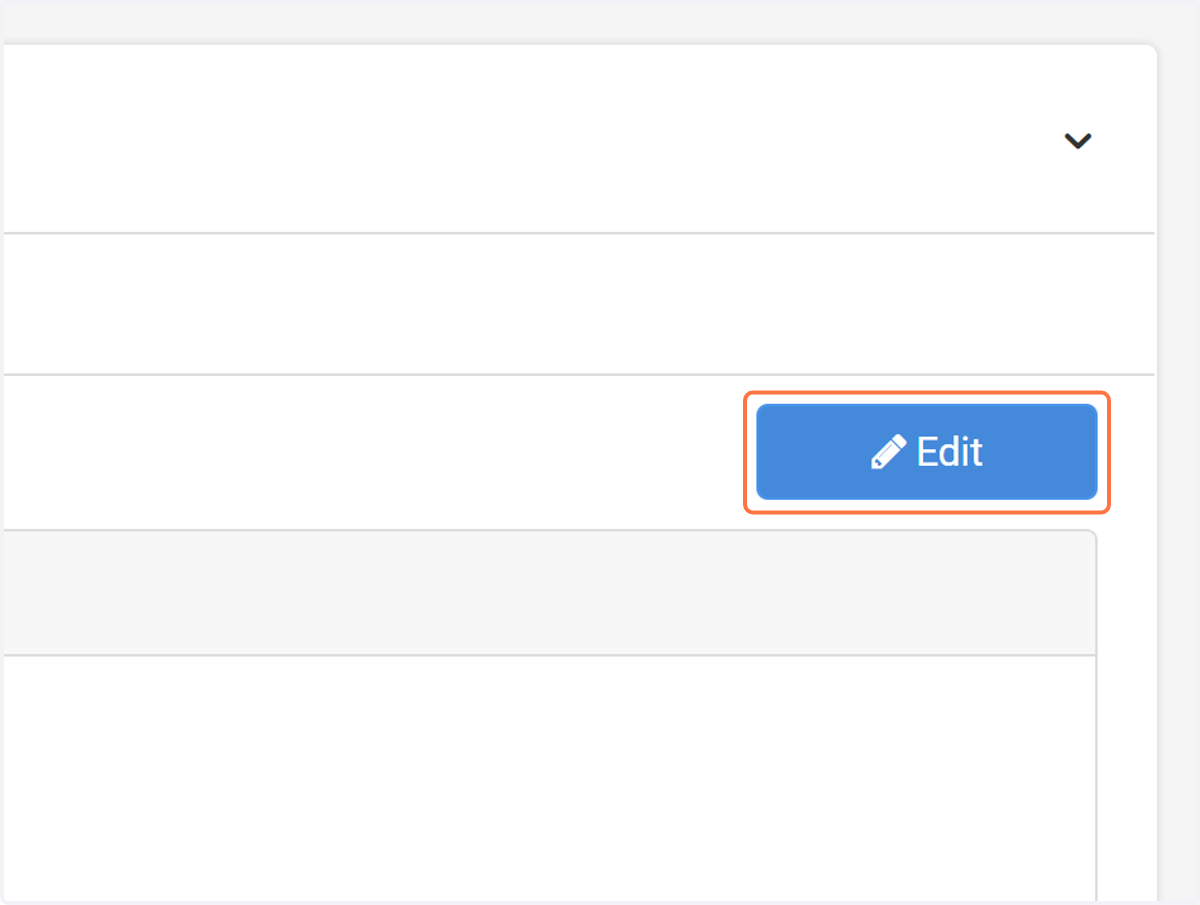
17. Then Click on Edit
To make additonal updates to your profile
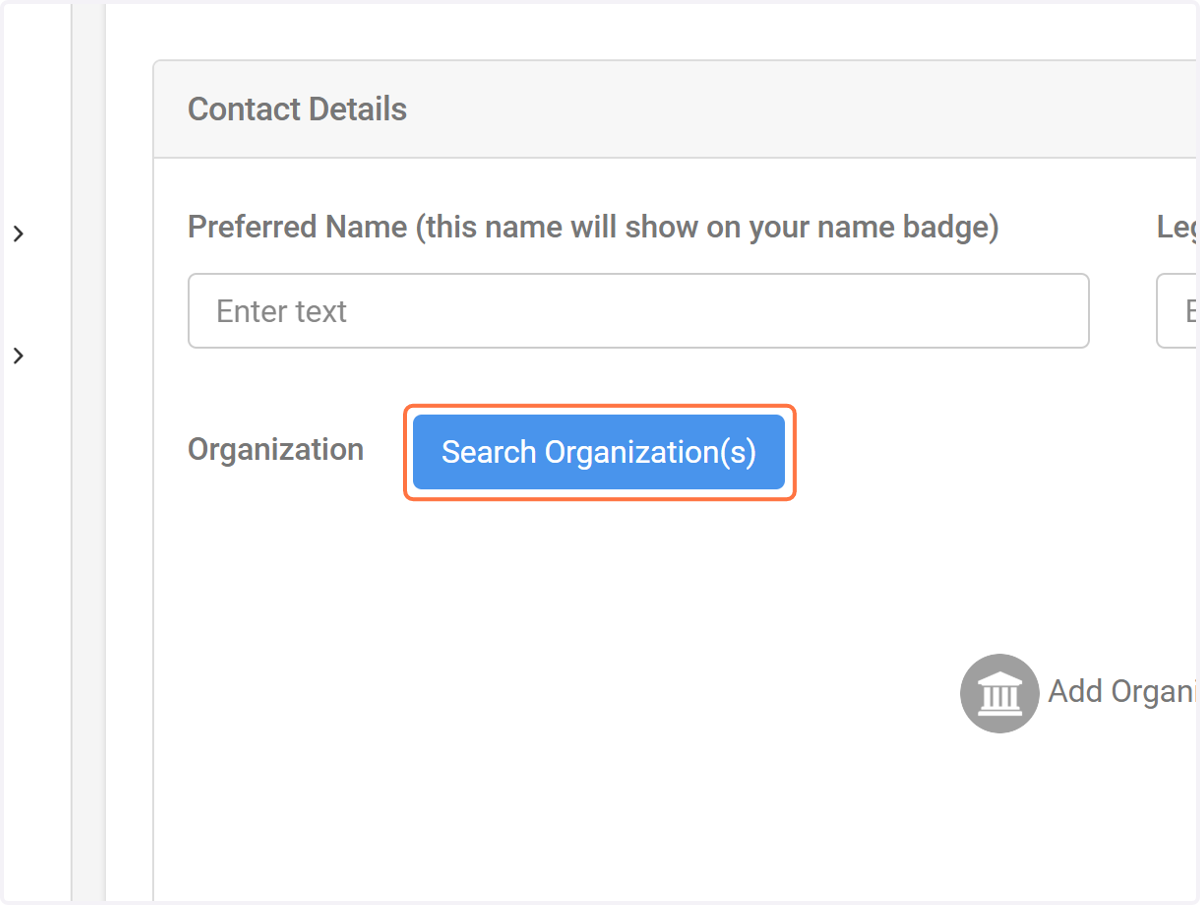
18. Click on Search Organization(s)
If you need to update your company/organization name
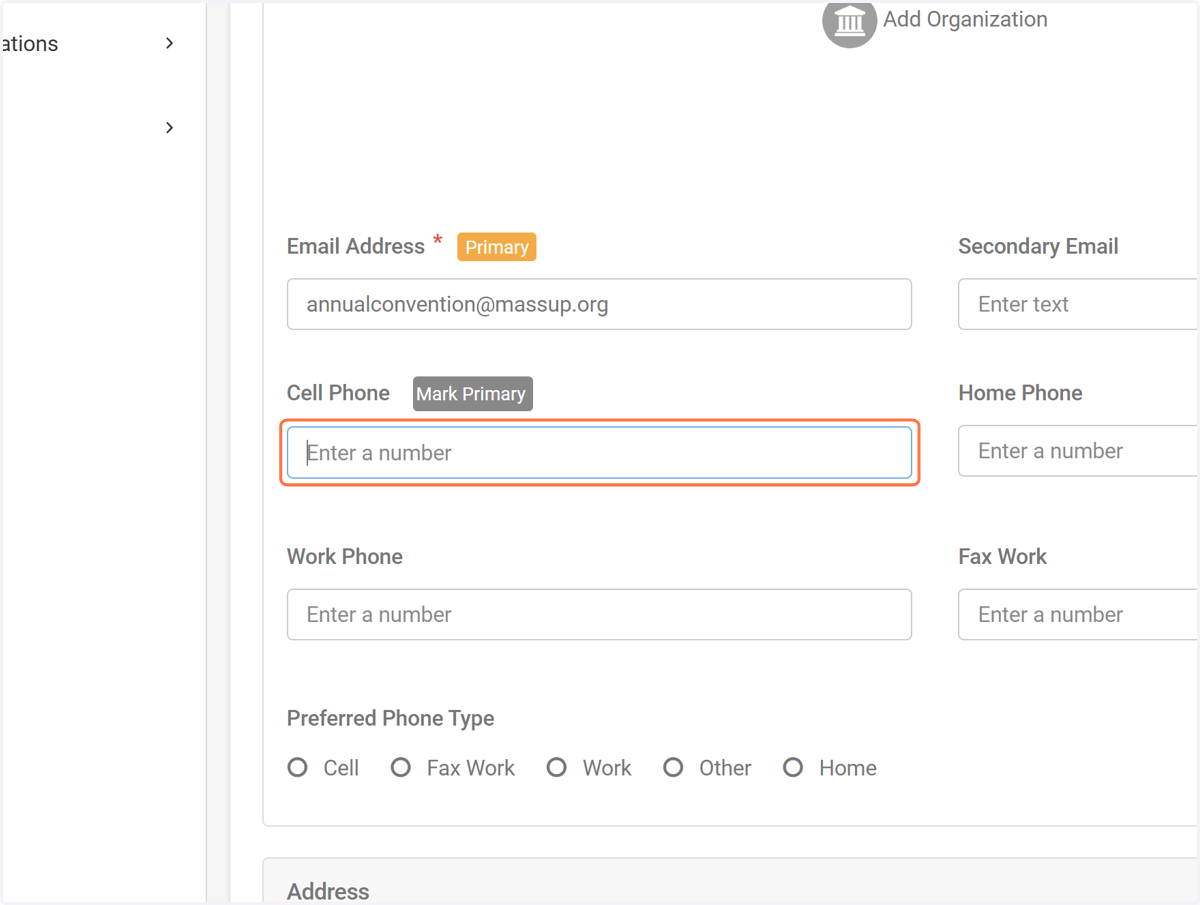
19. Click on Enter a Cell Phone Number
To enter your cell phone number
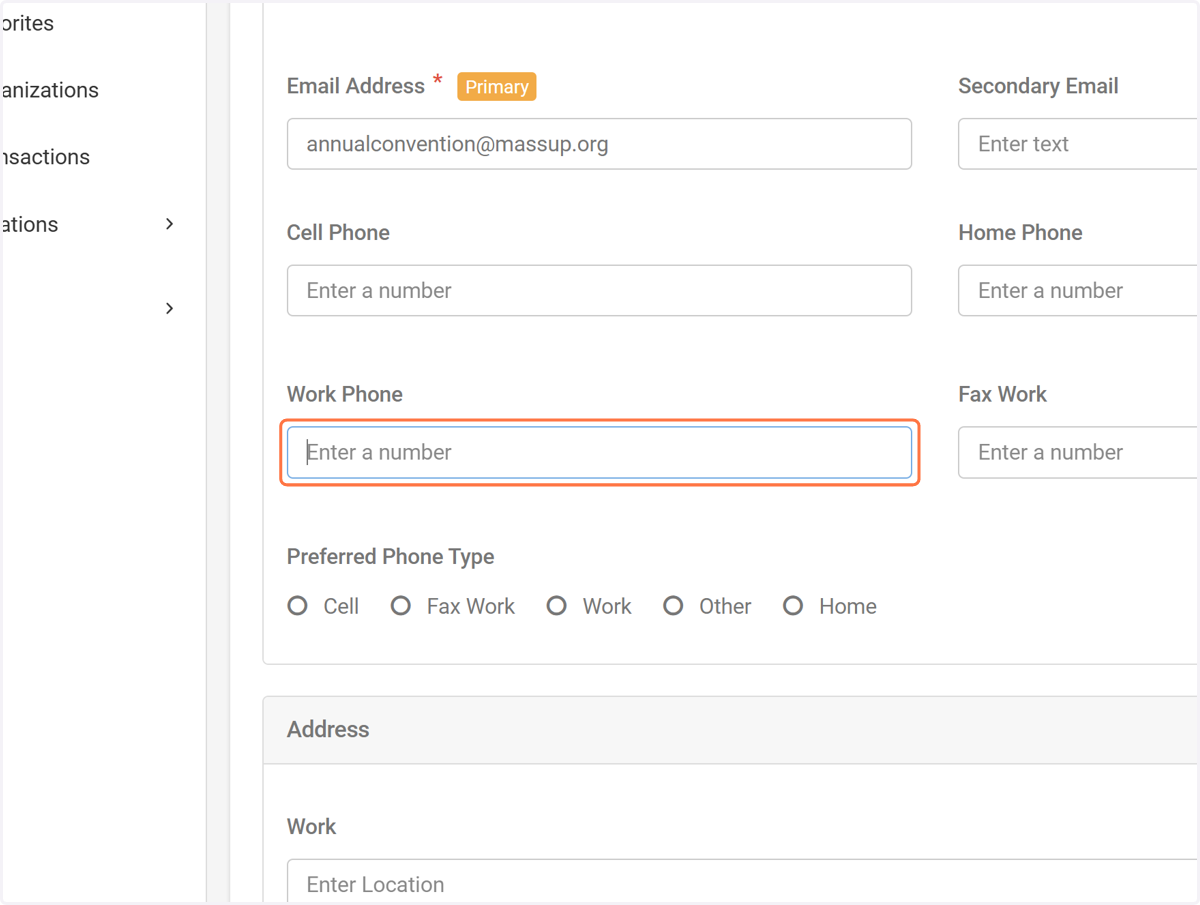
20. Click on Enter a Work Number
To enter your work number
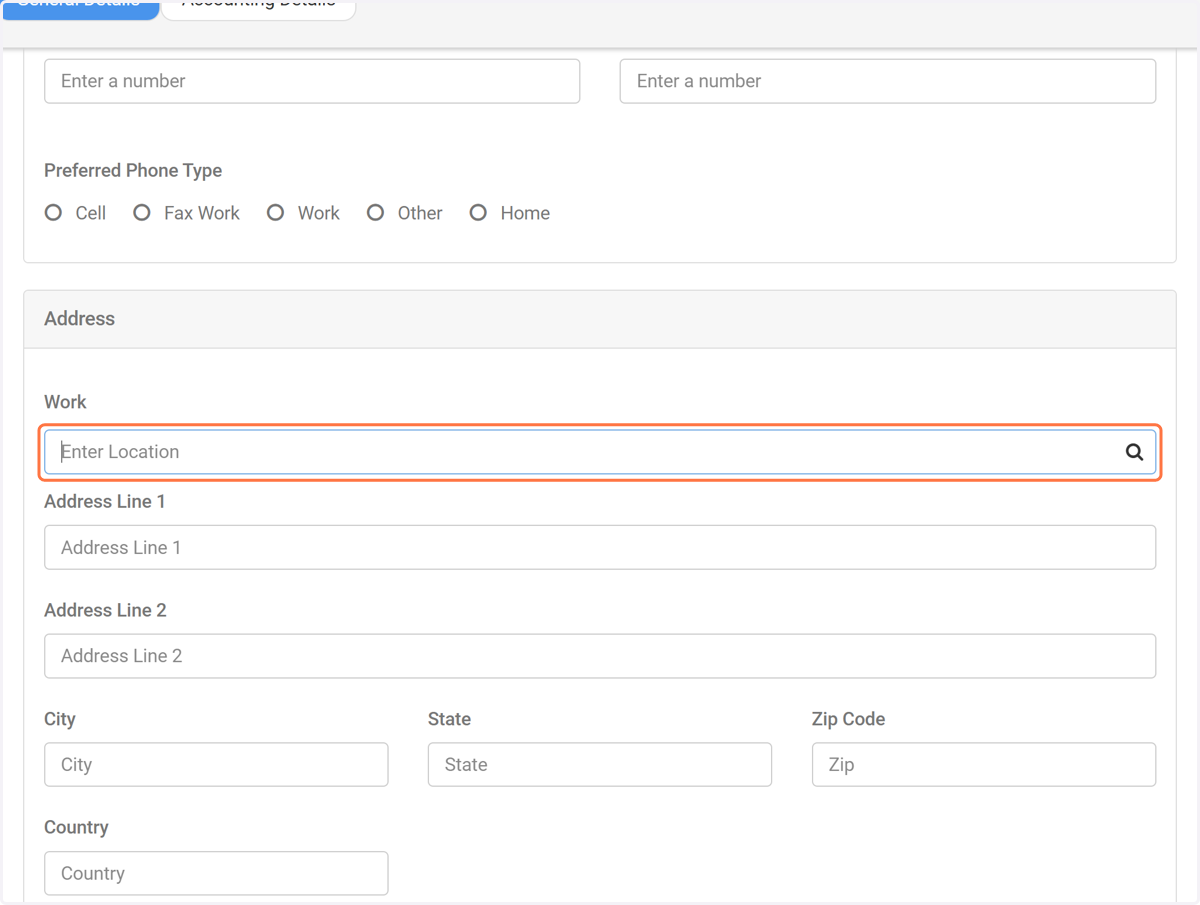
21. Click on Enter Work Location
If you need to update your work mailing address
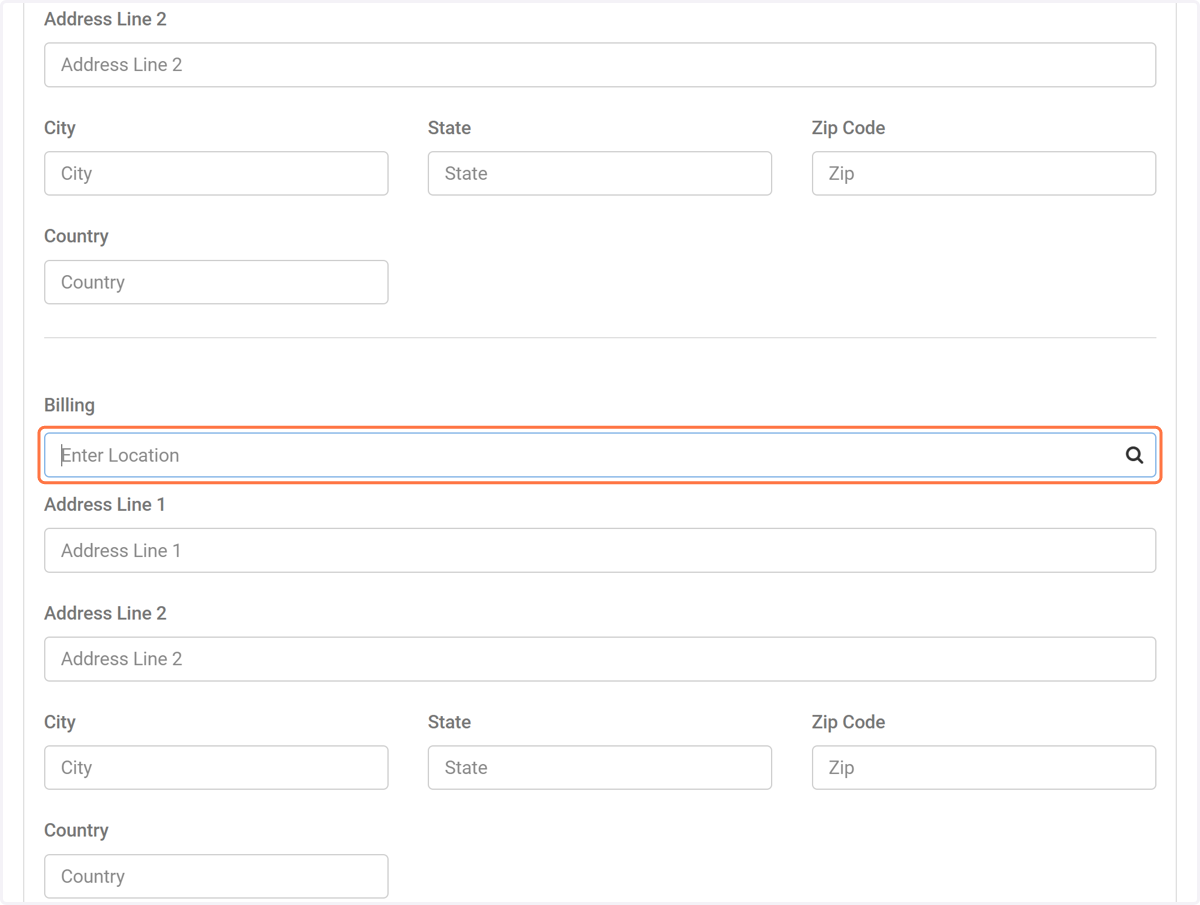
22. Click on Enter Billing Location
Enter billing address if different from your mailing address
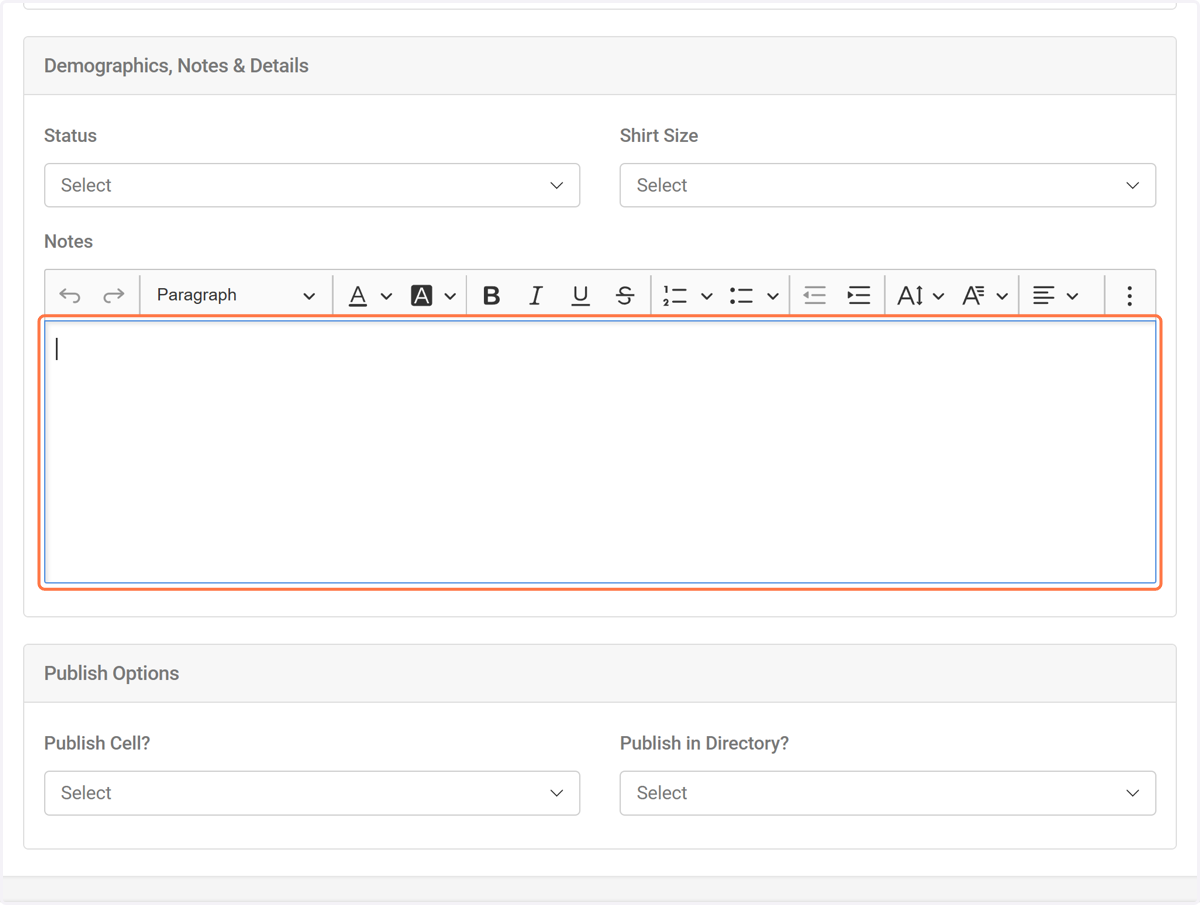
23. Please feel free to use the Notes section to add any extra details you'd like MAS to be aware of.
24. Click on Save
To save all of your edits