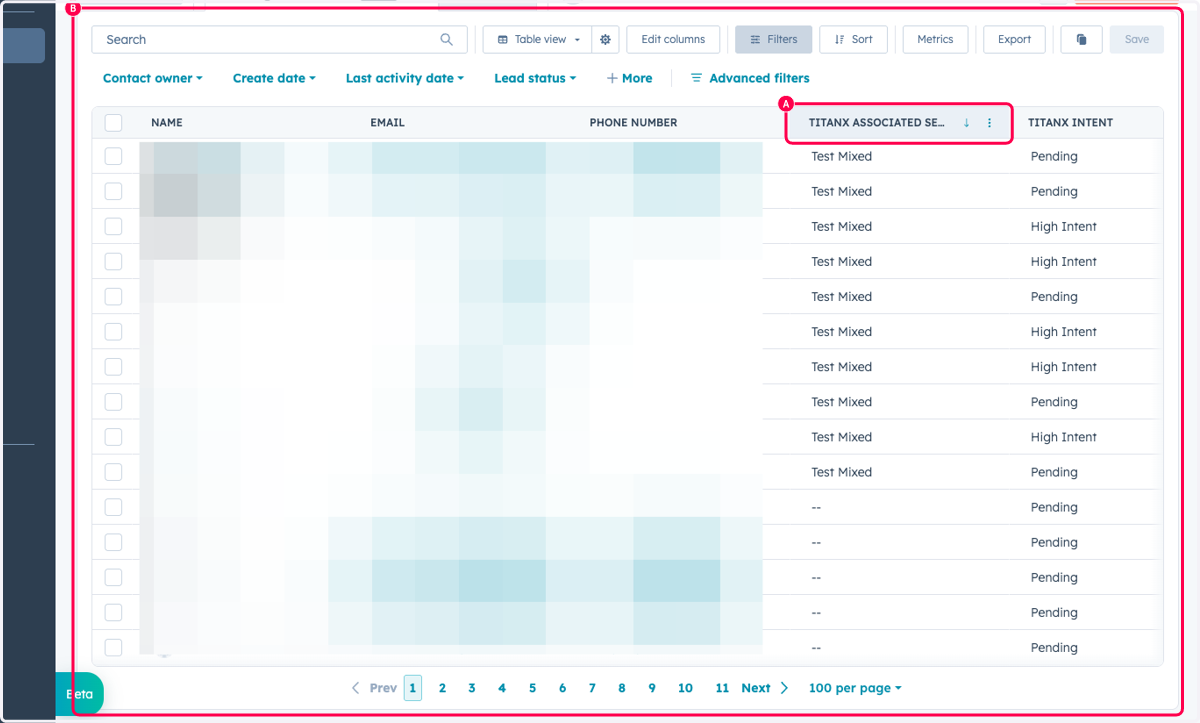
6. Finding Contacts Submitted for Scoring by Segment
This guide walks through how to locate the TitanX Associated Segment property in HubSpot and add it to your contact view. This allows you to monitor real-time scoring results as they flow back to contacts for a specific segment submission.
Integrations Home
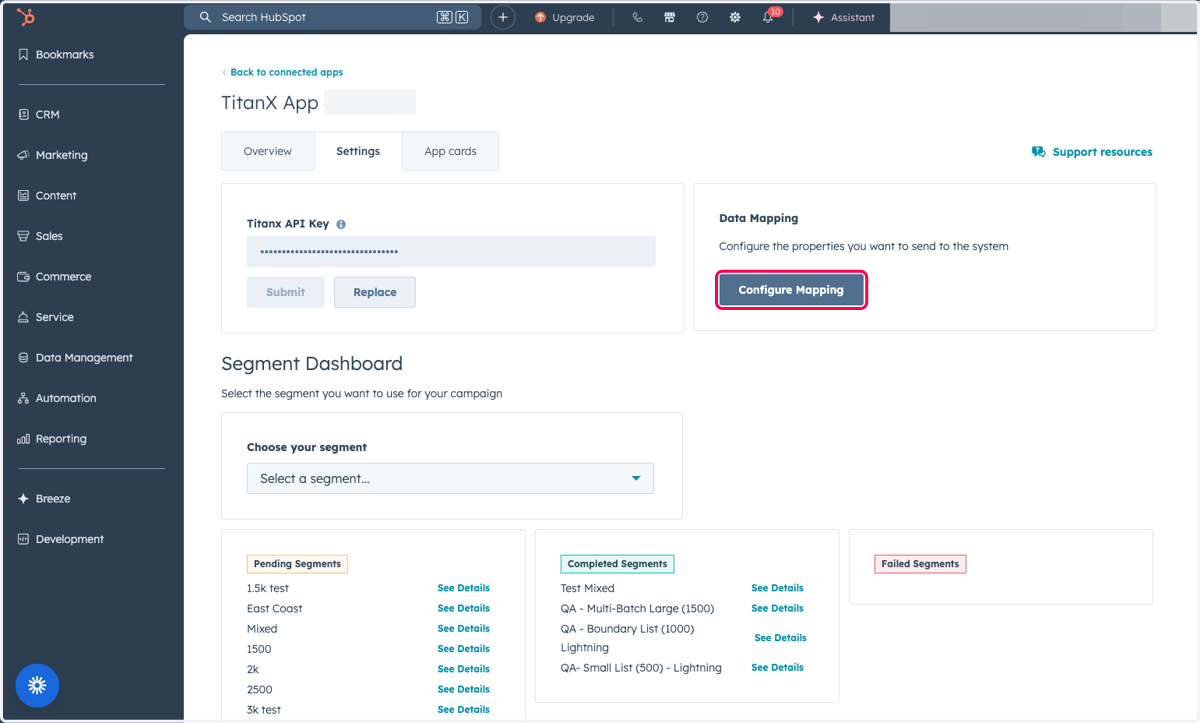
1. Within the TitanX Settings Page, Click on Configure Mapping to auto-generate this property
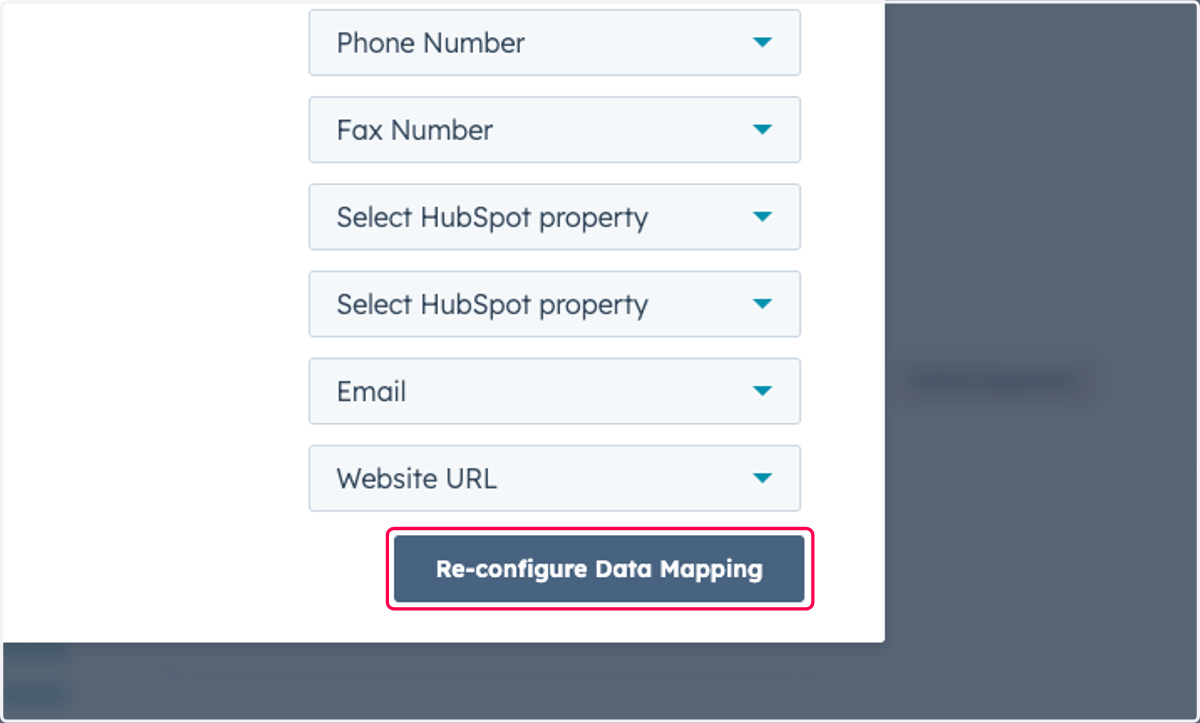
2. Click on Re-configure Data Mapping
3. Click on Close
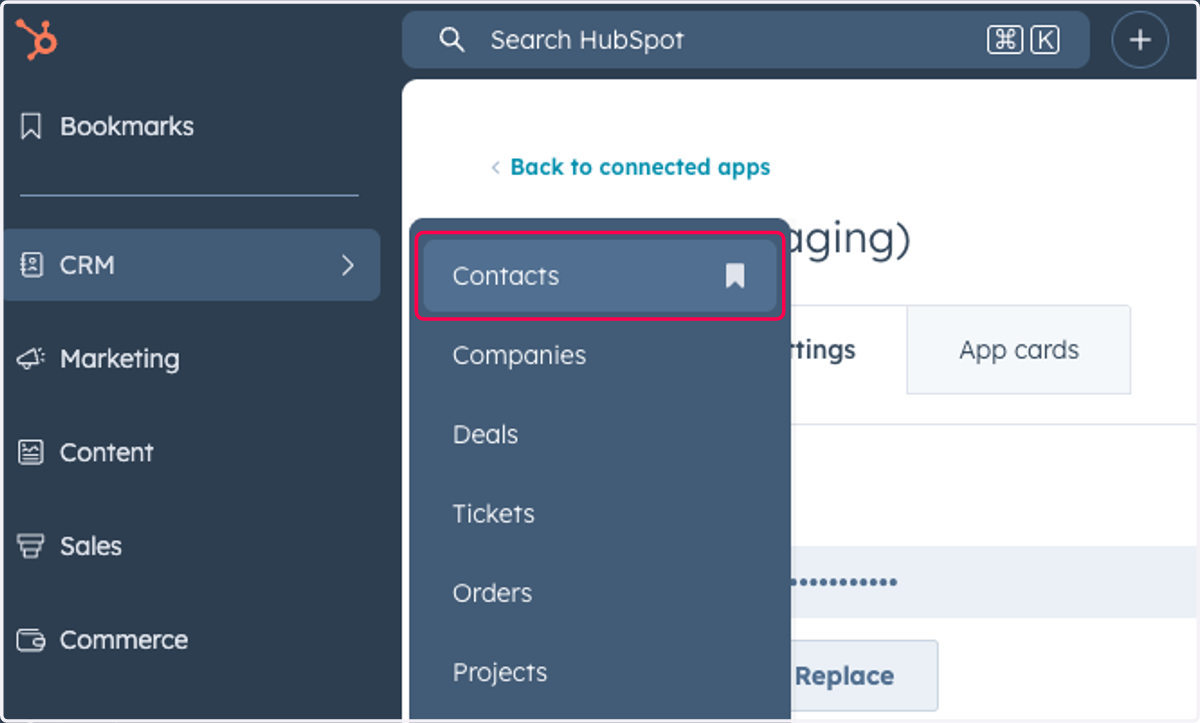
4. Click on Contacts
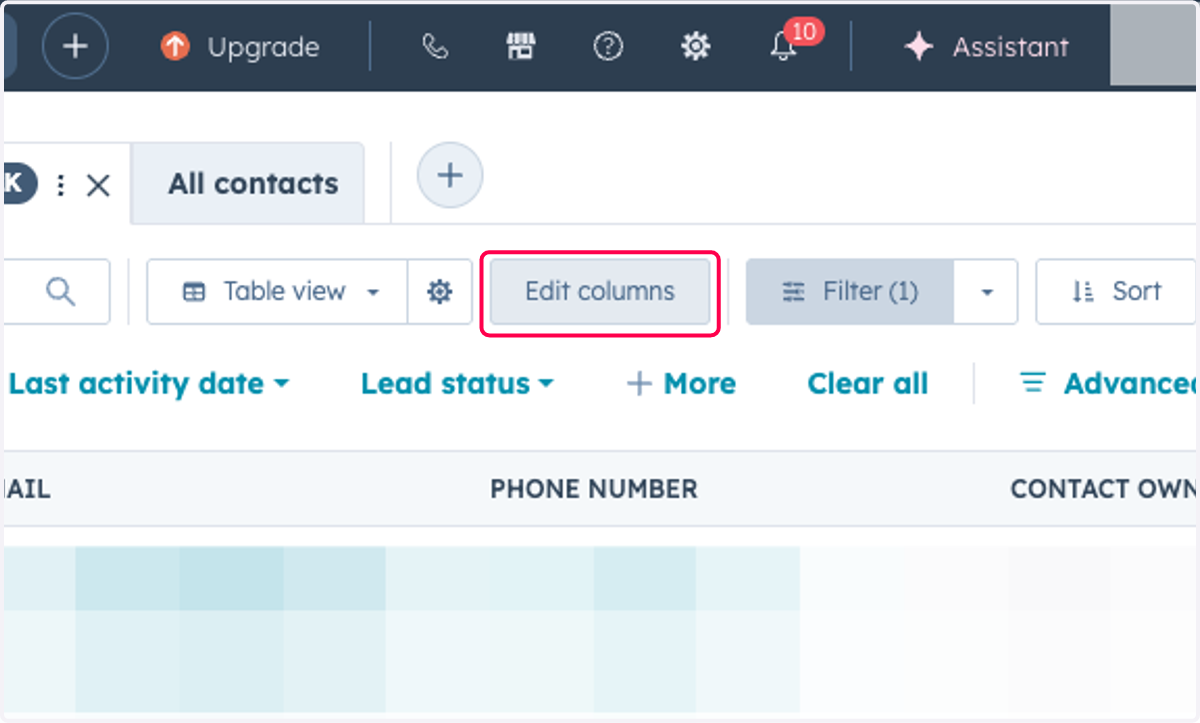
5. Click on Edit columns
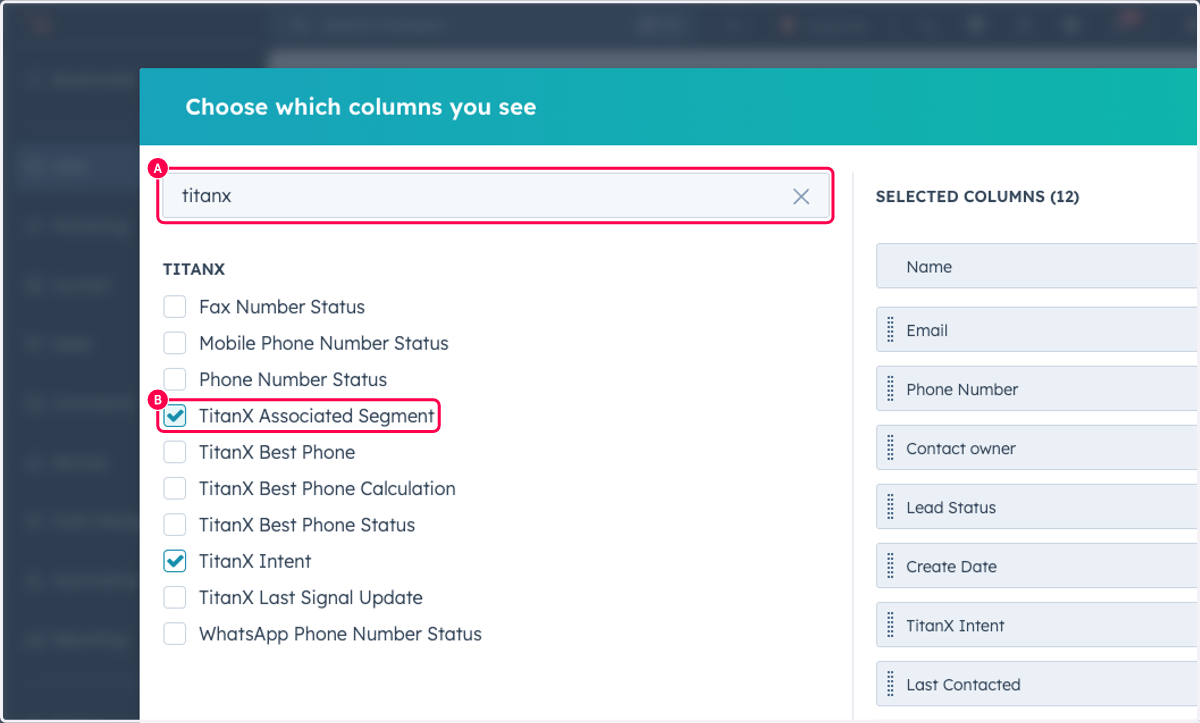
6. A. Type titanx
6. B. Select TitanX Associated Segment
7. A. Click on TitanX Associated Segment
7. B. Click on Table view…