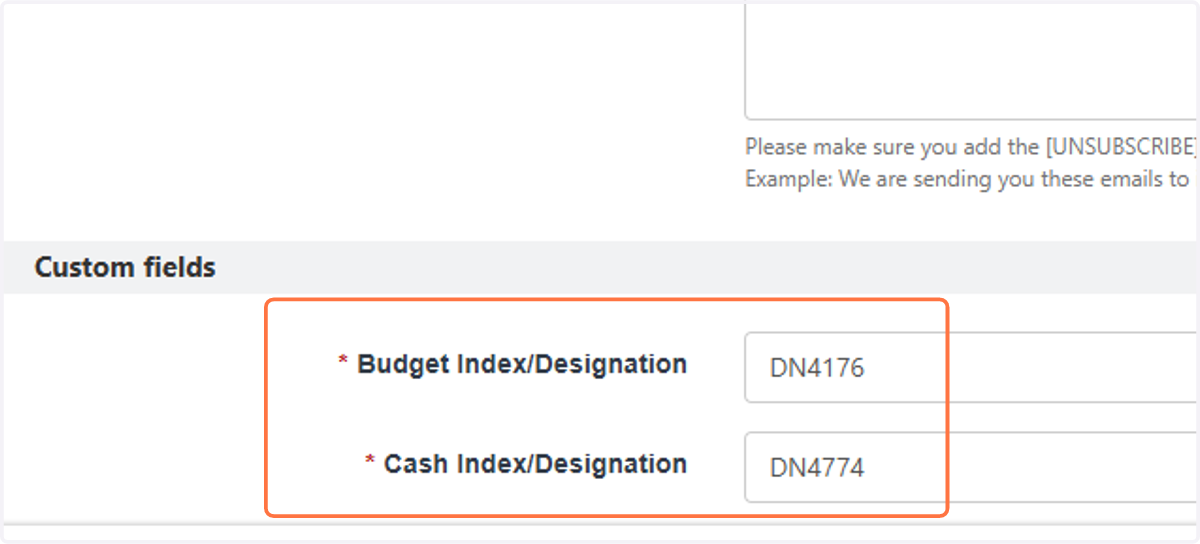
Finding Budget and Cash Designations
Go to NU Engage: https://engage.northeastern.edu/
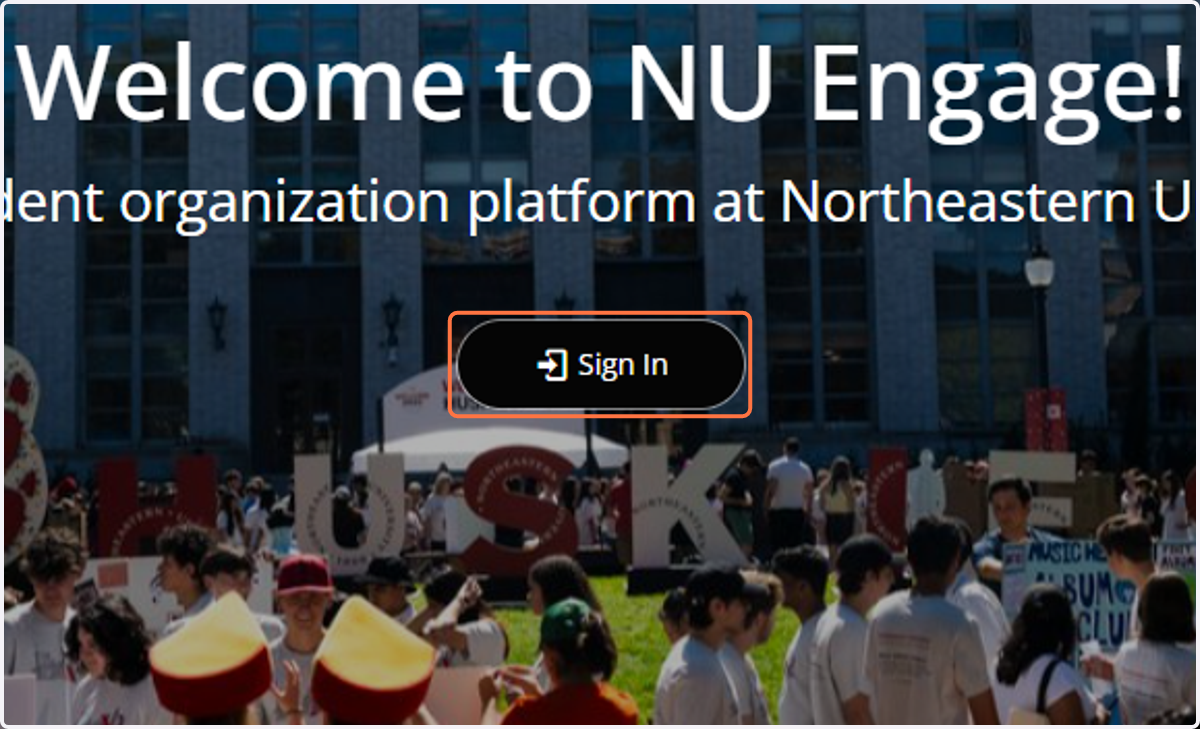
1. Click on Sign In
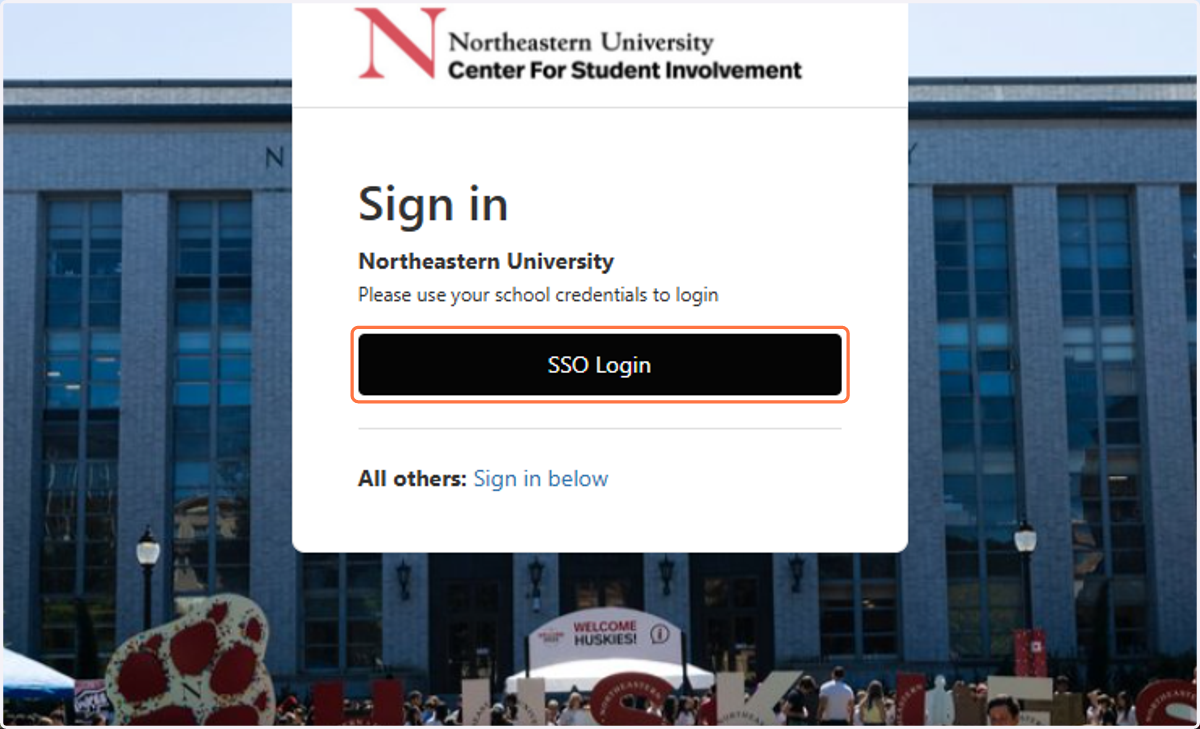
2. Click on SSO Login
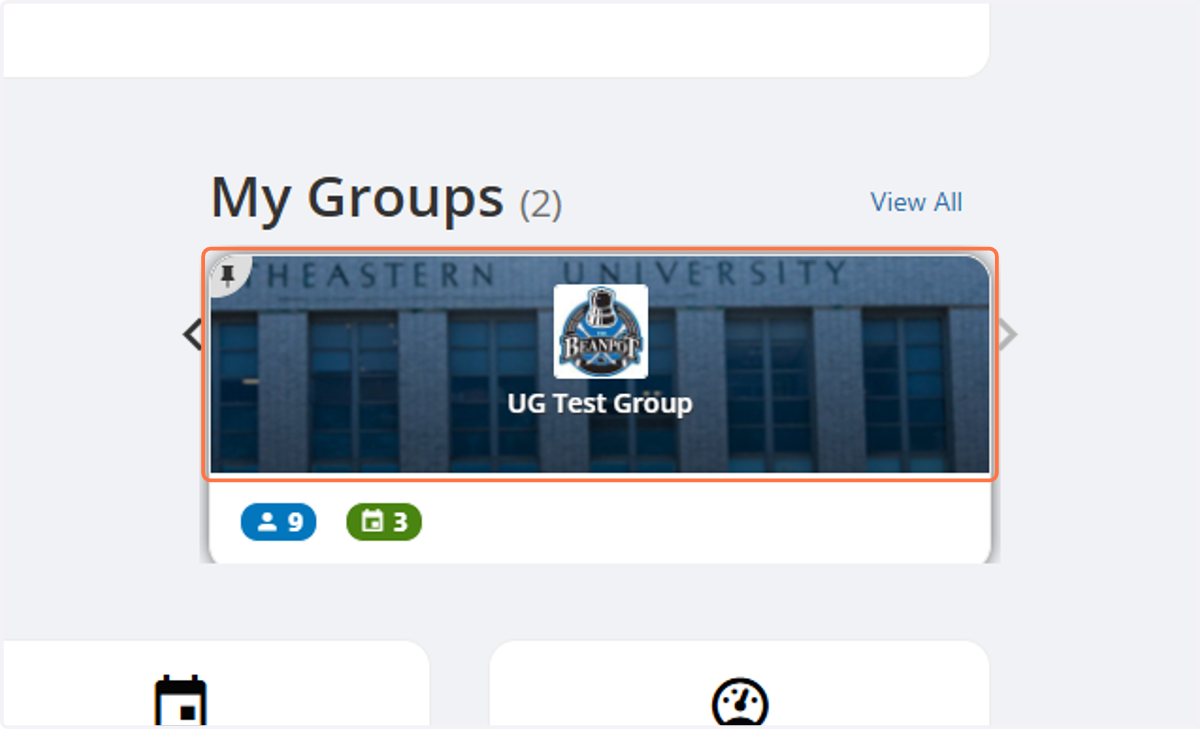
3. Click on your organization
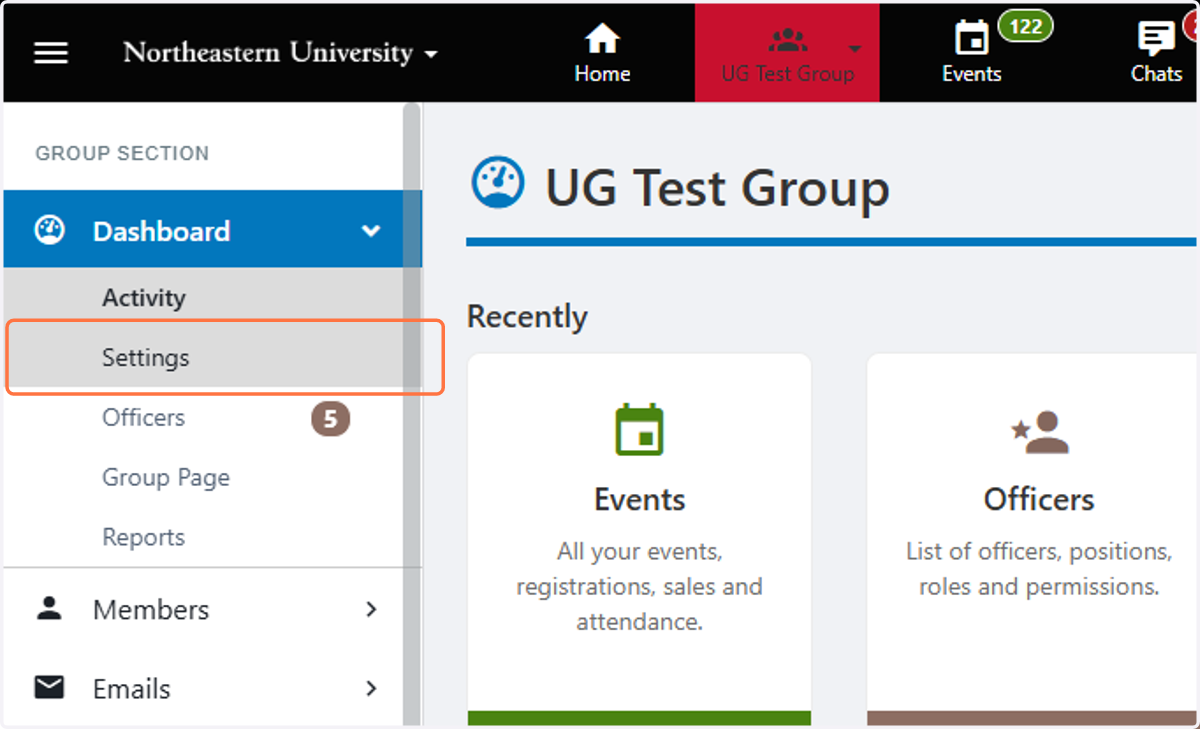
4. Click on Settings
5. Click on More
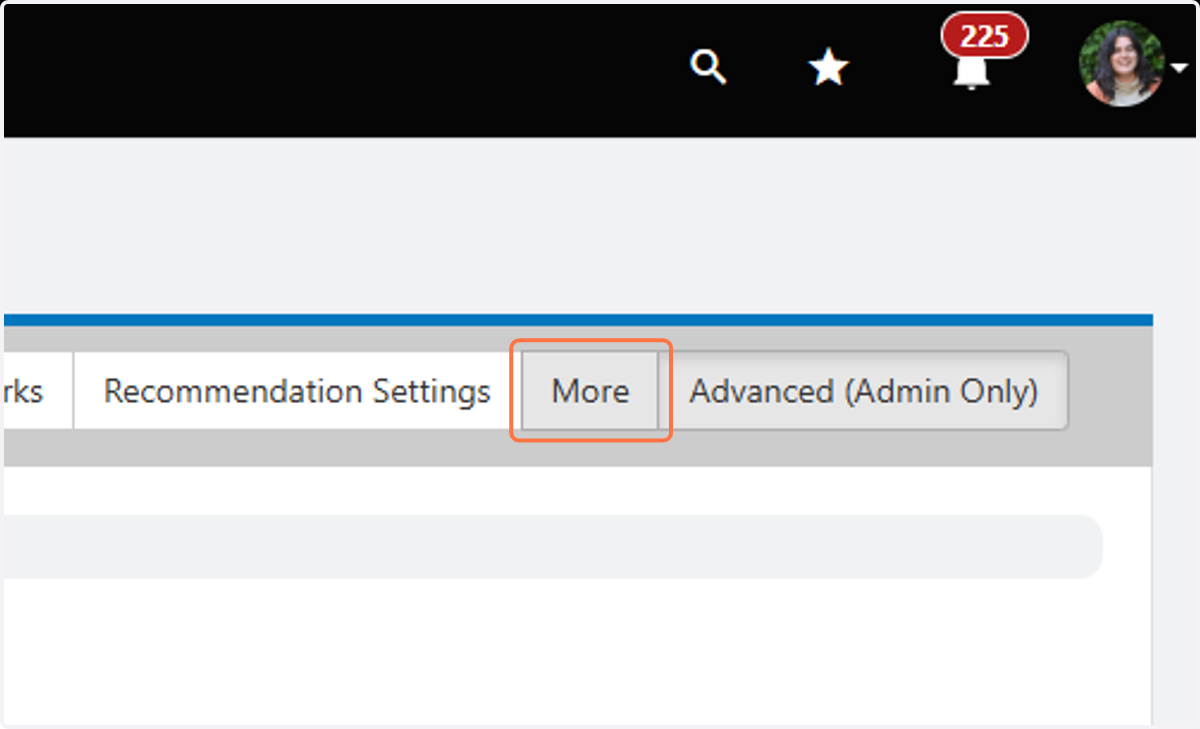
6. Scroll to the bottom, where you can find your Budget and Cash Index/Designation.