Find policy to policy citations for a policy author within a policy source (trials)
For some policy sources indexed in Overton, there are multiple policy authors or organisations who are contained with the source. Use this guide to find policy citations for a policy author that is contained within a policy source.
Overton
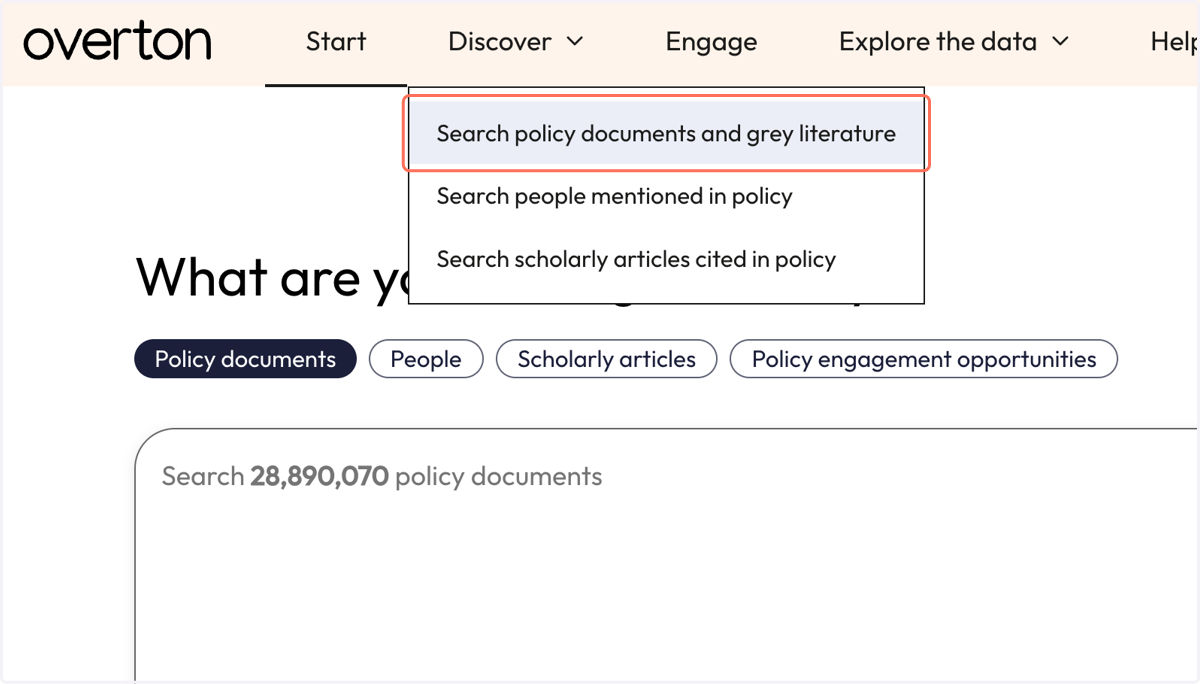
1. From the 'Discover' menu, click 'Search policy documents and grey literature.'
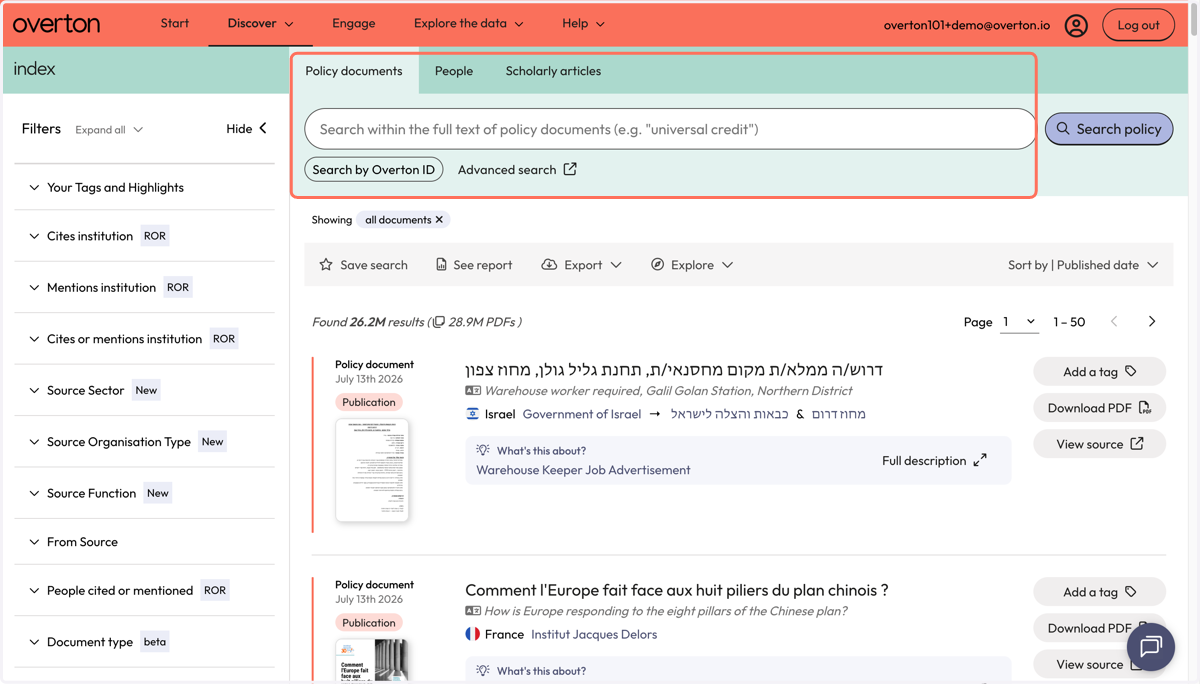
2. You will be taken to the 'Policy Documents' search page
3. Scroll through the list of filters on the left until you find 'From Source'
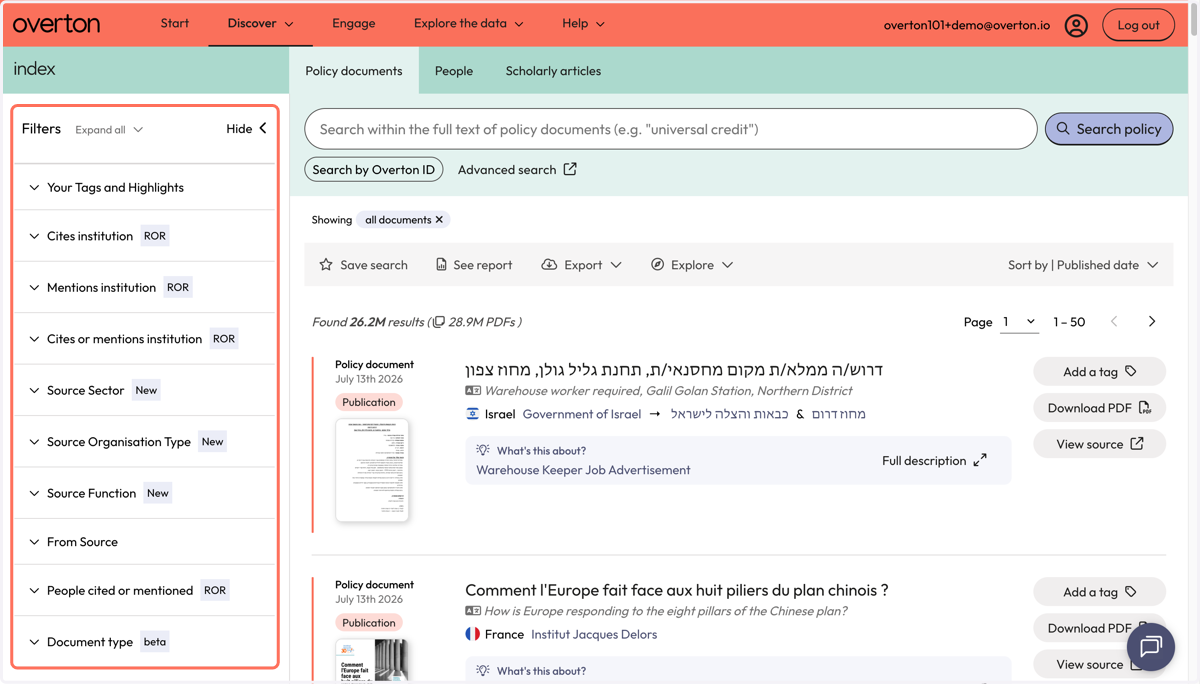
4. A. Click on 'From Source' filter to expand.
4. B. Click on 'See more' to search for a policy source.
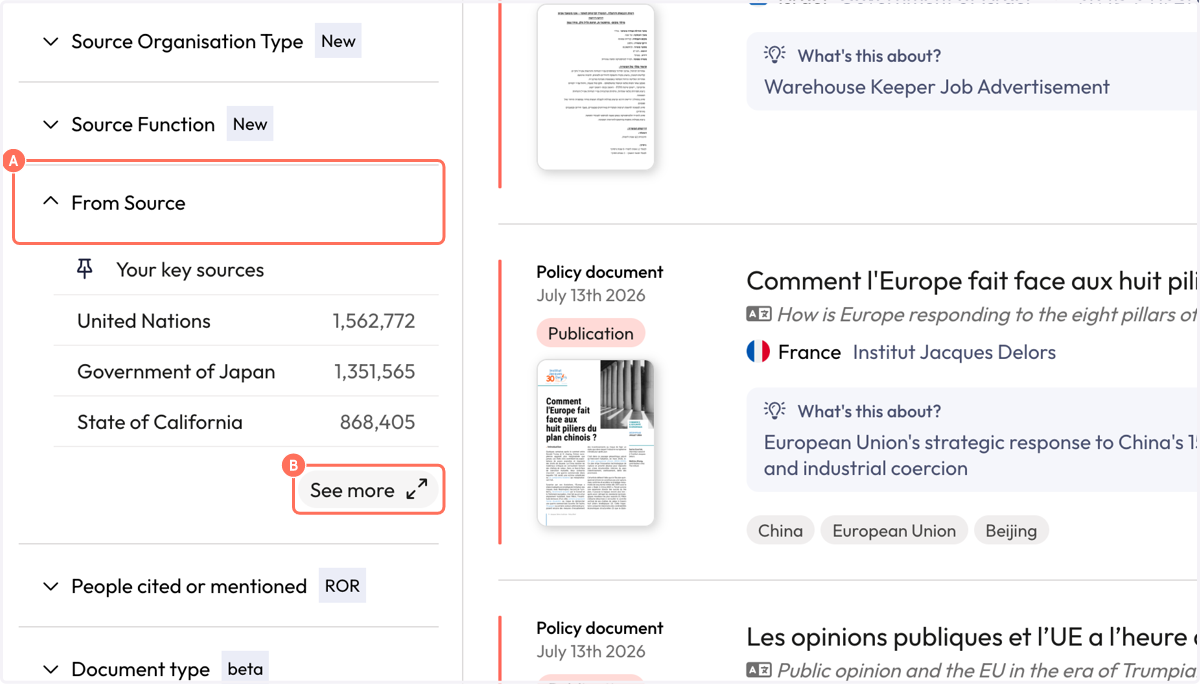
5. In the filter, enter the name of the policy source into the search box
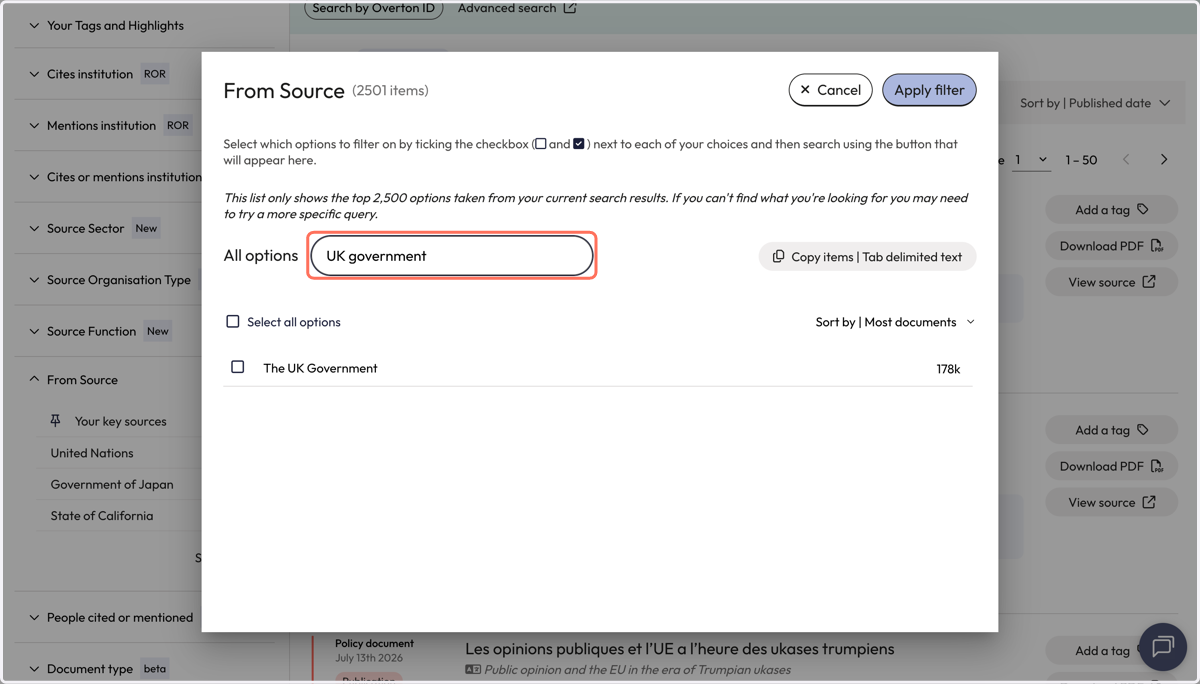
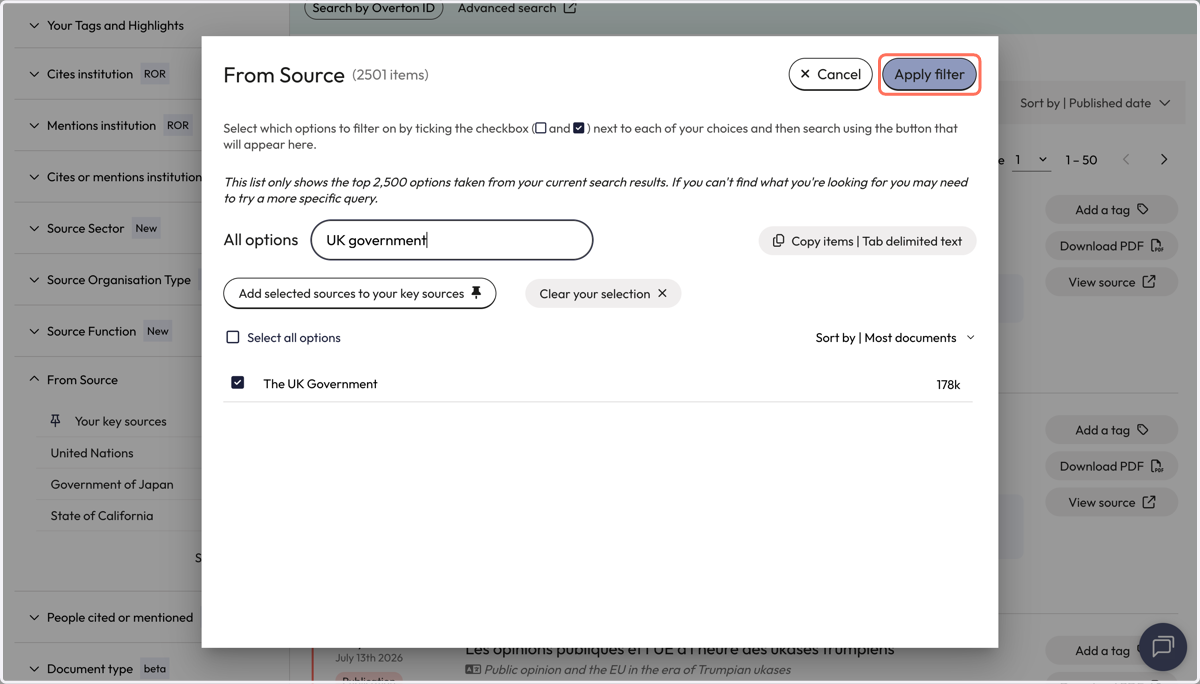
6. Select the relevant source by checking the box next to the name. Click 'Apply filter' to launch the search.
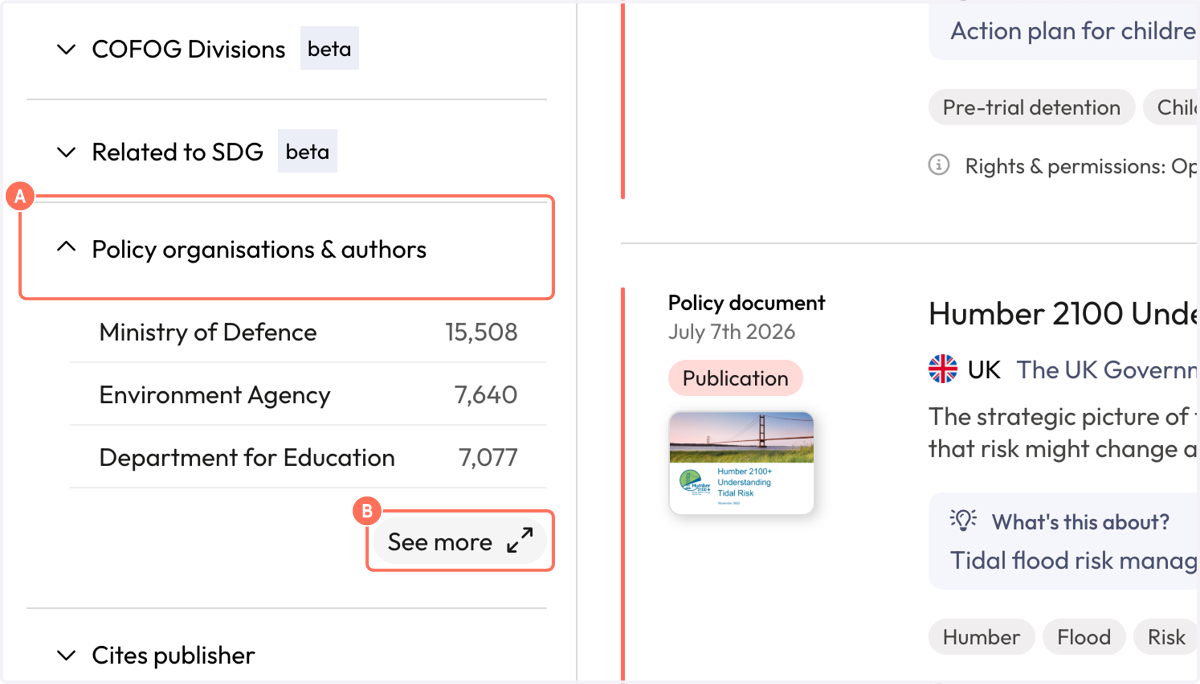
7. A. Apply a second filter. Scroll until you find 'Policy organisations & authors'
7. B. Click on 'See more' to expand the filter.
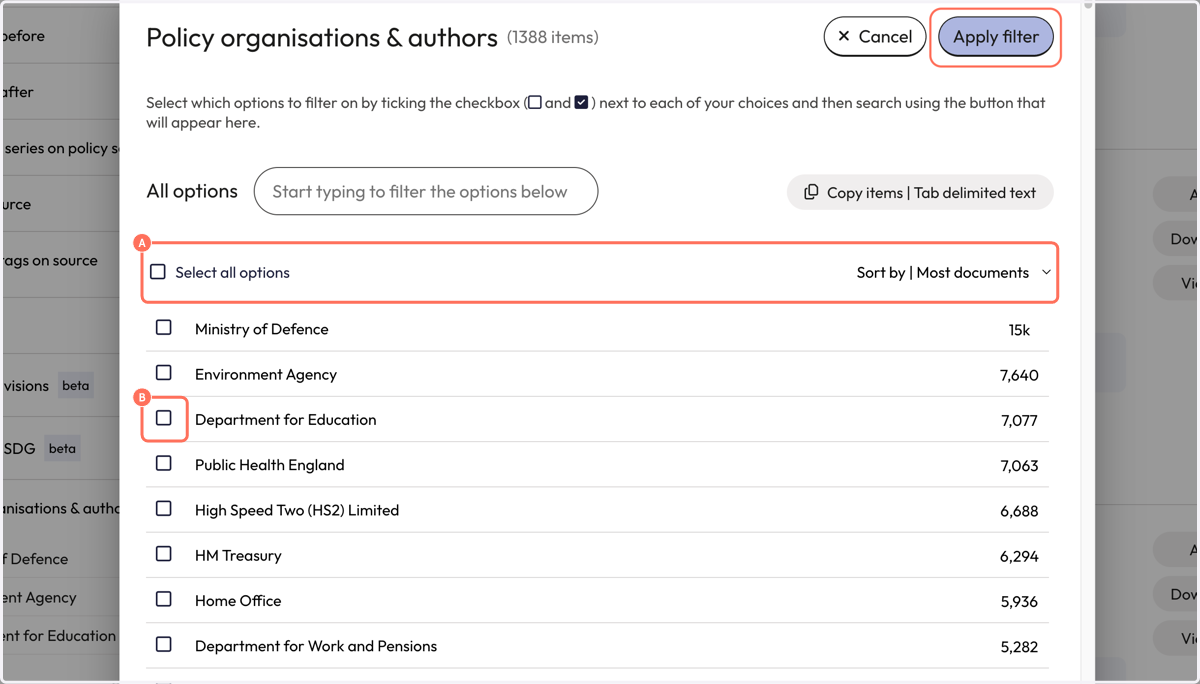
8. A. The filter will show a list of policy authors or organisations contained within the previously selected policy source.
8. B. Select a policy author or organisation by clicking on the checkbox next to its name. Click 'Apply filter' to launch the search.
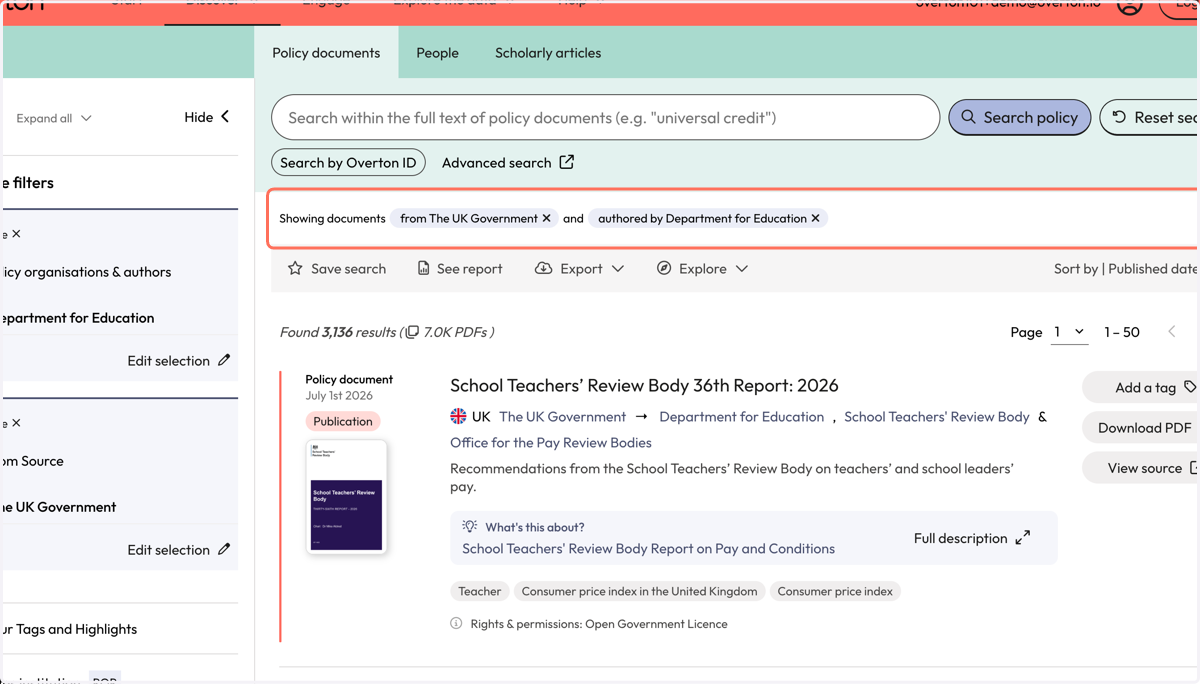
9. Your results will include all the documents in Overton from the selected source and the selected policy author or organisation.
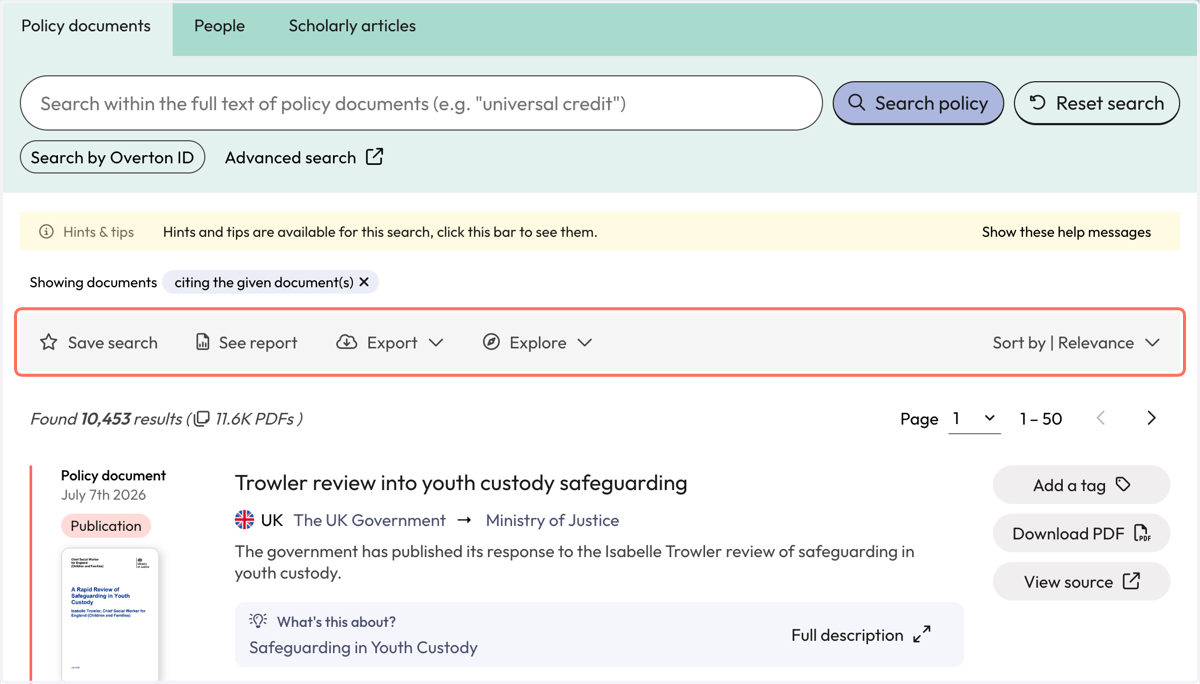
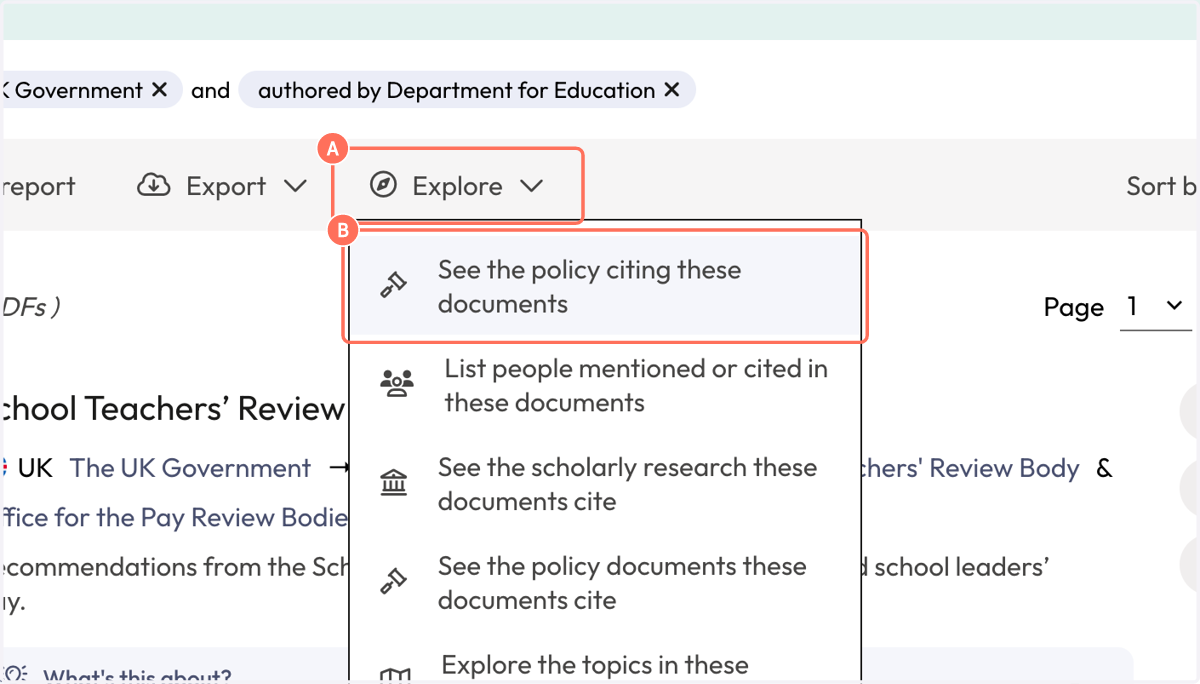
10. A. To see the policy citations for the policy documents in your results list, click on 'Explore'
10. B. Select 'See the policy citing these documents'
11. Your results will show policy documents which cite the policy documents from your policy author or organisation.
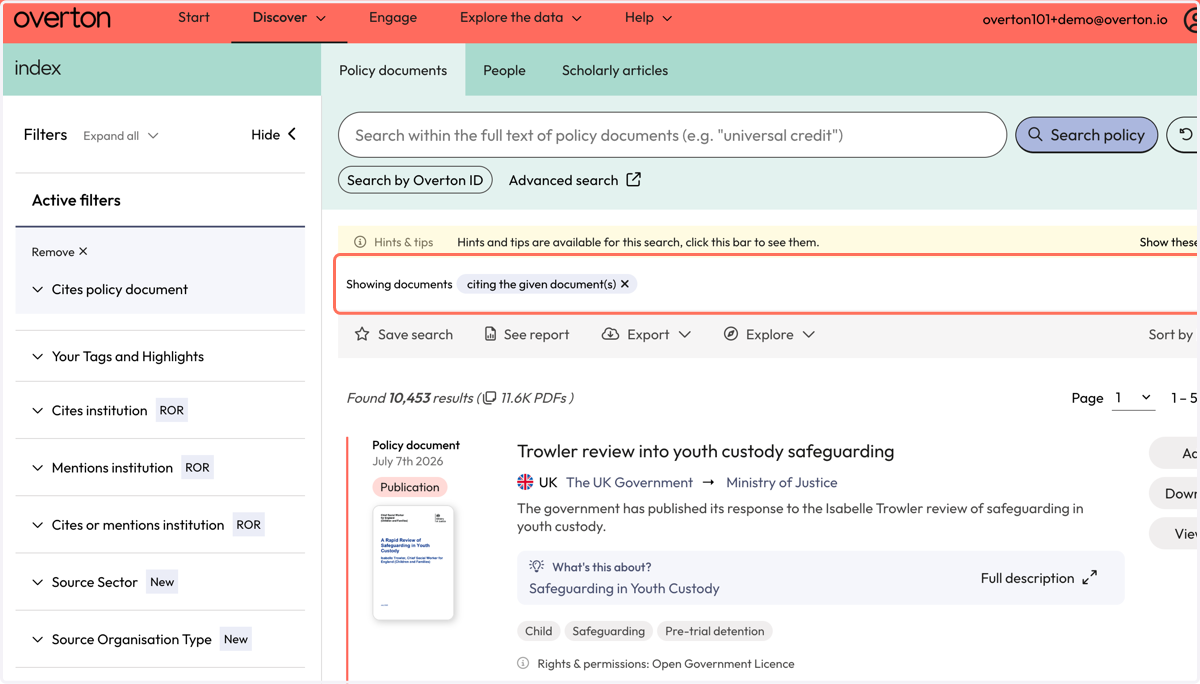
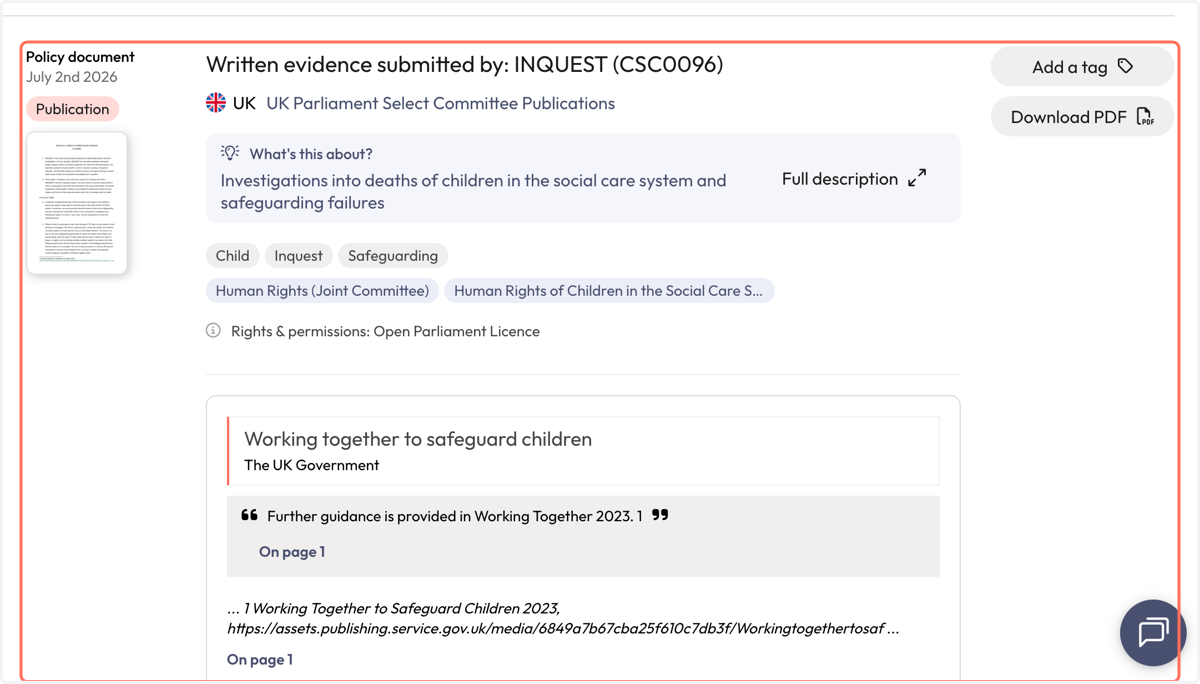
12. Each result includes the name of the citing policy document, the policy source and a snippet of context to indicate where the citation of your publication was found.
13. Use filters to narrow down results.
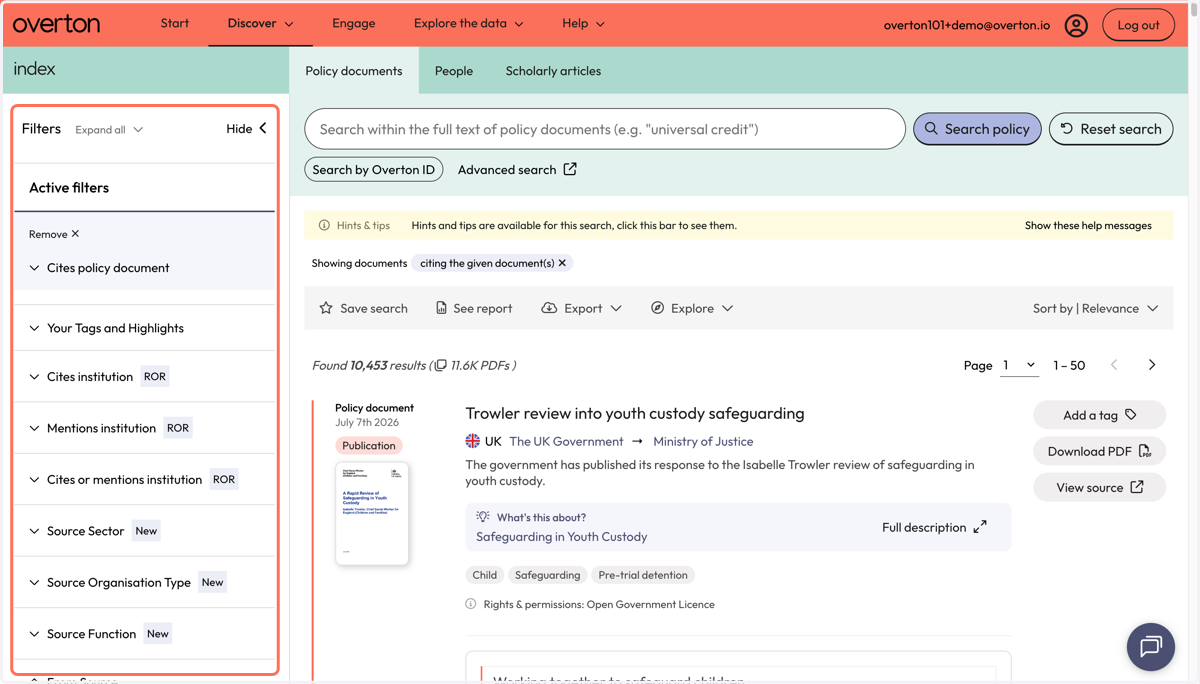
14. Use the action bar to save a search, generate a summary report, export* or explore further.
*exports are not available for individual 14 day trials