Find policy focused publications from a specific source which are indexed in Overton (trials)
There are different starting points to find documents from a specific source. This guide covers 2.
From the Start page
1. From the Start page, click on 'Policy documents'
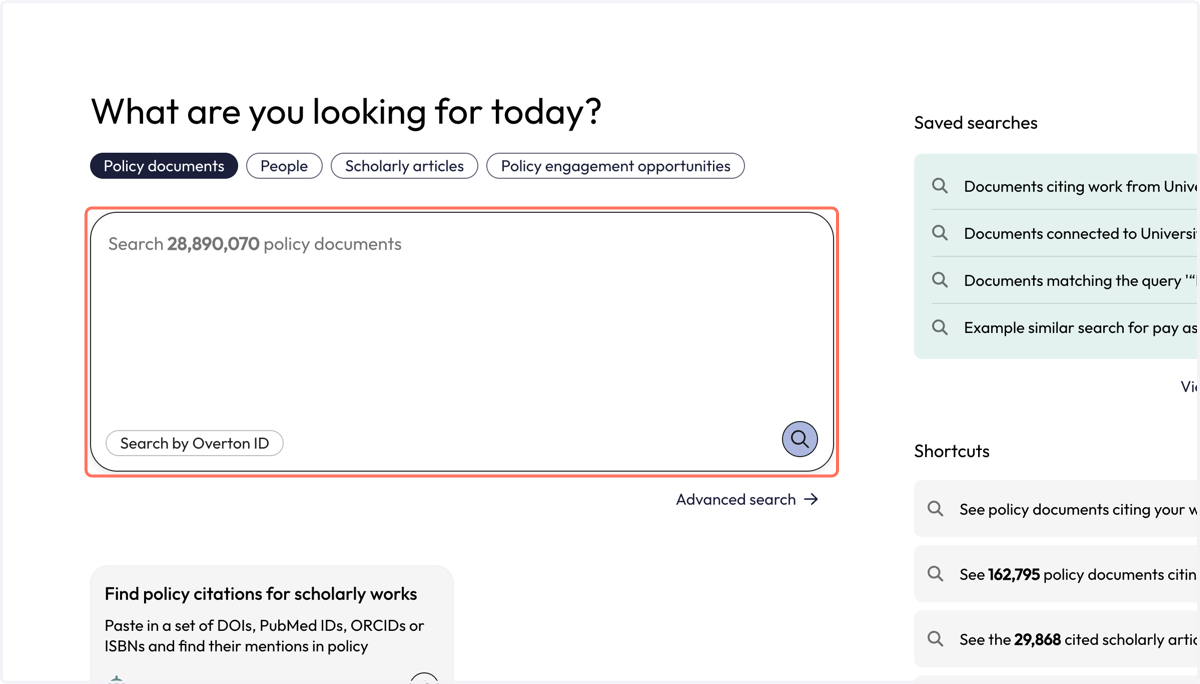
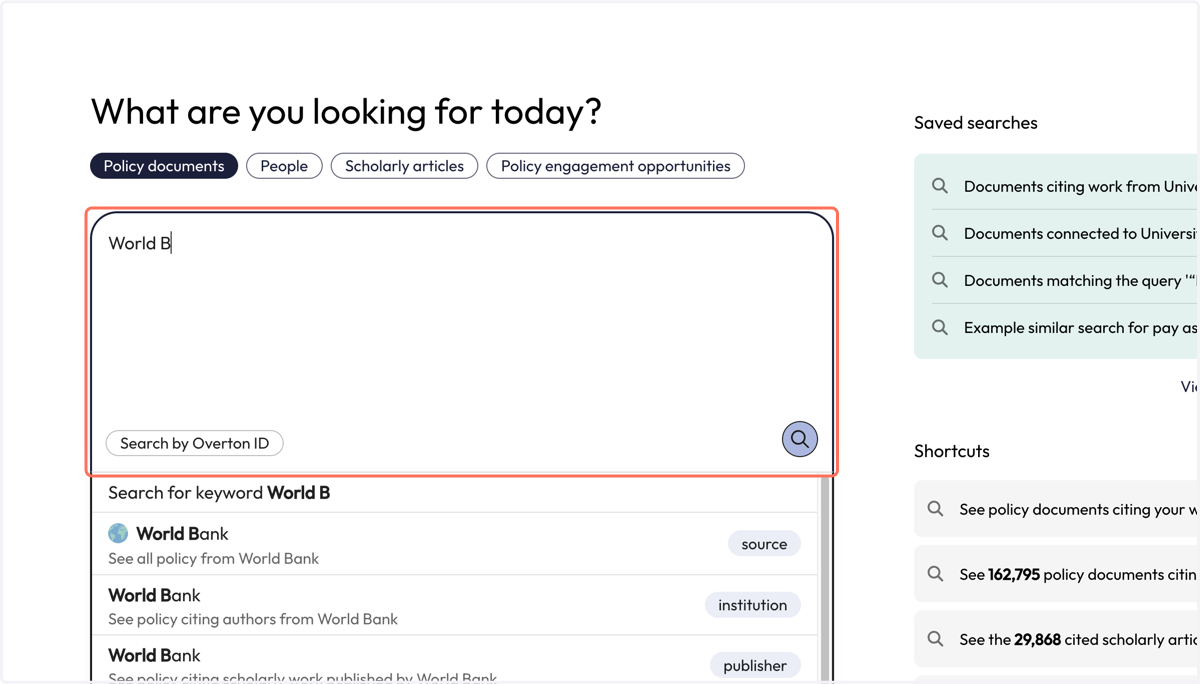
2. Type in the name of the policy source whose documents you want to find.
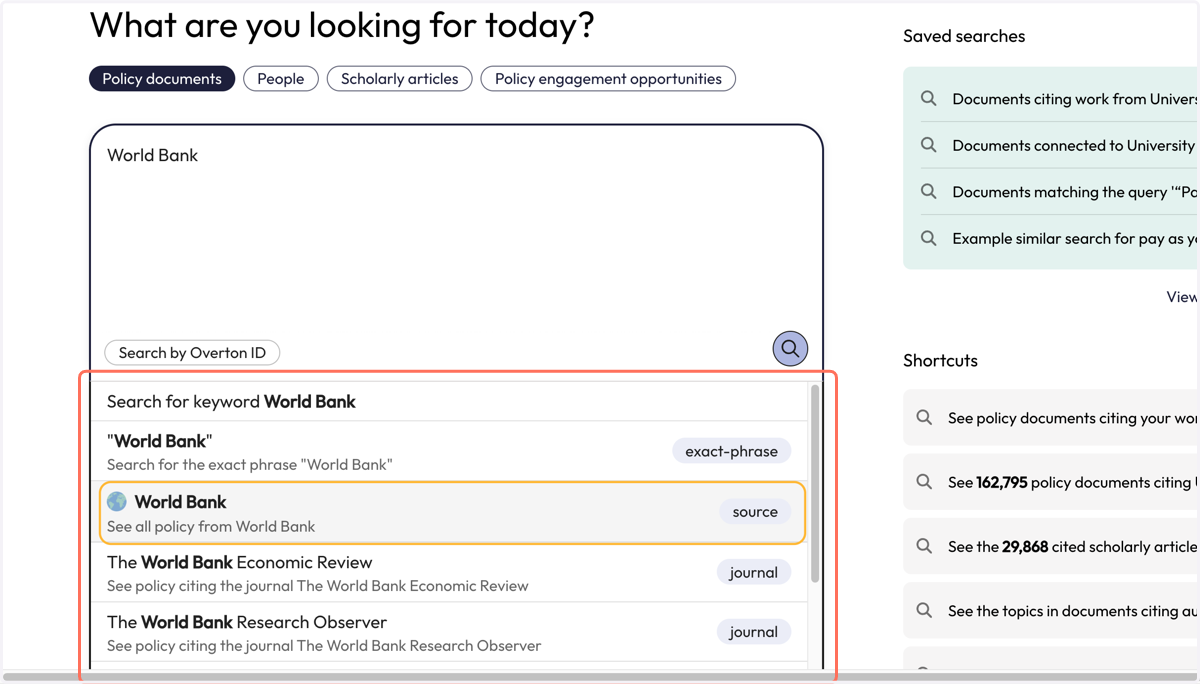
3. Select the source you are looking for from the dropdown that appears. Ensure you select the option next to the purple 'source' flag.
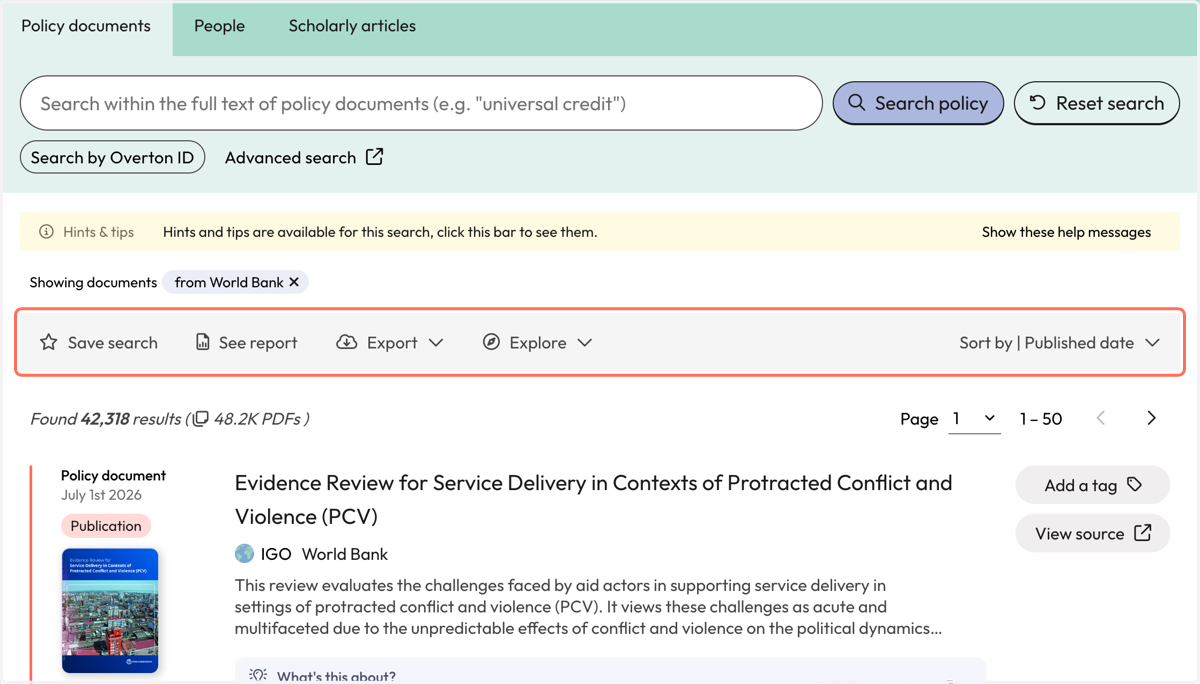
4. You will be taken to the 'Policy documents' page where will find all the documents in Overton from your selected policy source.
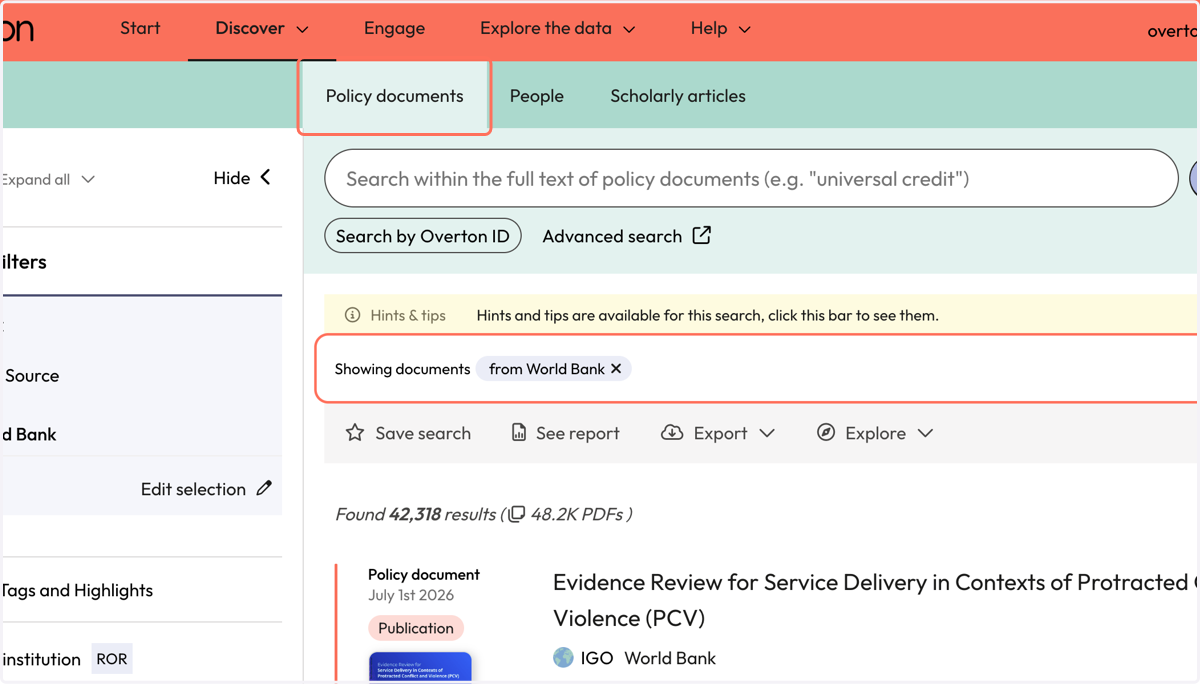
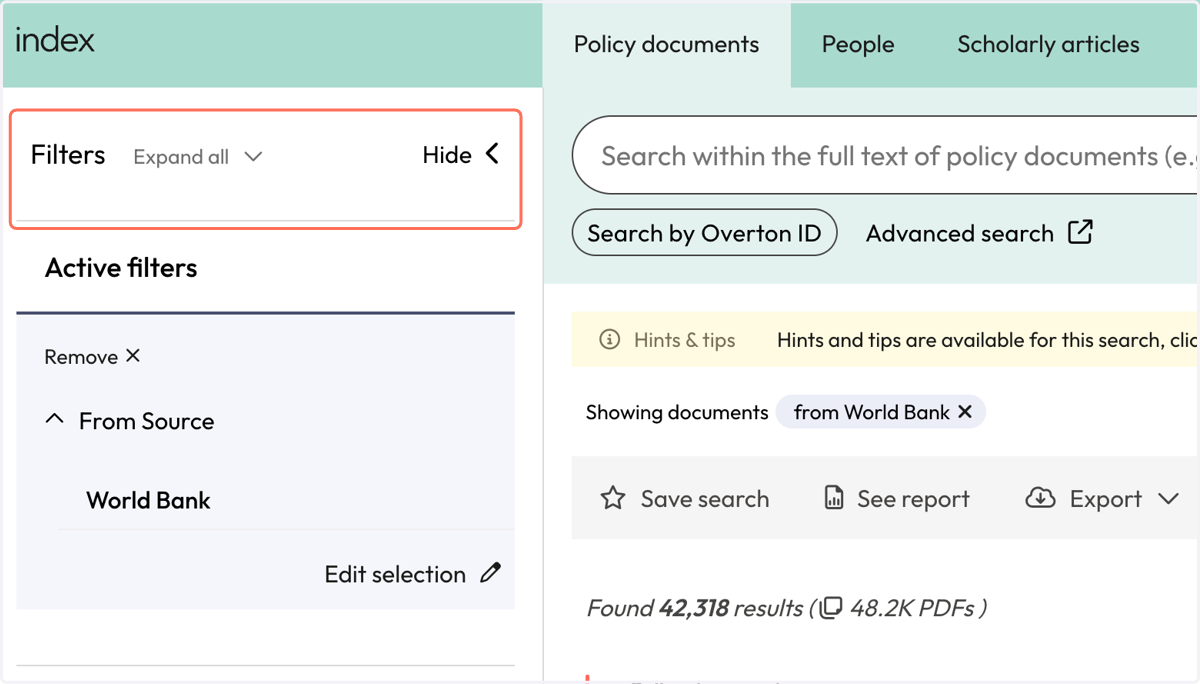
5. Use filters to narrow down your results to find a subset of documents from your source.
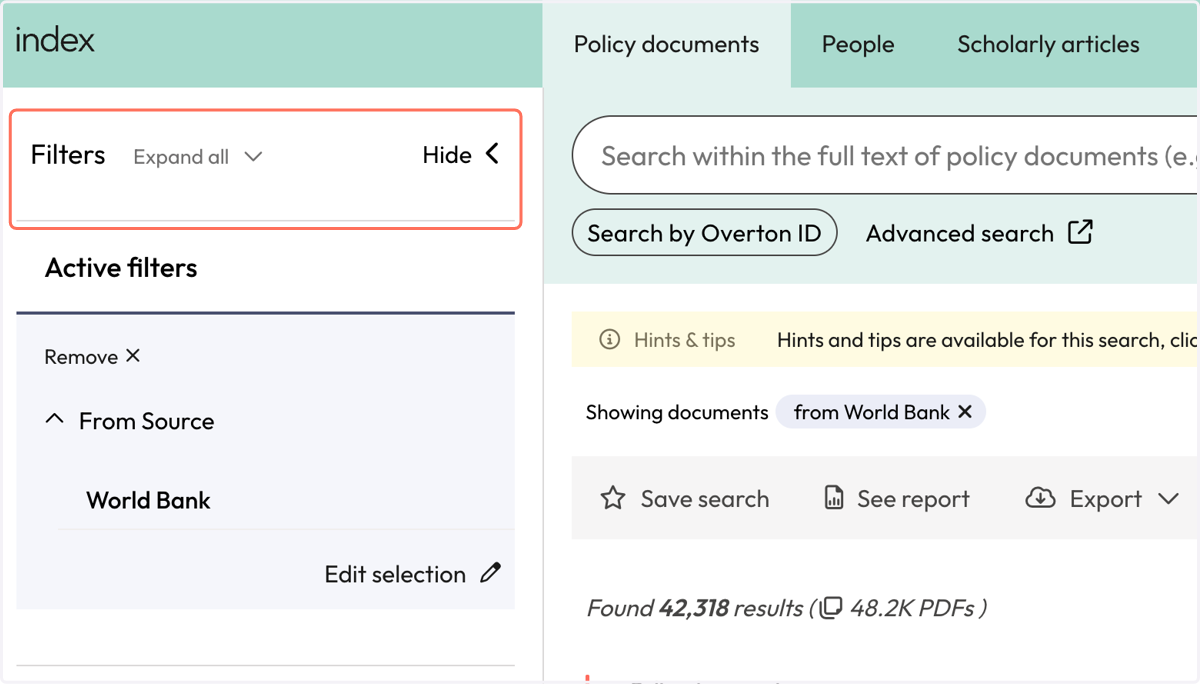
6. Use the action bar to save a search, generate a summary report, export* or explore further.
*exports are not available for limited 14-day trials
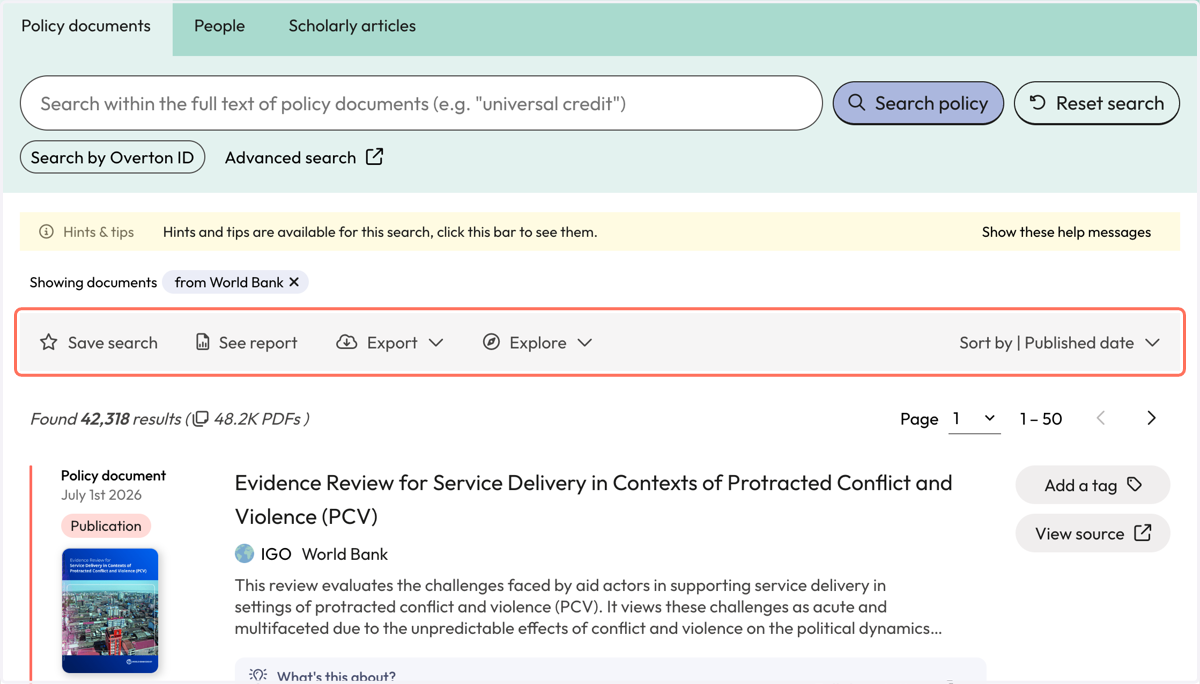
From our Data Indexes page 'Policy document sources'
7. Click on the 'Explore the data' menu and select 'Policy document source' from our 'Data indexes'
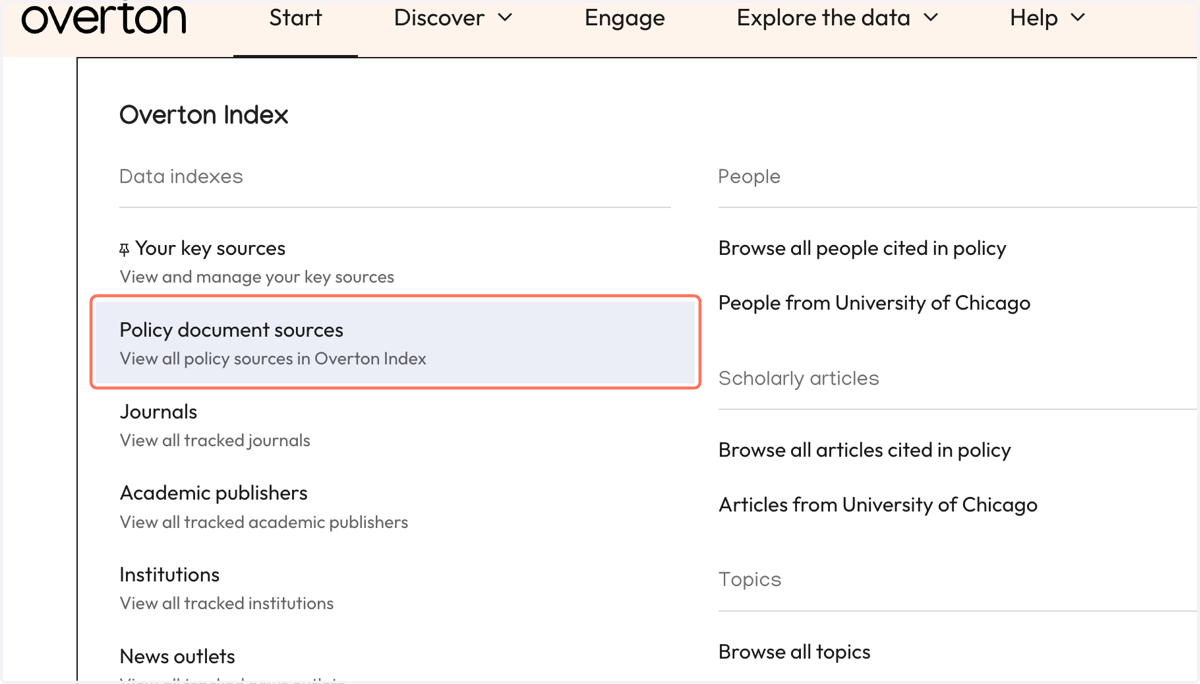
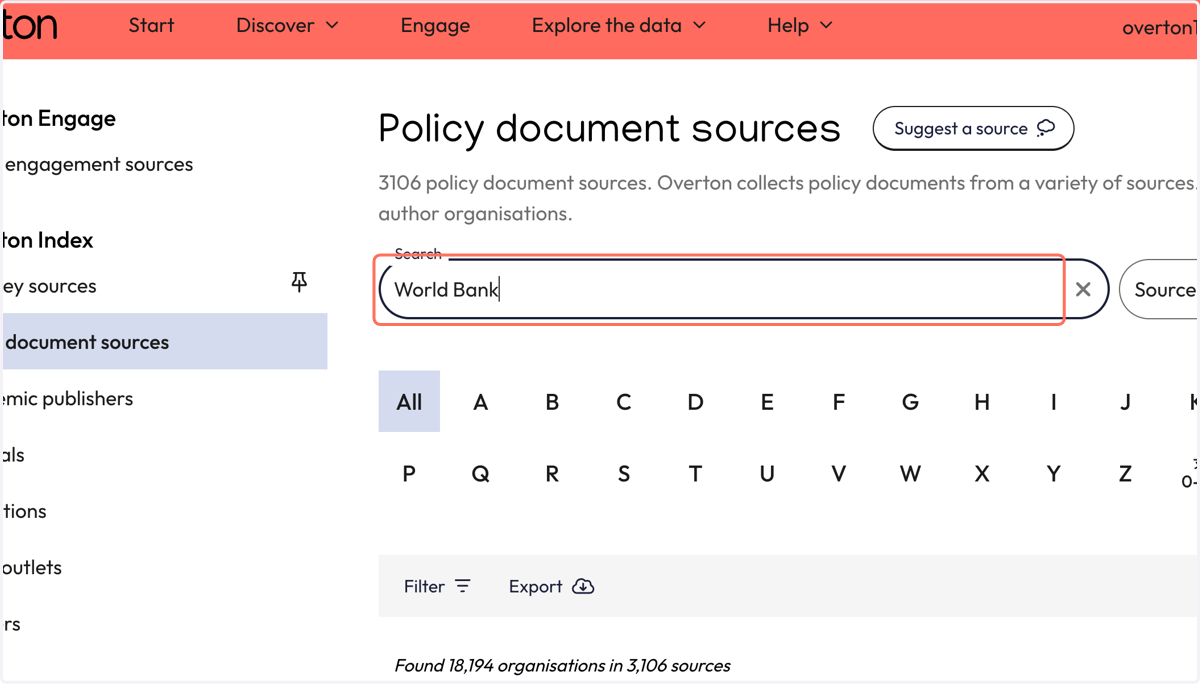
8. From the 'Policy document sources' page, enter the name of the policy source into the search box.
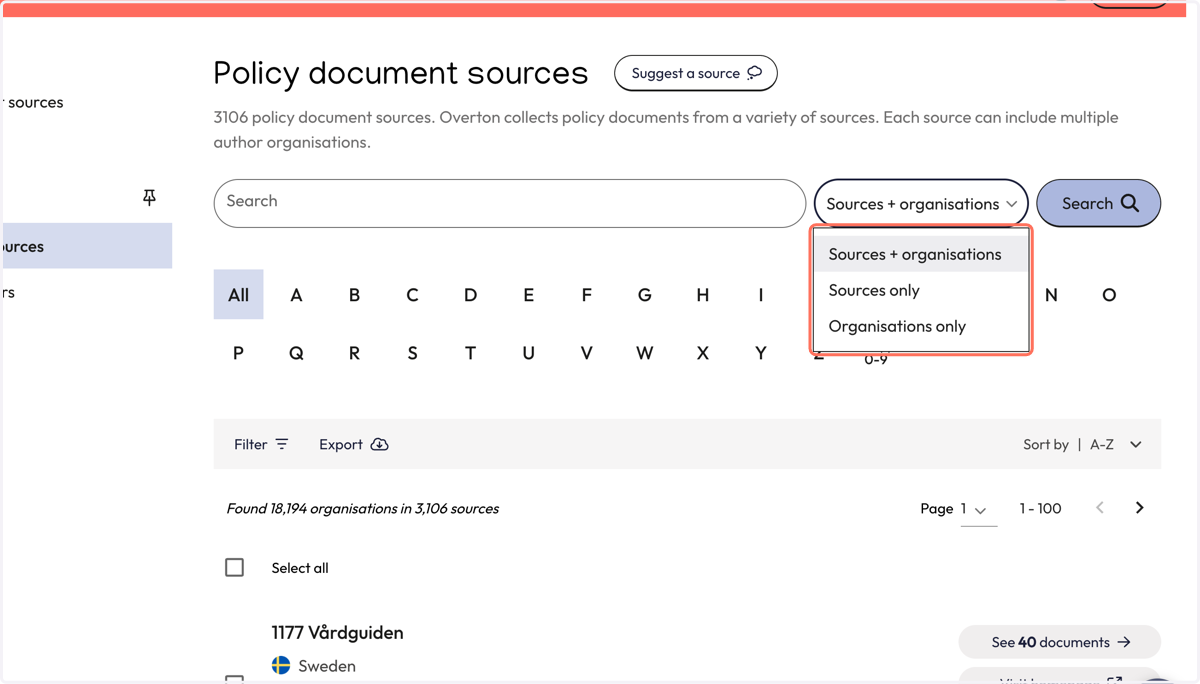
9. Choose if you want to search for 'Sources + organisations' or another option. The default is 'Sources + organisations'.
An 'organisation' is a policy author that is contained within a specific source.
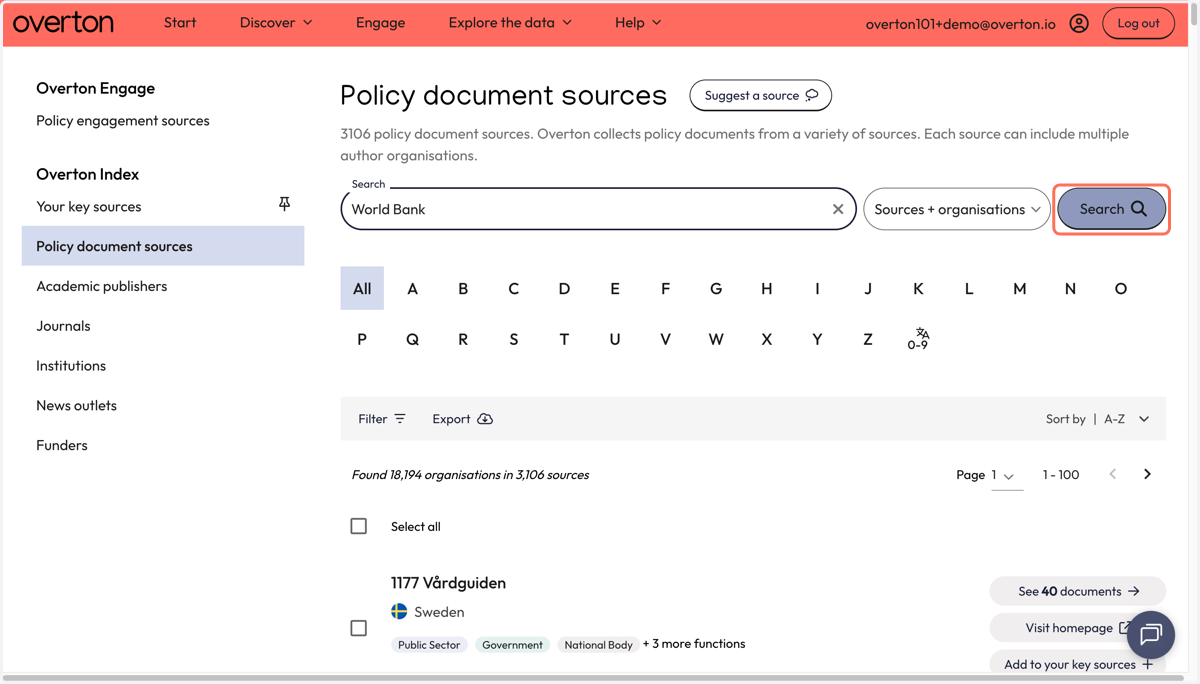
10. Click on 'Search'
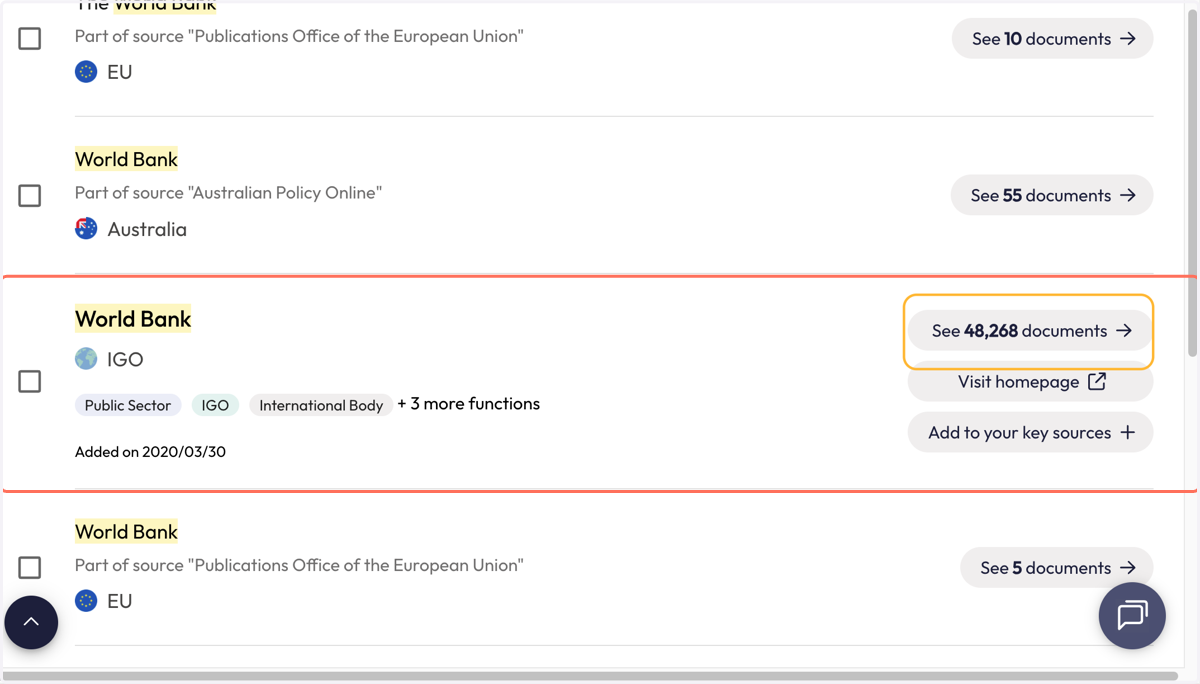
11. Find your targeted source from the results list. Click on the 'See X documents' to go directly to their publications in Overton.
12. You will be taken to the 'Policy documents' page where will find all the documents in Overton from your selected policy source.
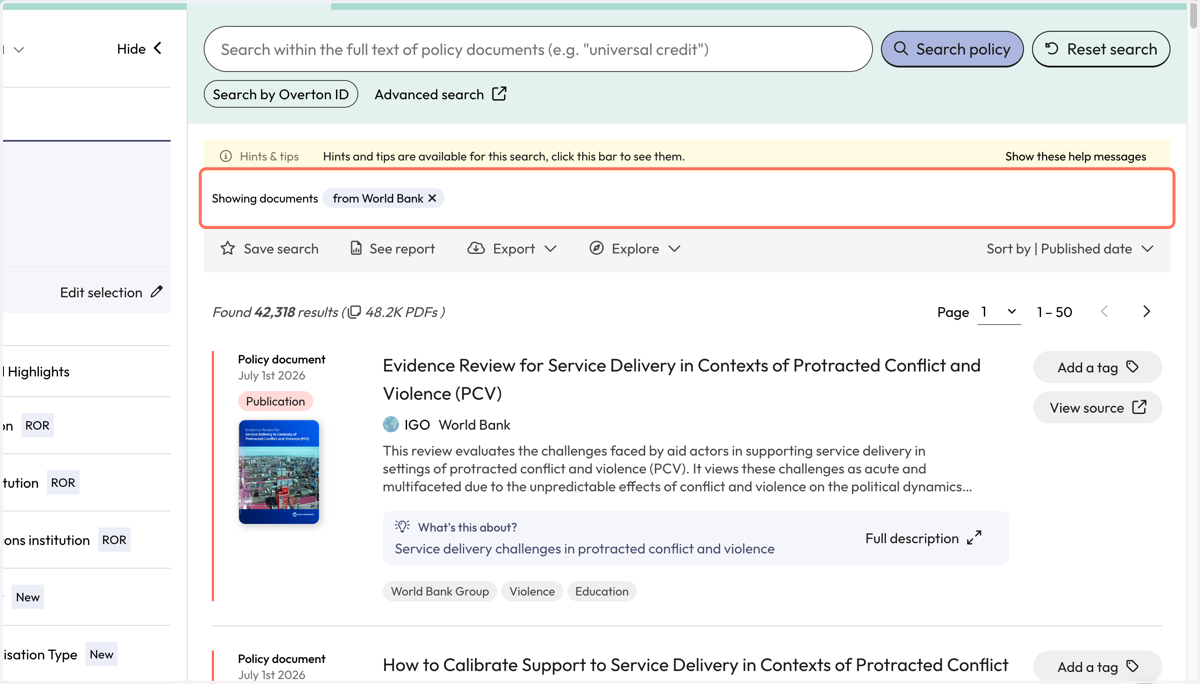
13. Use filters to narrow down your results to find a subset of documents from your source.
14. Use the action bar to save a search, generate a summary report, export* or explore further.
*exports are not available for limited 14-day trials