Find policy citations using your Overton Profile (trials)
Overton
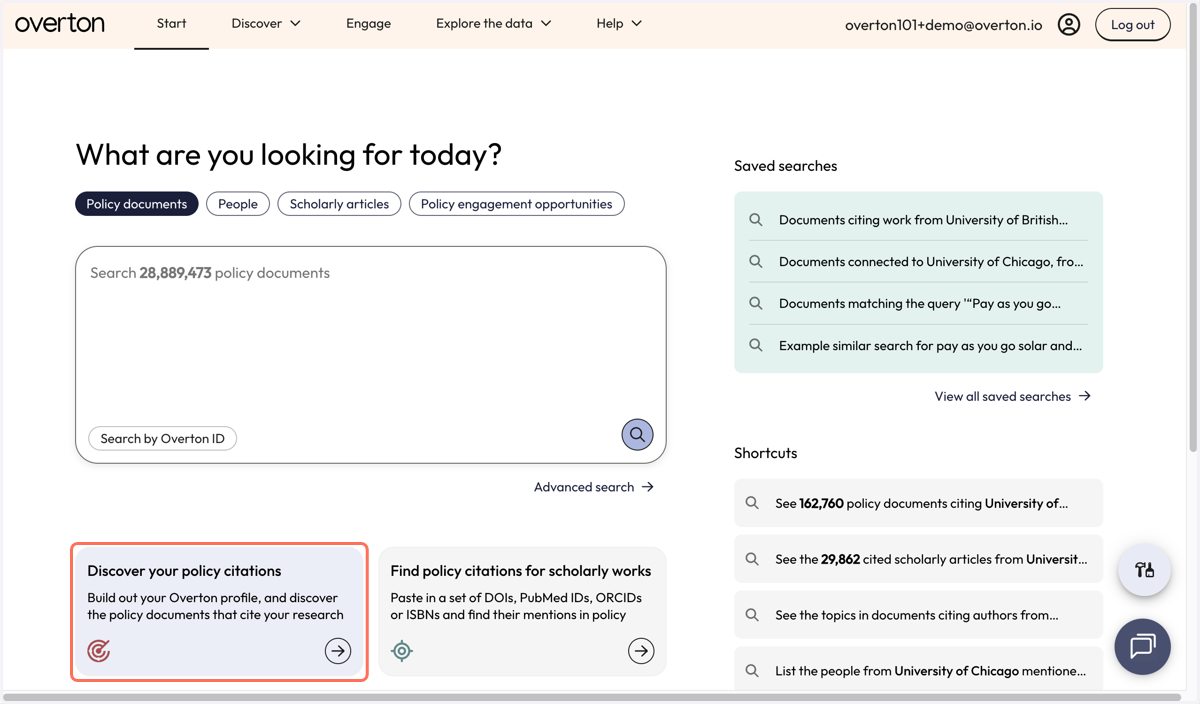
1. From the 'Start page', click on 'Discover your policy citations' to build your Overton profile and find policy documents citing your work.
2. Enter your name in the search field to find your matching profile.
Research profiles come from OpenAlex
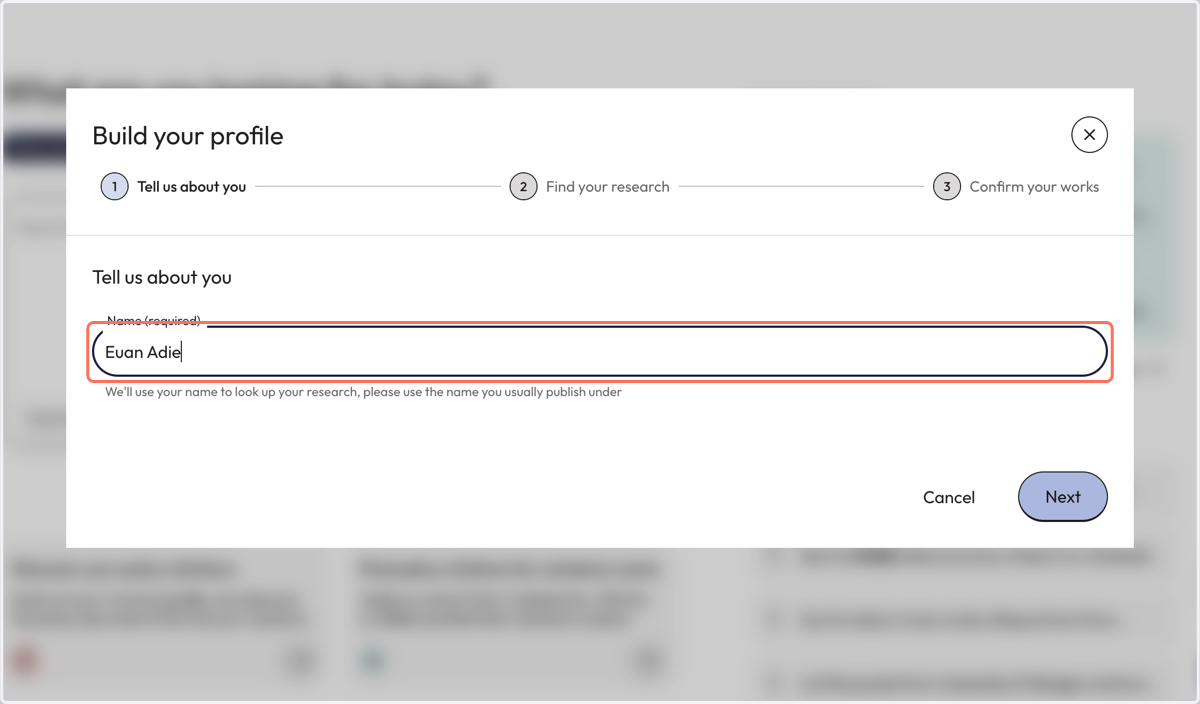
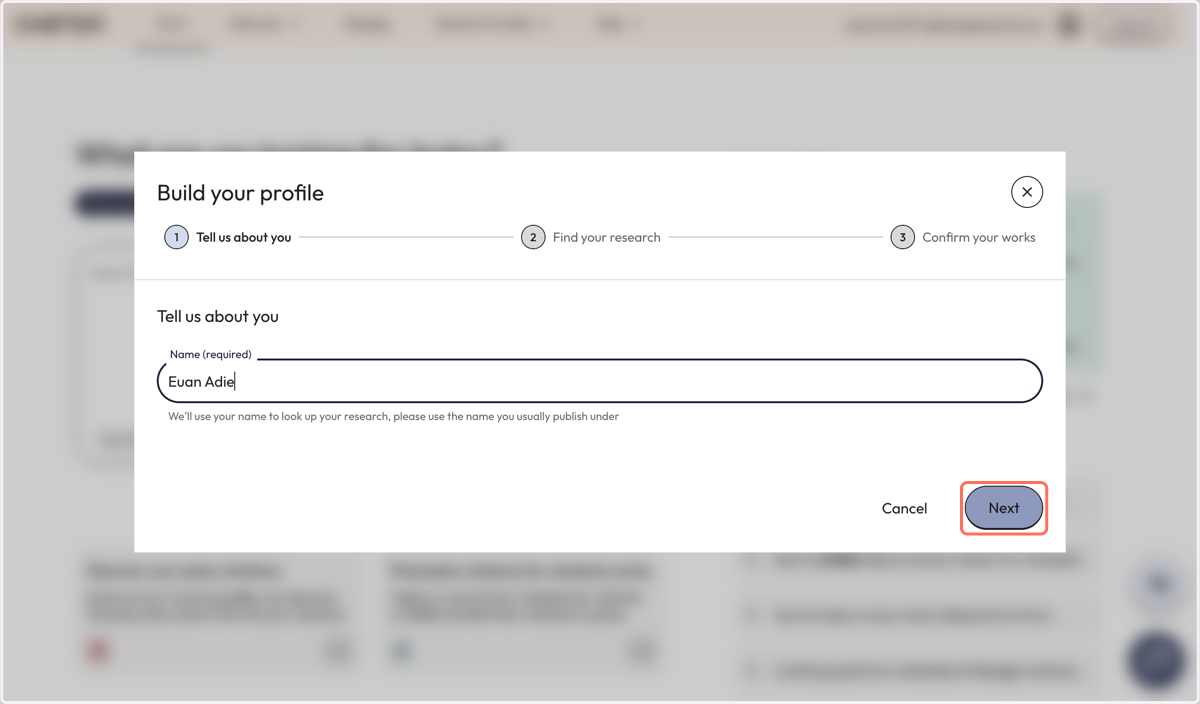
3. Click 'Next' to run the name search and view profile matches.
4. Click the checkbox beside the relevant profile results and click 'Next' to continue setup.
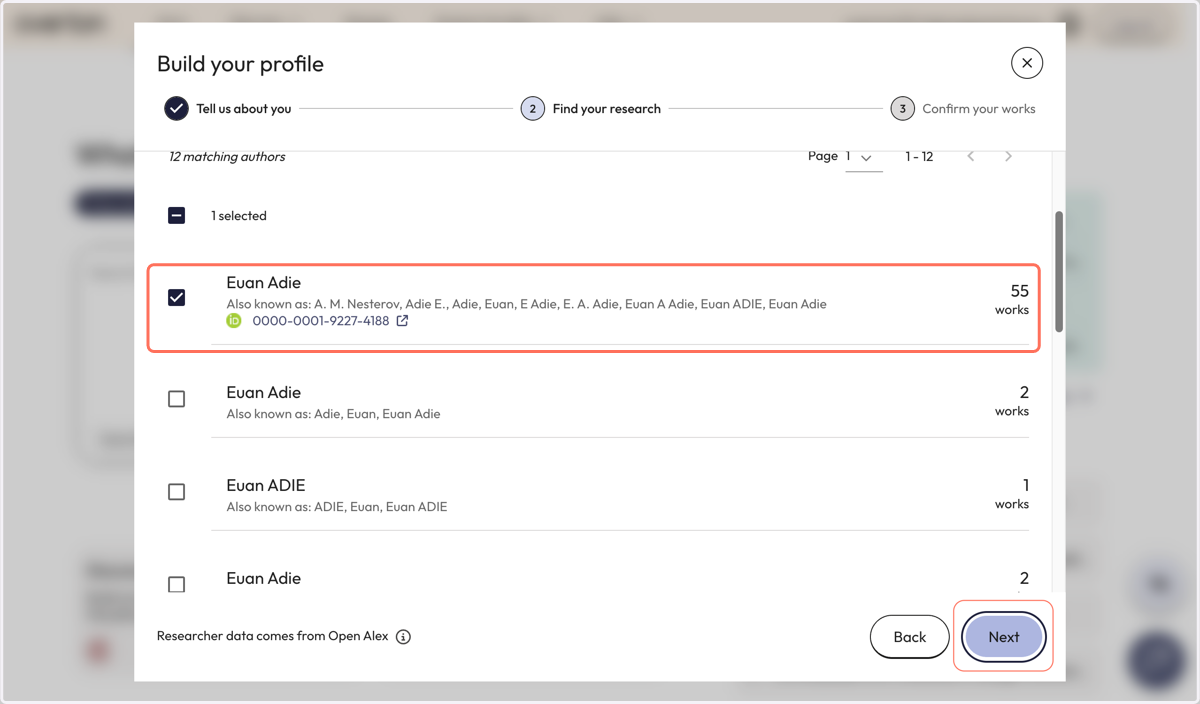
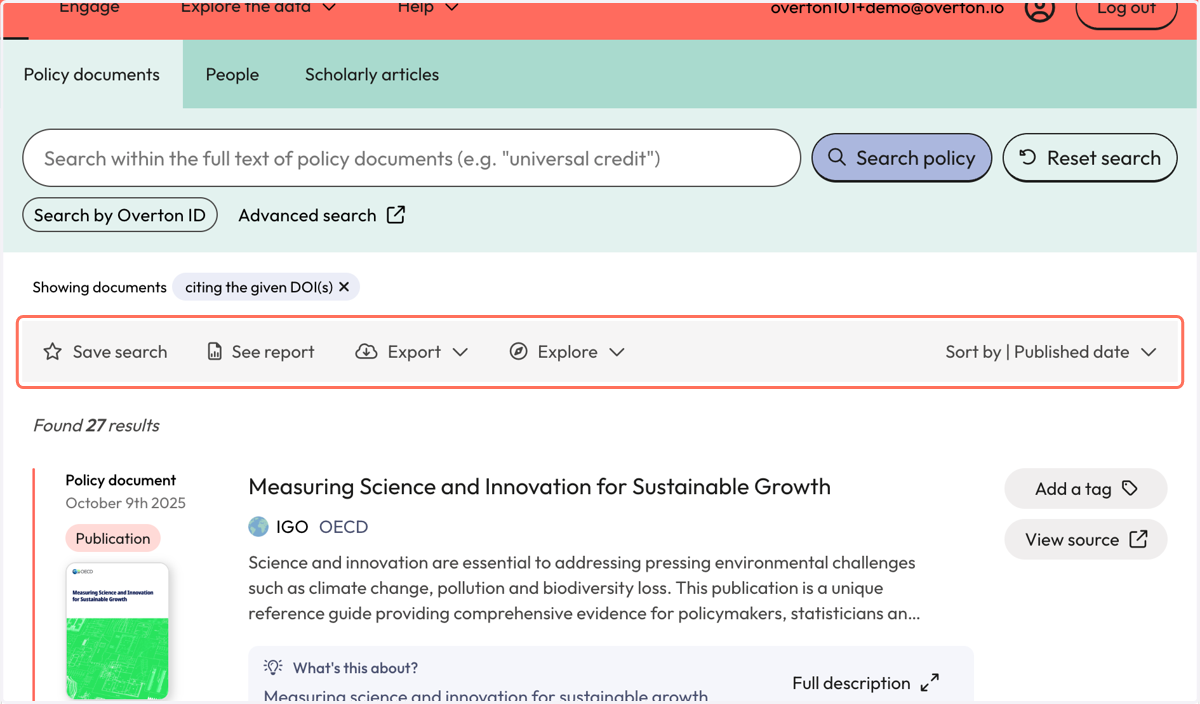
5. Your results appear on the 'Policy Documents' page and show policy documents that cite articles from your now complete, Overton profile.
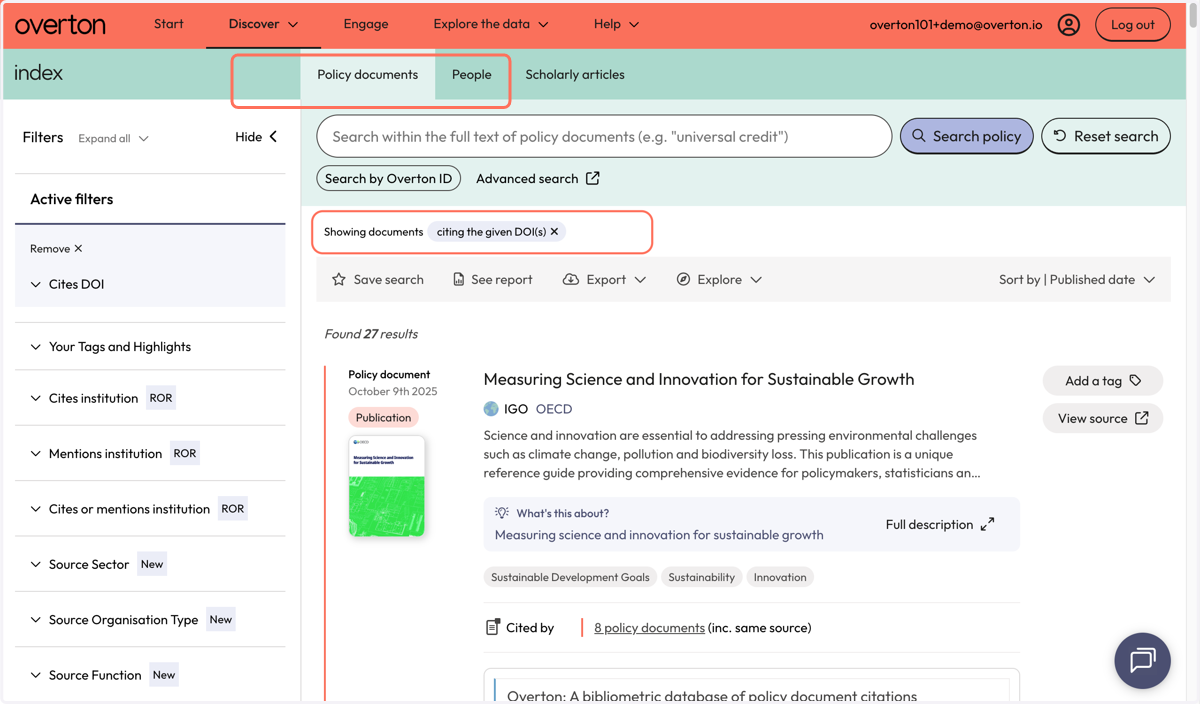
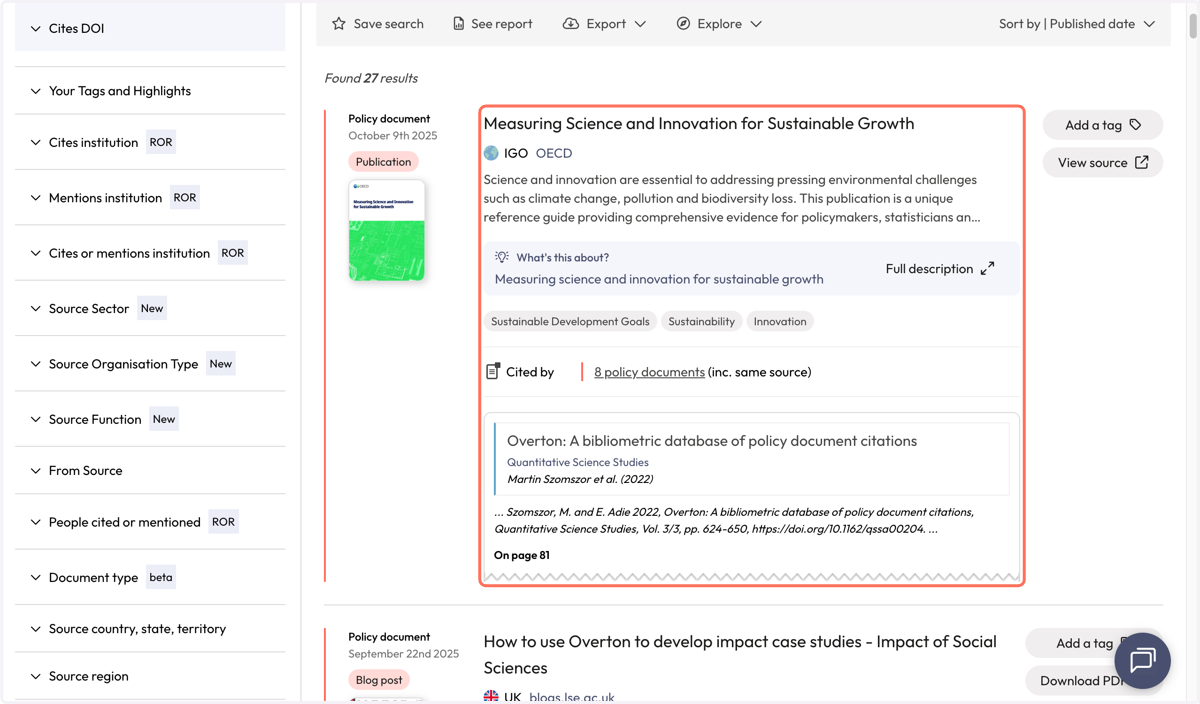
6. Each policy document result displays the cited article and author from your institution and information about the citation from the full-text.
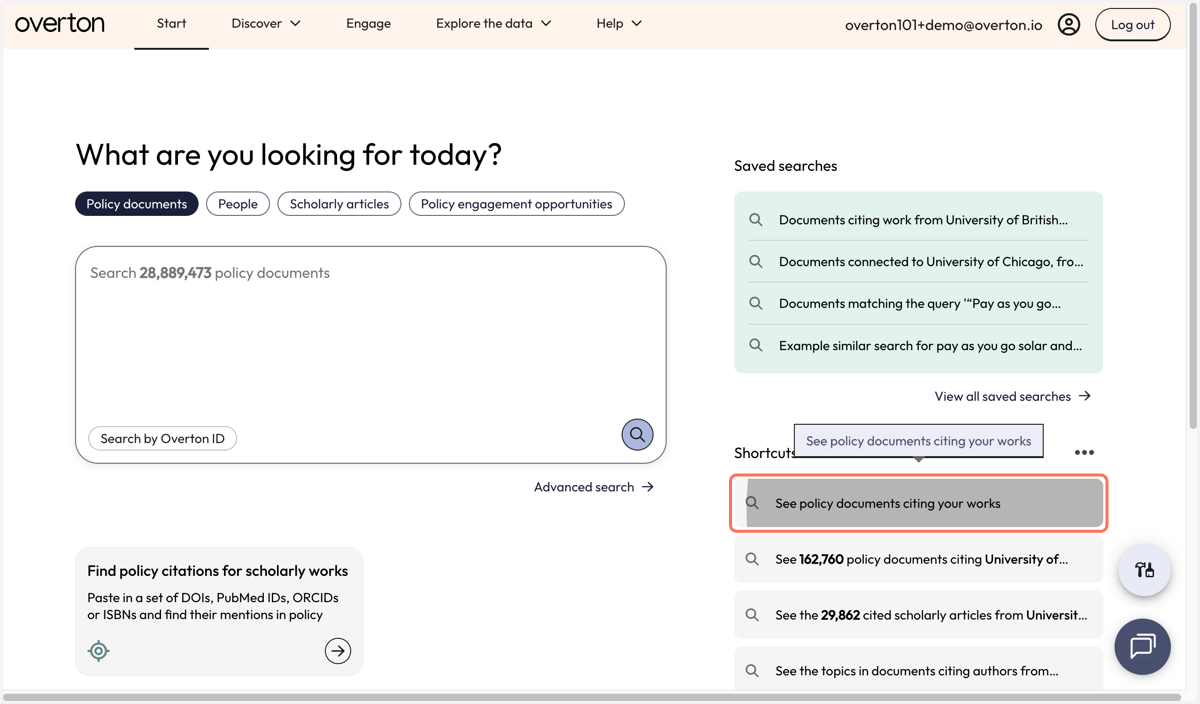
7. Use filters to narrow down results.
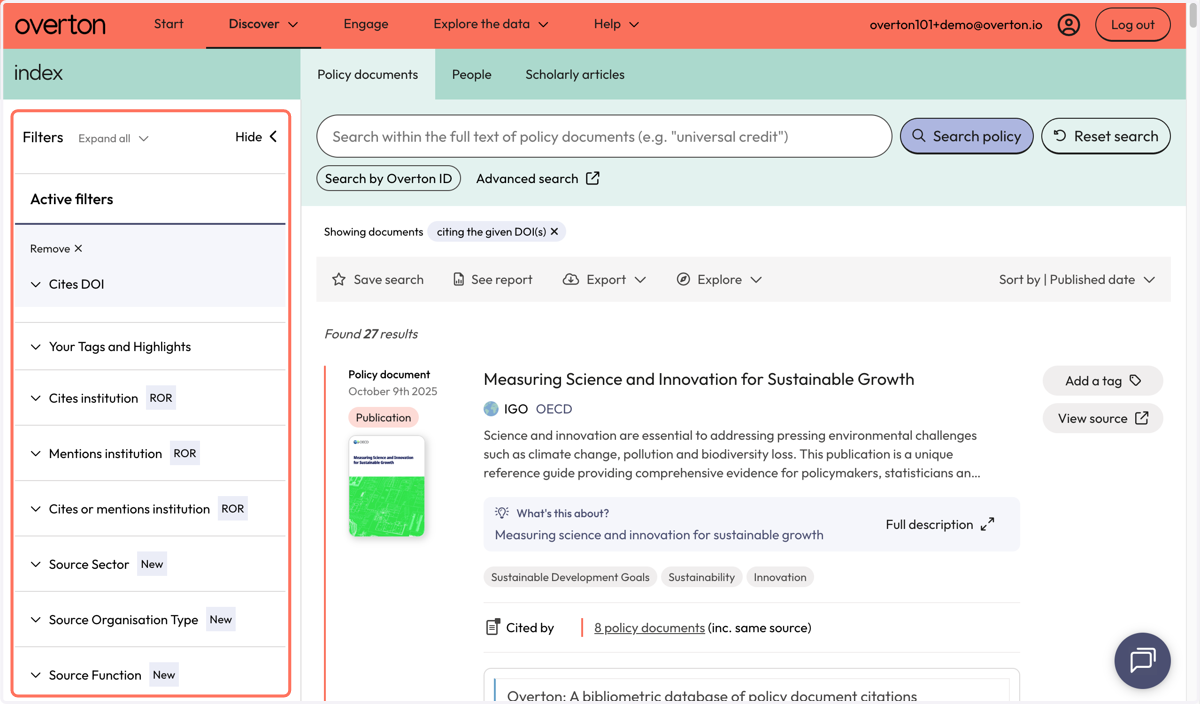
8. Use the action bar to save a search, generate a summary report*, export* or explore further.
*summary reports and exports are not available for limited trials
9. To search with your Overton profile in the future, you can find a newly created search shortcut on the 'Start' page called 'See policy citing your works'.