Find citations for an individual publication by searching with an Overton ID (trials)
Every document indexed in Overton has been assigned an unique ID called an Overton ID. Users can find Overton IDs in the export files or on the full policy document record page. Overton IDs can then be used for searching for individual or groups of specific publications from a policy source.
Overton
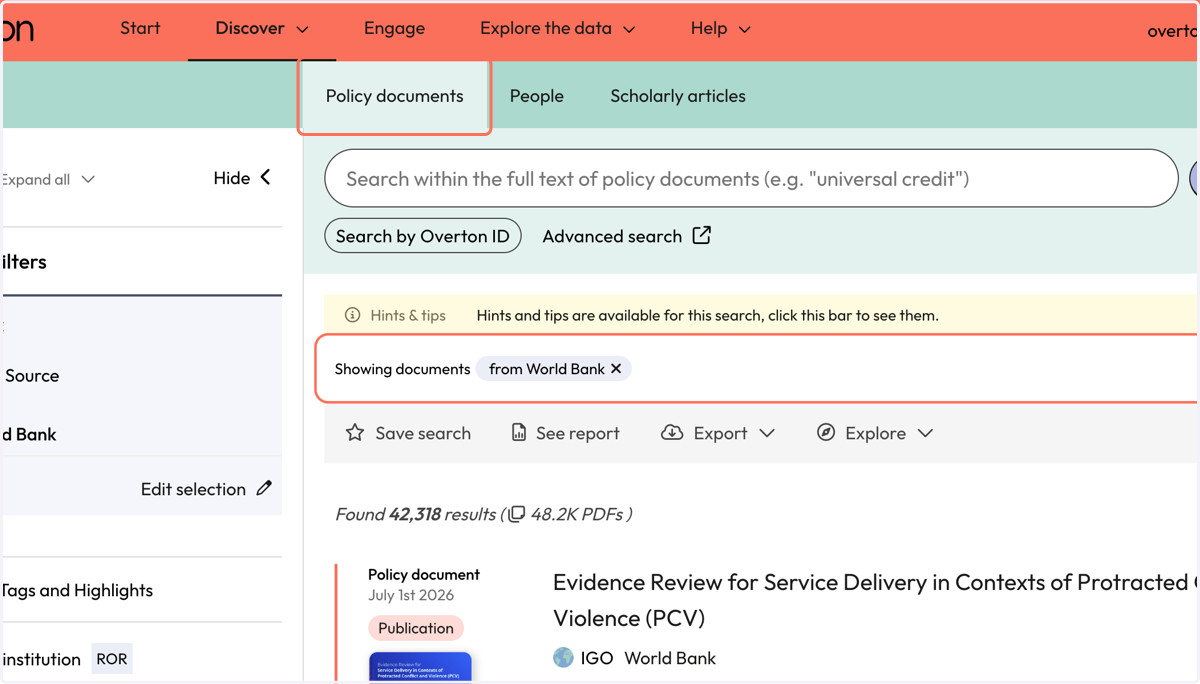
1. From the Start page, click on 'Policy documents'
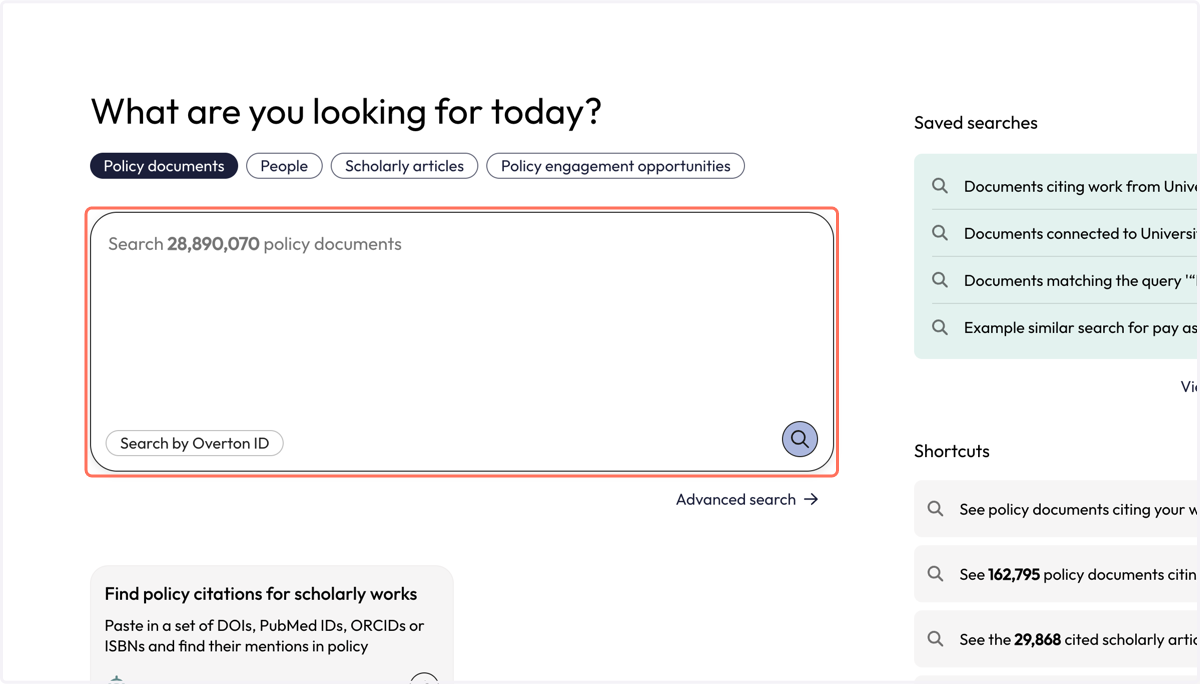
2. Type in the name of the policy source whose documents you want to find.
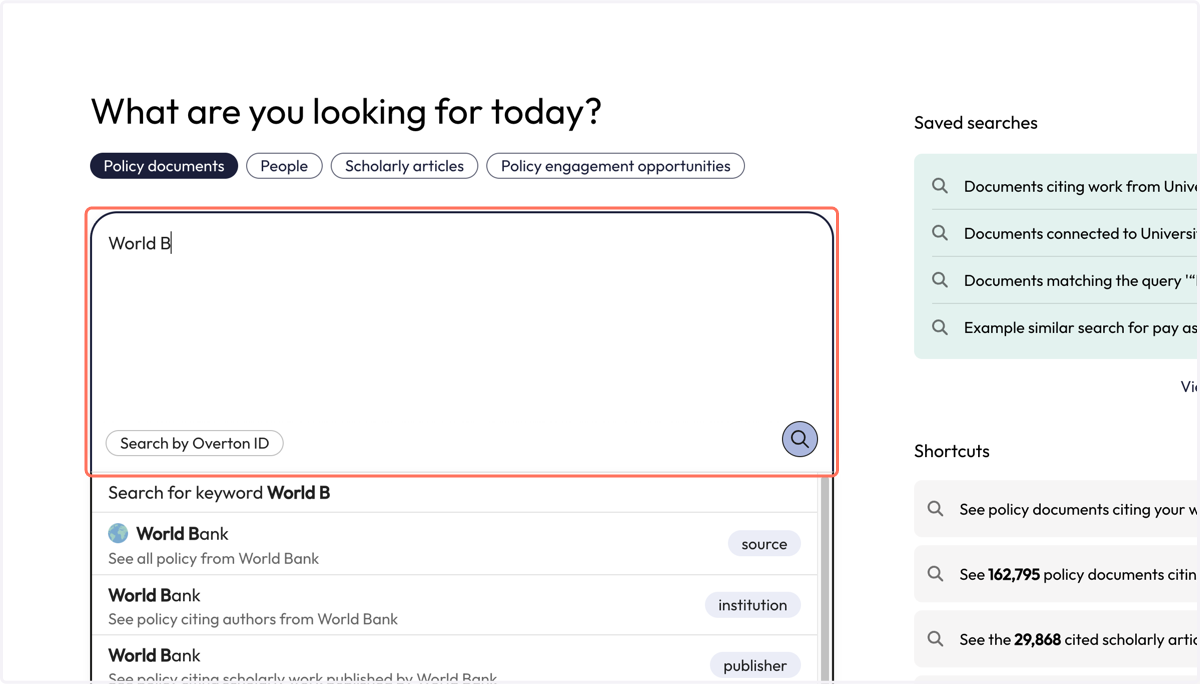
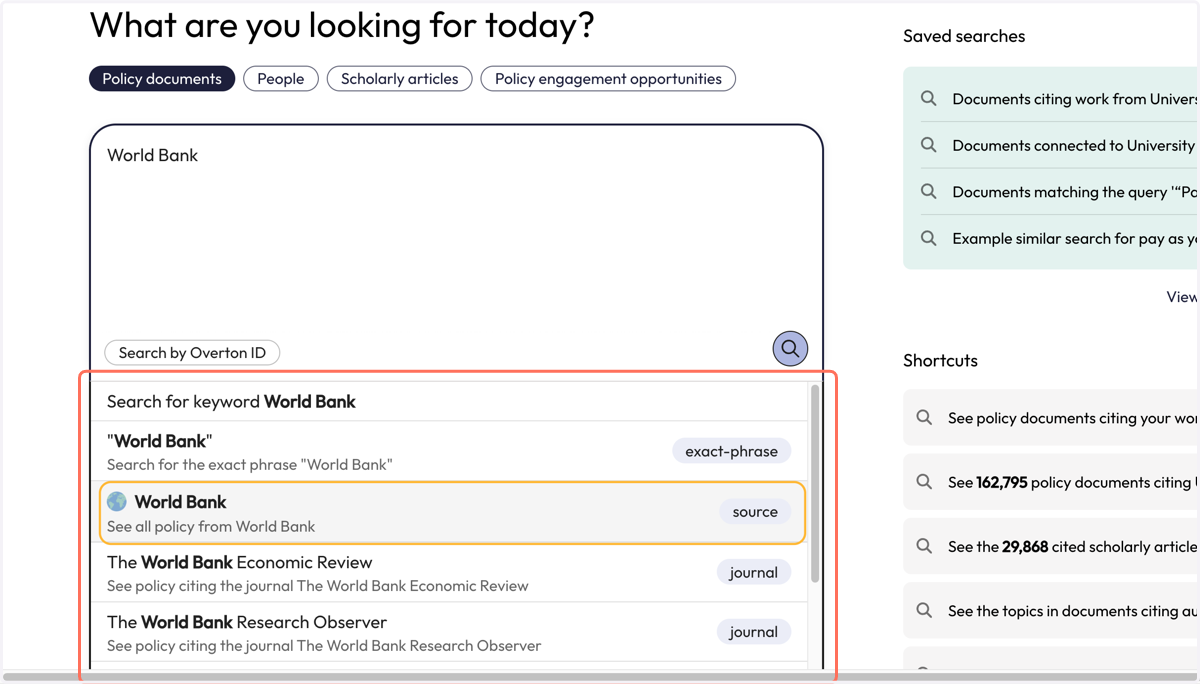
3. Select the source you are looking for from the dropdown that appears. Ensure you select the option next to the purple 'source' flag.
4. You will be taken to the 'Policy documents' page where will find all the documents in Overton from your selected policy source.
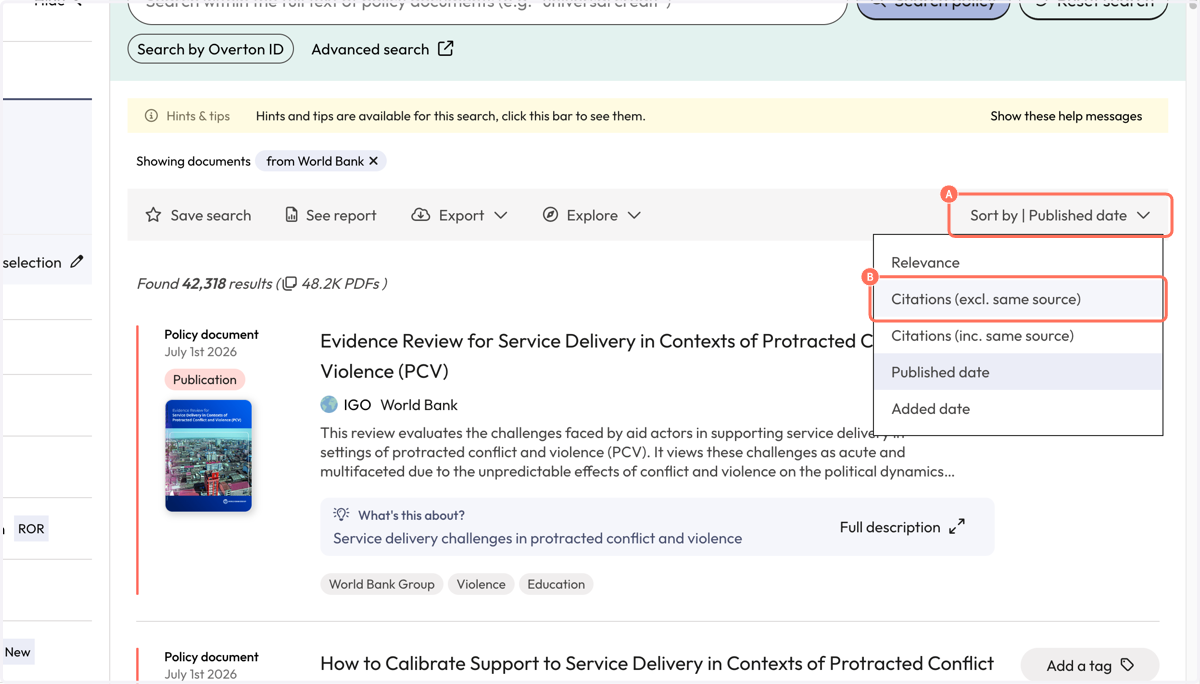
5. A. Sort your results by clicking on the 'Sort by'
5. B. You can sort results by date of publication, number of citations or when the document was added to Overton.
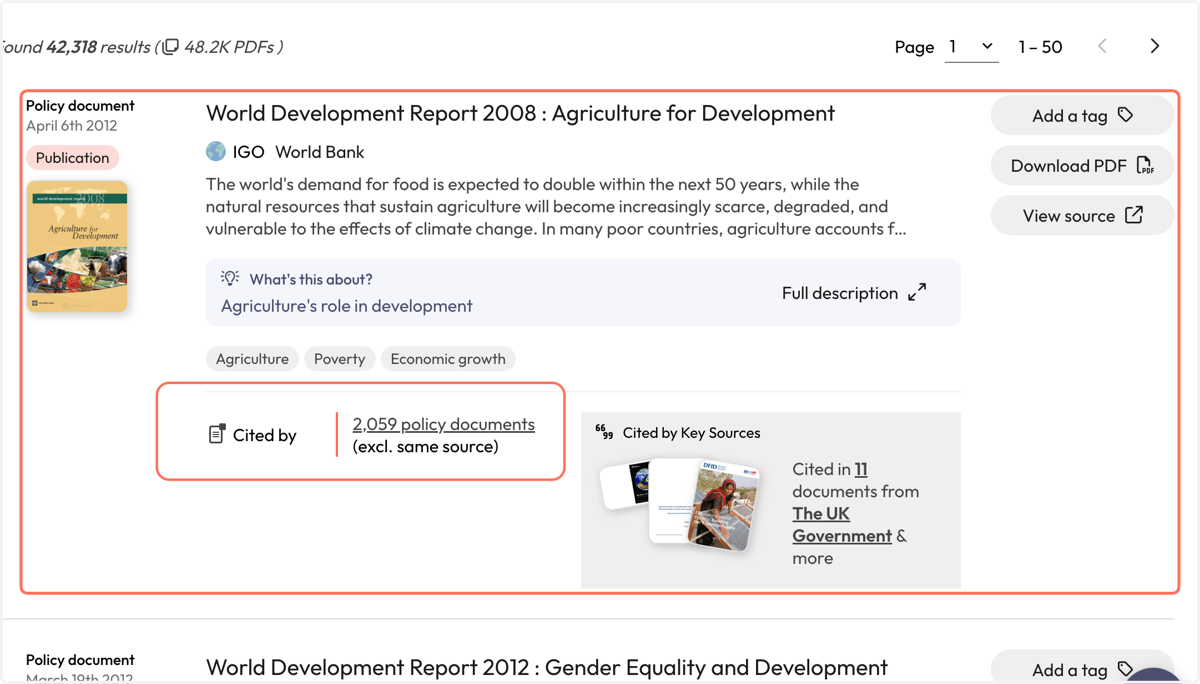
6. Select the publication that you want to search for policy citations for.
In this example, we are looking at the most cited publication from the policy source. We will find its Overton ID to run a search for it's policy citations.
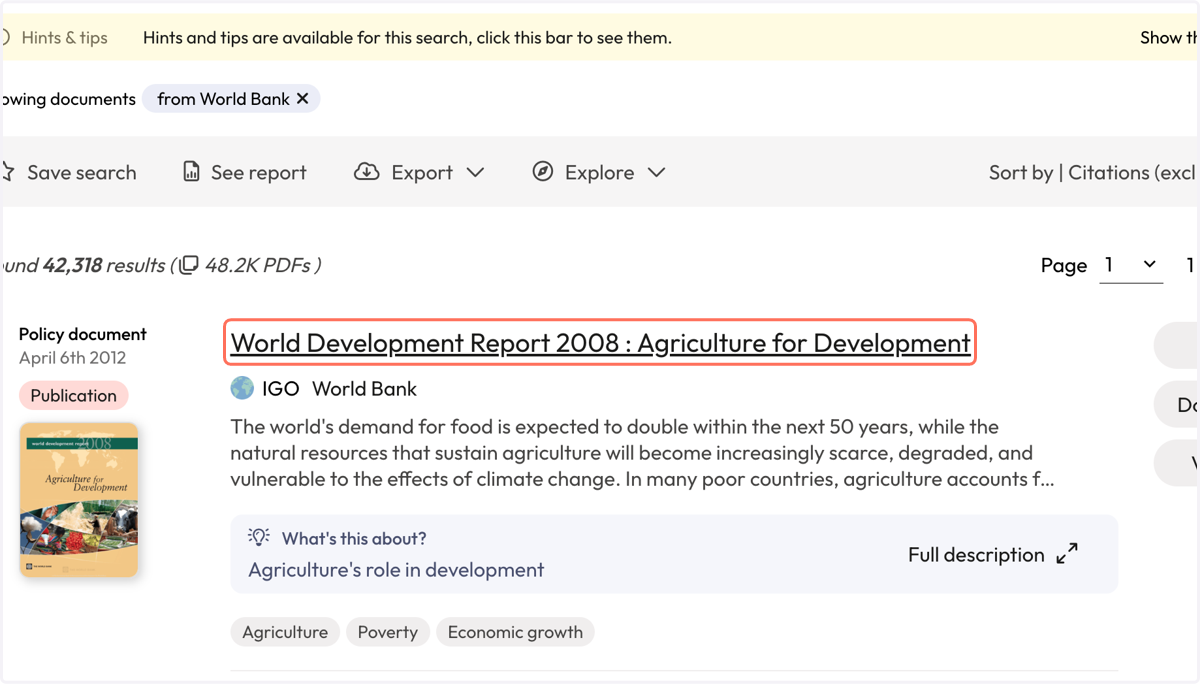
7. Click on the title to open the full policy document record where the Overton ID can be found.
8. You will see the full policy document record.
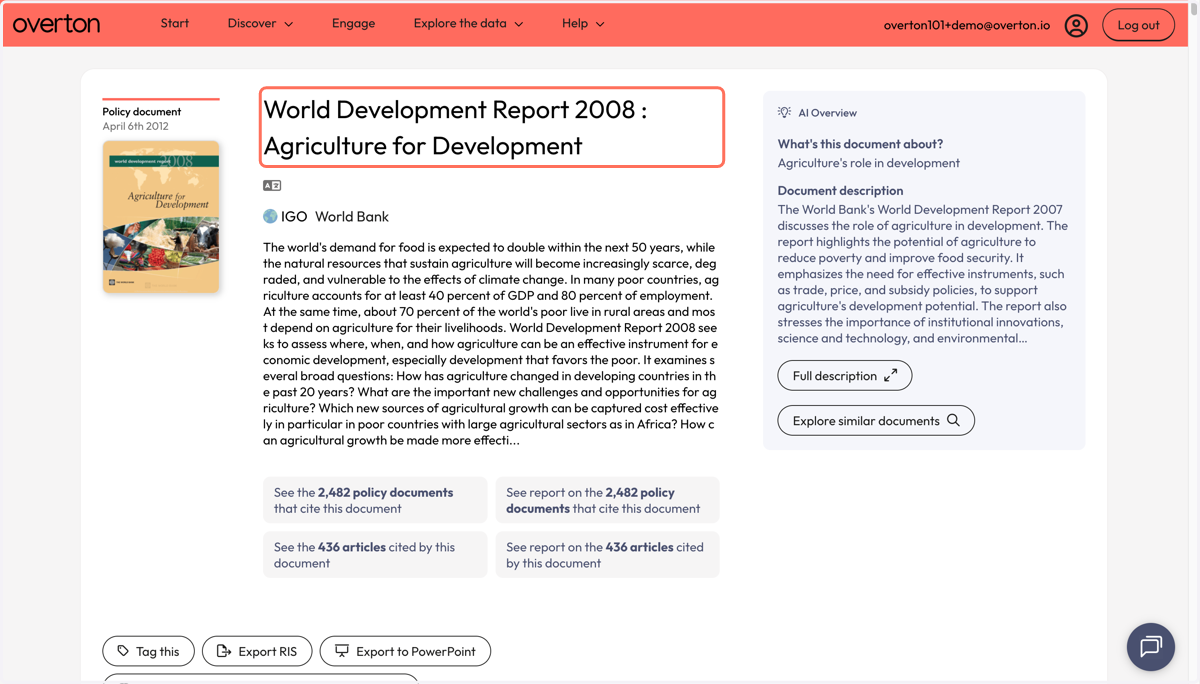
9. Scroll through the record to find the box that contains 'Identifiers'
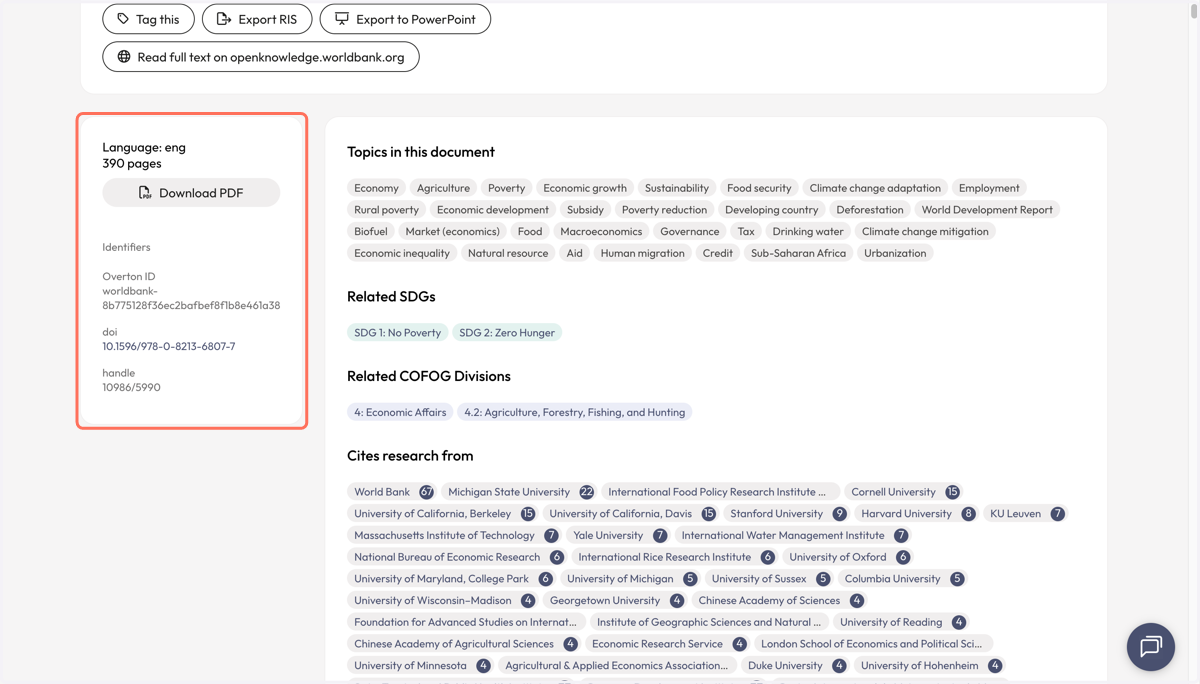
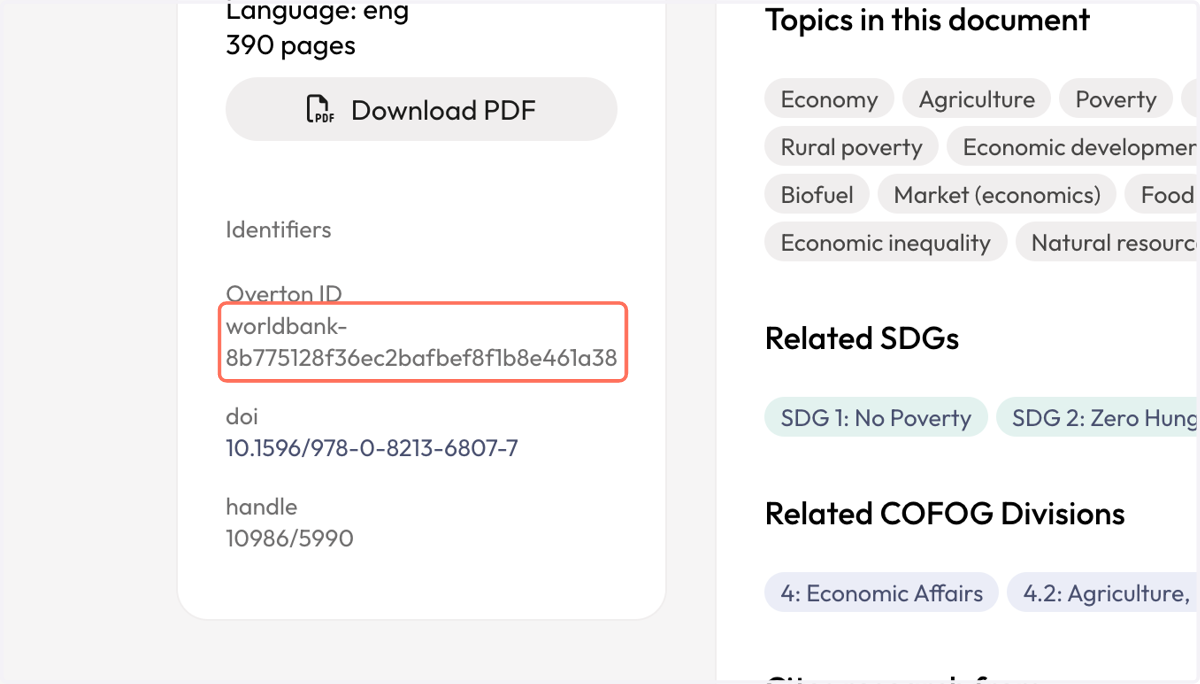
10. Copy and paste the Overton ID.
11. Navigate back to the 'Policy documents' page and select 'Search by Overton ID'
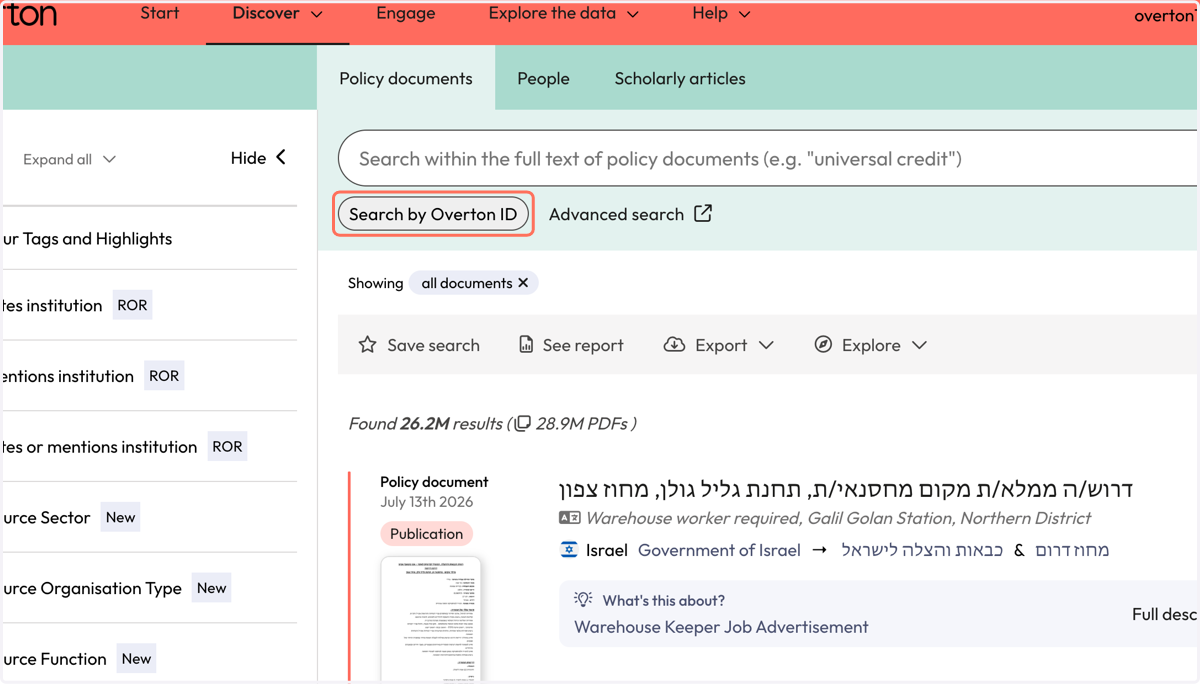
12. Paste the Overton ID into the search box.
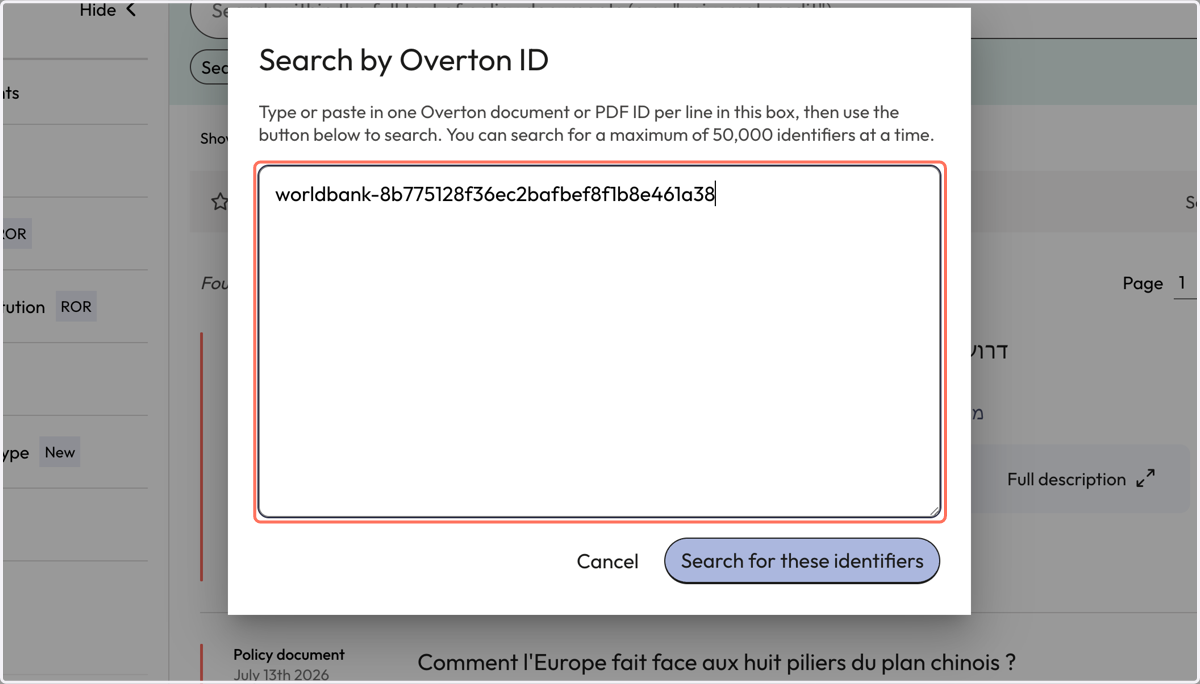
13. Click on 'Search for these identifiers'
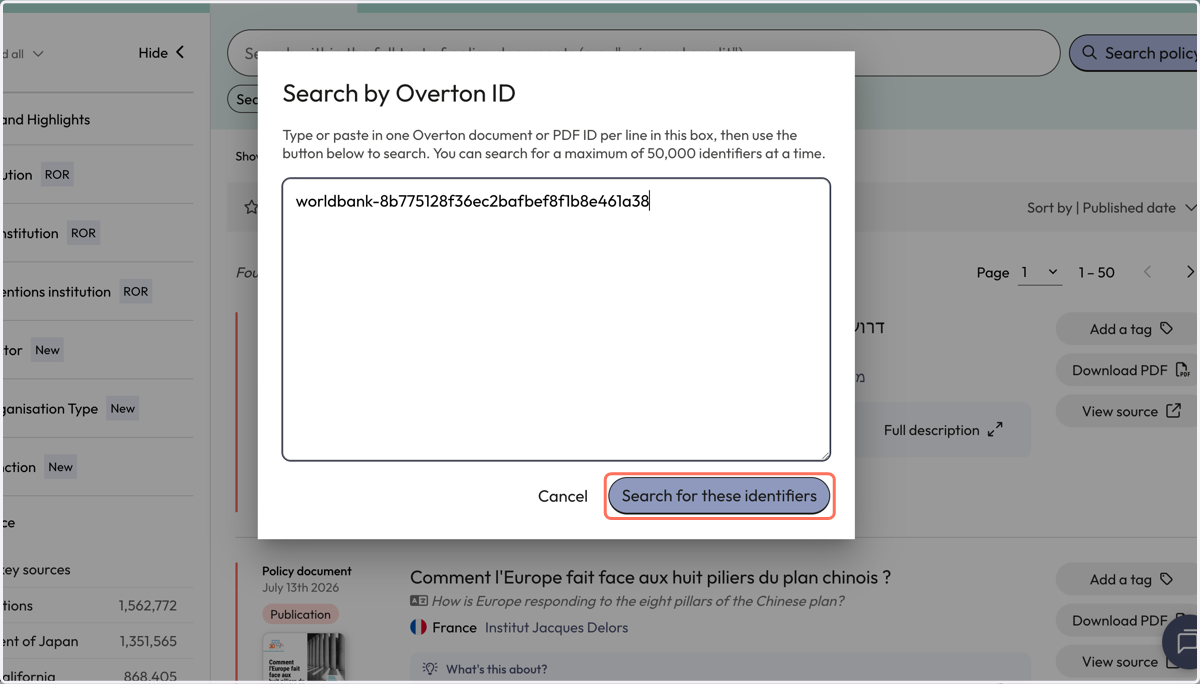
14. Your results will reflect on the Overton IDs you searched for.
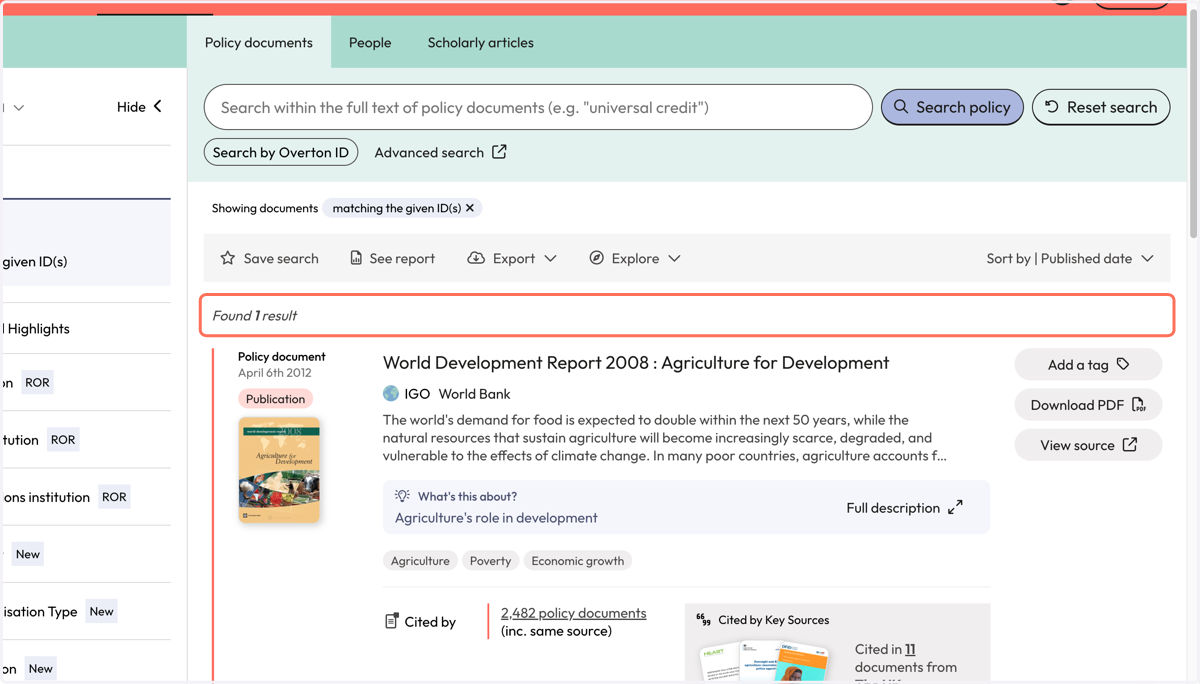
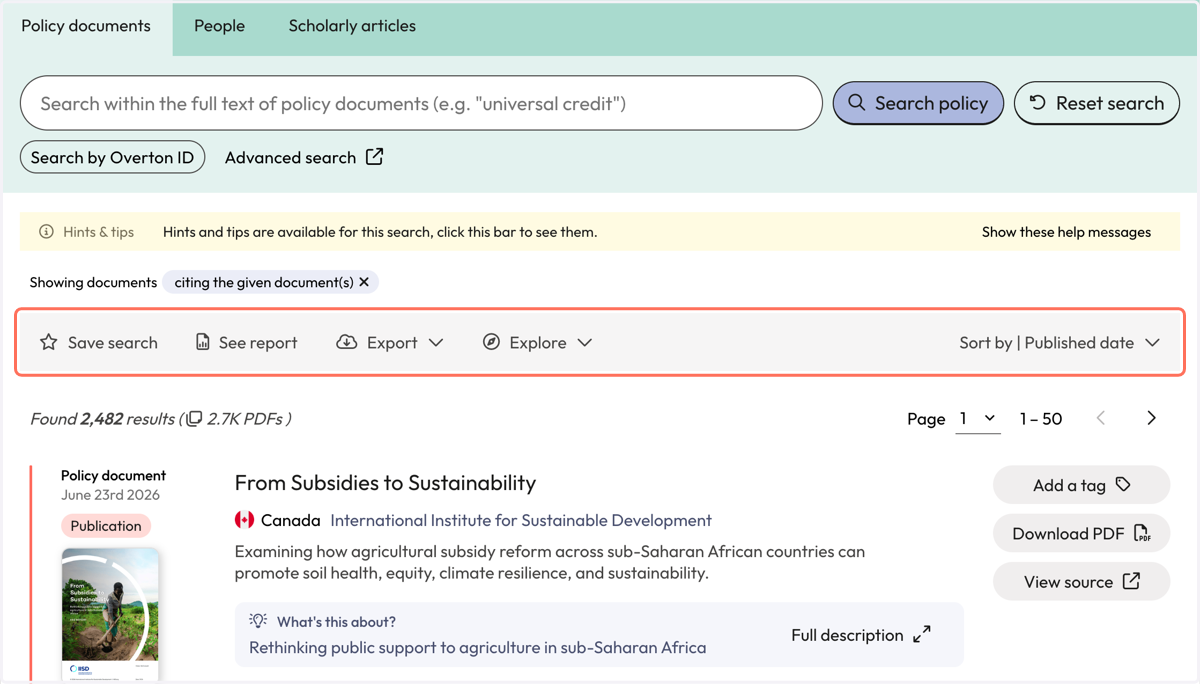
15. To see the policy citations for the document your searched for, click on the link where you see the number of citing policy documents.
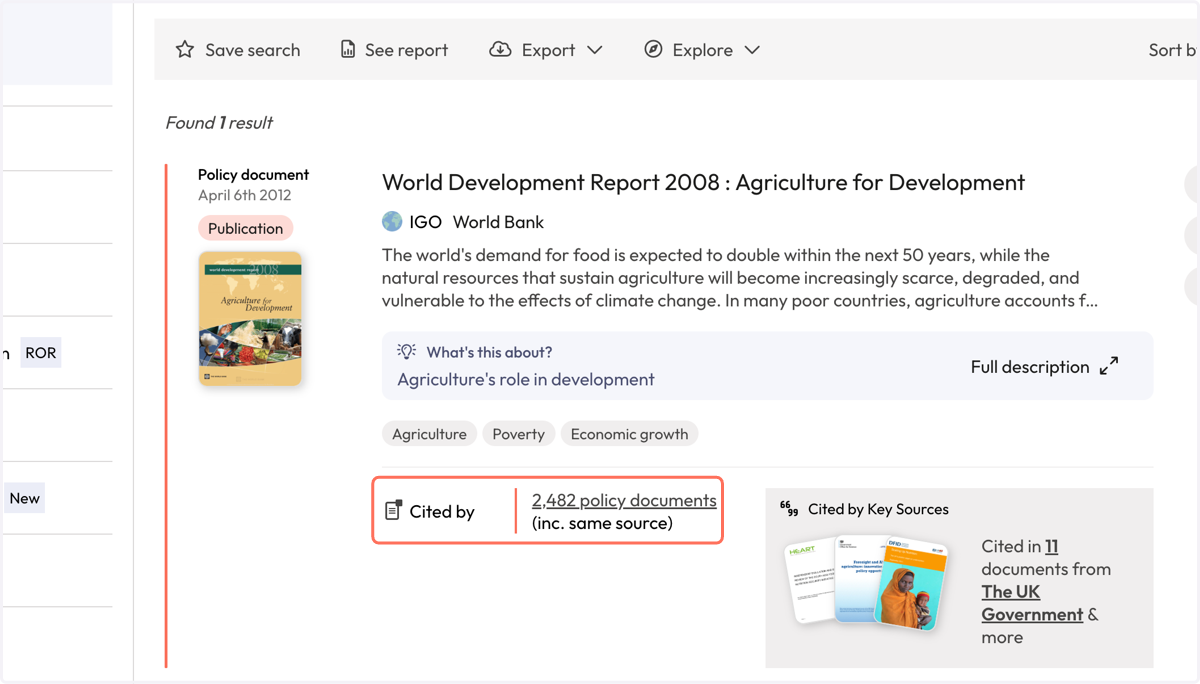
16. Your results will be for policy documents citing the policy document you searched for.
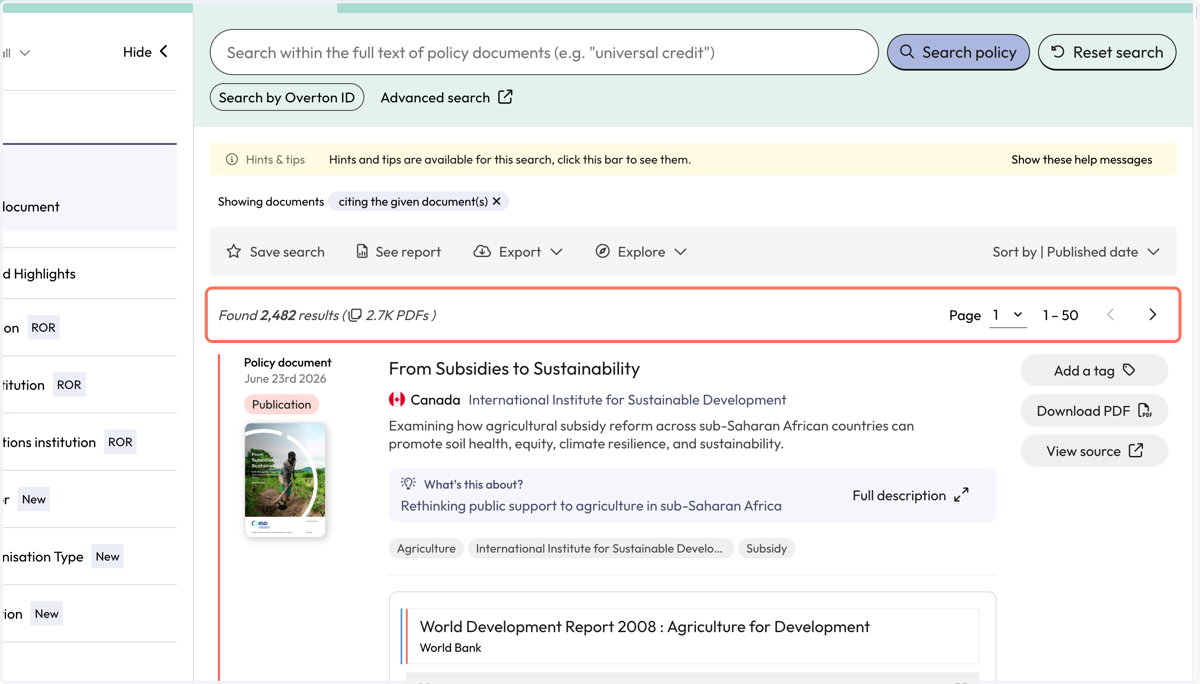
17. Each result includes the name of the citing policy document, the policy source and a snippet of context to indicate where the citation of your publication was found.
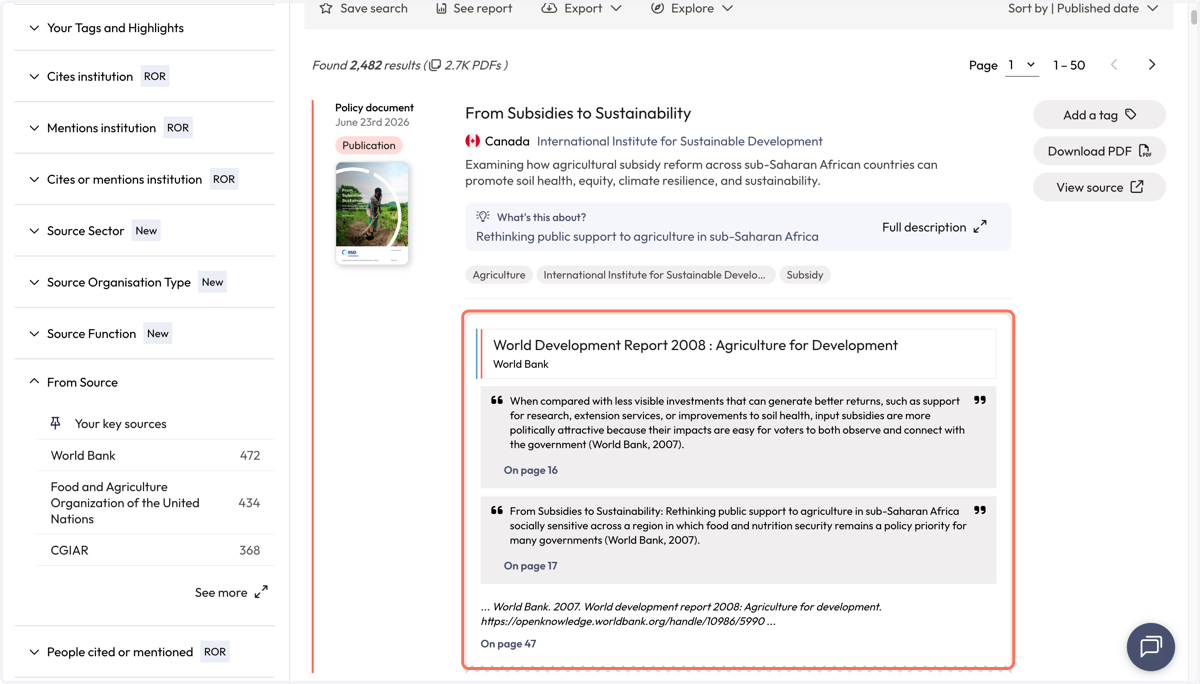
18. Use filters to narrow down results.
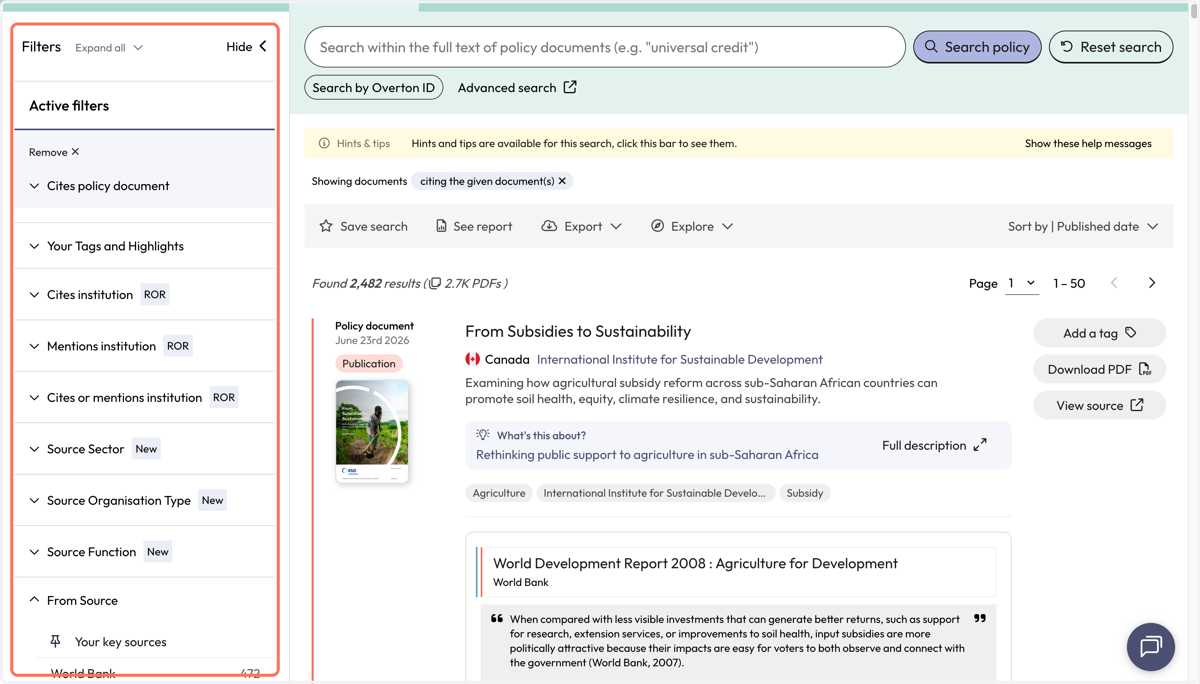
19. Use the action bar to save a search, generate a summary report, export* or explore further.
*exports are not available for limited, 14-day trials.