(FI/SS) Final Evaluation
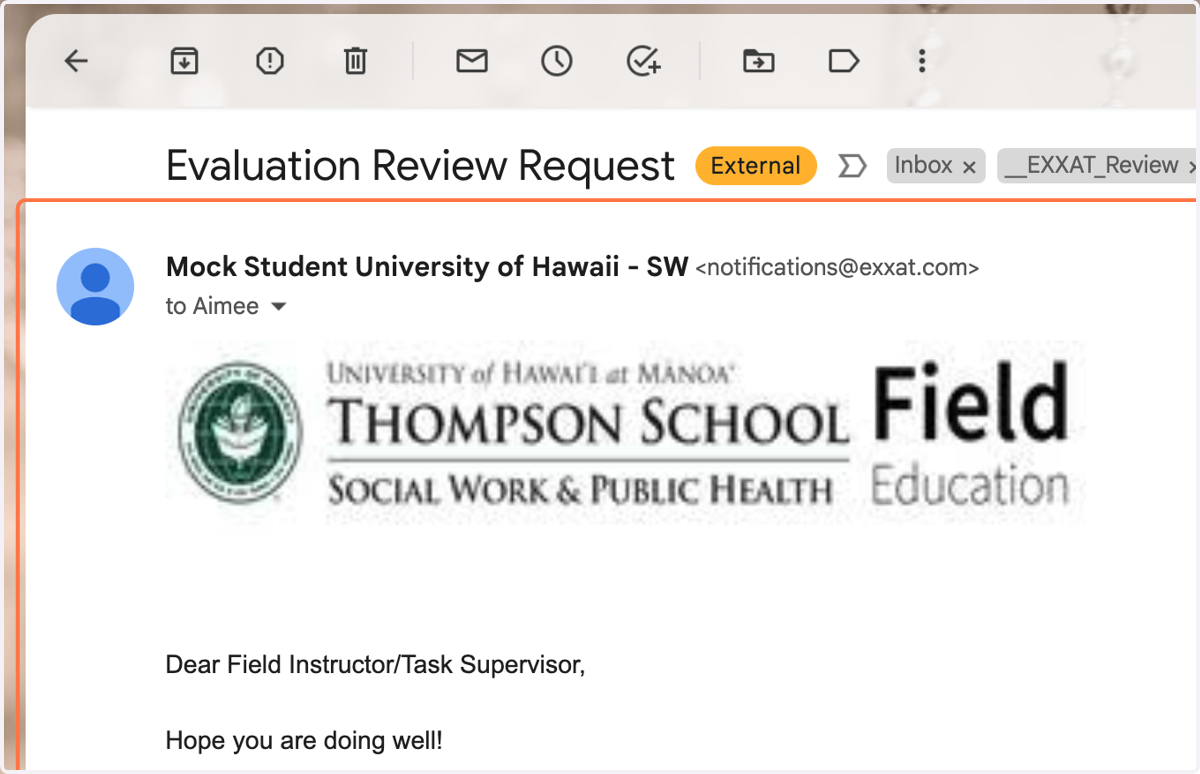
1. The email subject line should be, "Evaluation Review Request."
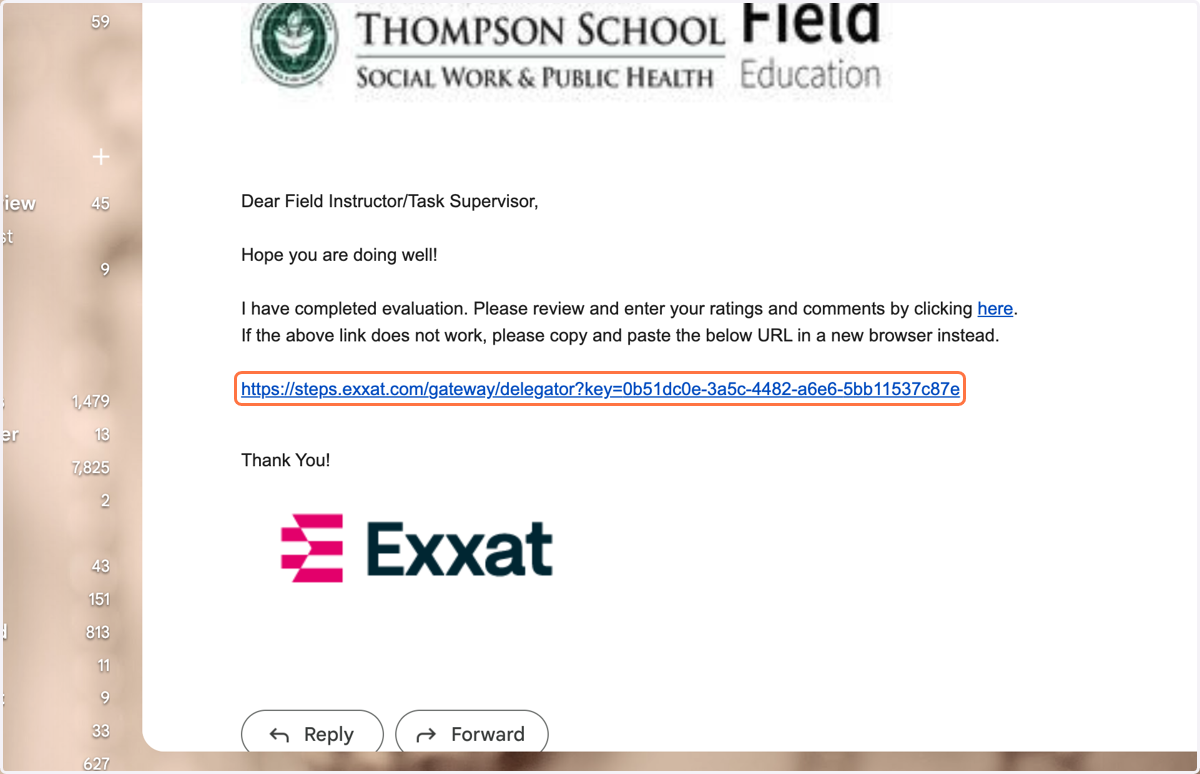
2. Click on the link in the email.
3. Review the Evaluation Rating Scale.
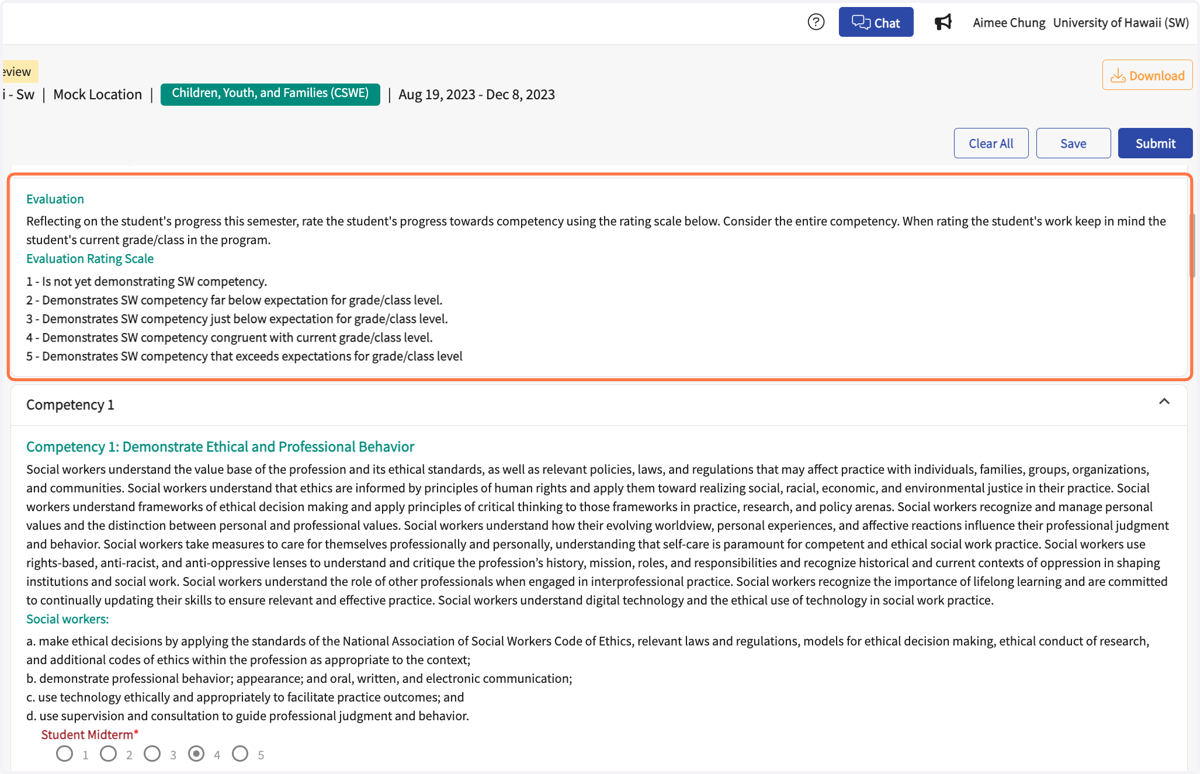
4. Review the student's self-evaluation.
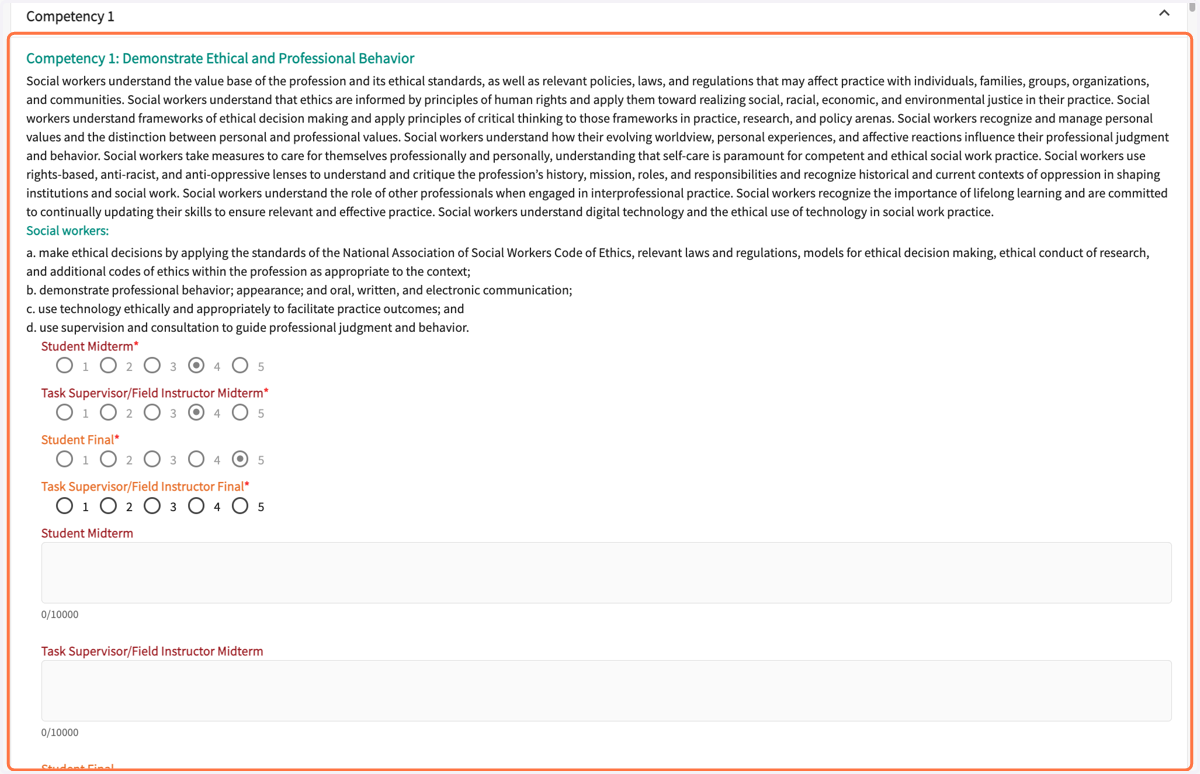
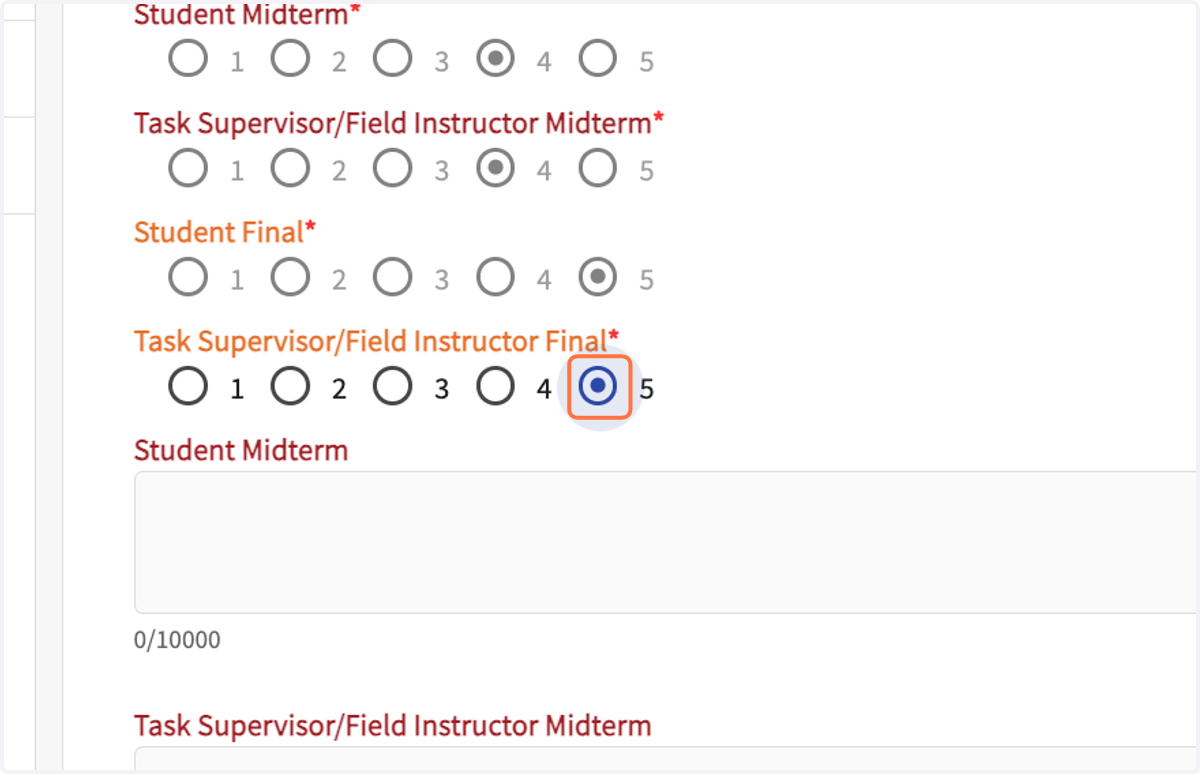
5. Rate the student on all of the 10 Competencies.
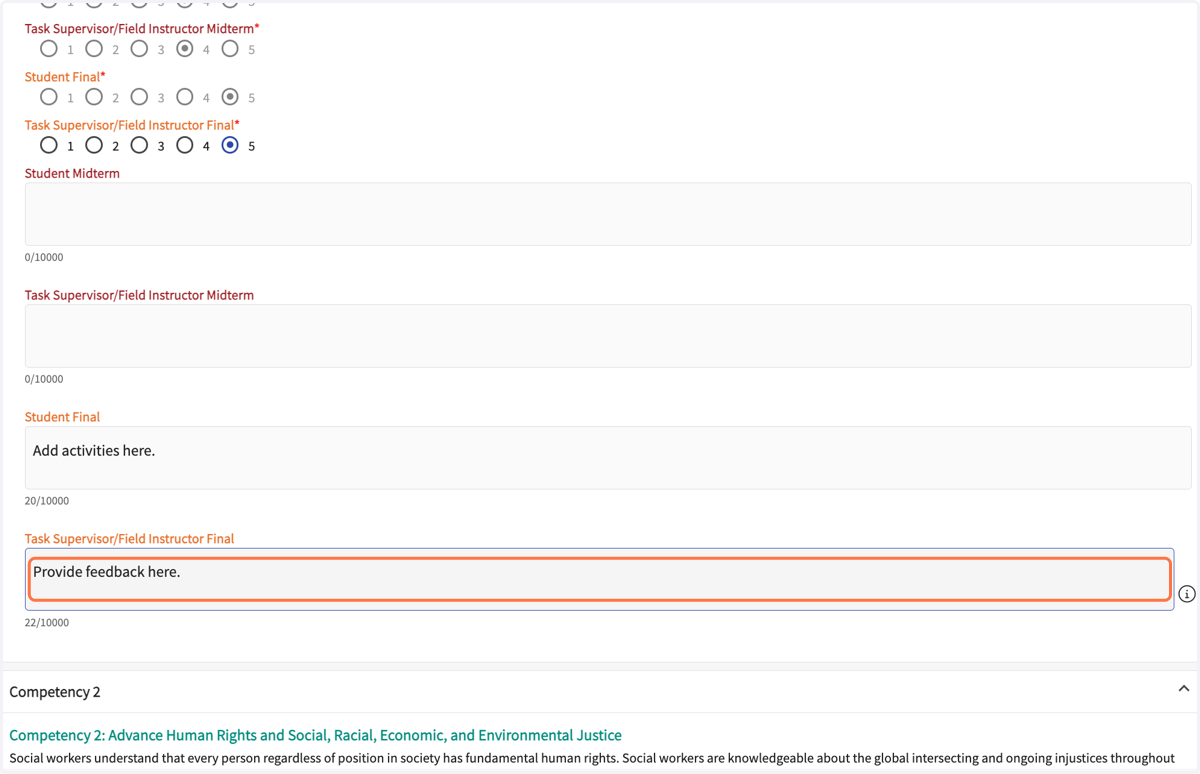
6. Provide feedback to the student, especially for any score below 5.
7. Field Instructor only - Draw signature.
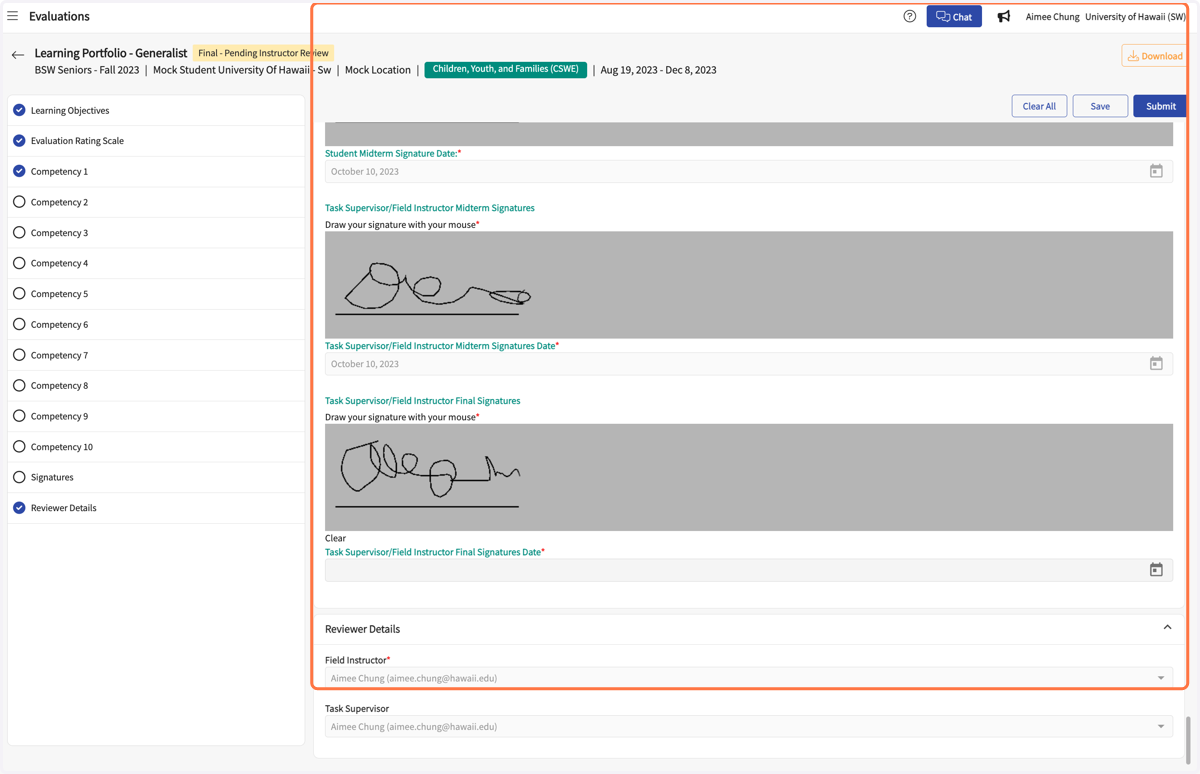
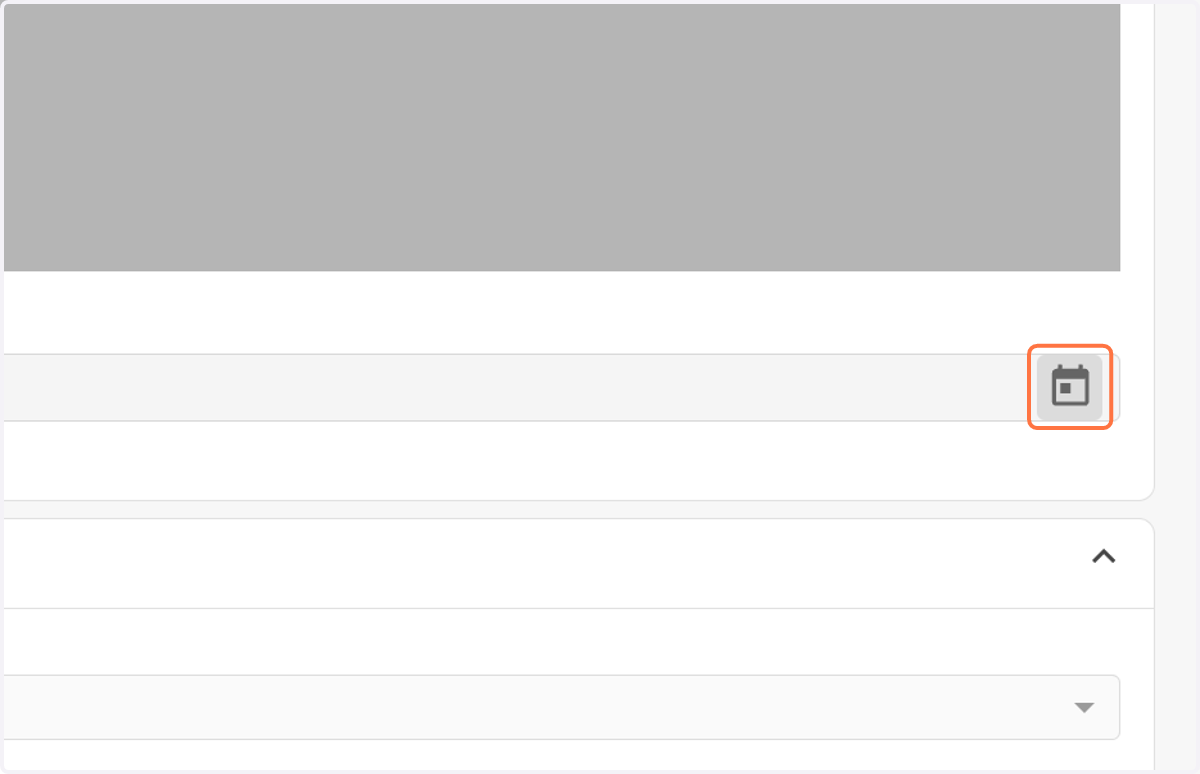
8. Enter date by clicking on the calendar icon.
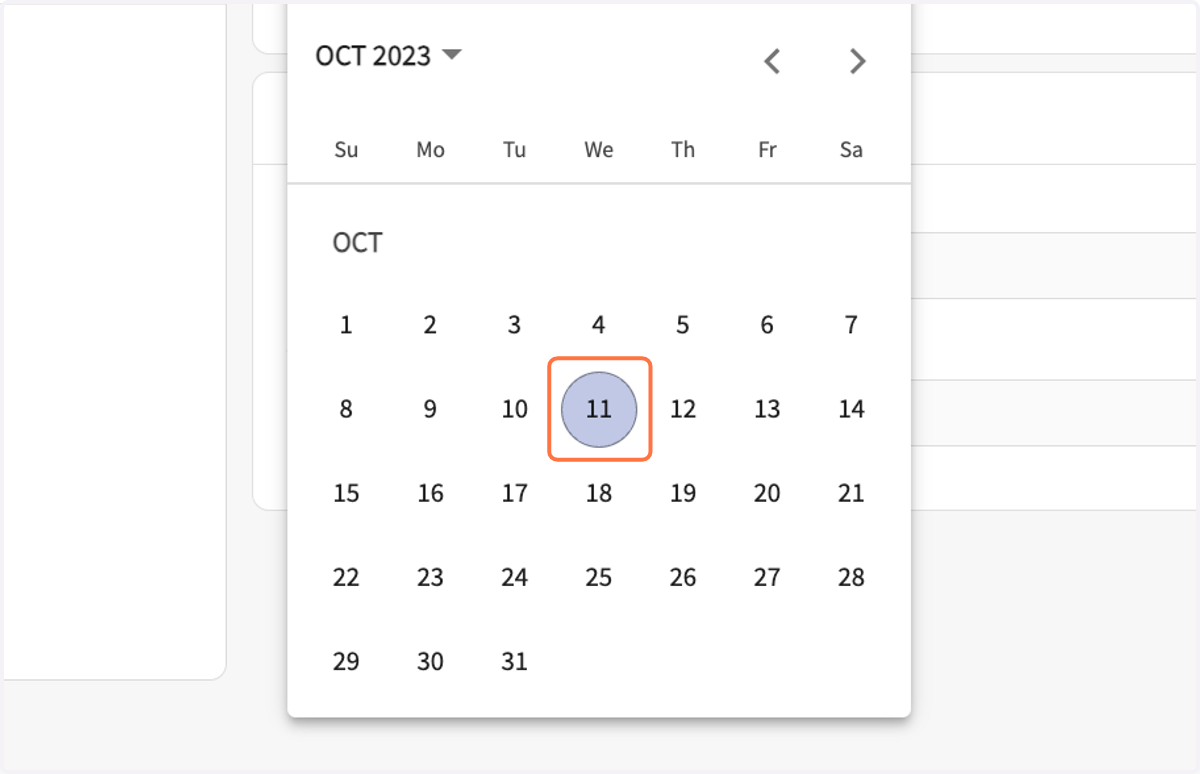
9. Select date
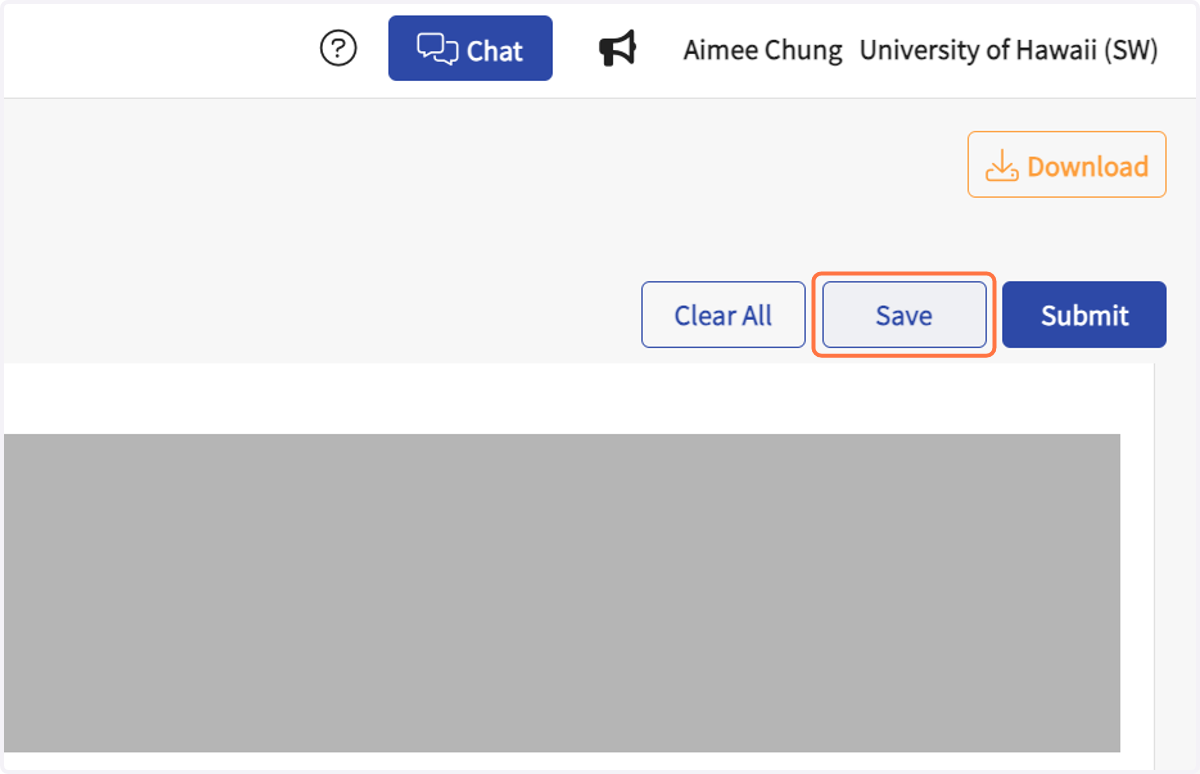
10. Click on Save at any time.
Site Supervisors - click "Save," do NOT click "Submit."
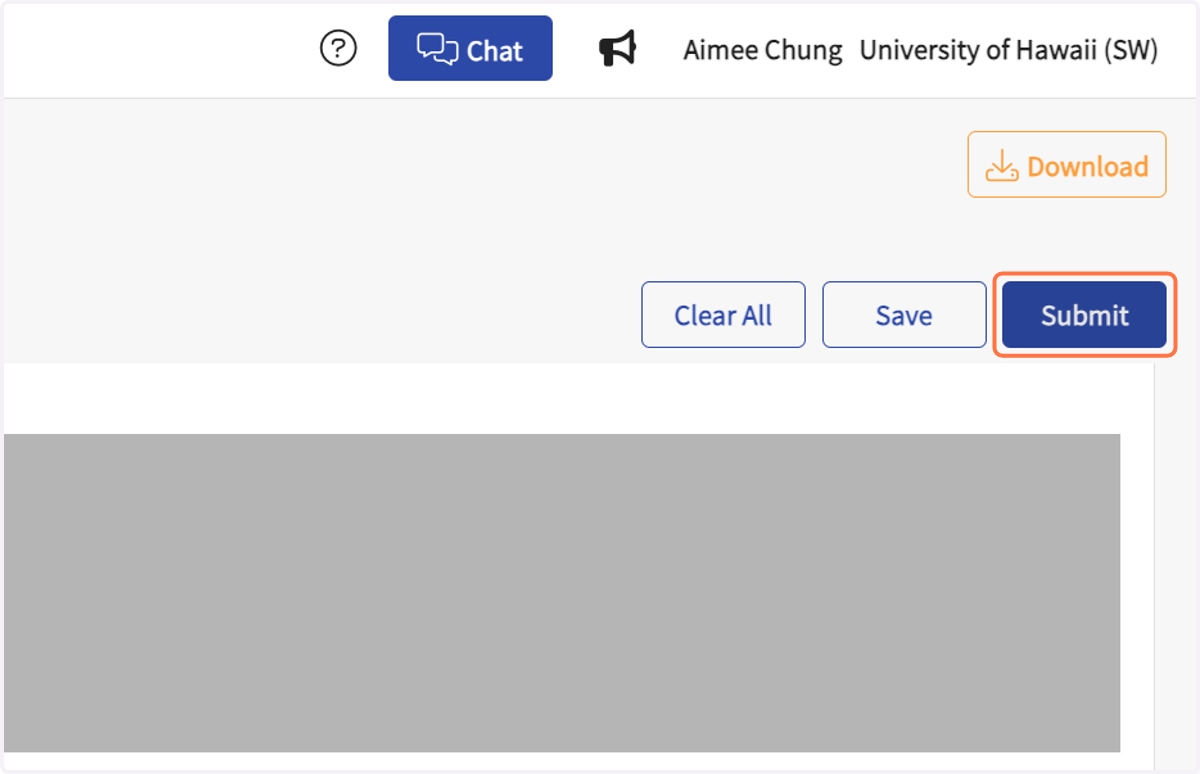
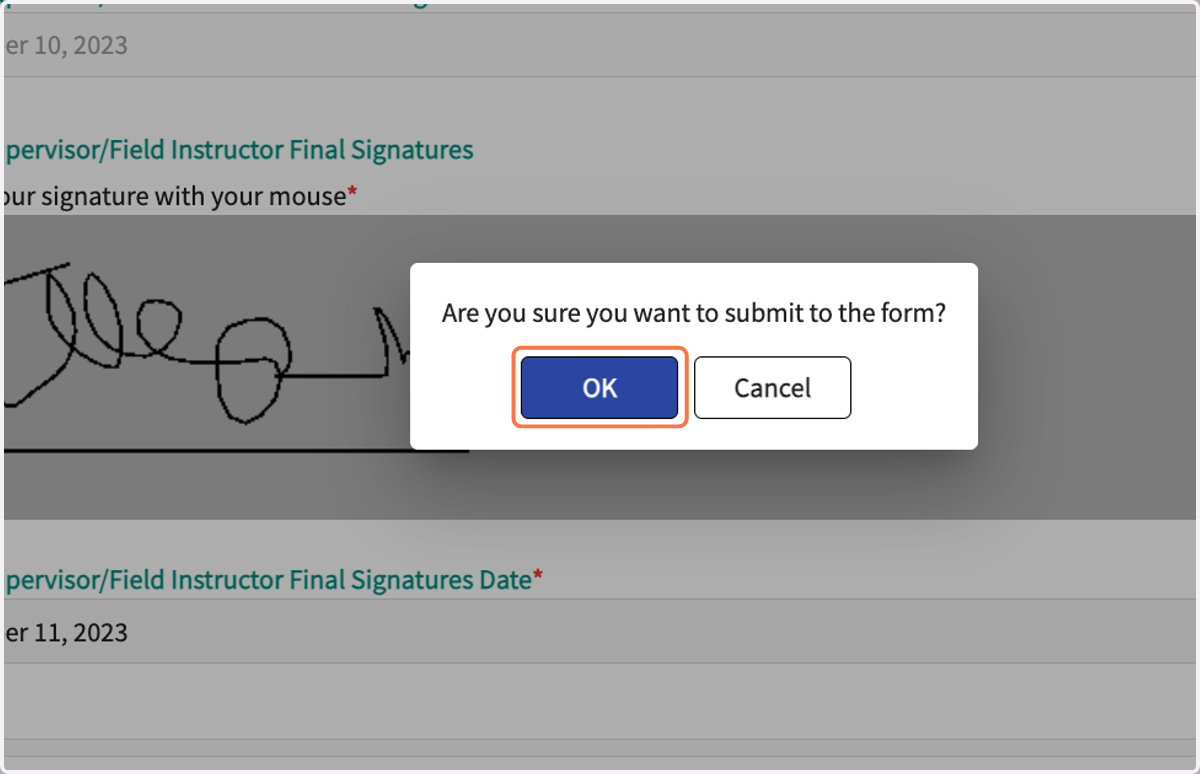
11. Field Instructors - click on "Submit" when complete.
12. Click on OK in the pop-up.
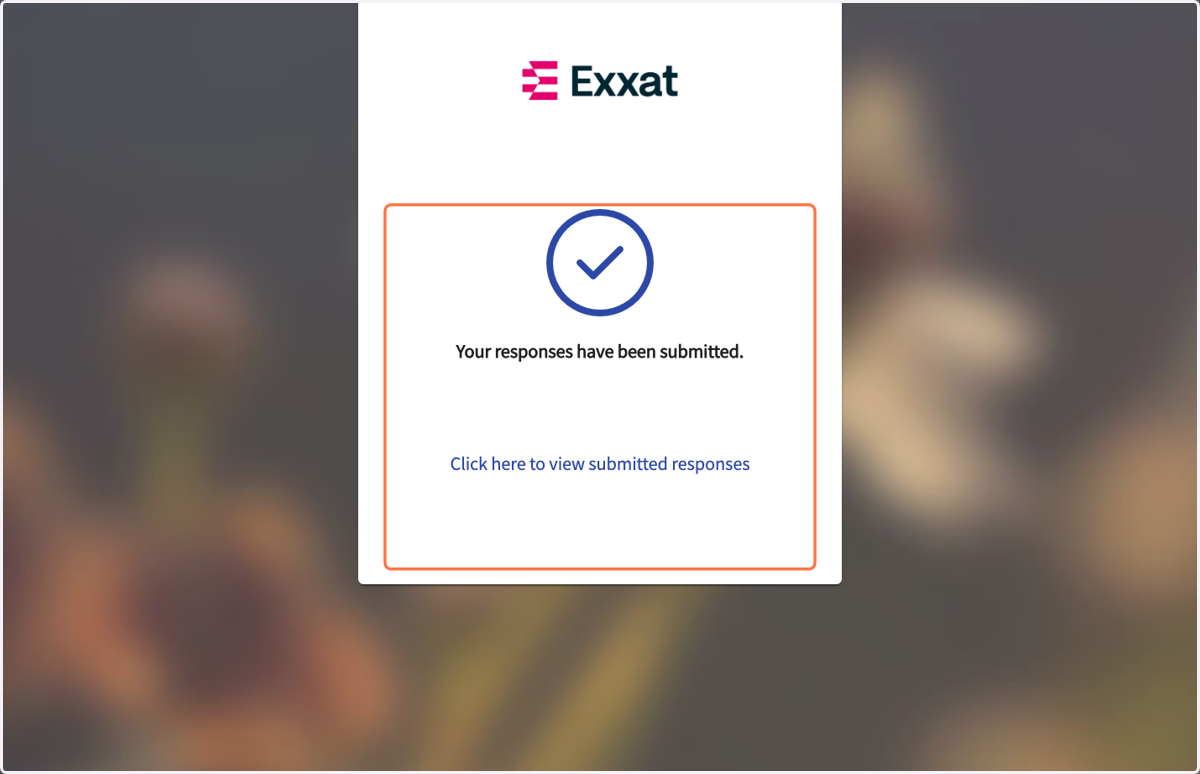
13. When submitted, this window will confirm submission.