Extra Credit Quiz or Test Question
This tutorial will show you how to make a test question a bonus question. NOTE: You should not make ALL the questions extra credit. This is only for one or a couple questions.
Start Here - Patti - Practice as Instructor
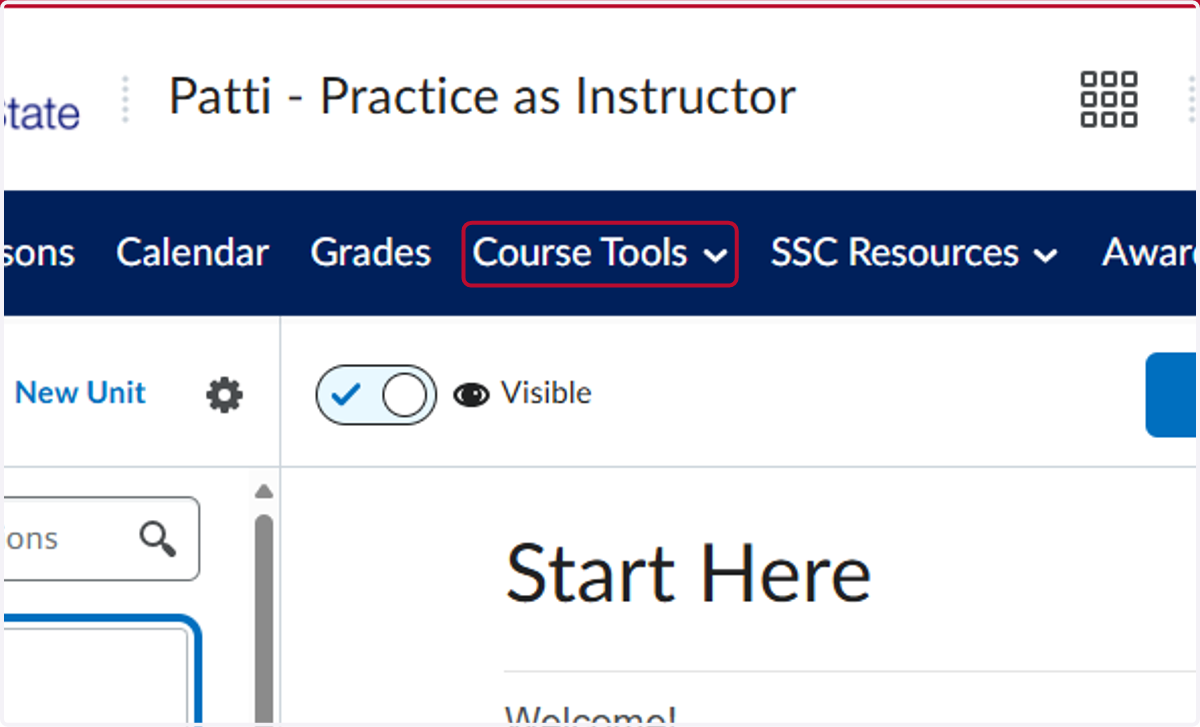
1. Click on Course Tools
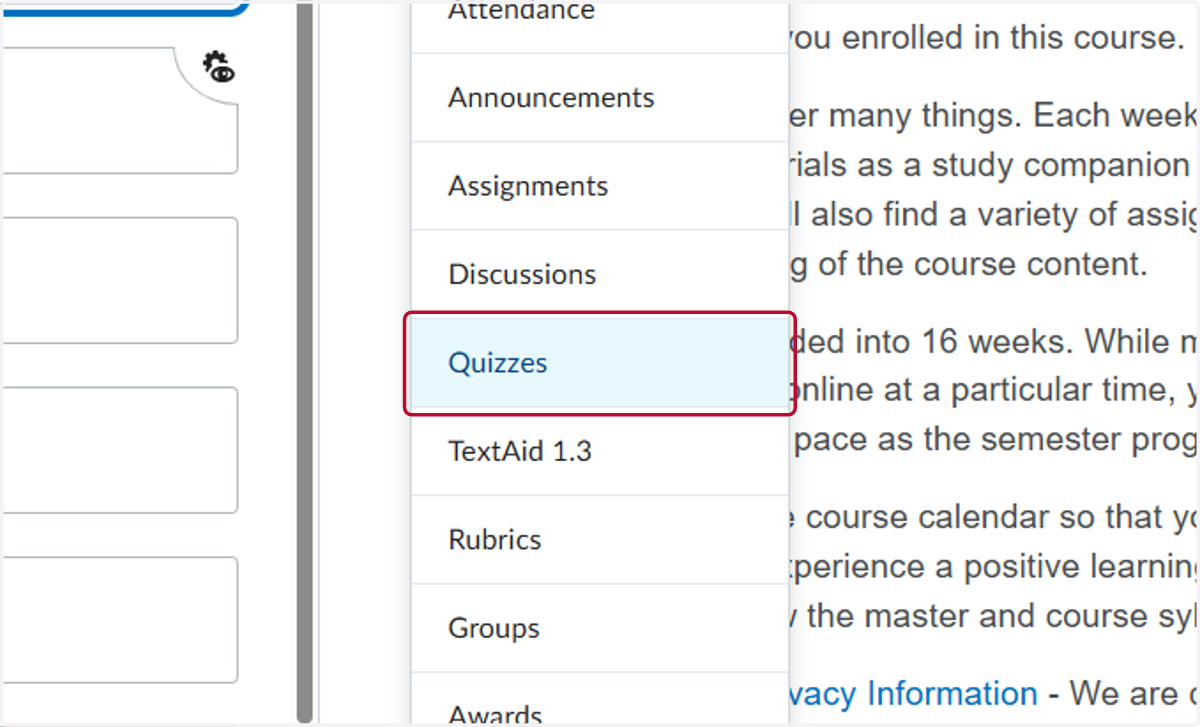
2. Click on Quizzes
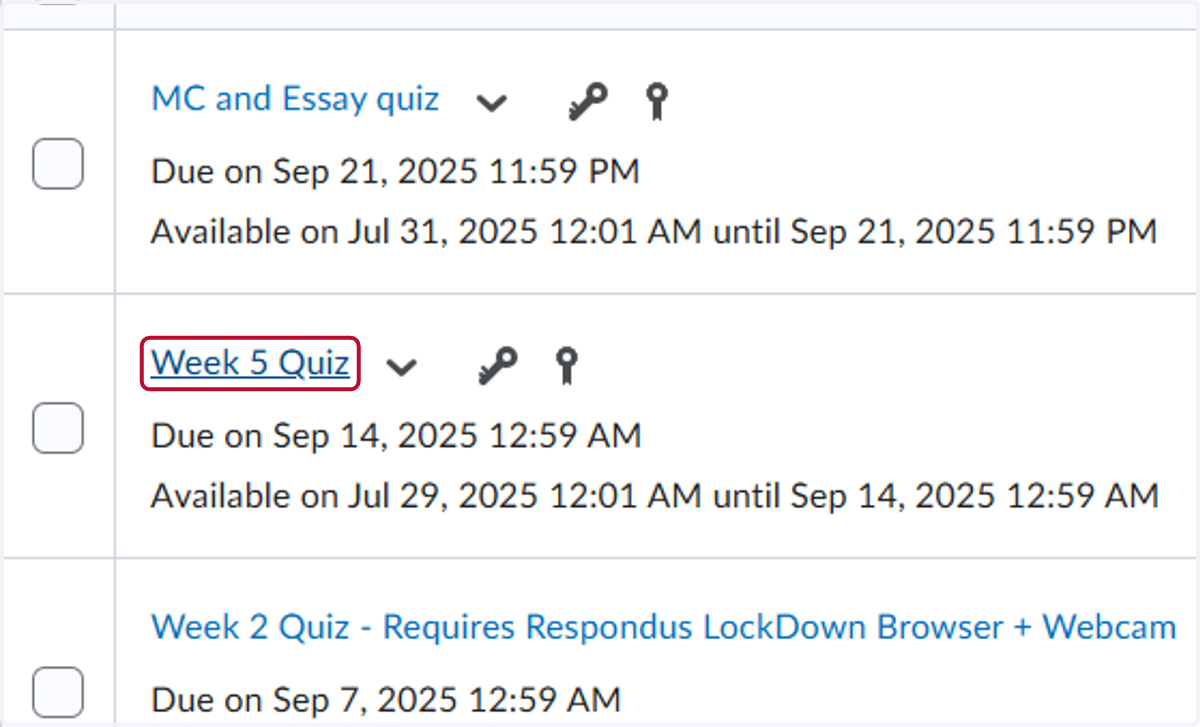
3. Click on the quiz you want to work on. For our example, we used the Week 5 Quiz
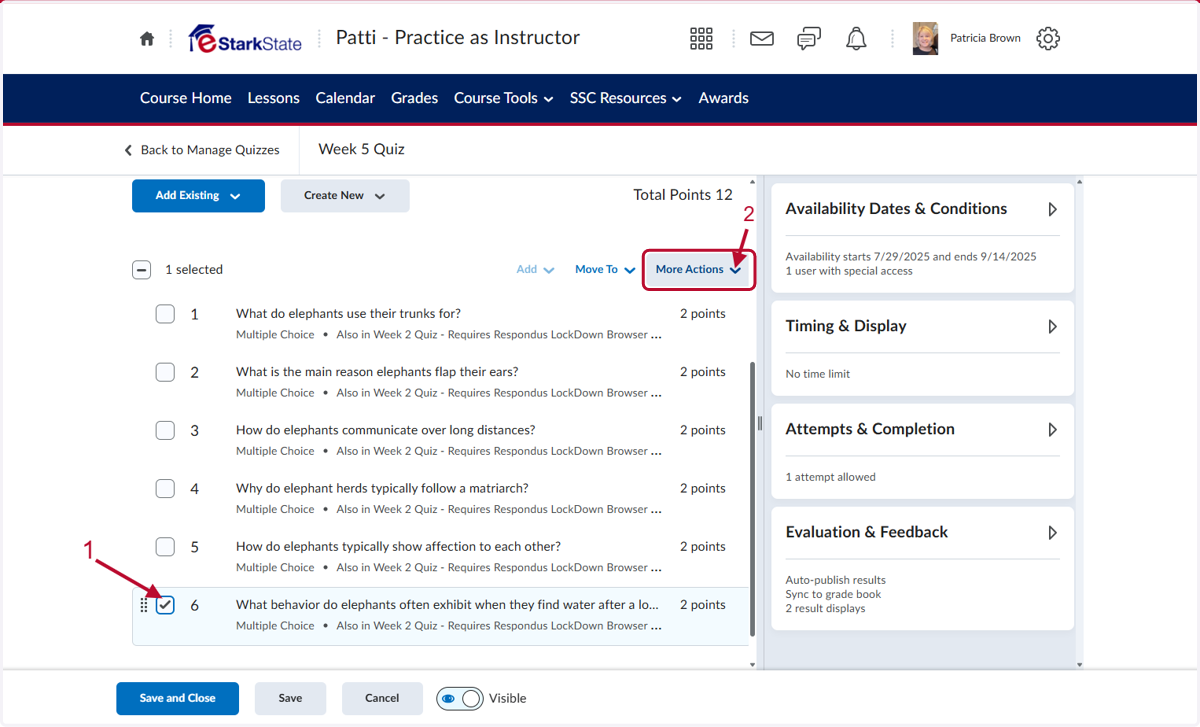
4. Click on the box next to the question you want to make a bonus question and then click More Actions
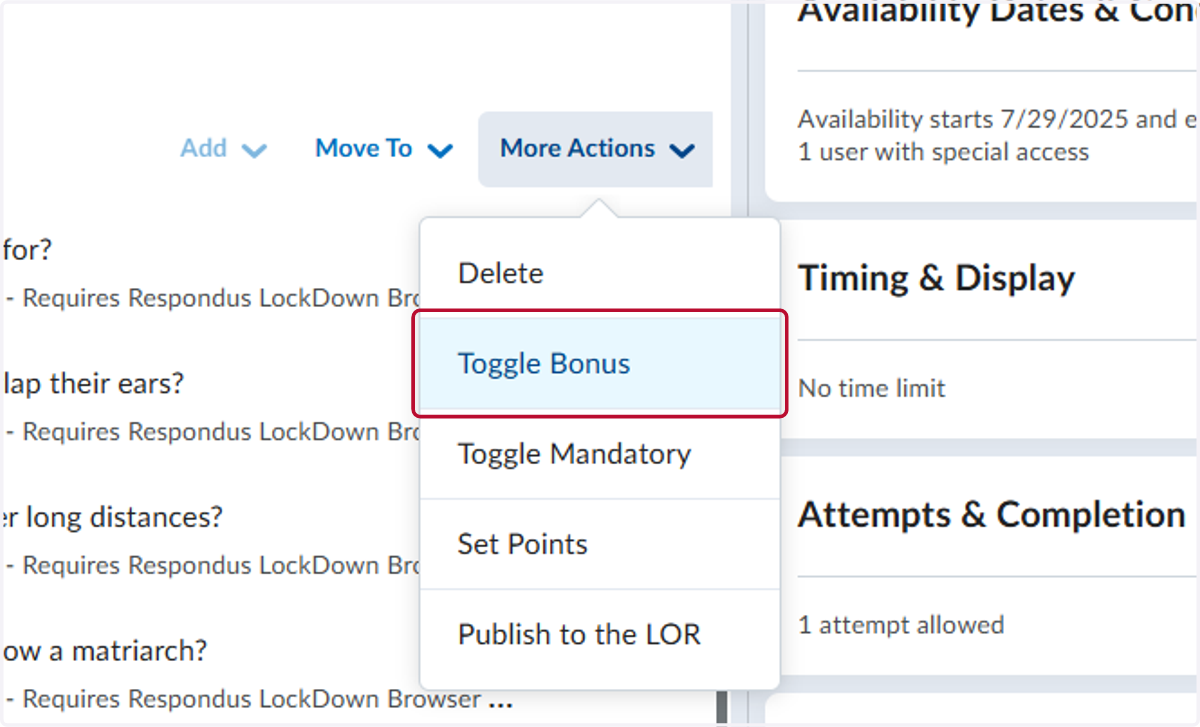
5. Click on Toggle Bonus
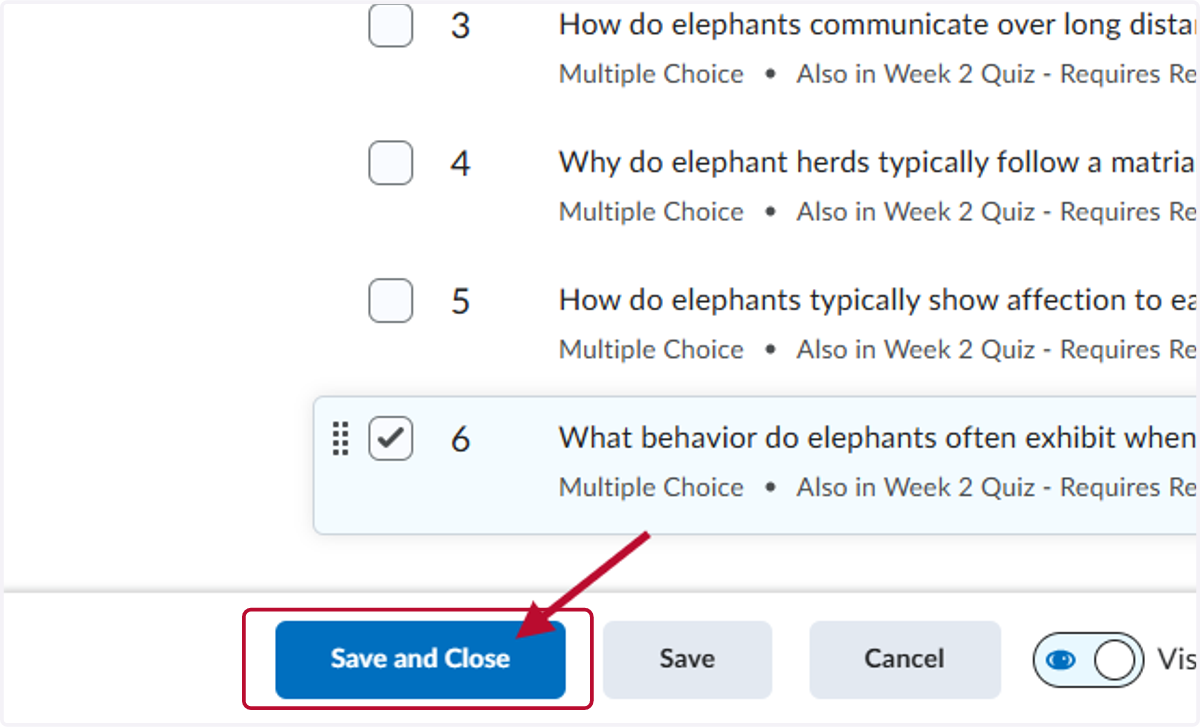
6. The question has been changed to a bonus question. Now, click Save and Close.