Extension Division Application: How to Schedule an Interview
Navigate to your Application Status Page
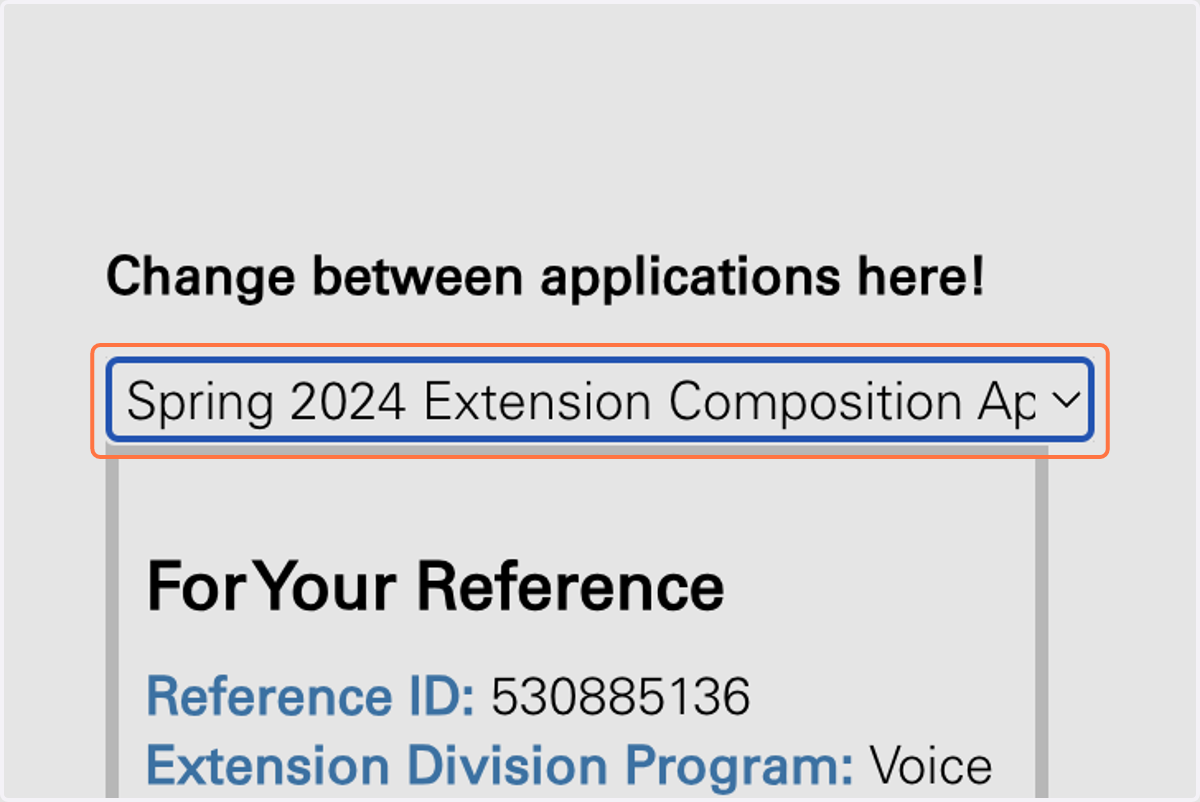
1. Toggle to the applicable application round and area of study.
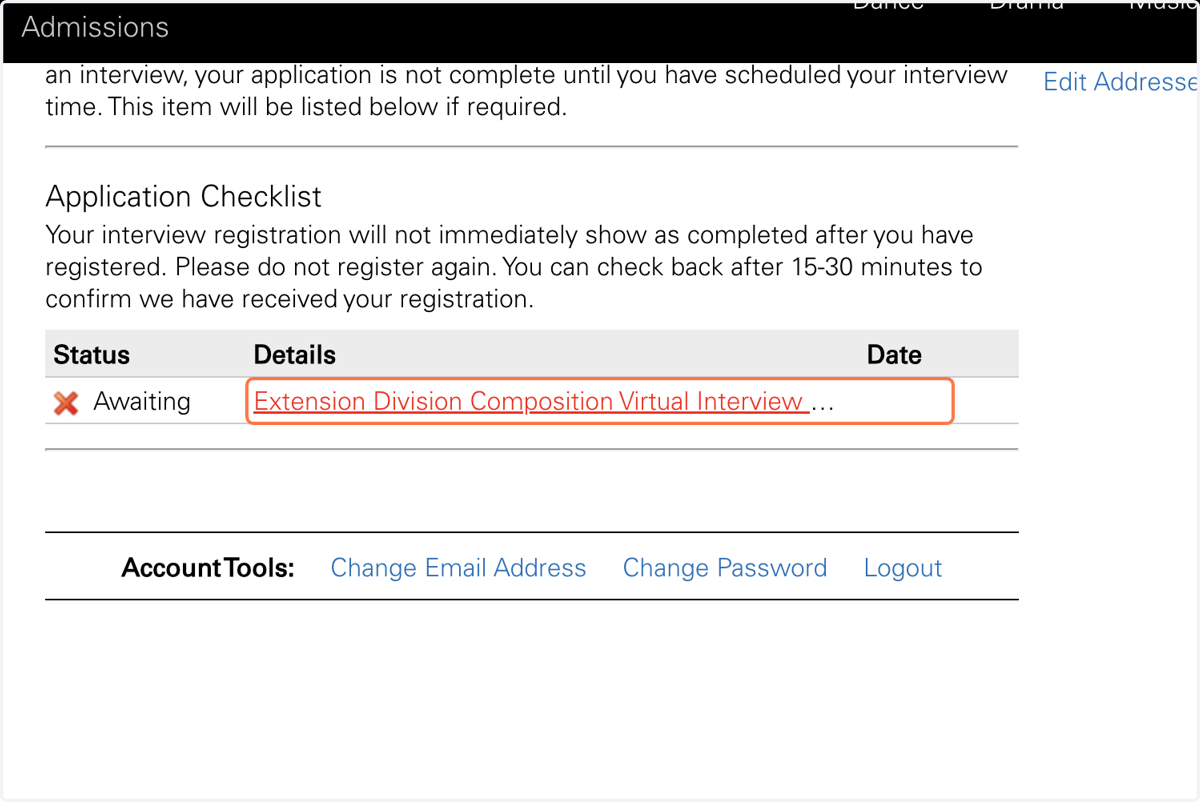
2. Click on Extension Division Virtual Interview Registration link.
A red "❌" indicates that an interview is required and has not been scheduled.
A green "✅" indicates that your interview is scheduled and confirmed.
A gray "✔" indicates that your interview is waived. No further action required.
Note that our system can take up to 60-minutes to update this logo on your application status page.
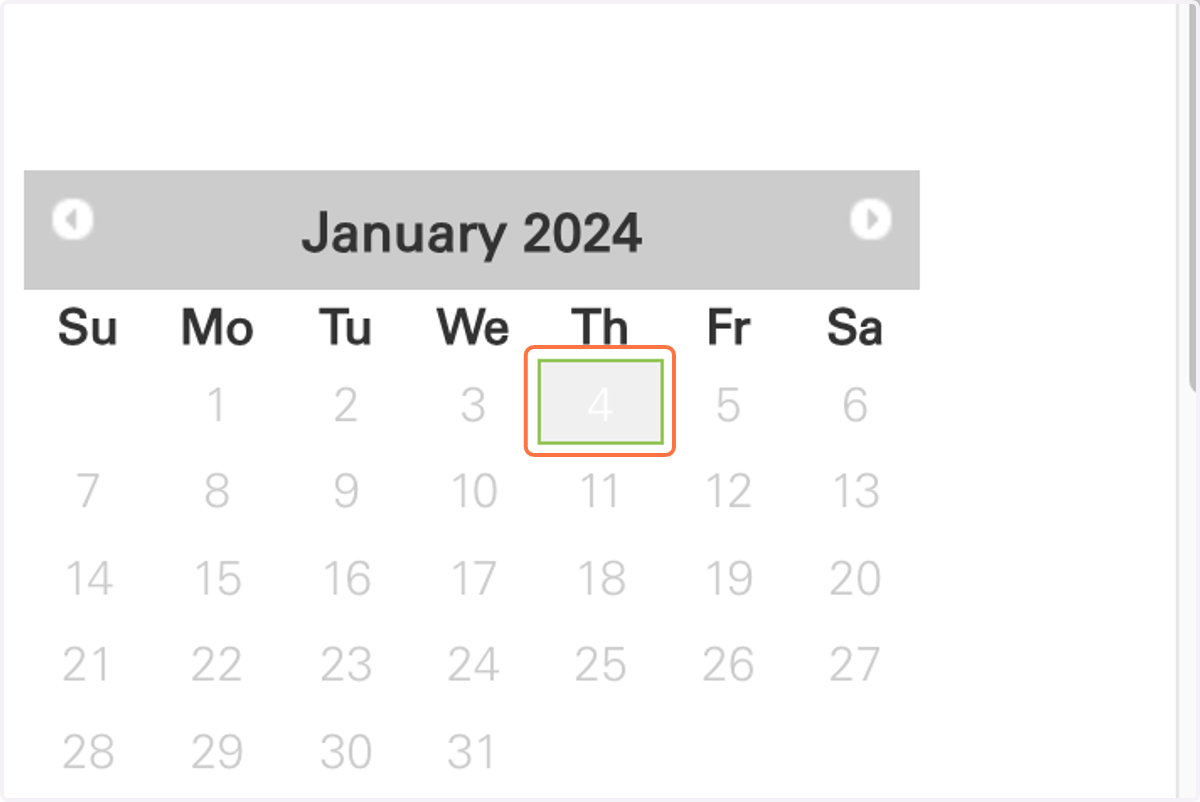
3. Once you select the Interview Registration Link, read the text and toggle to the interview date.
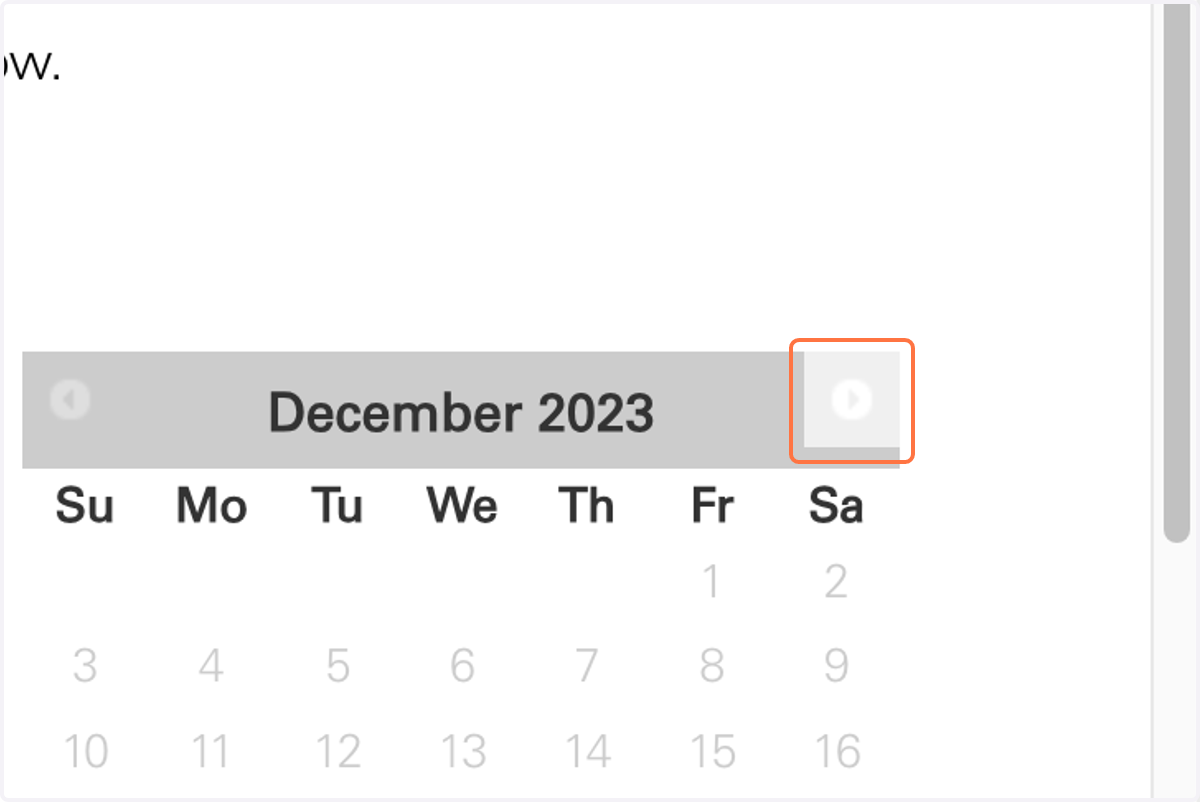
4. Select the available interview date.
5. Select an available interview time.
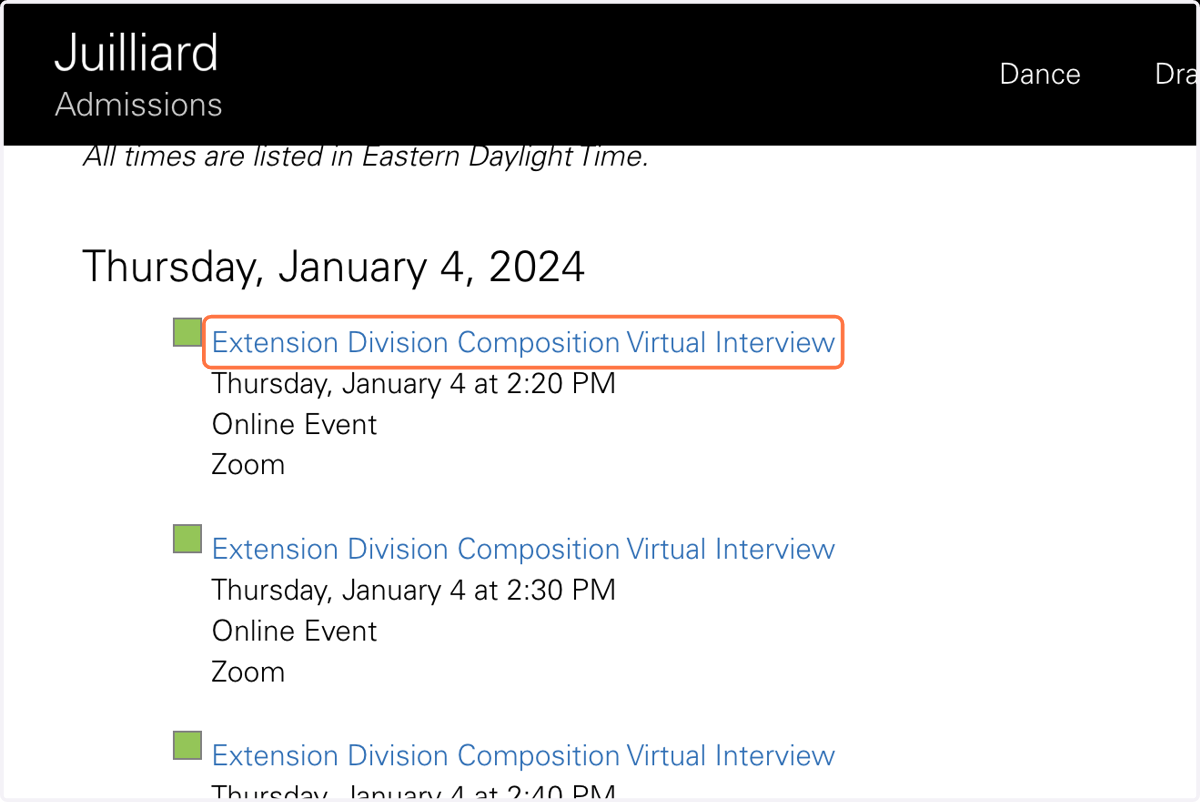
6. Click on Submit to confirm your interview time.