Exporting a list of your event sign ups
In this workflow, you'll learn how to export a list of people who sign up for your events/shifts
Mobilize
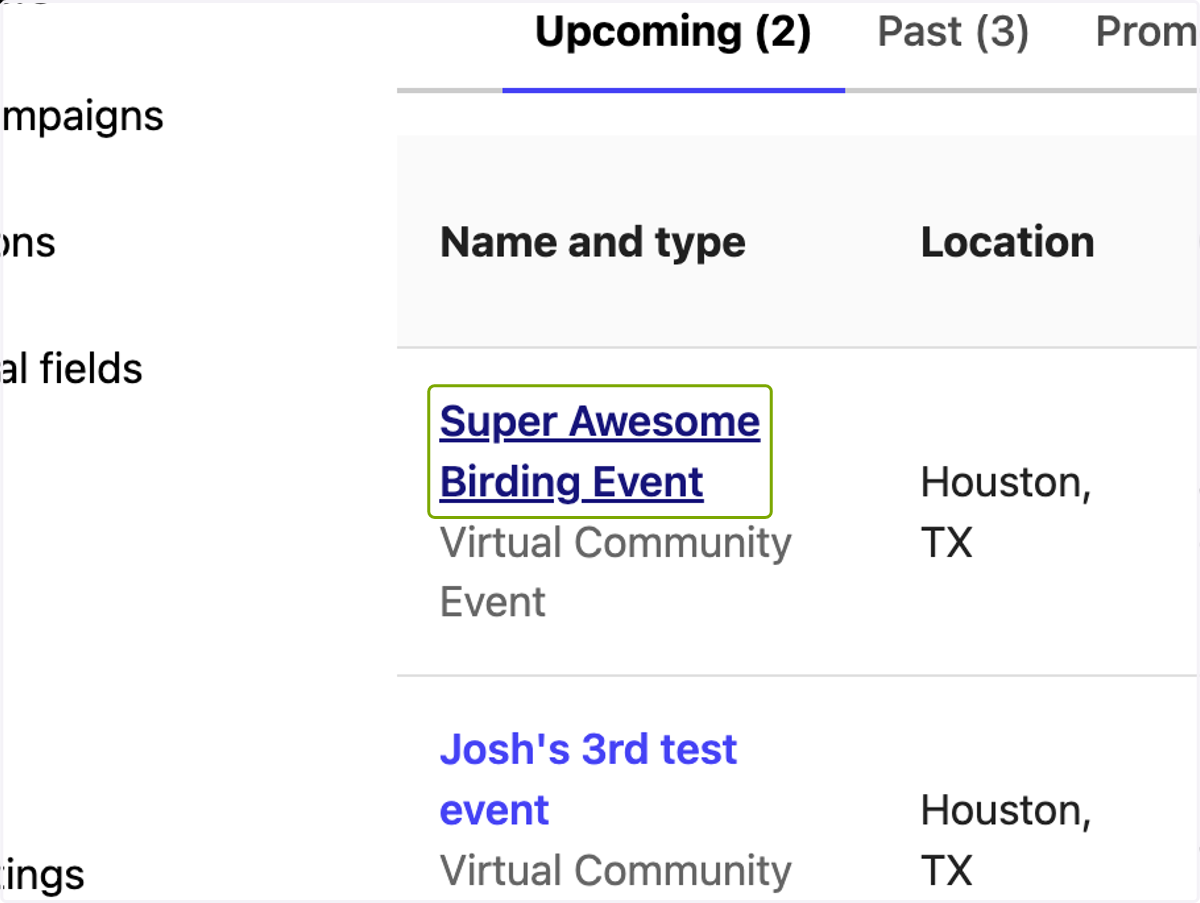
1. Click on the event you want to access
2. Export Signups for all shifts
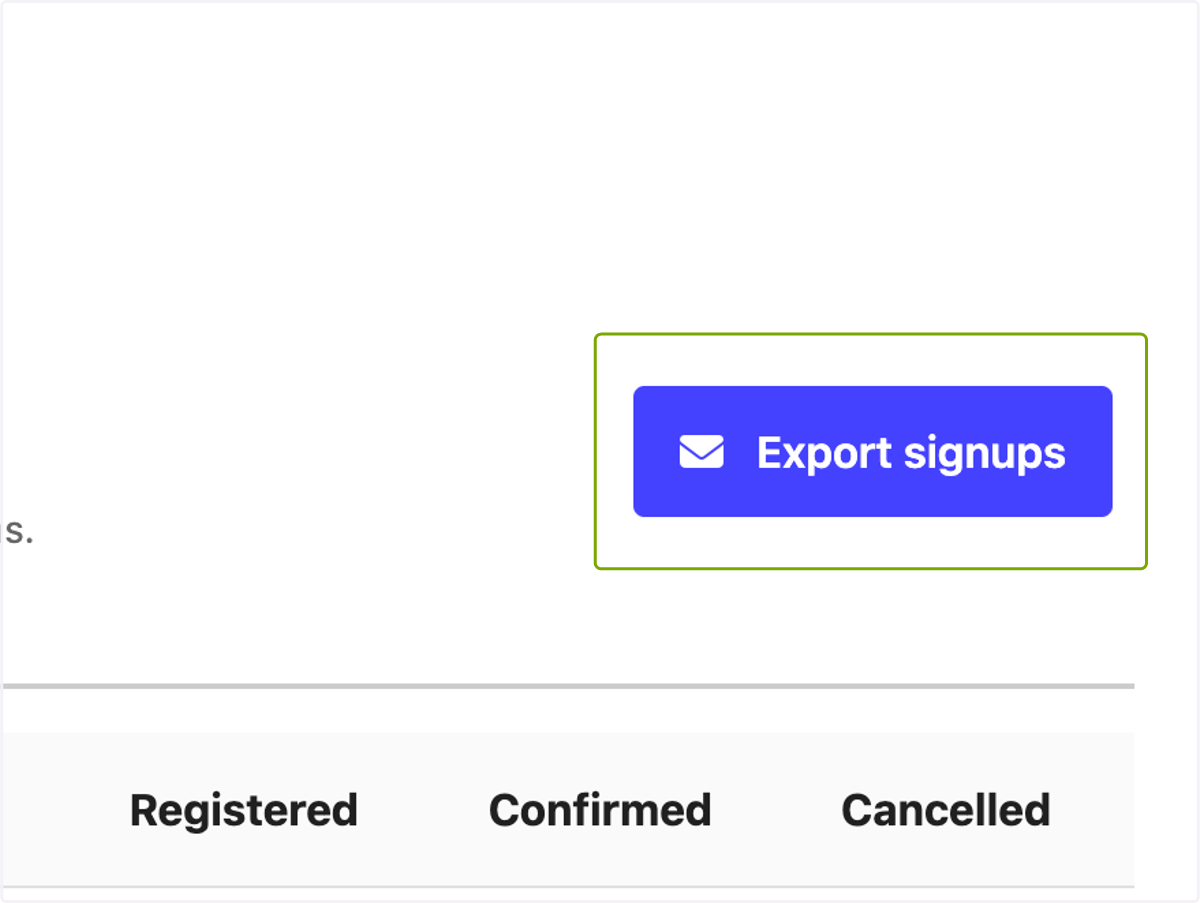
In this area, you'll be able to export one spreadsheet of the signups for all of your shifts for an event.
3. Export Shifts for one shift
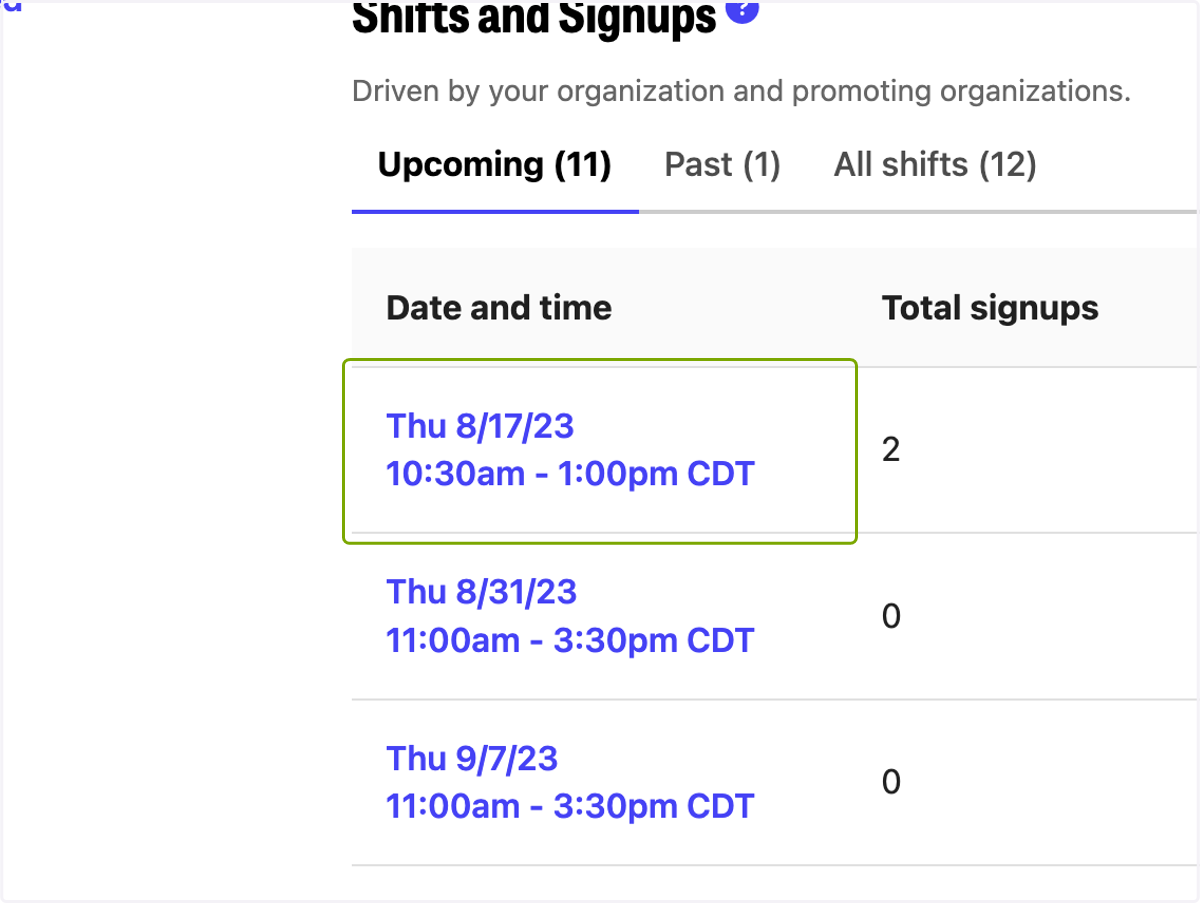
If you only want to export the data for one shift in particular, click on the shift, and then hit "Export Signups"