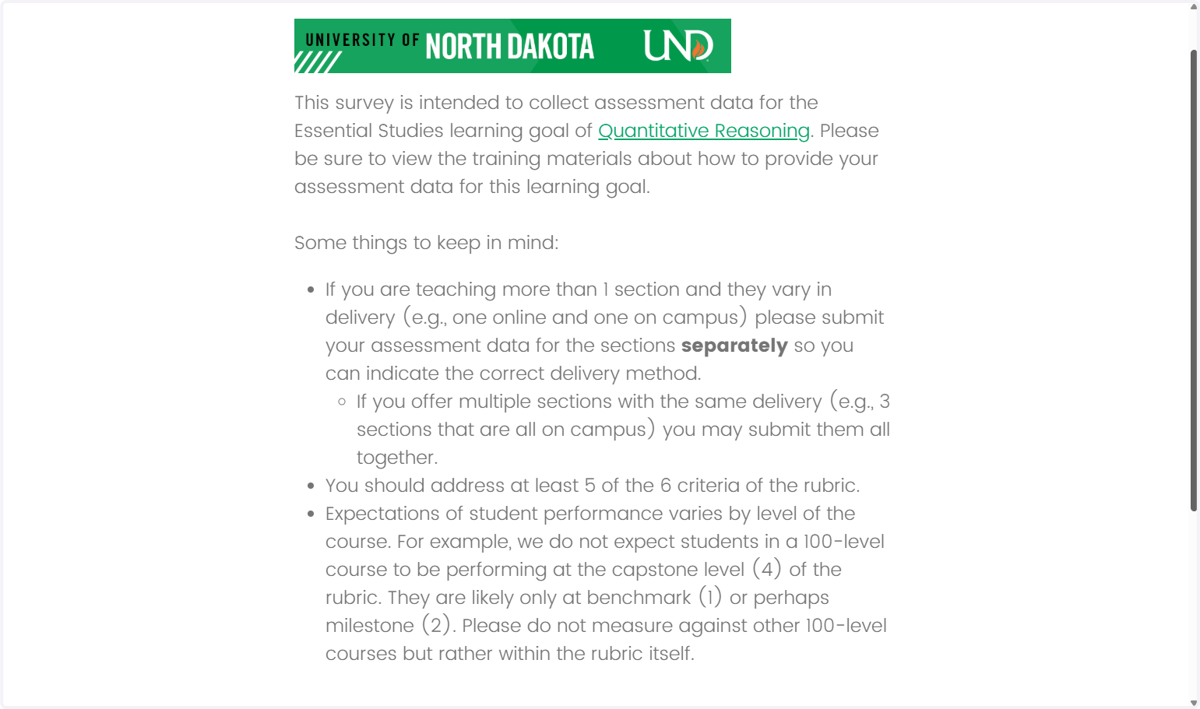
1. Begin the survey by clicking the link provided to you or by copying and pasting the link into your web browser.
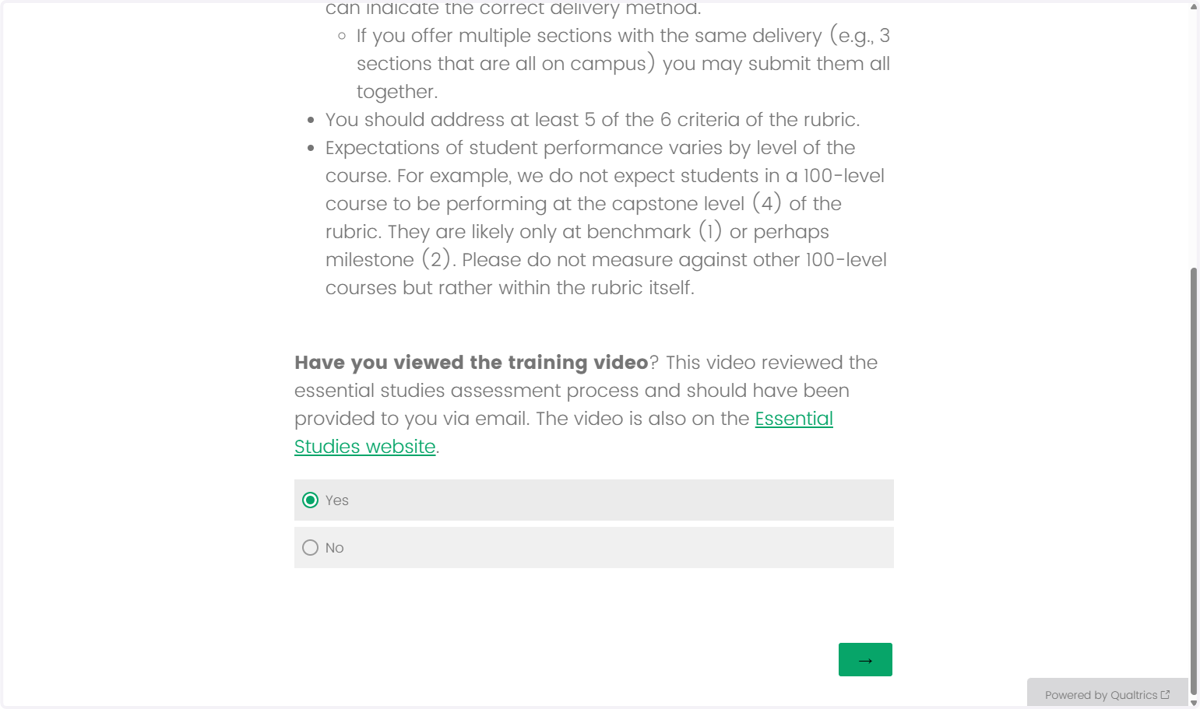
2. If you have viewed the training videos for ES Assessment, click "Yes", then click the green arrow to continue.
3. Enter your first and last name, select the course delivery mode, college or school housing, and enter the course prefix.
4. Enter the course catalog number and title.
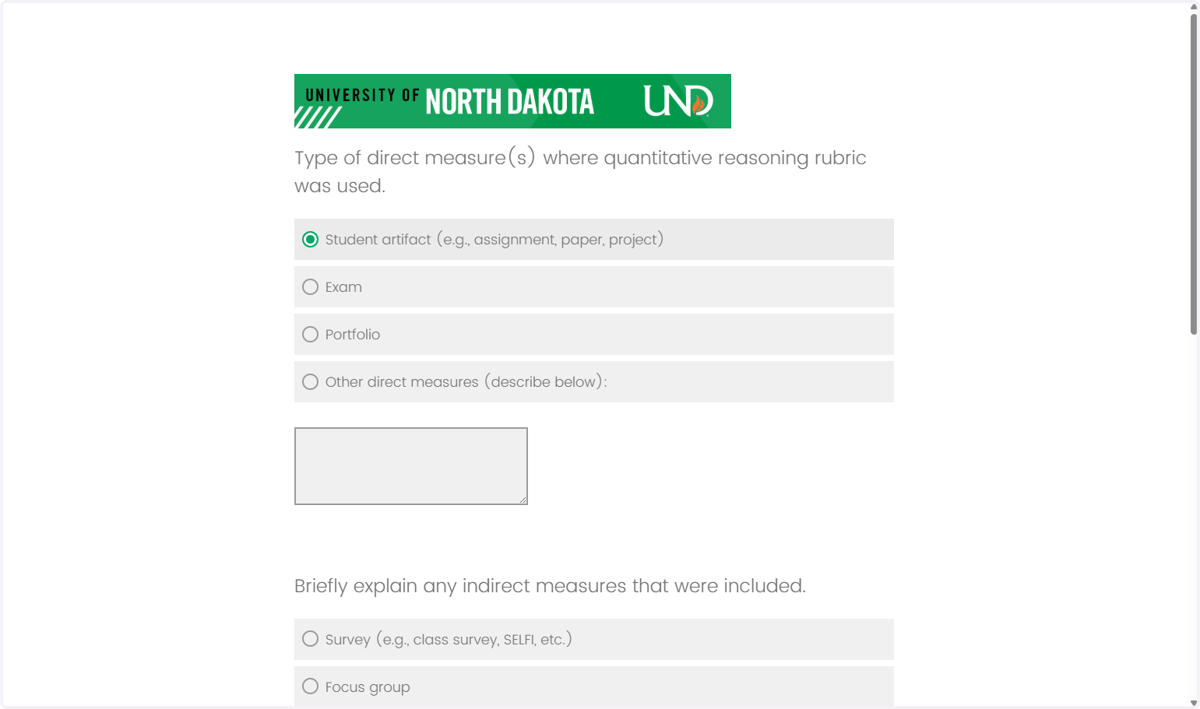
5. Select the type of direct measure used for this assessment (required).
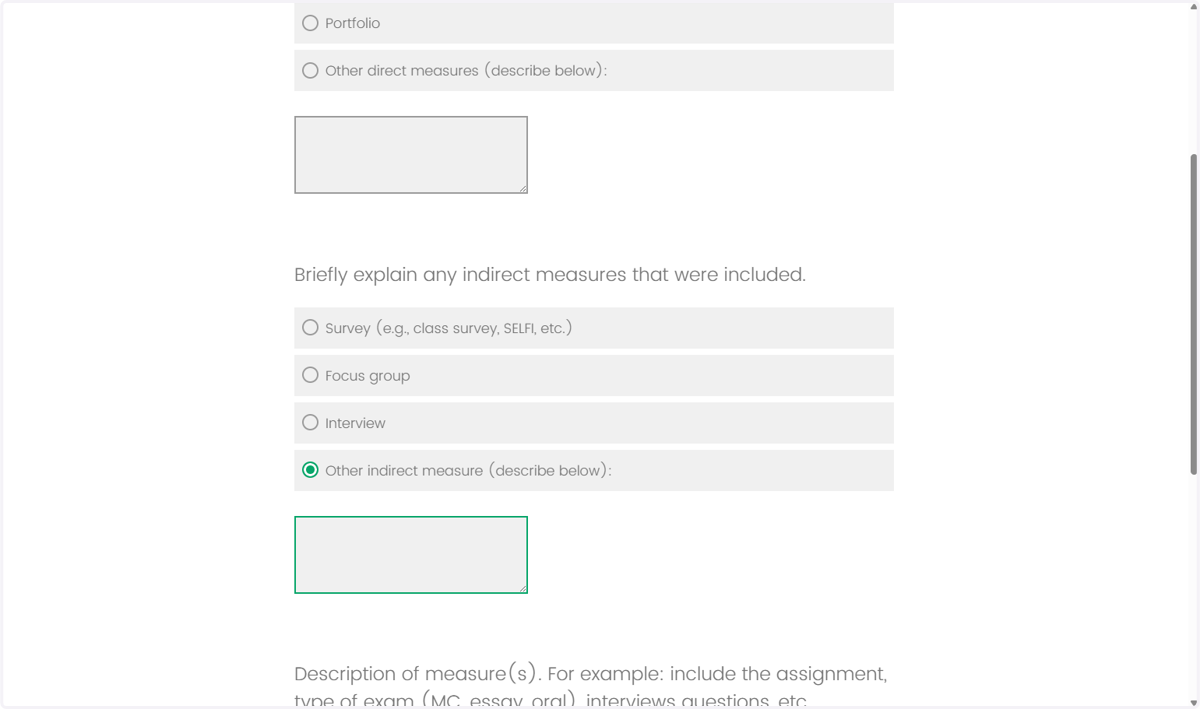
6. Indicate and explain any indirect measures that were included in this assessment (not required).
7. Briefly describe your direct and indirect measures and enter the number of students who completed the assignment. Note: Do not enter the total enrollment for the course unless ALL students submitted work for assessment.
8. The next page describes the learning goal.
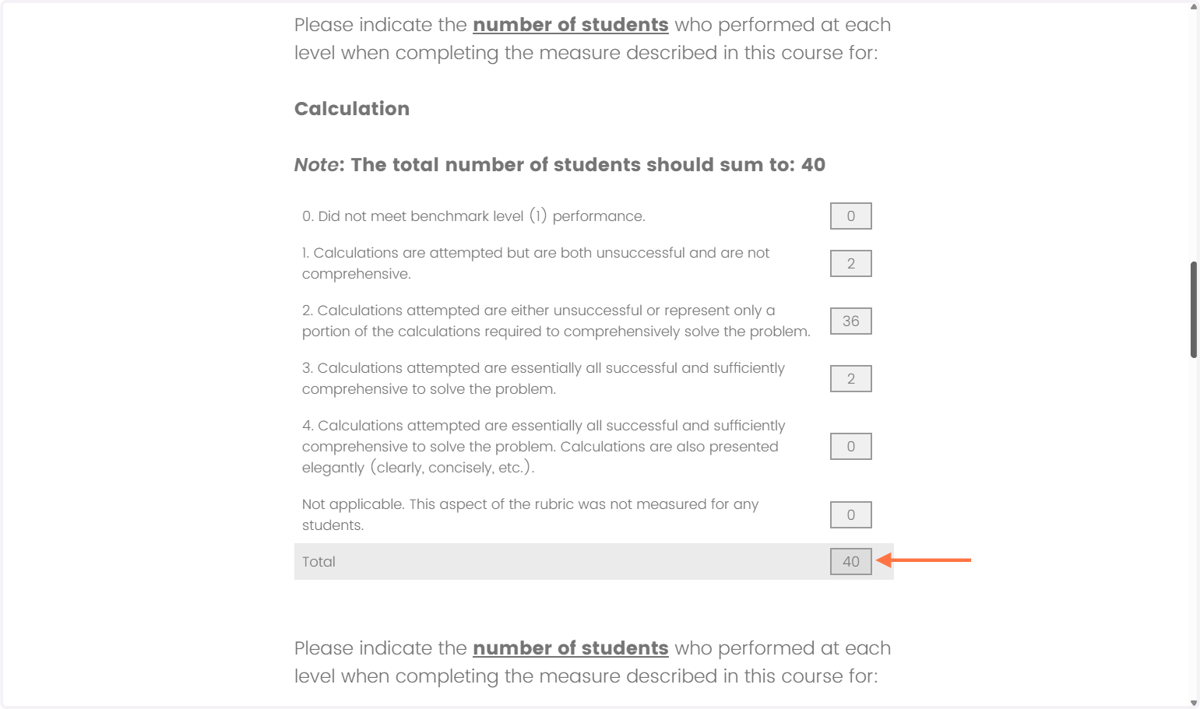
9. Under the description of the learning goal, the rubric criteria are listed. Enter the number of students who are at each level (0=did not meet benchmark, 1=benchmark, 2=beginning, 3=intermediate , 4=capstone, or not applicable).
NOTE: Criteria totals = total being assessed.
10. If a category/criterion is not applicable/not measured for any students, enter the total number of students being assessed in the last text box before the total.
11. After entering the data for at least five of the six rubric criteria/categories, indicate your overall impression of the number of students who performed at least level. Then, click the green arrow at the bottom of your screen to complete the survey.