Entering Your Organization Name
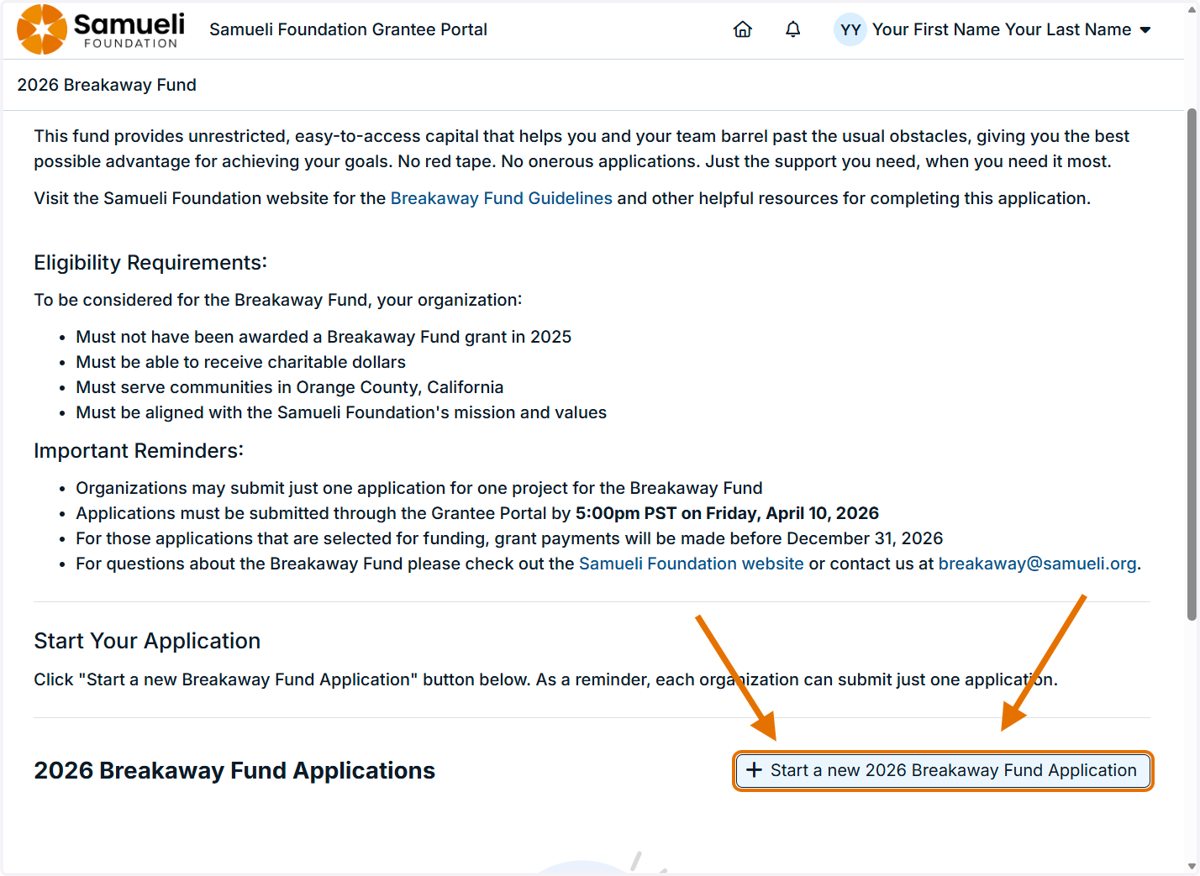
1. Log into the Application Portal and click on the "Start a new Application" button.
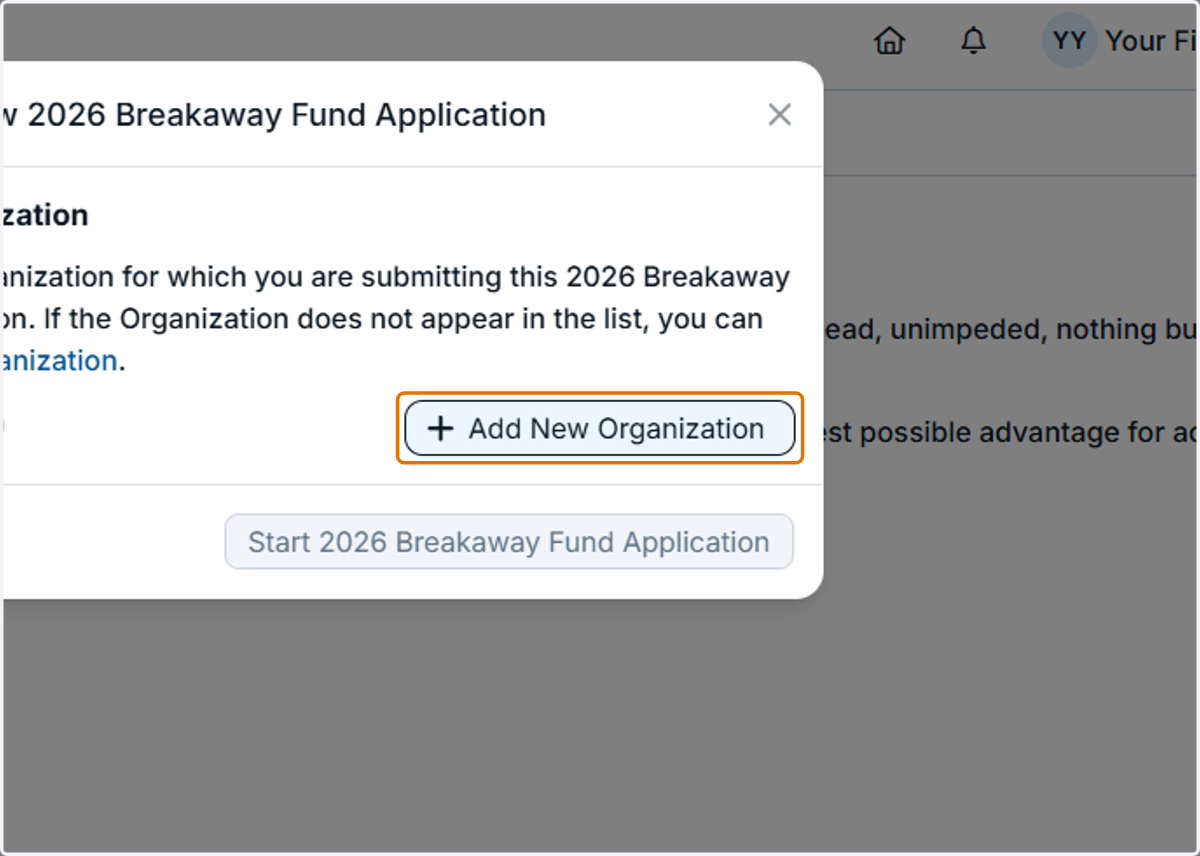
2. Click on the "Add New Organization" button.
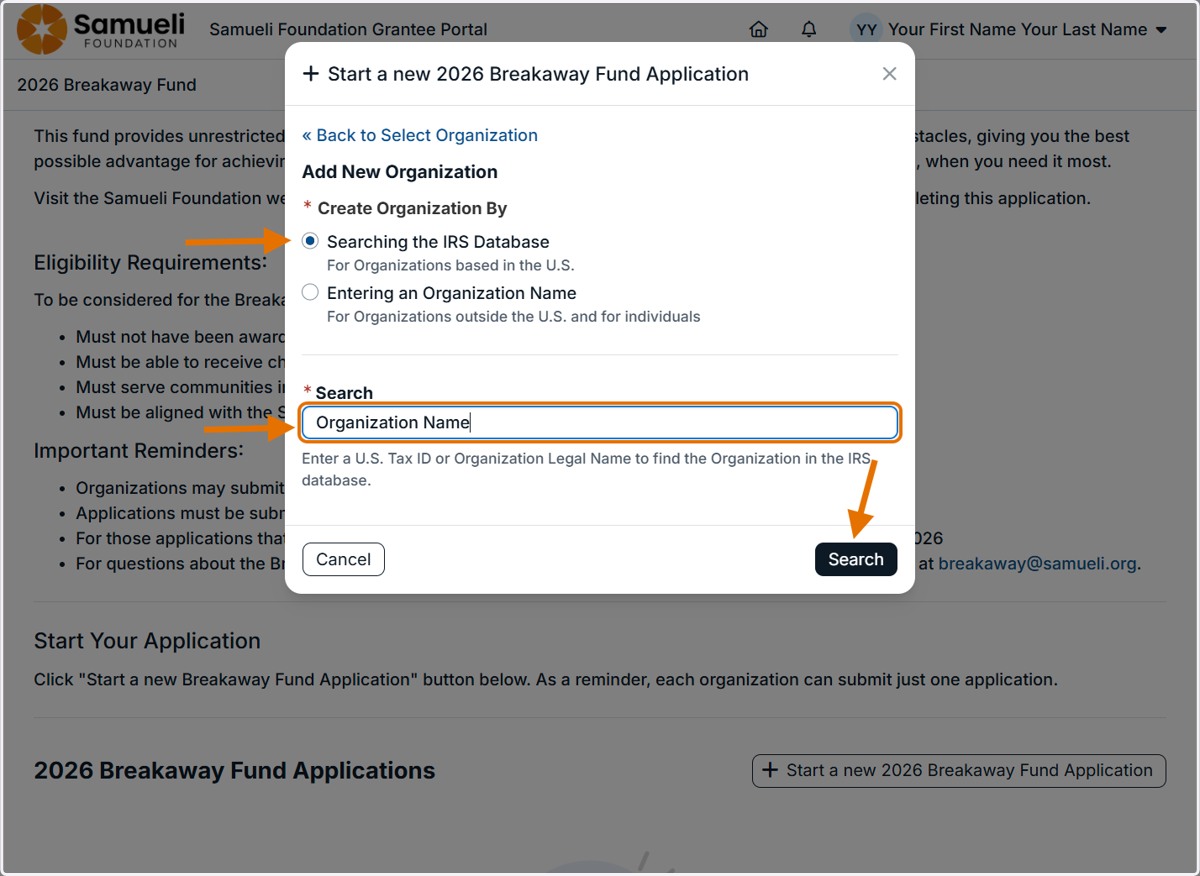
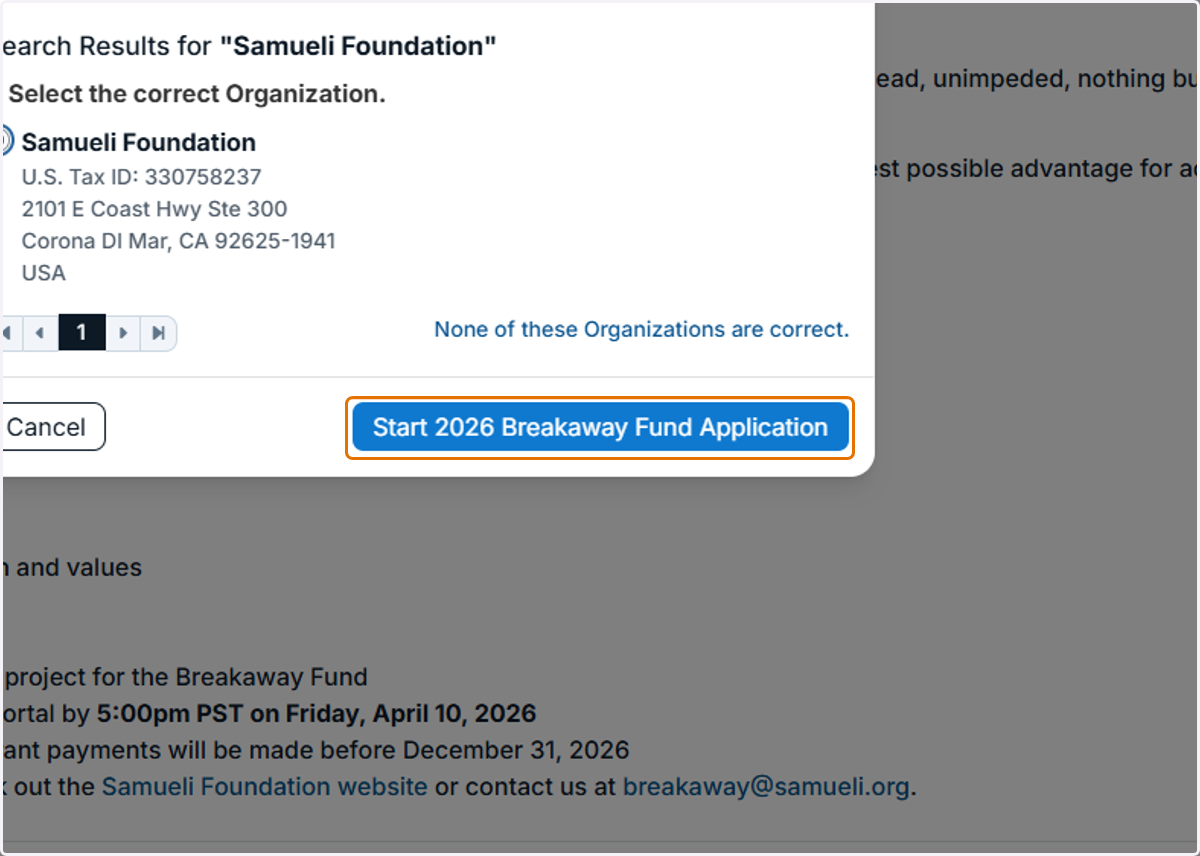
3. For organizations in the IRS Database, select the first option and then type in your organization's name.
This option will pre-populate the organization address inside the application.
4. Select your organization and then click on the "Start Application" button.
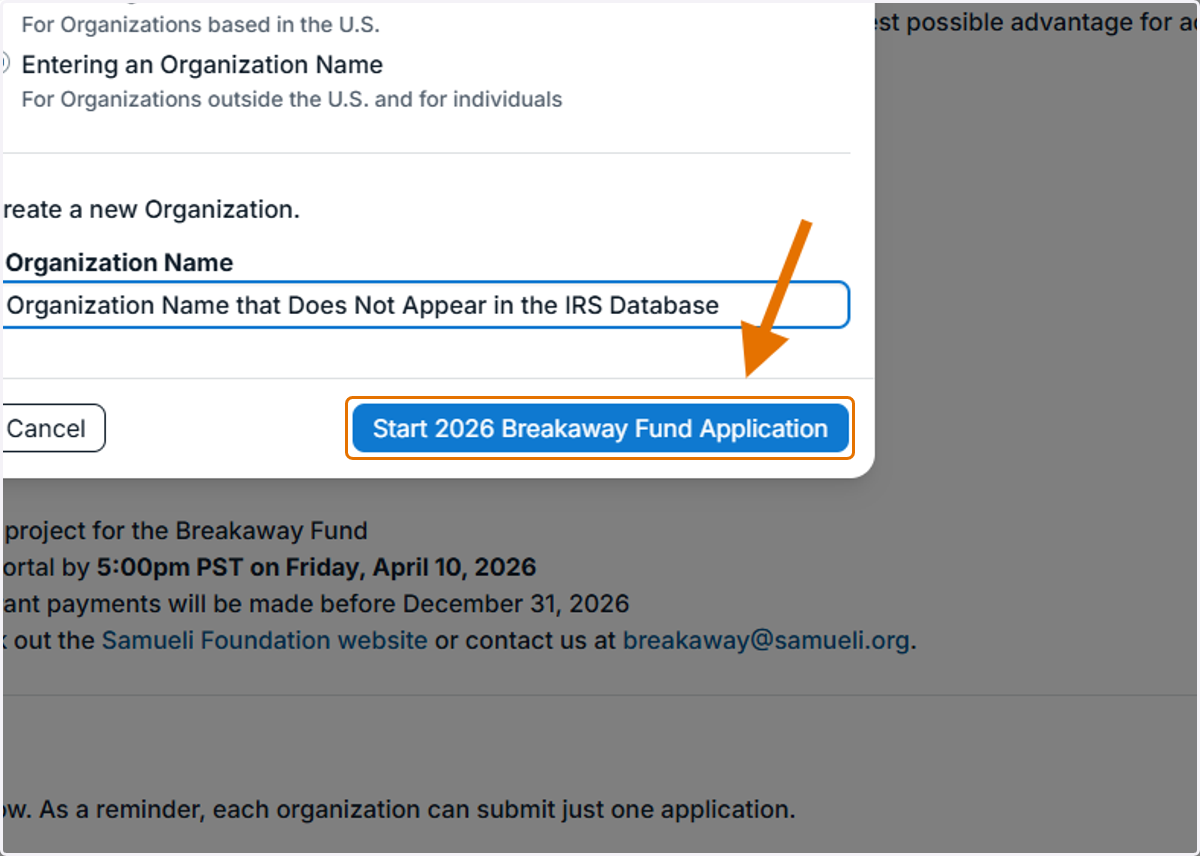
5. For fiscally sponsored programs, government agencies, church and synagogues, chapter orgs, new orgs that are not yet in the IRS Database, etc., select the second option and manually type in your organization's name and then click on the "Start an Application" button.