Enable organization wide smtp-auth protocol configuration Microsoft Exchange Admin Center (en)
Activate the smtp auth protocol to allow sending emails via smtp with api access.
Exchange admin center
1. Click on settings
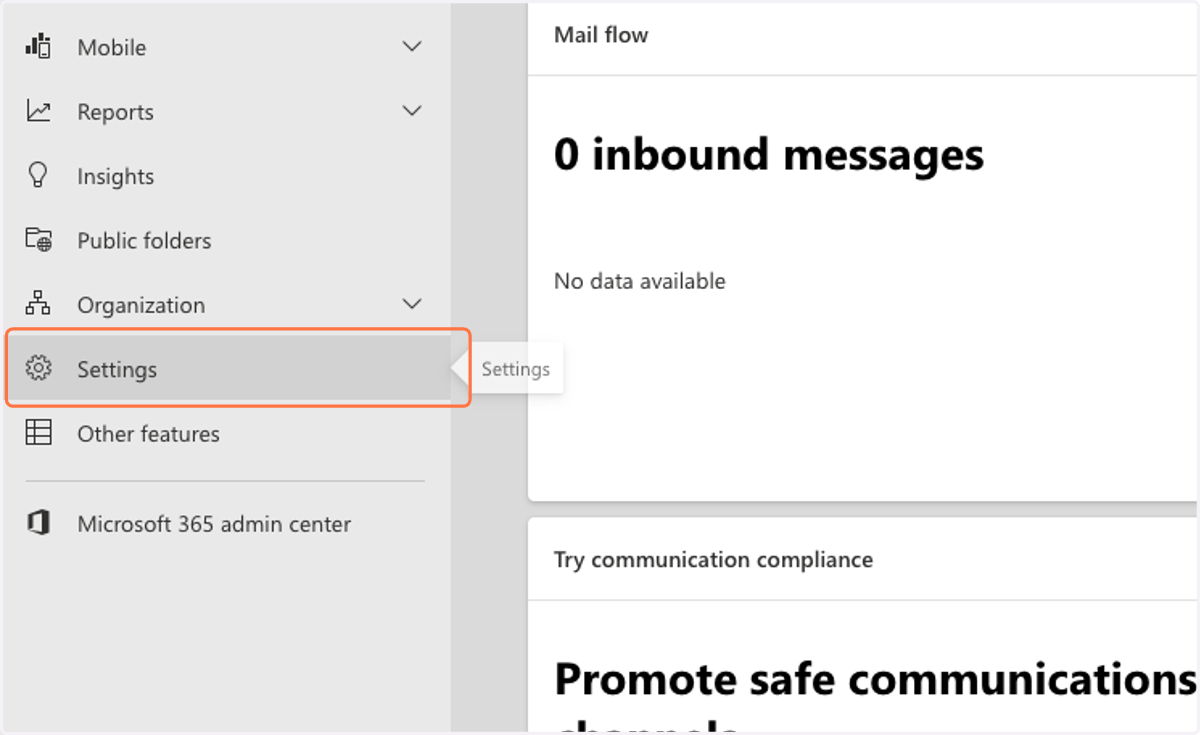
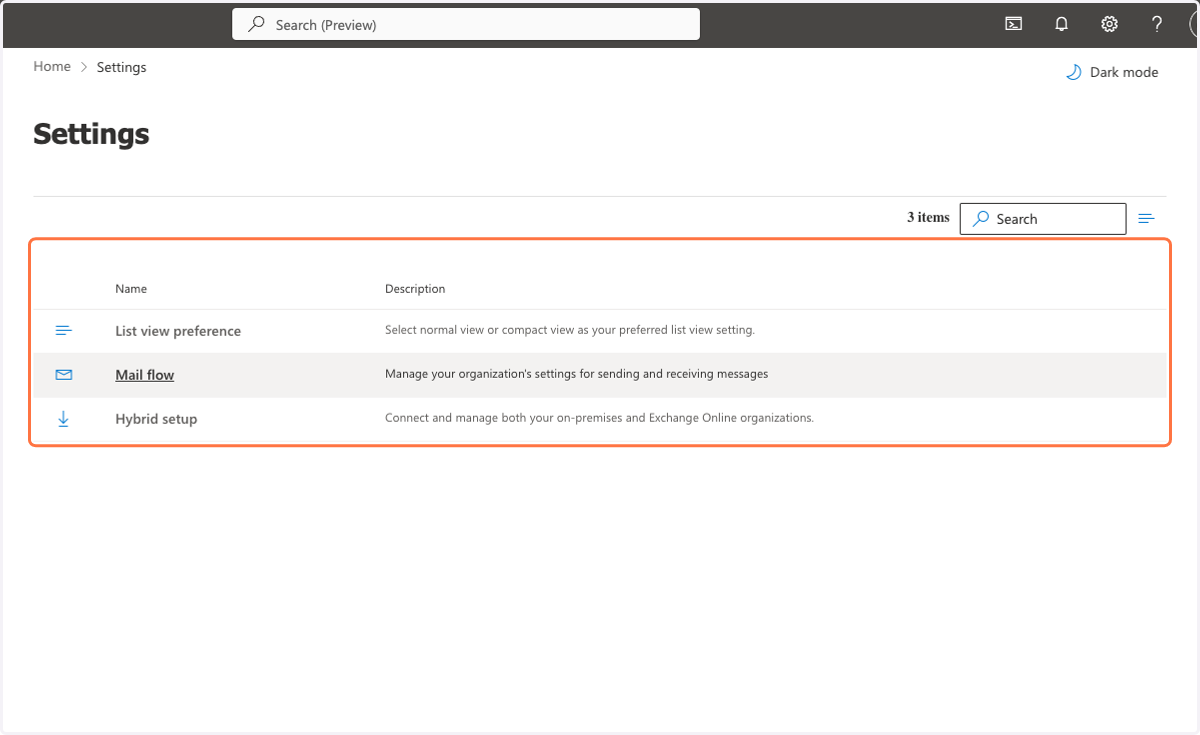
2. Click on Settings
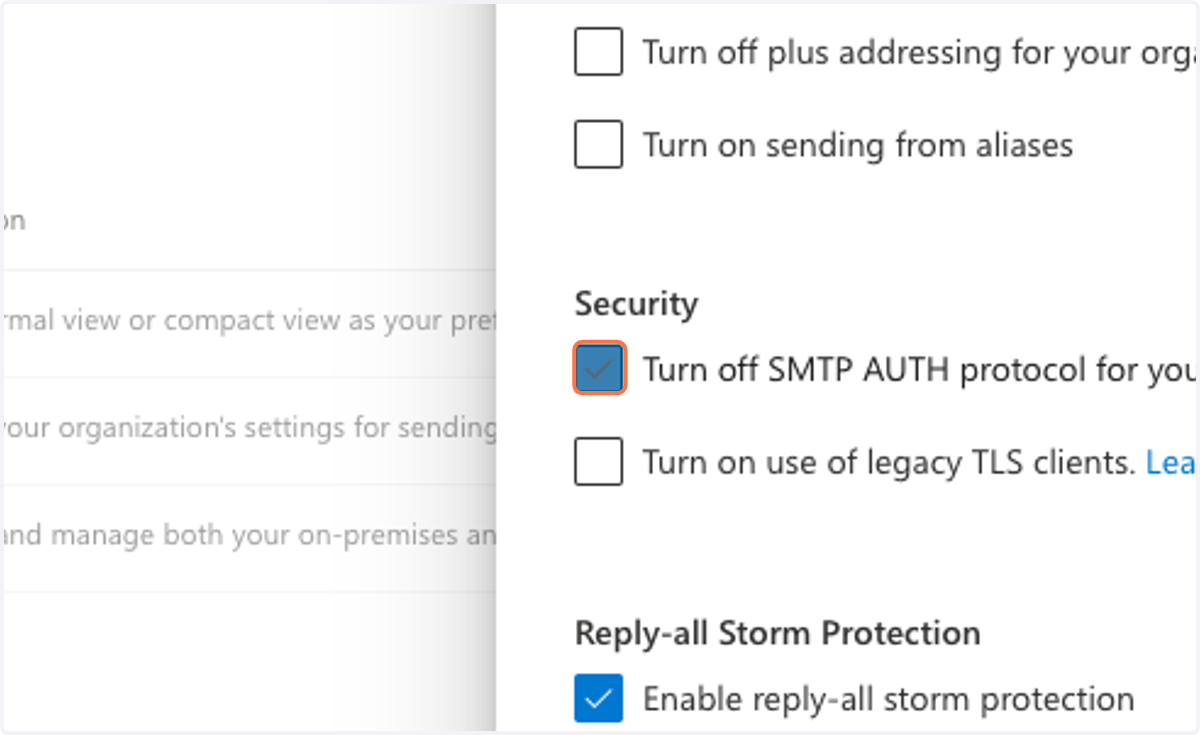
3. Uncheck Turn off SMTP AUTH protocol
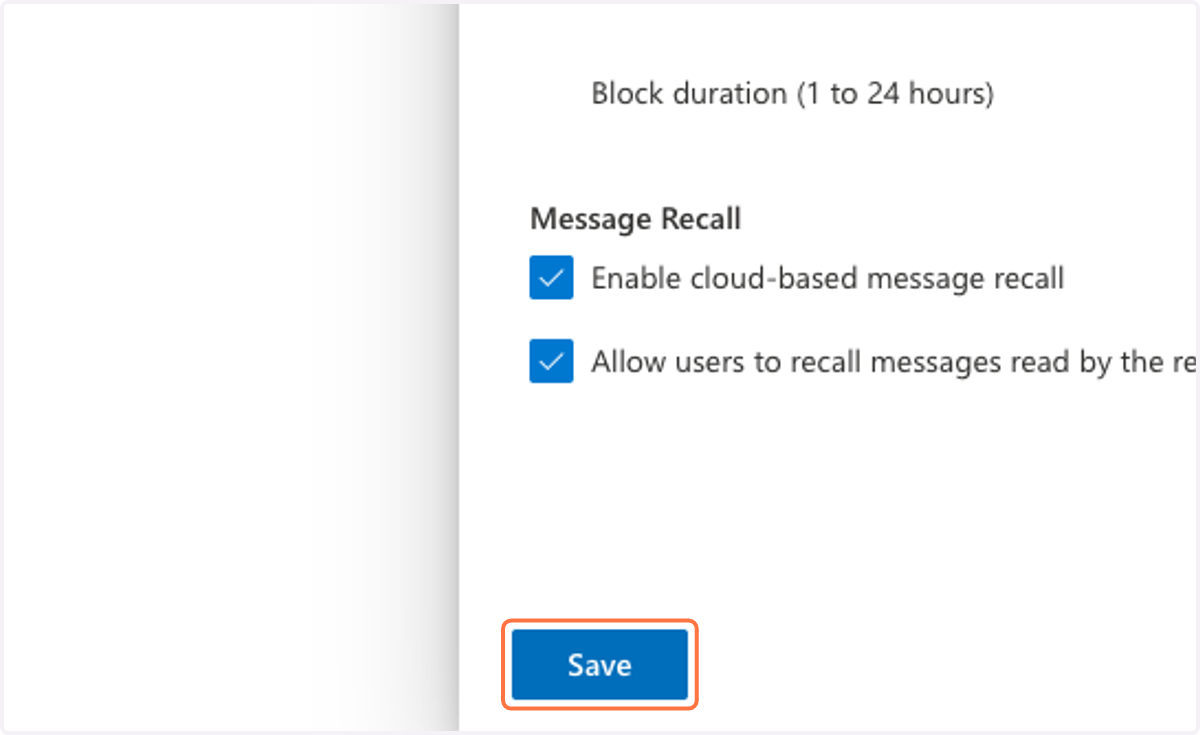
4. Click on Save