Employee - Requesting Certification Reimbursement in Workday
This will show the steps for an employee to request a one-time payment for a certification reimbursement in Workday.
Tango
1. Type "request one time payment" in the search bar to find the 'Request One Time Payment for Myself" task
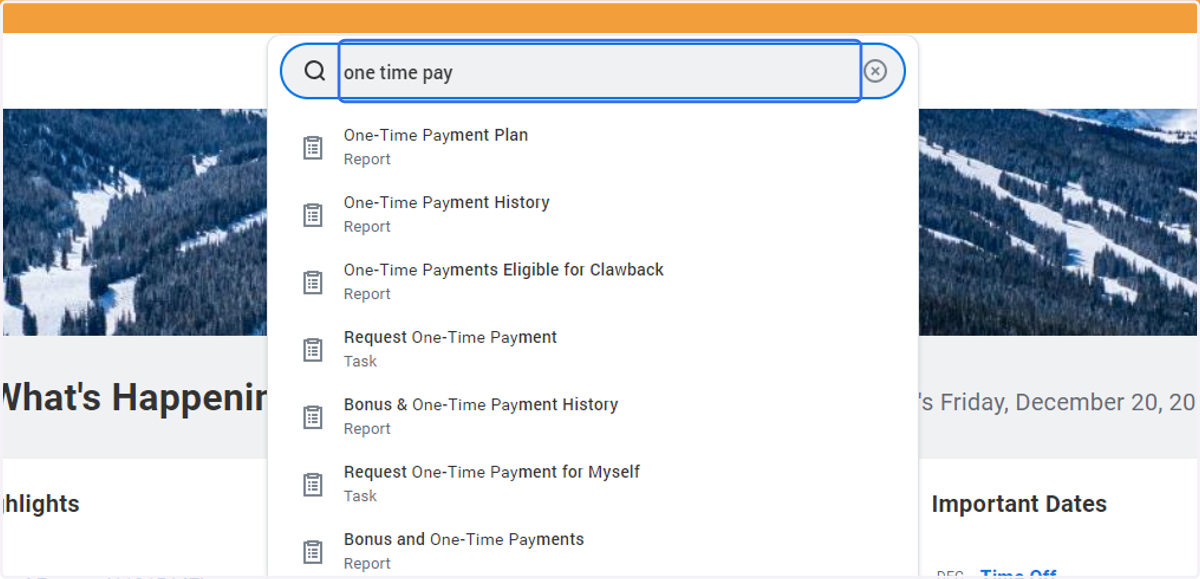
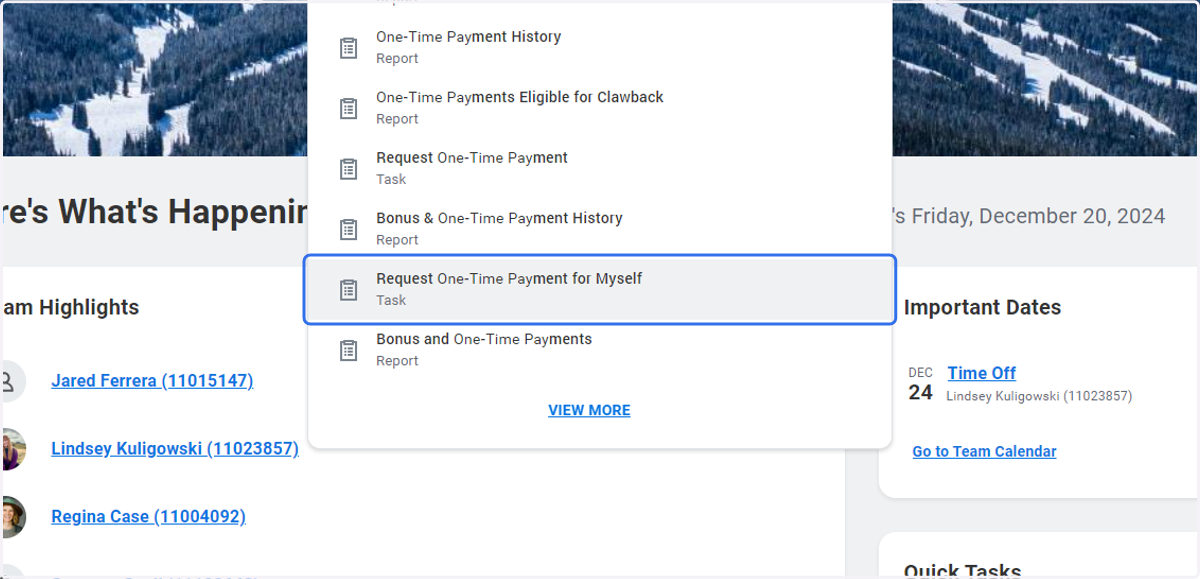
2. Click on Request One-Time Payment for Myself…
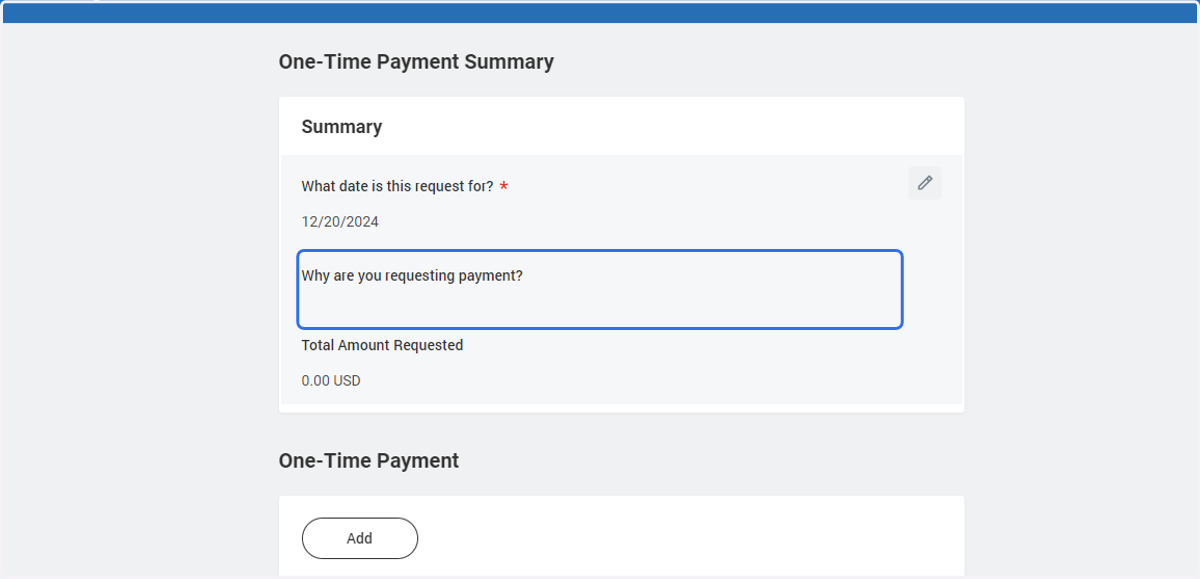
3. Click on Why are you requesting payment?
4. Click on menu option on the far right of that task.
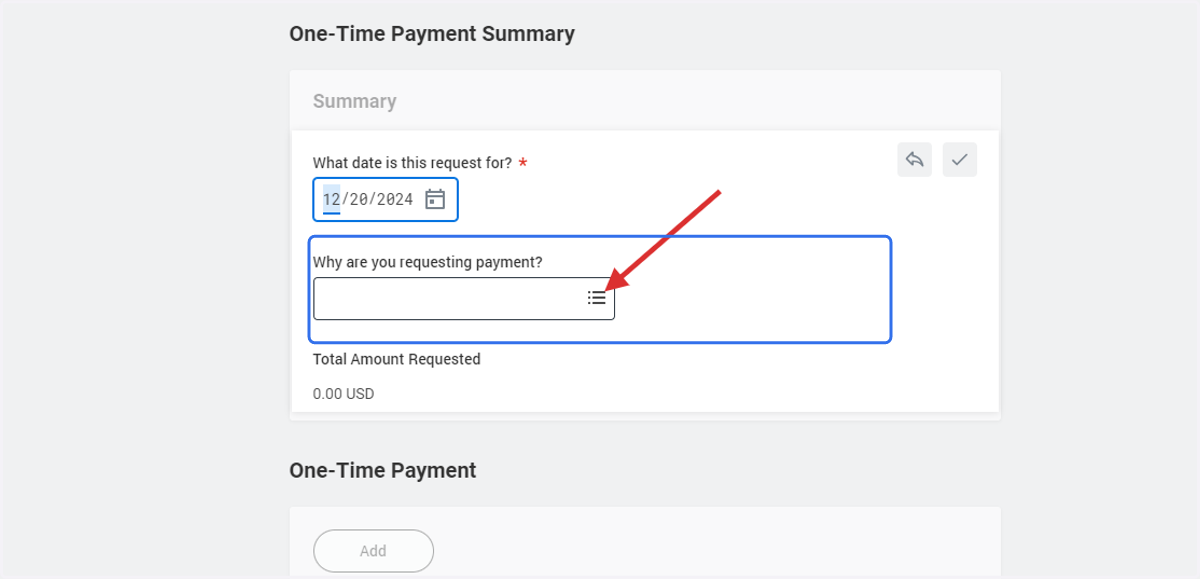
5. Click on Submenu One-Time Payment for Self > Reimbursement Request
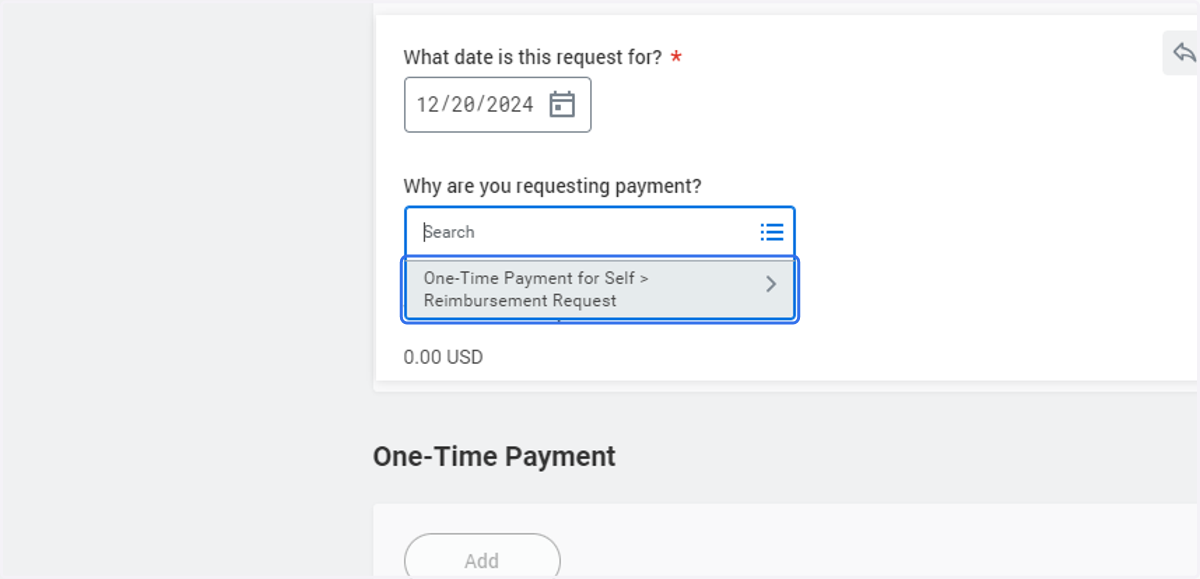
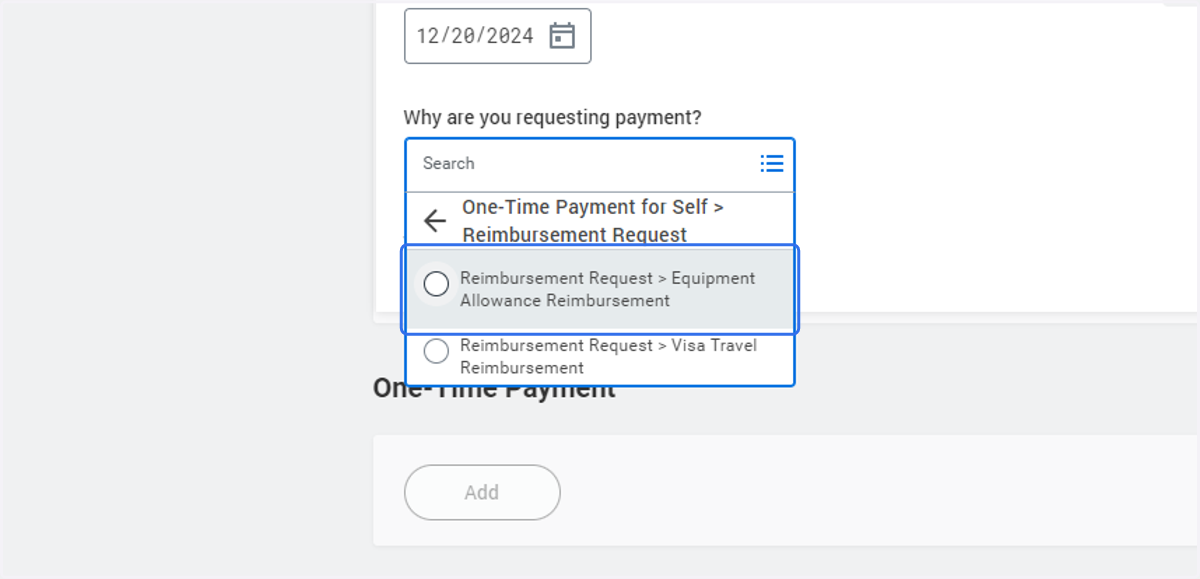
6. Select the 'Equipment Allowance Reimbursement' option
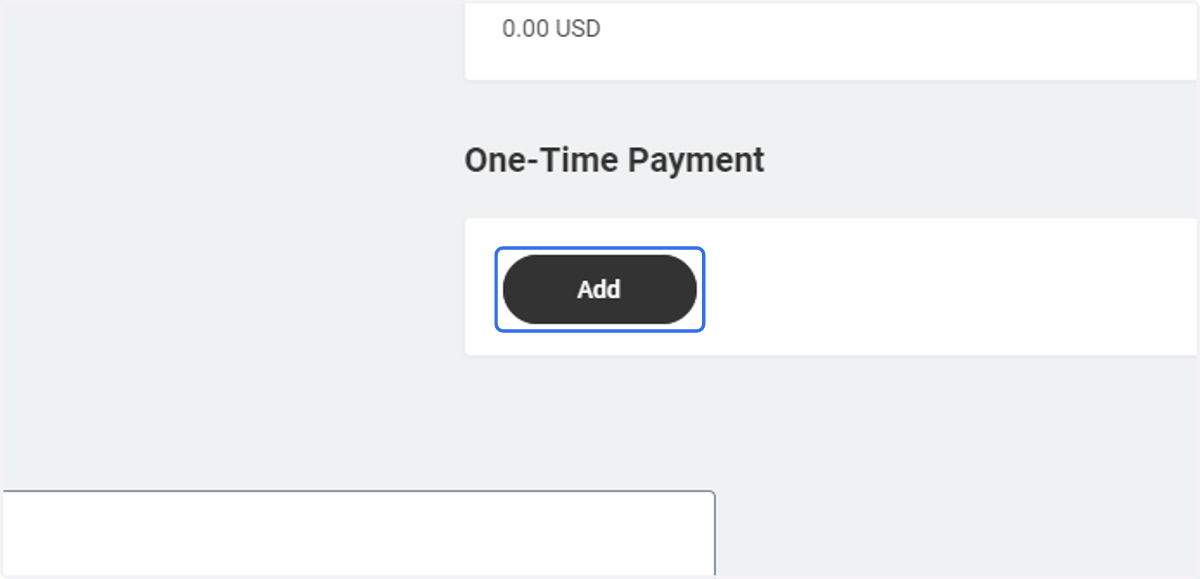
7. Click on Add
8. Click on Add
9. Click on What type of payment are you requesting?…
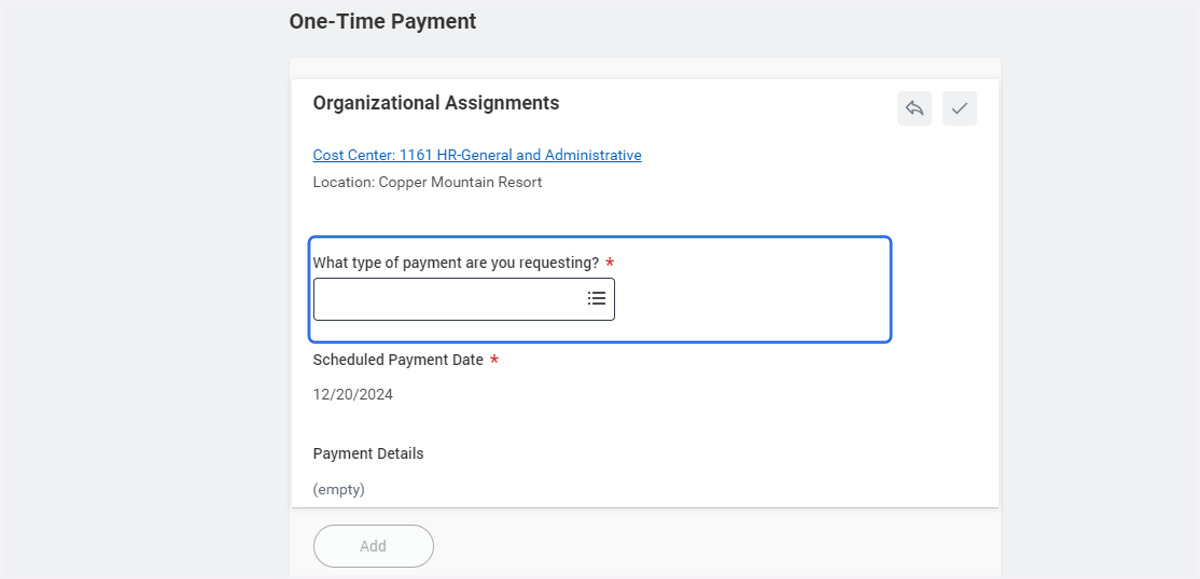
10. Click on Equipment Allowance option
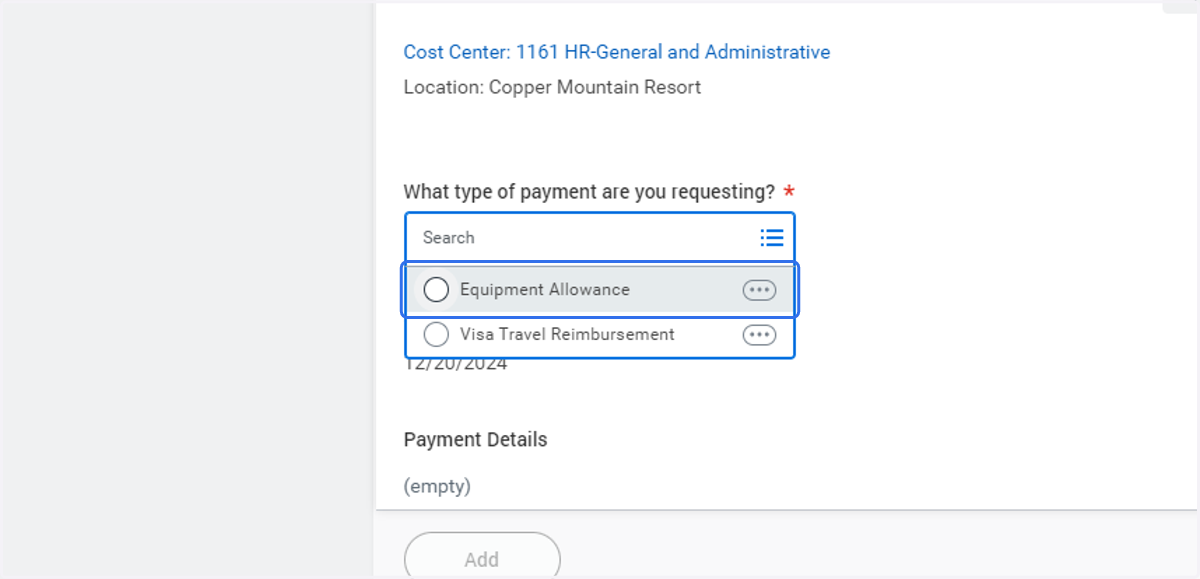
11. Type $ amount to be reimbursed
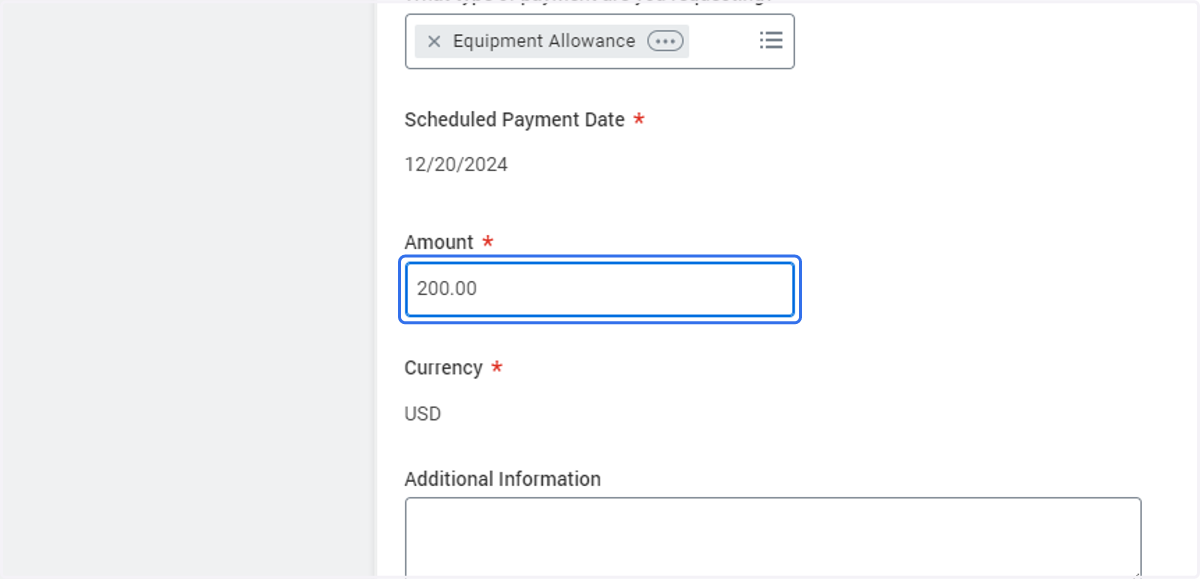
12. Under Additional Information - please provide a comment detailing type of certificaiton, etc.
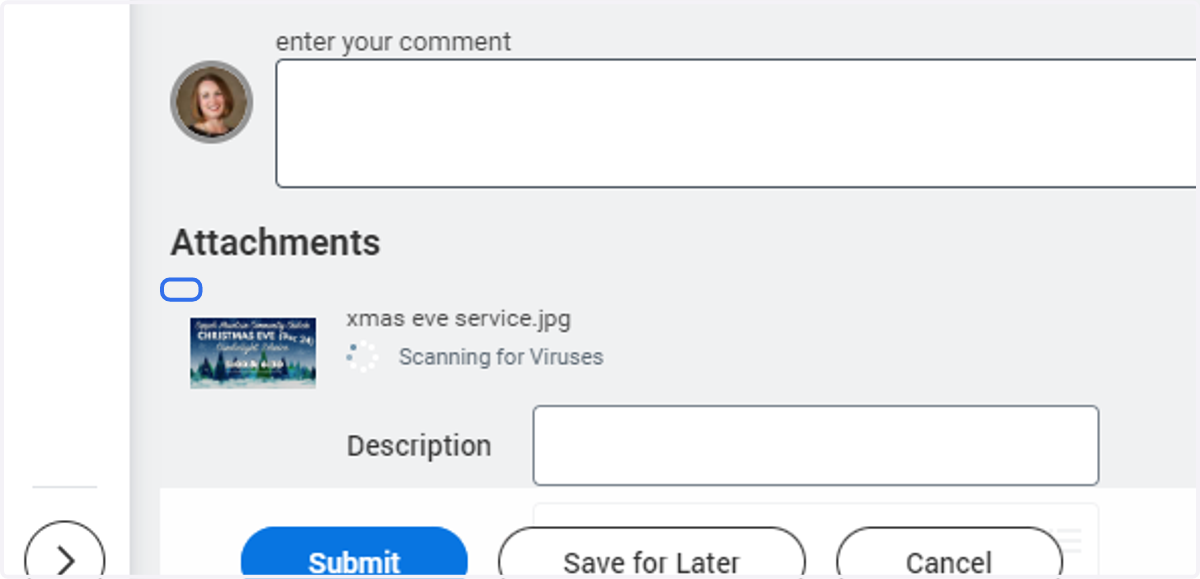
13. Click on Select files
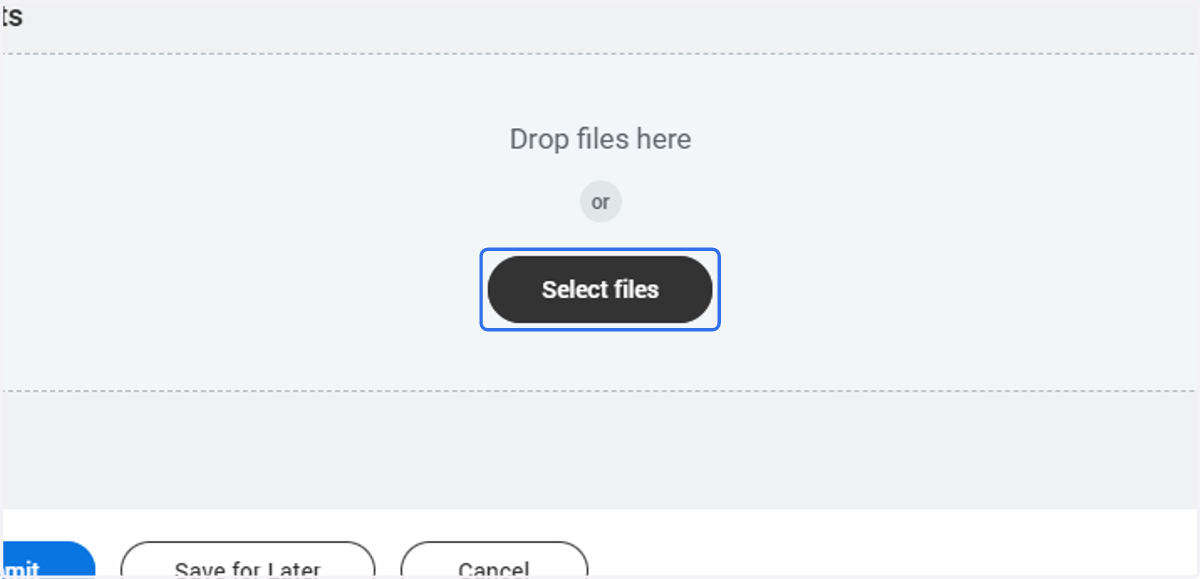
14. Upload copies of receipts that equate to the value requested to be reimbursed
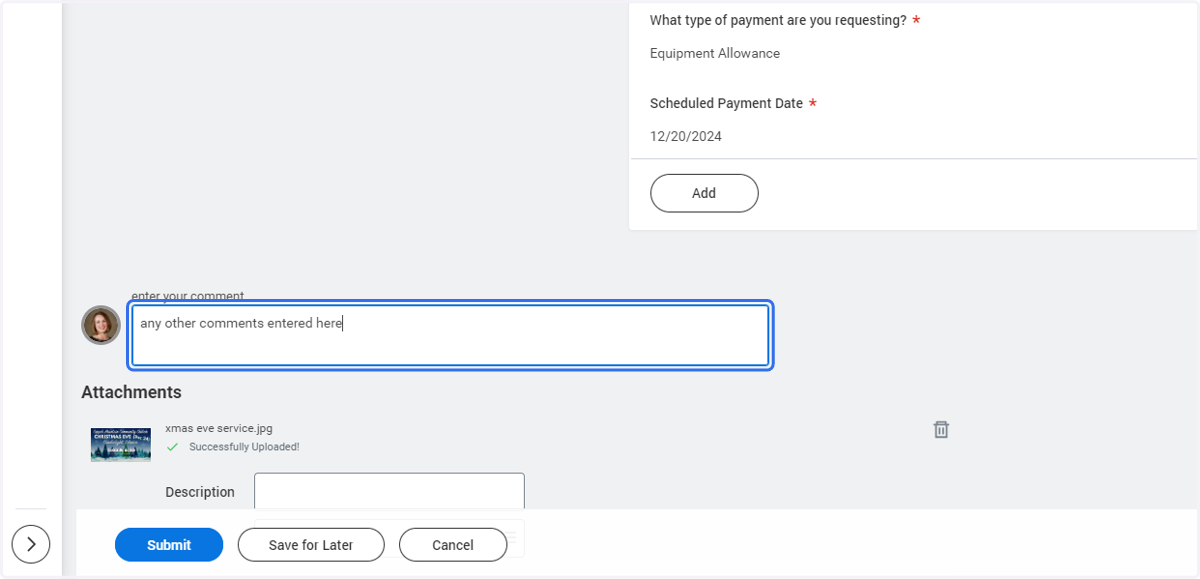
15. Add any other comments/info needed
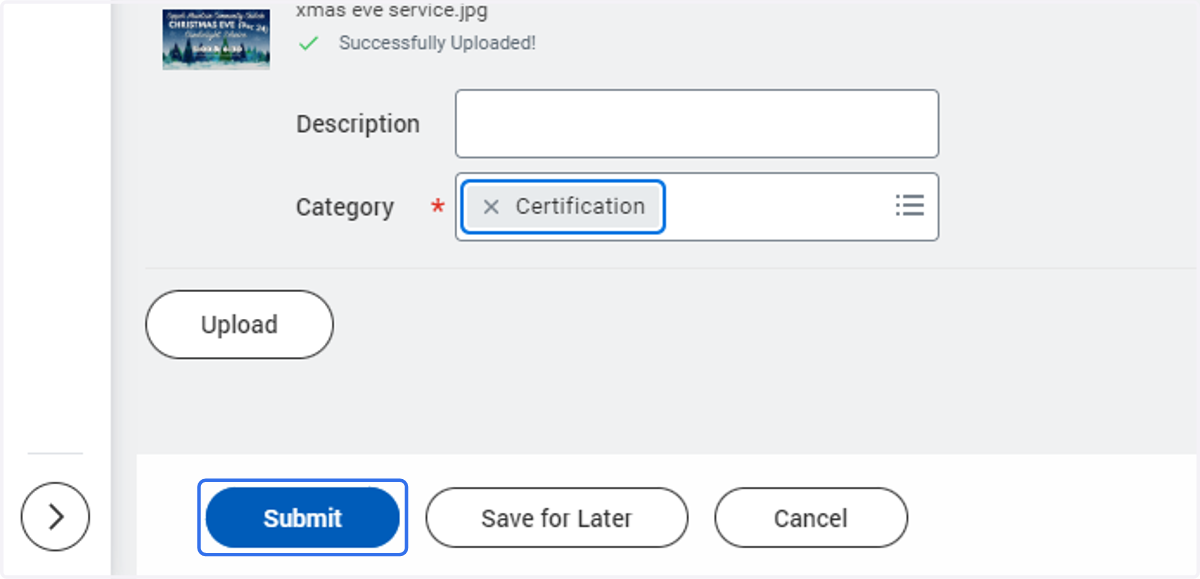
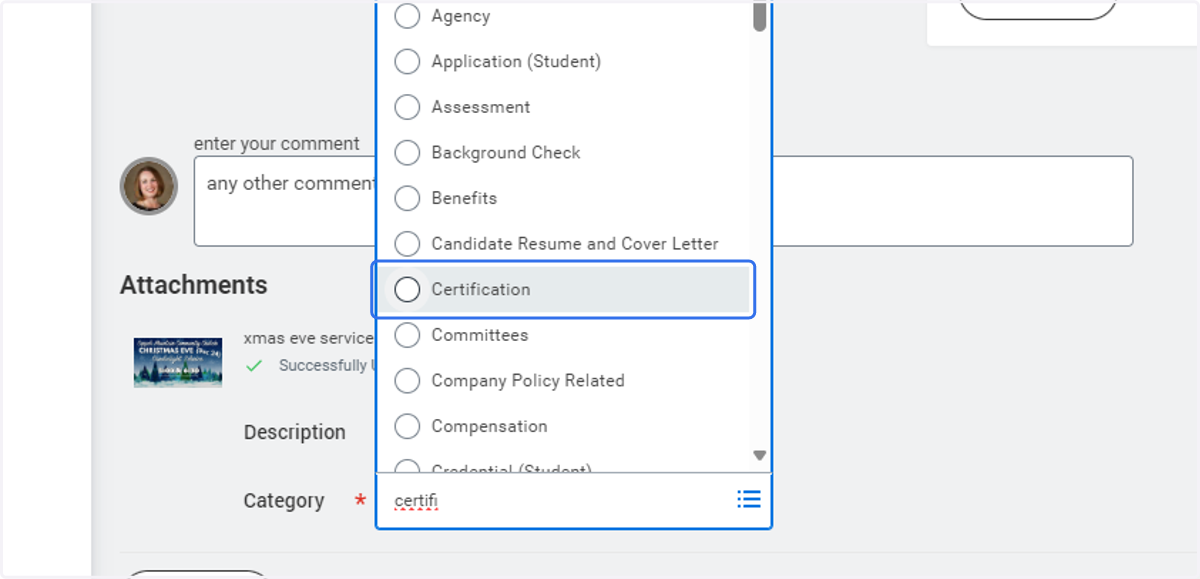
16. Under Category Type -choose Certification
17. Click on Submit