Email Using the Address Book
Homepage - 2024 -2025 eStarkState Basics
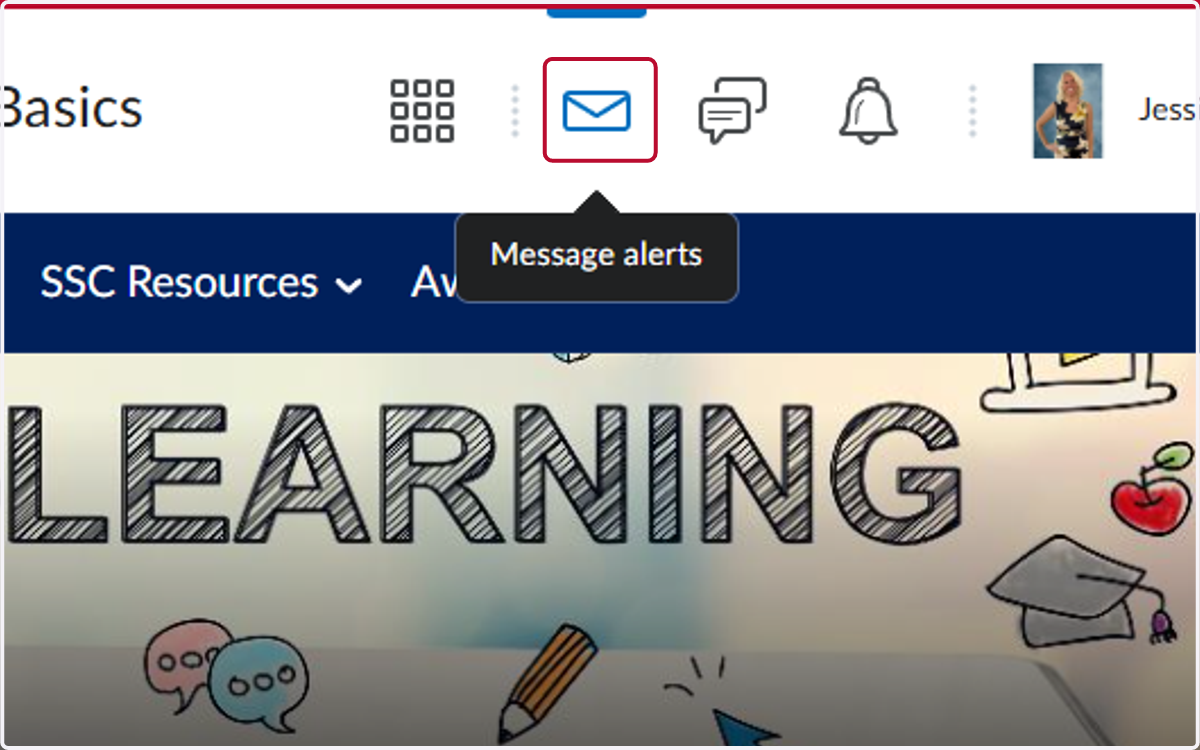
1. Click on tMessage alerts
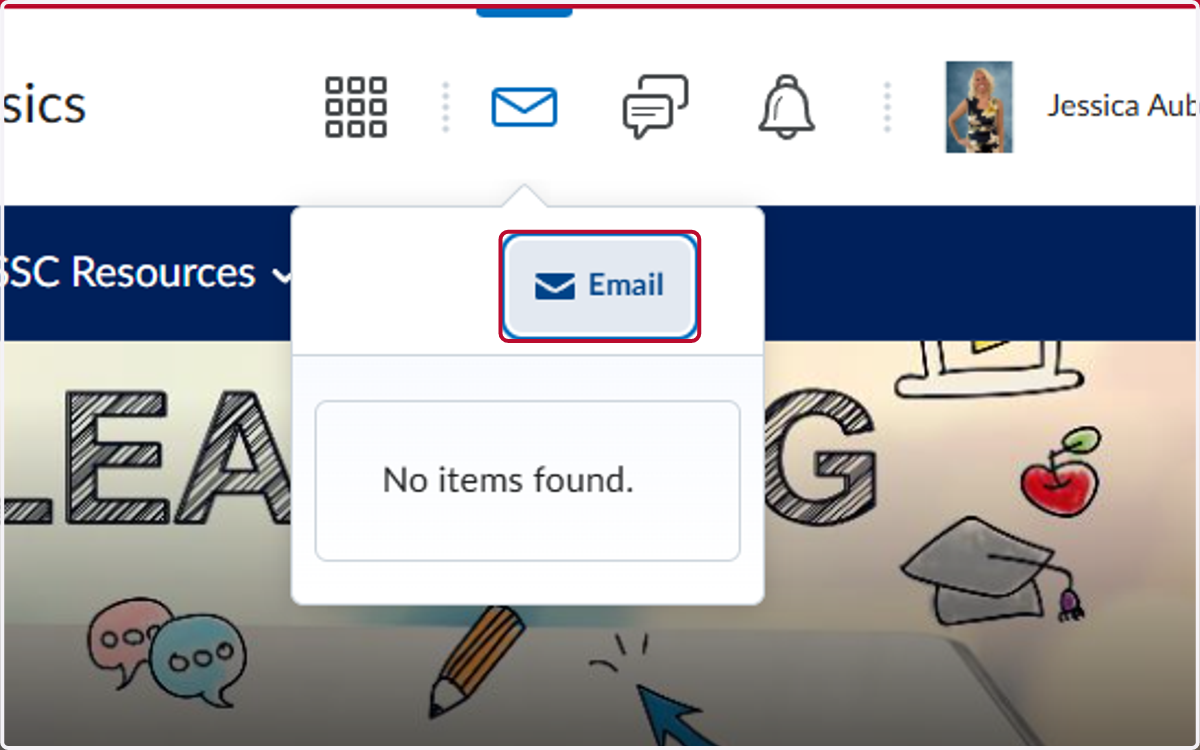
2. Click on Email
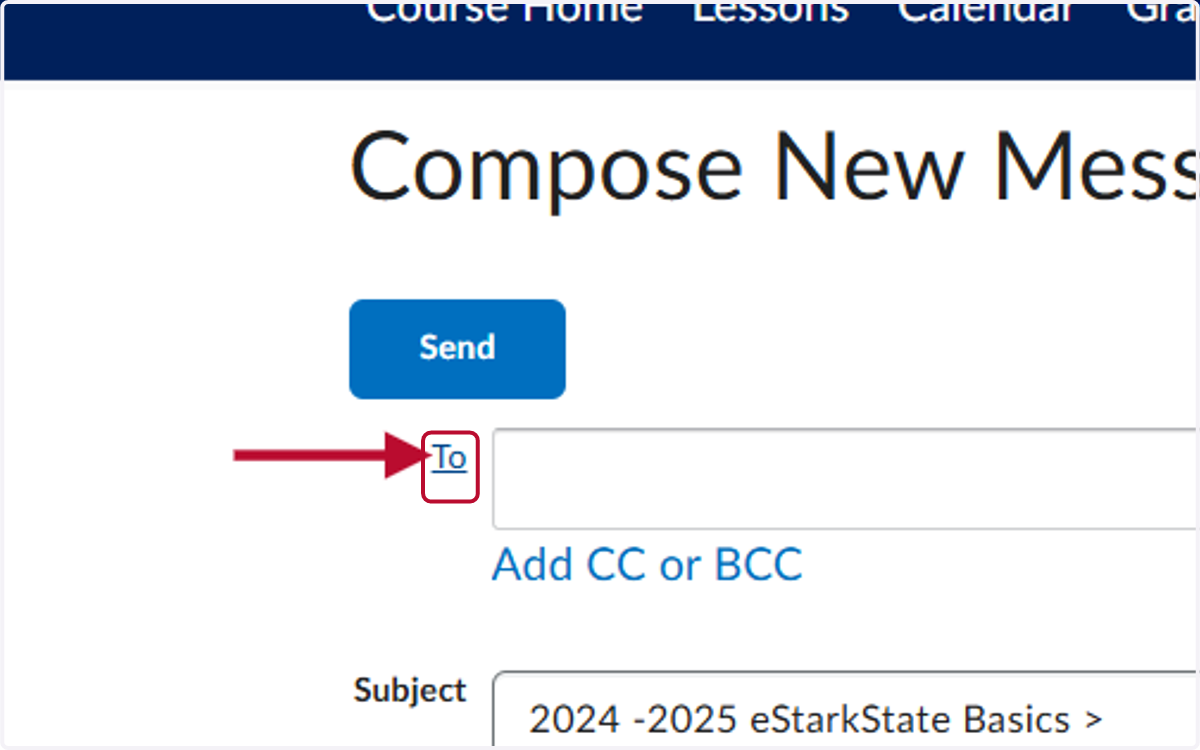
3. Click on To
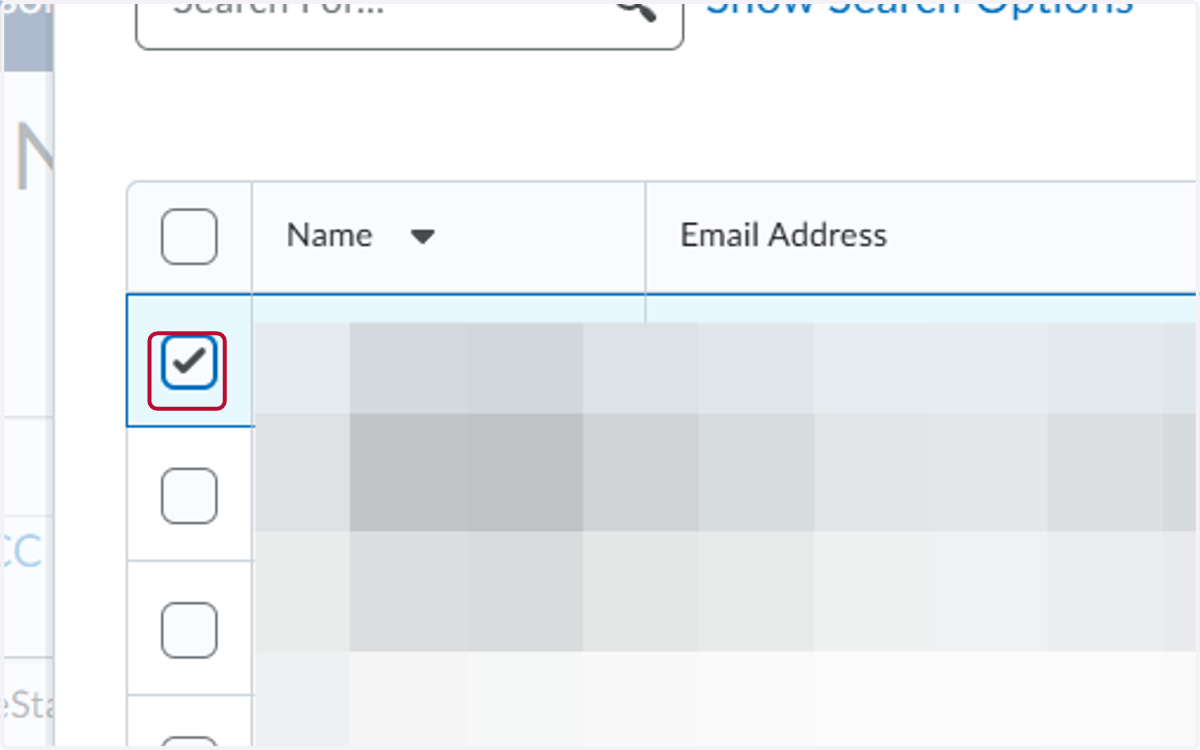
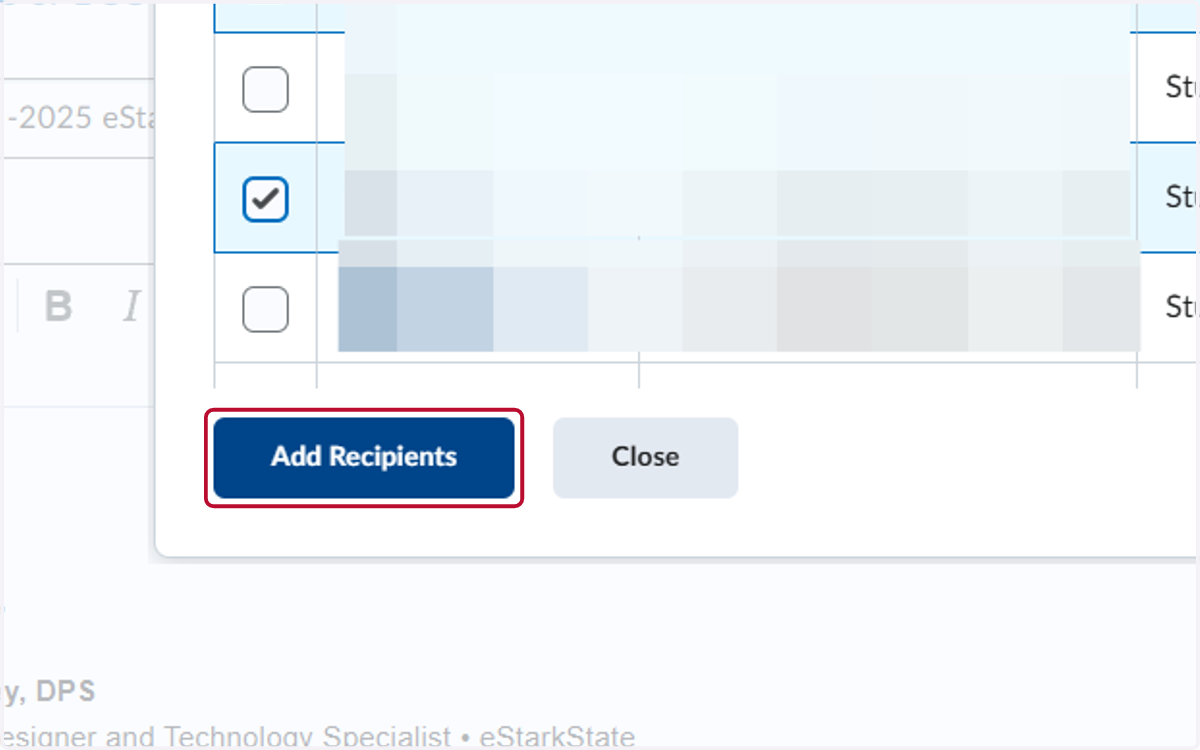
4. Check the box by the name(s) of those you want to email
5. Click on Add Recipients
6. Compose your email and click on Send