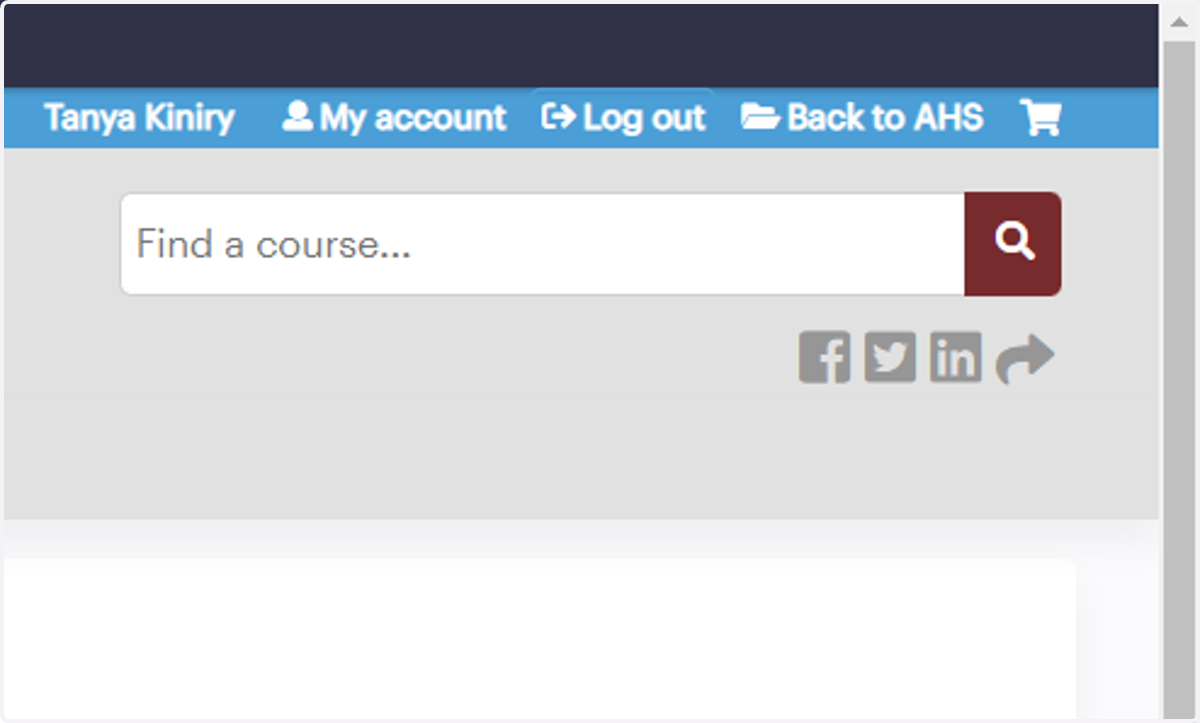
Education On Demand Virtual Tutorial
Welcome to Education On Demand! Follow the steps below to set up your account and navigate through the site.
Access Education On Demand Here
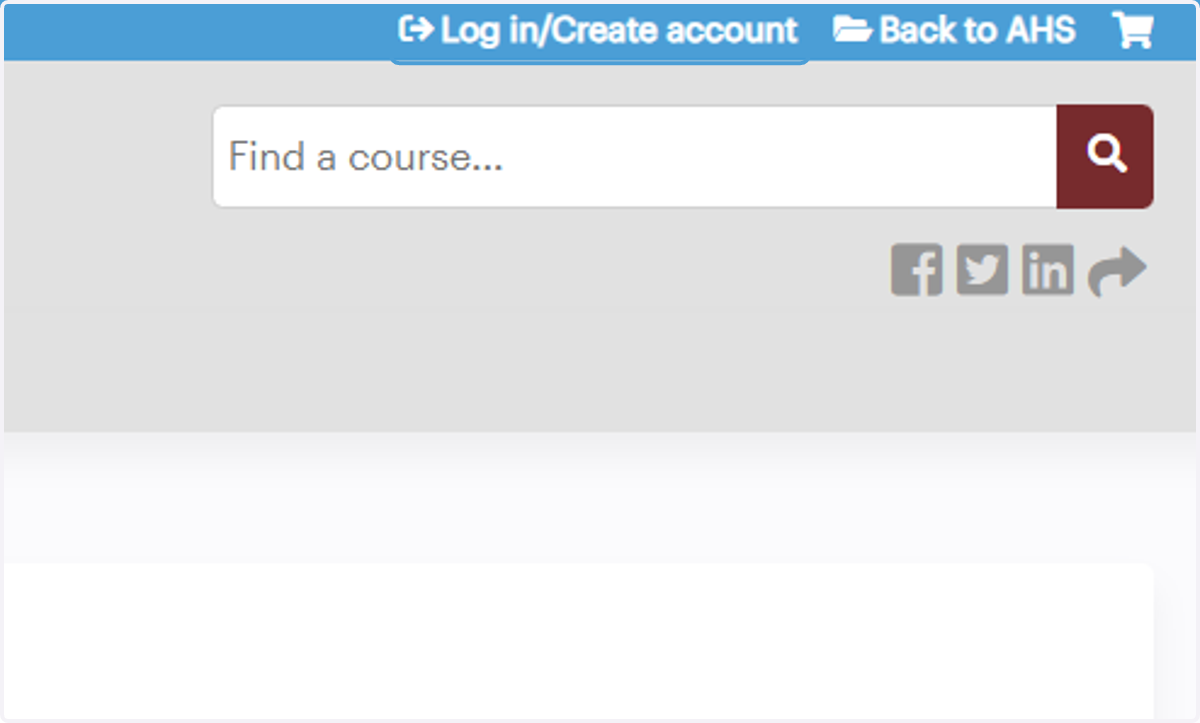
1. To begin, click on Log in/Create account
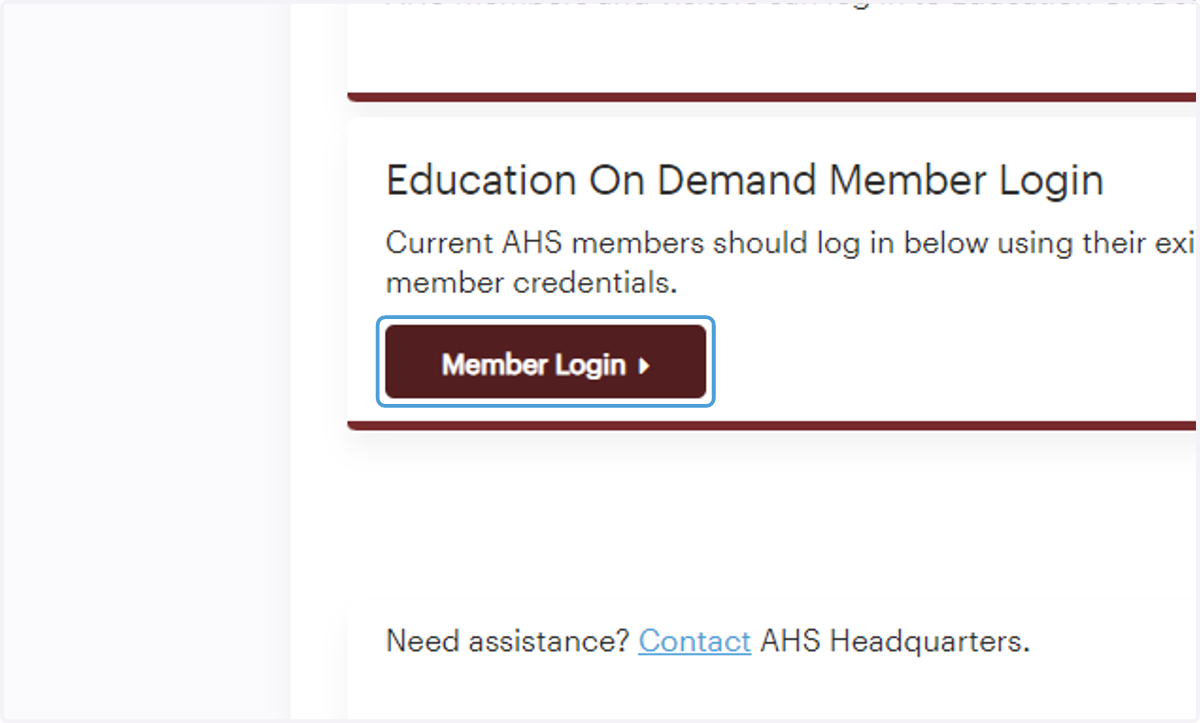
2. AHS members, click "Member Login"
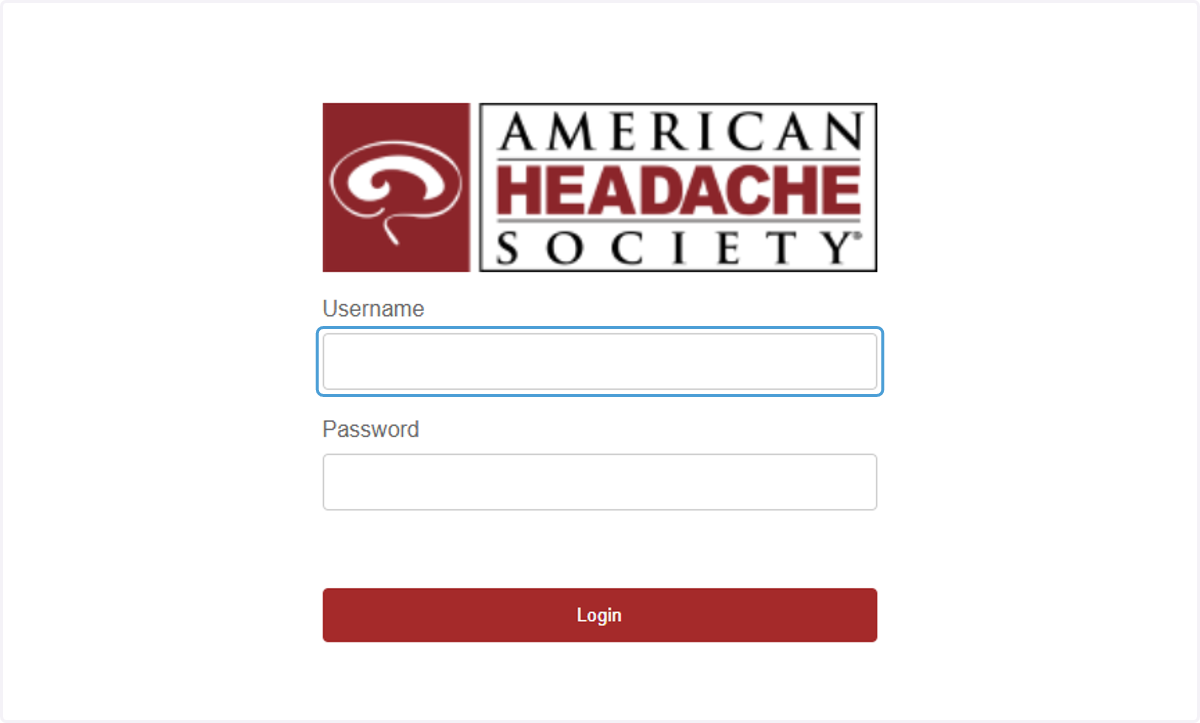
3. AHS Members, use your existing member credentials to login with single sign-on (SSO)
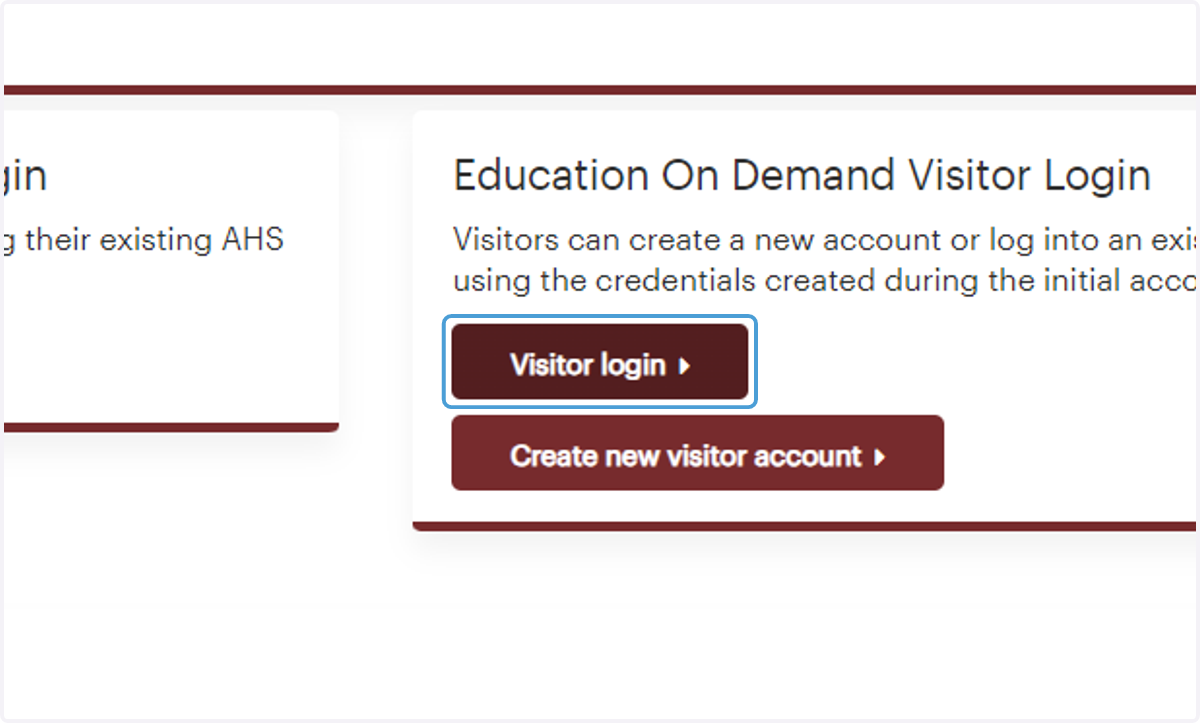
4. Nonmembers, click "Visitor login" or "Create new visitor account" and complete the required fields to create a free Education On Demand visitor account
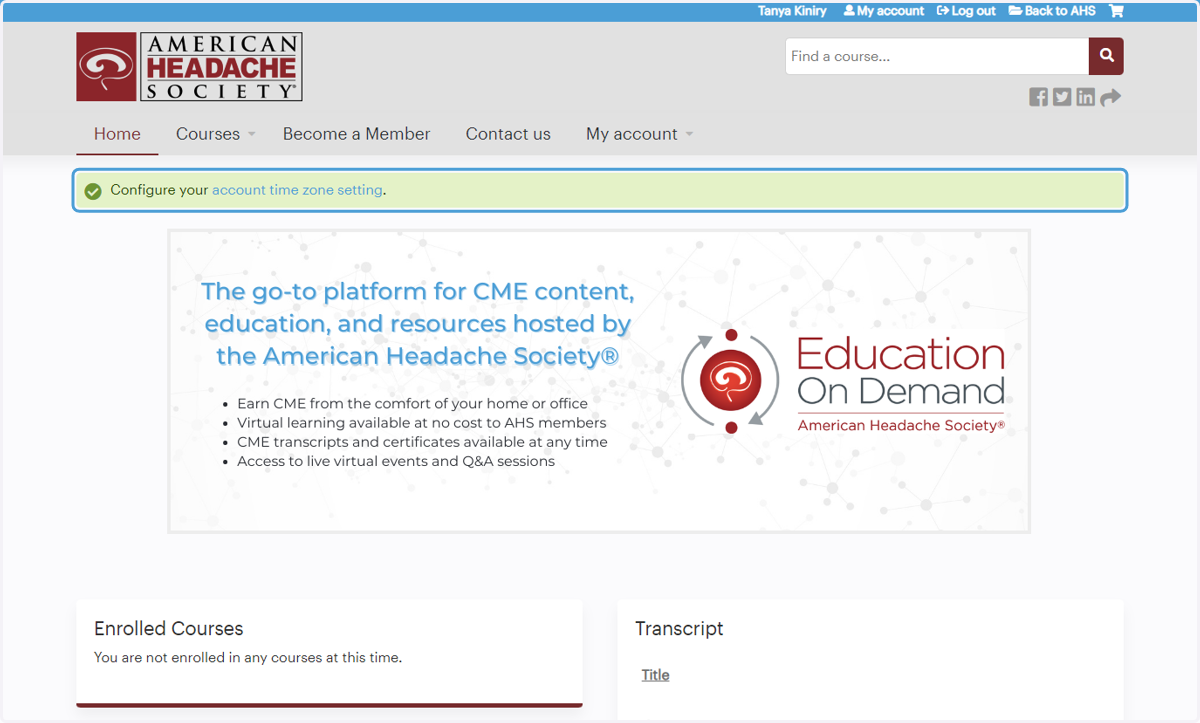
5. Members, upon first sign-in with SSO, you may be prompted to complete your profile; click the message at the top of the screen to complete required profile fields
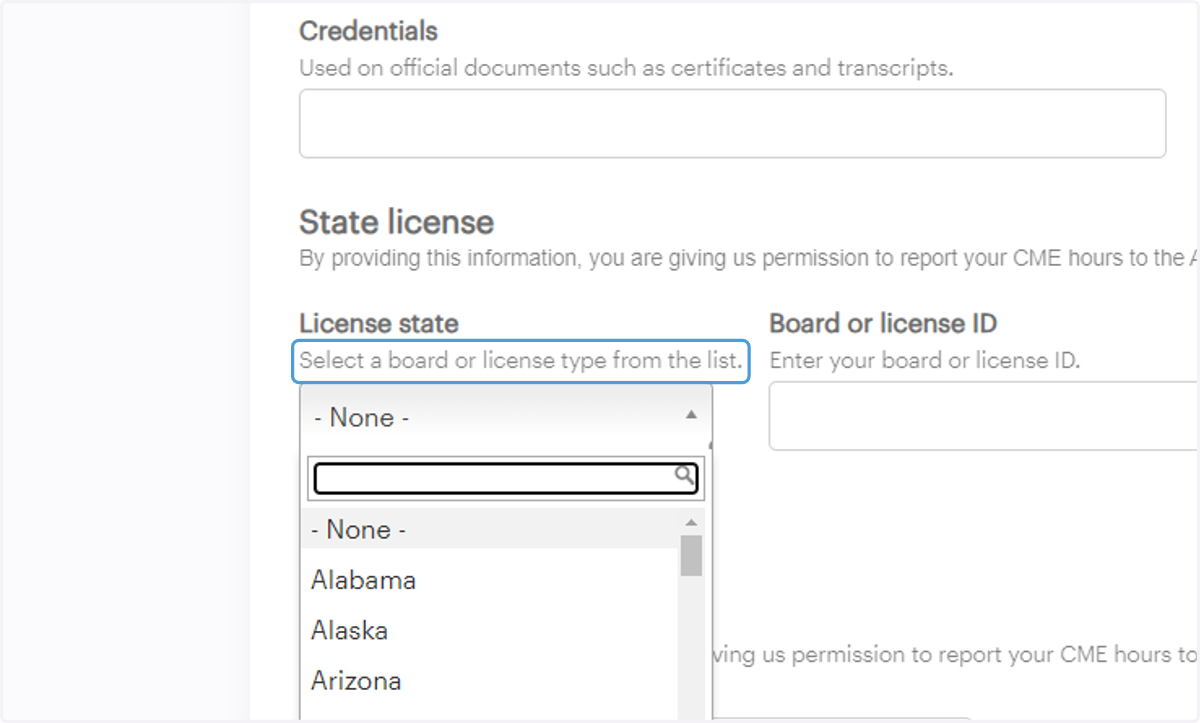
6. Physicians, please be sure to enter your license state, license ID (number), and DOB in your profile for reporting to the ACCME Passport
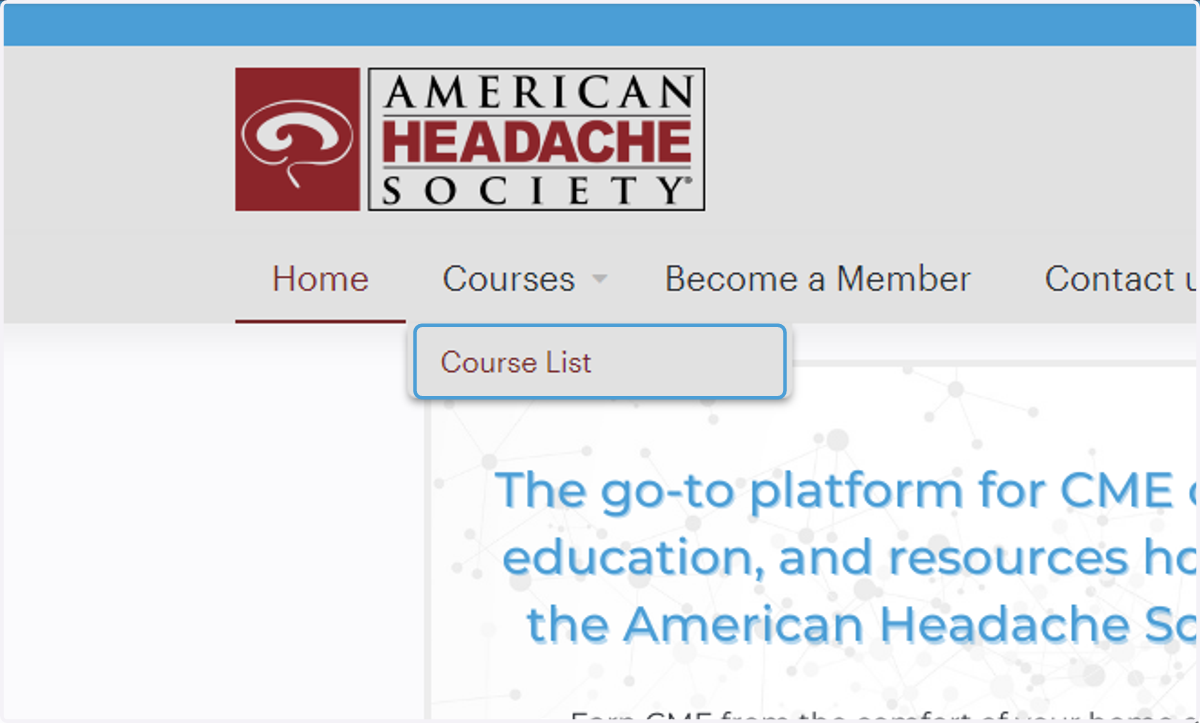
7. Now that you're logged in, click "Course List" to peruse a list of available courses
Members have complimentary access to On Demand content, with the exception of the current year's Annual Scientific Meeting and Scottsdale Headache Symposium® meetings available On Demand. Nonmembers can purchase On Demand content or register for the meetings mentioned above at the current rate.
8. From the course list, select the course you're interested in completing to view details
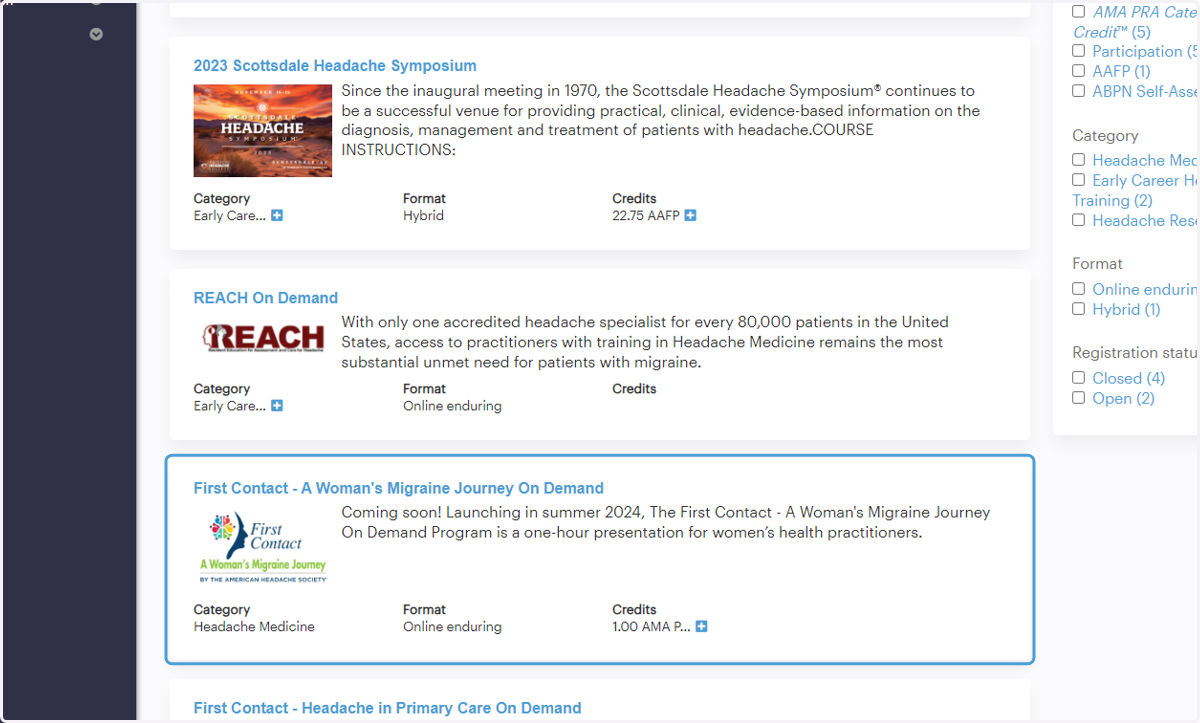
9. Click "Faculty" to view course disclosure information
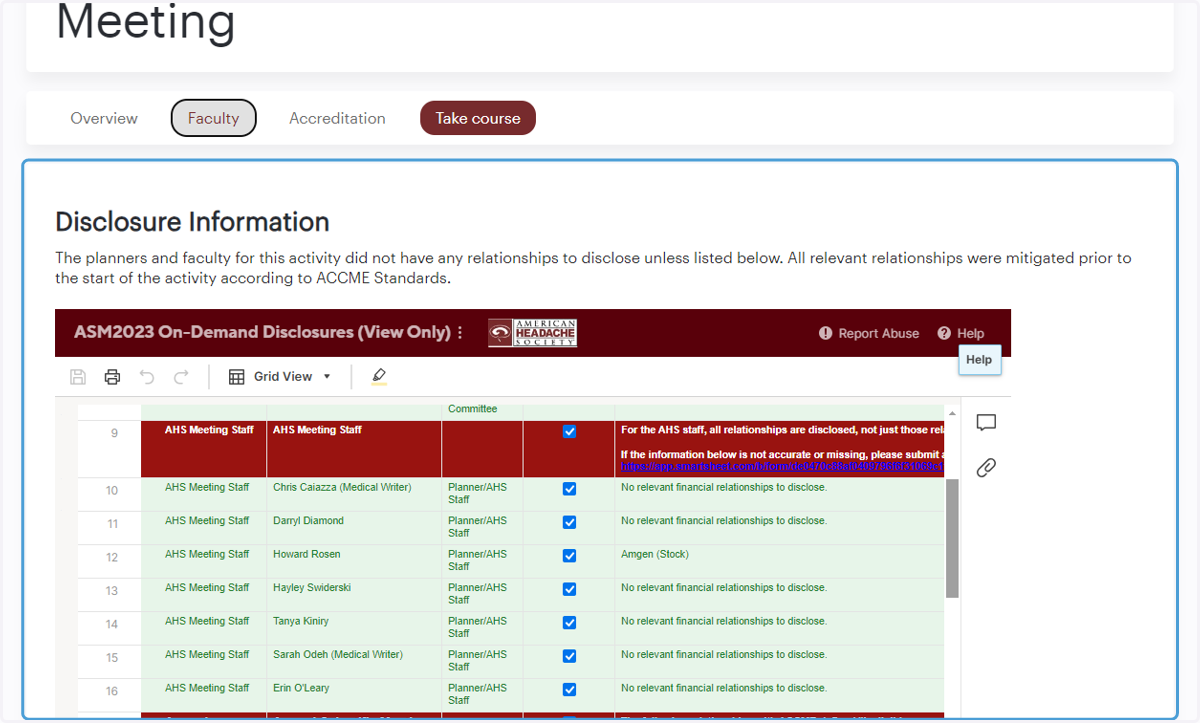
10. Click "Accreditation" to view course accreditation information and instructions for claiming CME
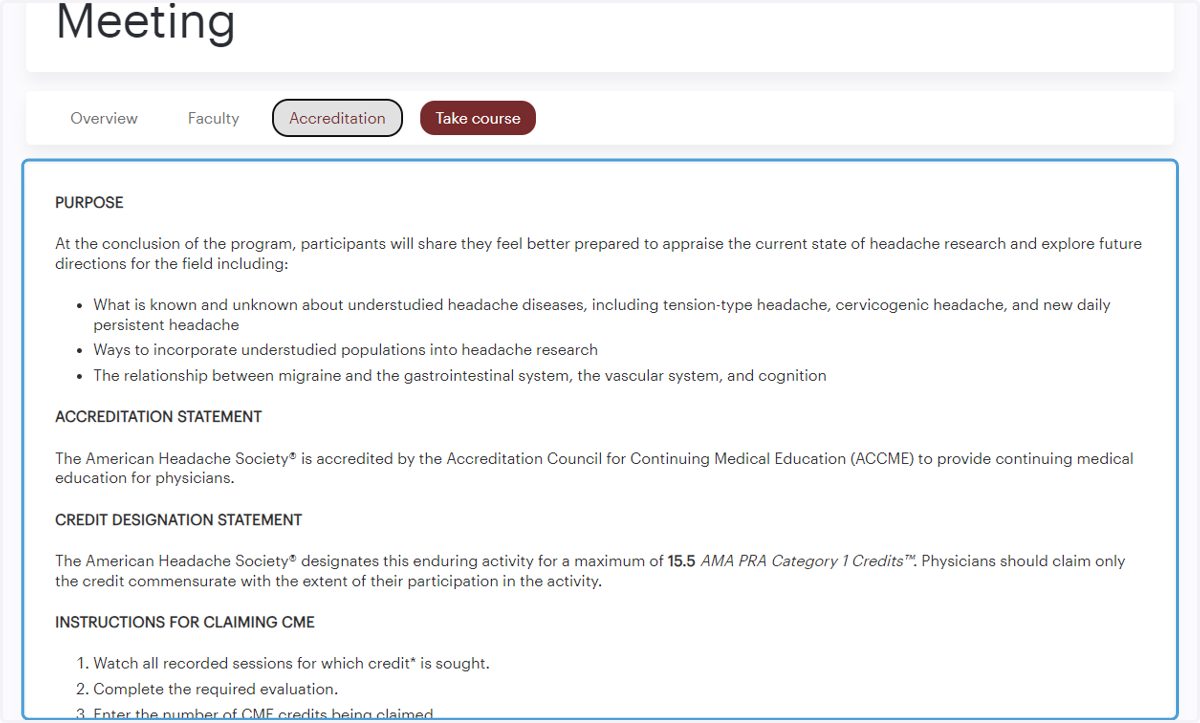
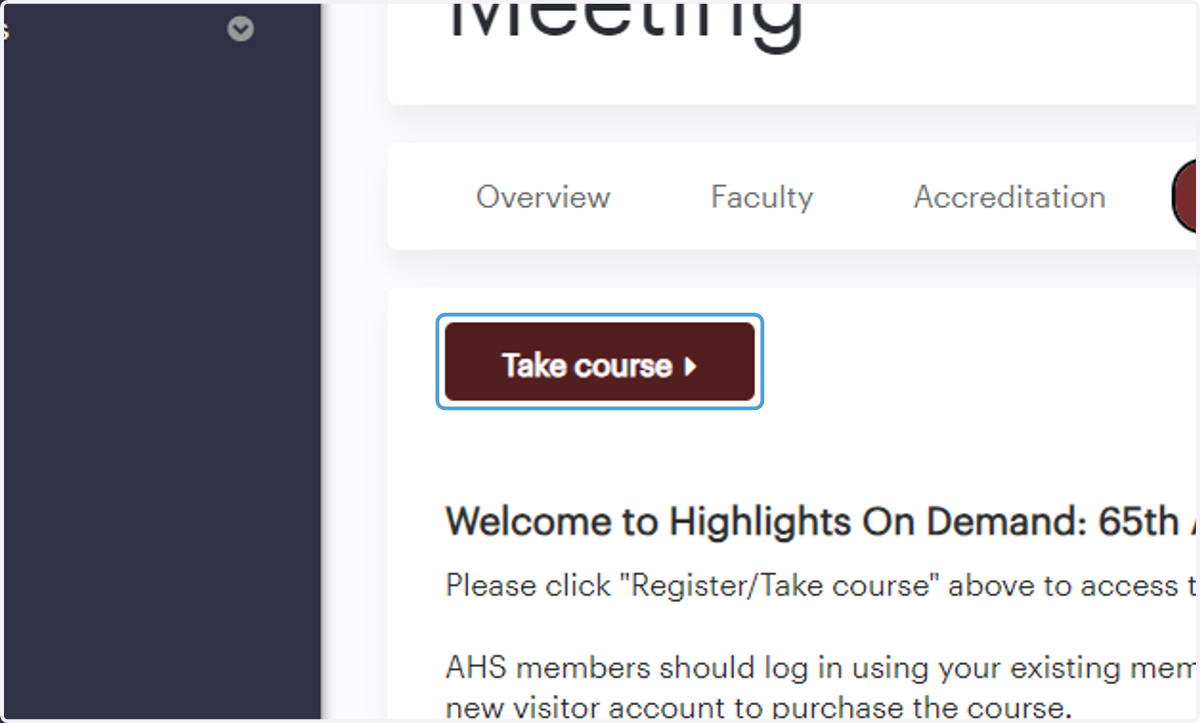
11. Click "Take course" to add the course to your cart or register for free* as an AHS member
Members have complimentary access to On Demand content, with the exception of the current year's Annual Scientific Meeting and Scottsdale Headache Symposium® meetings available On Demand. Nonmembers can purchase On Demand content or register for the meetings mentioned above at the current rate.
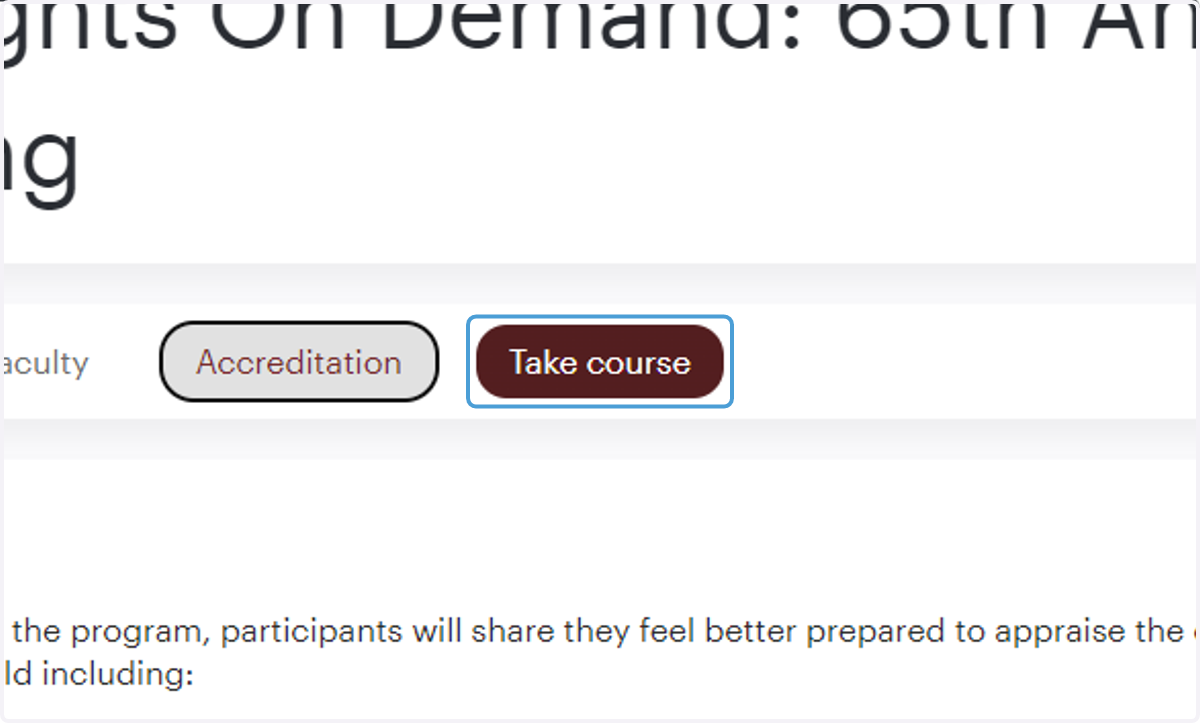
12. Once purchased, click "Take course" above the registration instructions to begin
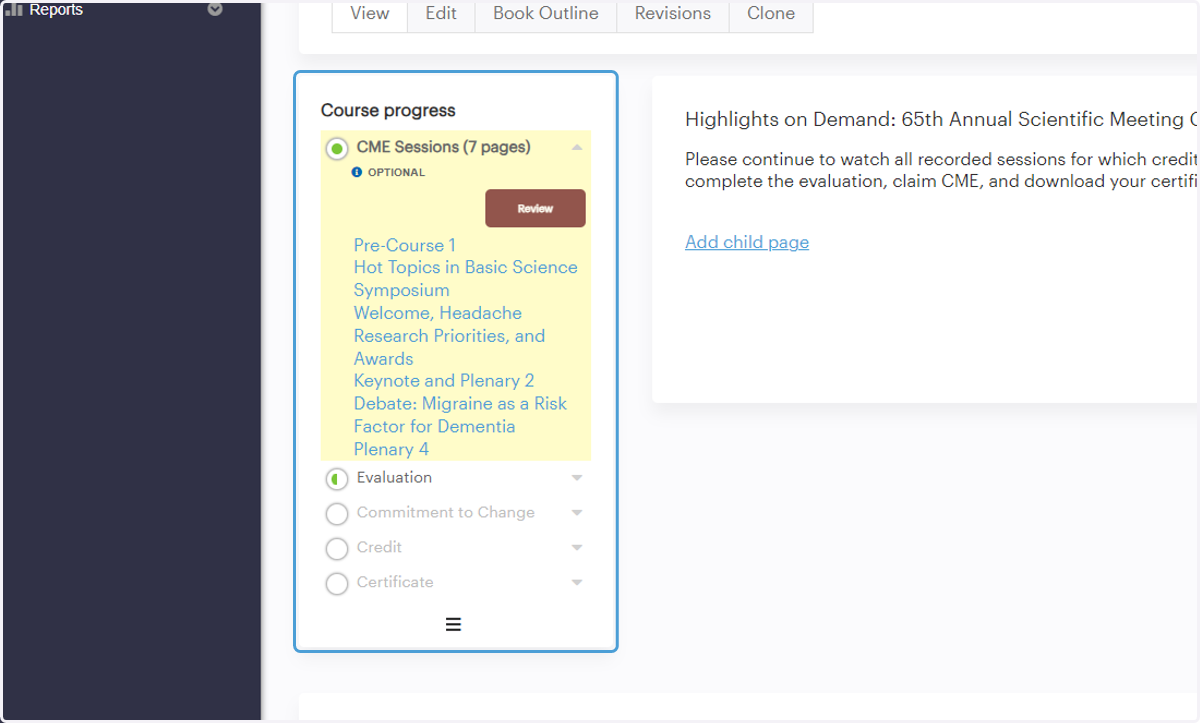
13. Use the course's left hand navigation to view your progress and navigate through each module
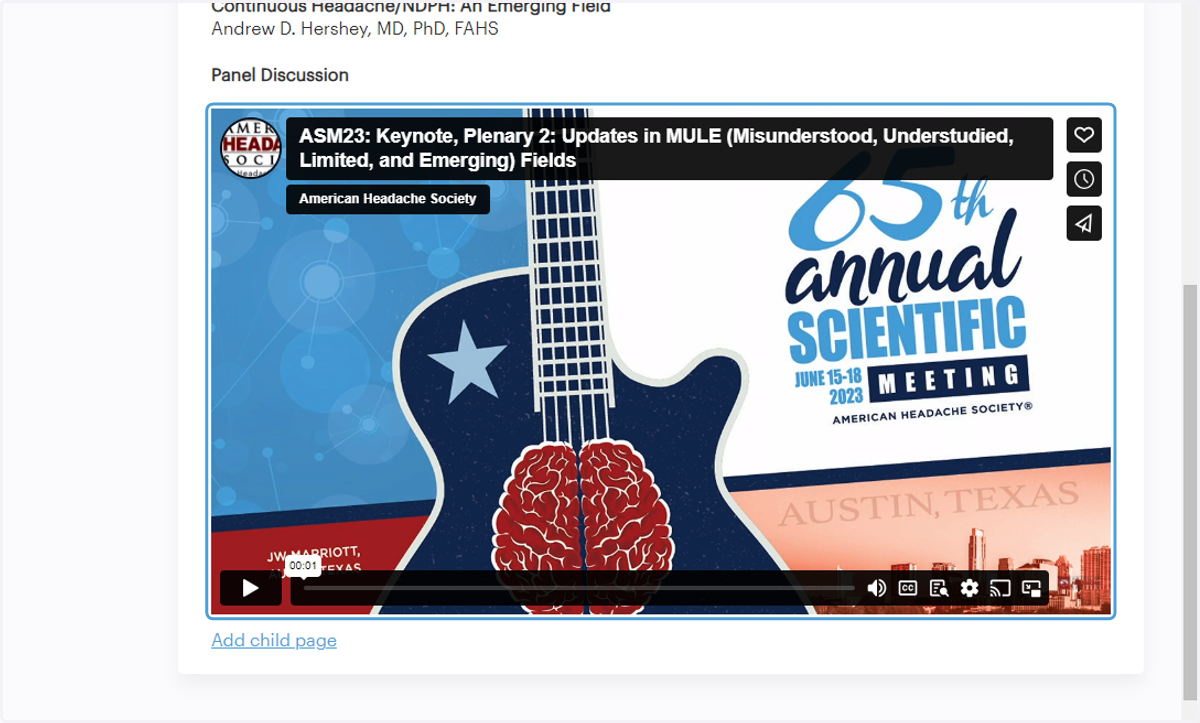
14. For On Demand recordings, watch each video for which credit is sought
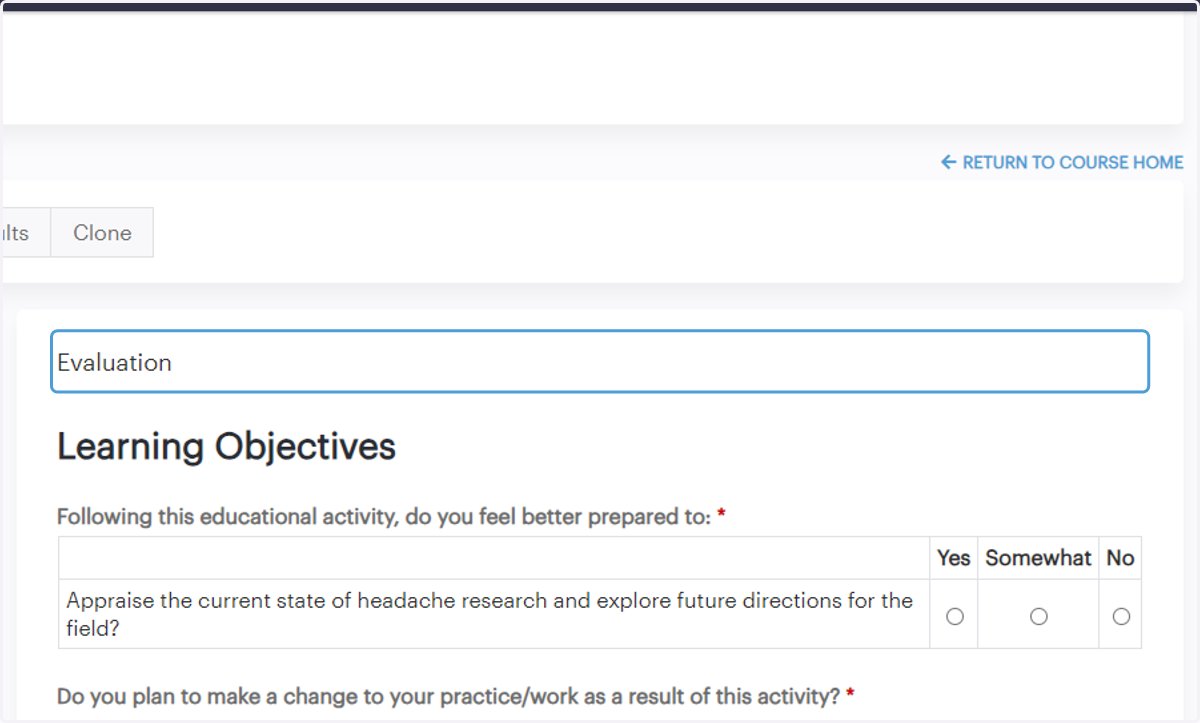
15. Complete the course evaluation once you've watched all recordings for which credit is sought
16. Complete the commitment to change module
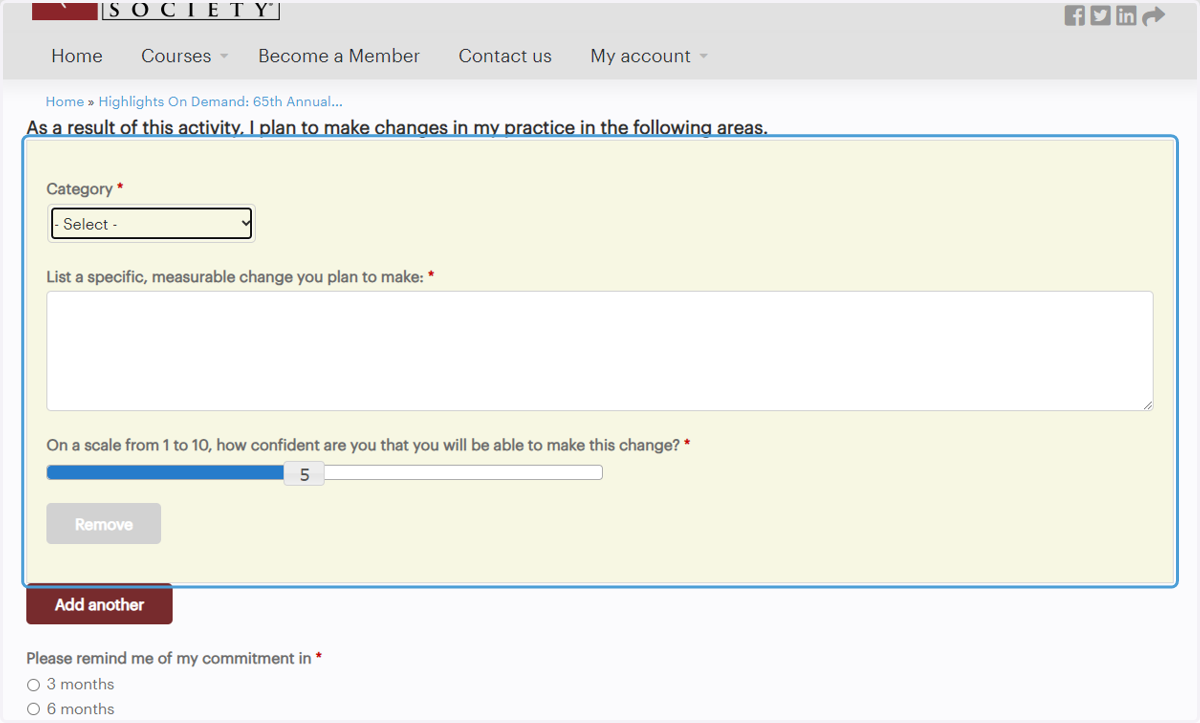
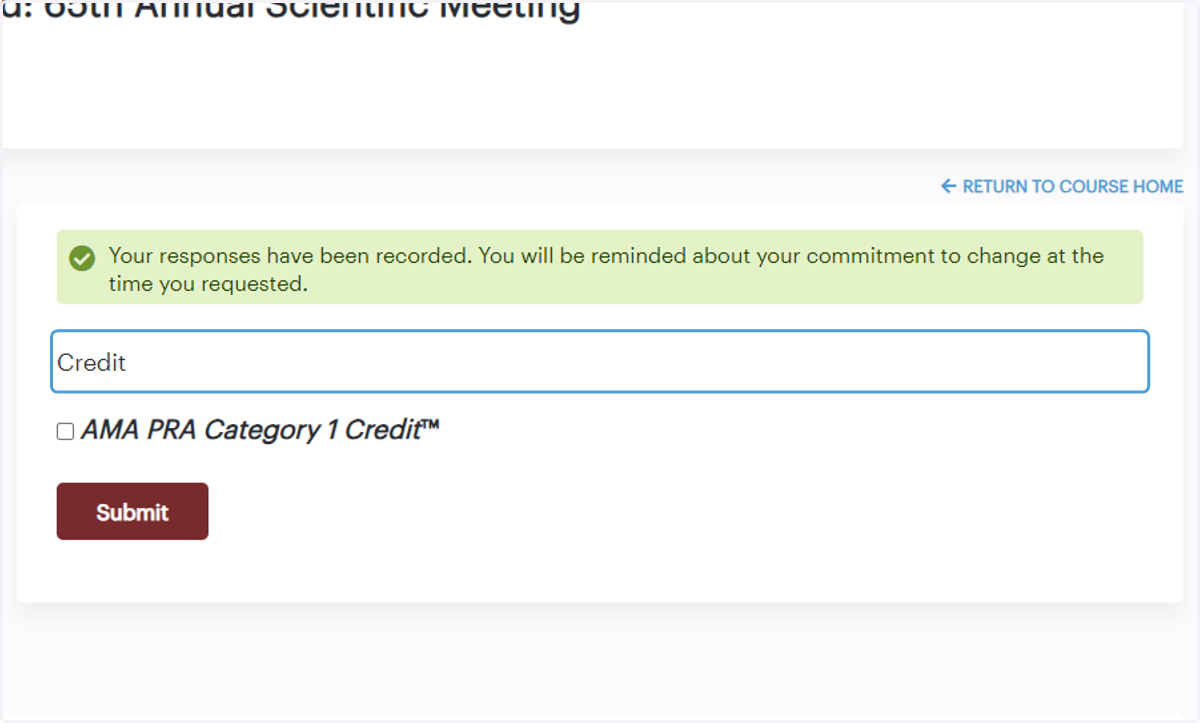
17. Complete the credit module by selecting the credit type and amount of credits you'd like to claim
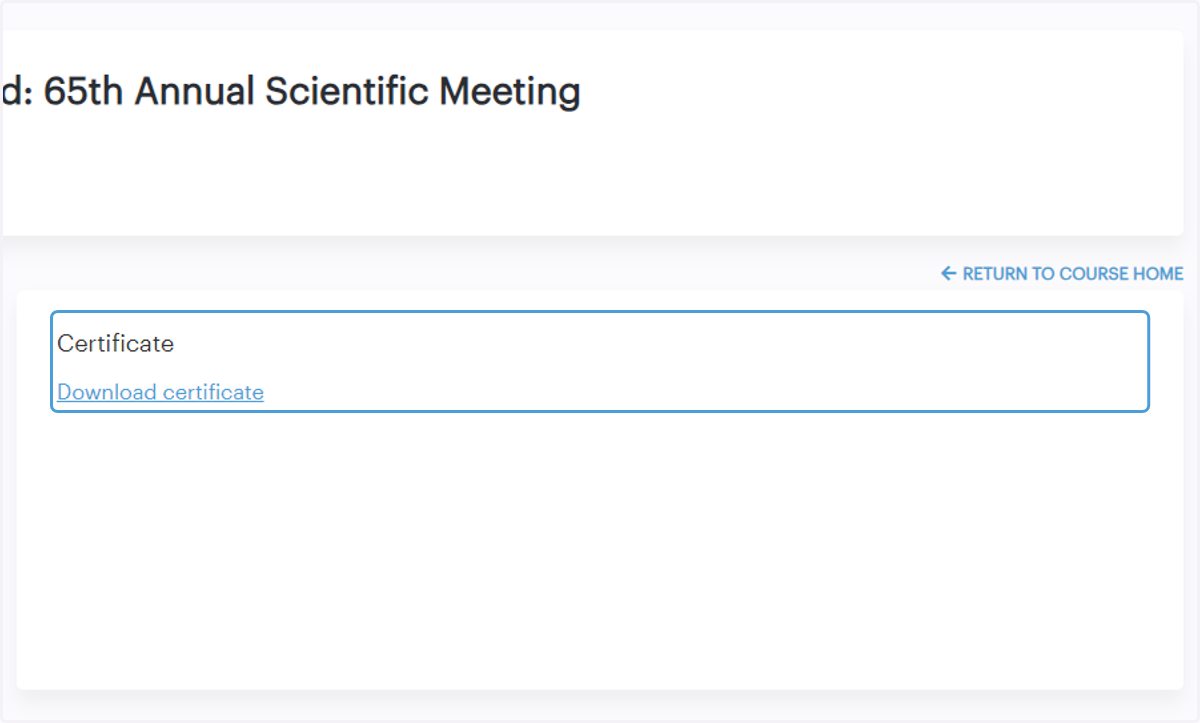
18. Download your certificate
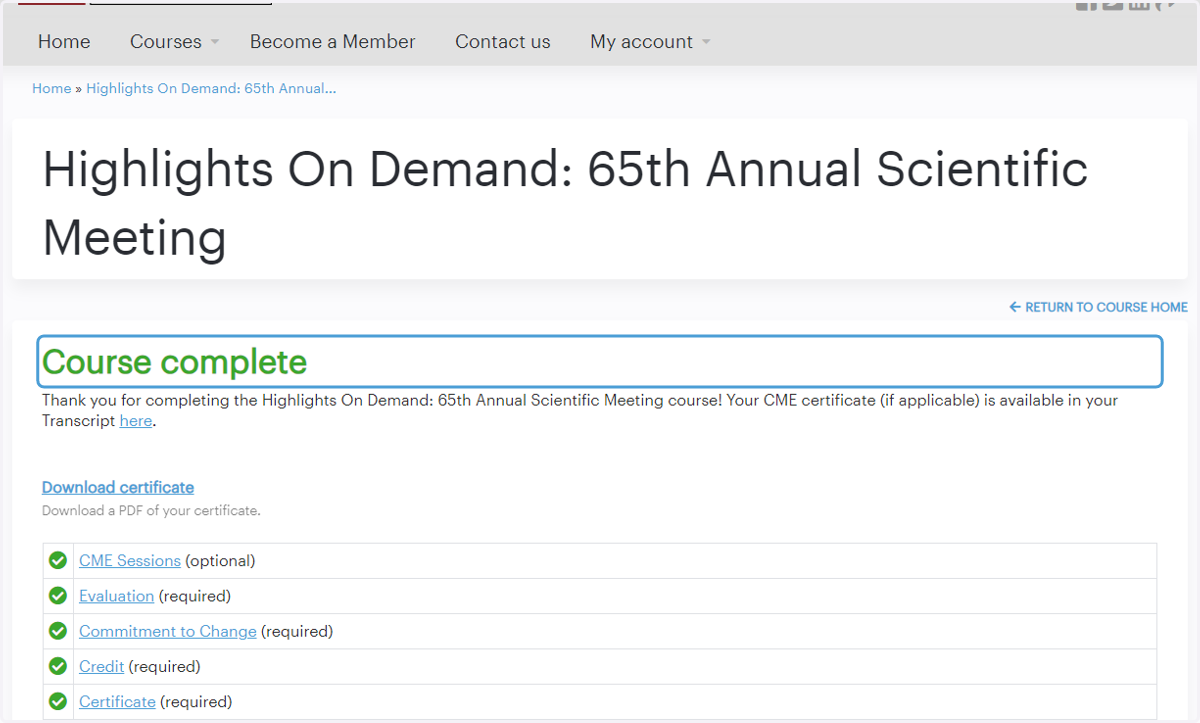
19. Congratulations, you've completed the course!
20. Click "My account" then "Transcript" to see the courses you've completed and access your CME certificates at any time
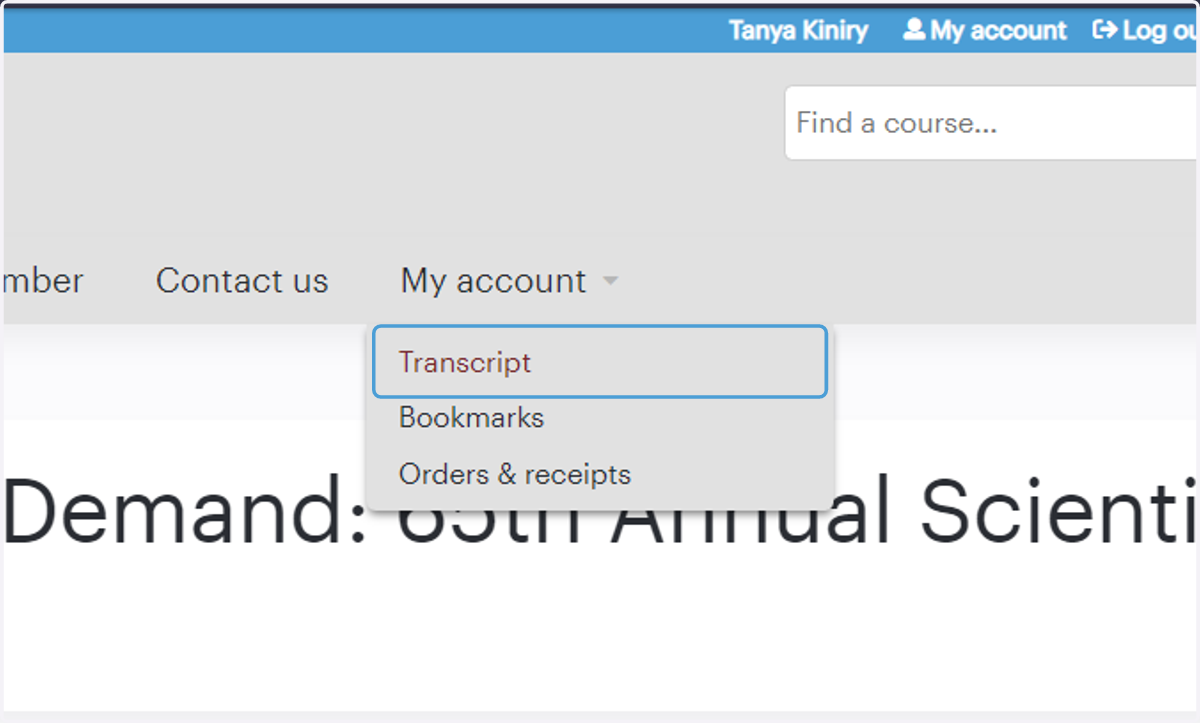
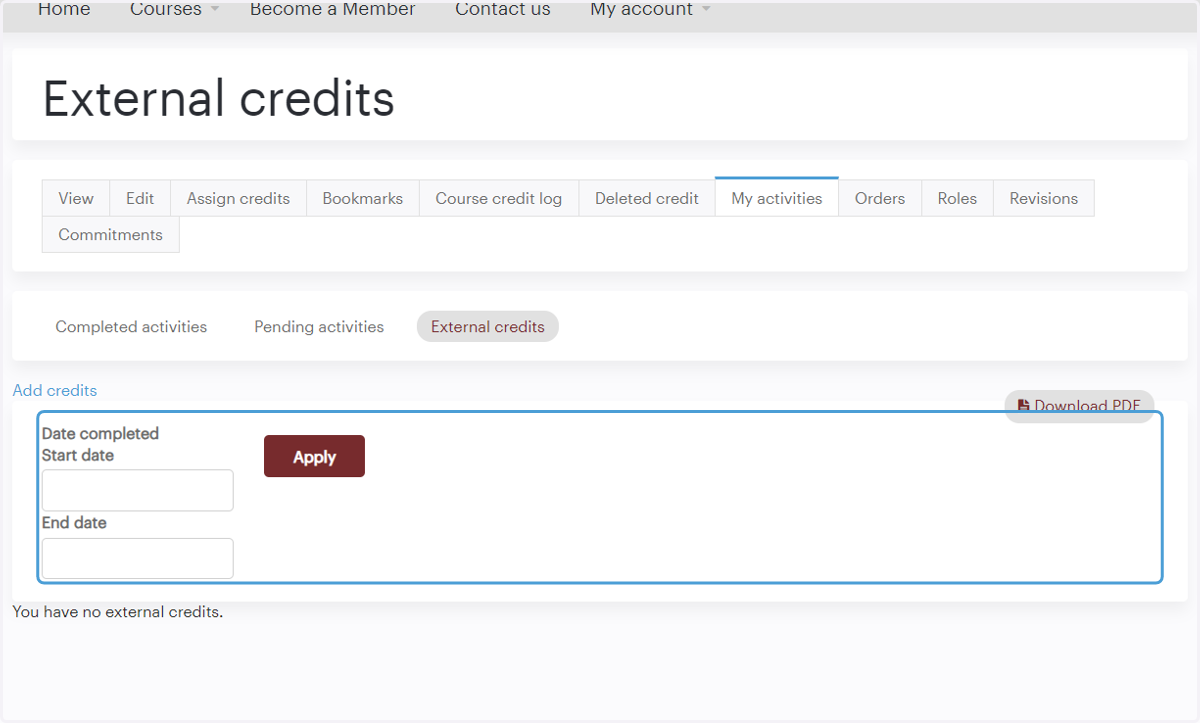
21. Click "External credits" to upload certificates from other sources
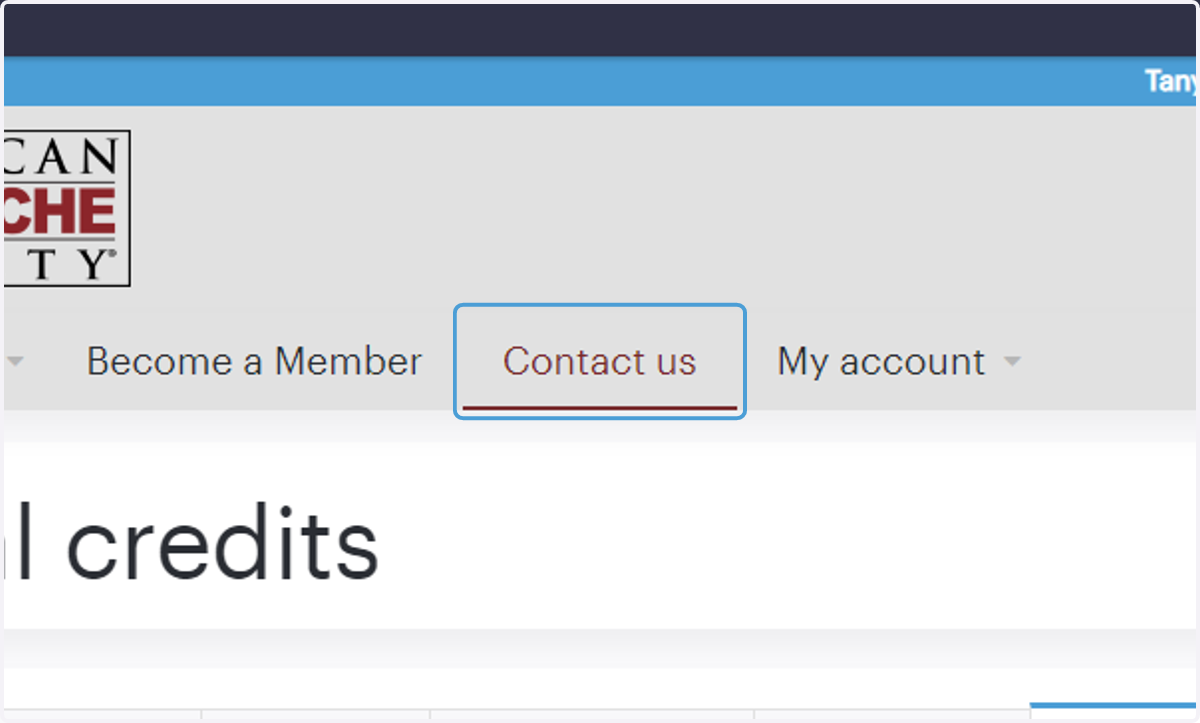
22. Click "Contact us" if you have questions or need assistance
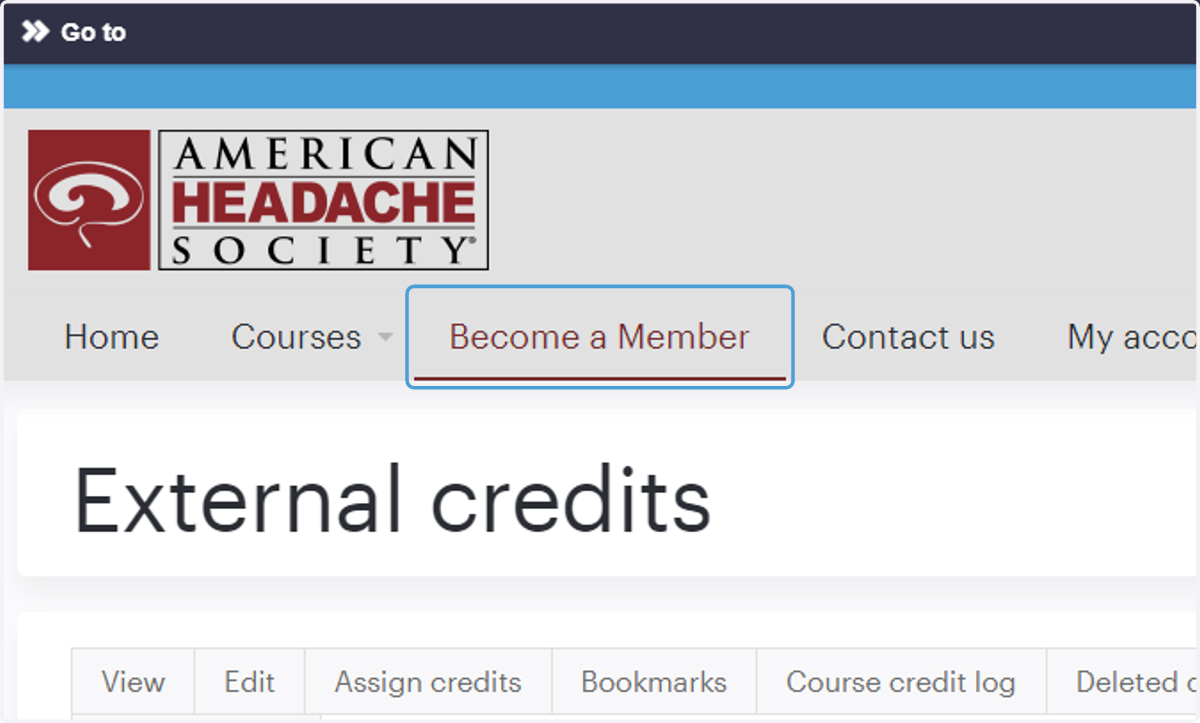
23. Not yet an AHS member? Click "Become a Member" to learn more about member benefits, tiers, and pricing.
24. Log out or return back to the AHS website for more headache medicine resources!