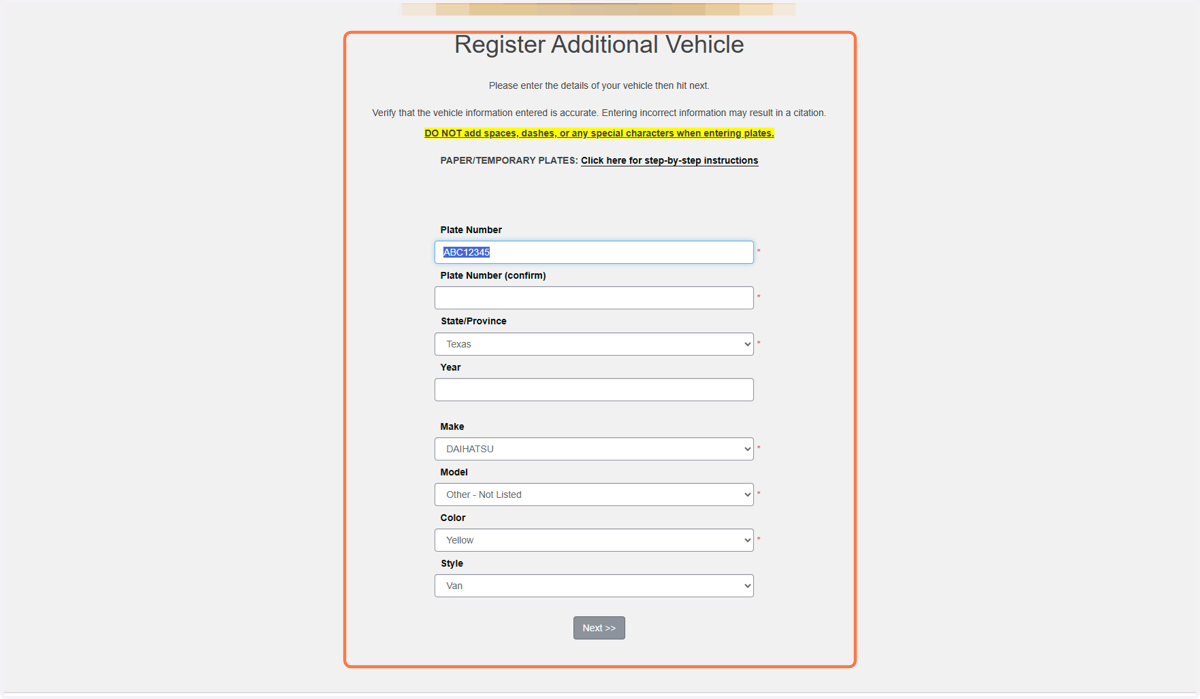
Editing a Vehicle
If you originally entered your vehicle under a VIN, you must add your permanent plates once your receive them.
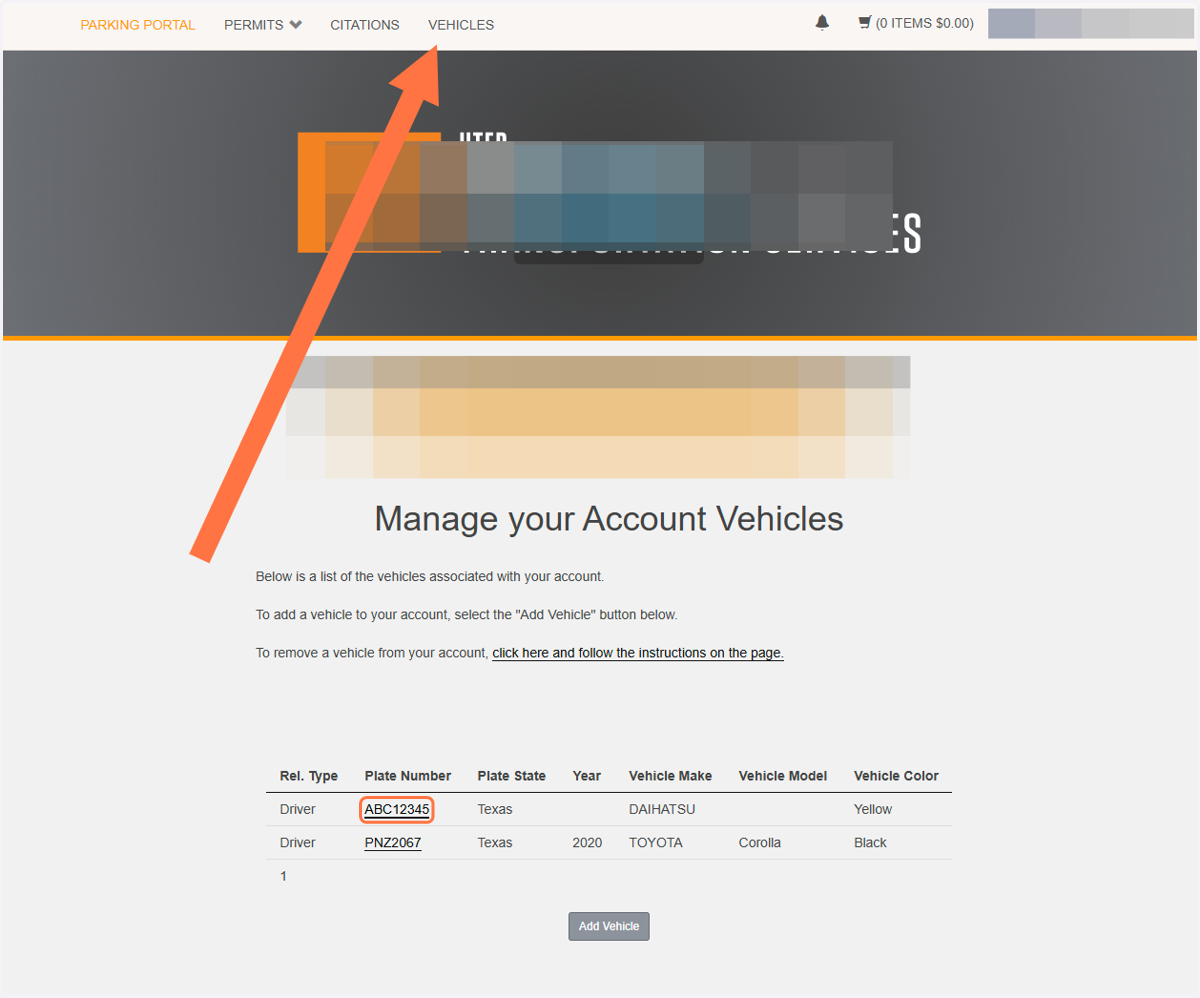
1. Click Vehicles at the top to pull up the vehicle page, then click on the plates of the vehicle you want to edit
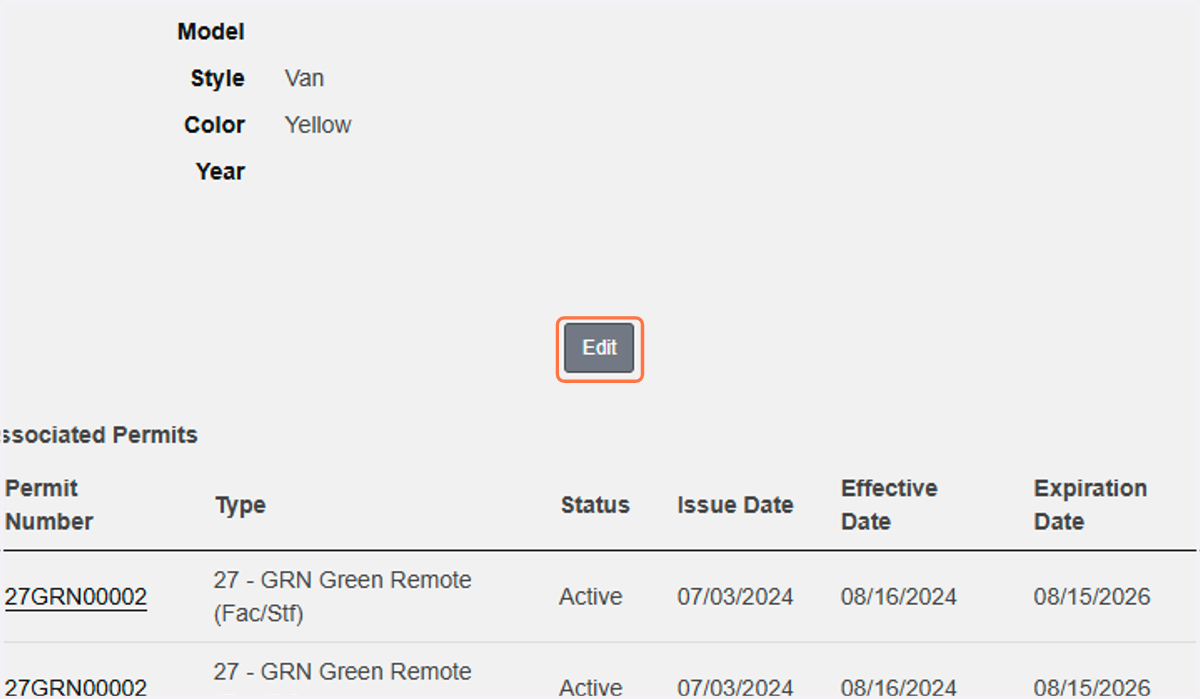
2. Click on Edit
3. Update information as needed then click next to return to the vehicle page