Editing and Downloading Brand Boards
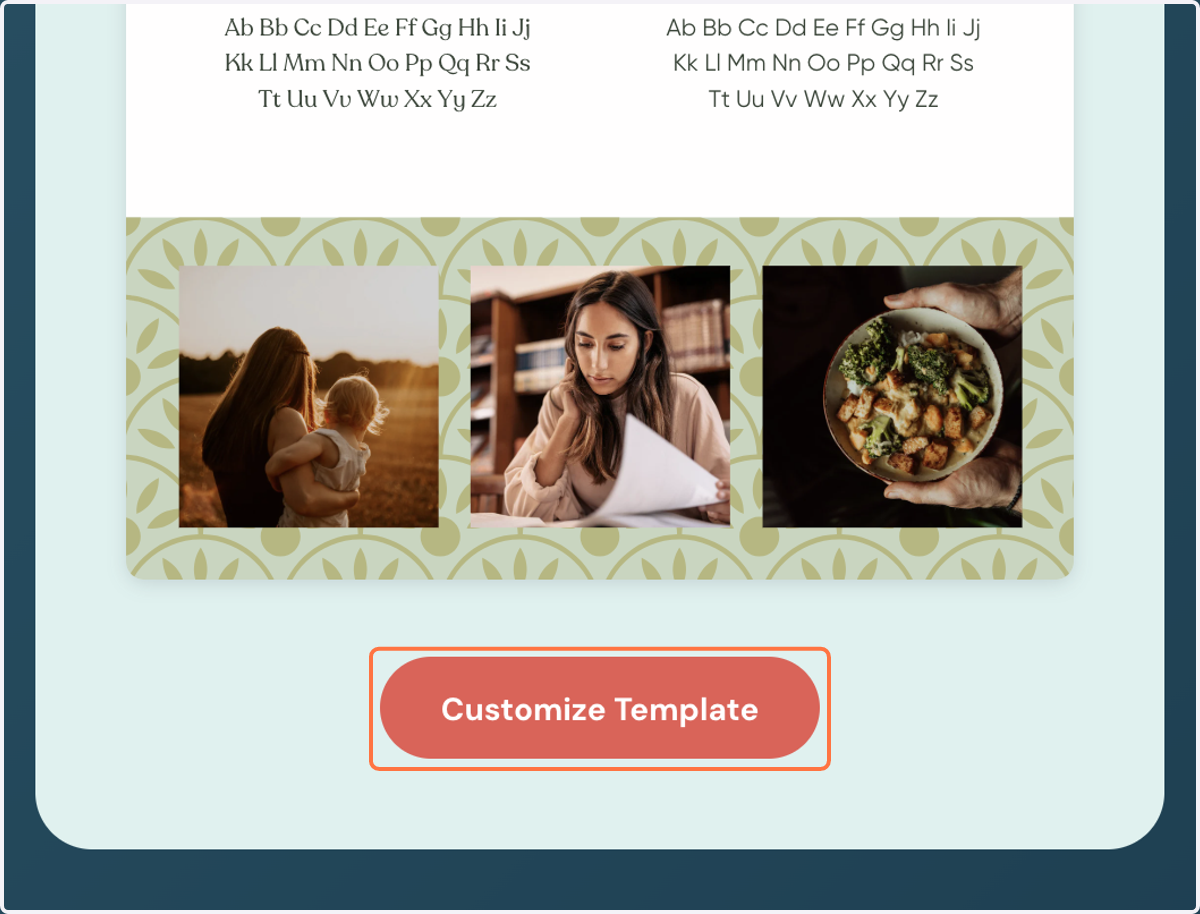
1. Select the brand board that resonates with you the most, and click the "Customize Template" button below
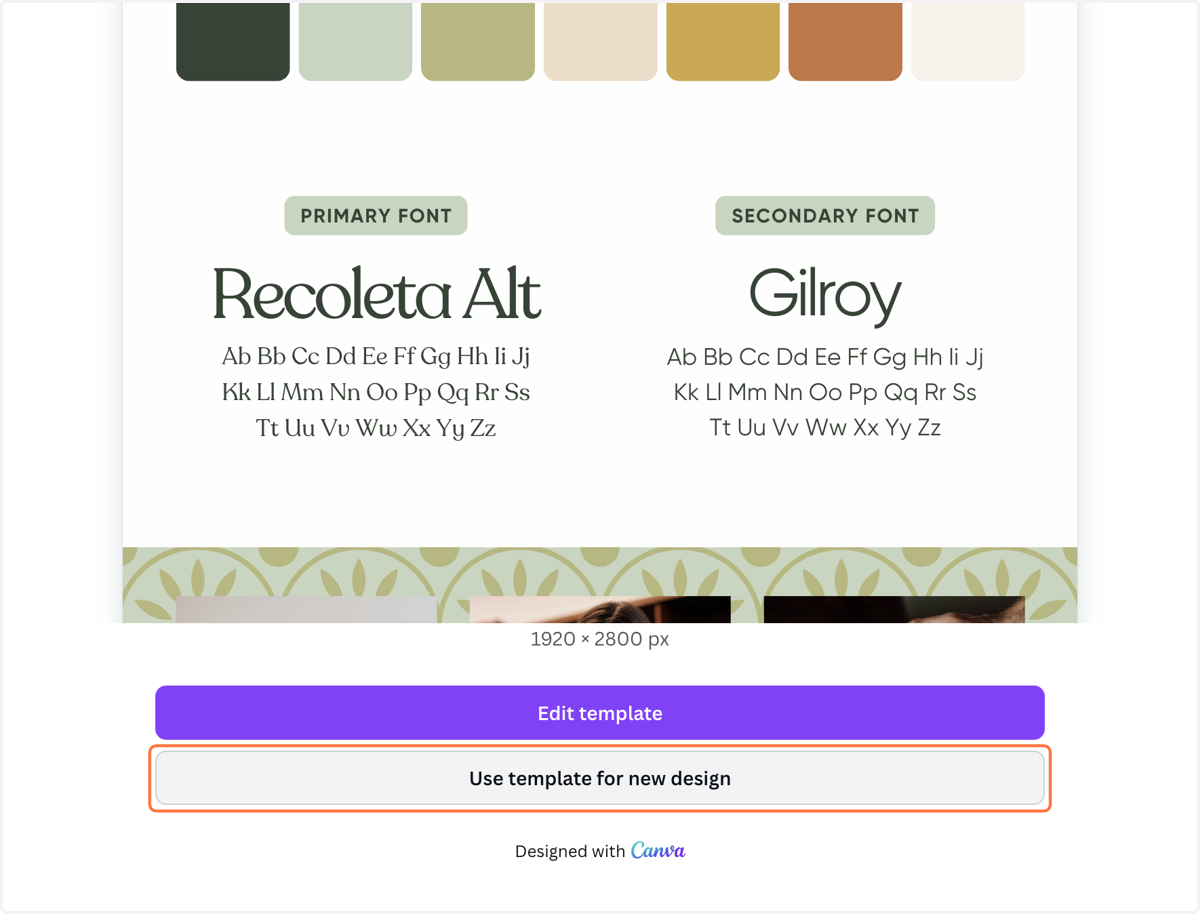
2. Click "Use template for new design"
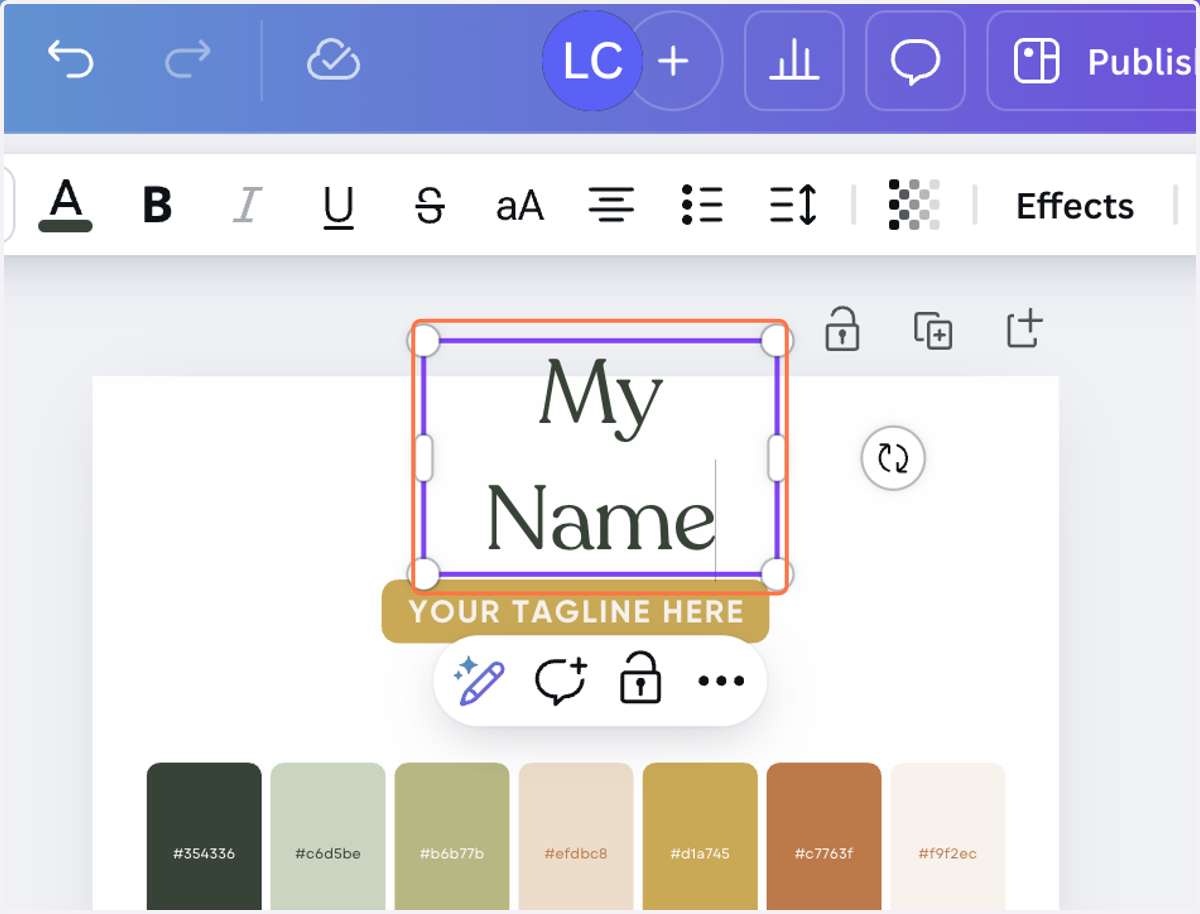
3. Add your name or company name here
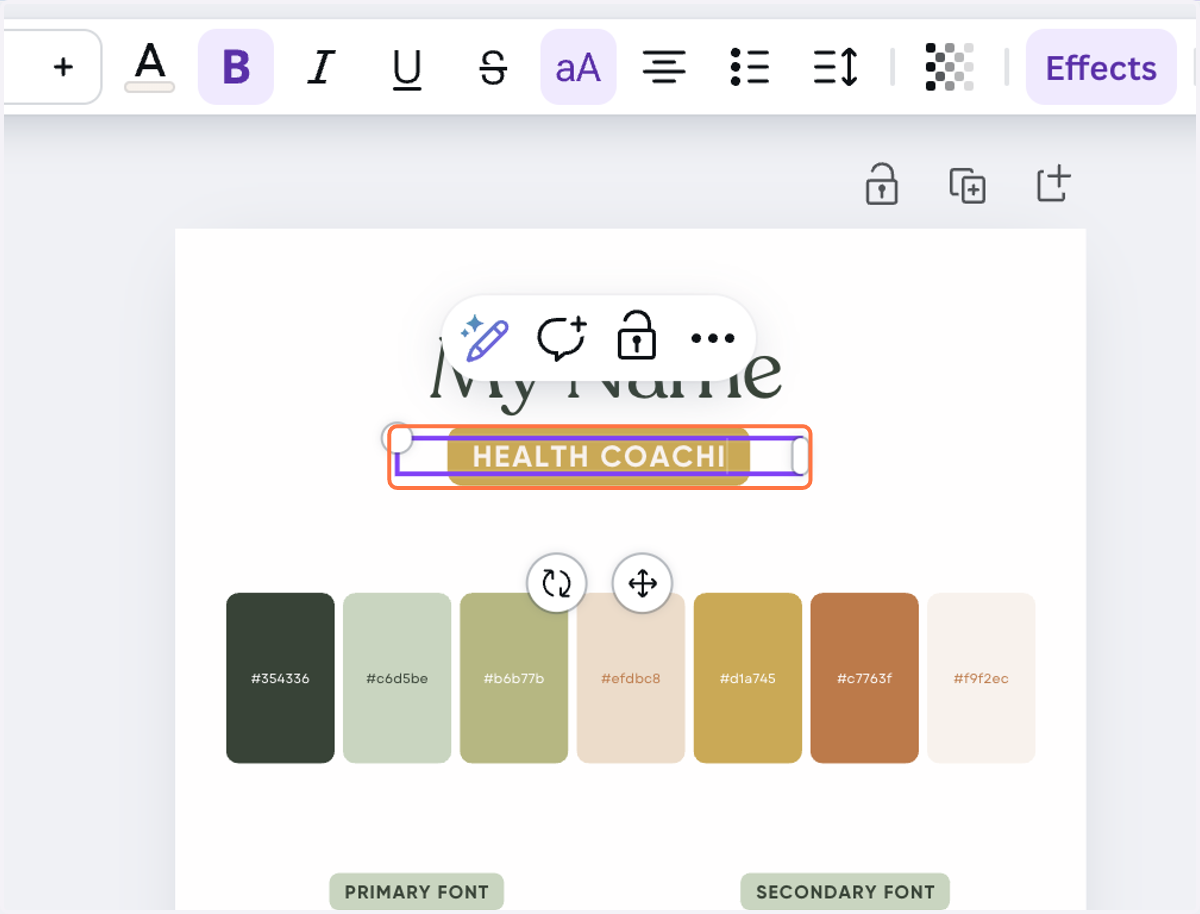
4. Add your tagline or title and make any edits you want to
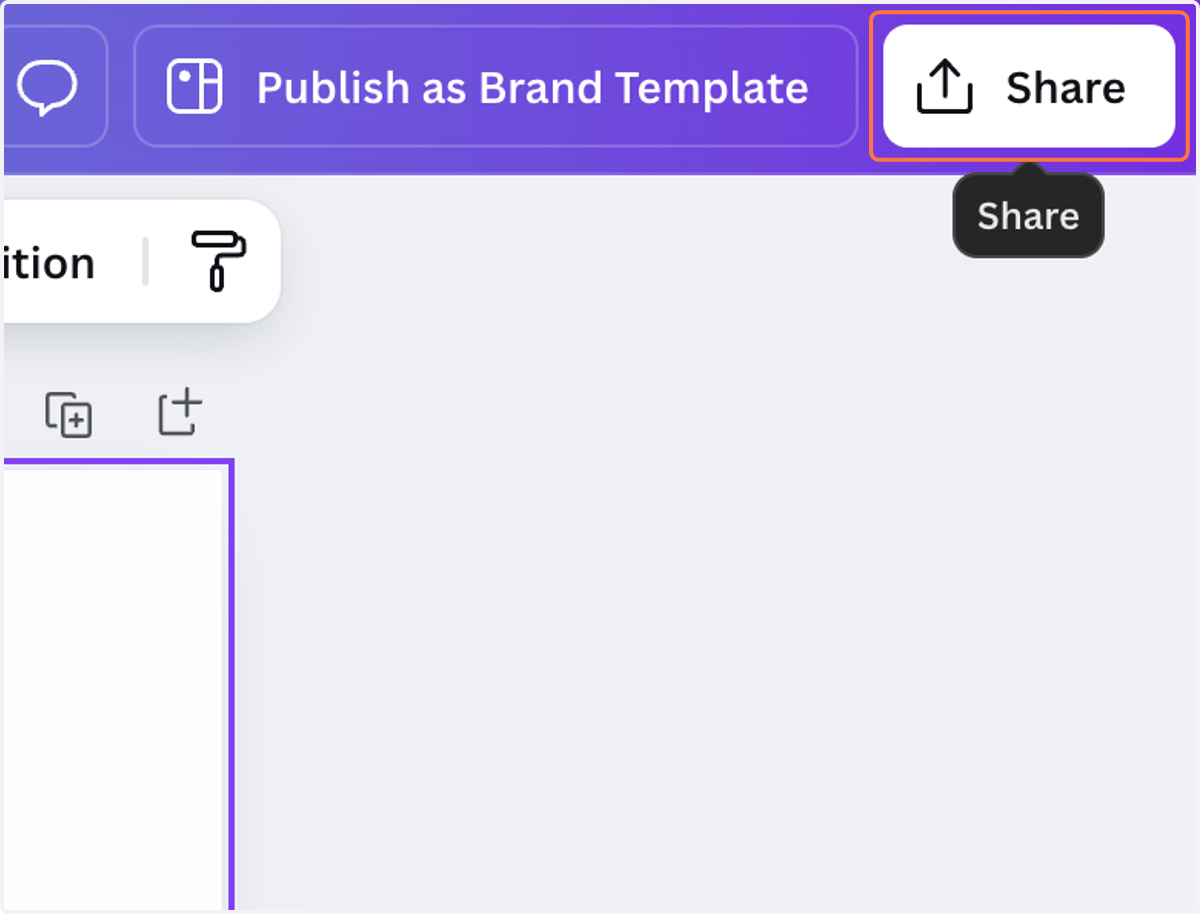
5. To download your customized brand board, click "Share" in the top right
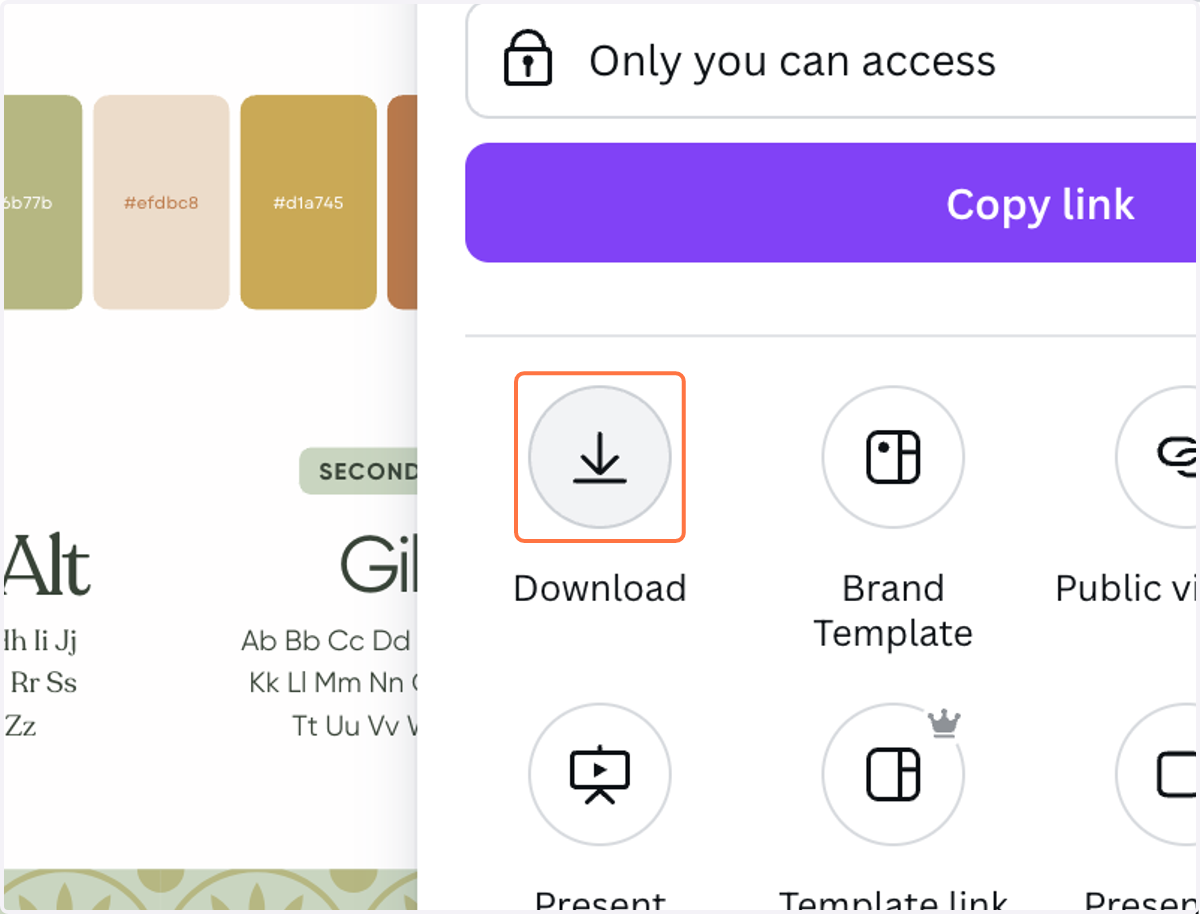
6. Click the "Download" arrow
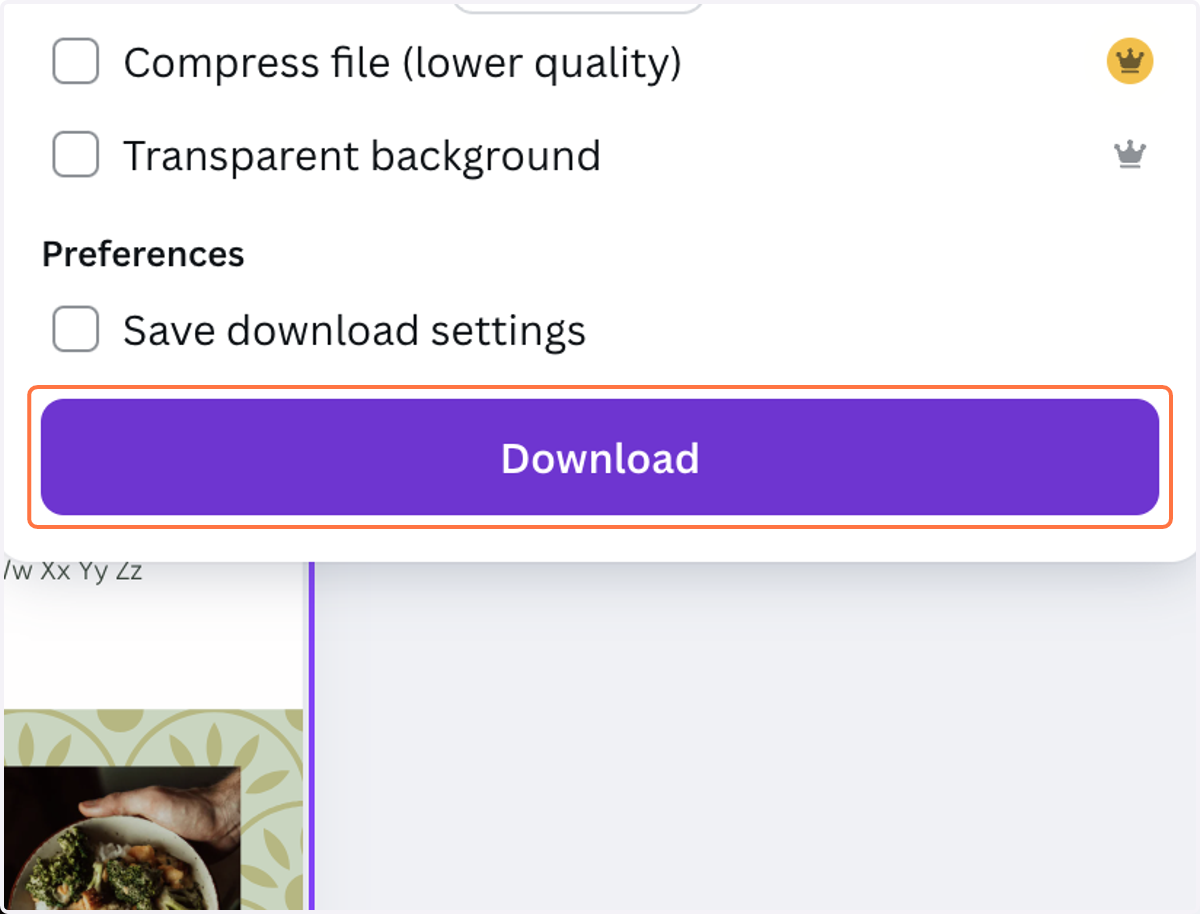
7. Click "Download"
8. Your brand board will be downloaded to your computer now! Use this as a reference to keep your brand visuals cohesive across all platforms.