Edit Requested Term
Maestro ::Personal Home Page
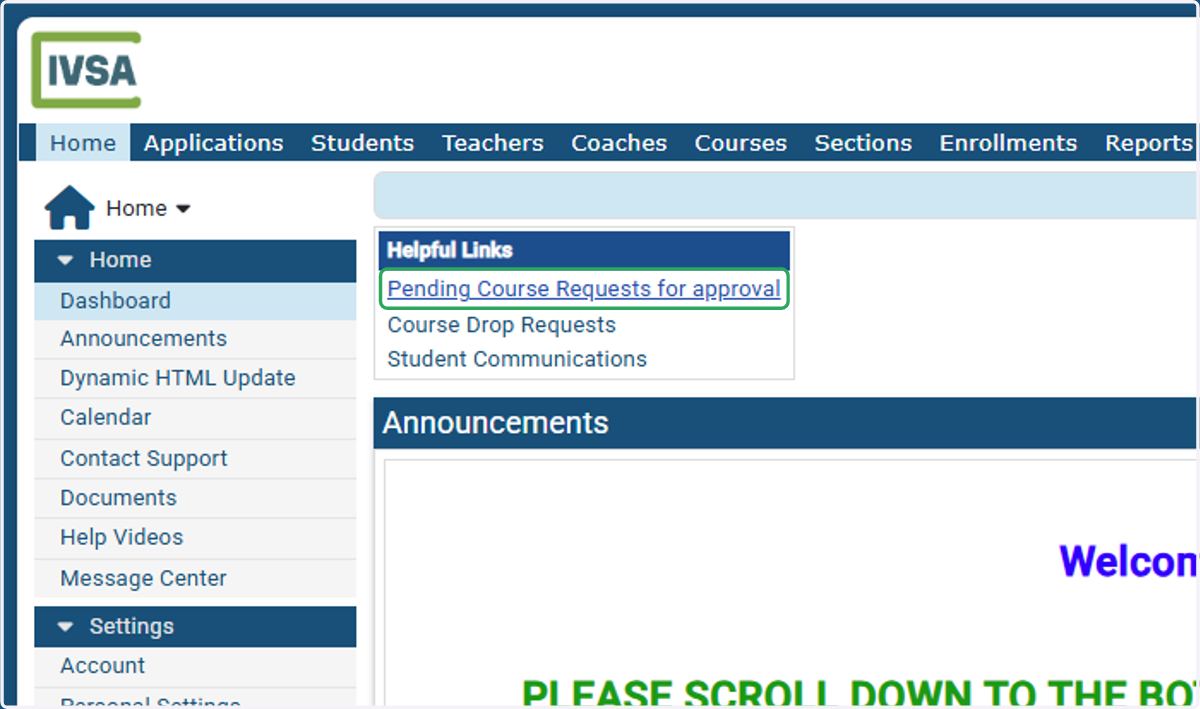
1. Click on Pending Course Requests for approval
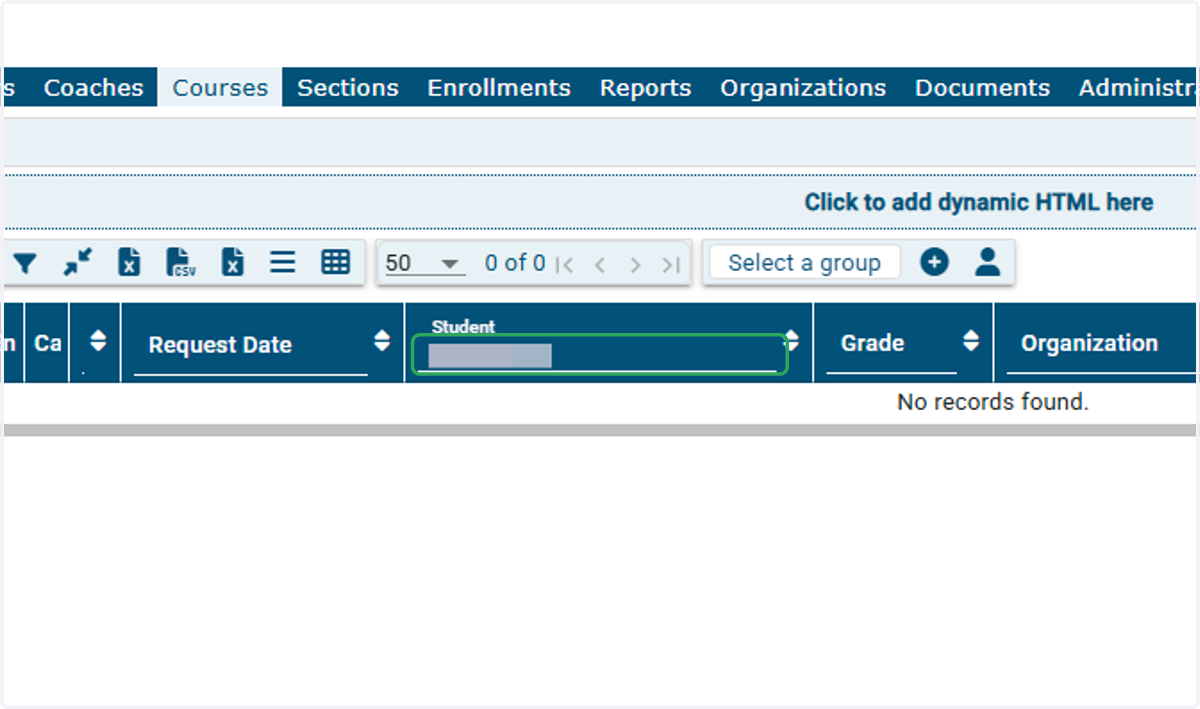
2. Search for the student if needed
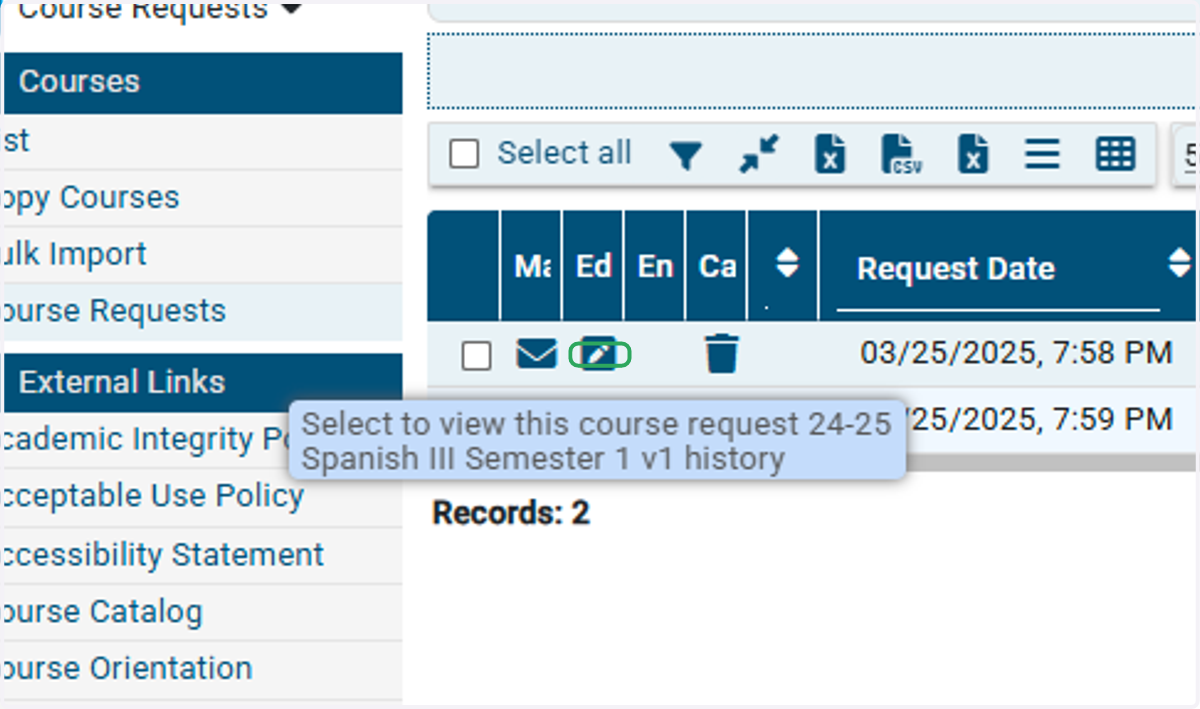
3. Click the Edit icon next to the course request
4. Click the Preferred Term drop down menu to select a different term
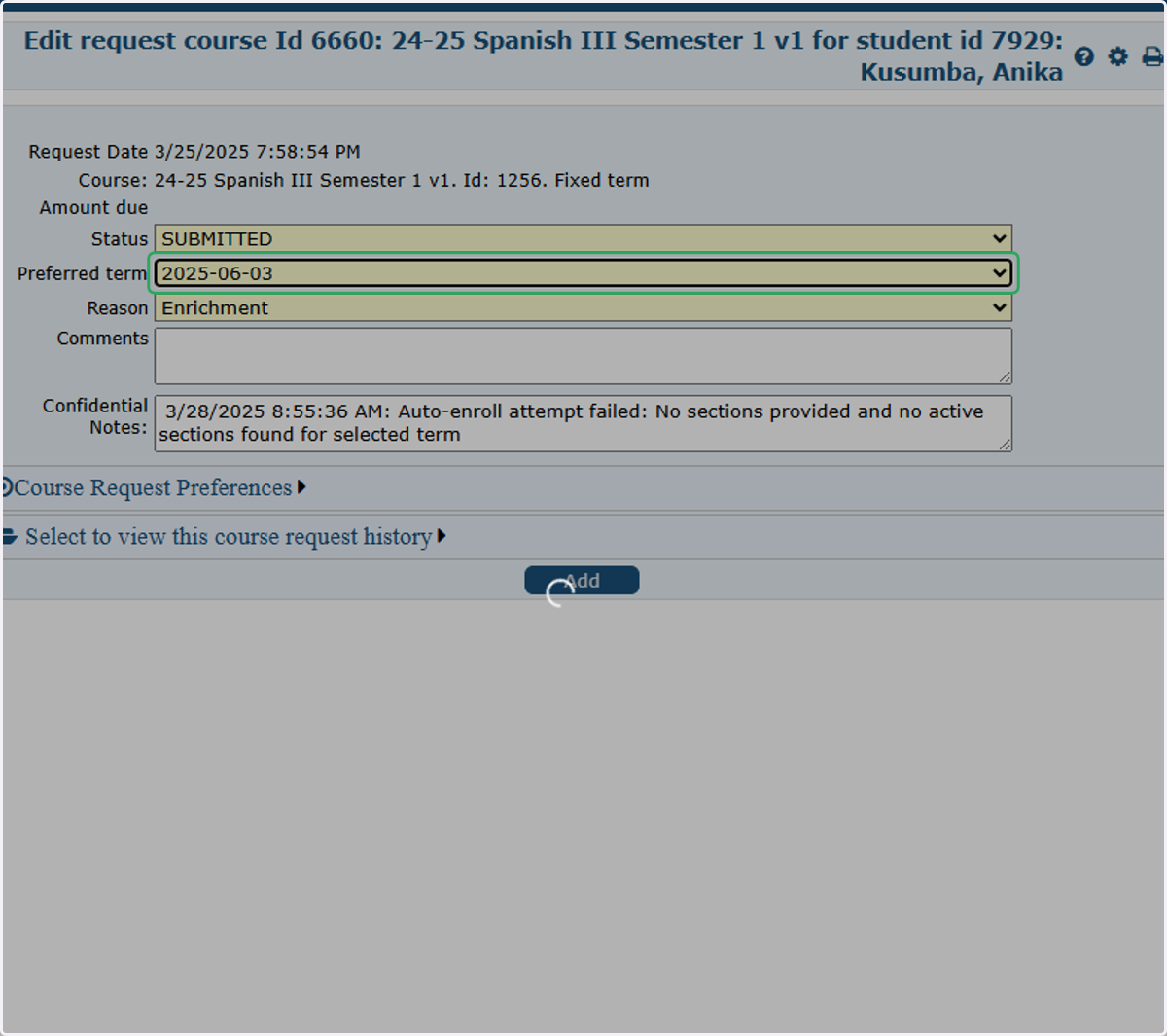
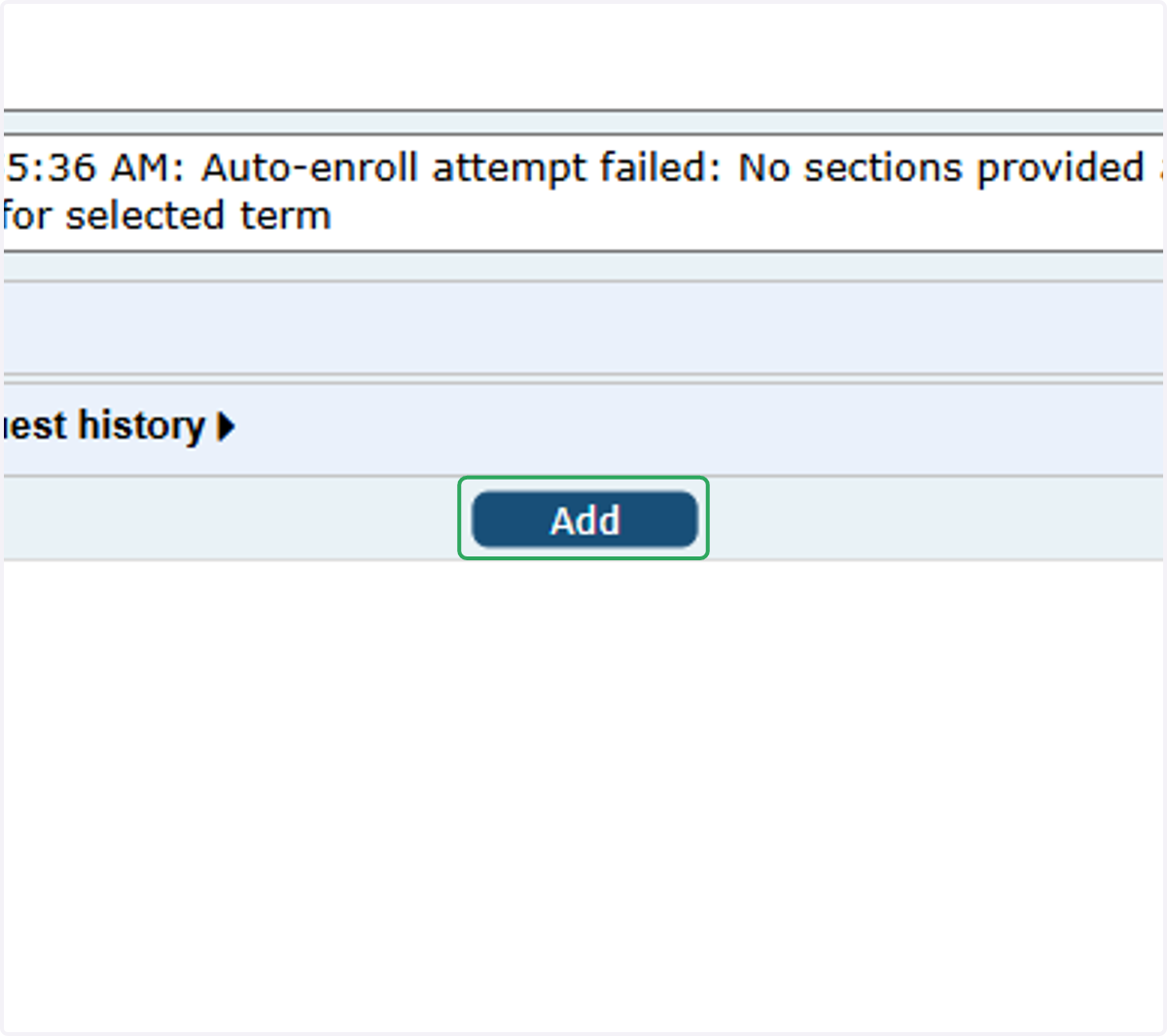
5. Click on Add to update the request