Edit Image Gallery
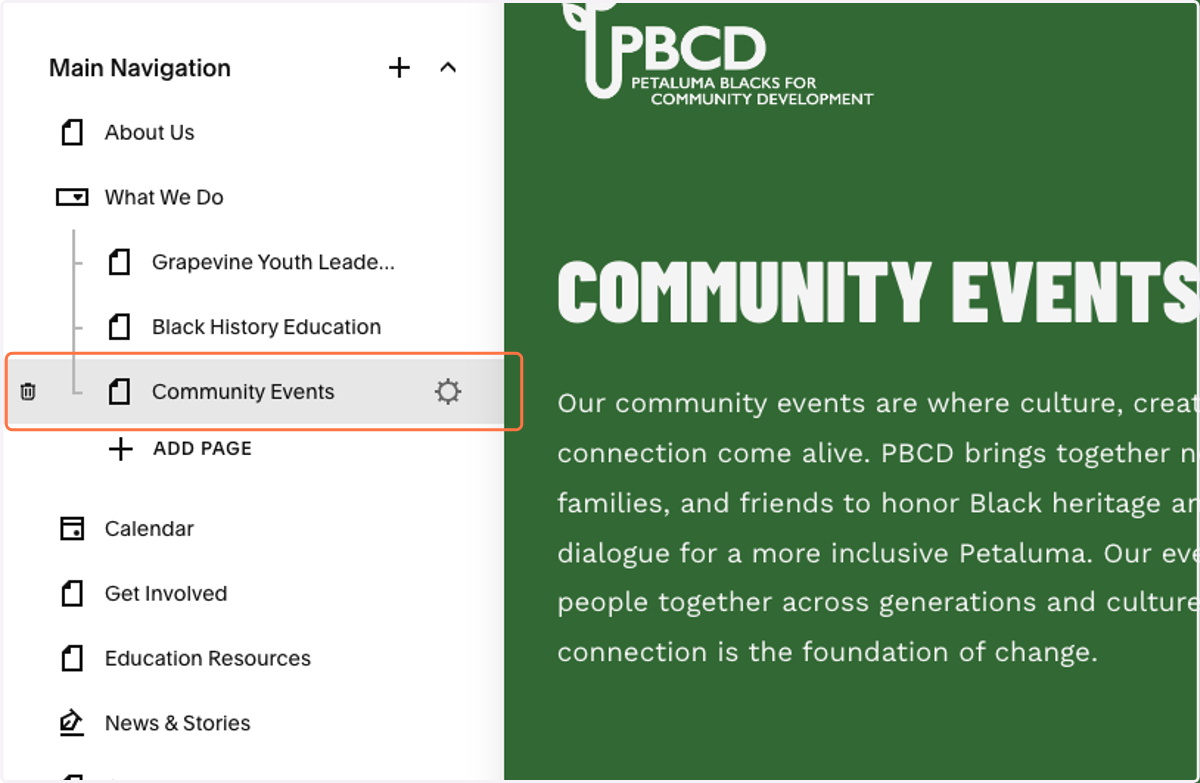
1. Navigate the the page of the gallery you want to edit.
For this example, go to Community Events.
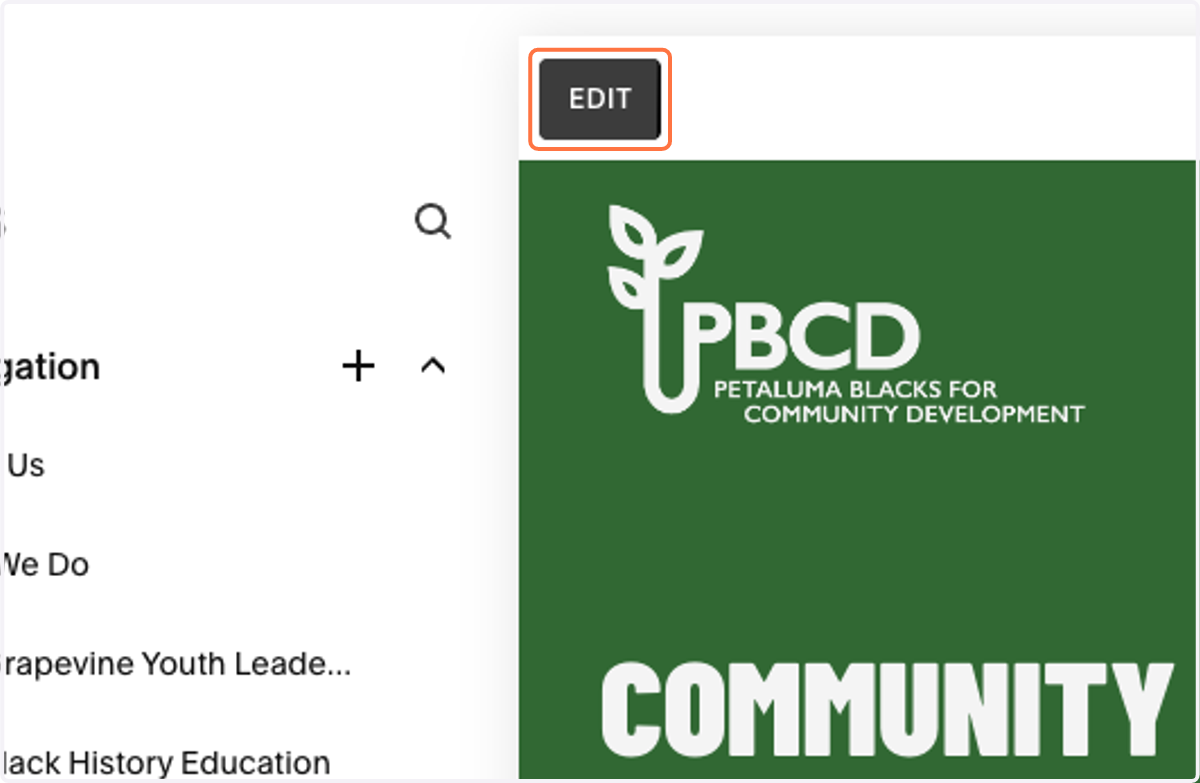
2. Click on EDIT
3. Scroll to the gallery.
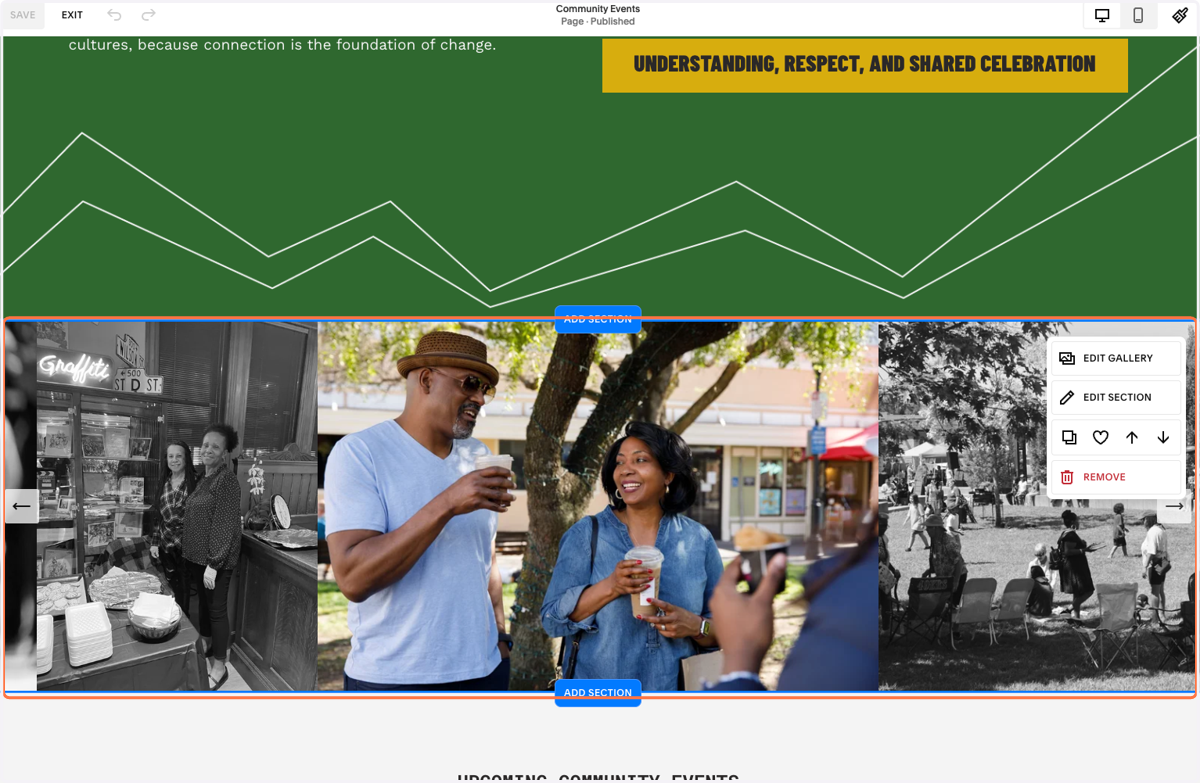
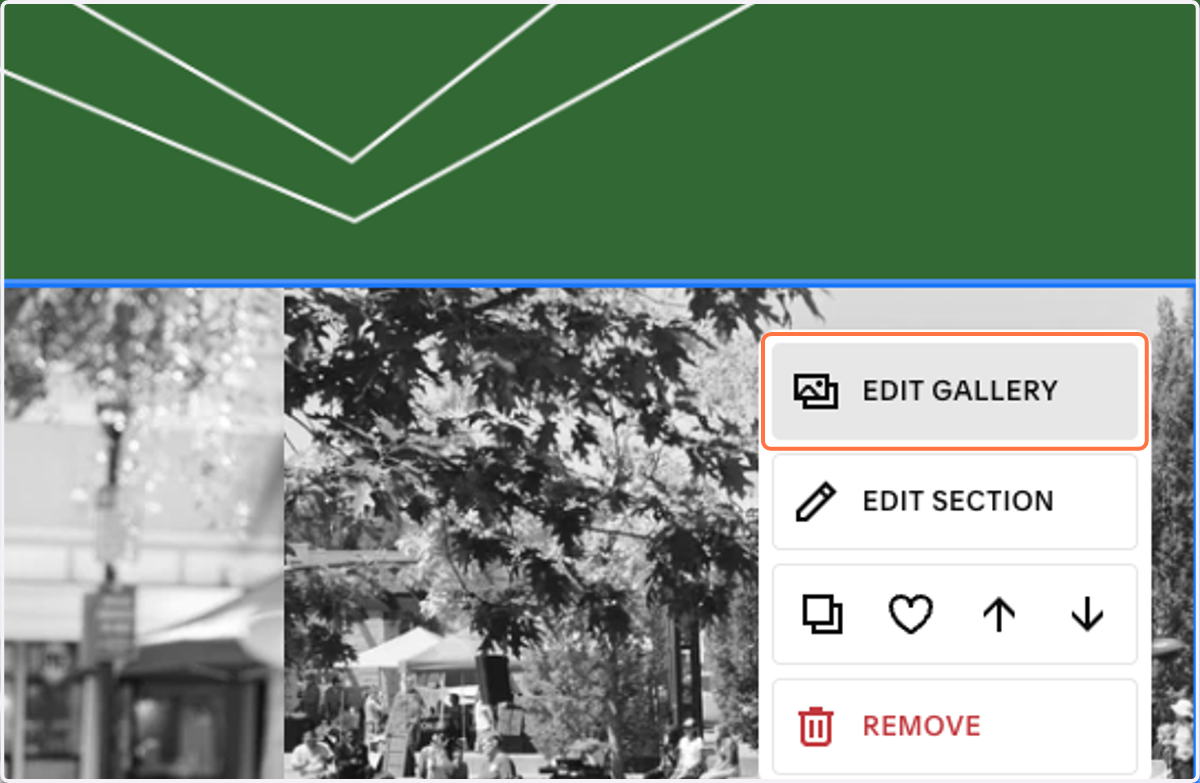
4. Click on EDIT GALLERY
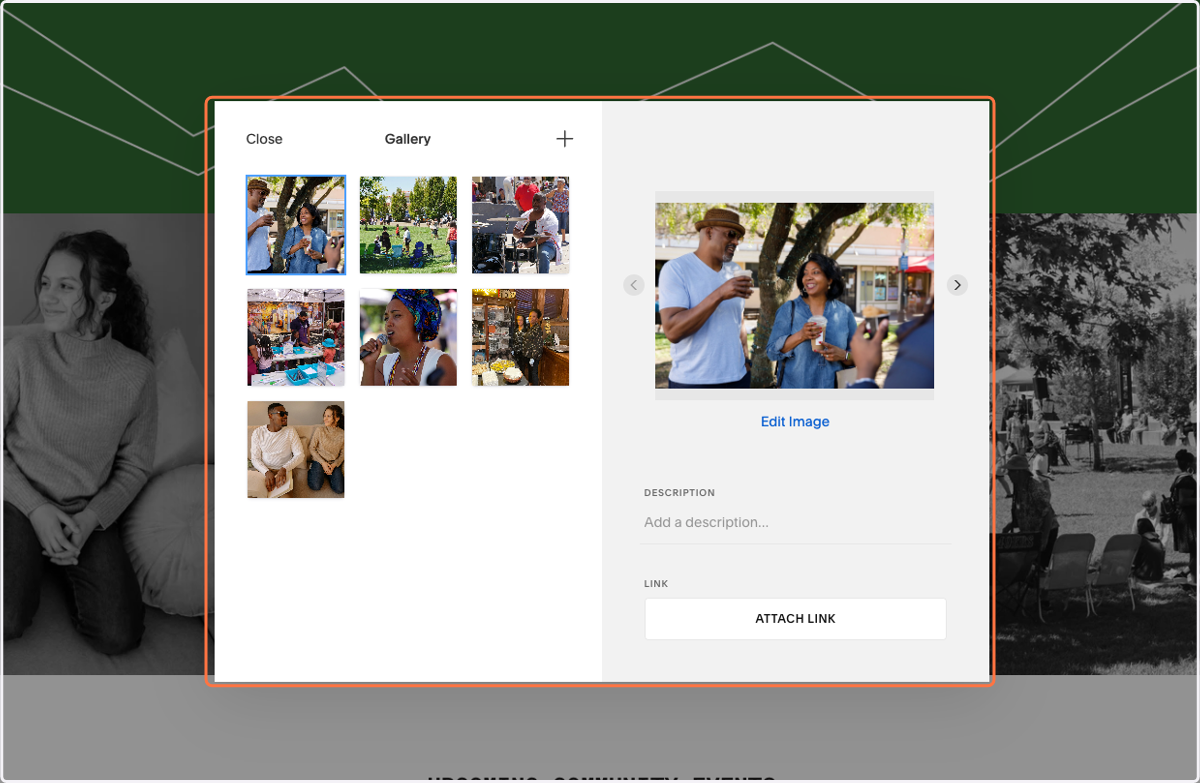
5. Use this panel to add, remove, or re-order images.
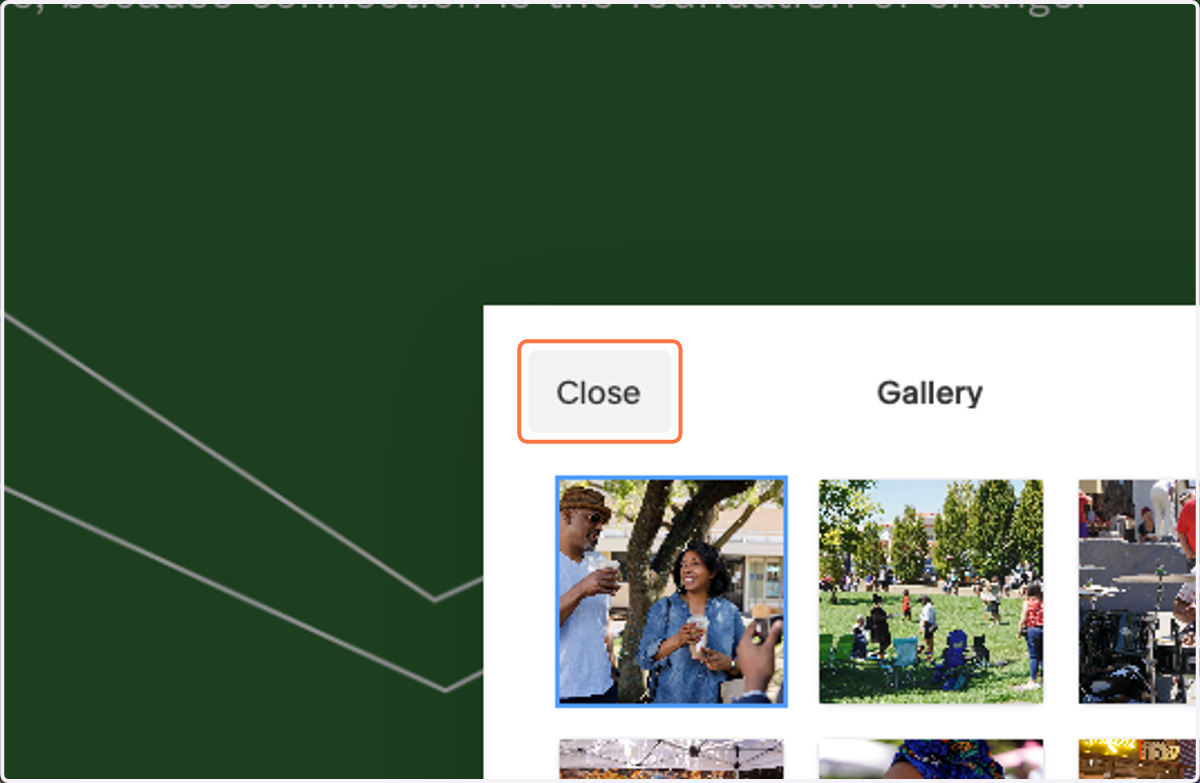
6. Click on Close
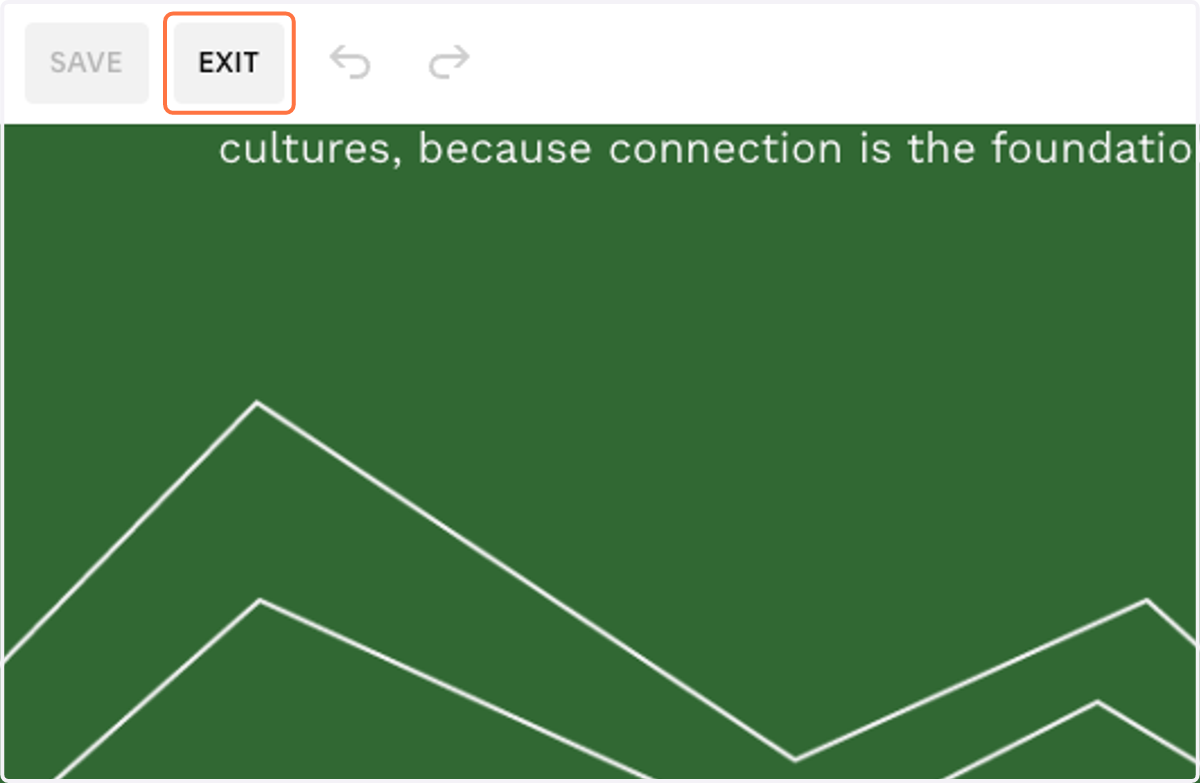
7. Galleries automatically save, so you can just click on EXIT