Drop the Highest/Lowest Graded Item
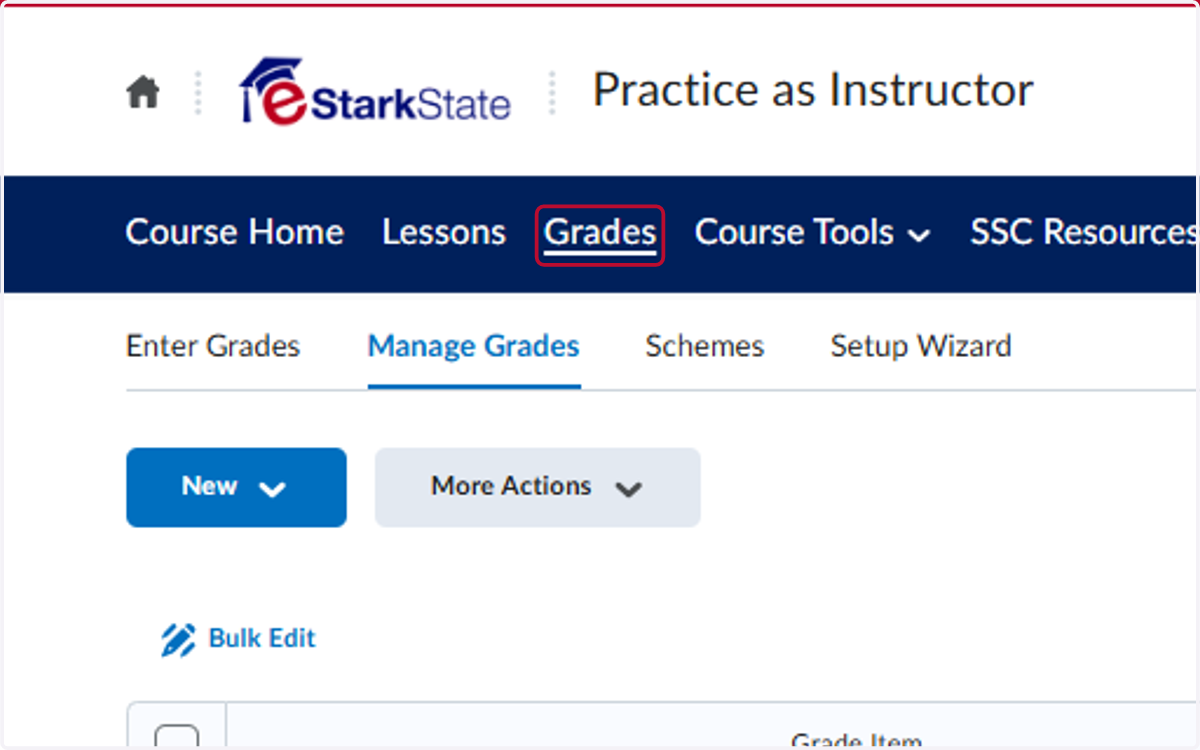
1. Click on Grades
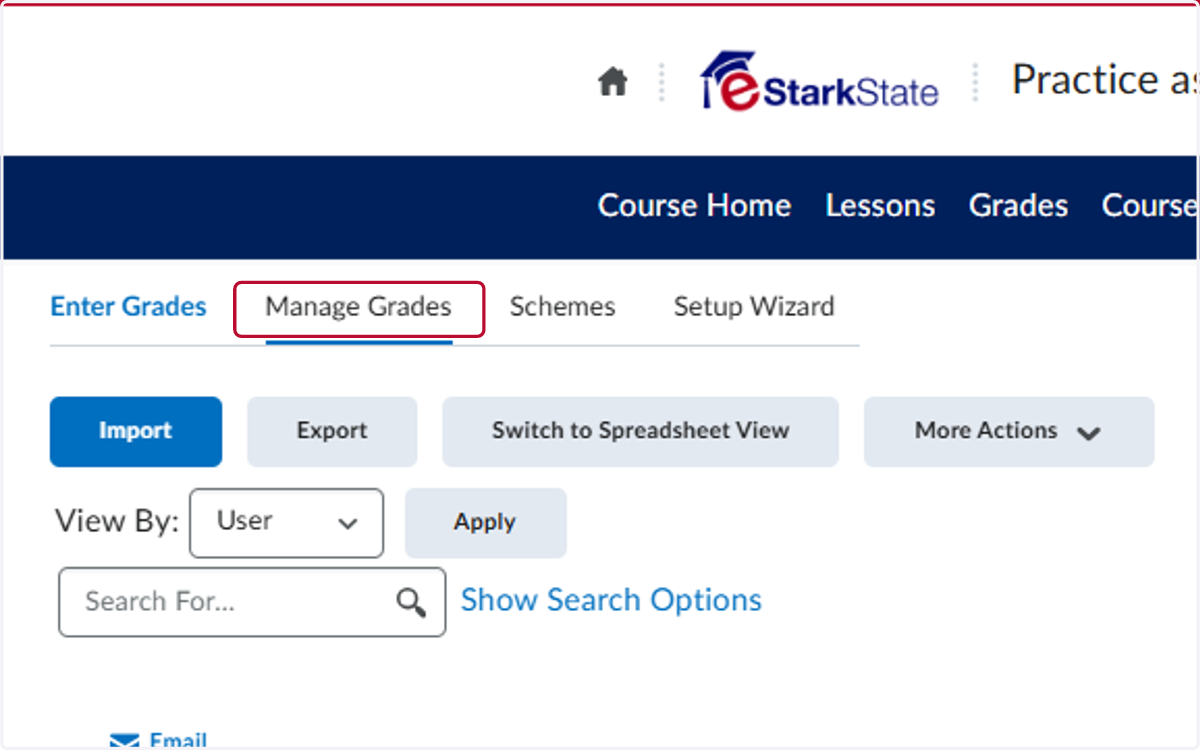
2. Click on Manage Grades
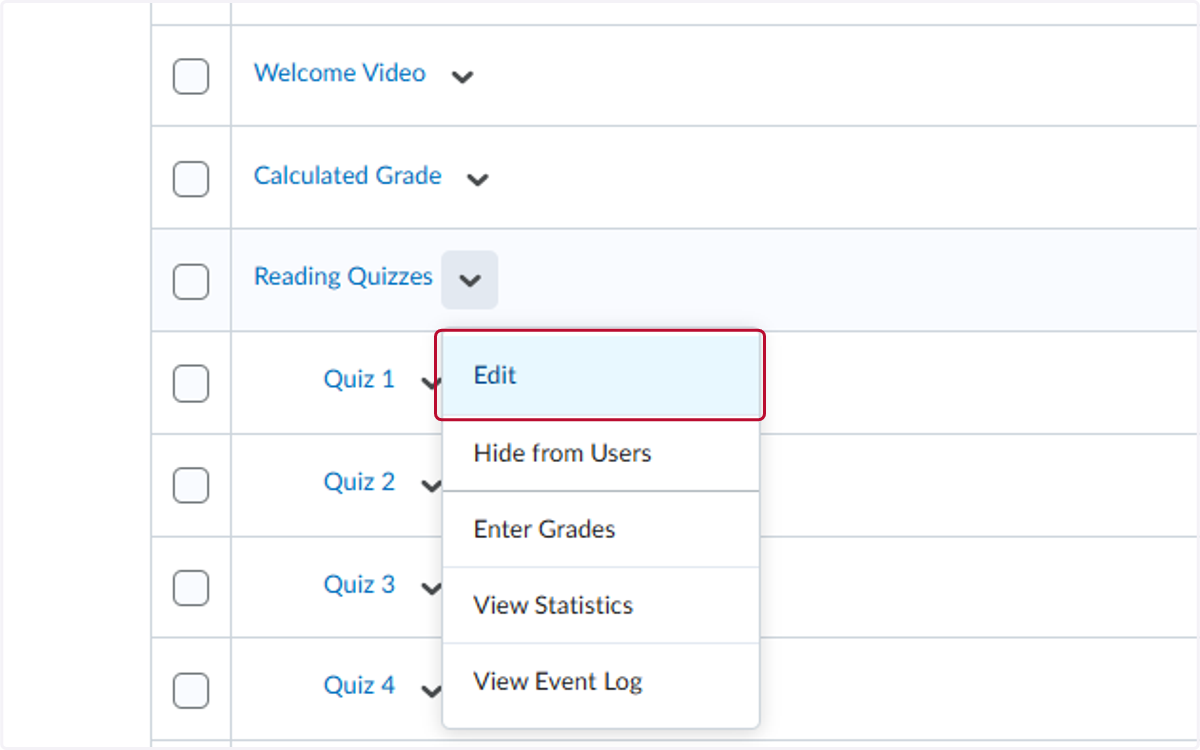
3. Locate the category you want to drop assignments from and click on the V
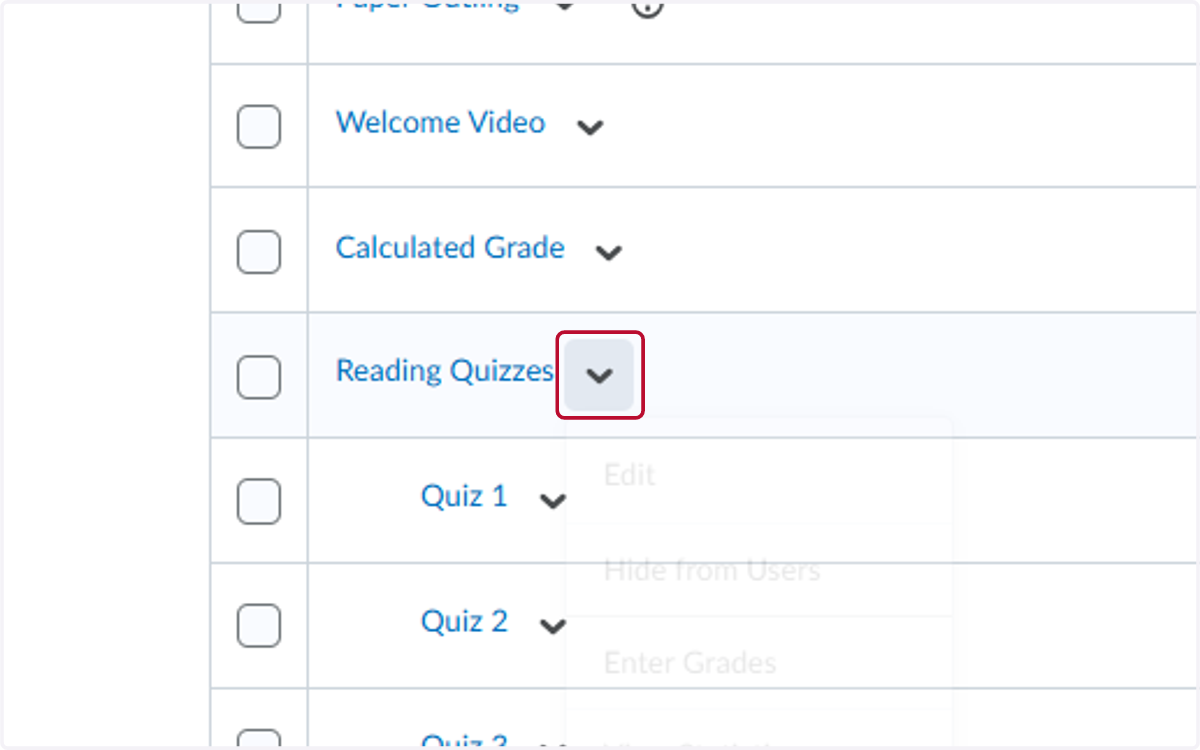
4. Click on Edit
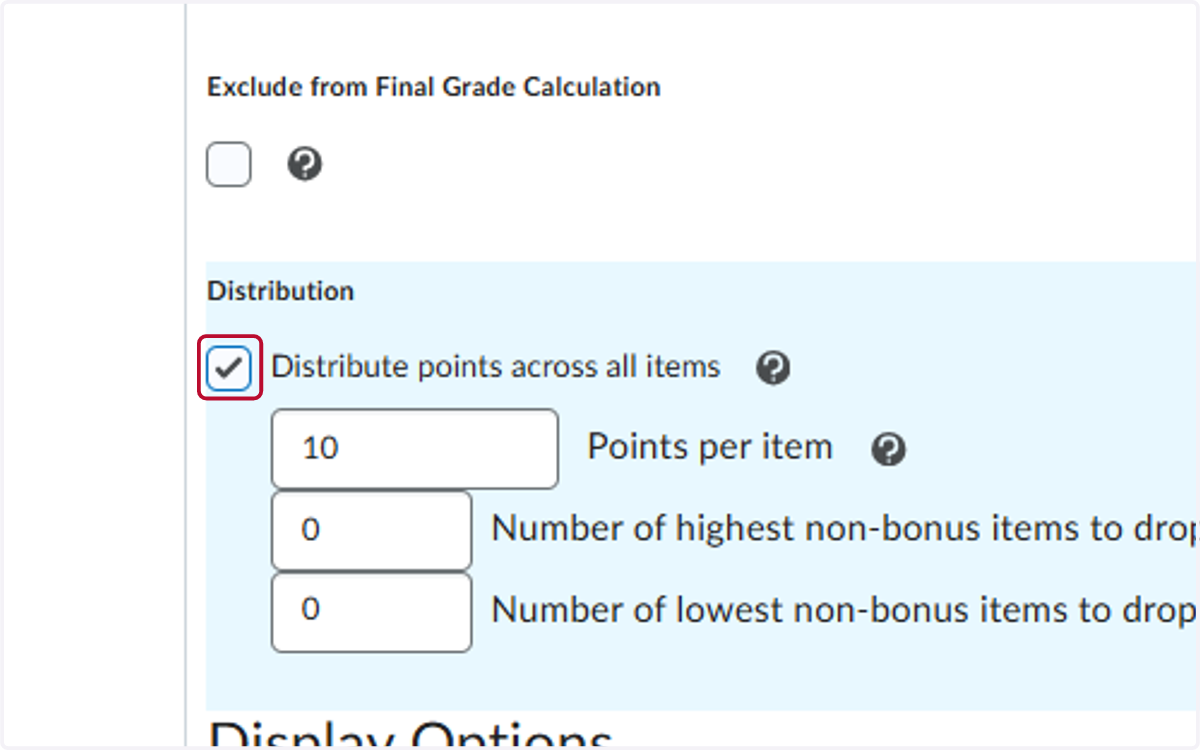
5. Check Distribute points across all items and add the points
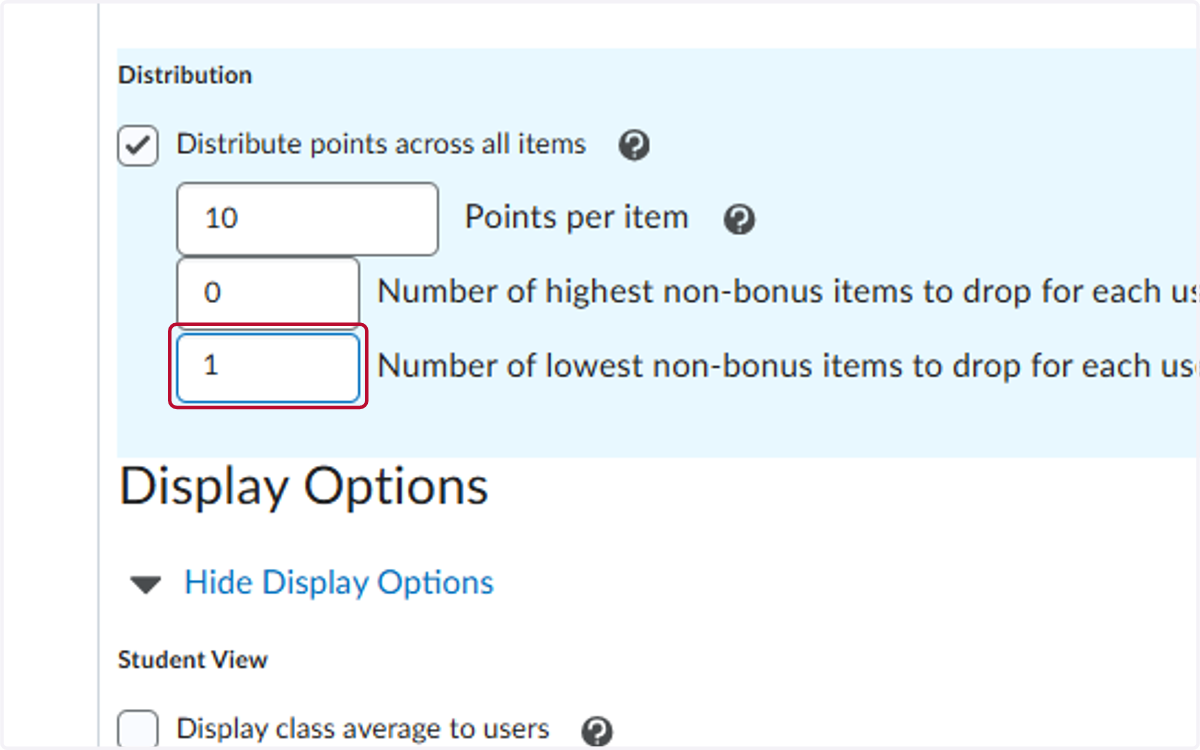
6. Type the number of assignments to drop
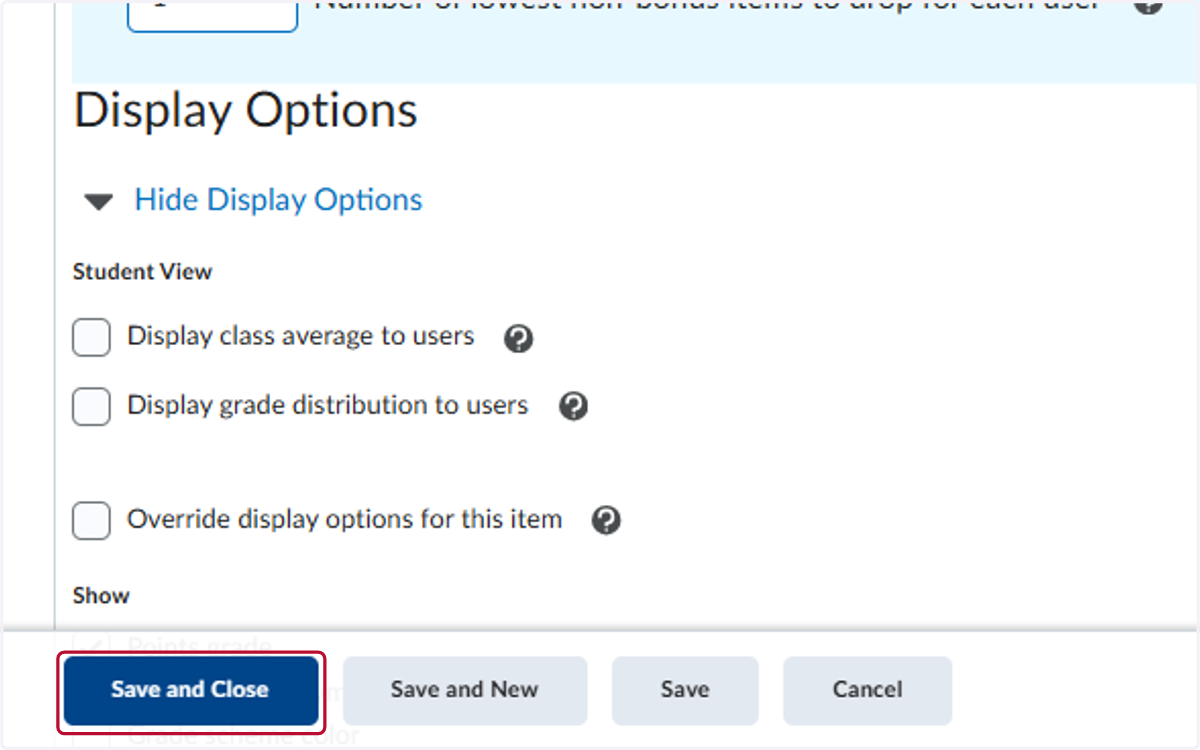
7. Click on Save and Close
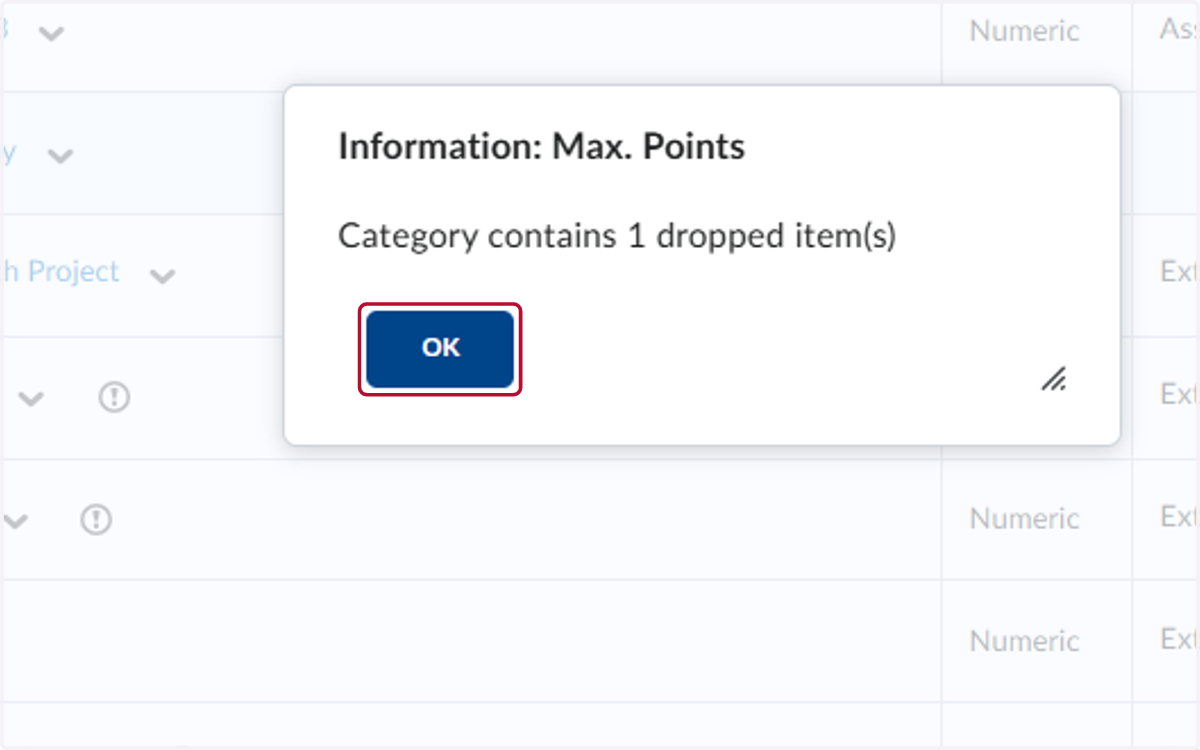
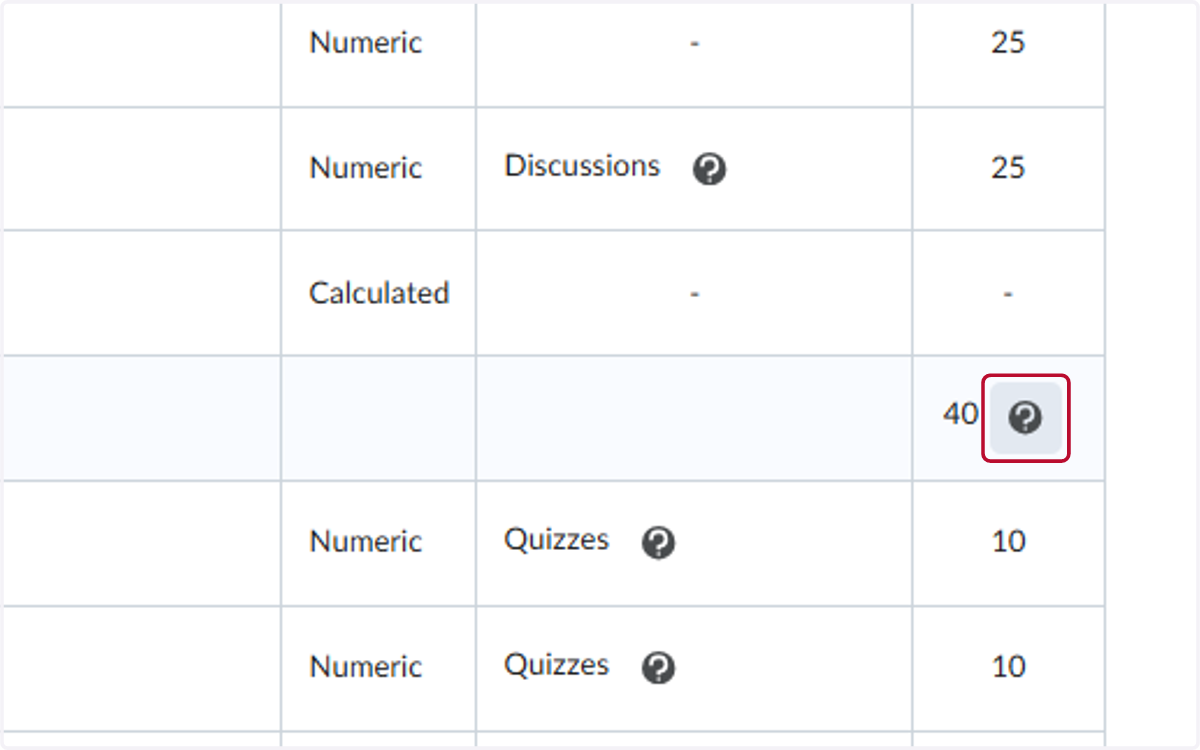
8. If you click on the ? by the total number of points in the category, it will indicate how many assignments are being dropped.
9. Click on OK