Downloading the answer sheet for paper-based exams
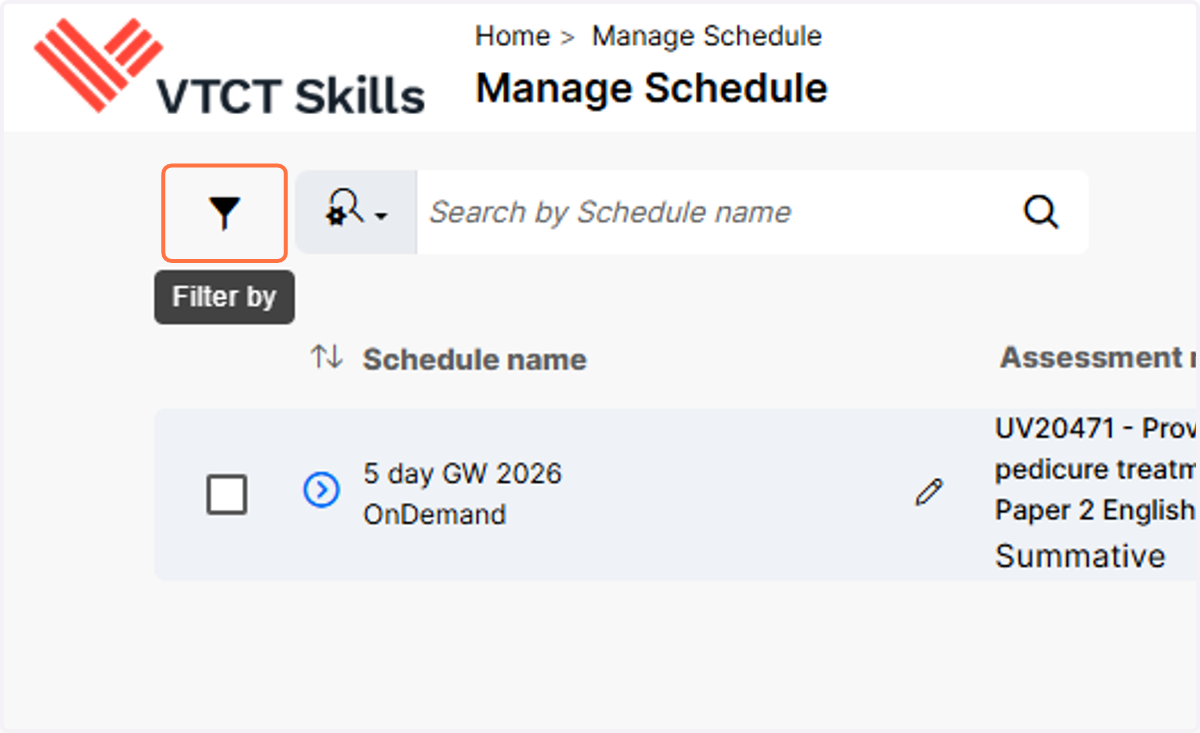
1. Upon the expiry of a paper-based exam schedule, the answer sheet will be downloadable from Saras. To view expired exam schedules, select the Filter icon.
Please note, schedules in Saras expire at midnight, so the answer sheet will be downloadable from Saras the following day.
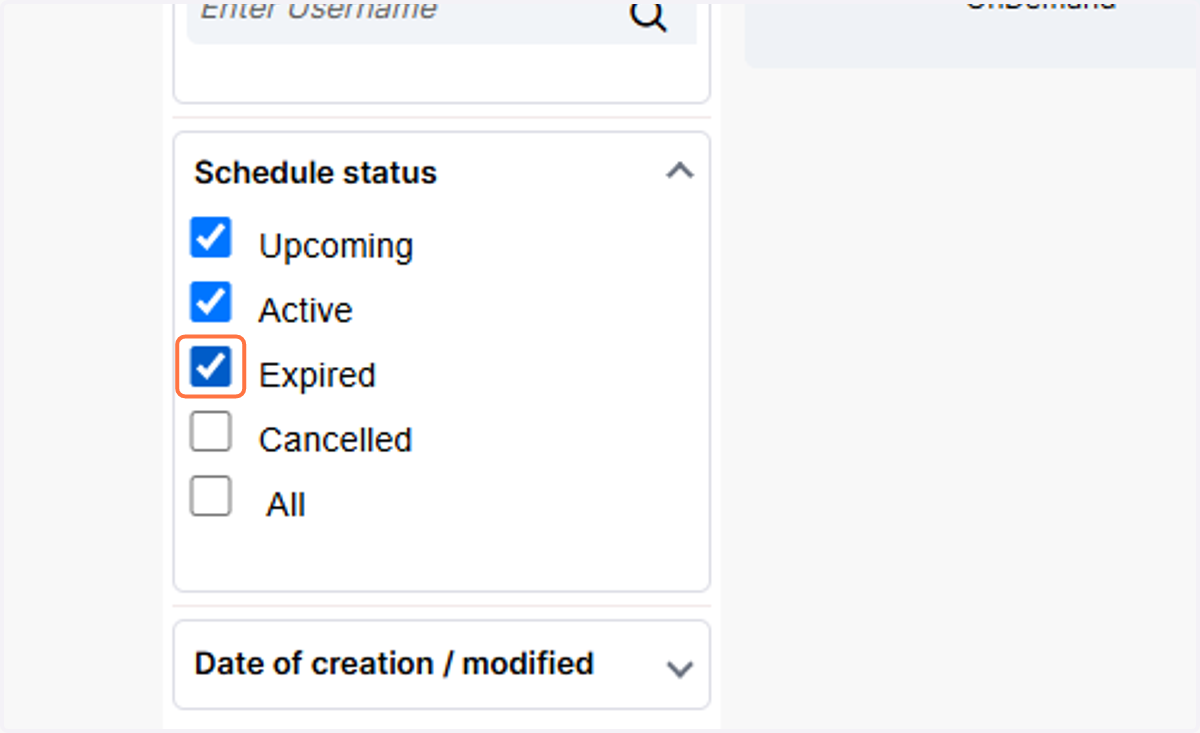
2. Select Expired
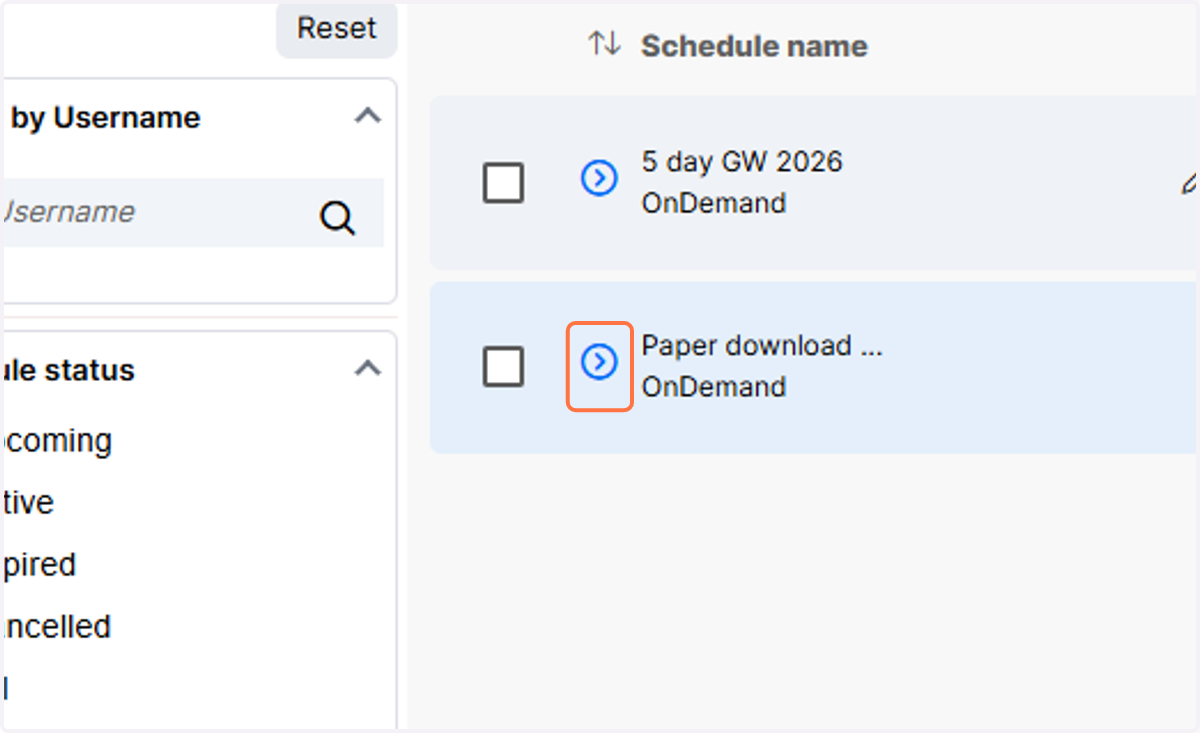
3. Locate the expired schedule and click on the arrow icon to expand the schedule.
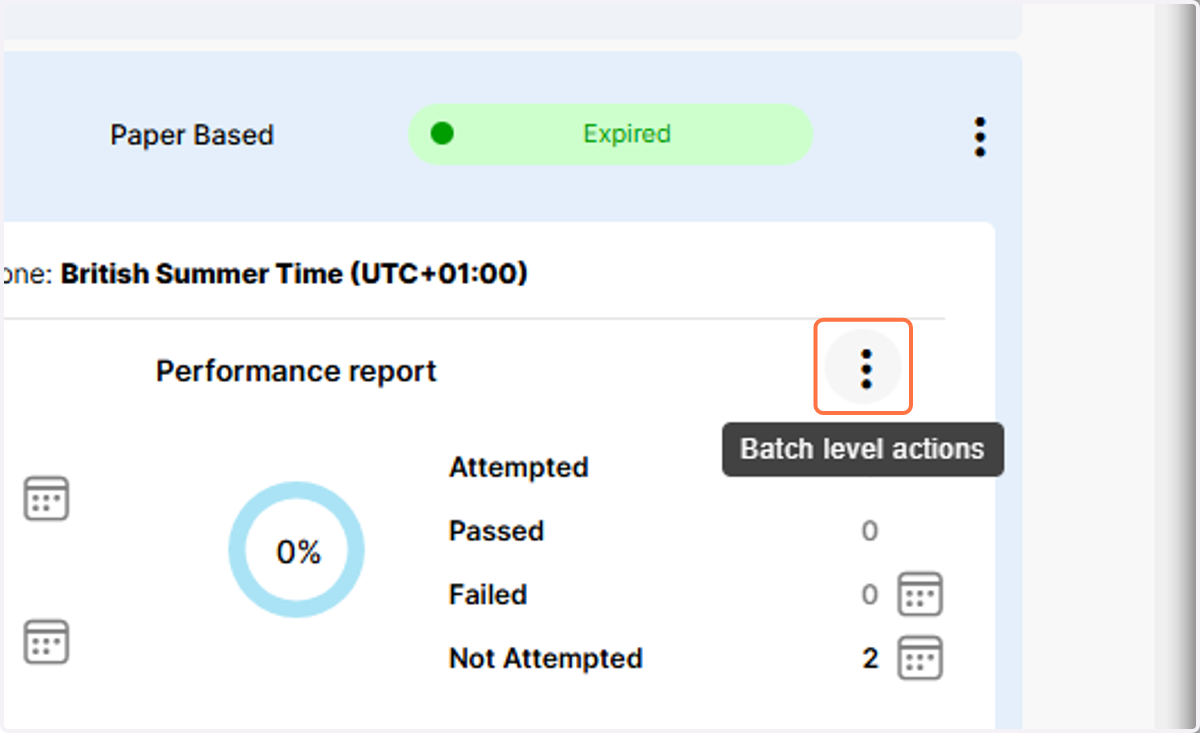
4. Click on Batch level actions.
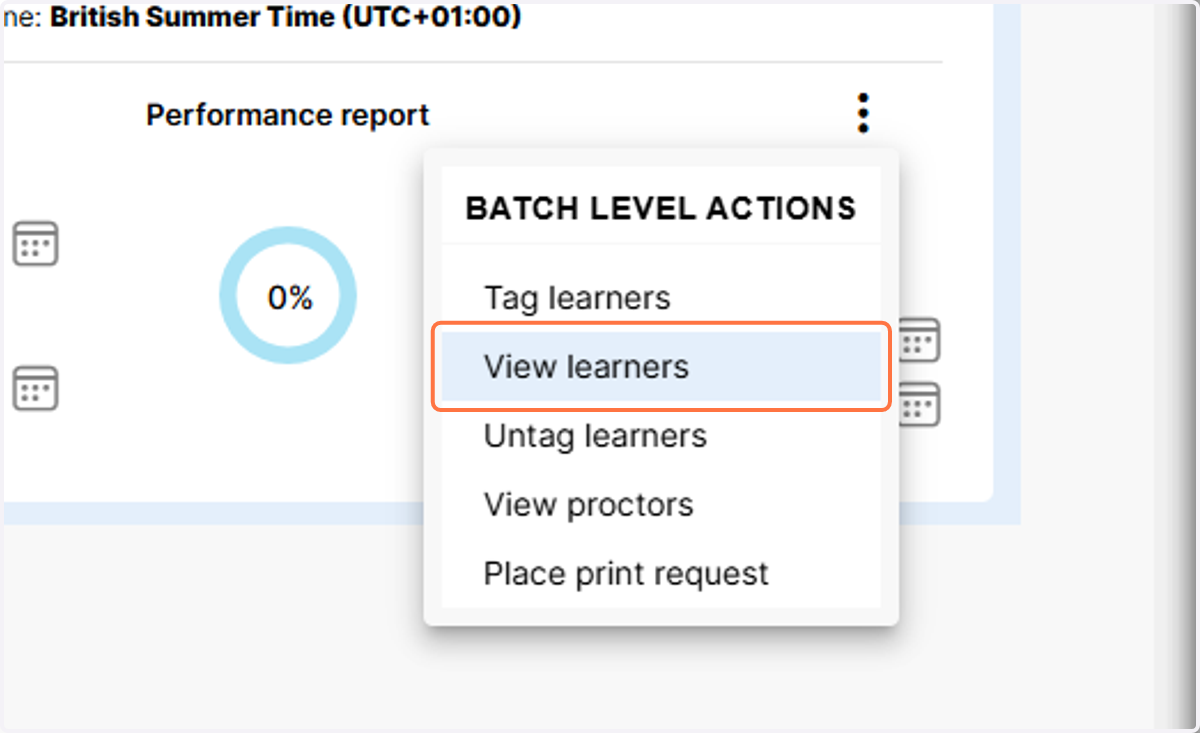
5. Click on View learners.
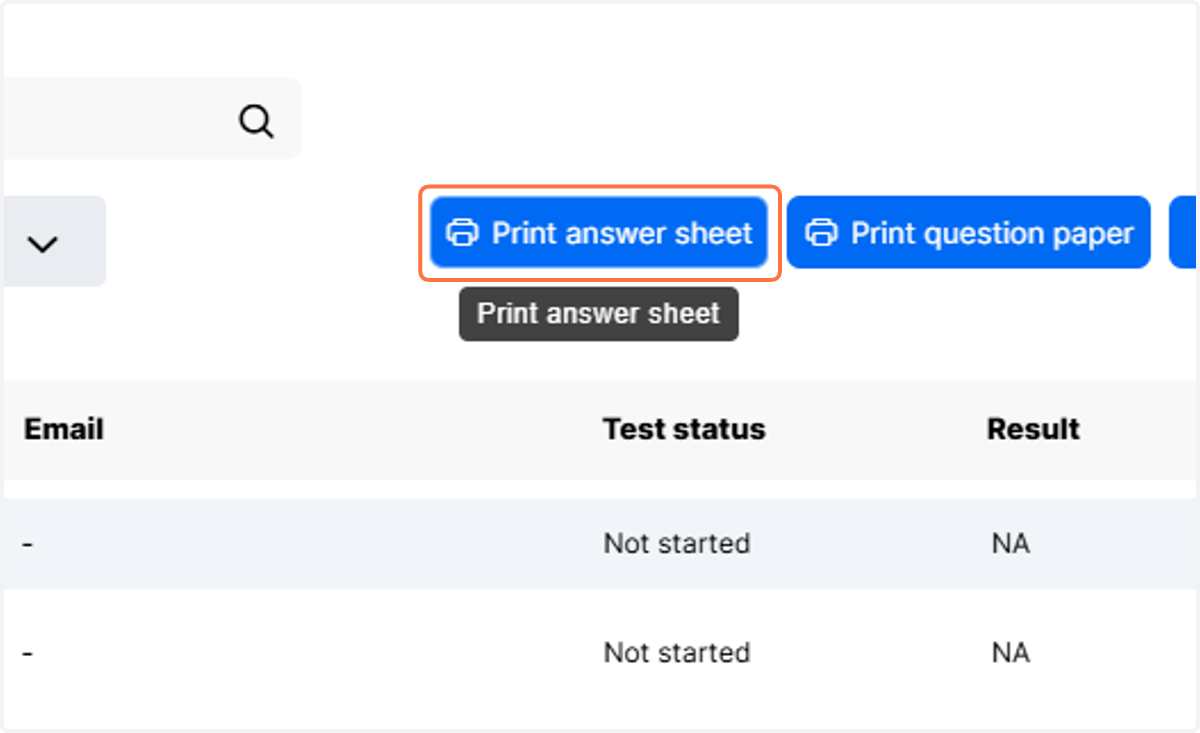
6. Click on Print answer sheet to download the answer sheet for all learners in the schedule. You can now mark the learners exam.