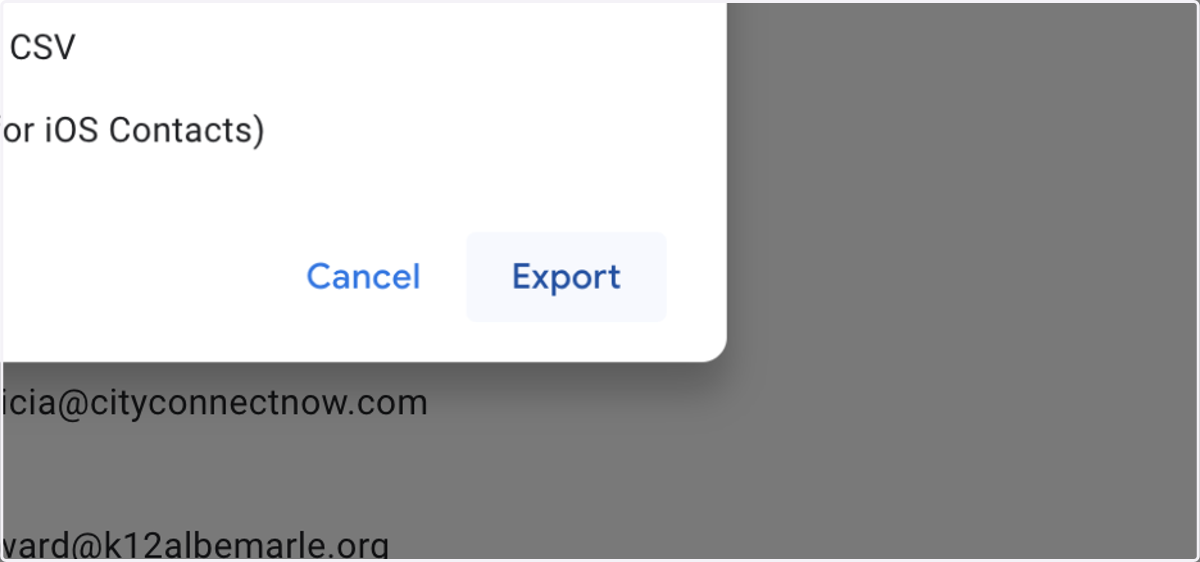
Downloading Your Google Contacts to CSV
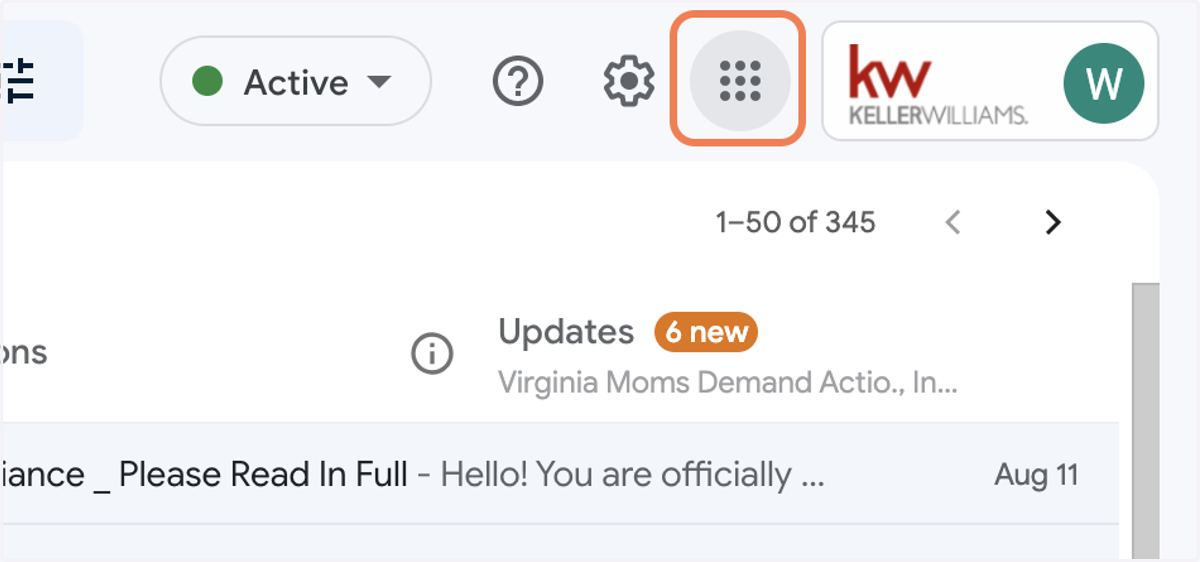
2. Click on Google Apps in the Top Right Corner
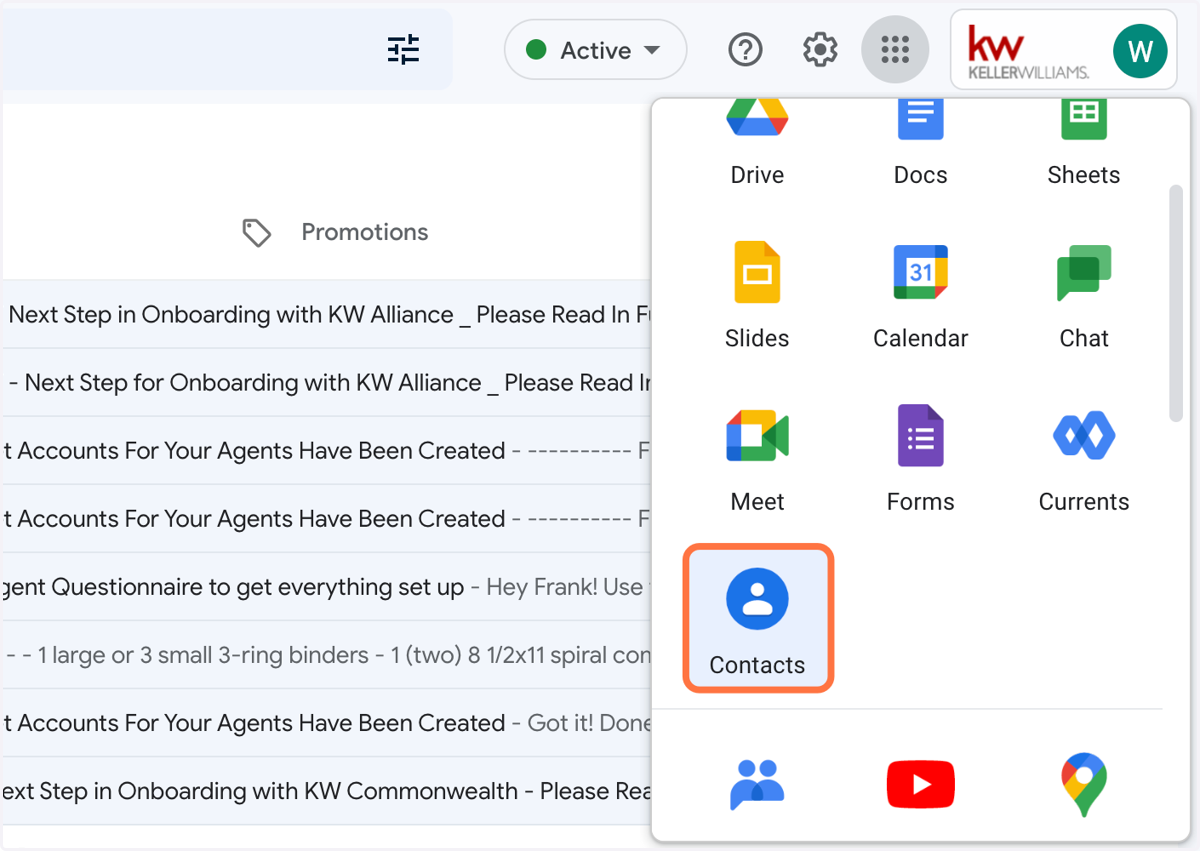
3. Click on Contacts
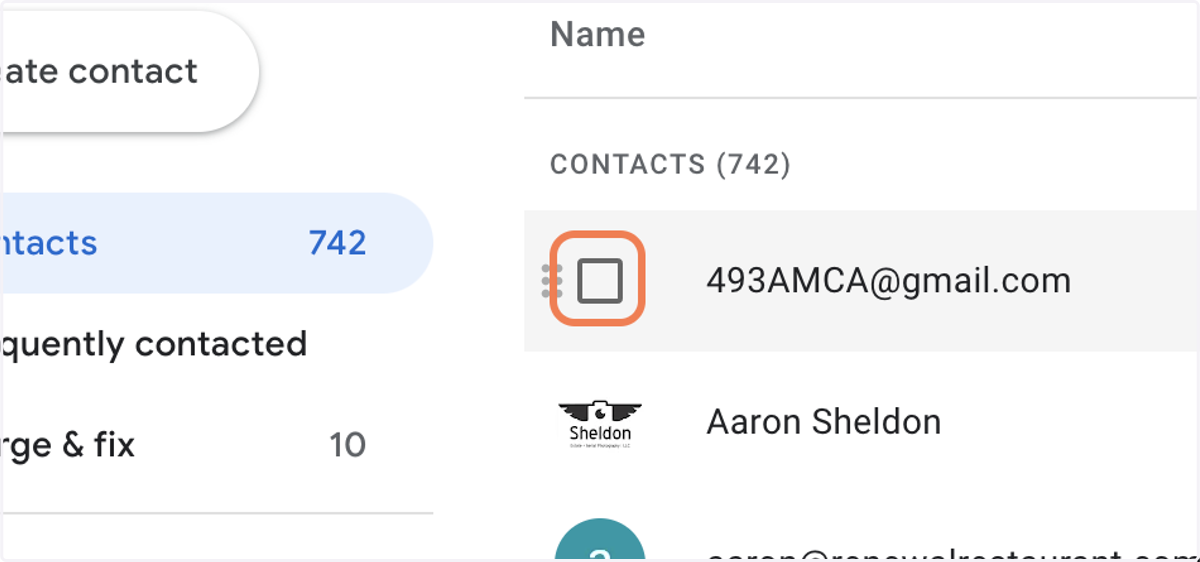
4. Select the checkbox to the left of your first contact
5. Click on the dropdown arrow Selection actions
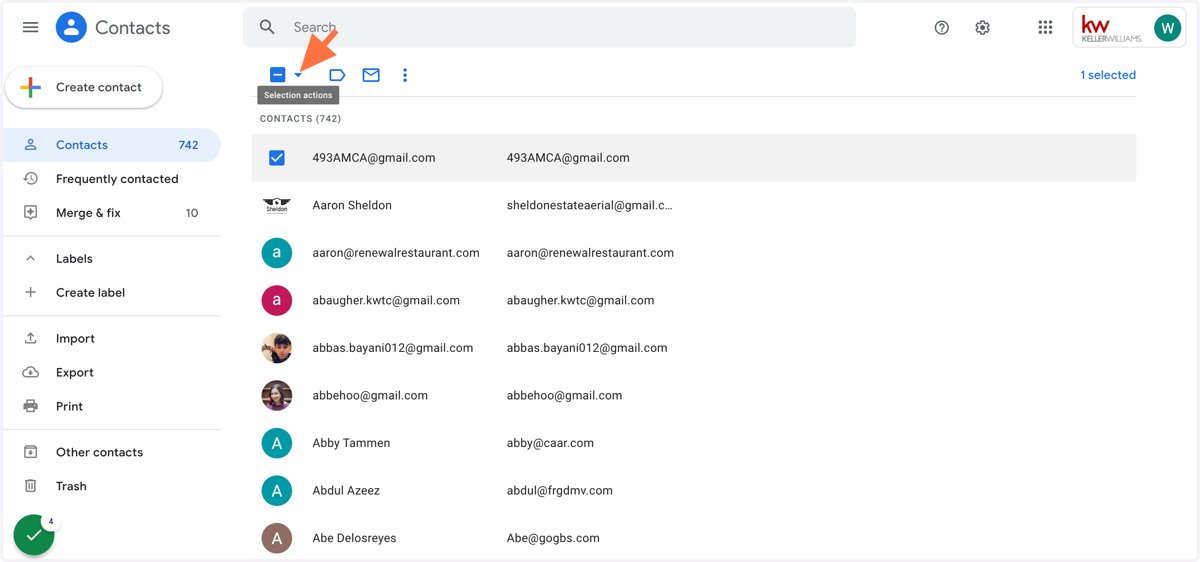
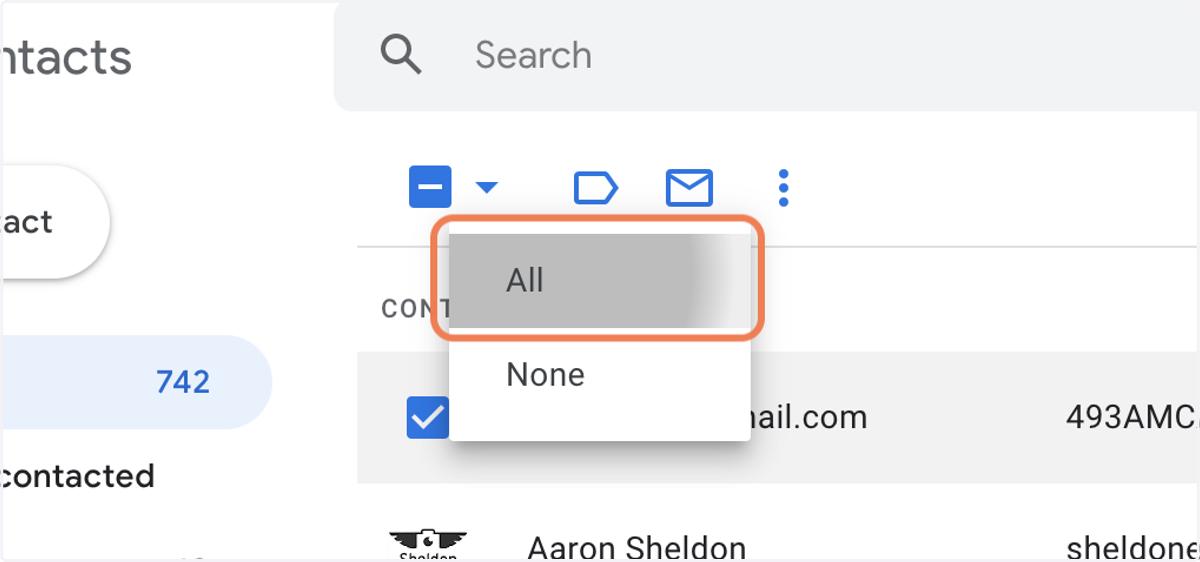
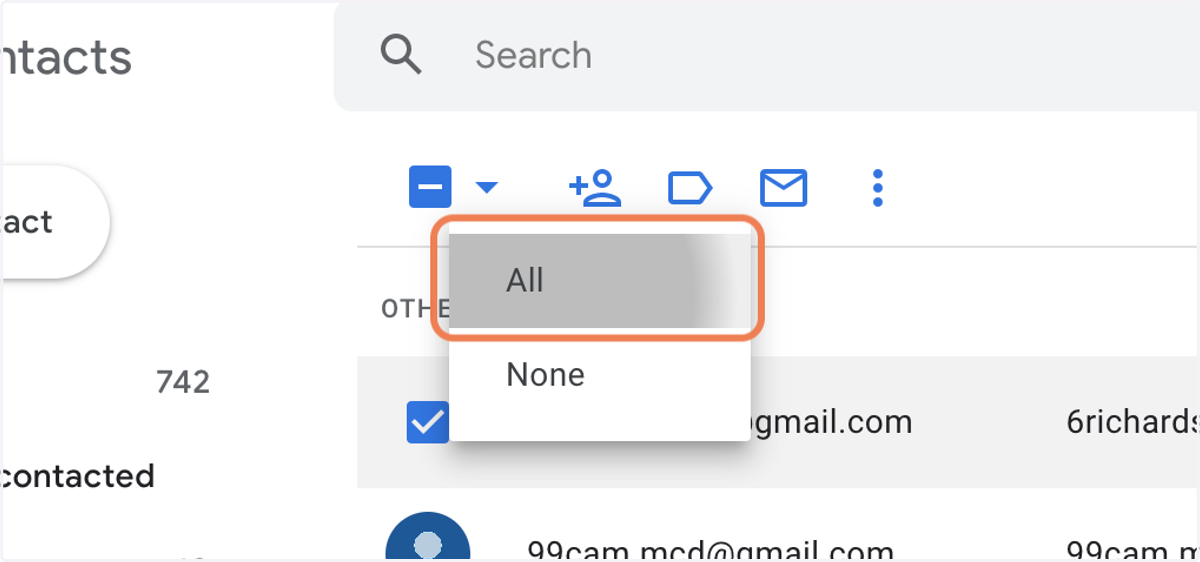
6. Click on All to select all contacts
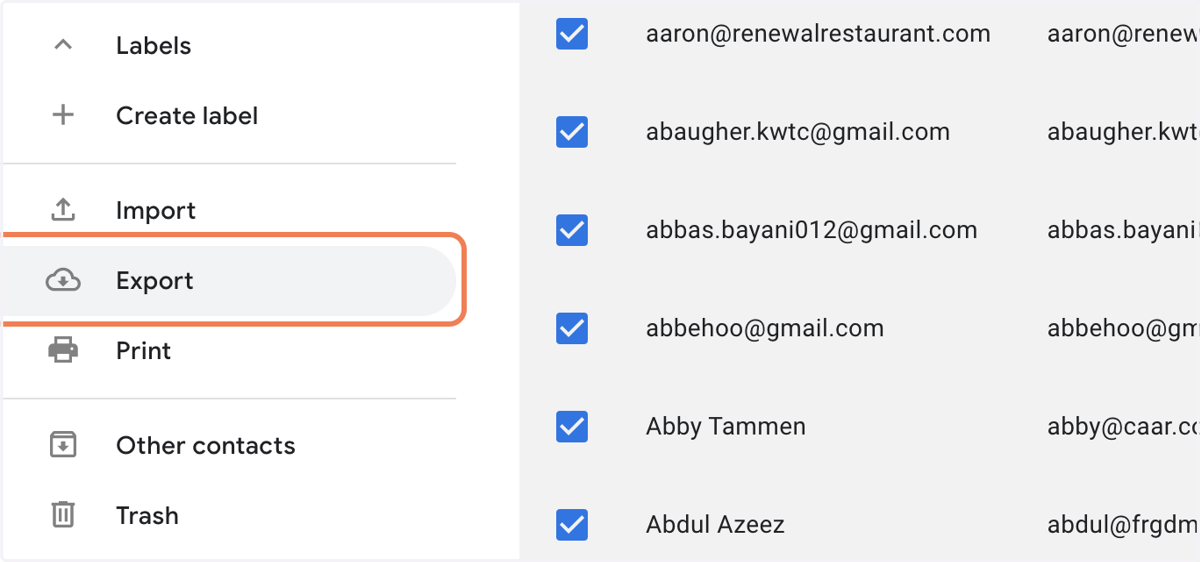
7. Click on Export
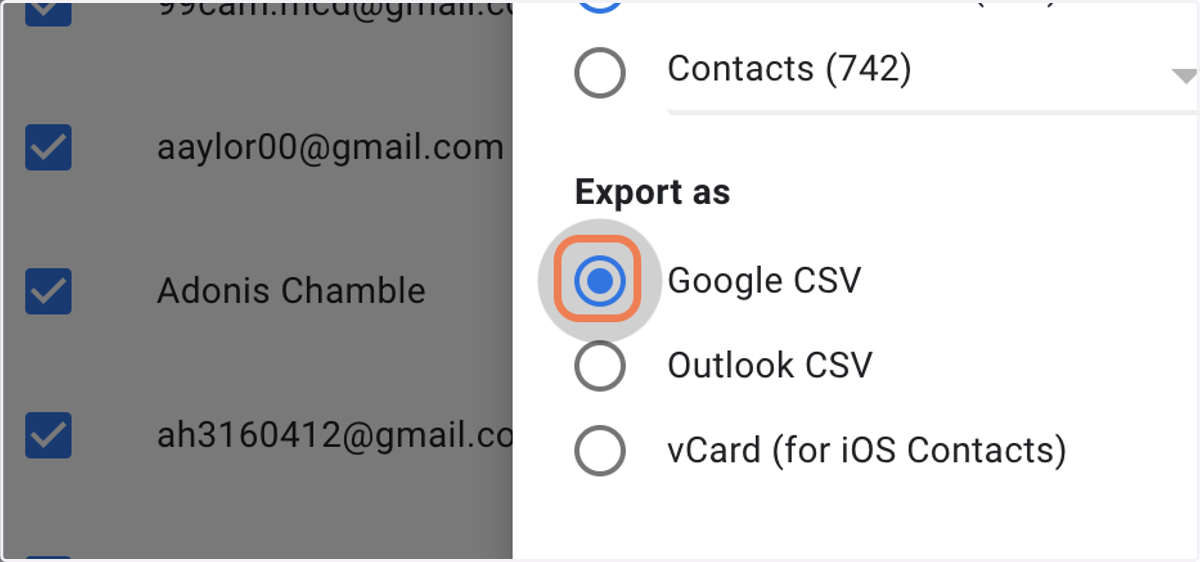
8. Click on Google CSV
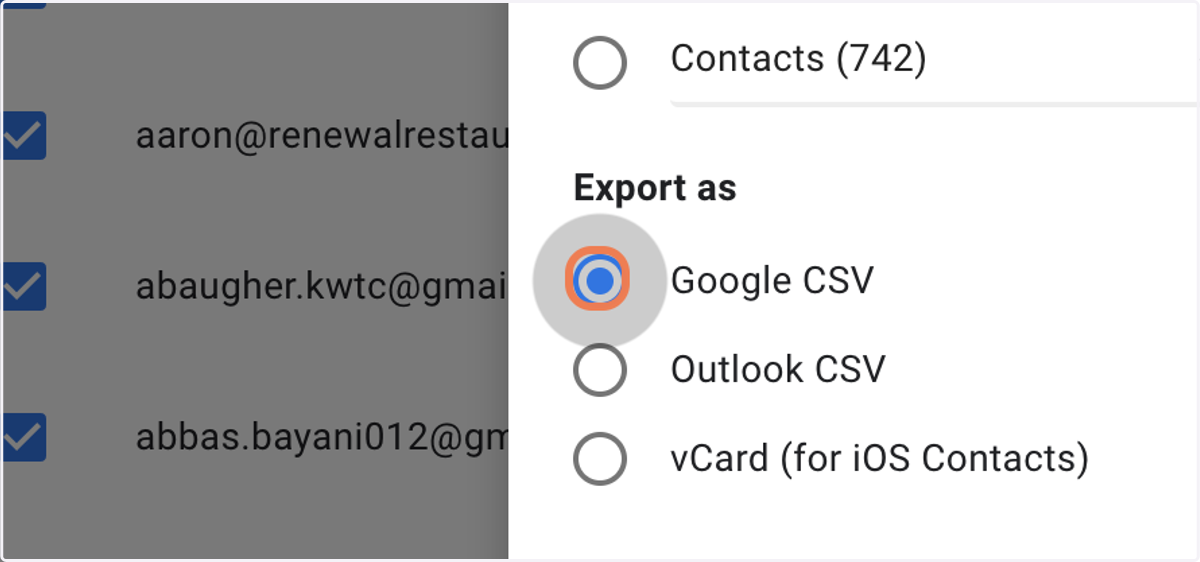
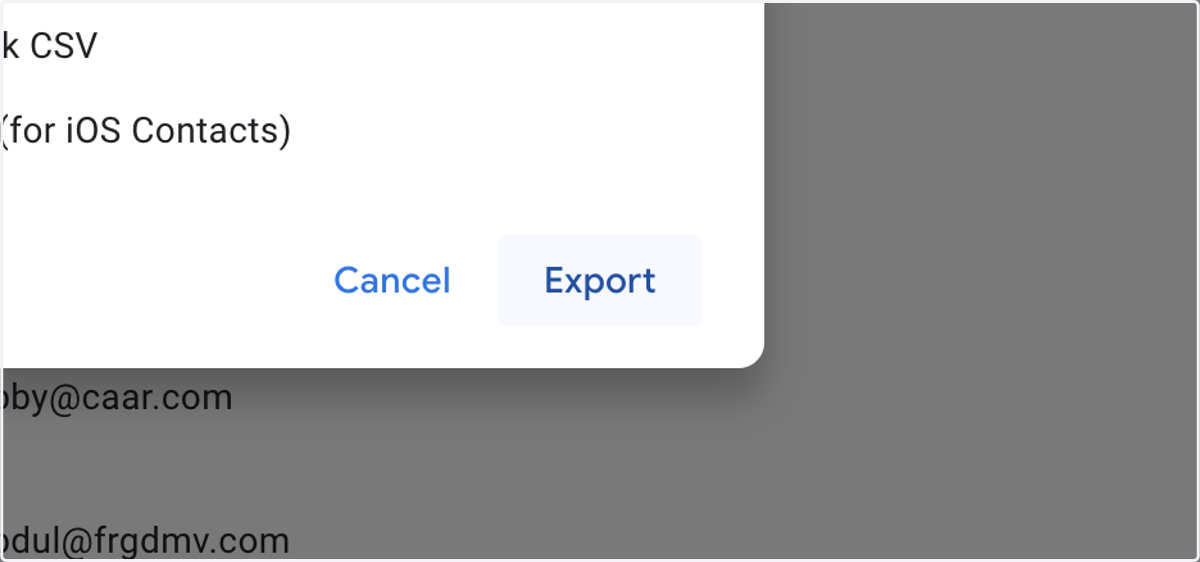
9. Click on Export
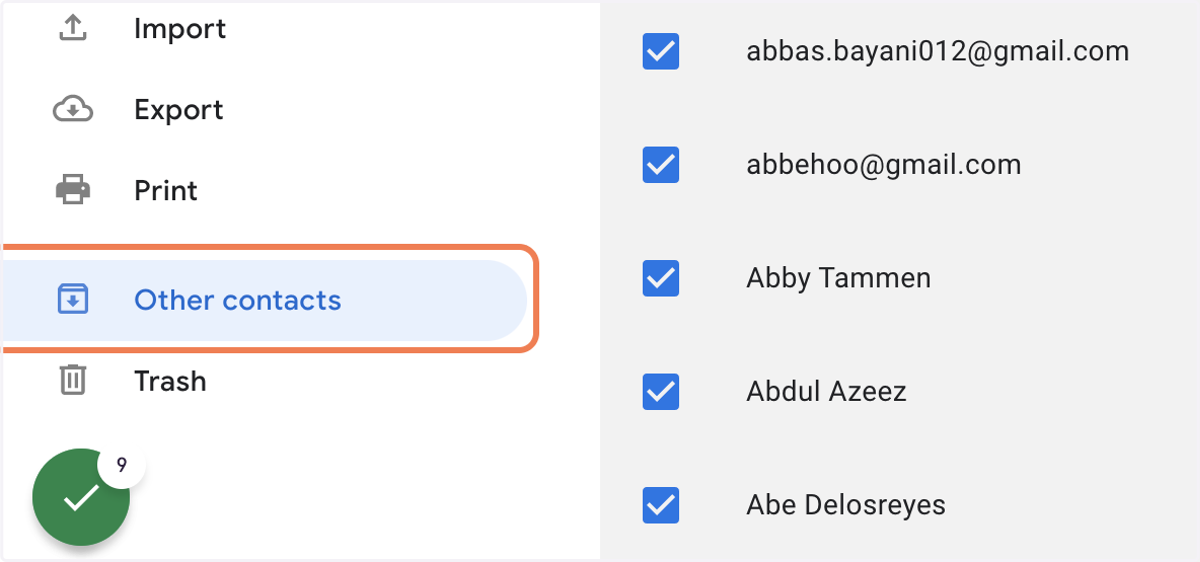
10. NEXT - Click on Other contacts
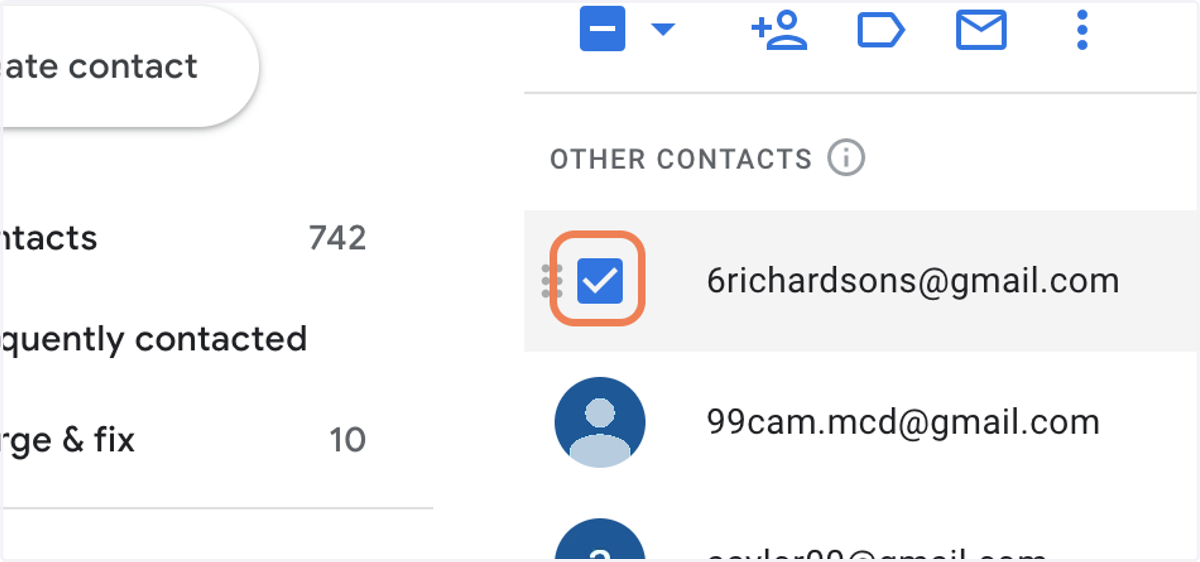
11. Select the checkbox to the left of the first name
12. Click on Selection actions
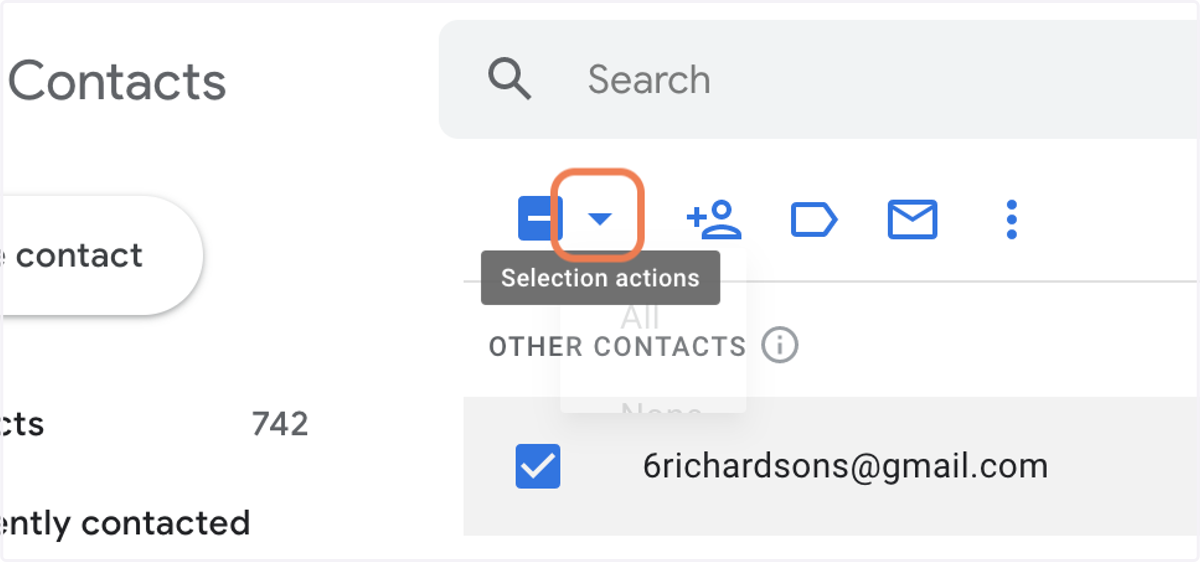
13. Click on All to select all contacts
14. Click on Export
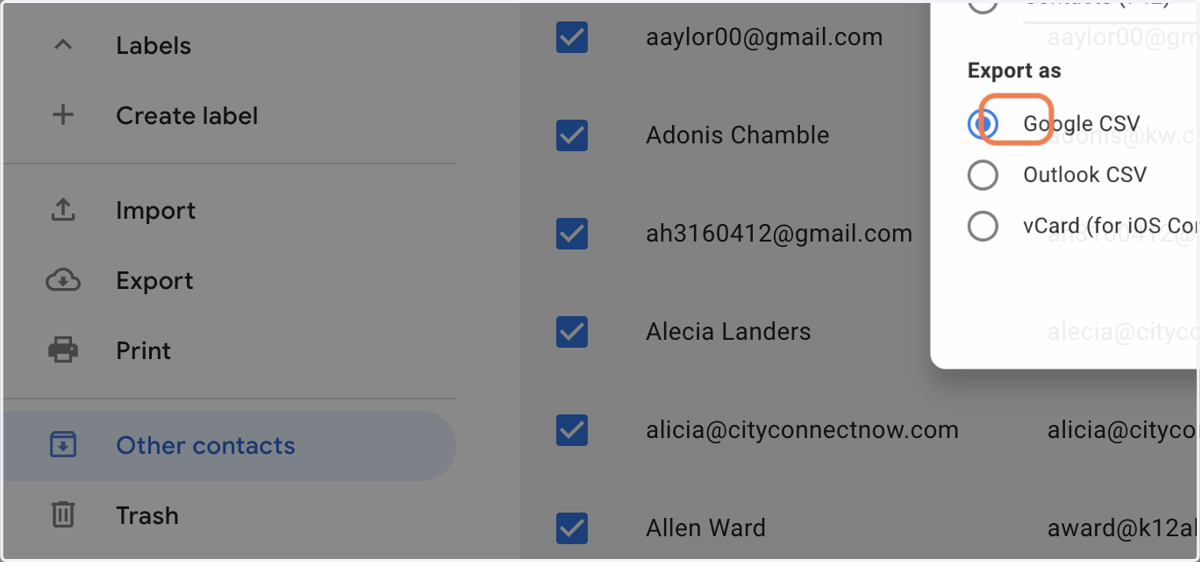
15. Click on Google CSV
16. Click on Export