Downloading Facebook URLs and Birthdays
1. Go to Facebook in a Google Chrome window (MUST be Chrome)
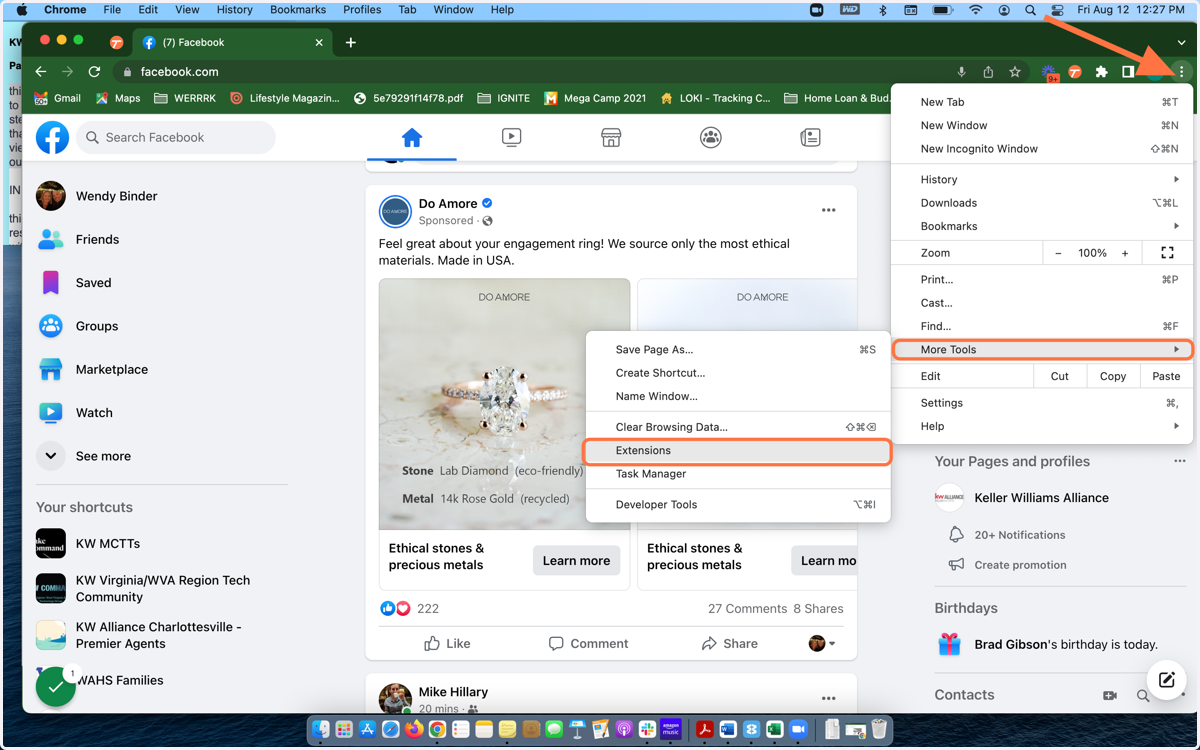
2. Choose Extensions
Click on the three vertical dots in the upper right hand corner of your Chrome window. Scroll down to "More Tools" and choose "Extensions"
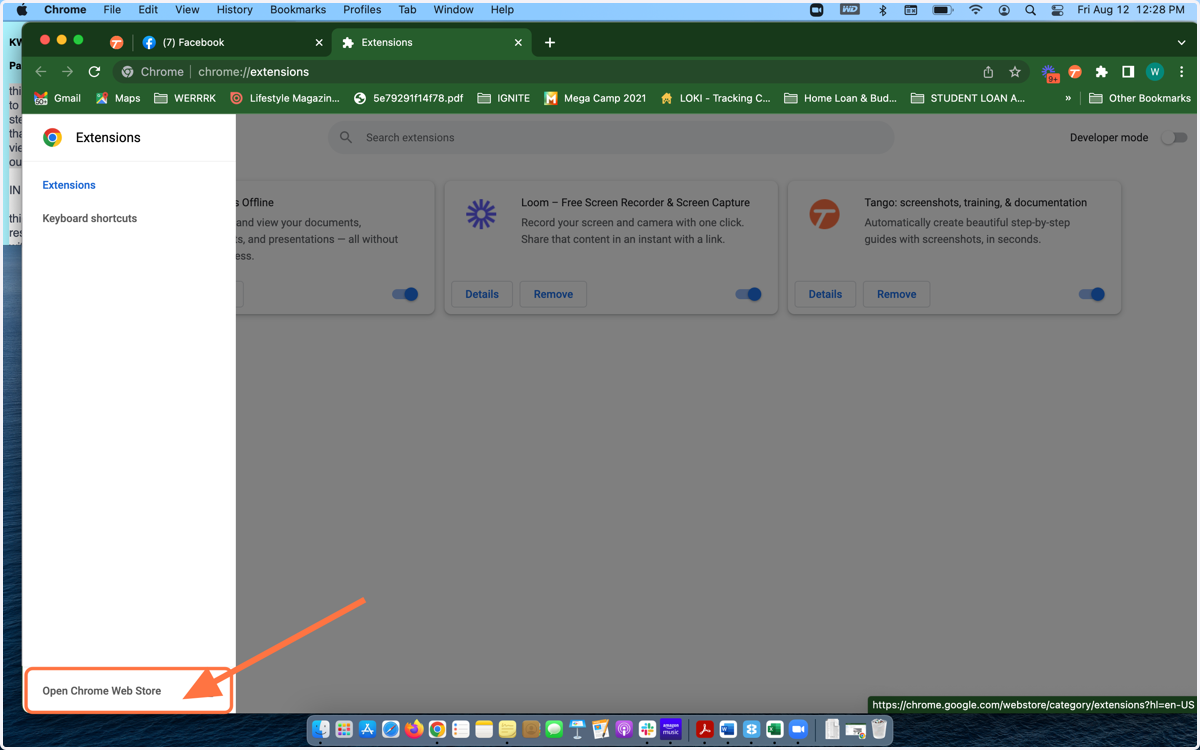
3. Open Chrome Web Store
In the new tab that opens, click on the three horizontal lines in the upper left hand corner and choose "Open Chrome Web Store"
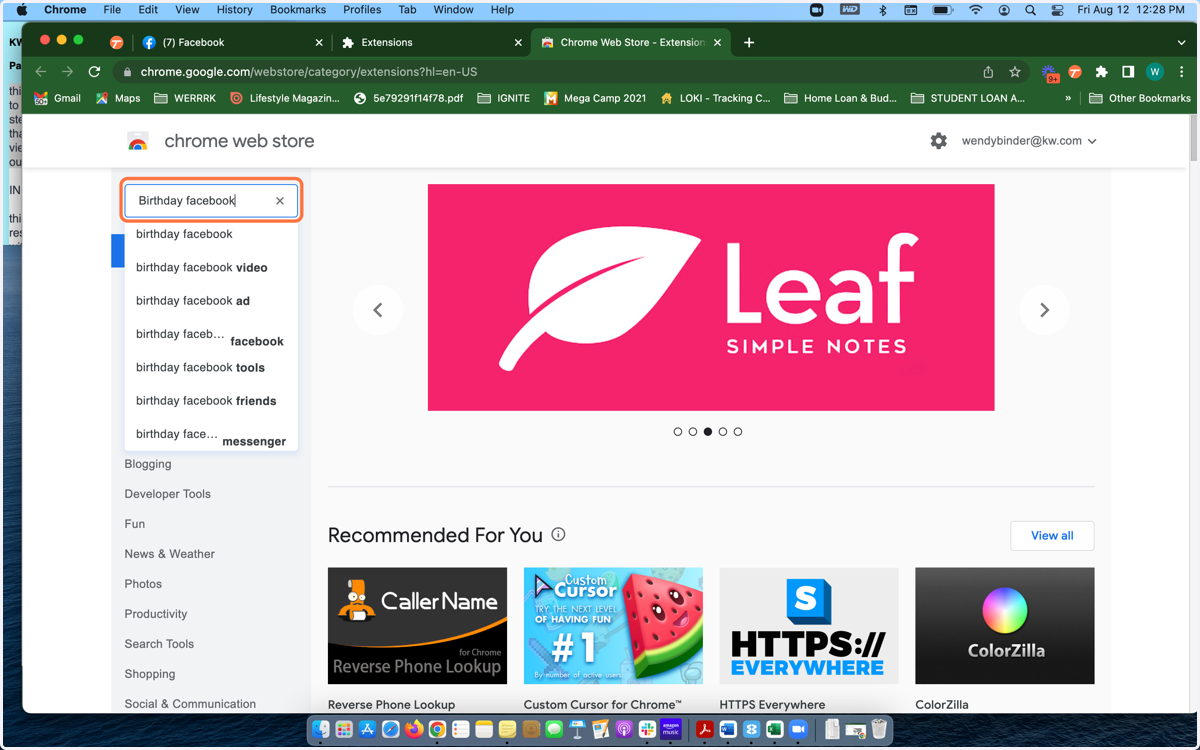
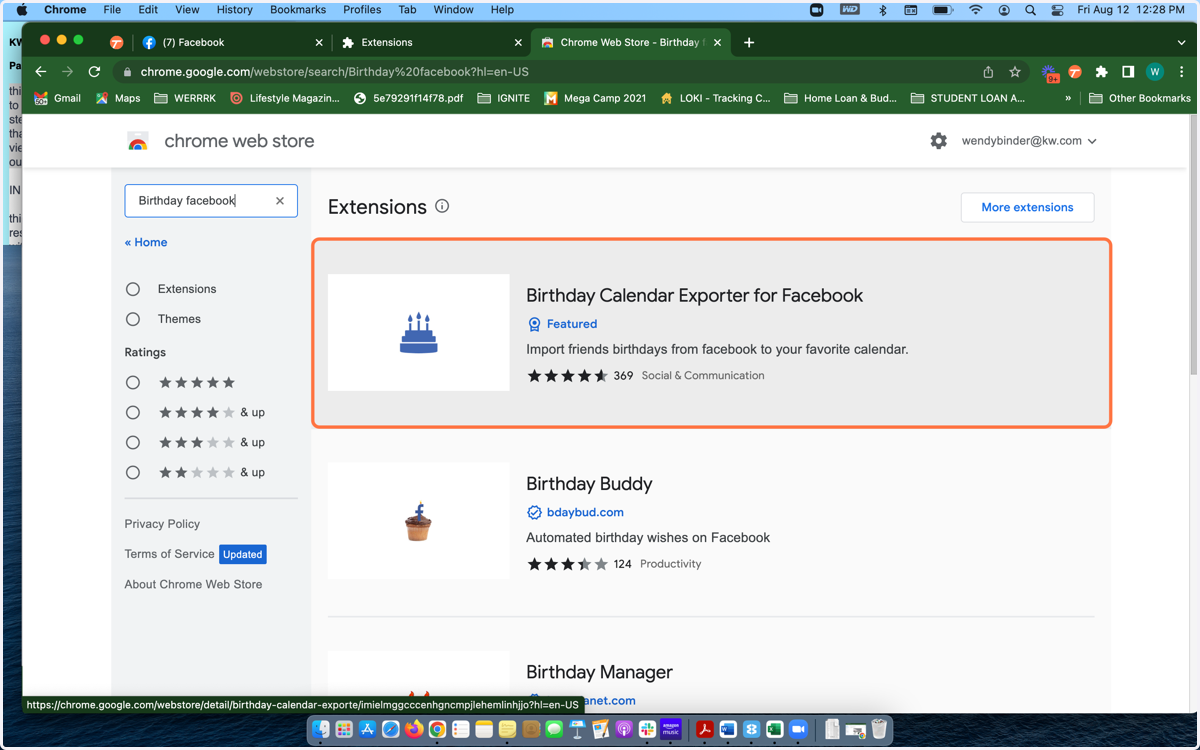
4. Search "Birthday Facebook" in the Chrome Web Store
5. Choose the "Birthday Calendar Exporter for Facebook"
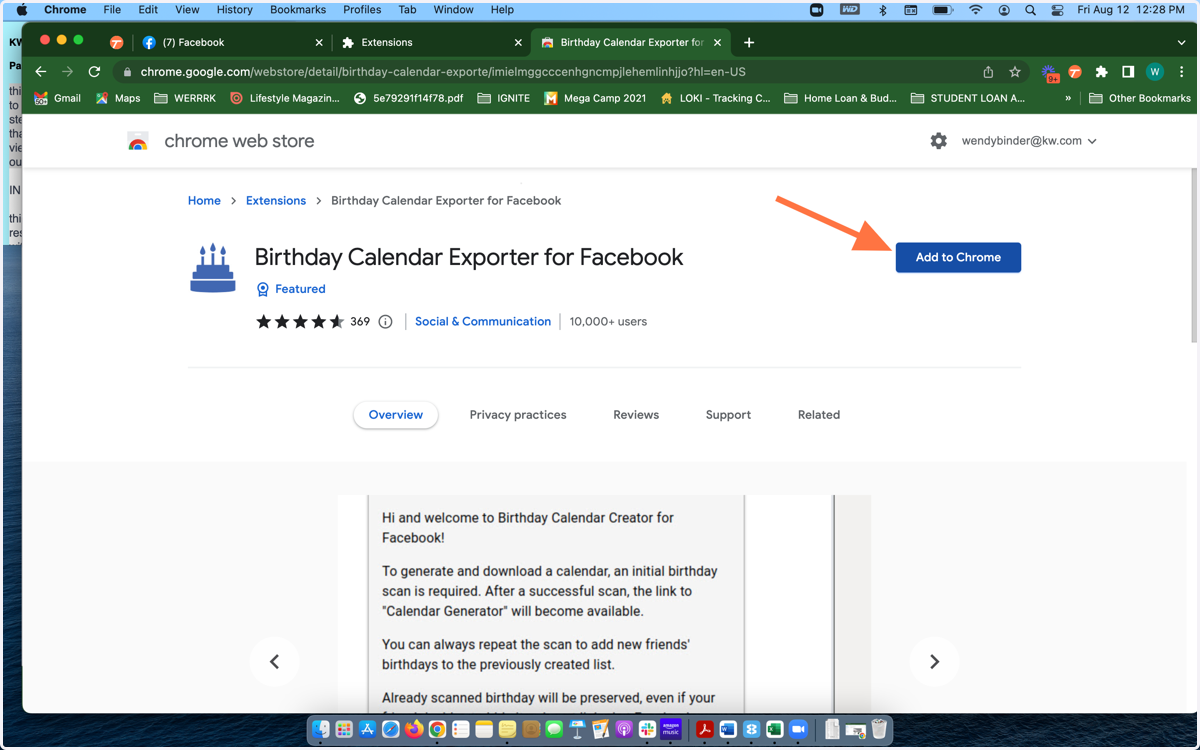
6. Chose "Add to Chrome"
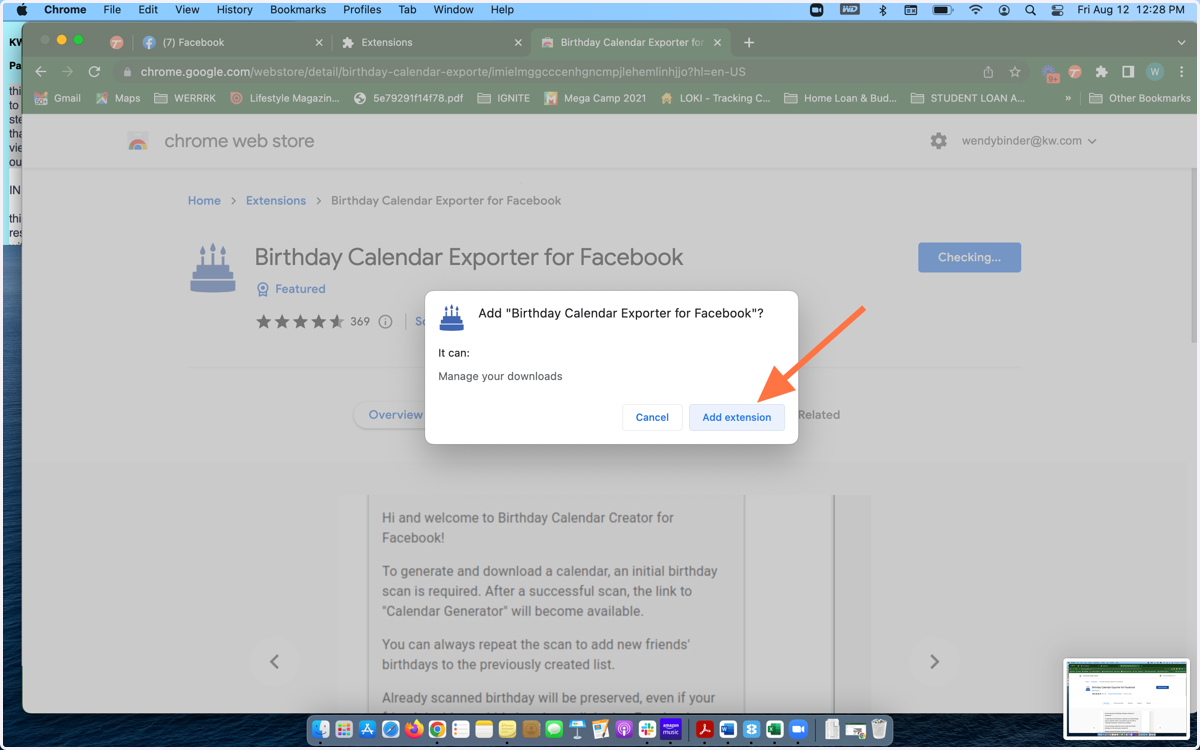
7. Choose "Add Extension"
8. Run the Extension
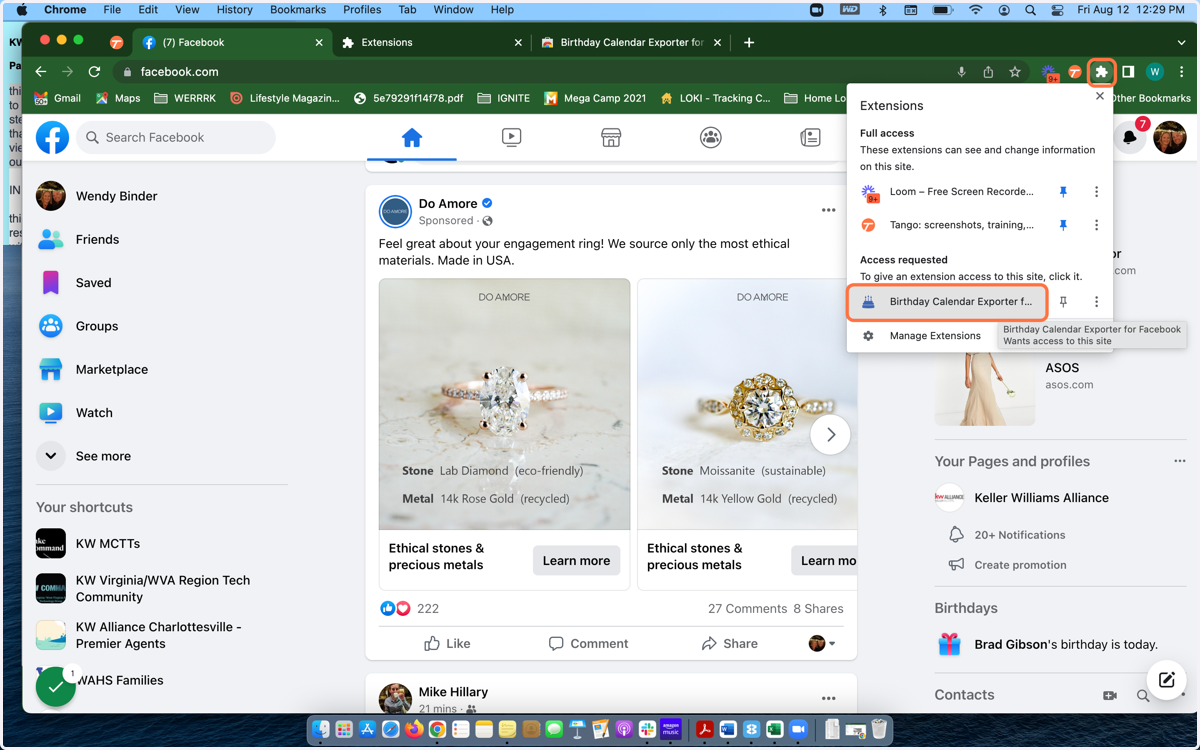
Go Back to your Facebook tab and click the puzzle piece in the upper right hand corner. Then Click on "Birthday Calendar Exporter"
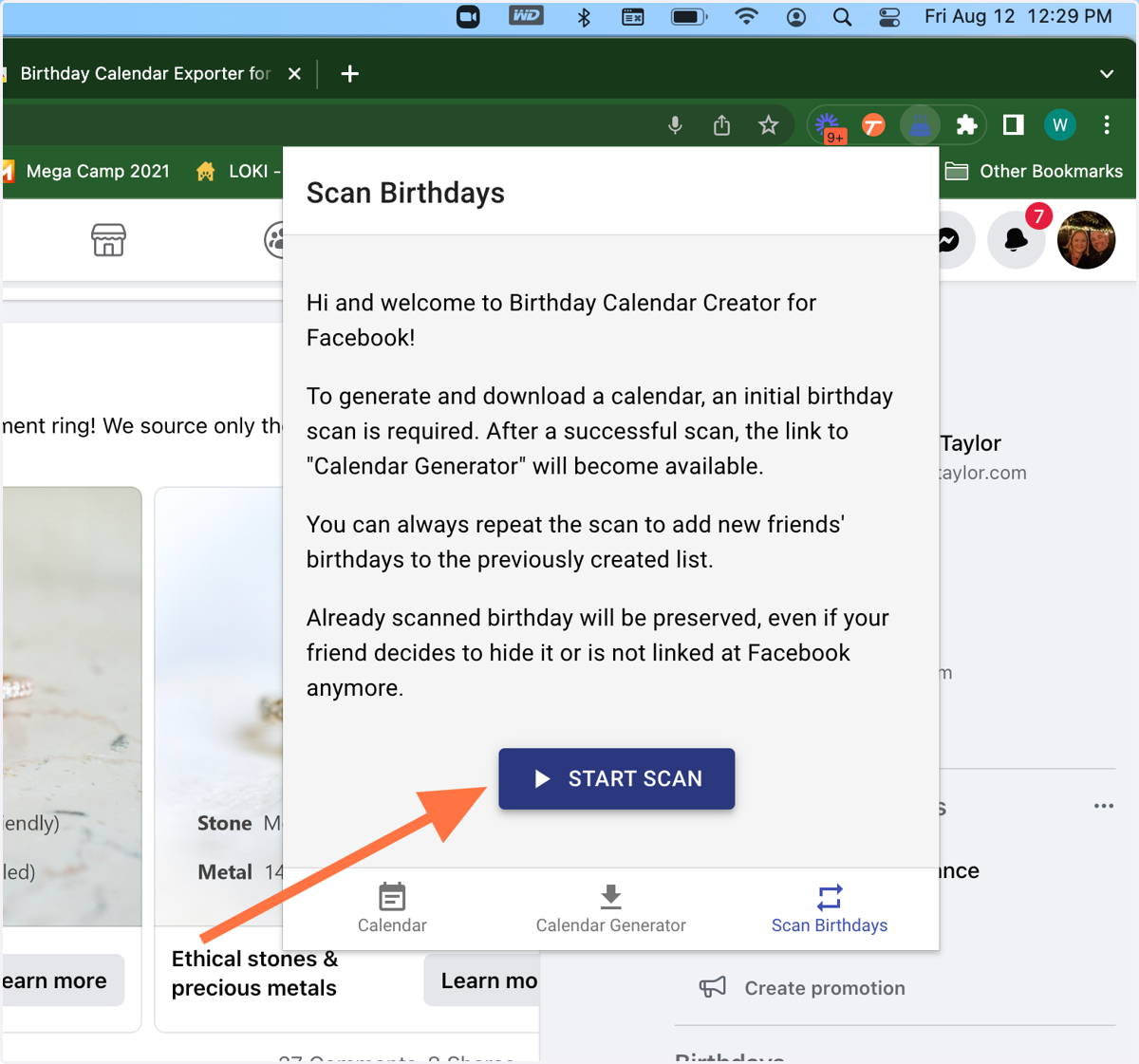
9. Choose "Start Scan"
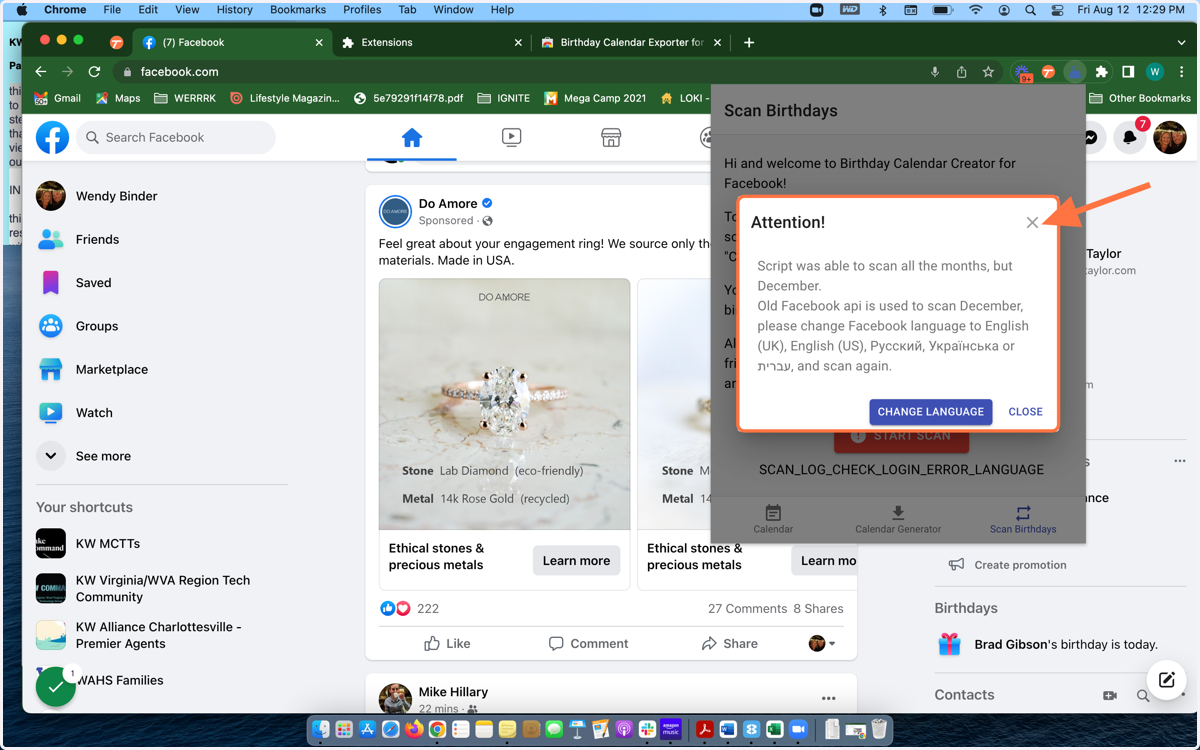
10. Note: You may get an error message - just close out this window. It's a false error.
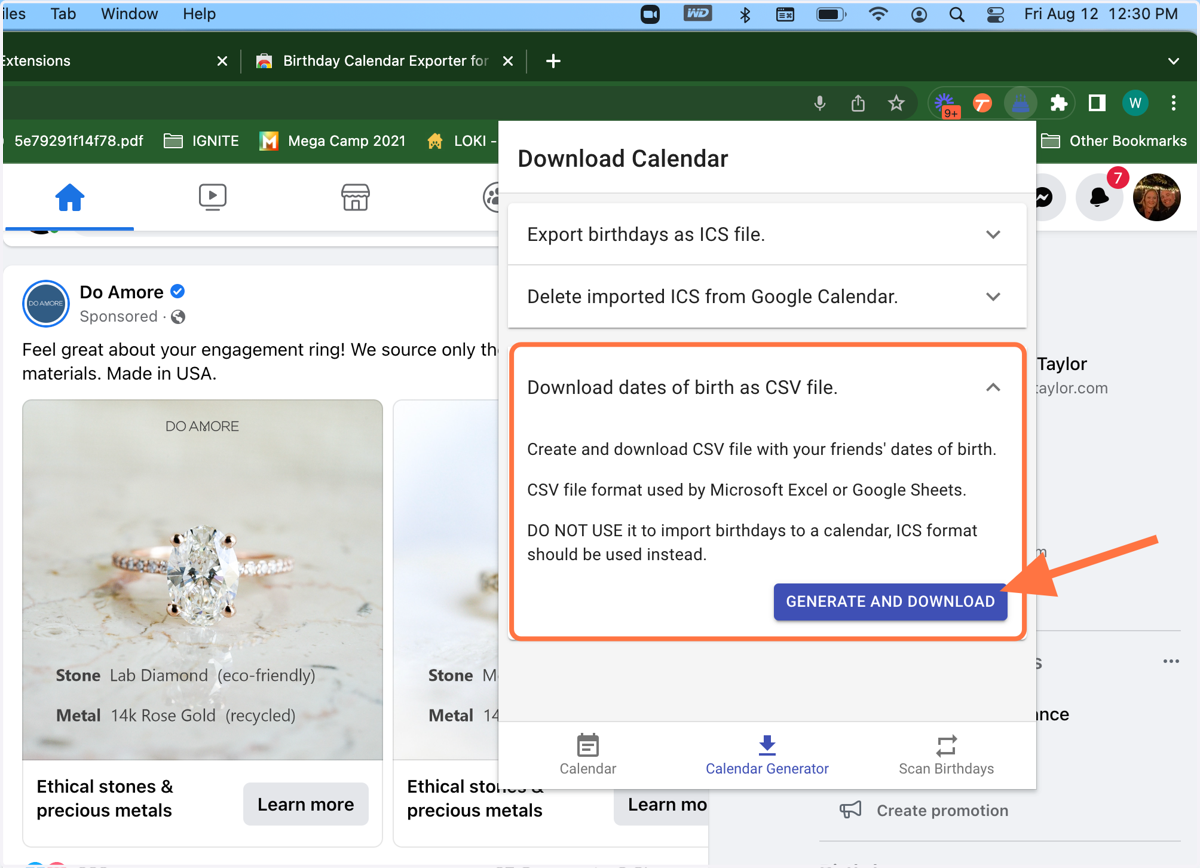
11. Click on "Download dates of birth as csv file"
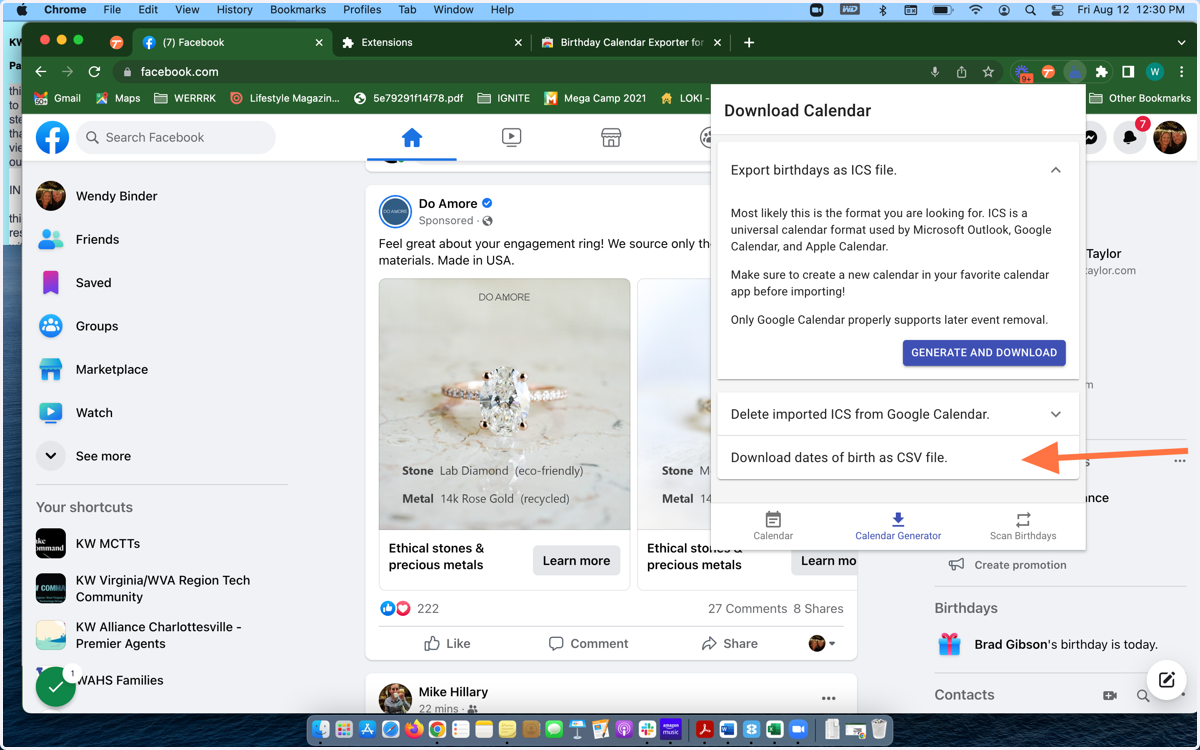
12. Click "Generate and Download"
You will now have a csv form that provides the facebook url and the birthdays for every Facebook contact. Use this information to update your existing contact records or to add to your bulk import csv file