Distribute Releases
ABC
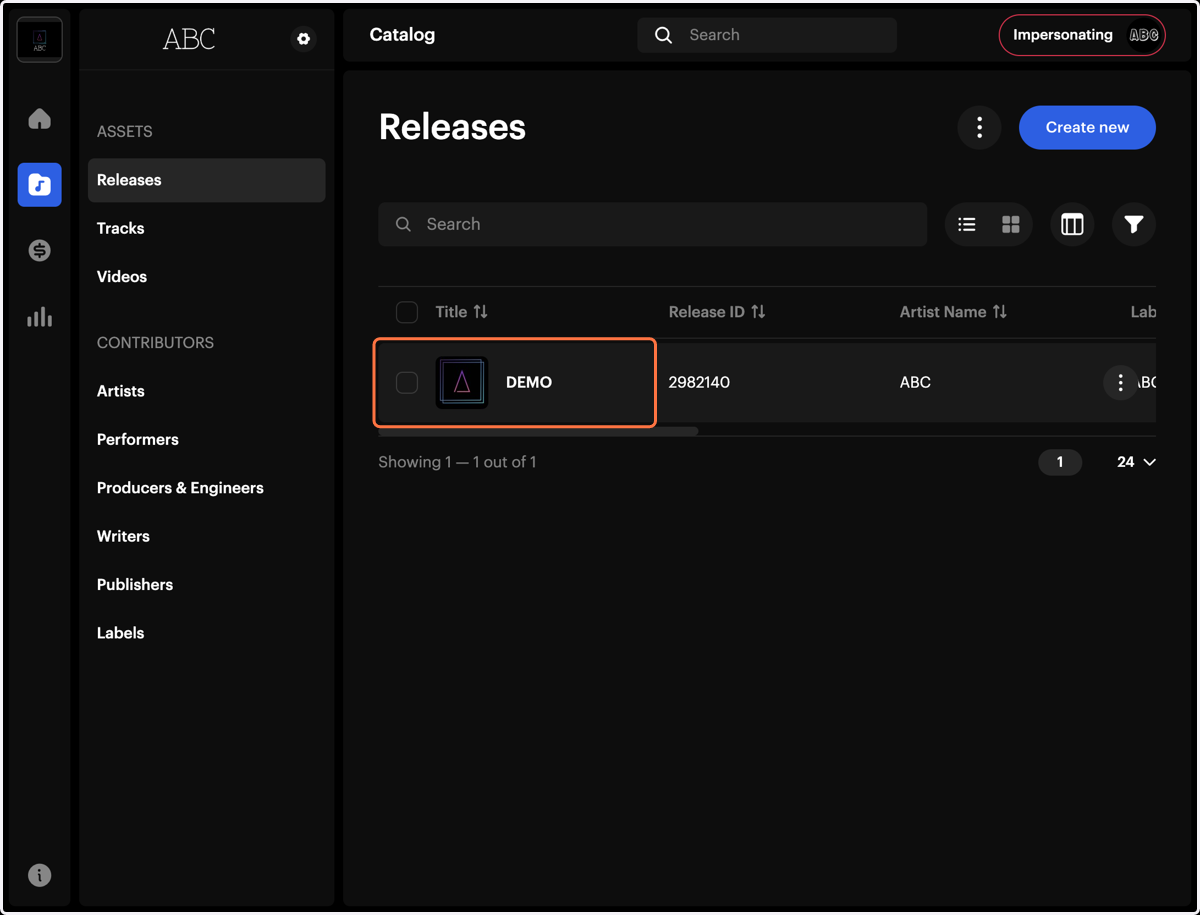
1. Select the Release in the Catalog
Once your release has been created, or if corrections were made, once saved, go to the catalog and select it to continue editing or managing its details.
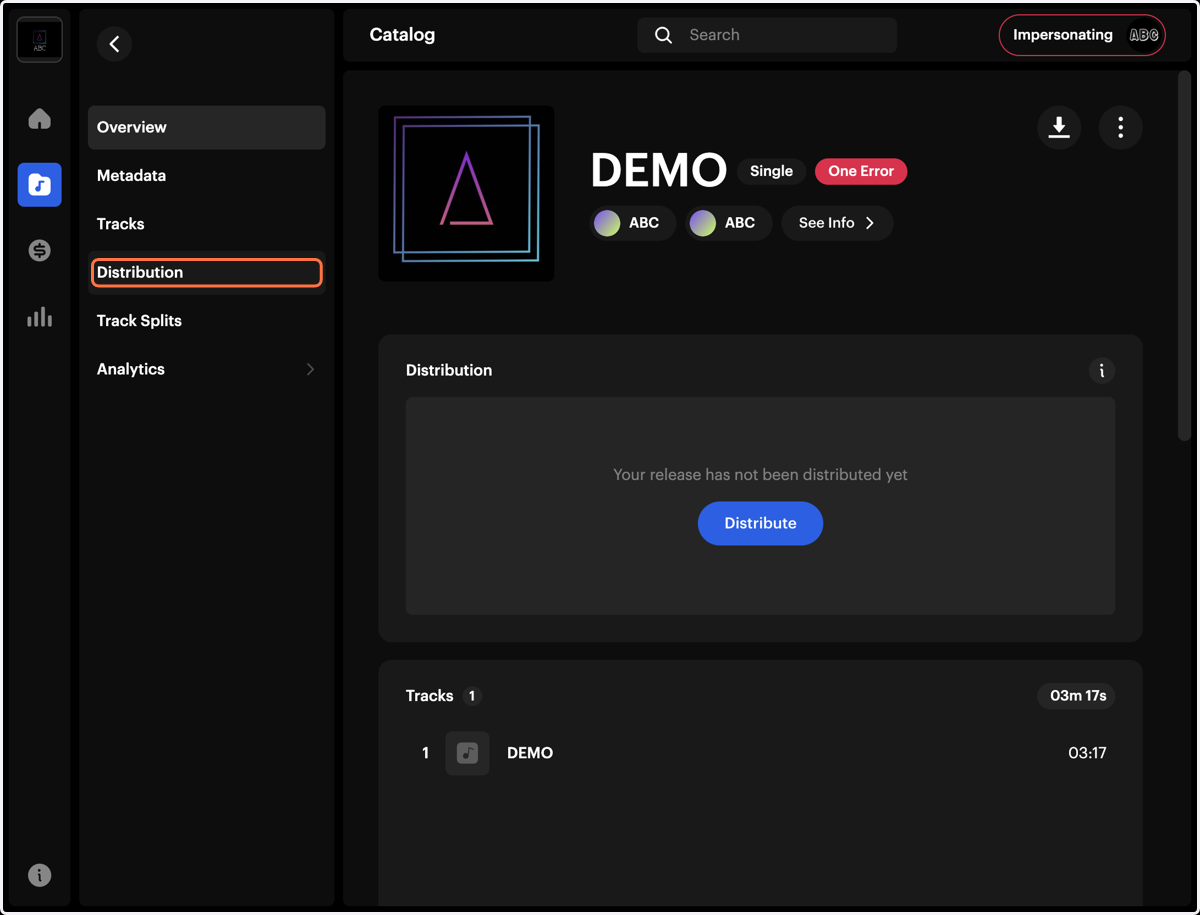
2. Click on Distribution
3. Click on Distribute All
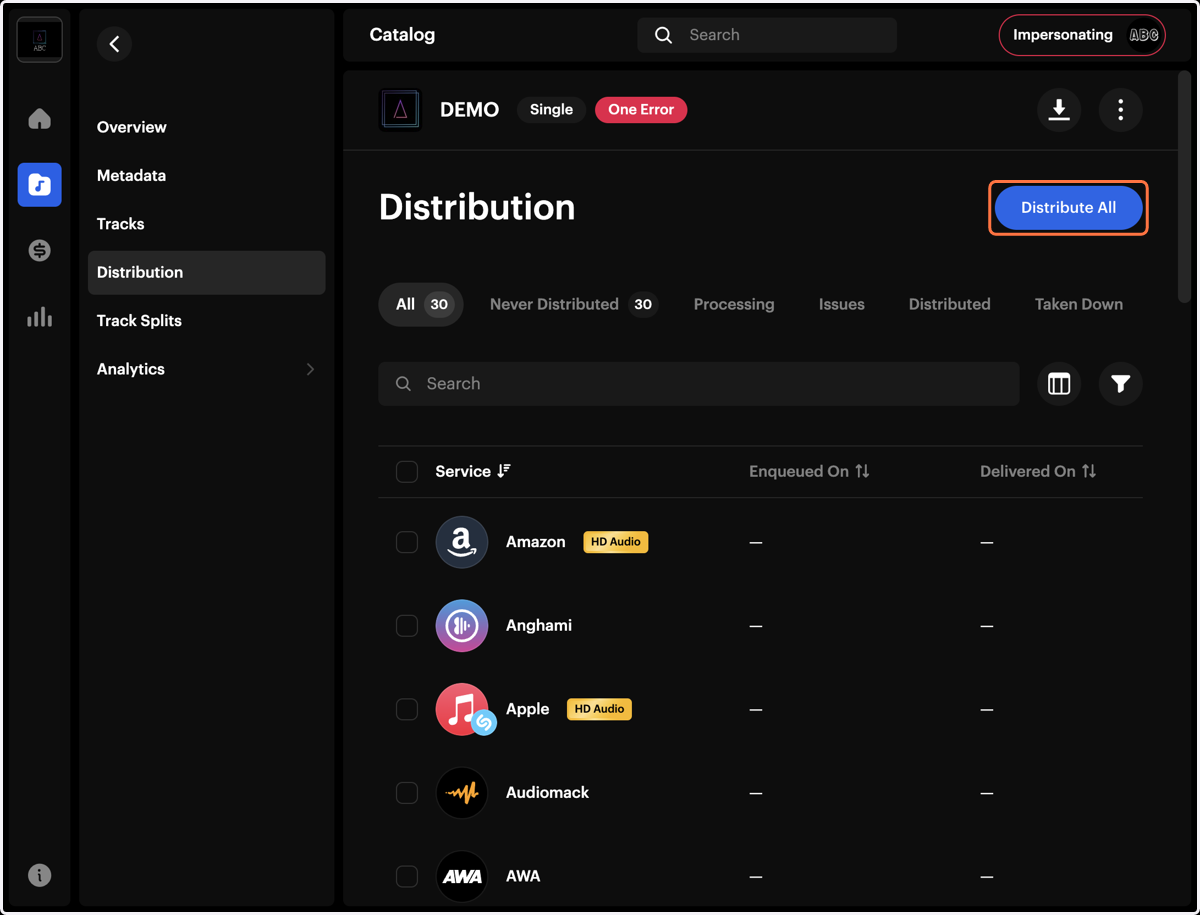
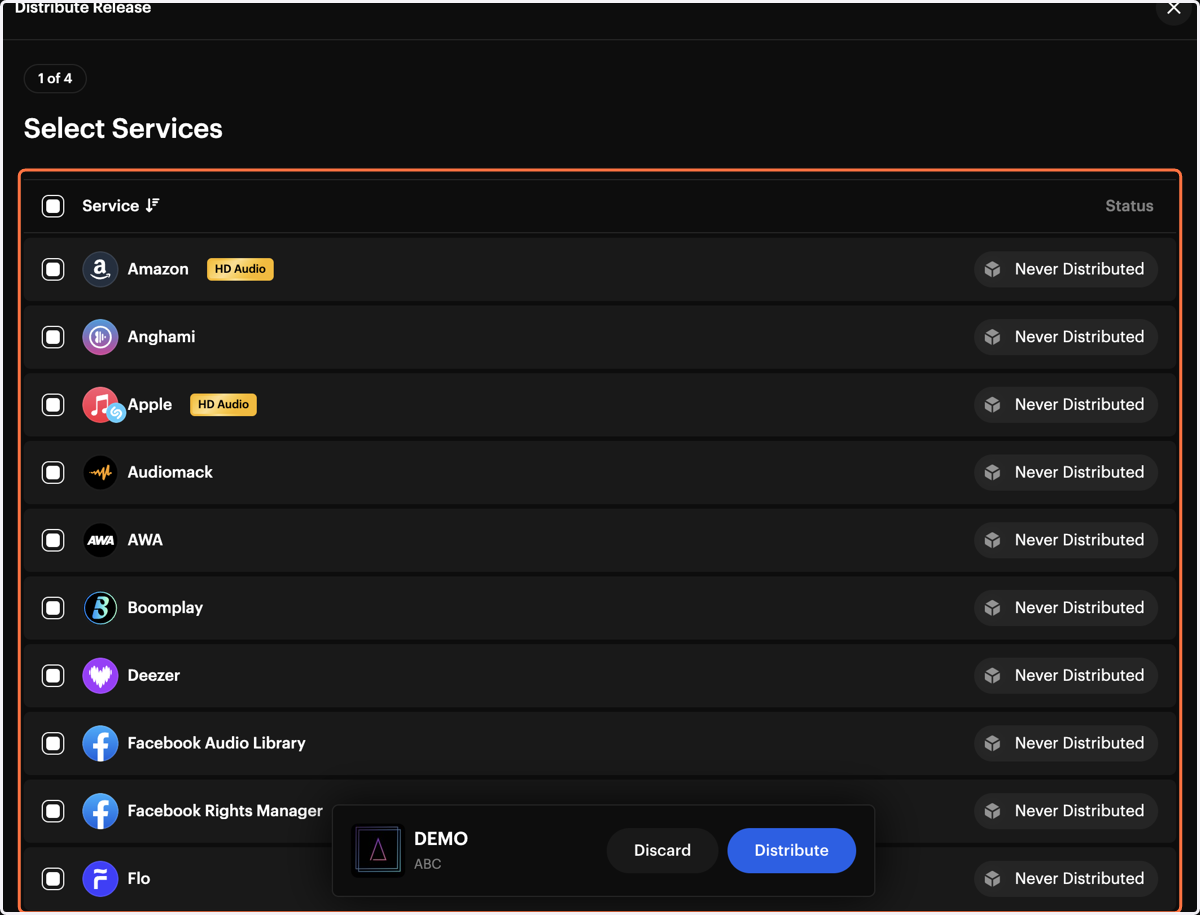
4. Distribute to All DSPs
Once click “Distribute All” will to automatically select all available digital streaming platforms for your release.
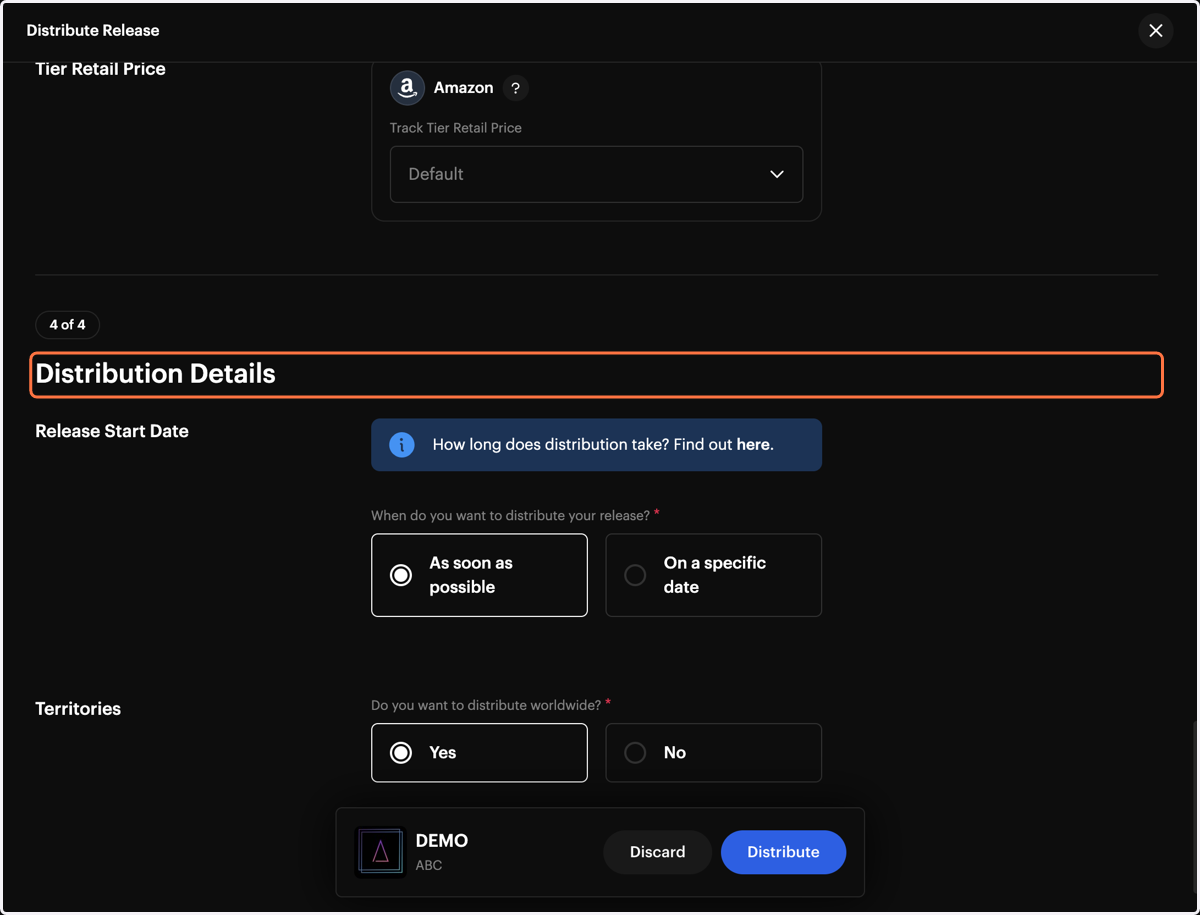
5. Select Release Start Date
This the date your track will be available on digital streaming platforms.
If you select “As Soon As Possible”, the track will be released at the earliest possible date.
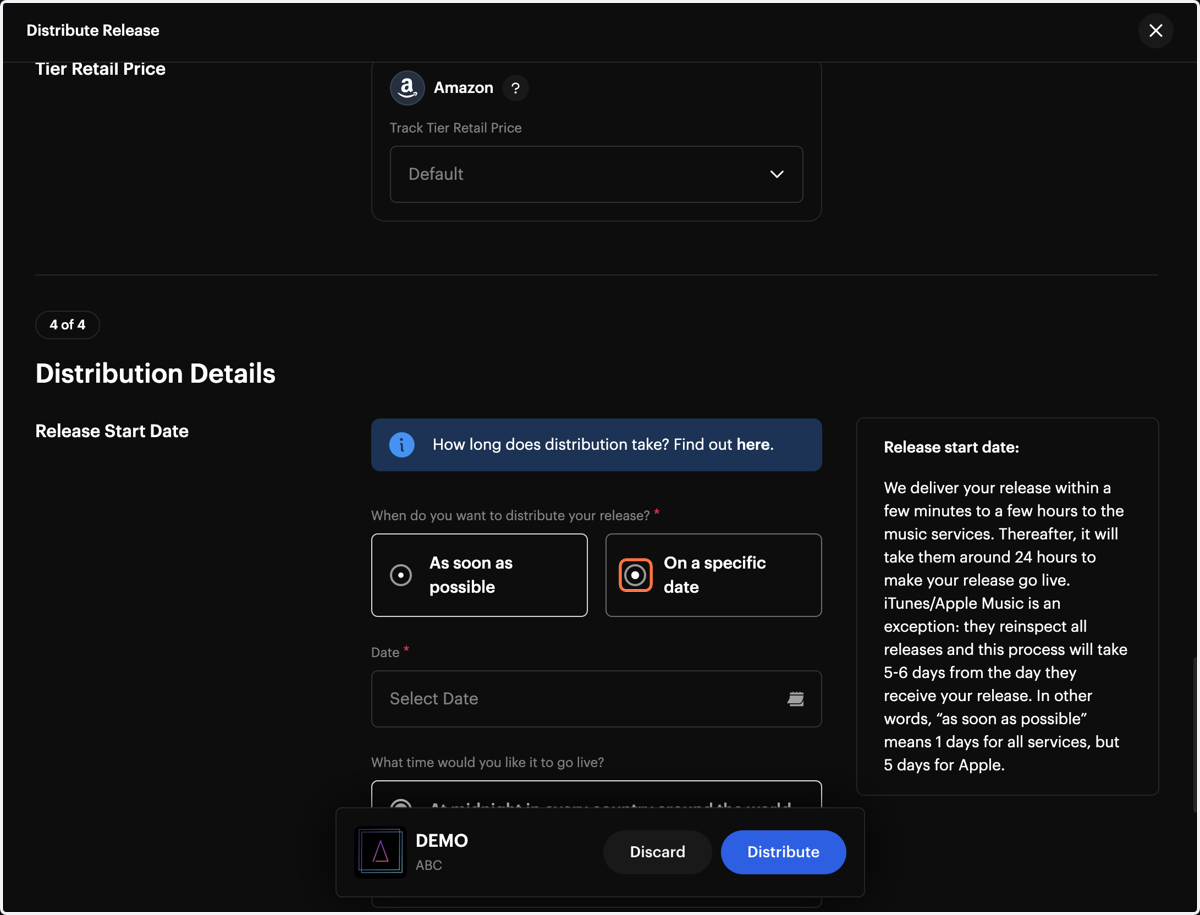
6. Select On a specific date
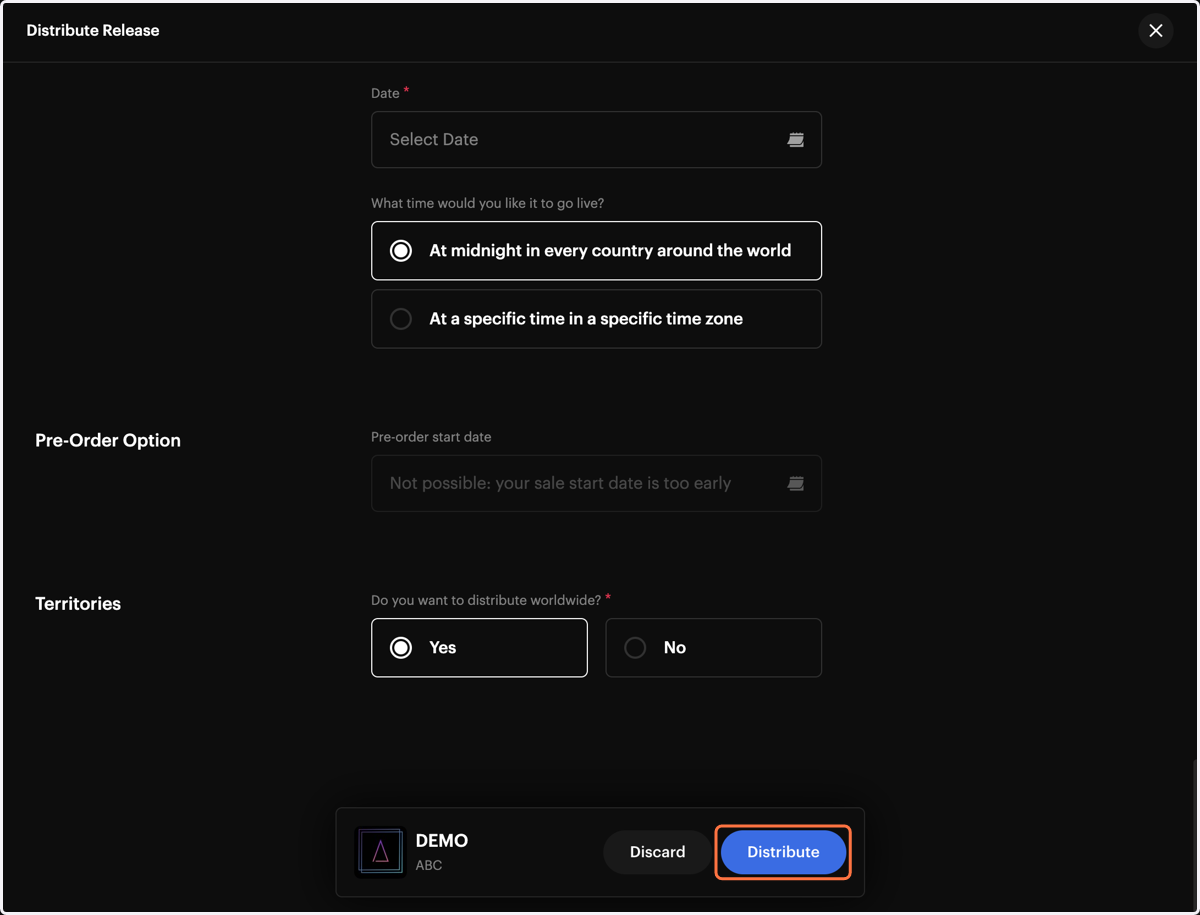
If you select a specific date, you can also choose the time and time zone.
7. Click on Distribute
8. Confirm Required Fields
Make sure all required fields are completed before submitting your release.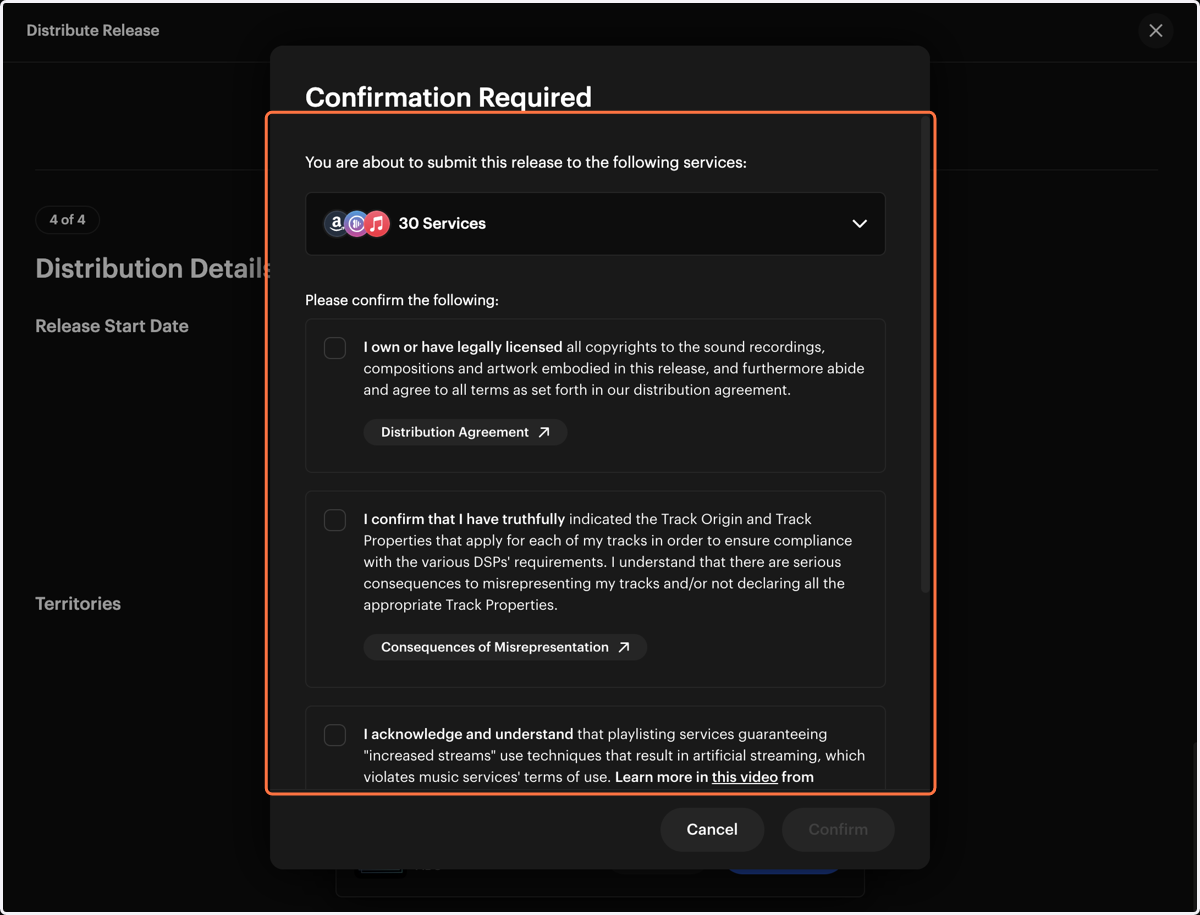
9. Release Sent to Quality Control
Once your track is distributed, the release will be sent to the Quality Control department for review.