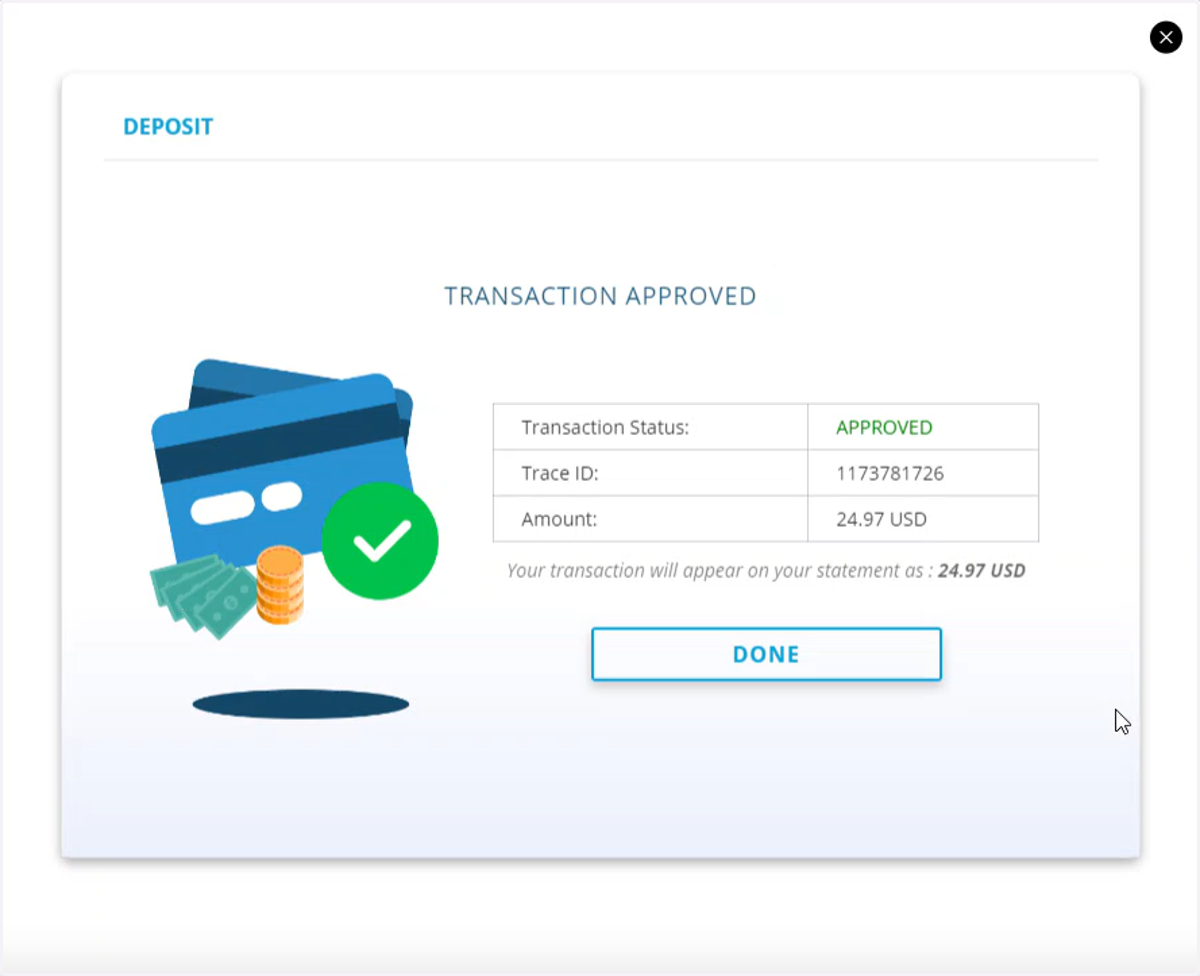
Depositing Funds with Crypto (USDT, ETH, BTC, or USDC)

Blueberry

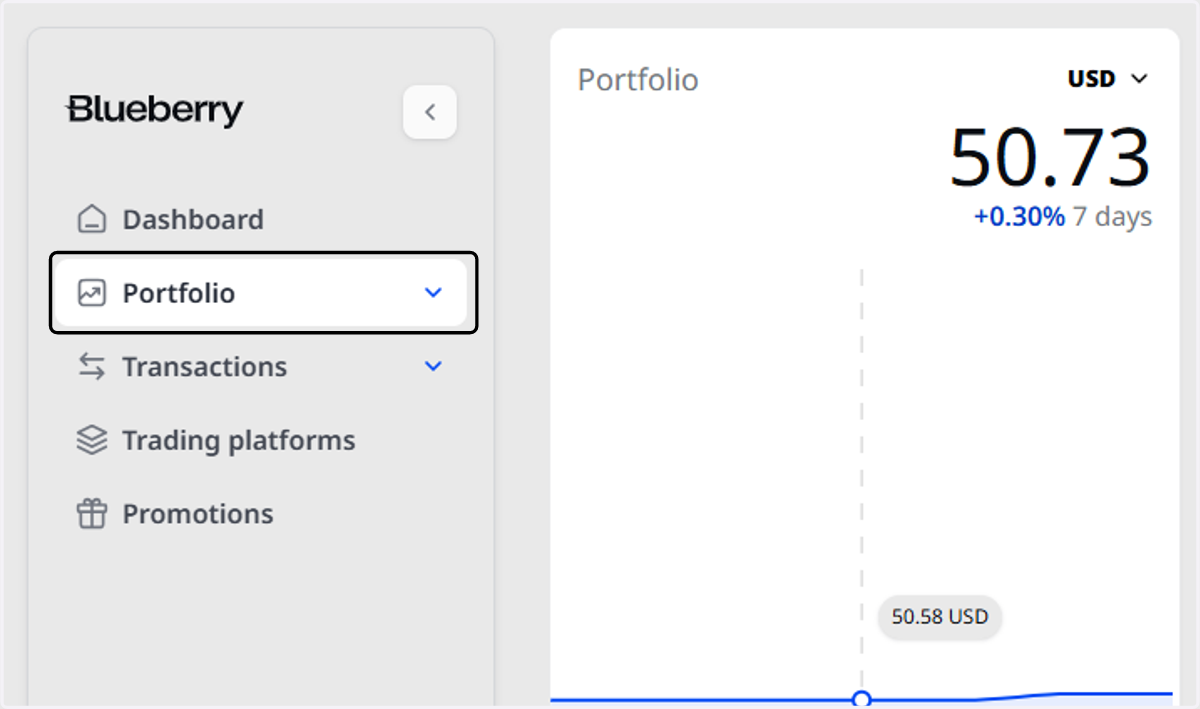
  1. 1. Click on Portfolio

    Click on Portfolio
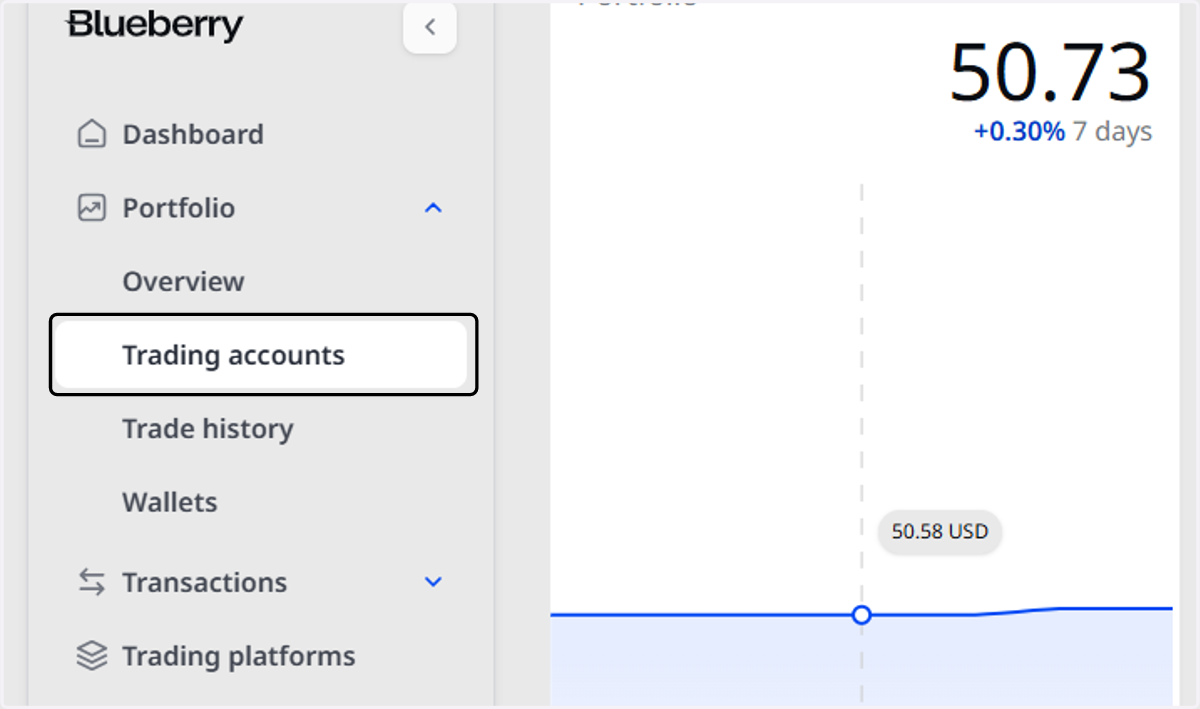
  2. 2. Click on Trading accounts

    Click on Trading accounts
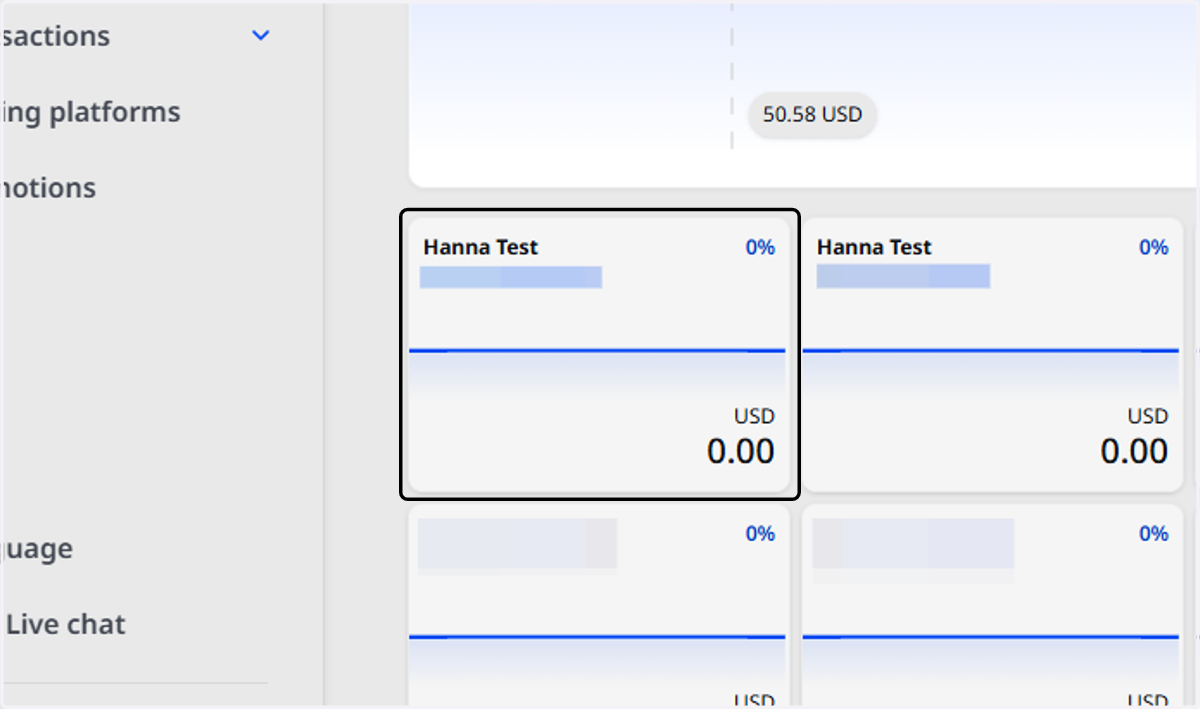
  3. 3. Select the Trading Account

    Select the Trading Account
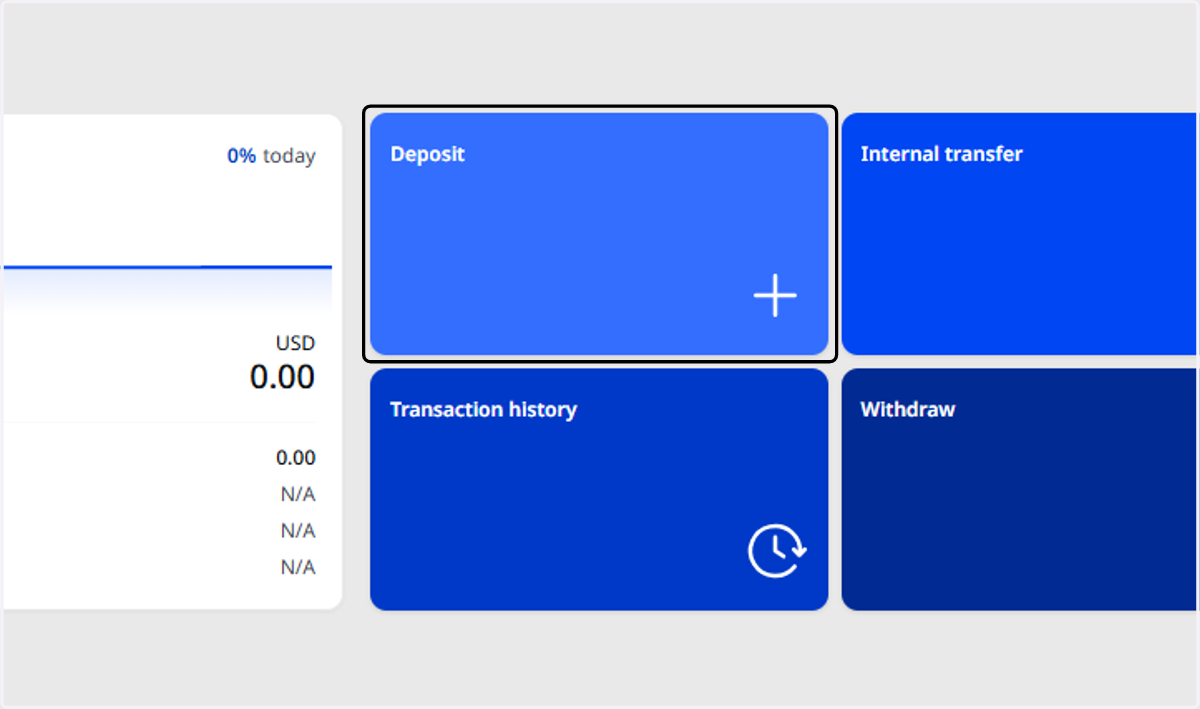
  4. 4. Click on Deposit

    Click on Deposit
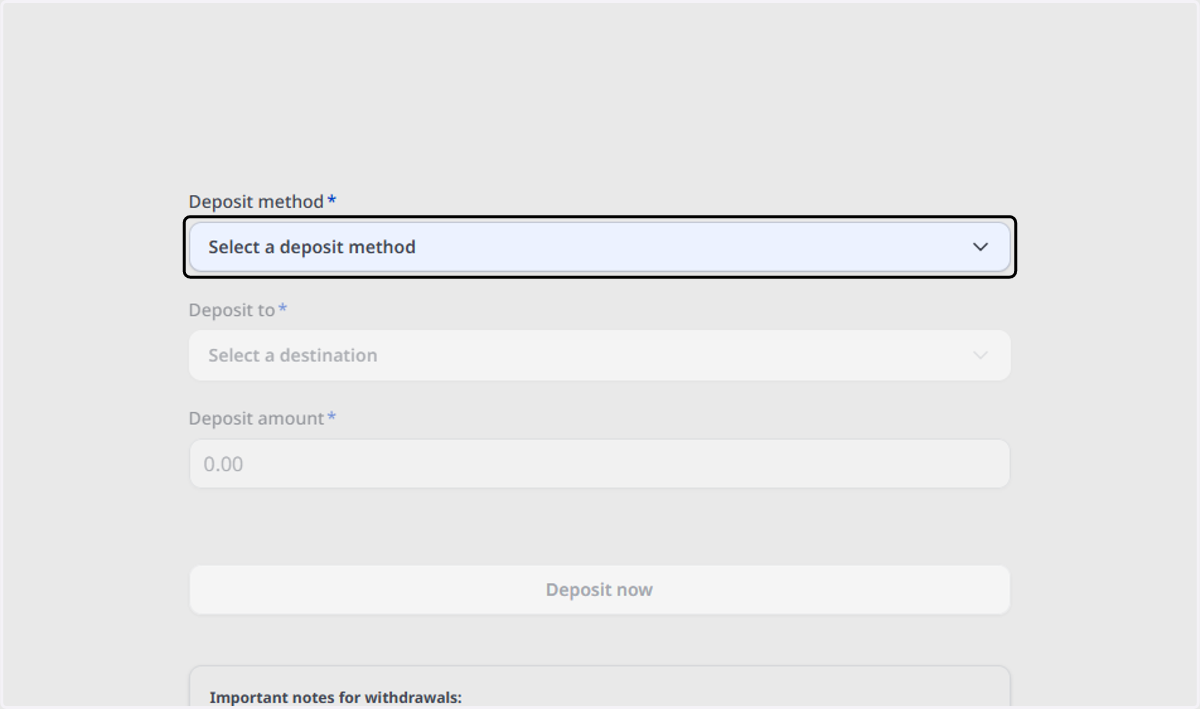
  5. 5. Click on Select a deposit method

    Click on Select a deposit method
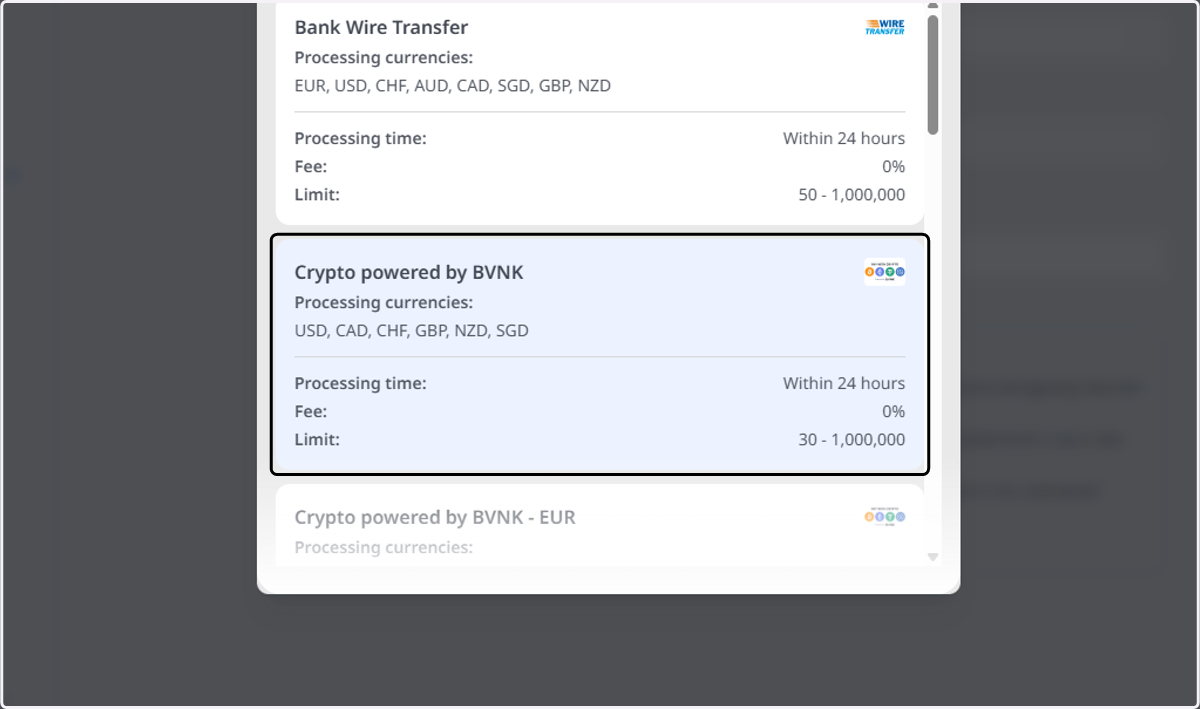
  6. 6. Click on Crypto powered by BVNK…

    Click on Crypto powered by BVNK…
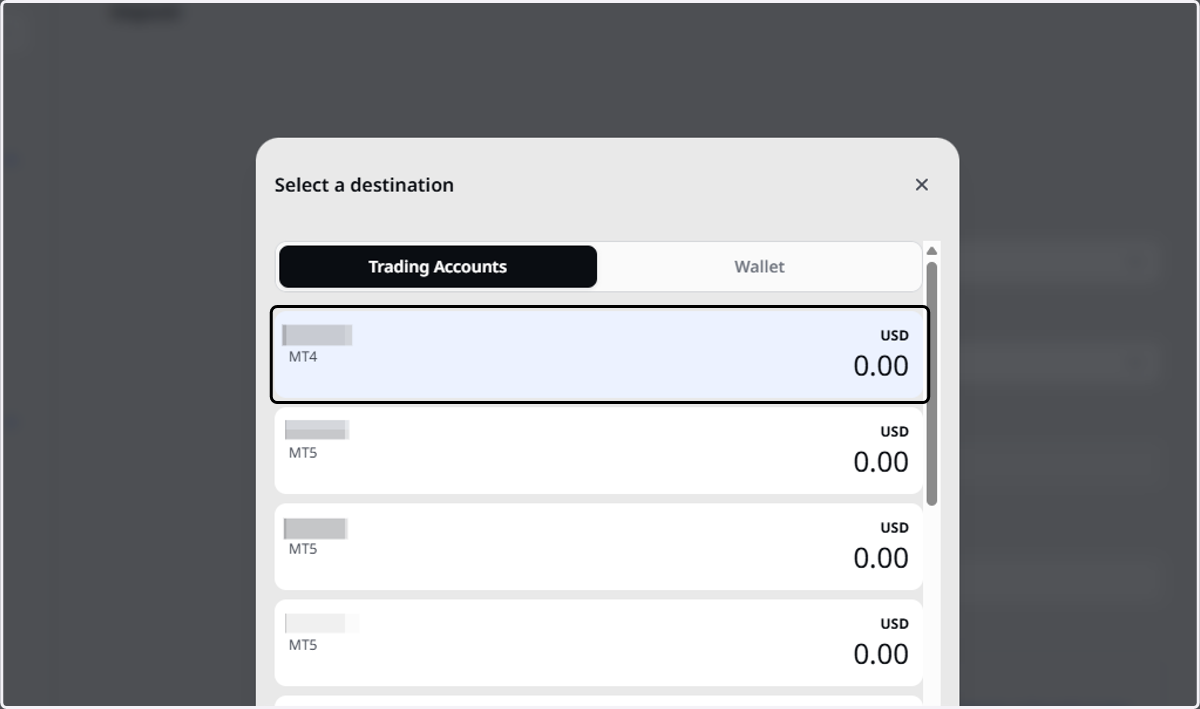
  7. 7. Select the Trading Account

    Select the Trading Account
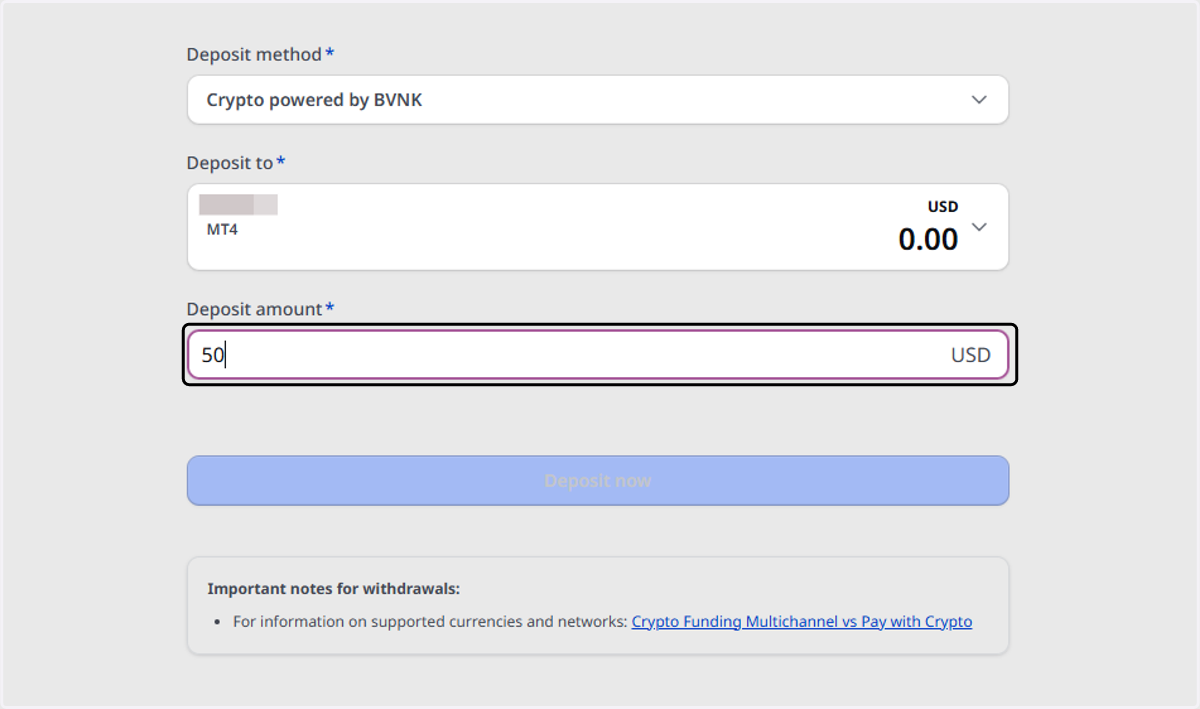
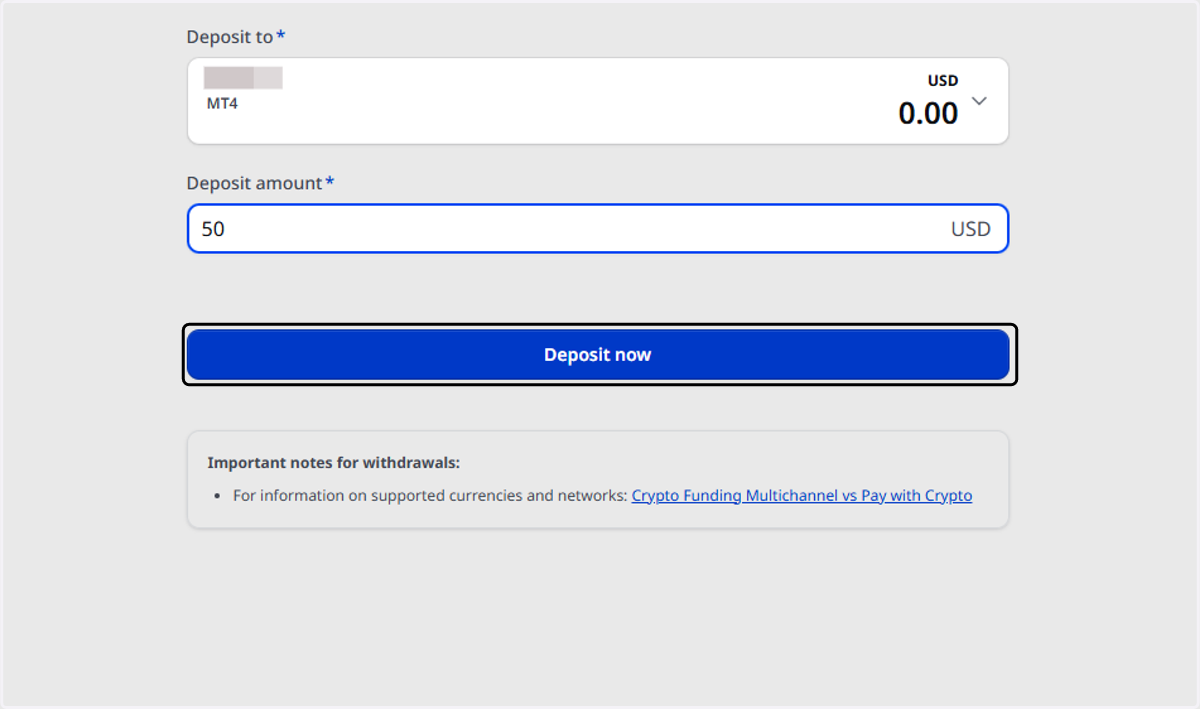
  8. 8. Type the deposit amount

    Type the deposit amount
  9. 9. Click on Deposit now

    Click on Deposit now
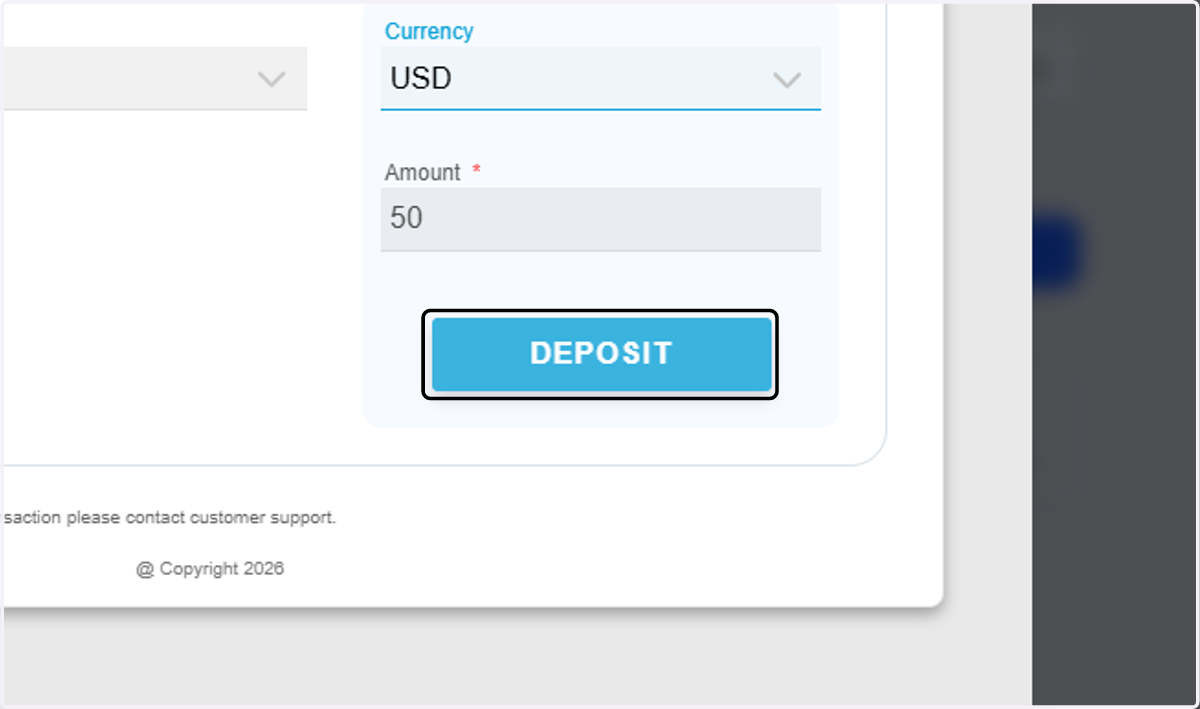
  10. 10. Click on Deposit

    Click on Deposit
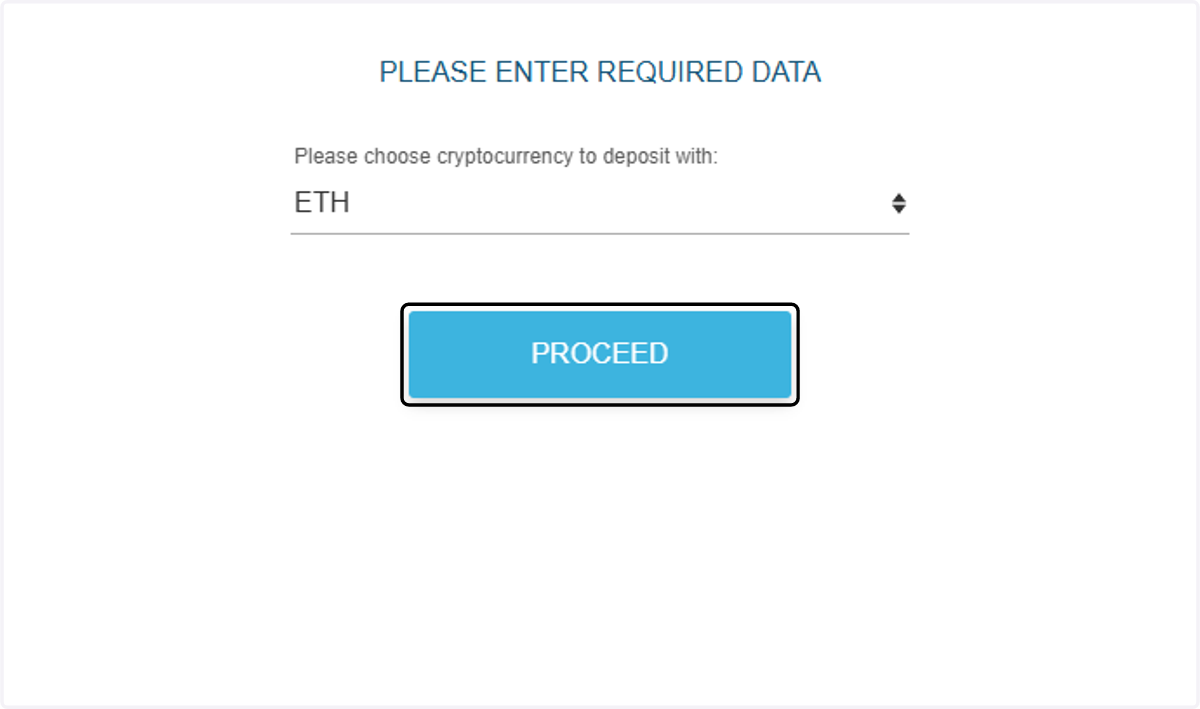
  11. 11. Choose cryptocurrency to deposit with…
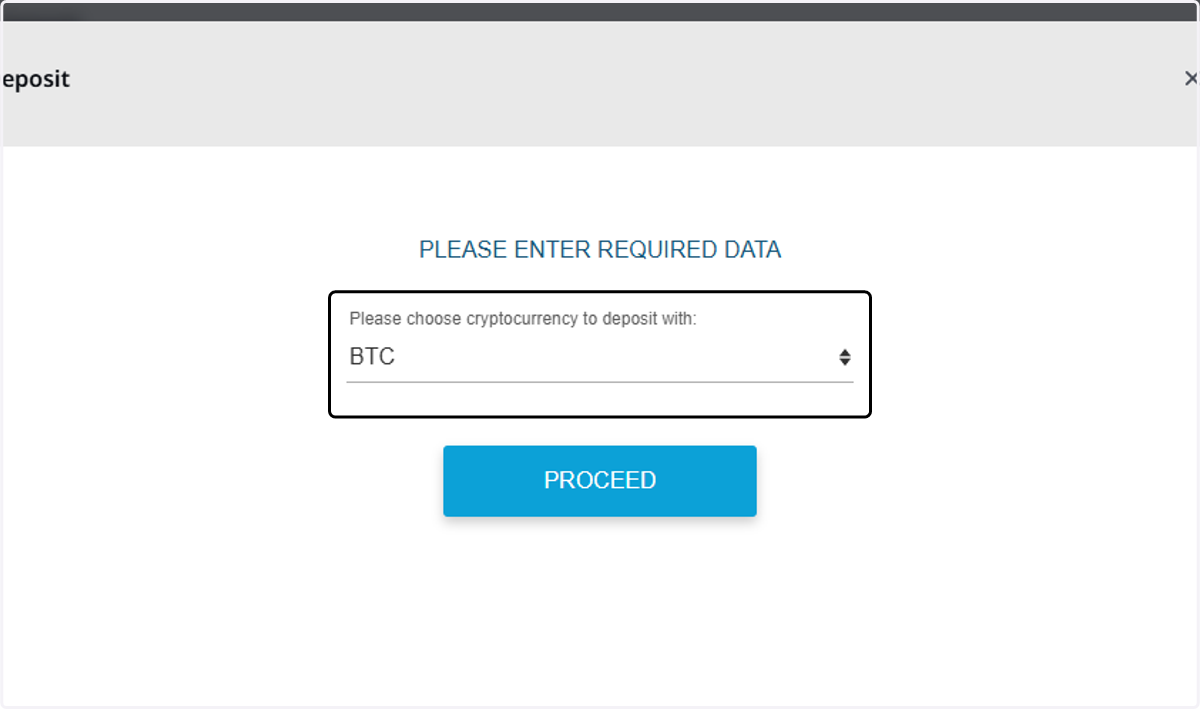
    Choose cryptocurrency to deposit with…
  12. 12. Choose cryptocurrency to deposit with:…
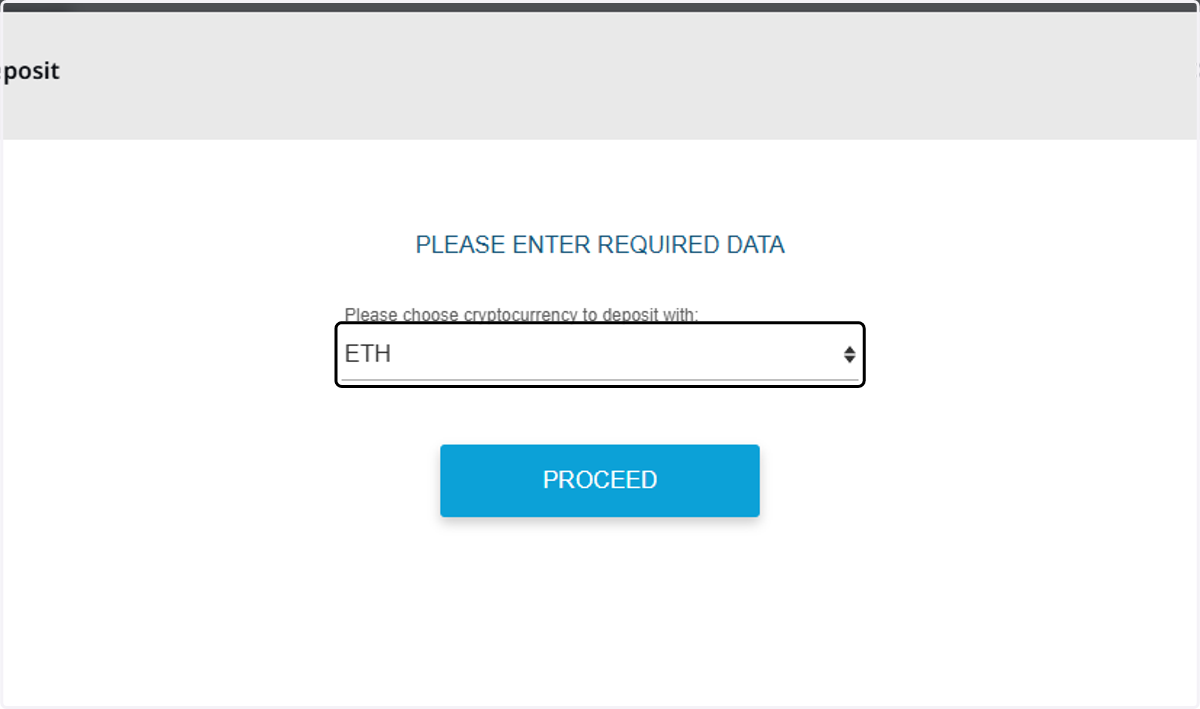
    Choose cryptocurrency to deposit with:…
  13. 13. Click on Proceed

    Click on Proceed
  14. 14. Scan the QR code with your crypto wallet or copy the details
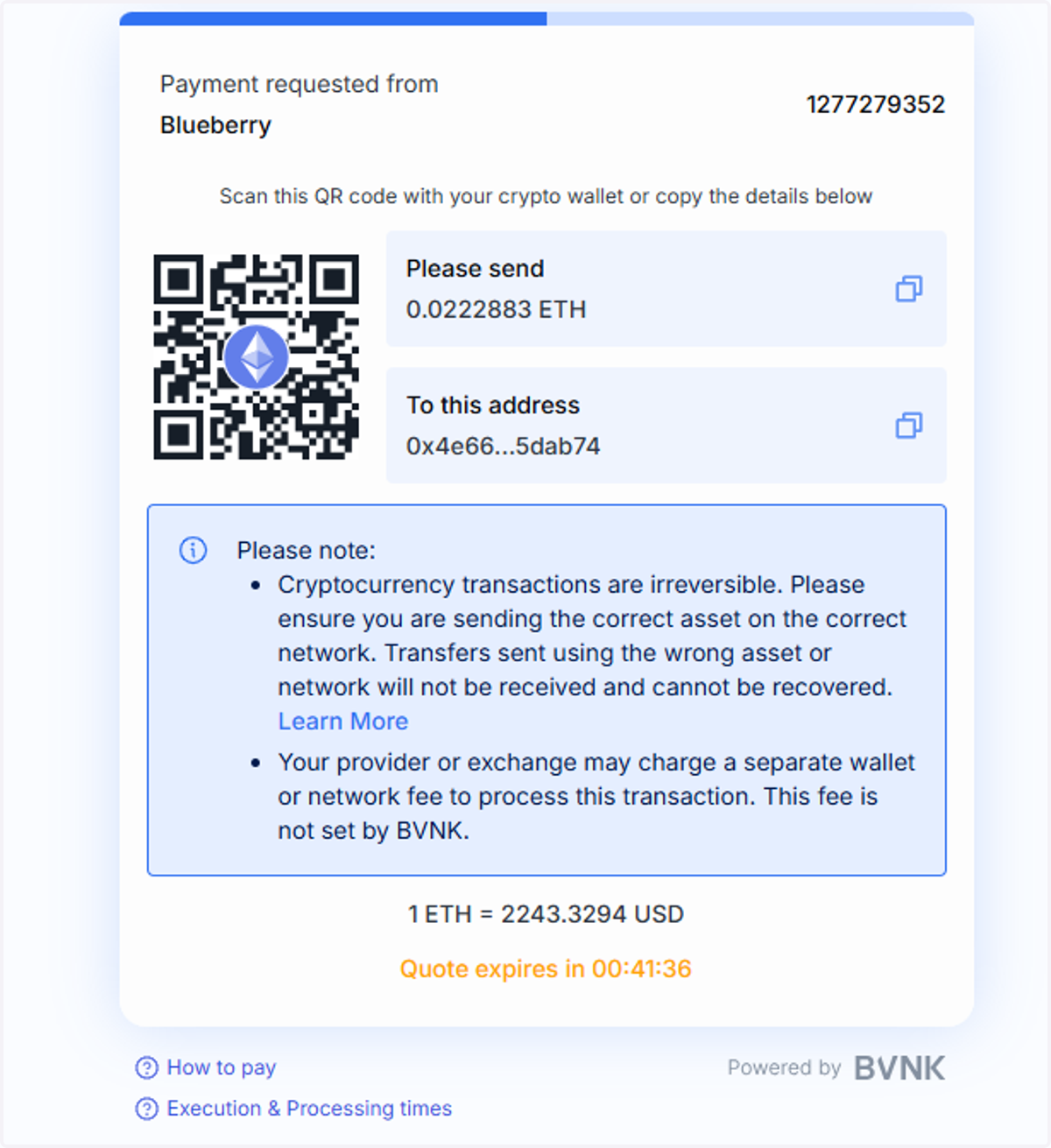
    Scan the QR code with your crypto wallet or copy the details
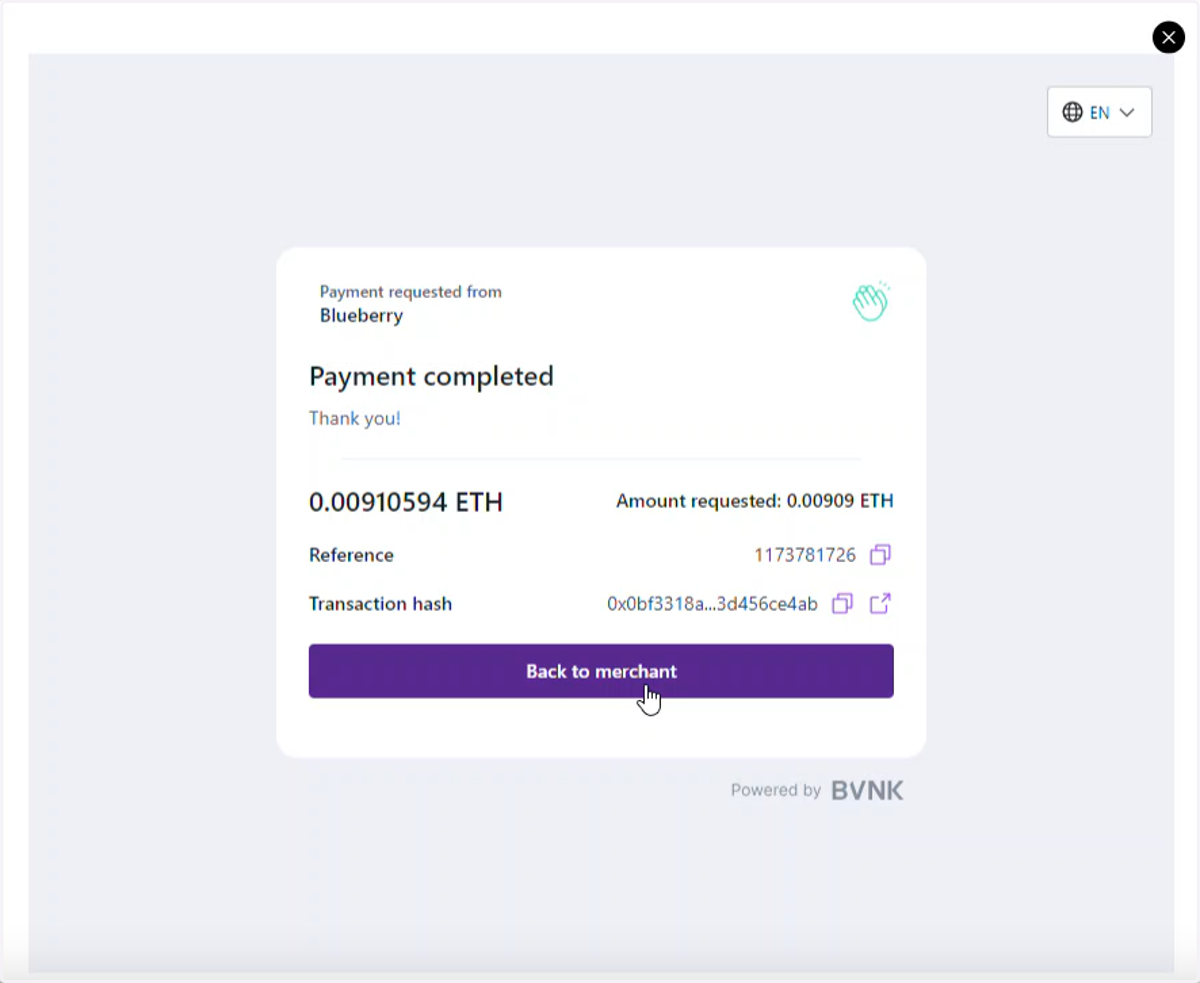
  15. 15. Wait for the payment to be processed
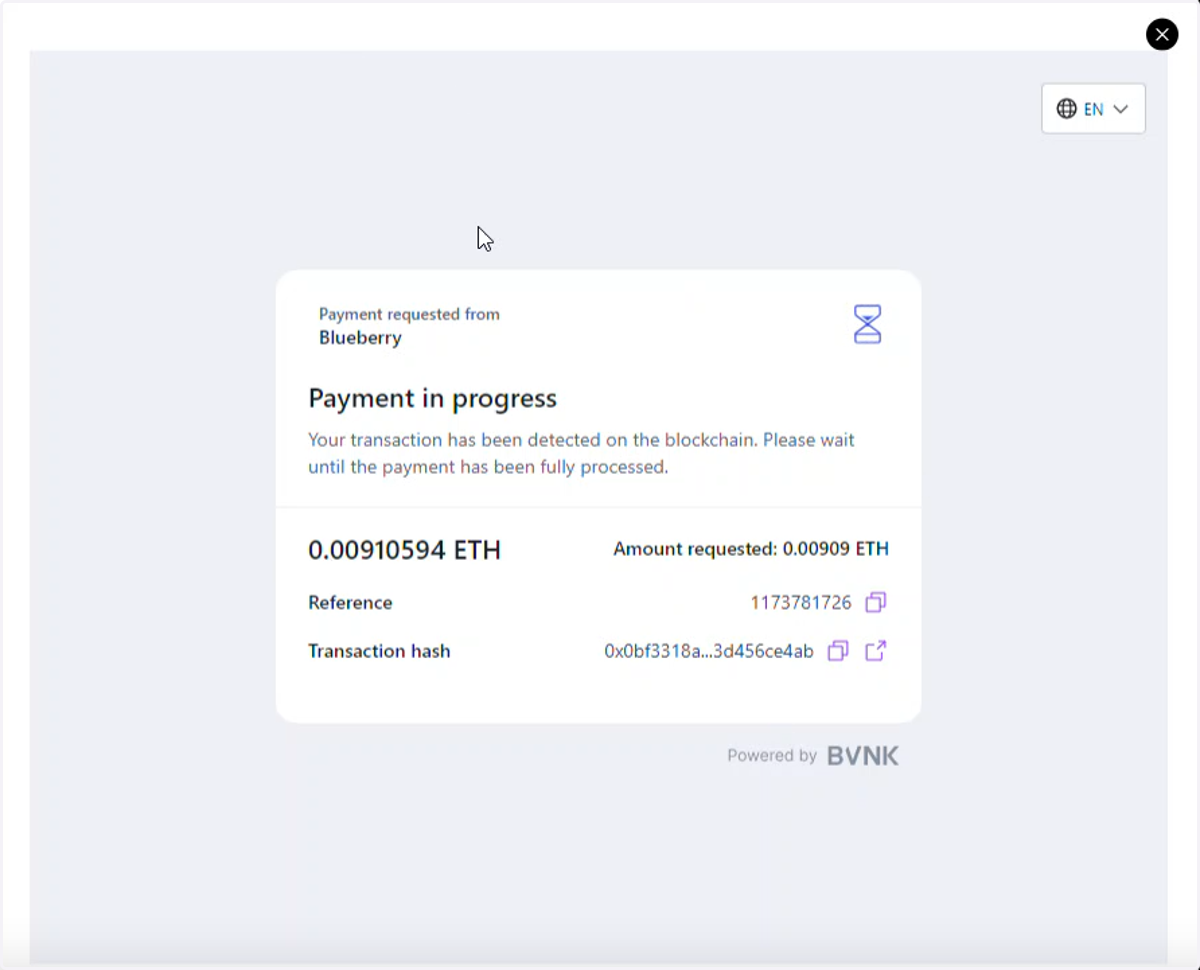
    Wait for the payment to be processed
  16. 16. Untitled step

    Untitled step
  17. 17. Untitled step

    Untitled step