Depositing Funds through Local MYR Online Wire
1. Under "My Trading Accounts," click on Live.

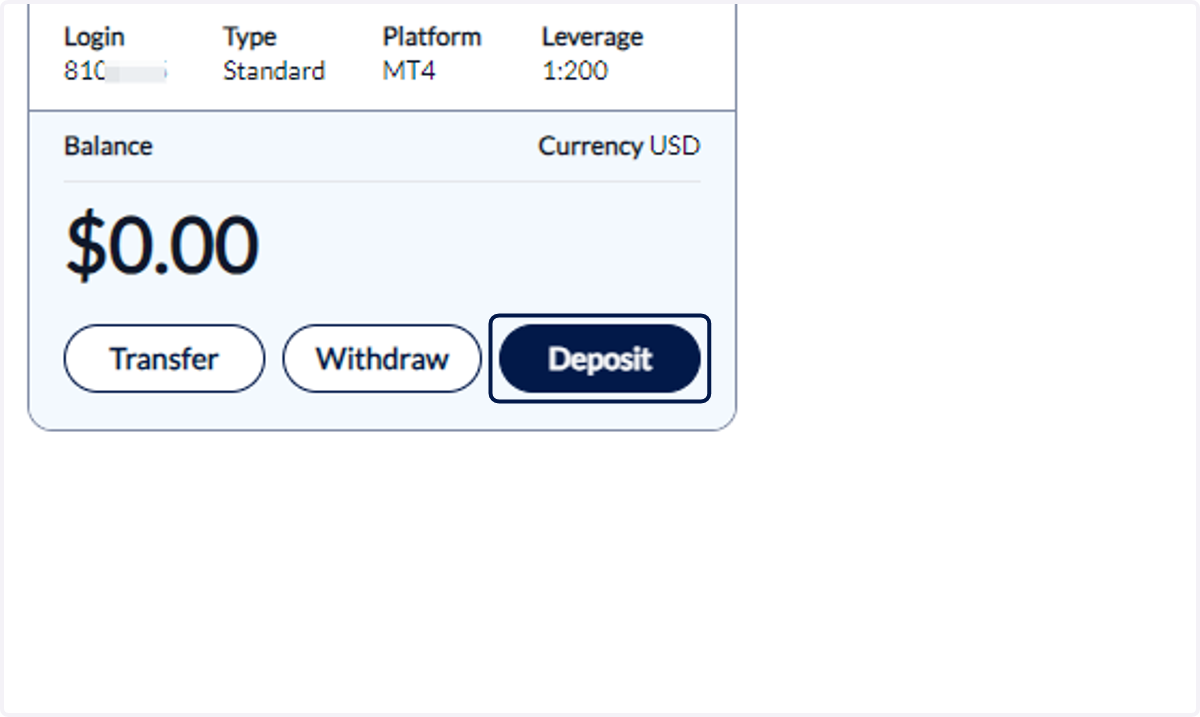
2. Choose the trading account you want to deposit funds into and click on Deposit.
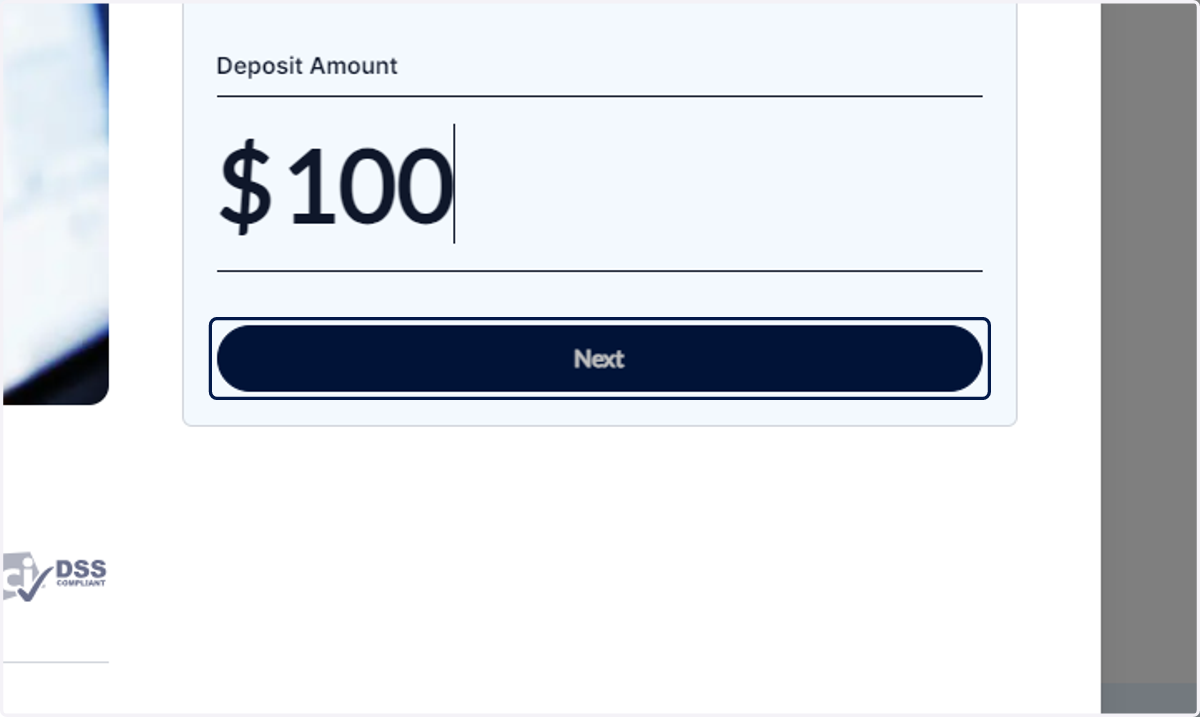
3. Input the amount you wish to deposit and click on Next.
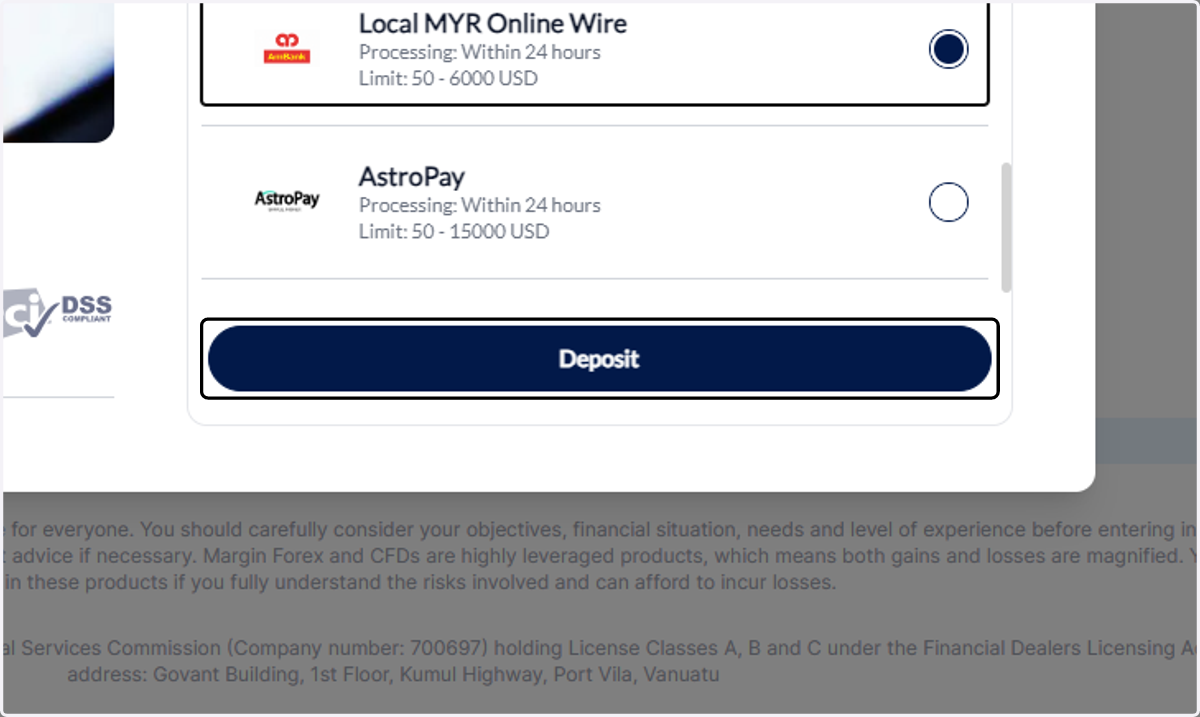
4. Choose Local MYR Online Wire.
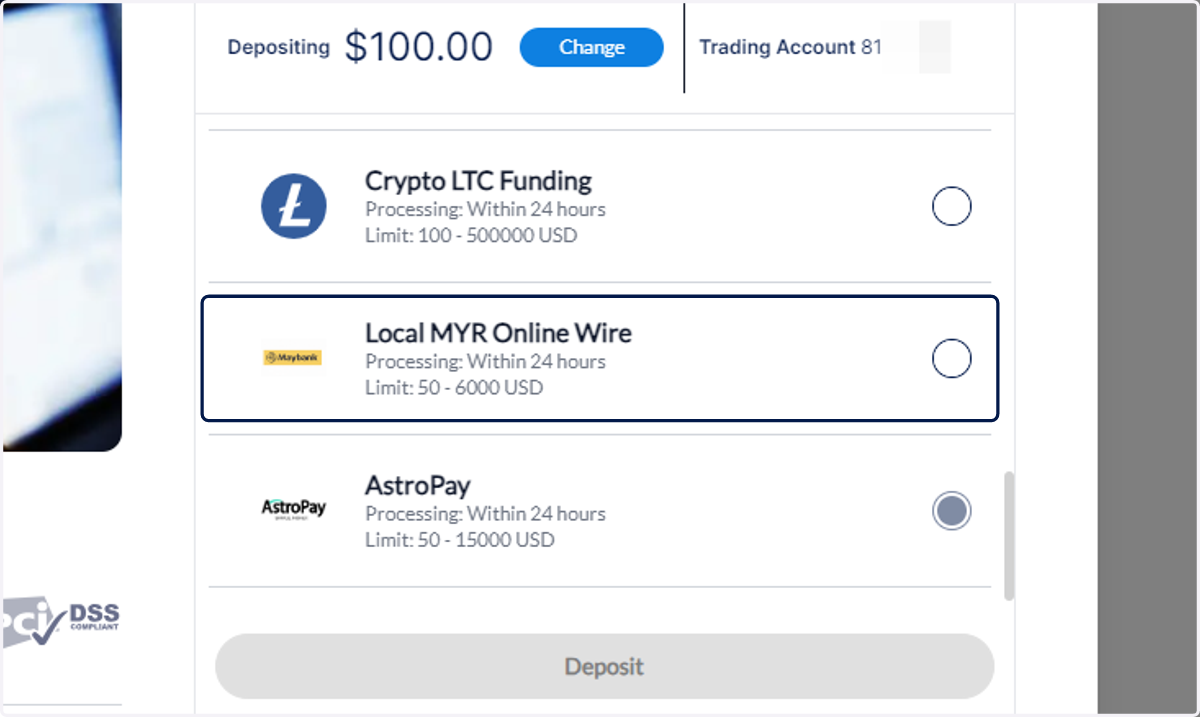
5. Click on Deposit
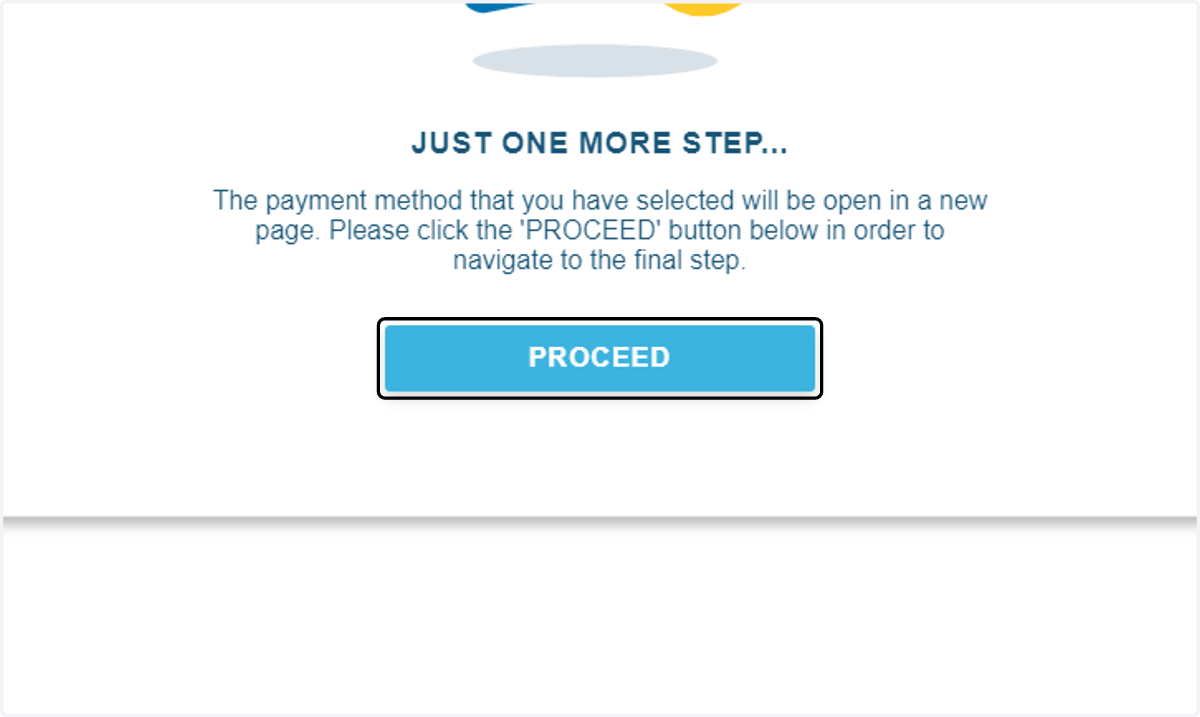
6. Click on PROCEED.
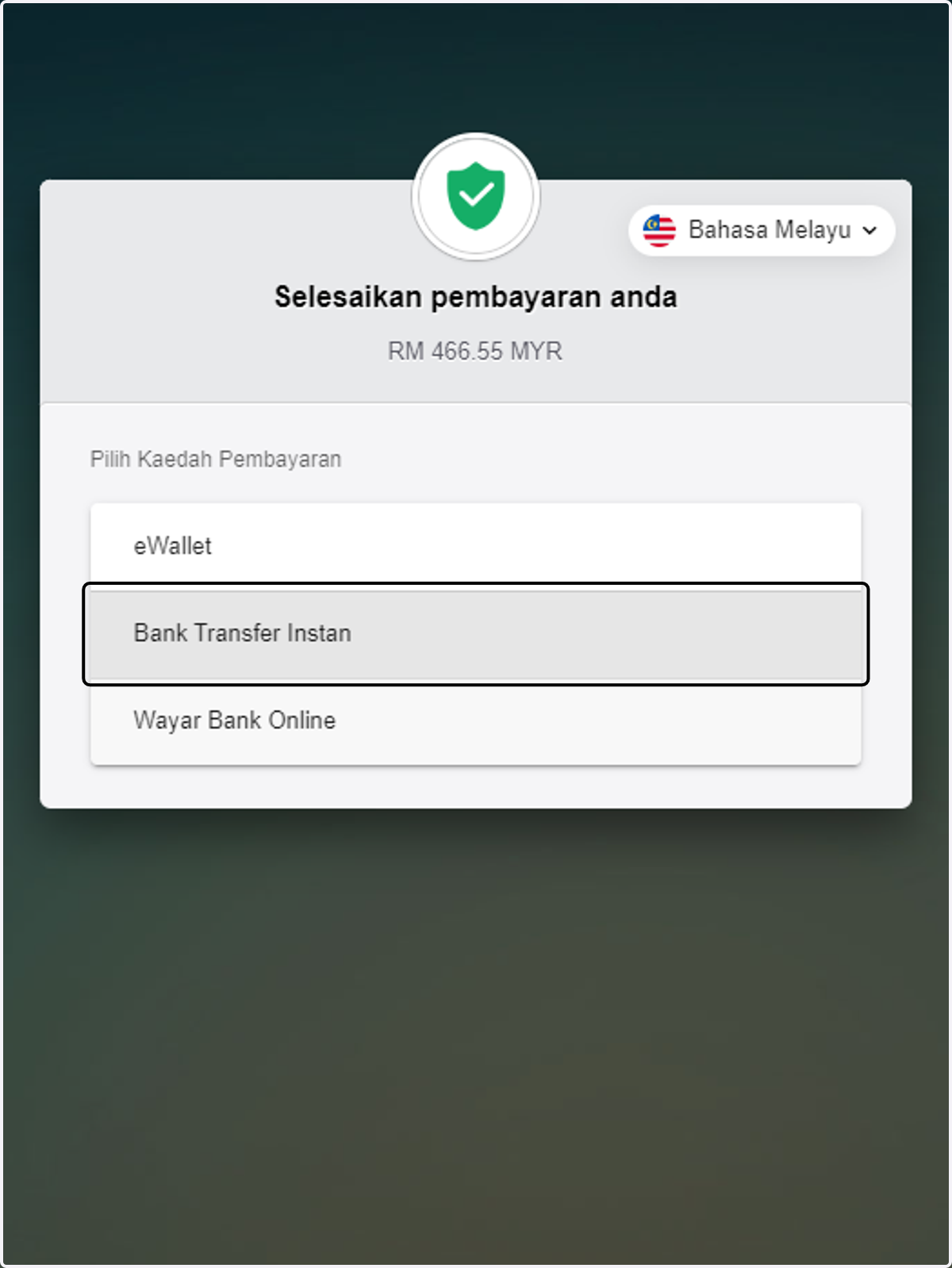
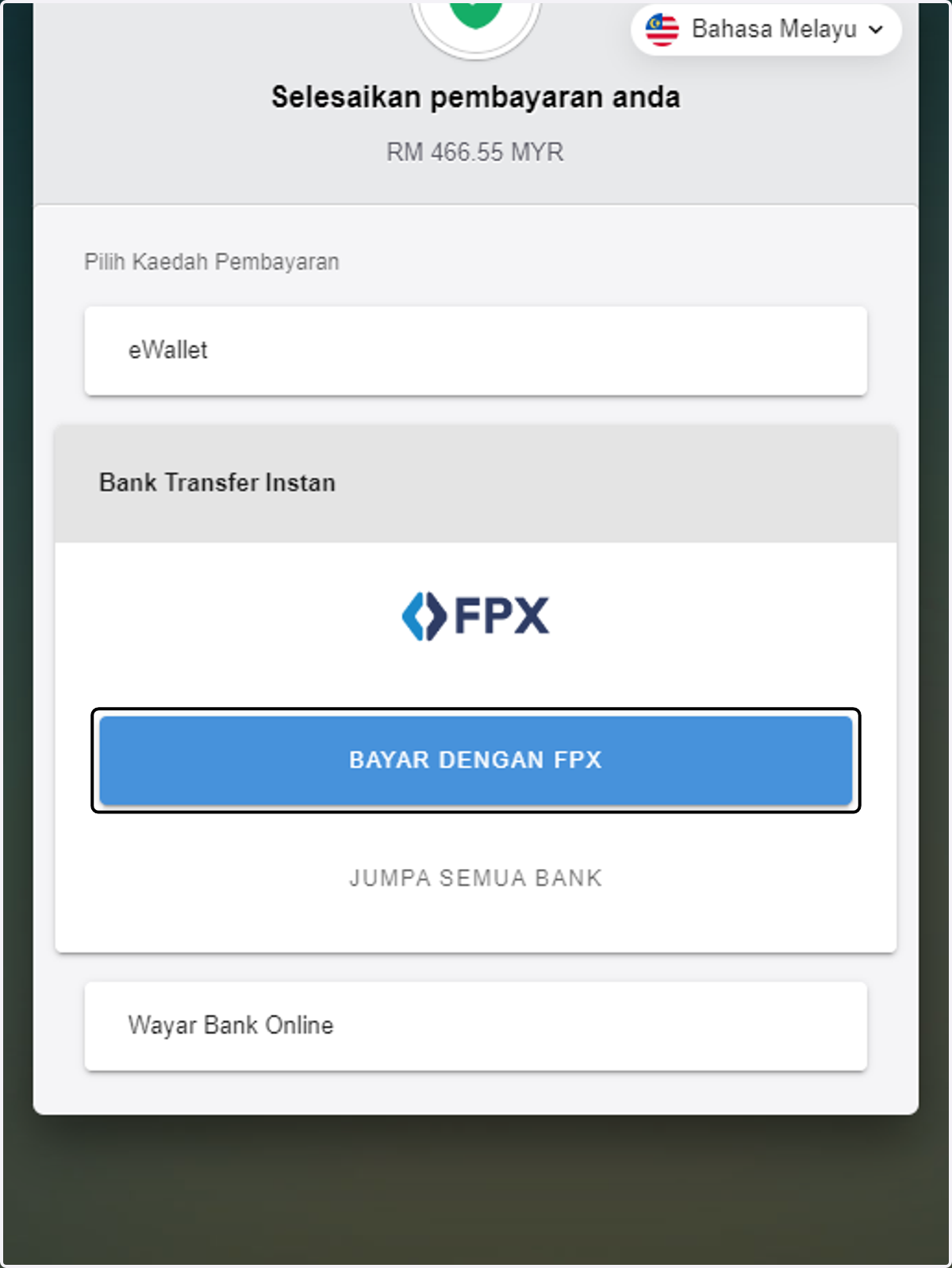
7. Select your preferred payment method.
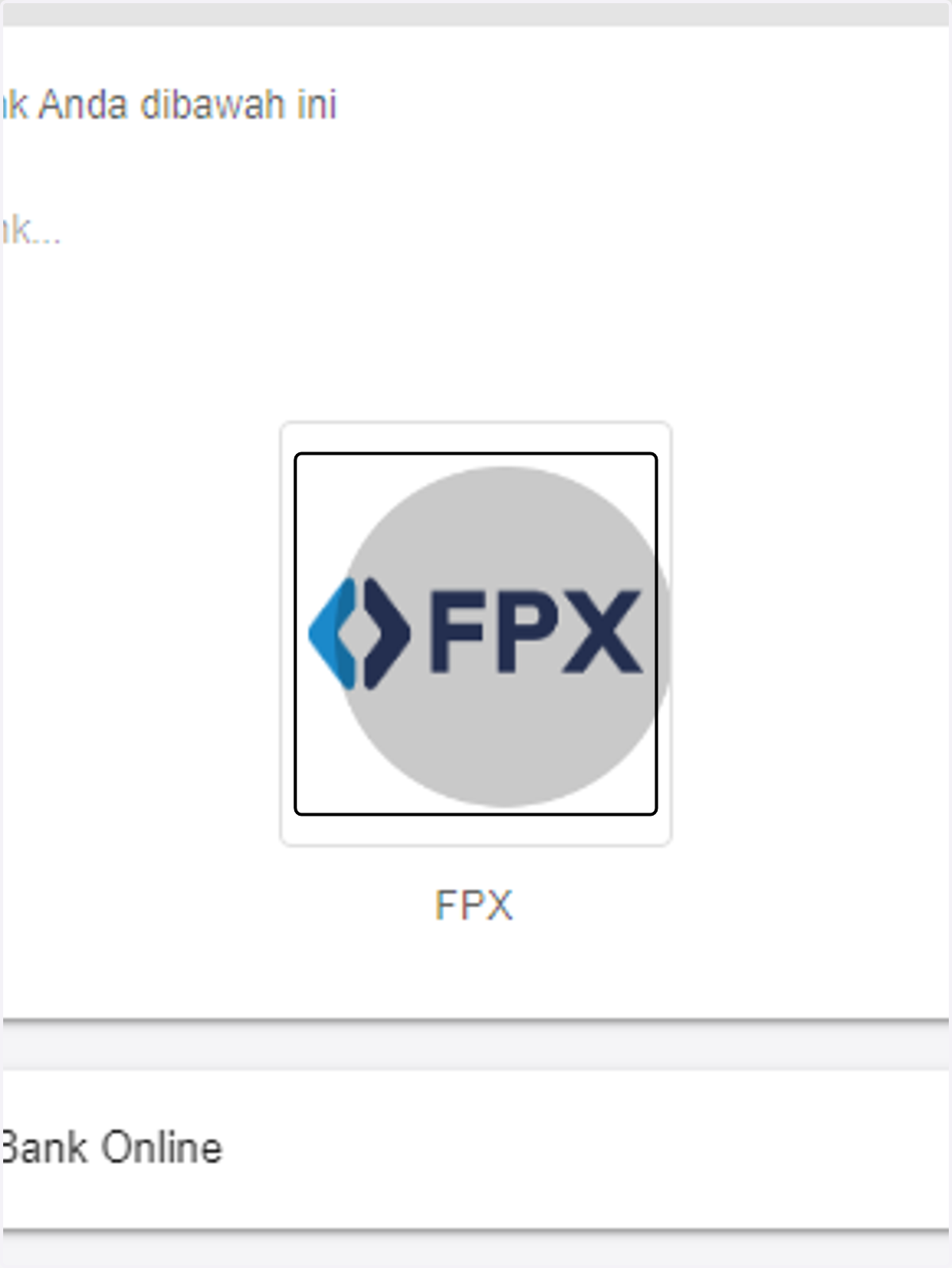
8. For this demo, we will choose FPX.
9. Click on BAYAR DENGAN FPX
10. Select your bank.

11. Review the details.
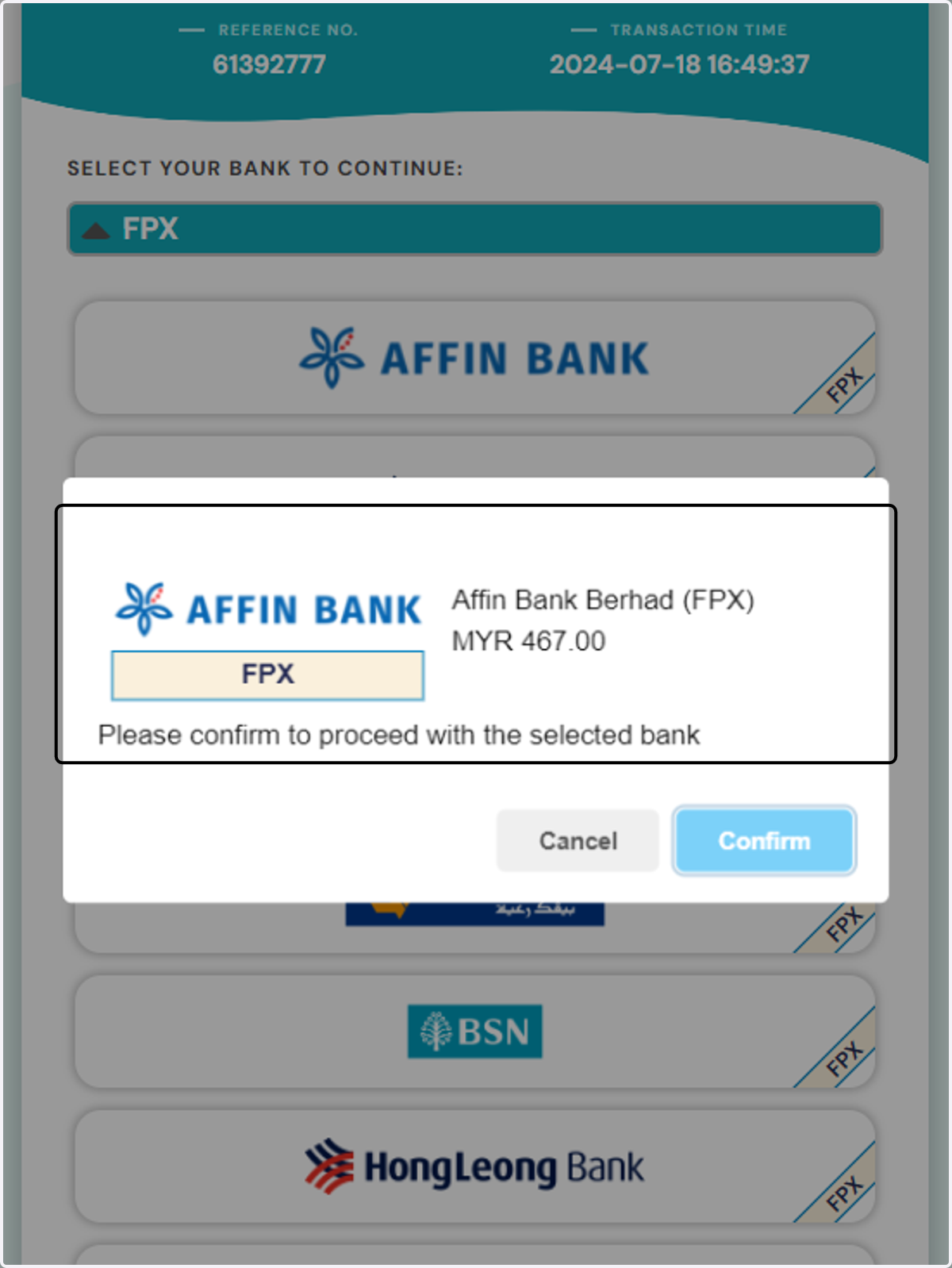
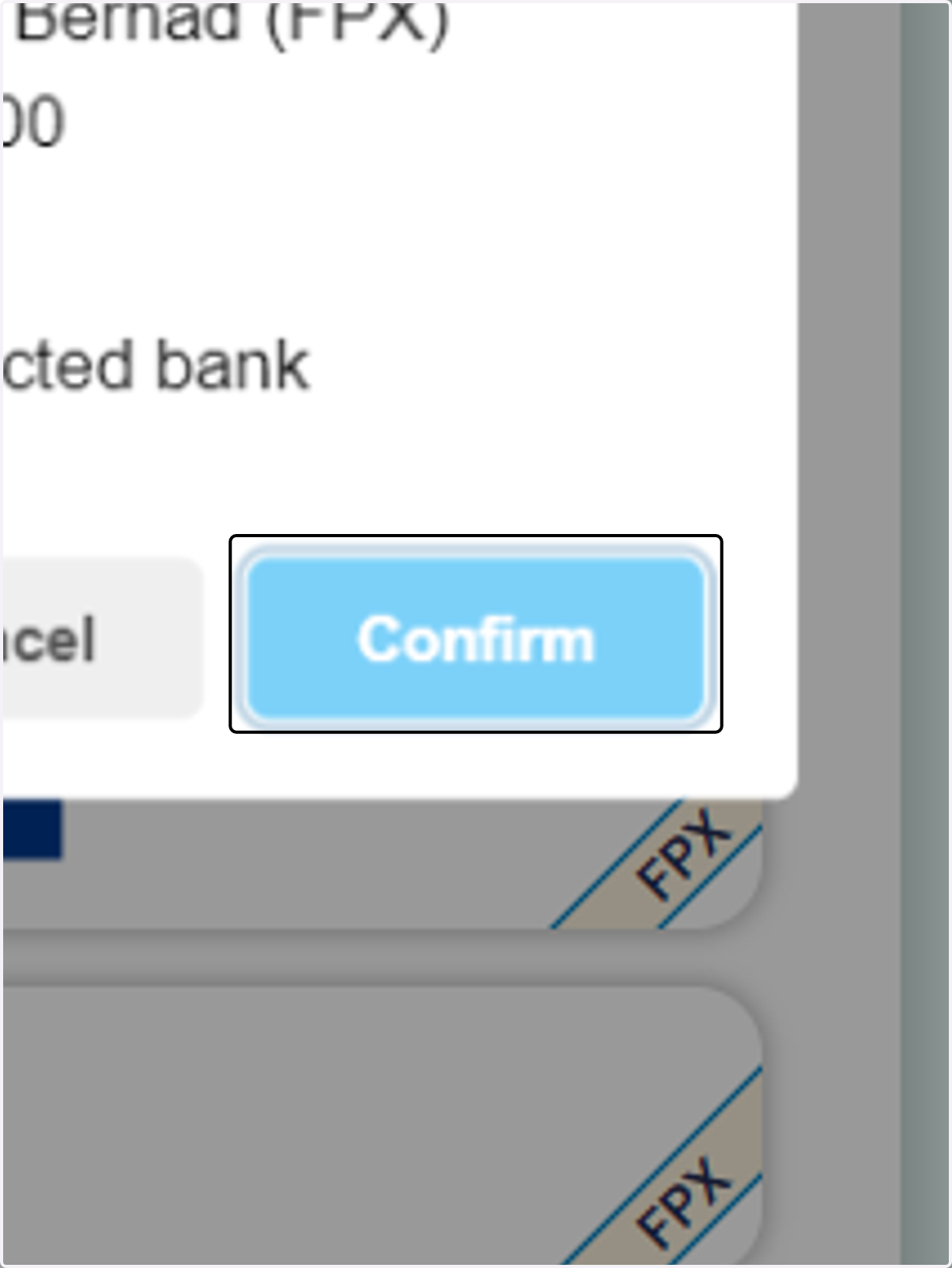
12. Click on Confirm. You will then be asked to log in to your bank. Follow the prompts and complete the transaction to make the deposit.