Deploying MaxOptra BC Extension in Business Central
1. Click on the search button in Business Central while in the correct environment

2. Type "Extension"
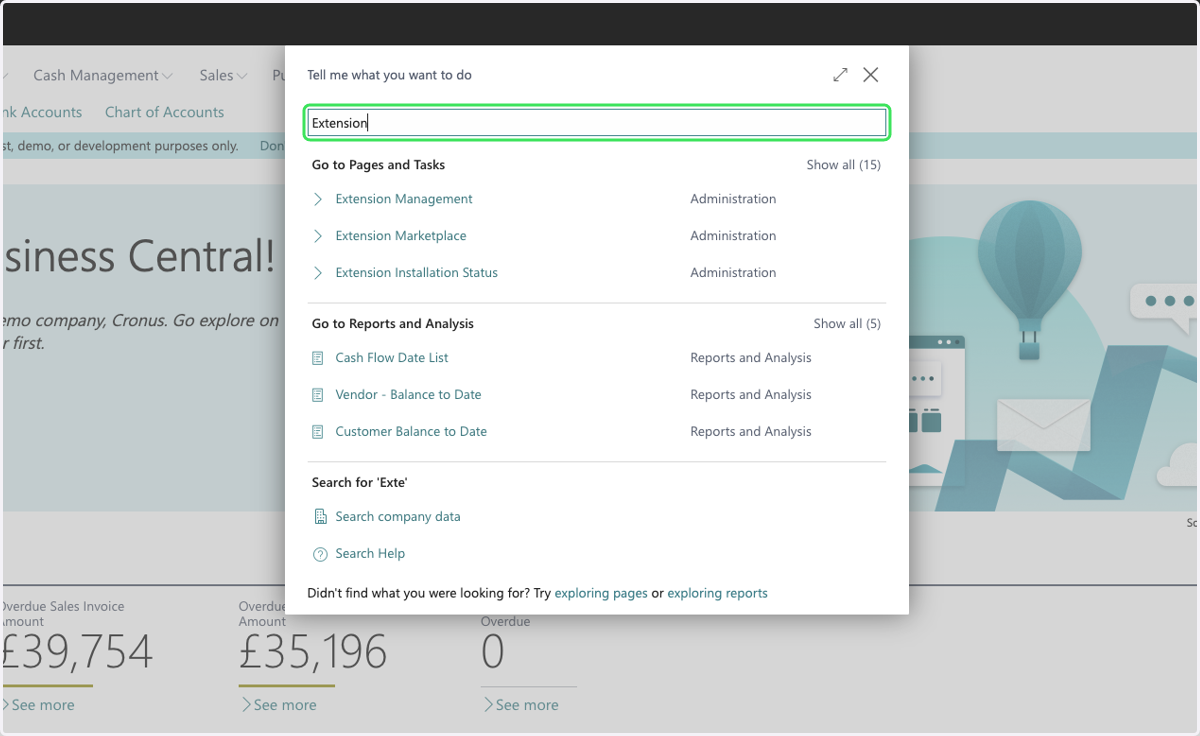
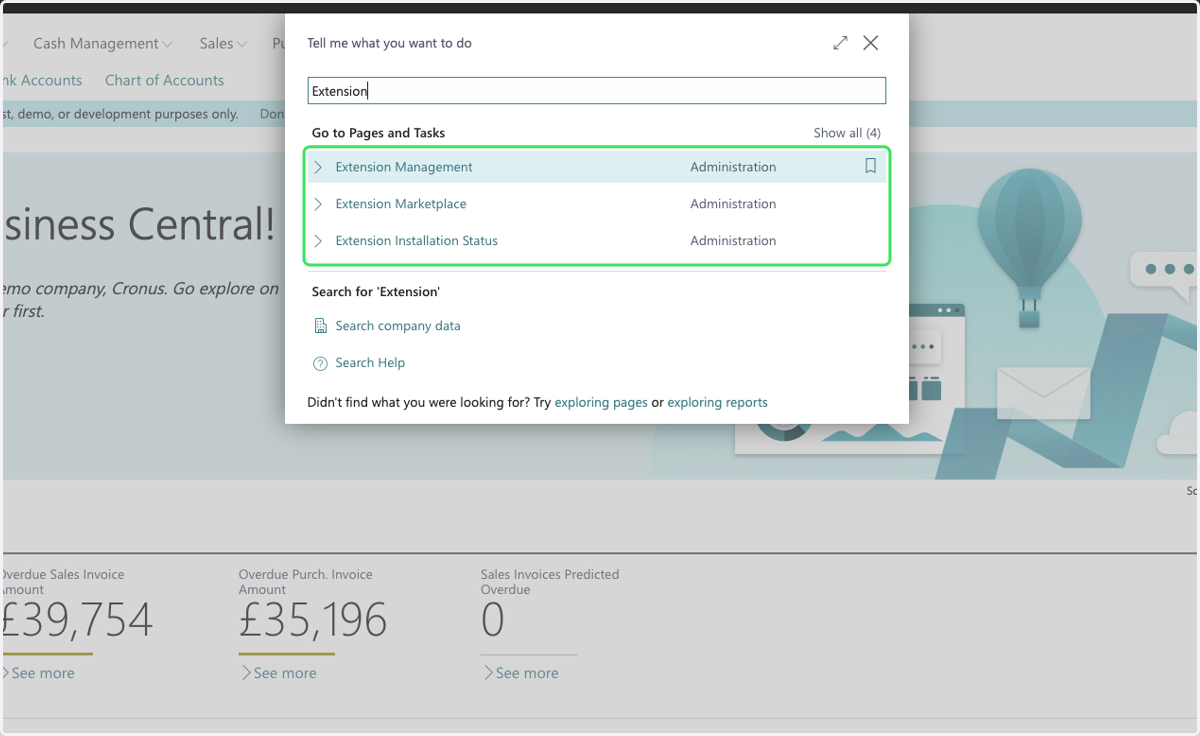
3. Click on Extension Management…
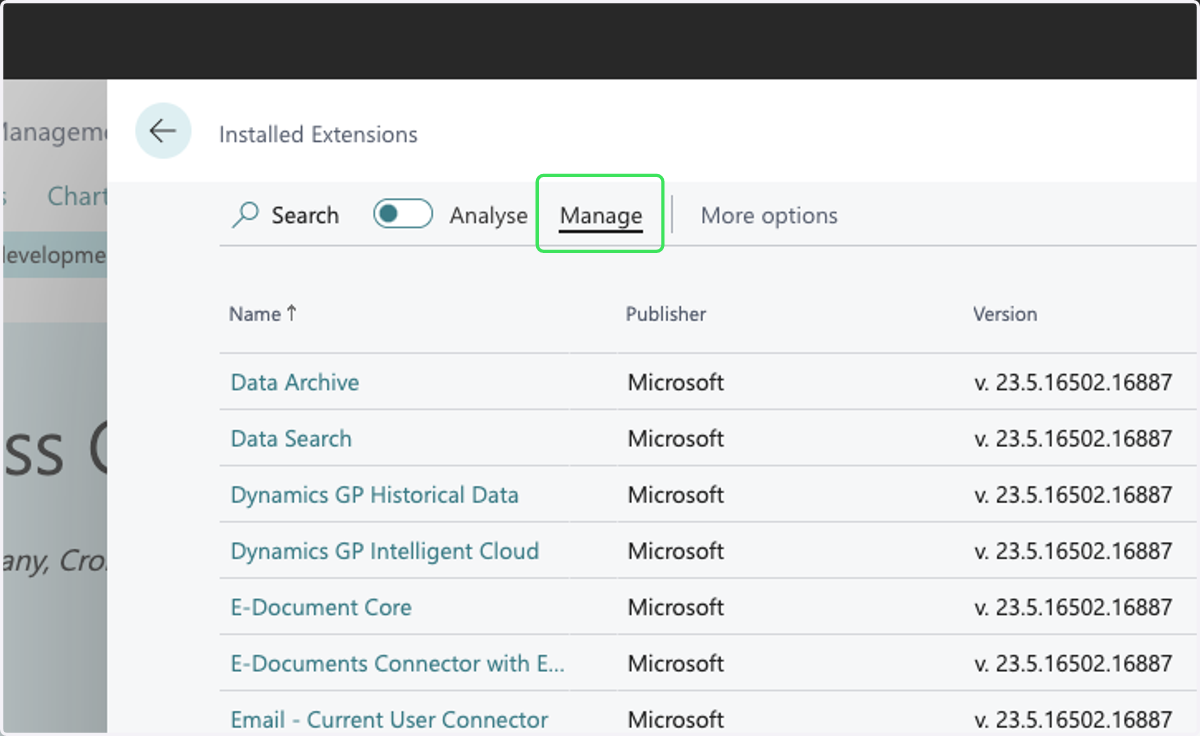
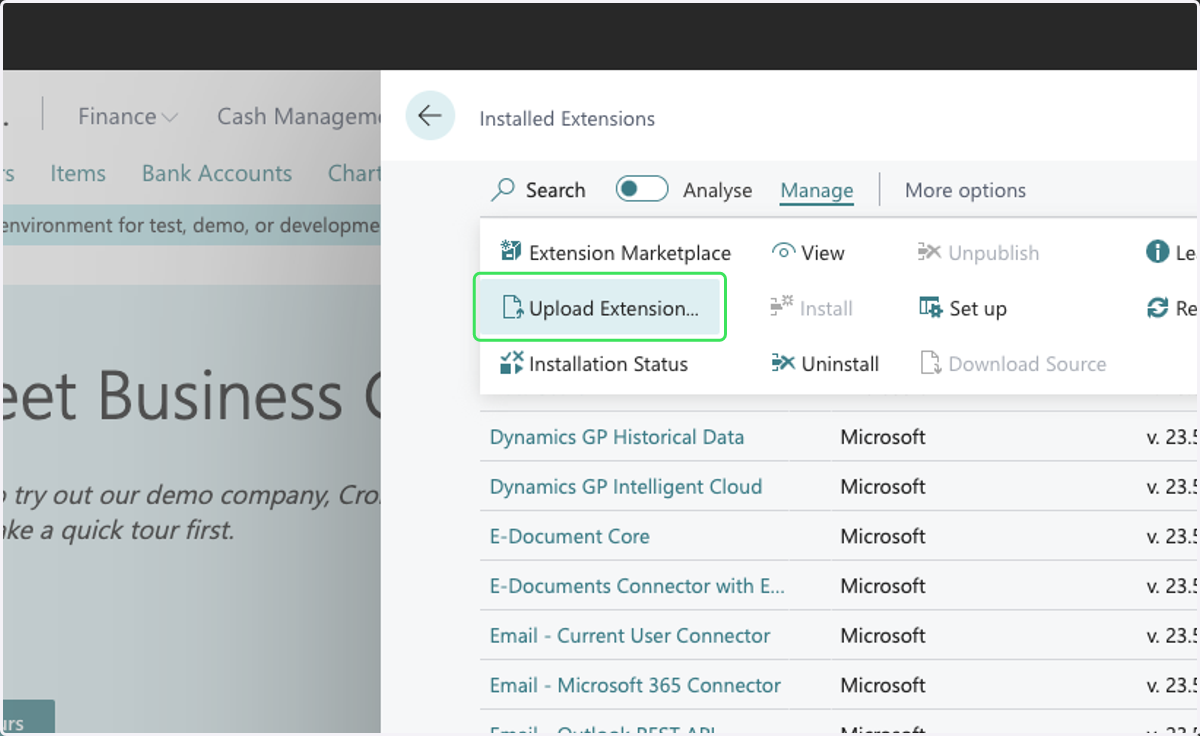
4. Click on Manage
5. Click on Upload Extension...
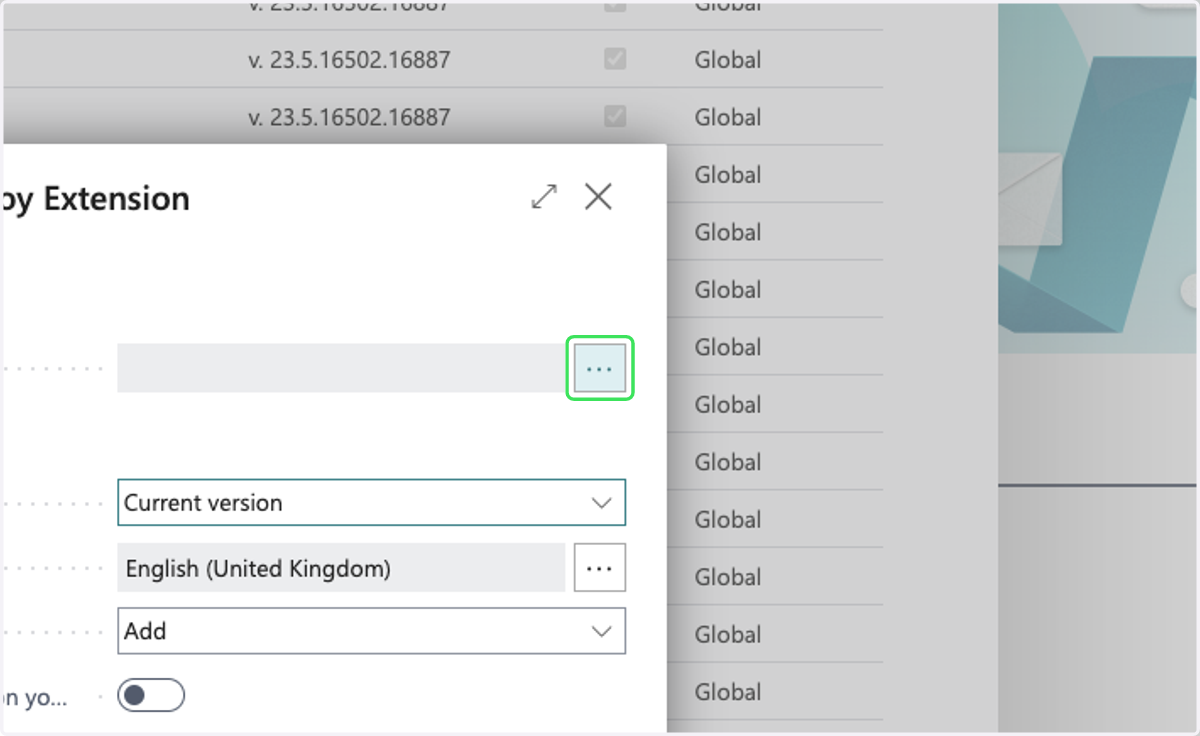
6. Click on the select button (...) for the "Select .app file" field
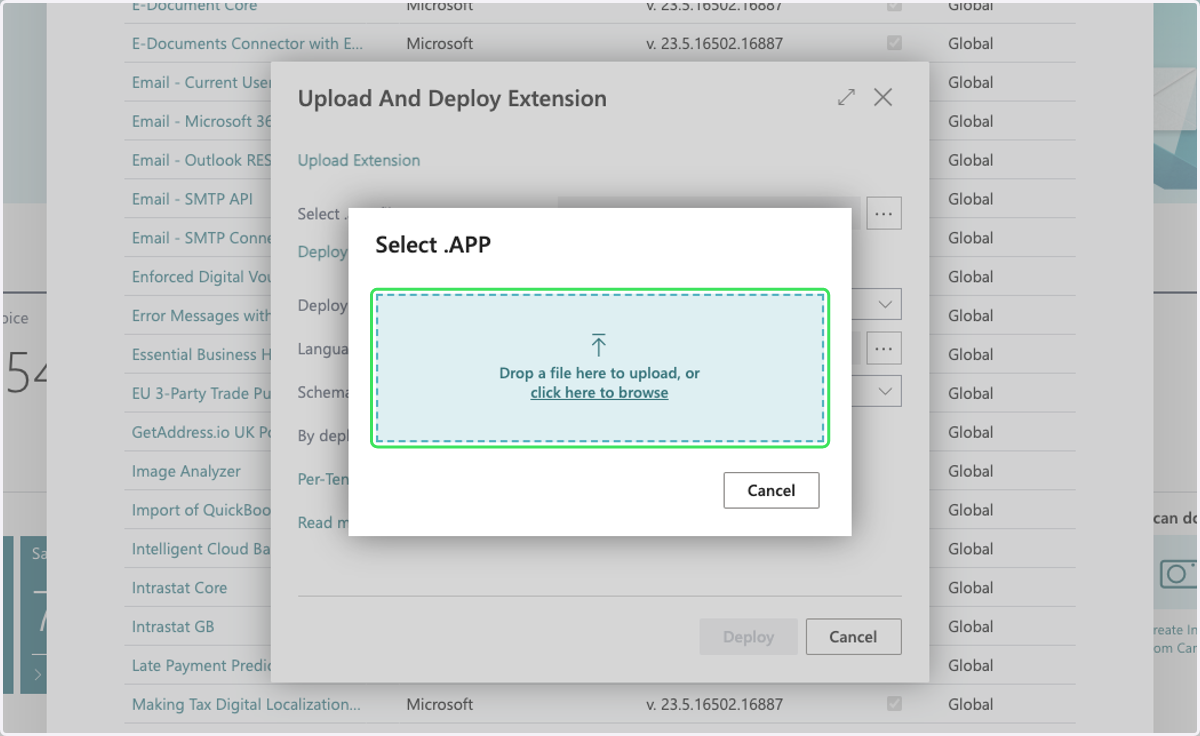
7. Select the provided .app MaxOptra BC extension file from file upload/browse menu
8. Click on confirmation checkbox
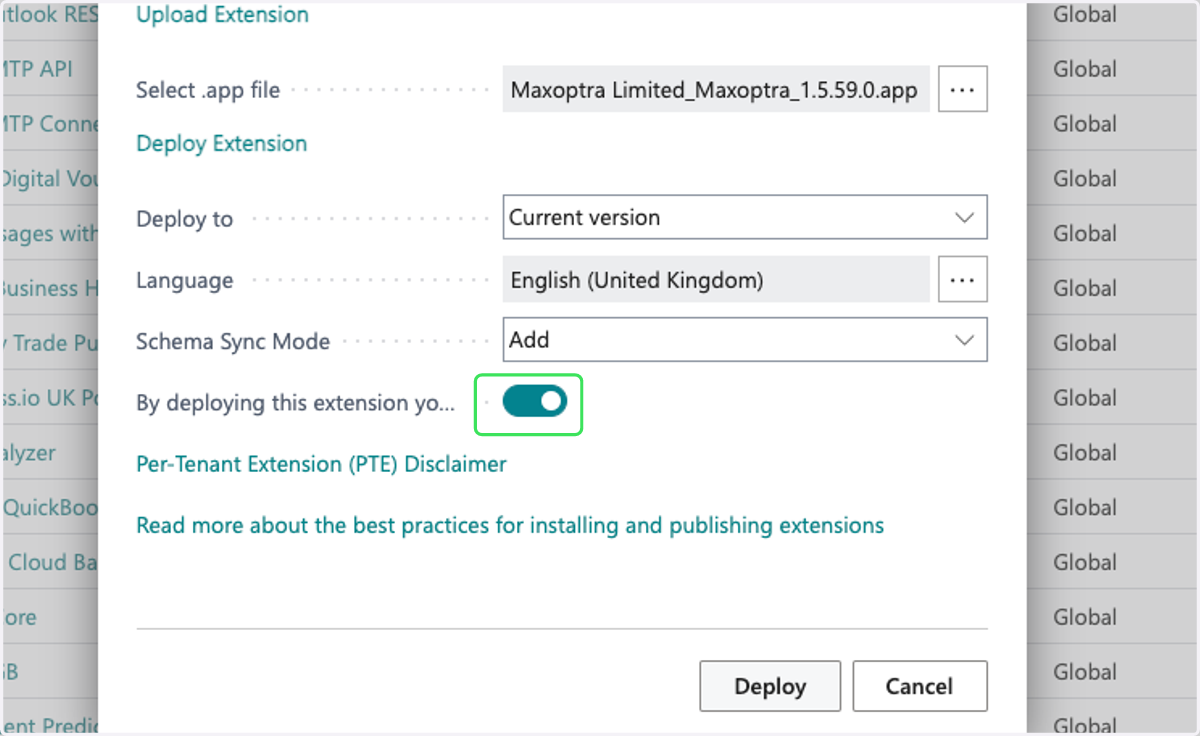
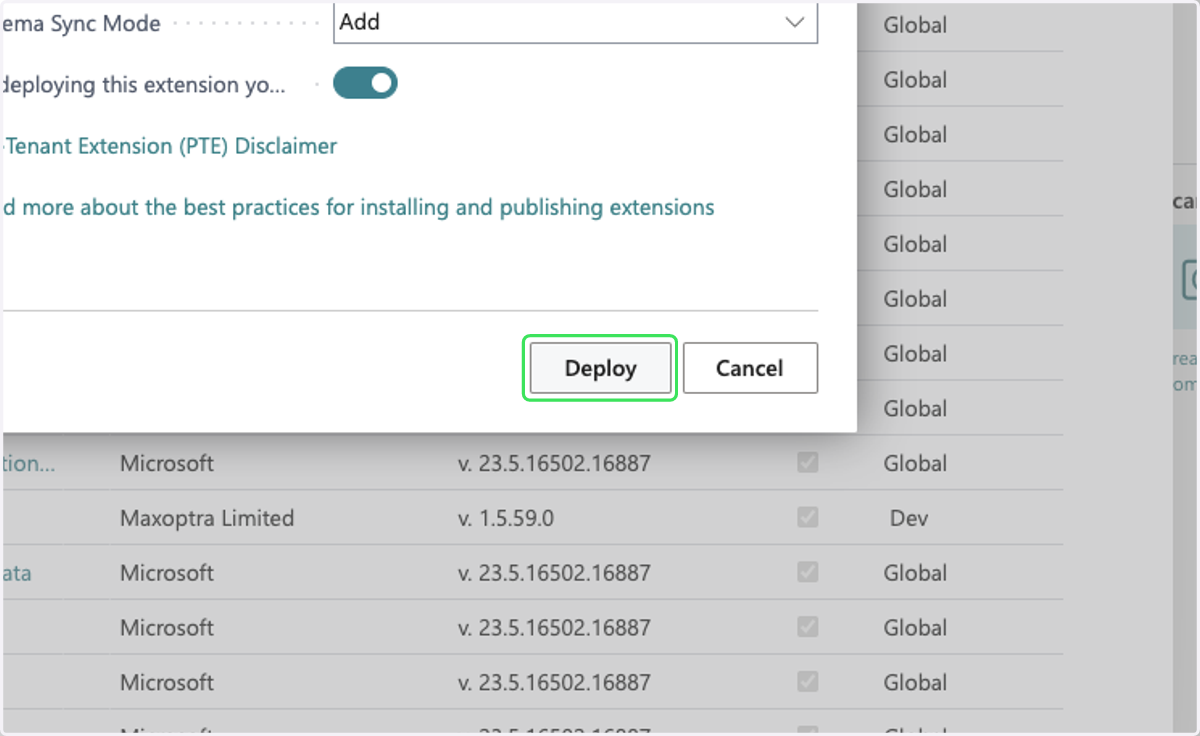
9. Click on Deploy
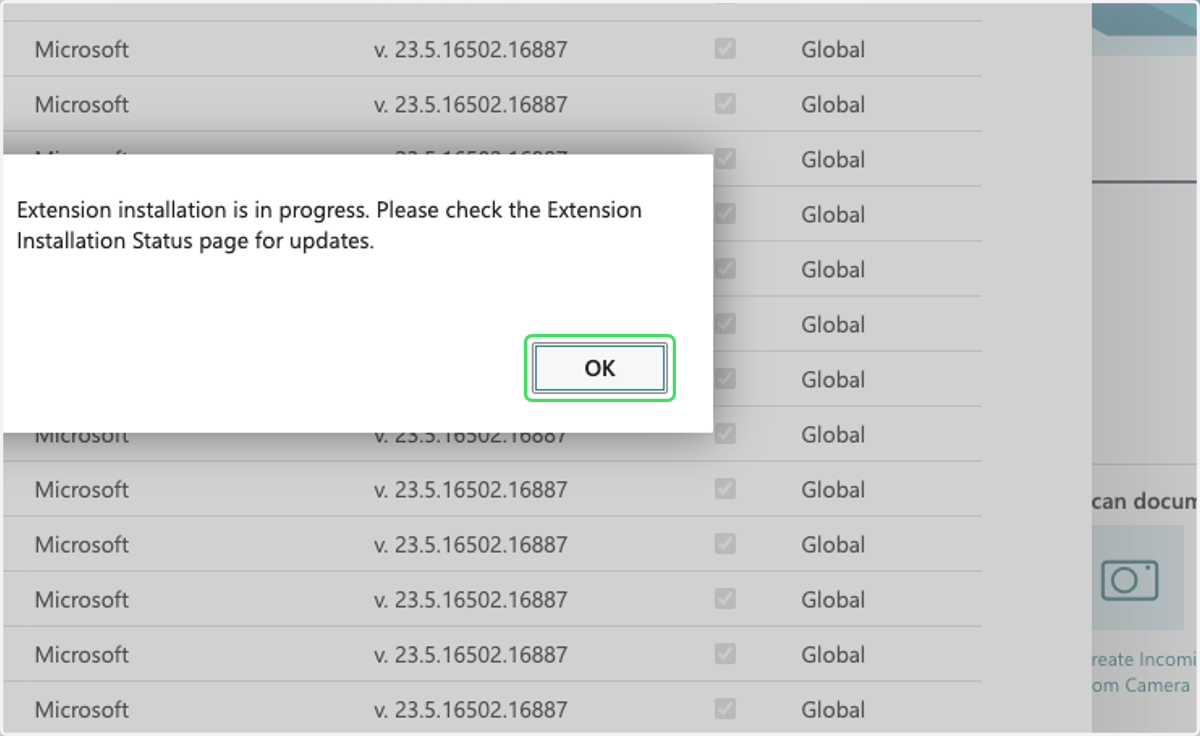
10. Click on OK
Maxoptra BC extension should start deploying which can take 5-15 mins
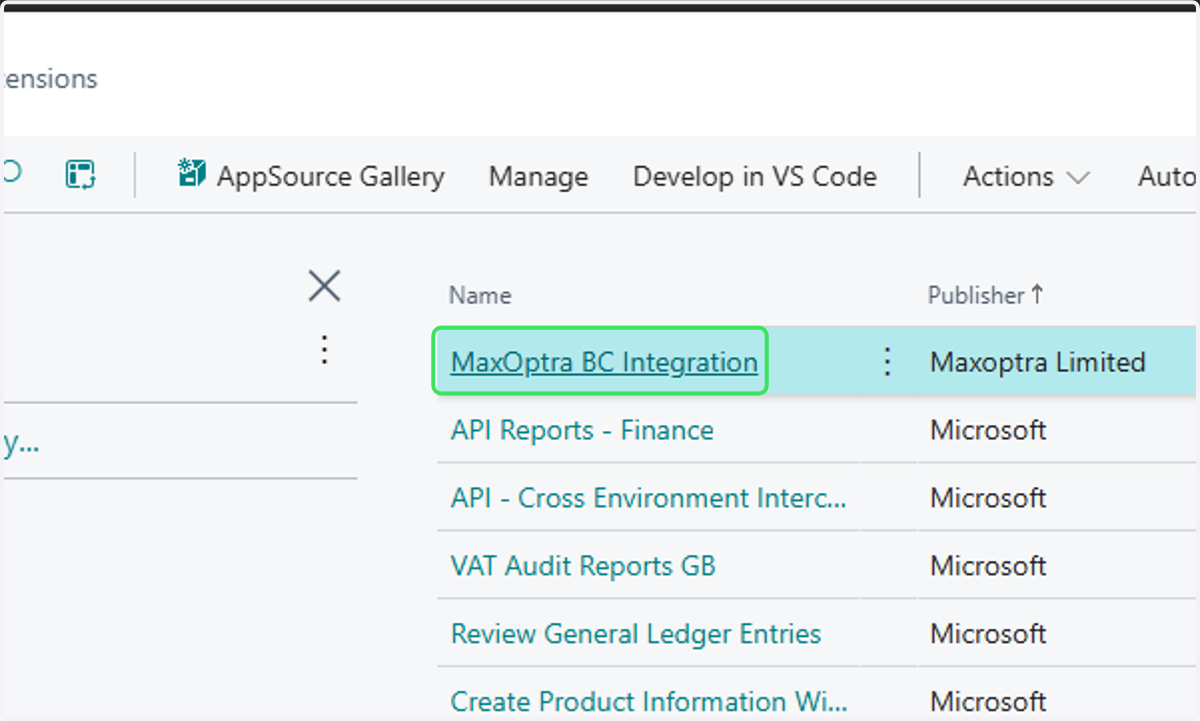
11. Once installed. Return to the 'Installed Extensions' window and find and select the MaxOptra BC Integration
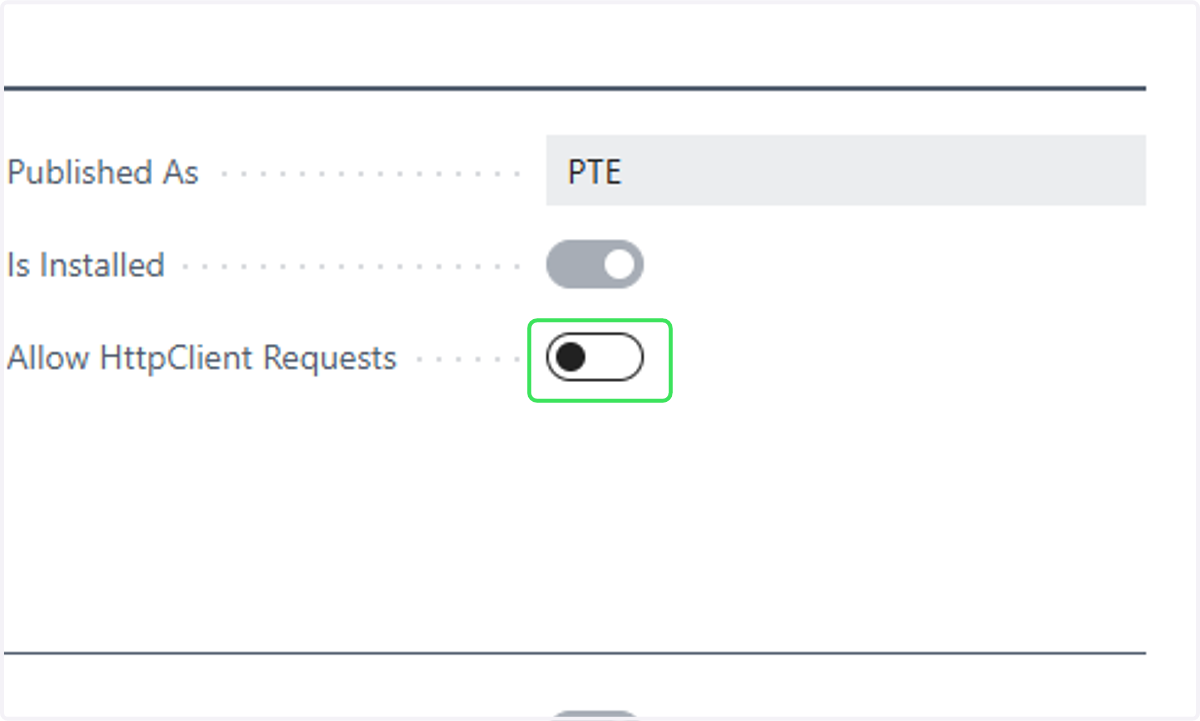
12. Toggle 'Allow HttpClient Requests' to On