Deploying Client Script To PO

Home

  1. 1. Customization > Scripting > Scripts > New
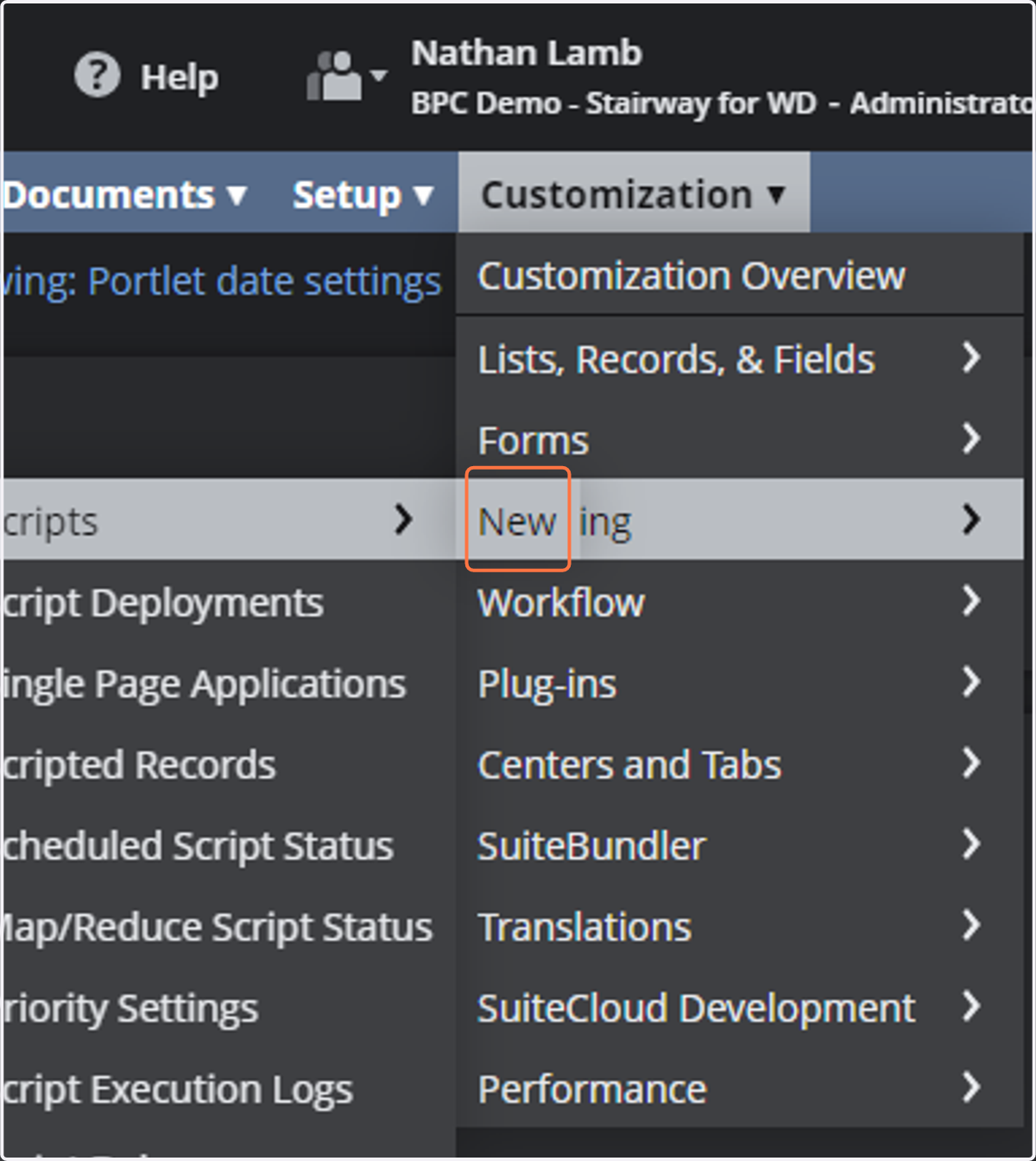
    Customization > Scripting > Scripts > New
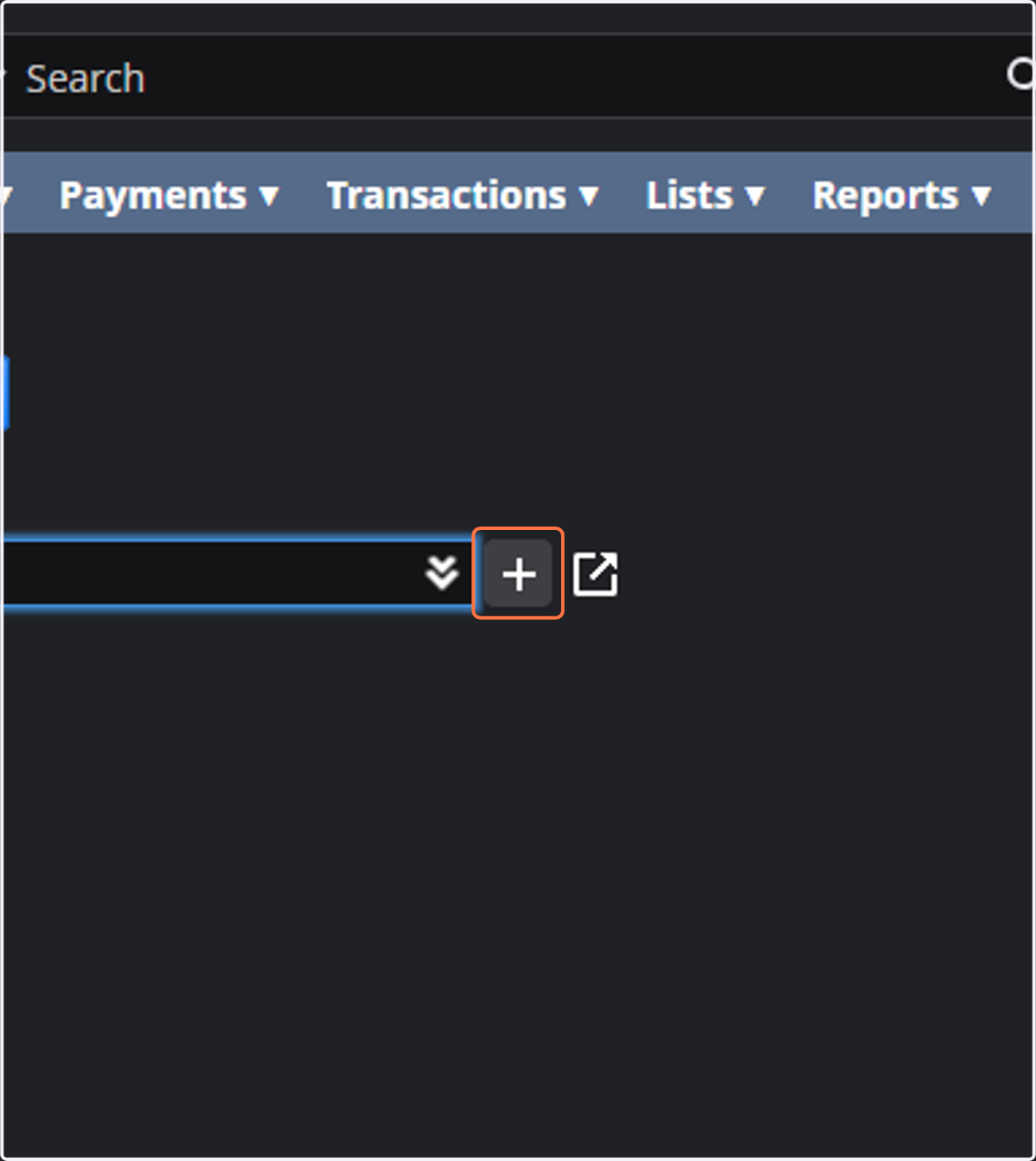
  2. 2. Click on the plus button

    Click on the plus button
  3. 3. Select your .js file from the upload menu
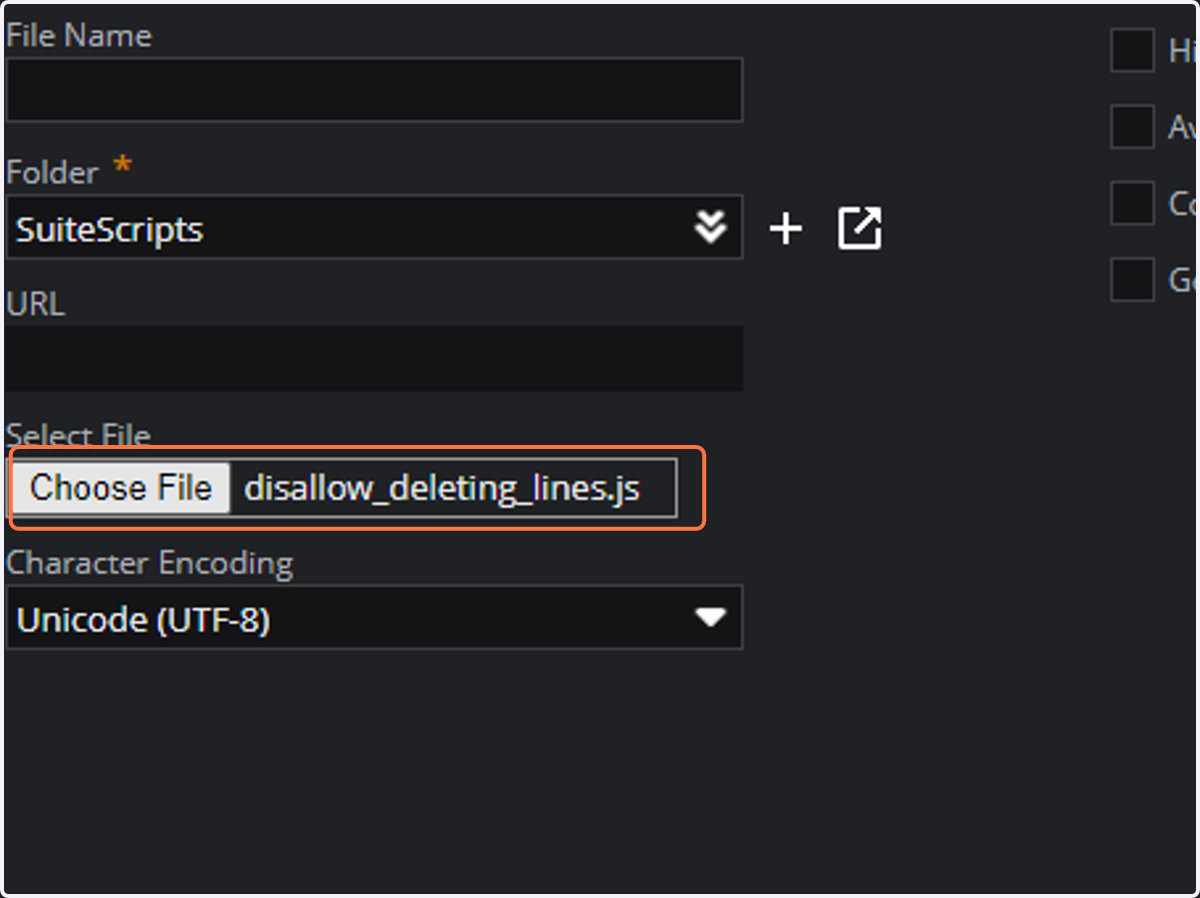
    Select your .js file from the upload menu
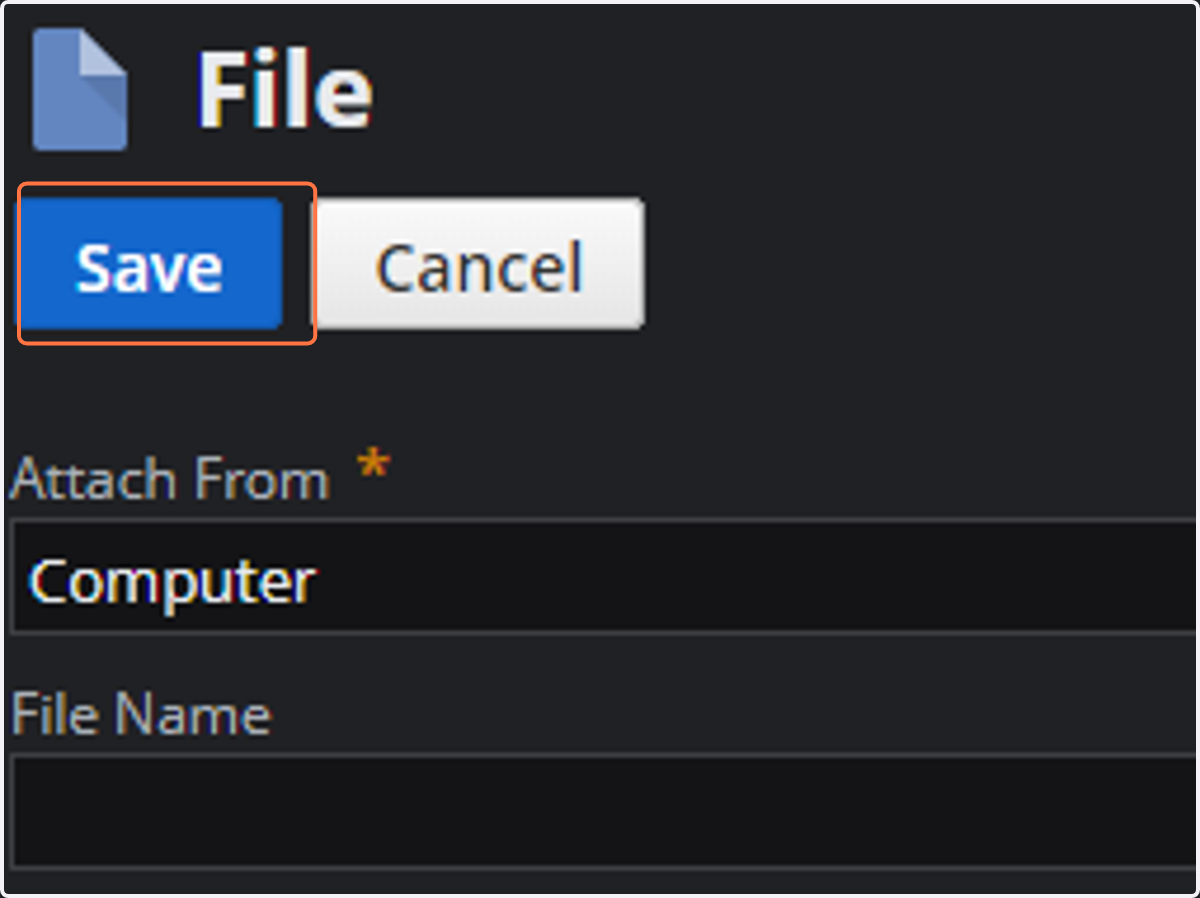
  4. 4. Click on Save

    Click on Save
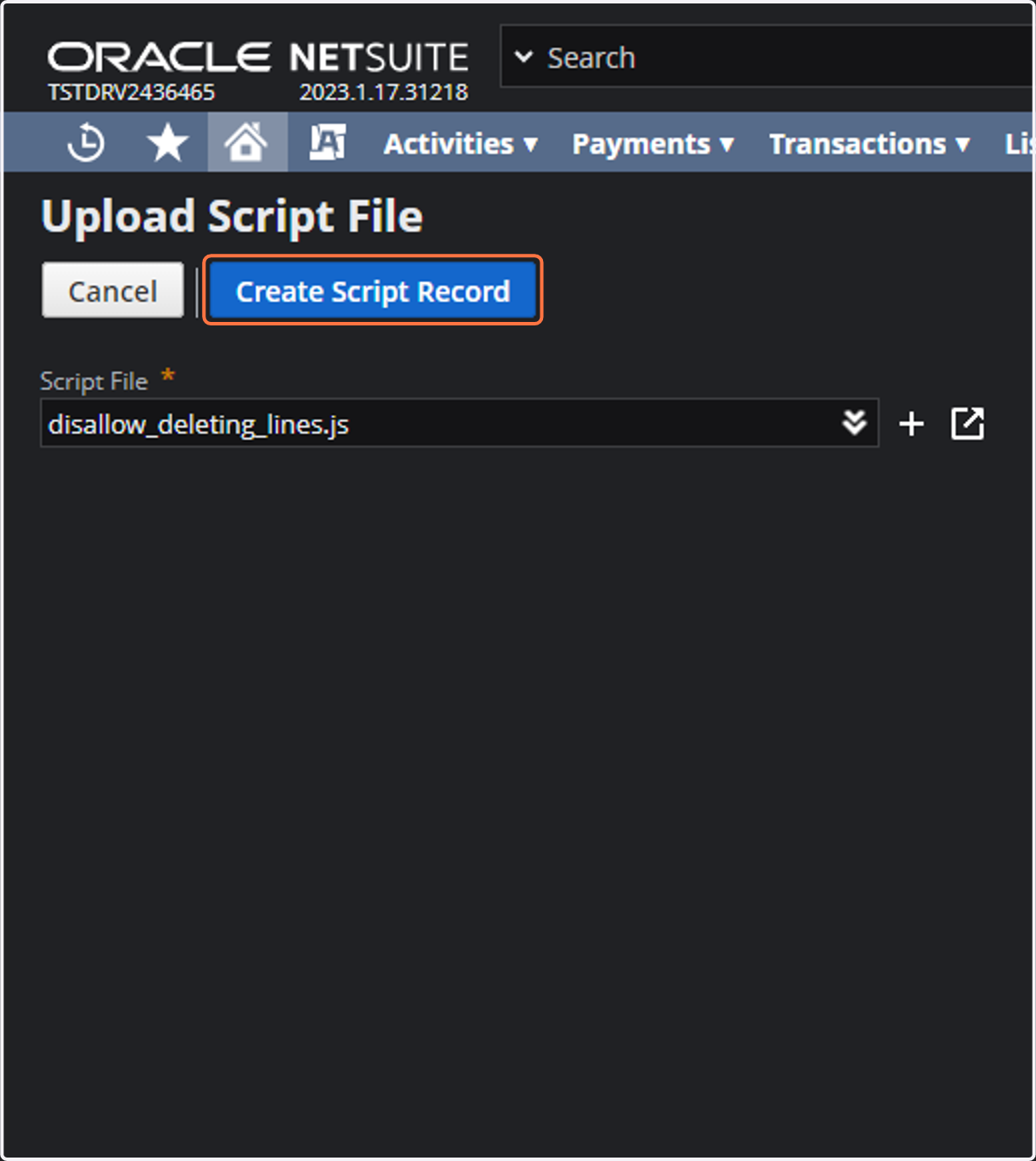
  5. 5. Click on createscript

    Click on createscript
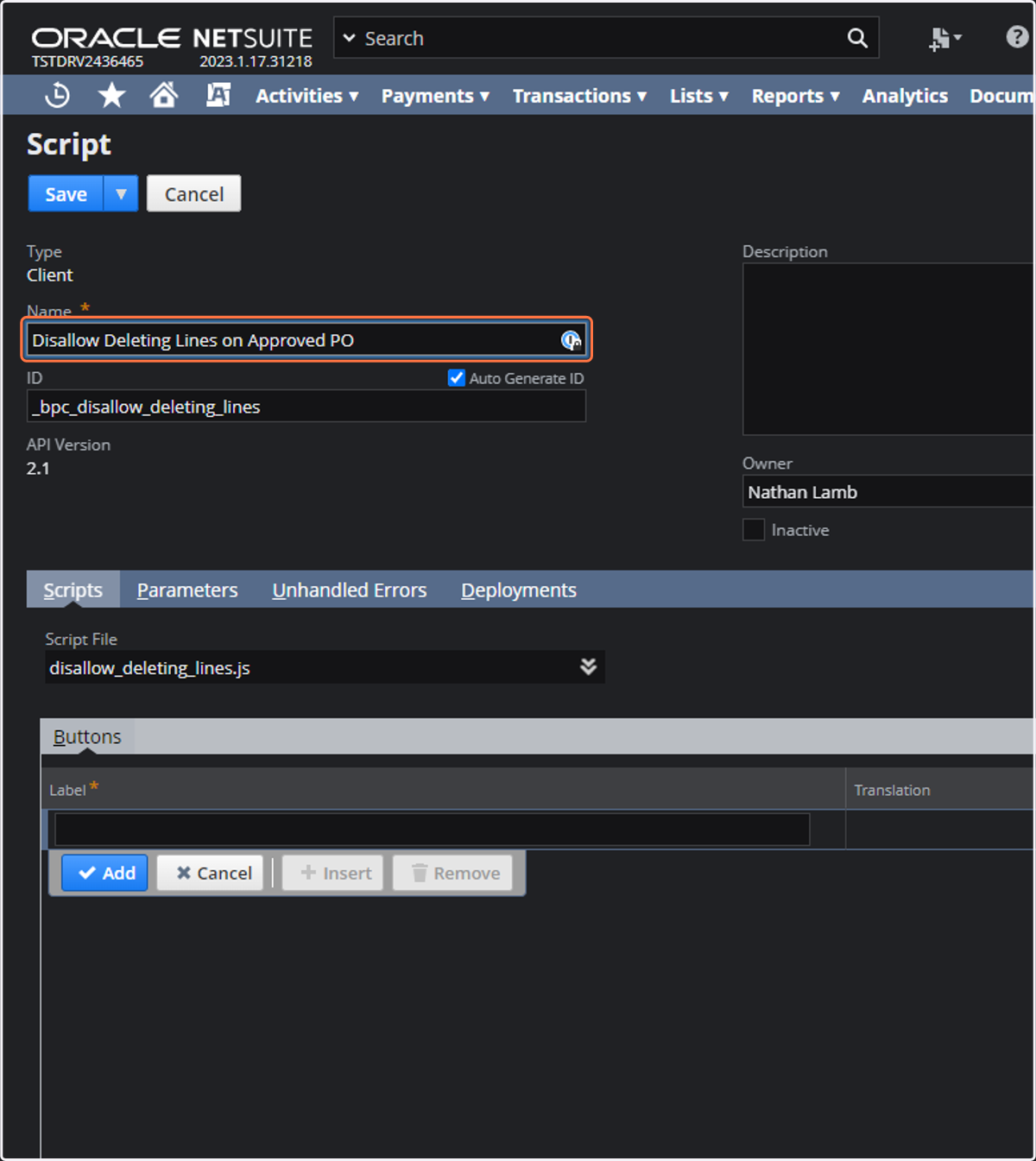
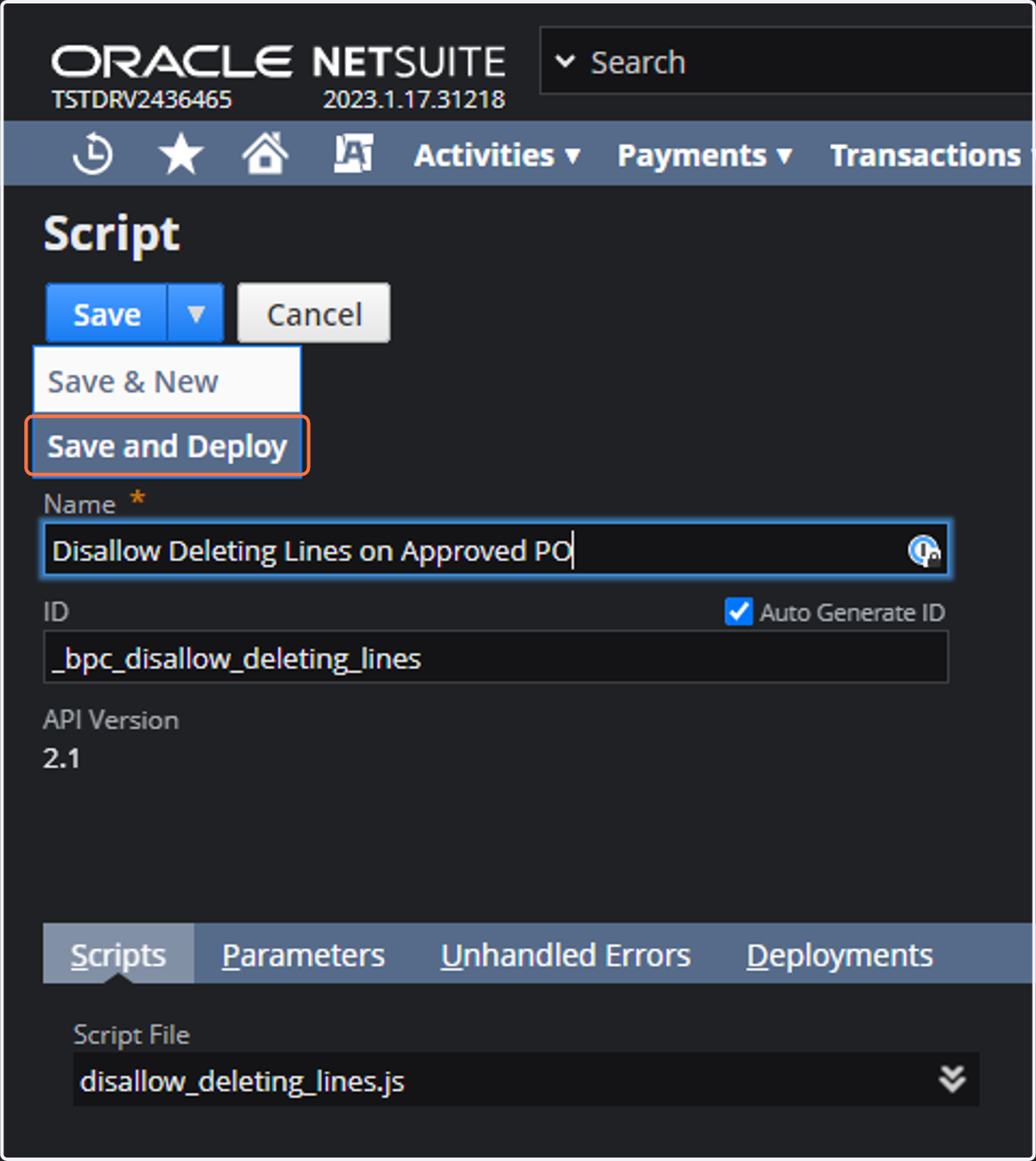
  6. 6. Title your script

    Title your script
  7. 7. Click on Save and Deploy

    Click on Save and Deploy
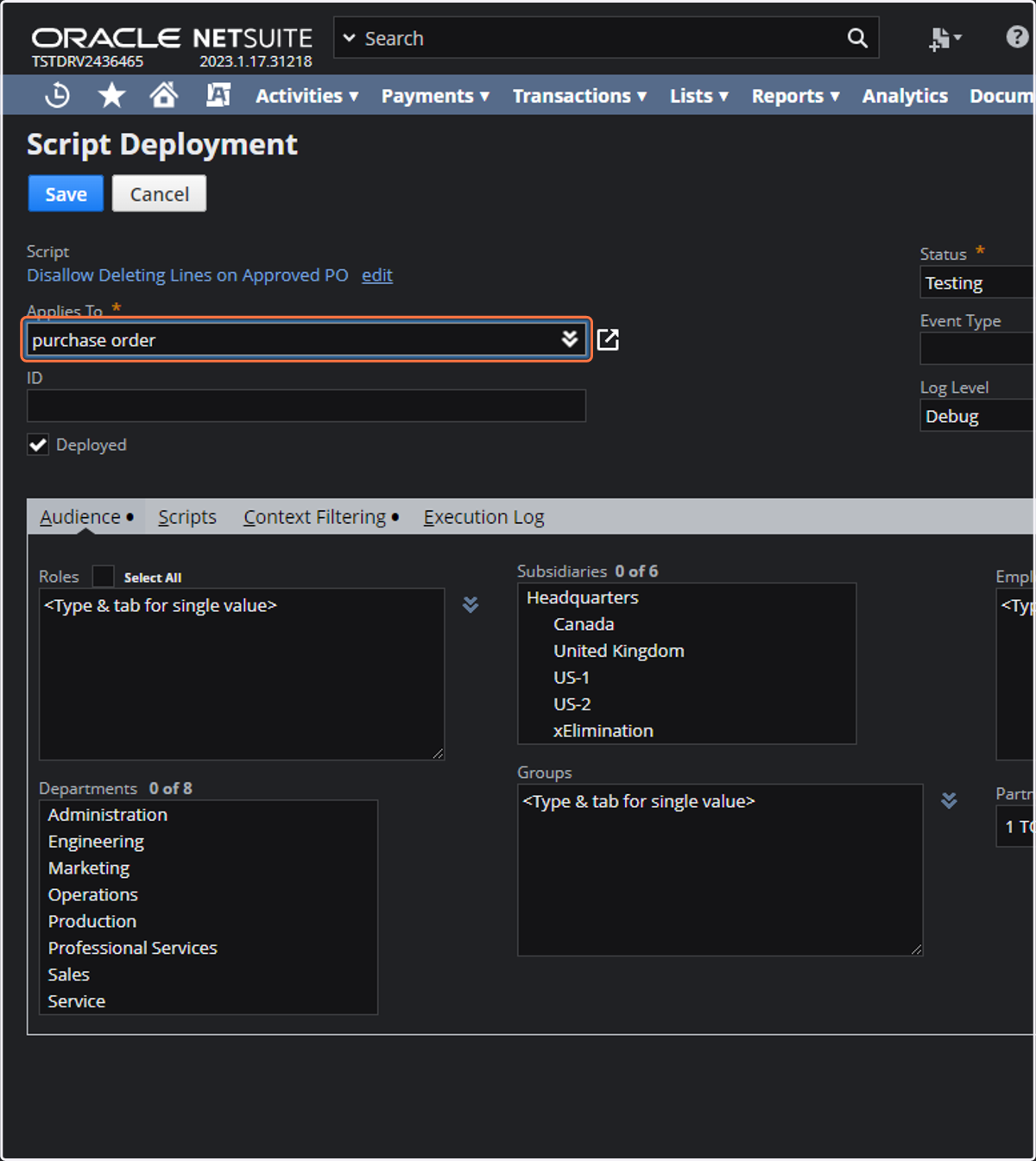
  8. 8. Type "purchase order"

    Type "purchase order"
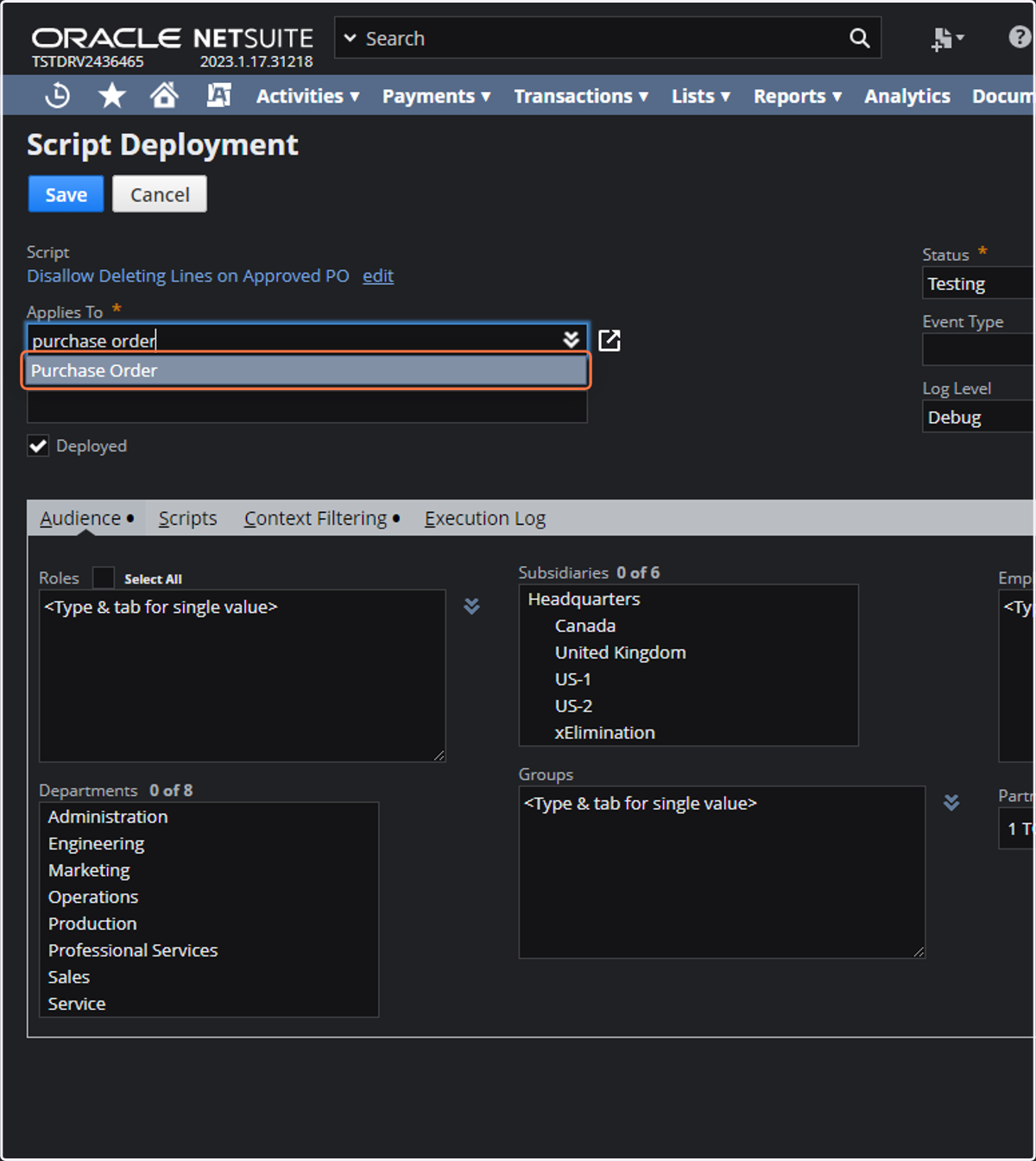
  9. 9. Click on Purchase Order

    Click on Purchase Order
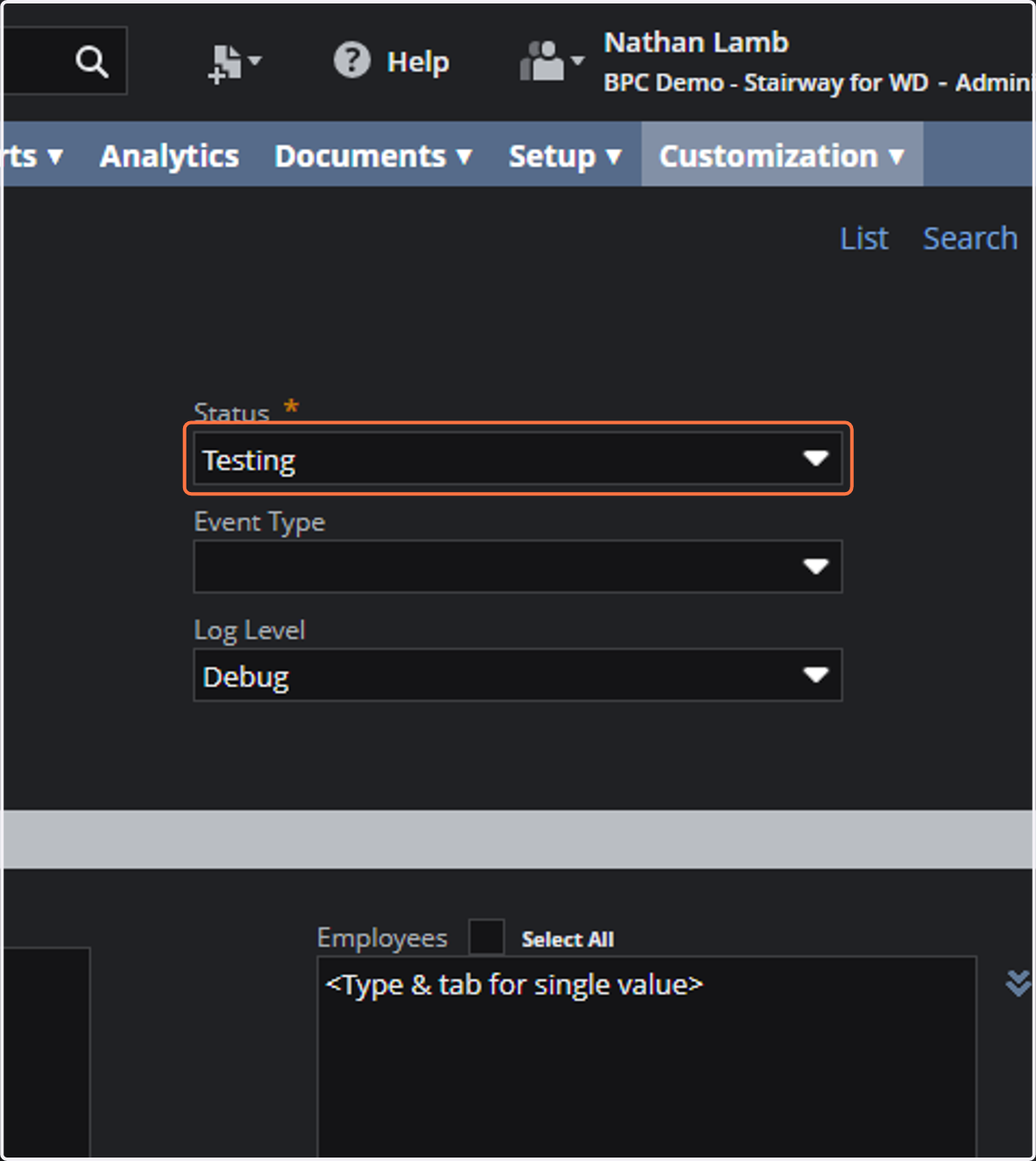
  10. 10. Click on Status *

    Click on Status *
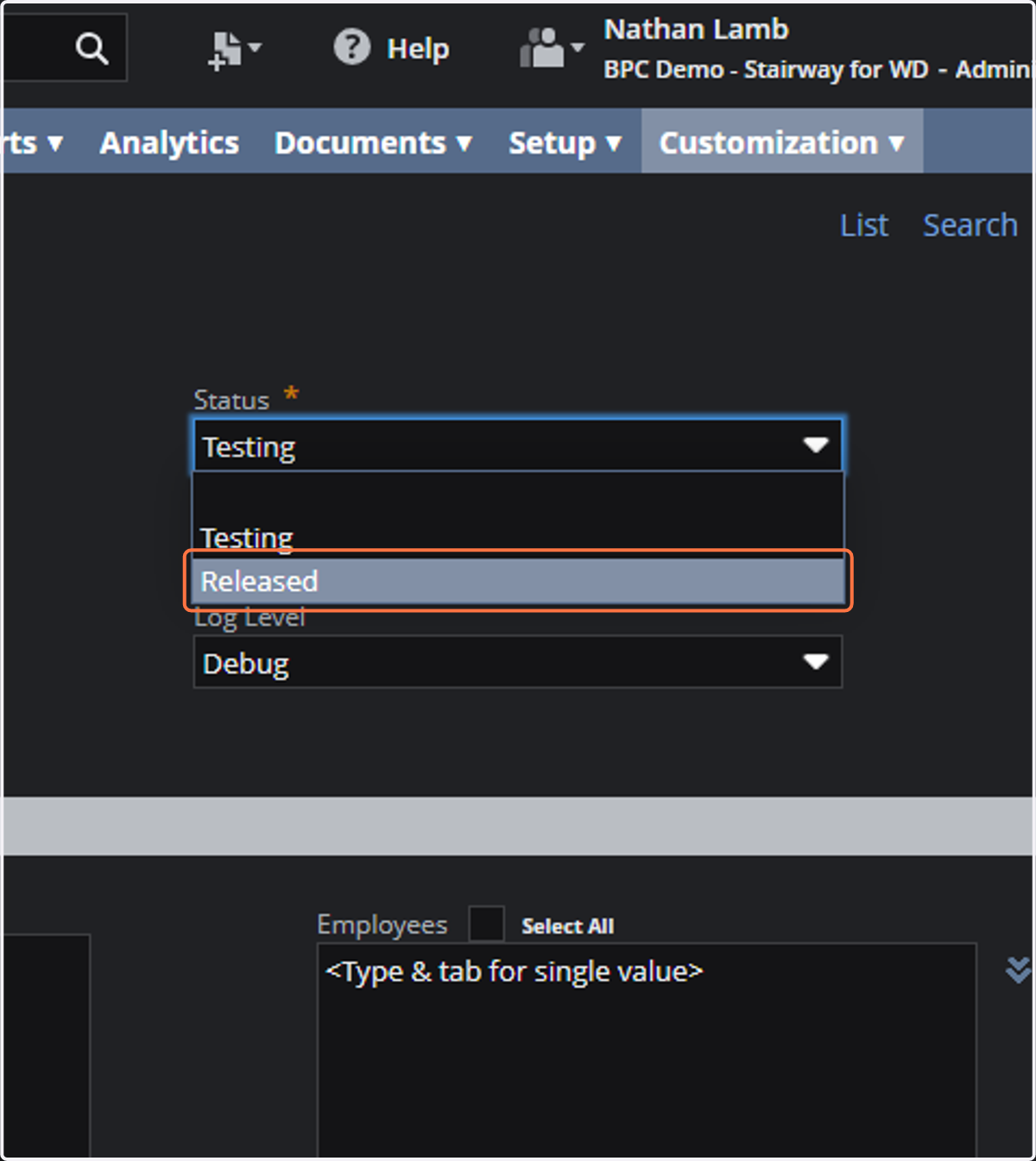
  11. 11. Click on Released

    Click on Released
  12. 12. Click the Select All checkbox for employees under the audience tab
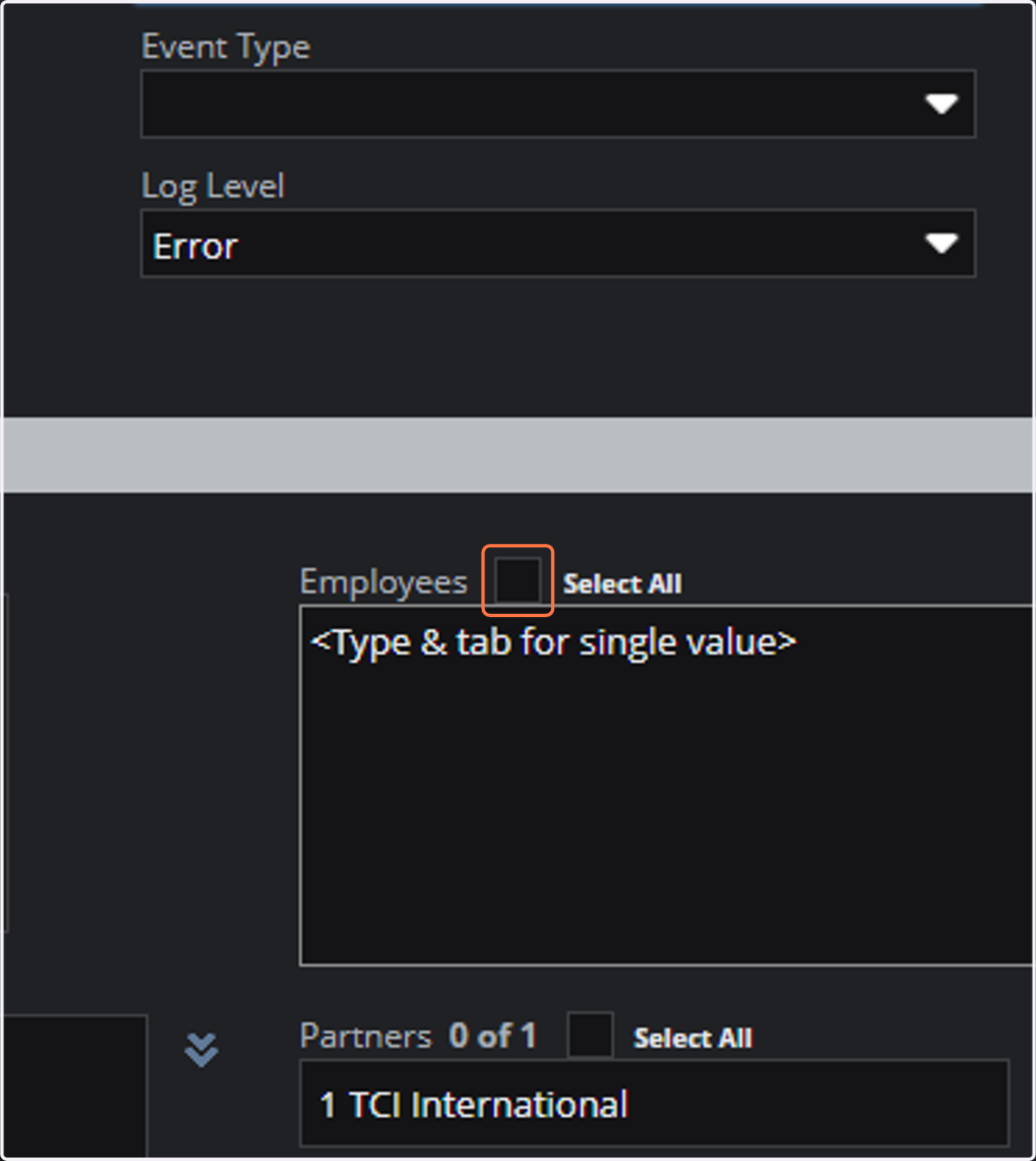
    Click the Select All checkbox for employees under the audience tab
  13. 13. Click on the select all checkbox for roles under the audience tab
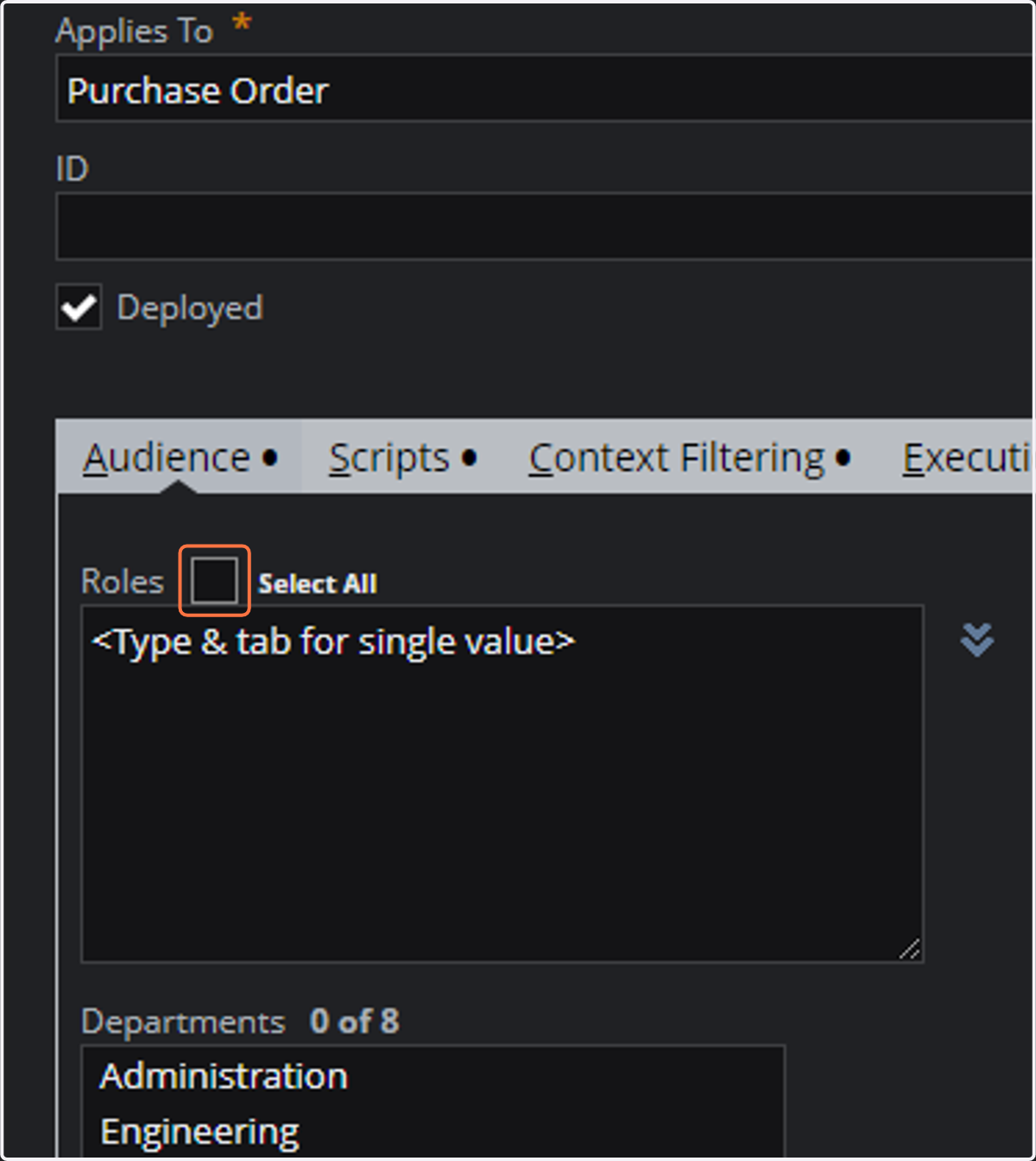
    Click on the select all checkbox for roles under the audience tab
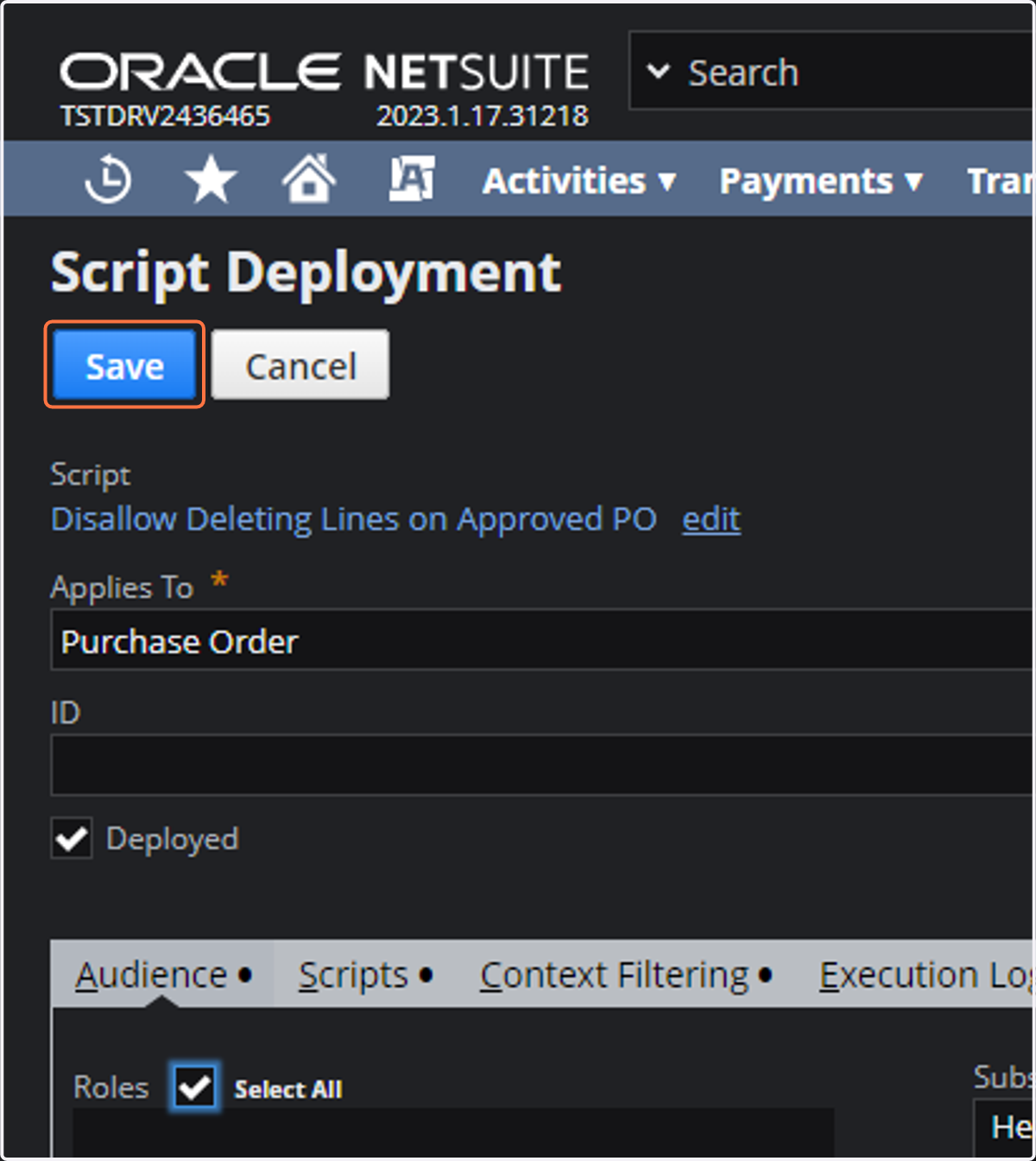
  14. 14. Click on save

    Click on save