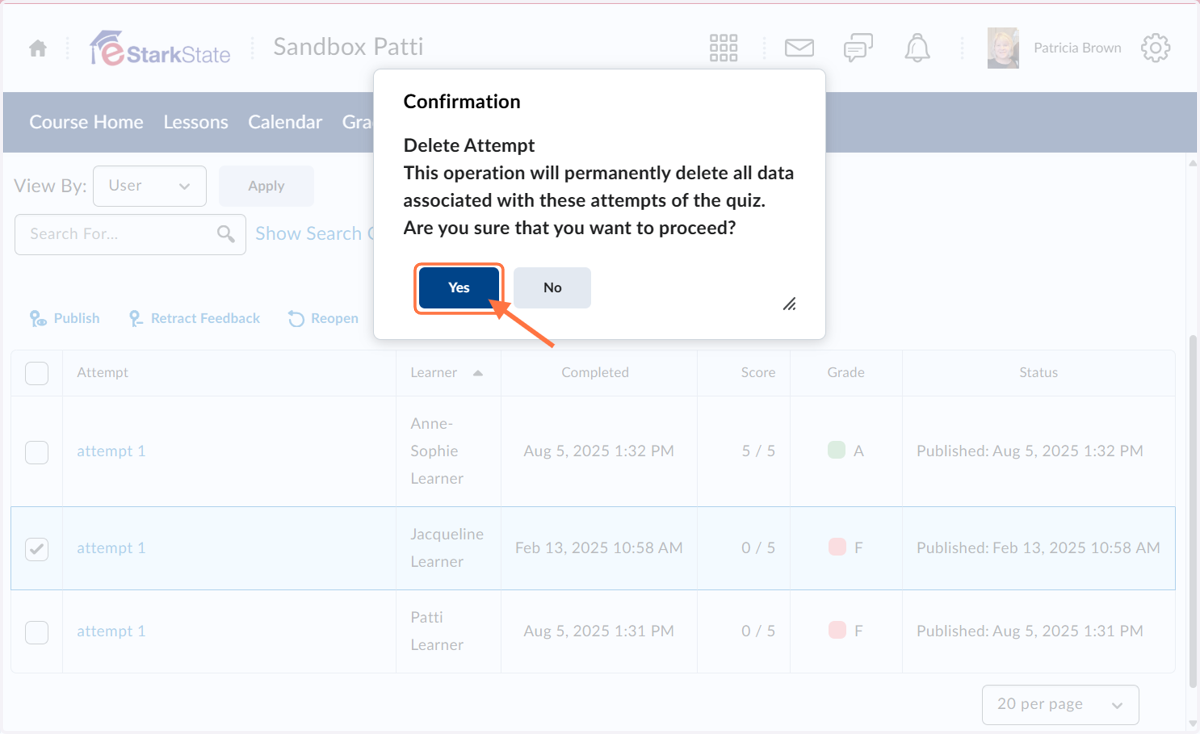
Delete Quiz Attempt
This tutorial will show you how to delete a quiz attempt, which will reset the quiz so students can take it again. Keep in mind that this will delete the entire attempt.
Start Here! - Sandbox Patti
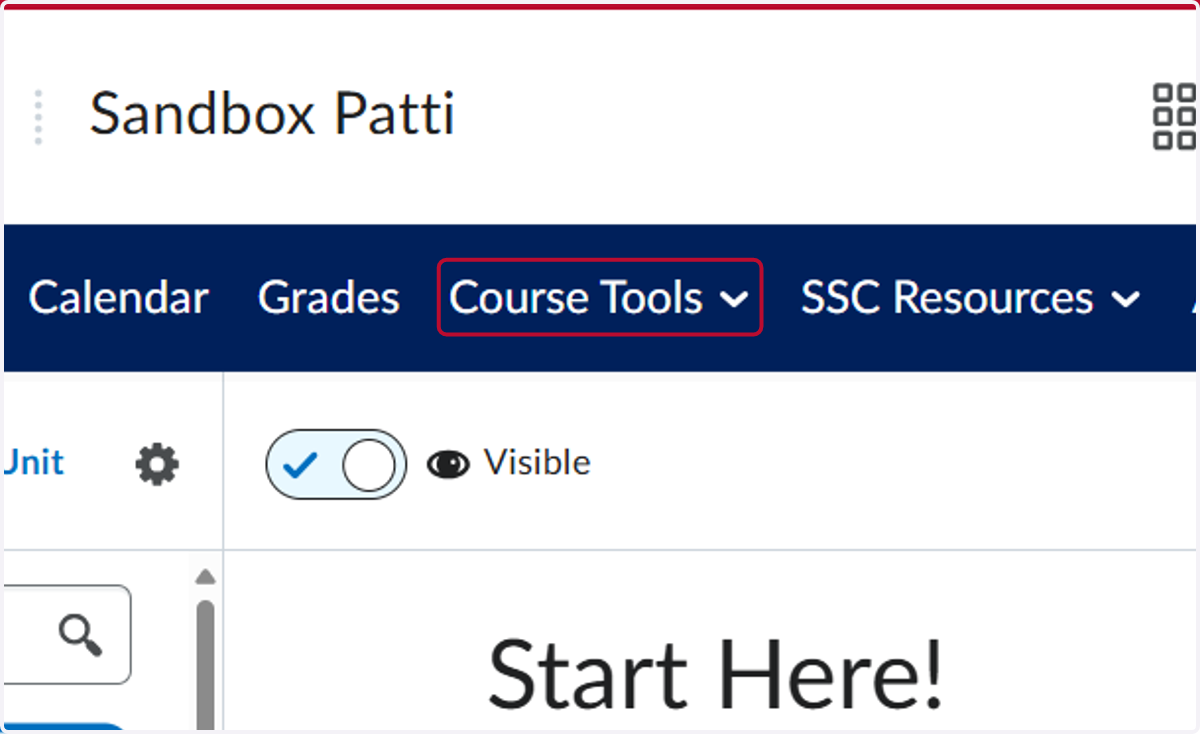
1. Click on Course Tools
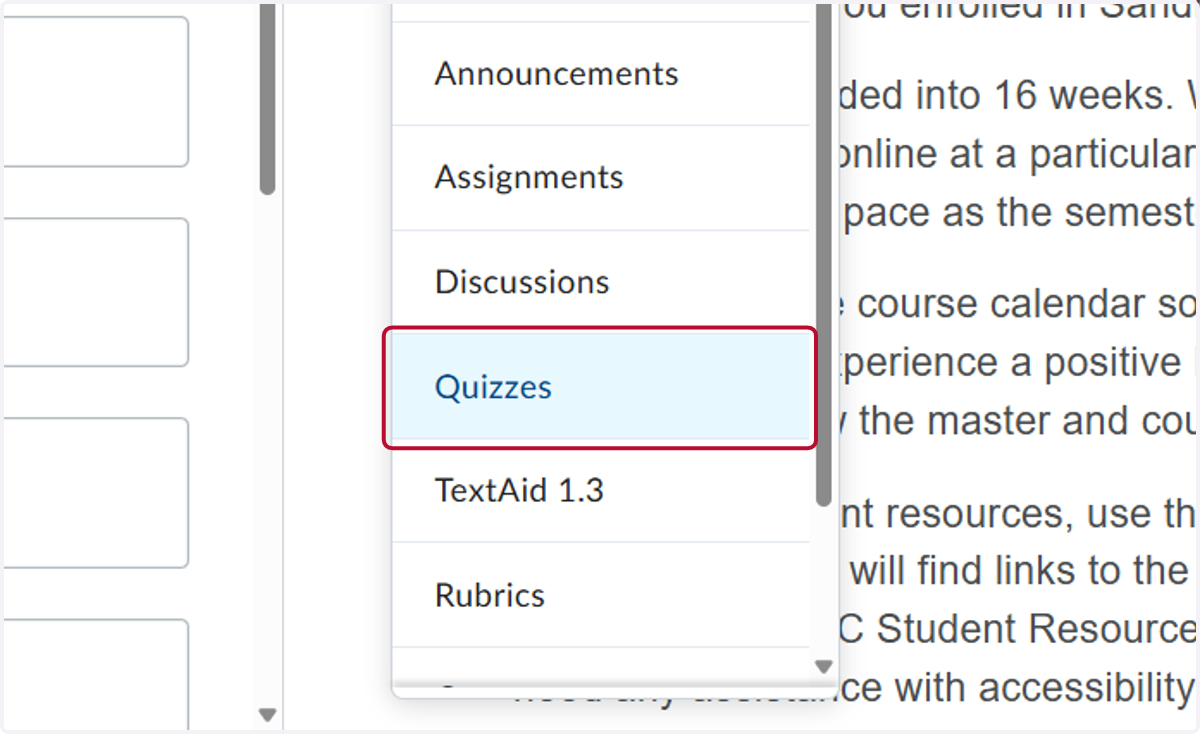
2. Click on Quizzes
3. Click the down arrow
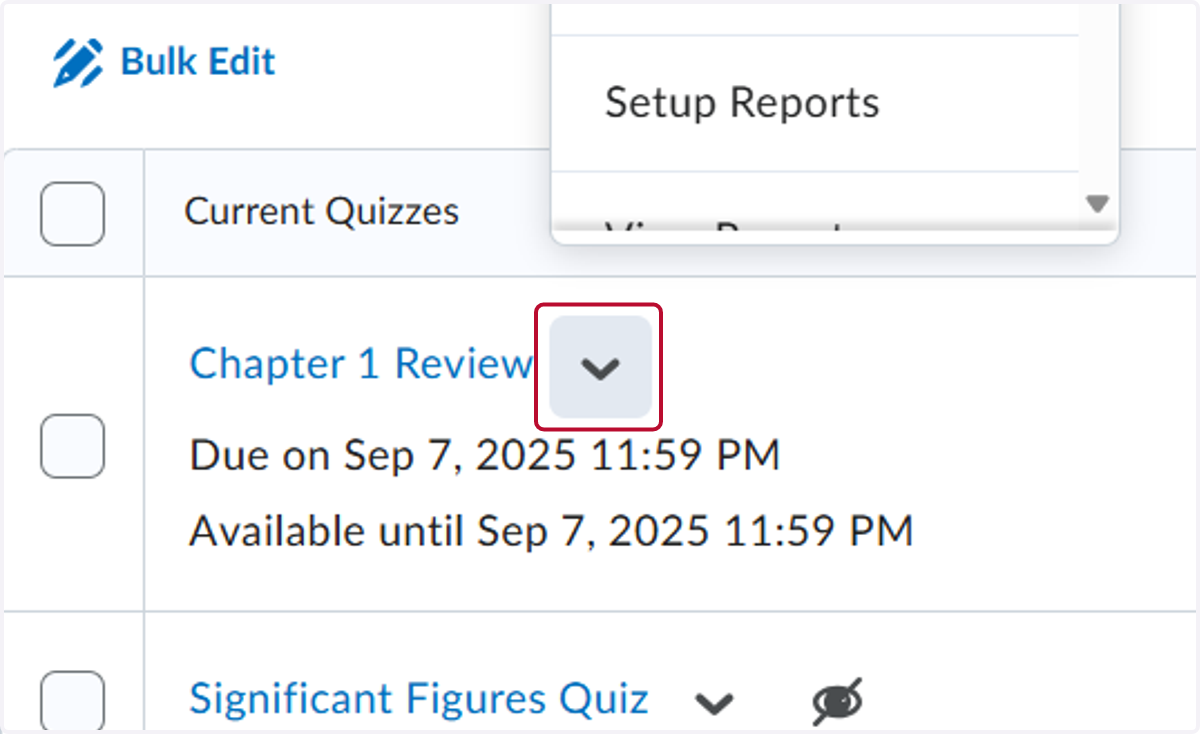
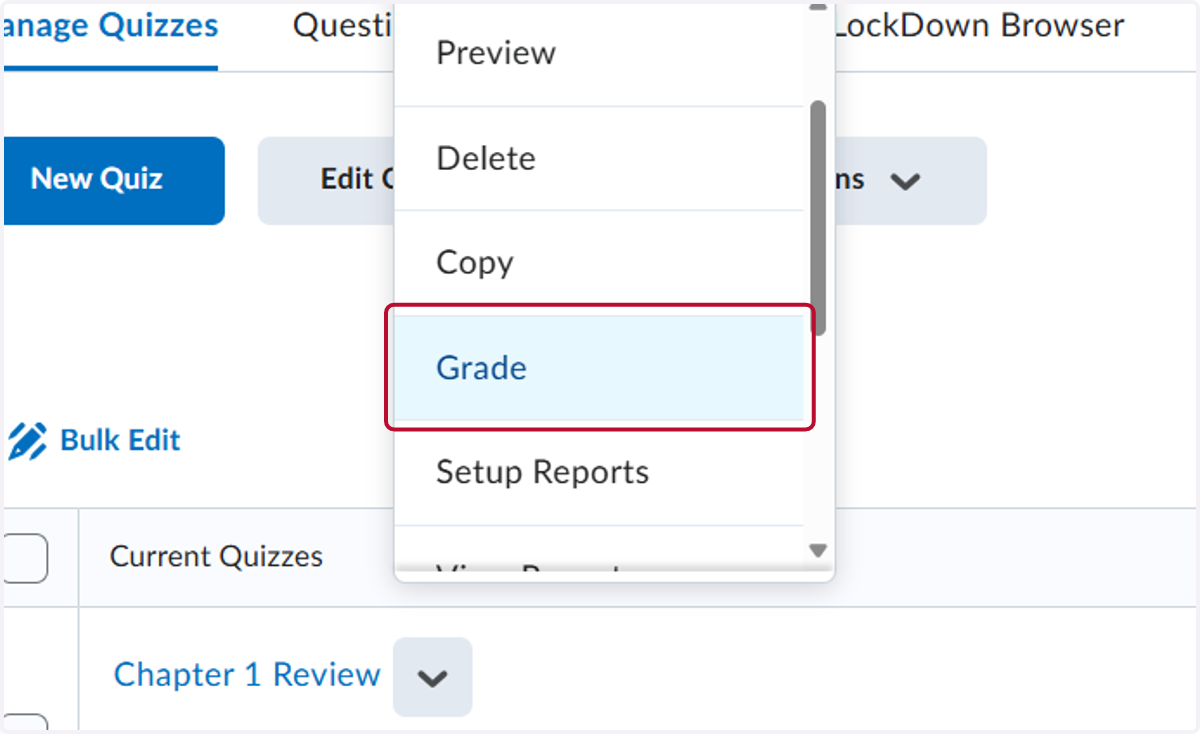
4. Click on Grade
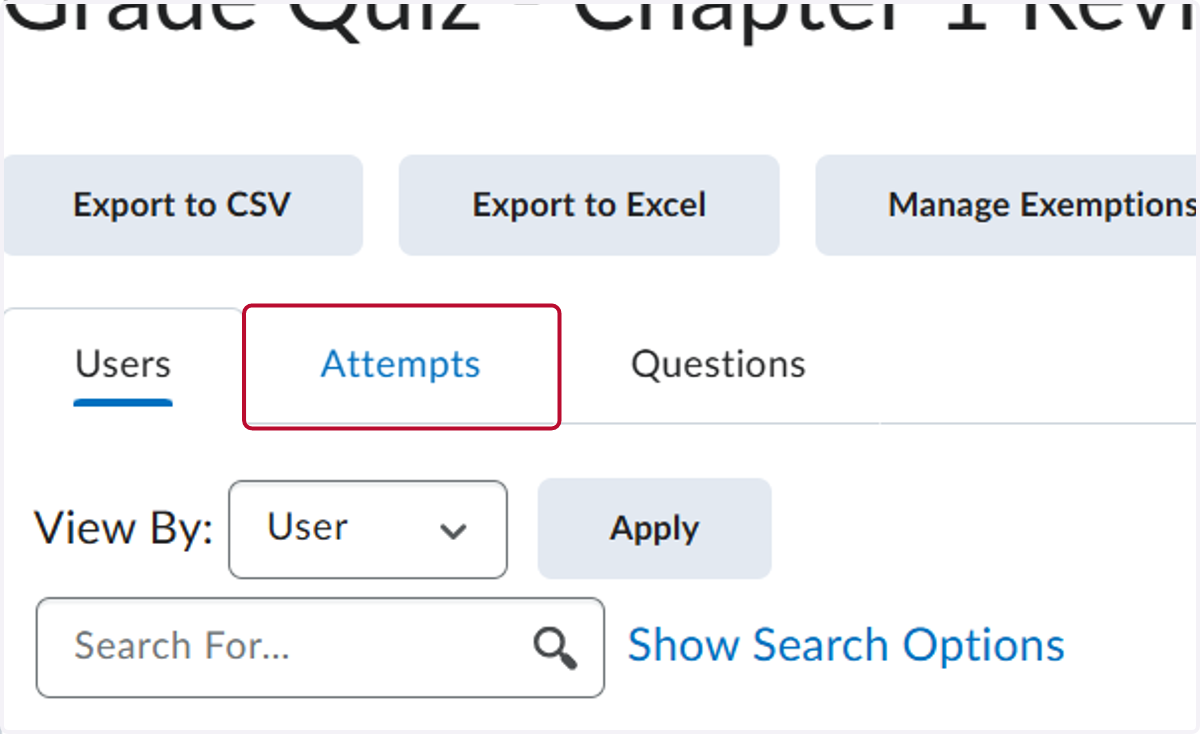
5. Click on Attempts
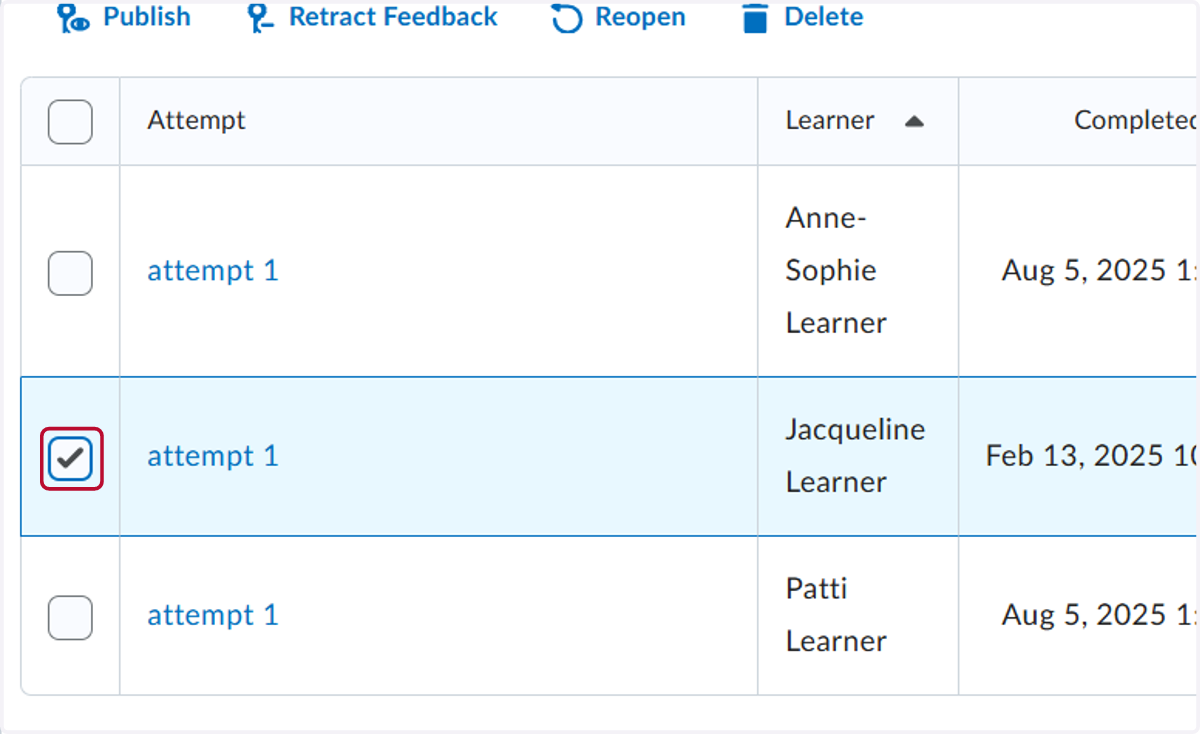
6. Check Select the attempt you want to delete
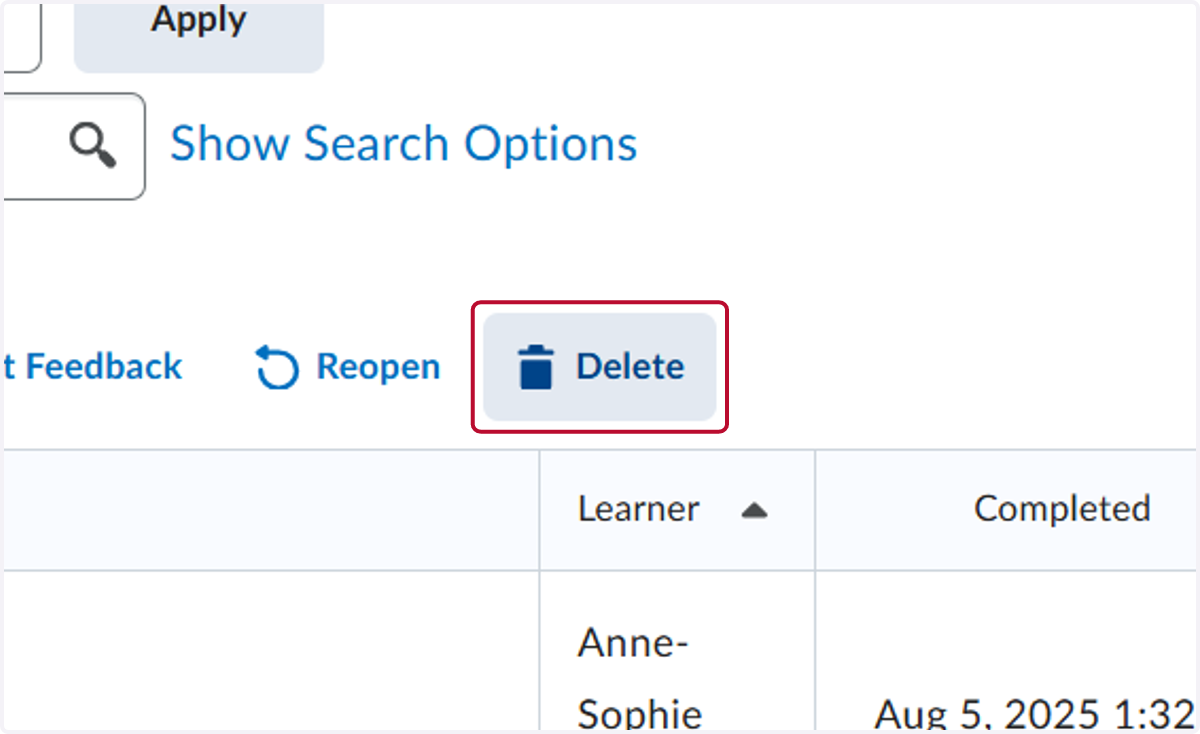
7. Click on Delete
8. Click on Yes