Dashboard - How to set the next quarter’s Objectives and Key Results (OKRs)
What are OKRs and how do they drive real progress?
OKRs (Objectives and Key Results) are a simple but powerful way to define focus and drive breakthrough performance — at the level of a role, a team, or the entire organization.
At their core, OKRs help answer one critical question:
👉 Where do we need to create a breakthrough next?
Every role in an organization is responsible for delivering specific results. These expectations are defined in the Role Scorecard, which describes:
the results to be achieved over a 12-month period, and
the level of performance the role owner is expected to reach.
However, organizations don’t improve automatically.
👉 Organizations grow only when roles grow — and when role owners consistently and systematically invest in their own development.
This is where OKRs come in.
From targets to breakthroughs
Before each quarter, high-performing organizations (famously including Google) encourage role owners to challenge themselves with a powerful question:
👉 What breakthrough do I need to achieve in this KPI so that in two years, the result could be 10x better?
This kind of thinking requires:
stepping outside of current assumptions,
real ownership and commitment,
curiosity about new approaches, technologies, and opportunities,
and a mindset focused on achieving results 2x faster, 2x better, and with 2x less effort.
Once potential breakthroughs are identified across KPIs, the role owner and their manager select one key focus area for the next quarter — the Objective.
From focus to execution
After defining the Objective, the next question is:
👉 How will we achieve it?
The answer is captured through Key Results.
A Key Result is always a number.
It makes progress measurable, objective, and transparent.
It allows weekly tracking of both actual progress and confidence in achieving the goal.
The power of weekly learning
This structure creates something much more valuable than just planning:
👉 a weekly learning system.
Each week:
actions are taken to move the Key Results forward,
their impact is evaluated,
and decisions are made based on real feedback.
If something works → scale it.
If it doesn’t → adjust and try a new approach next week.
This rhythm:
builds agility,
encourages smart risk-taking,
and continuously improves how the role operates.
In one sentence
👉 OKRs turn ambition into focused action, and action into measurable learning and growth.
Open EMP365 and navigate to your team workspace to begin setting up your goals and execution rhythm.
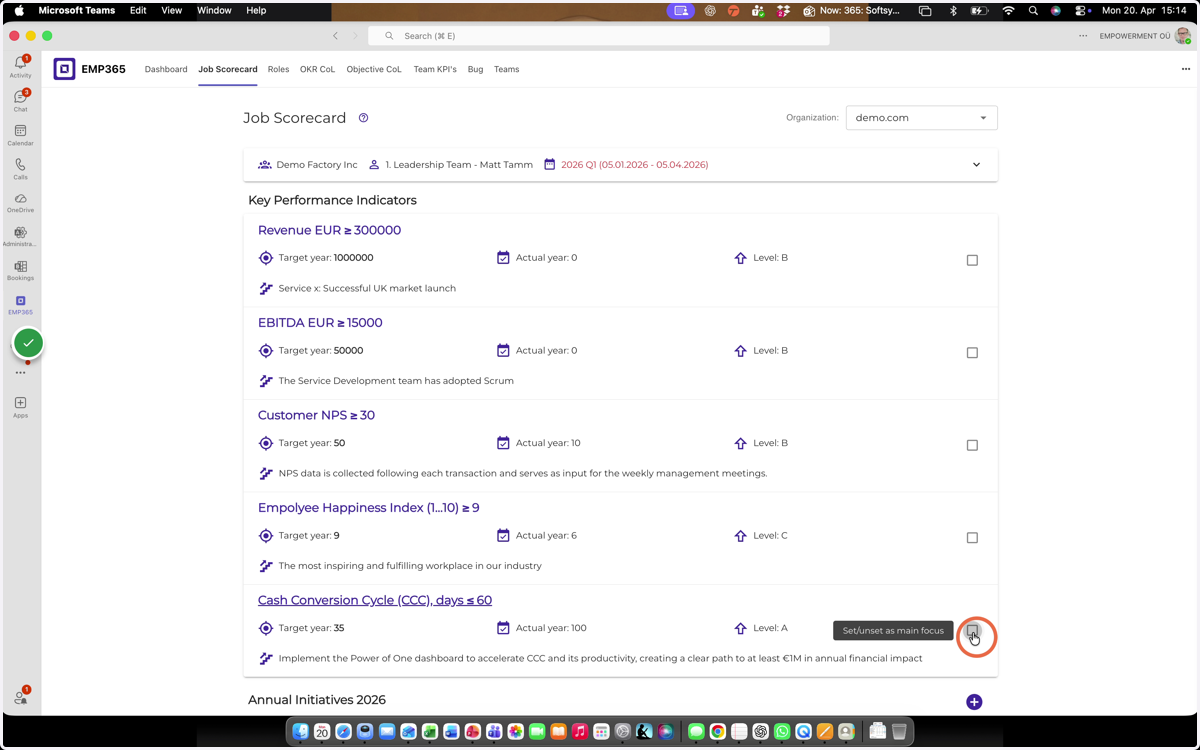
1. Open the Job Scorecard and activate the KPI where you plan to achieve a breakthrough in the next quarter.
Guidelines on how to set targets for your KPIs can be found in the Job Scorecard guide.
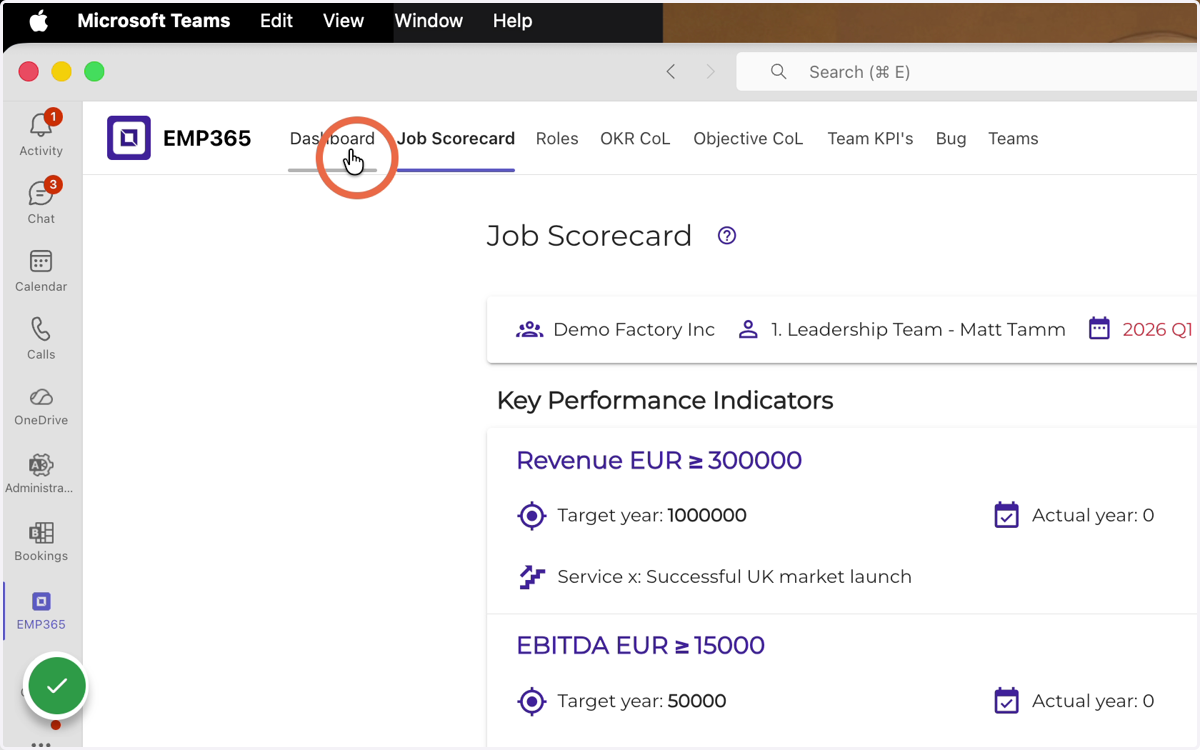
2. Click Dashboard
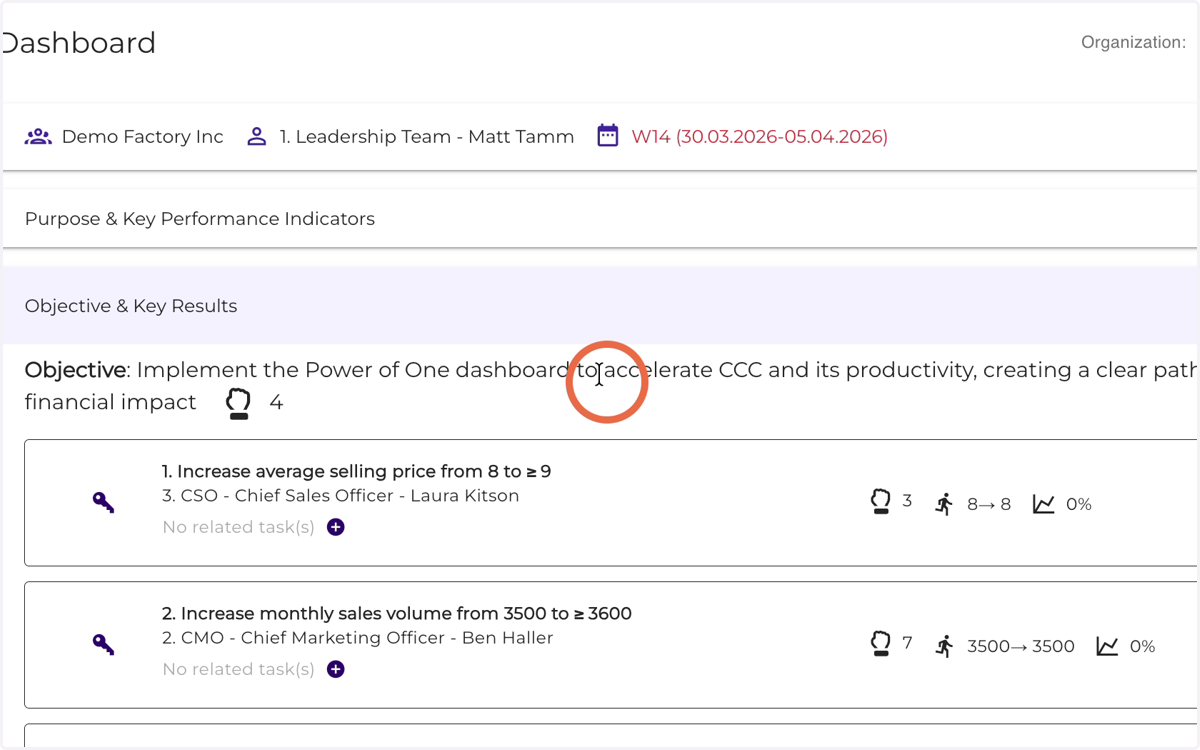
3. Open Objective & Key Results
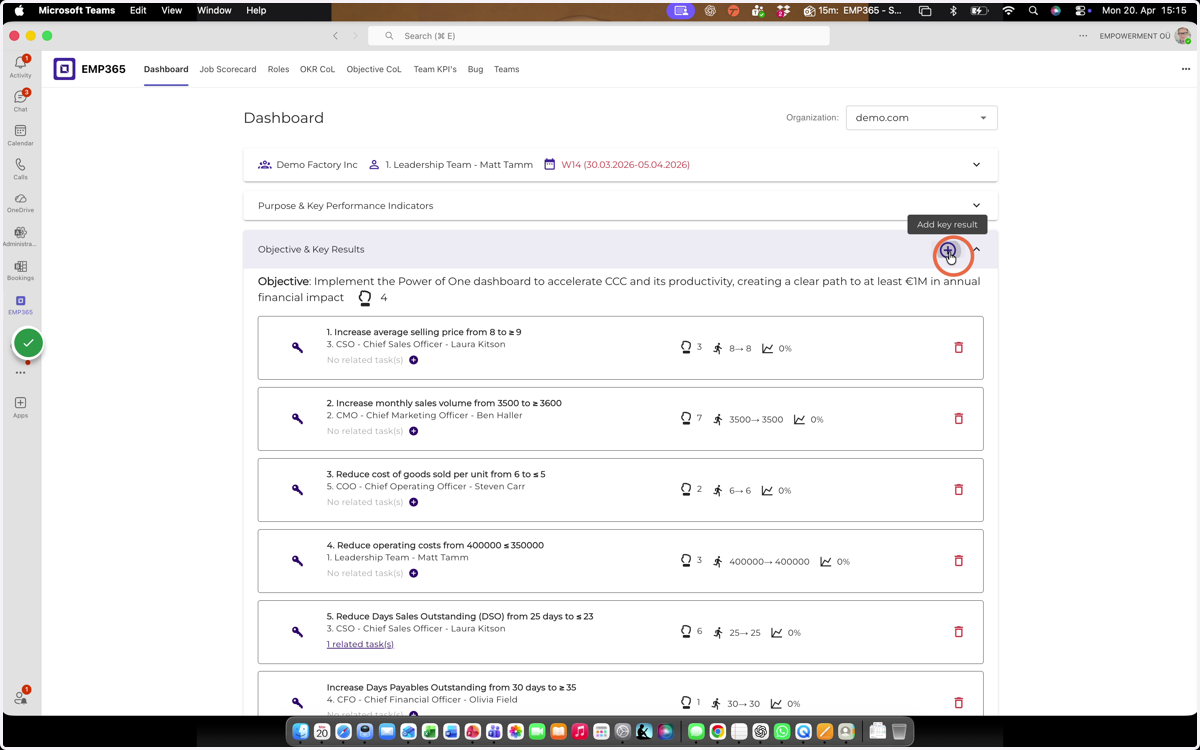
4. Click Add Key Result
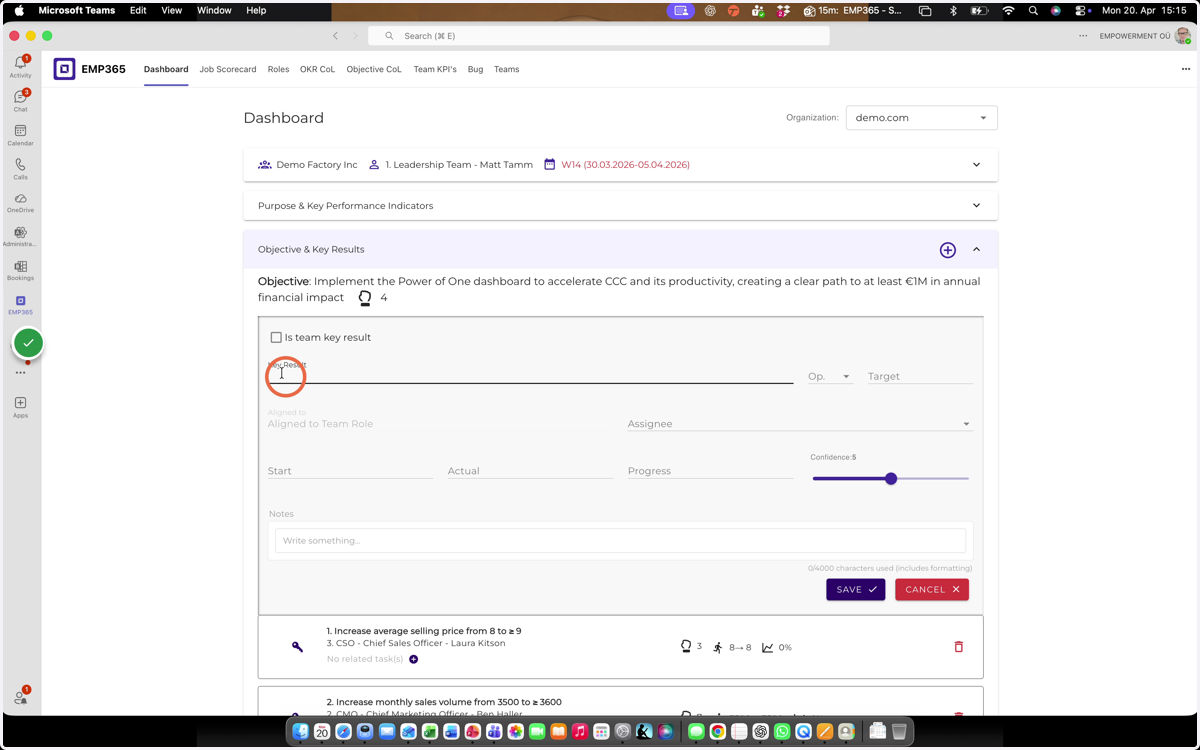
5. Insert Key Result name
The best Key Result follows a simple formula:
👉 from X to Y by whenWhen planning a quarter, “when” always equals the end of the quarter.
A Key Result is always a number.
👉 If it’s not measurable, it’s not a Key Result.The best Key Results are:
clearly quantified,
objectively trackable,
and measured from the customer’s perspective.
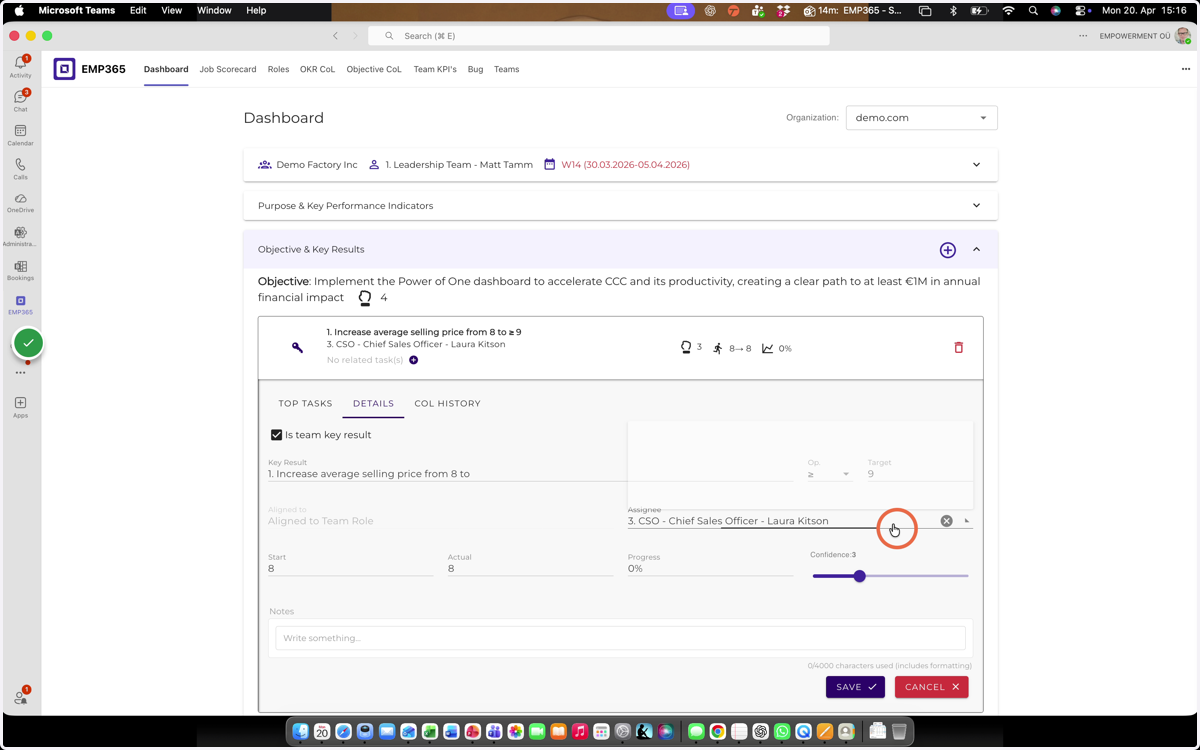
6. Click here
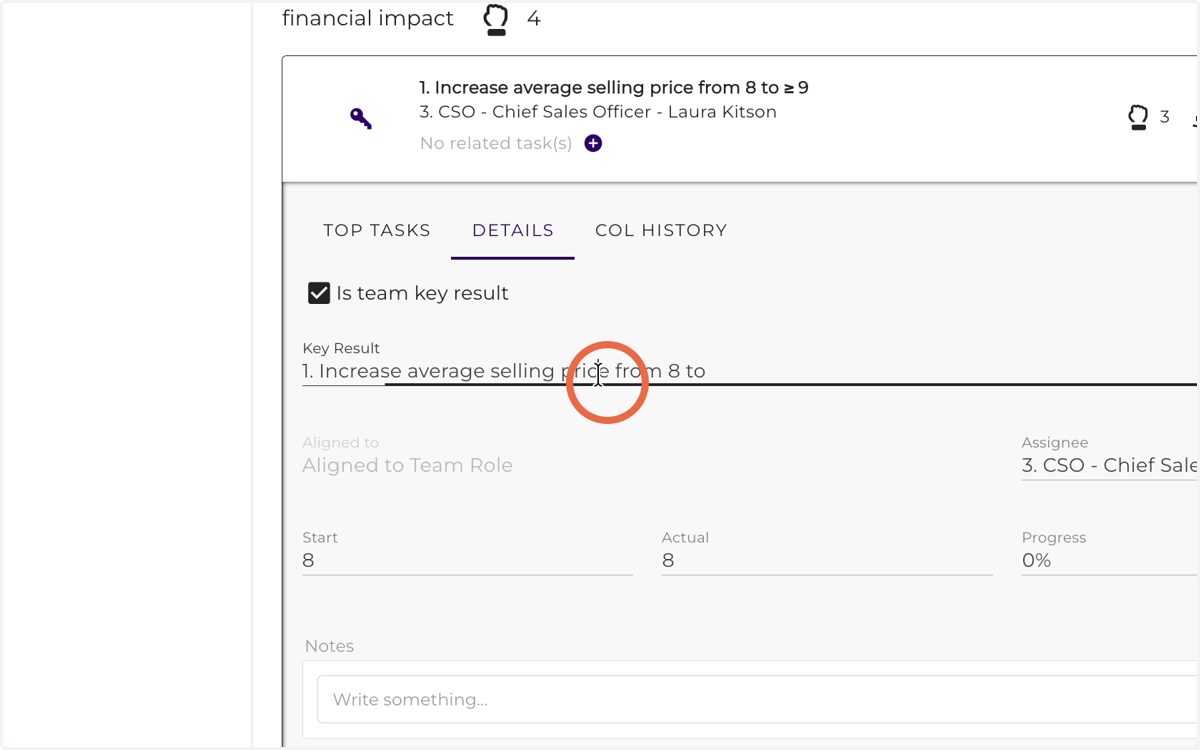
7. Select an equation from the list
= — equals (is equal to)
≠ — not equal to
> — greater than
< — less than
≥ — greater than or equal to
≤ — less than or equal to
KPI example: Conversion rate > 25%
Meaning: the conversion rate must be greater than 25% for the KPI to be considered achieved.
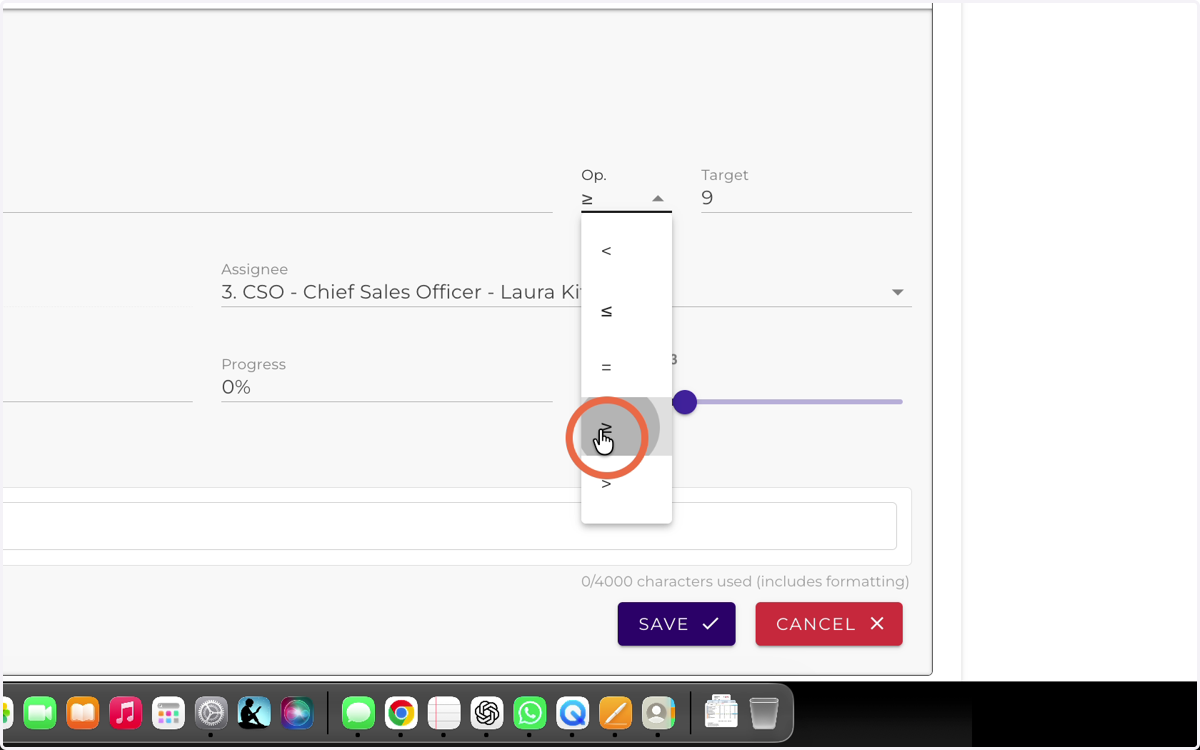
8. Insert Key Result target value (Y)
“Shoot for the moon. Even if you miss, you’ll land among the stars.”
— Norman Vincent PealeWhen setting a Key Result target, aim high.
Set it at a level where your confidence in achieving it is 5 out of 10.
👉 Only then will you start searching for new approaches.
👉 Only then will you create the conditions for a real breakthrough.This is how you unlock future performance —
achieving results that are 2x better, faster, and smarter.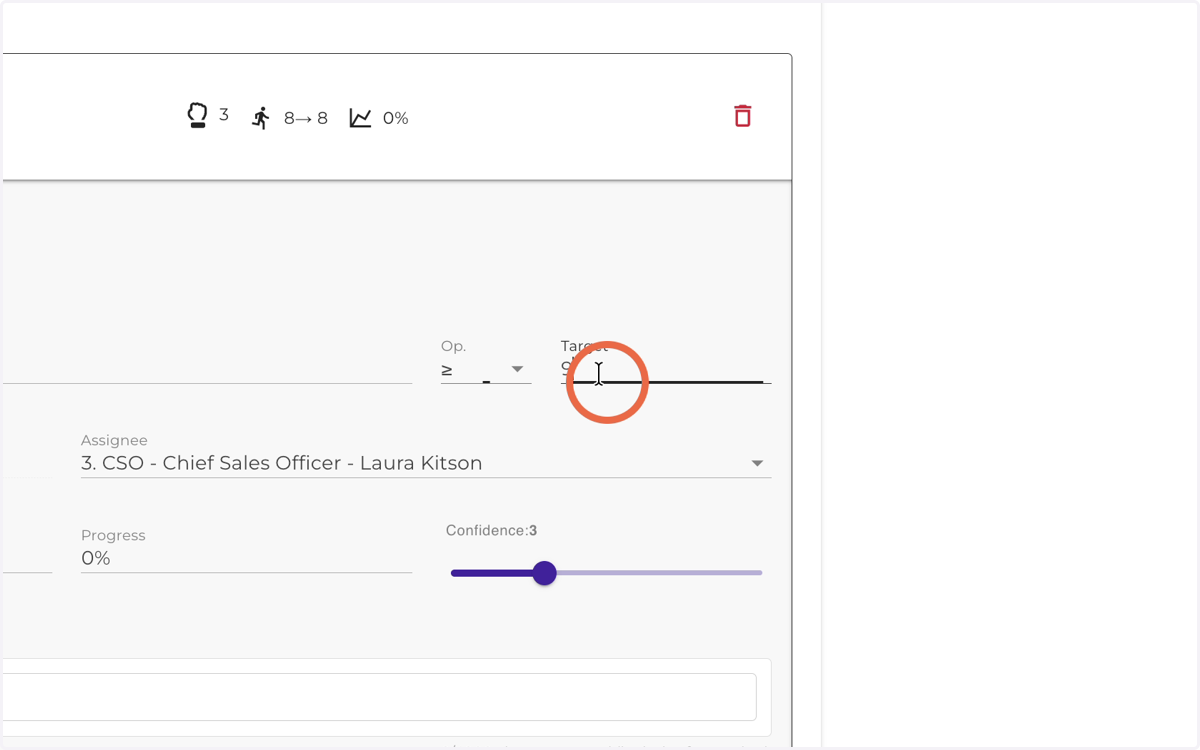
9. Insert Key Result start value (X)
The best Key Result follows a simple formula:
👉 from X to Y by when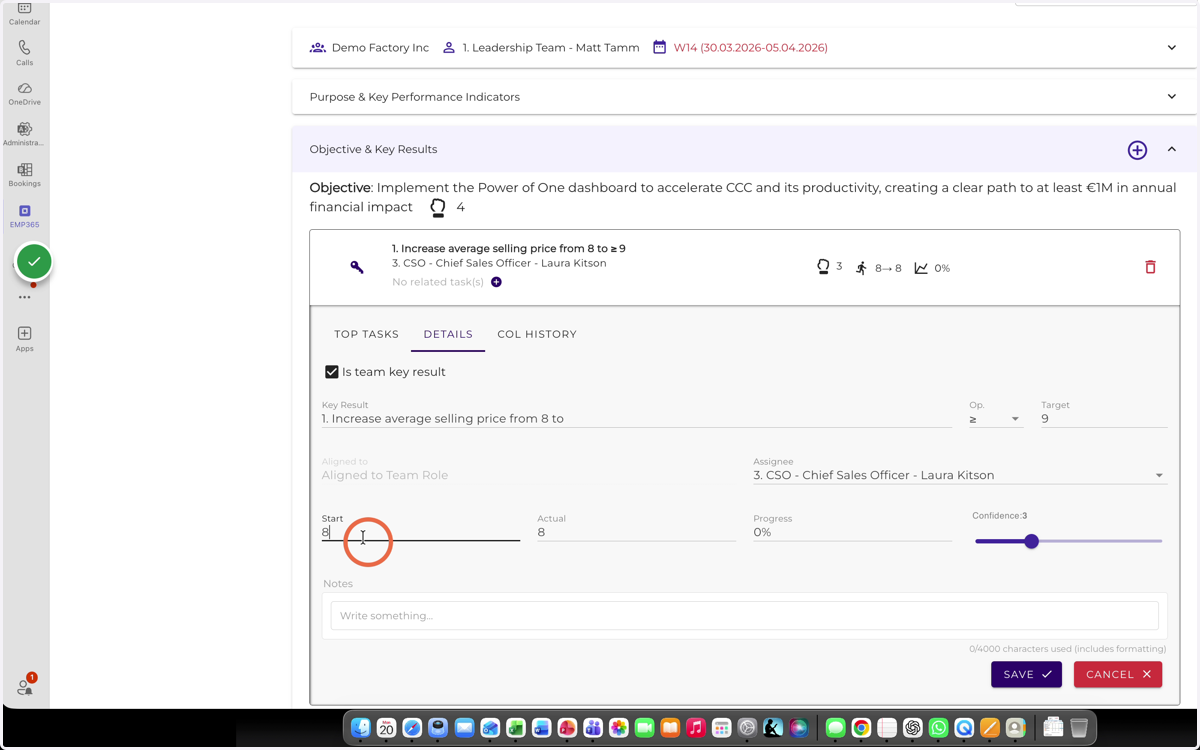
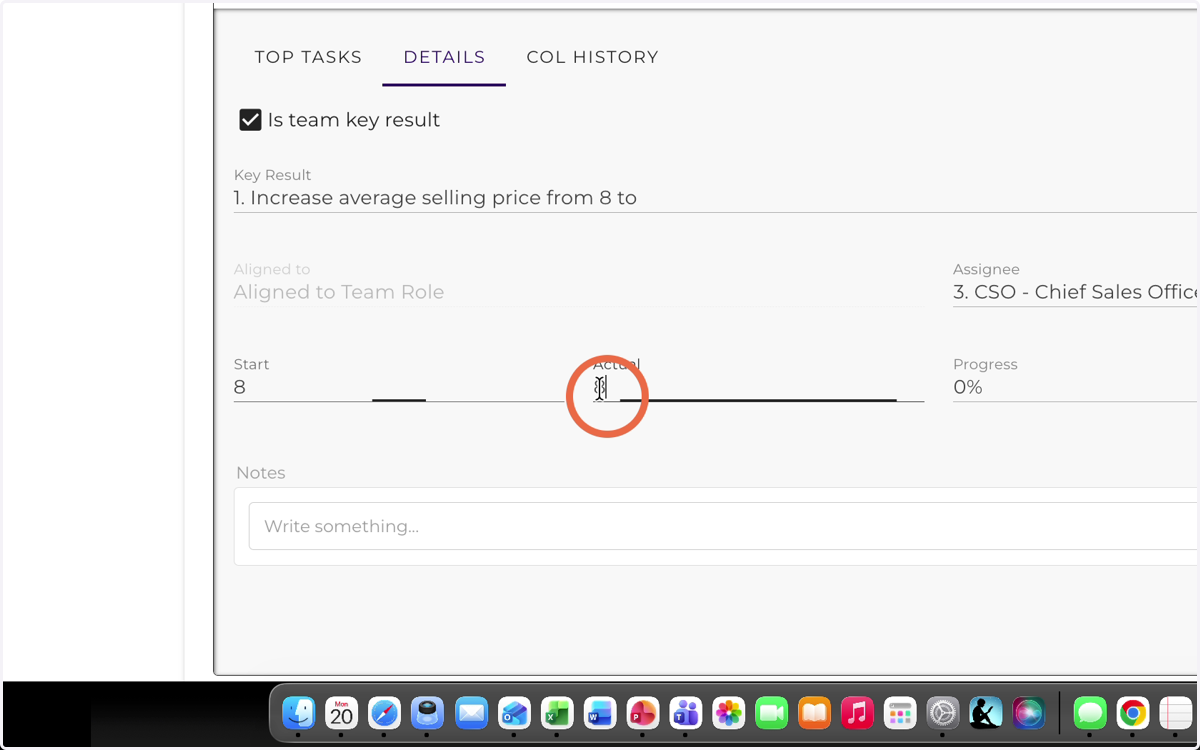
10. Insert Key Result actual value
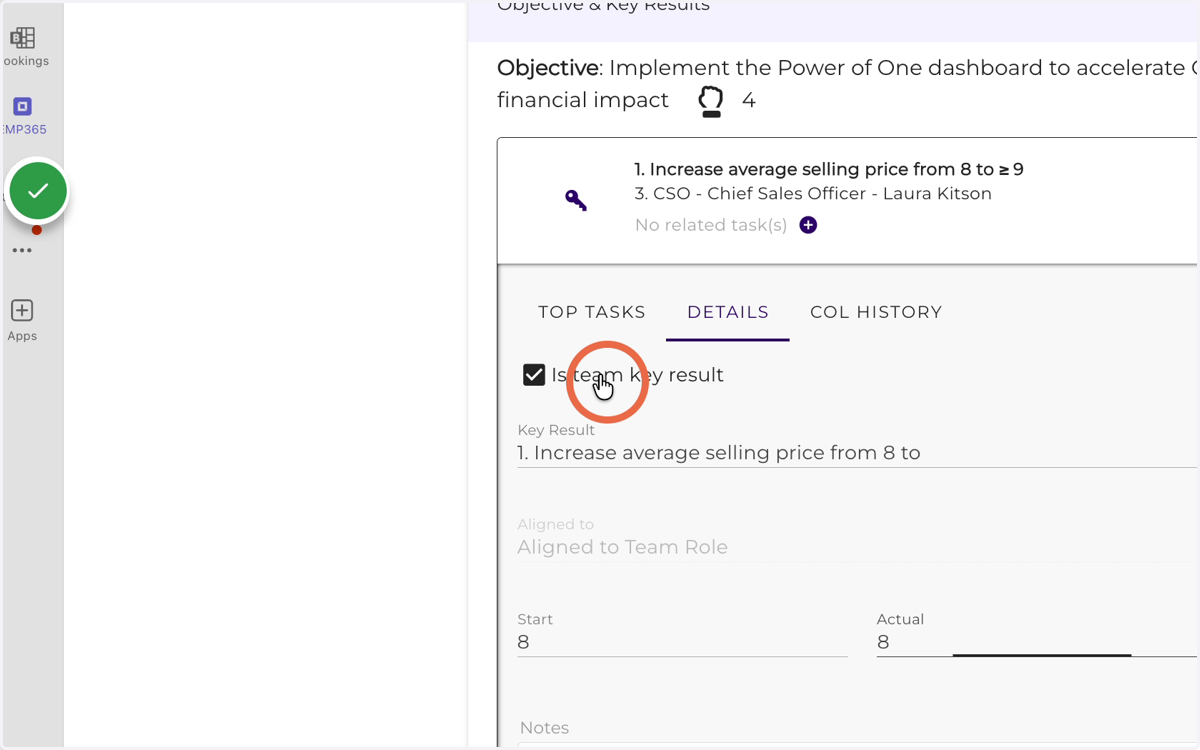
11. If you want the Key Result to be visible on the team dashboard, activate “Is team Key Result.”
This functionality allows the user, as the owner of a team Key Result, to manage it directly from their own dashboard — without having to enter the same information multiple times.
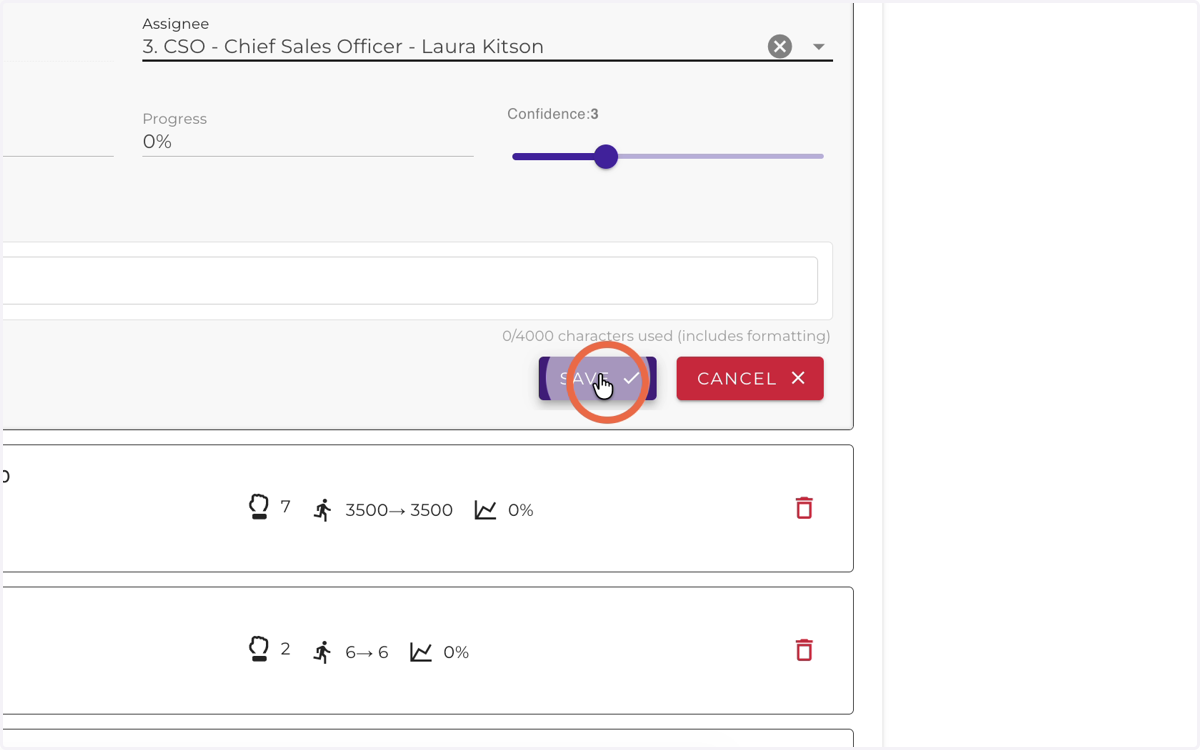
12. Select the Key Result owner
13. Save Key Result