Customizing Branding and Ads in Black Pearl Mail
Black Pearl Mail
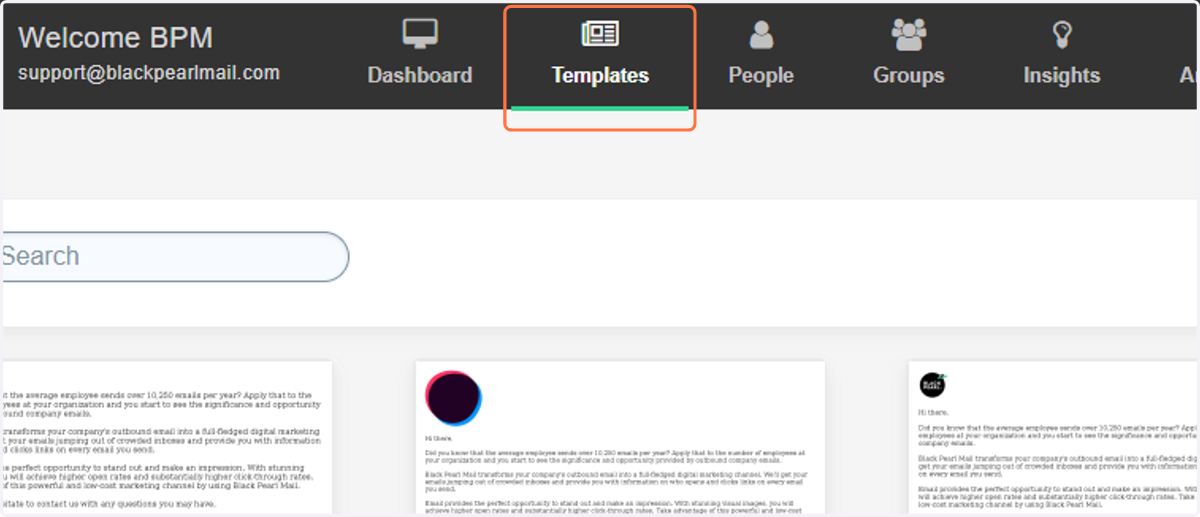
1. Click on the "Templates"
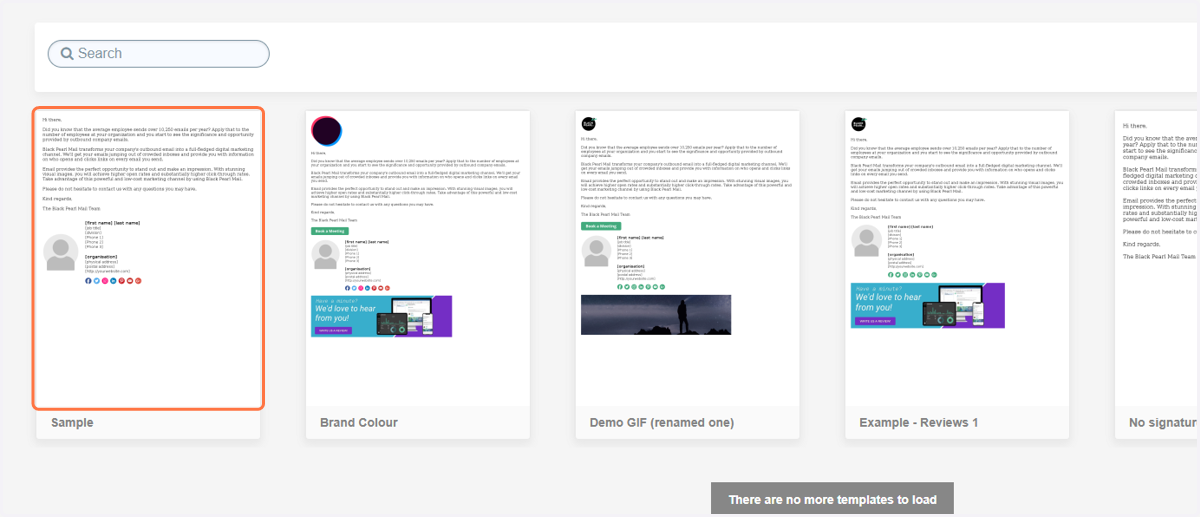
2. Select the template you would like to have the CTA button.
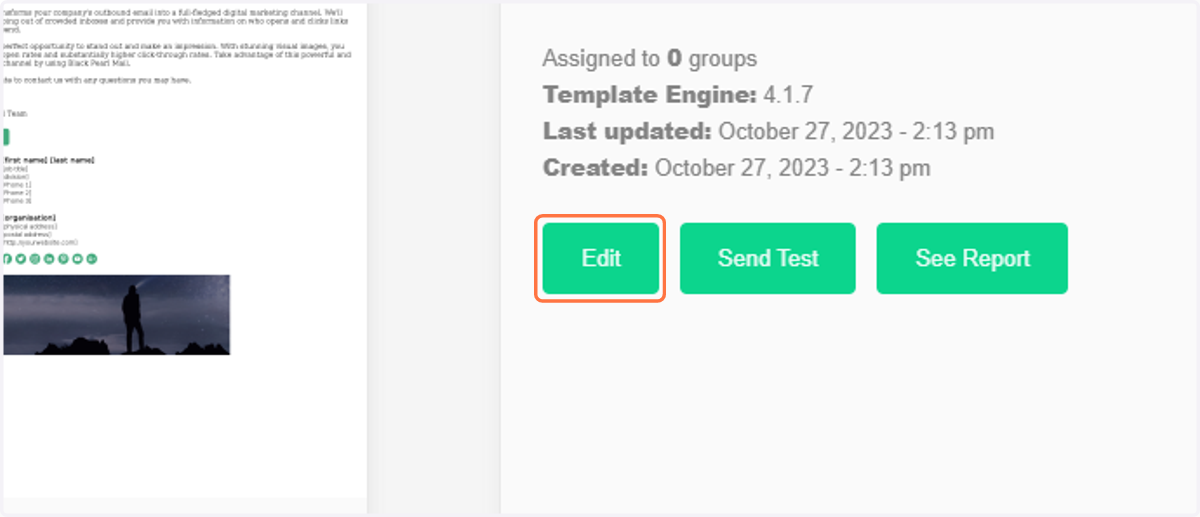
3. Click on Edit
4. Click on Branding & Ads
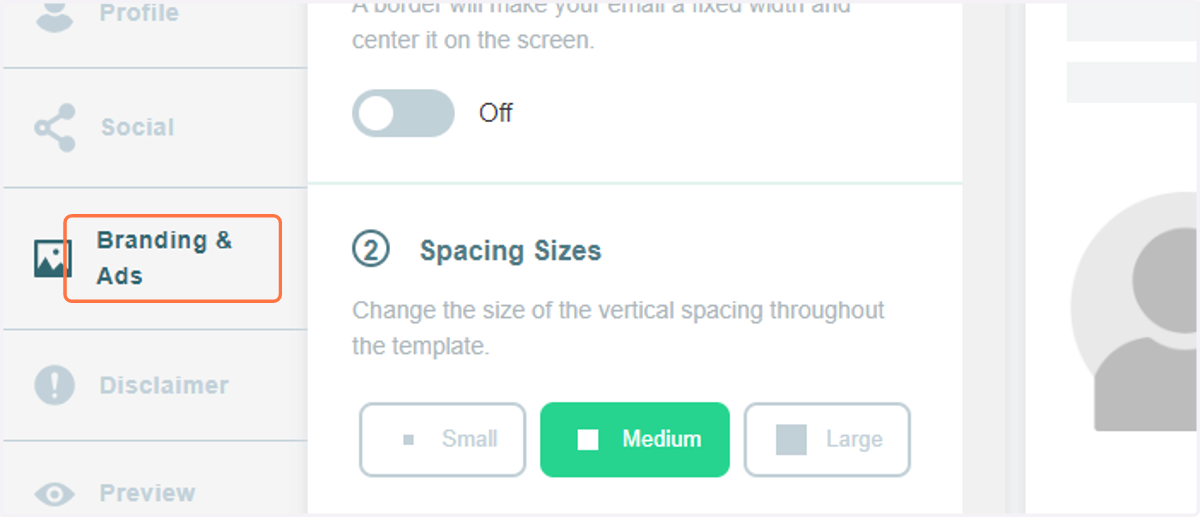
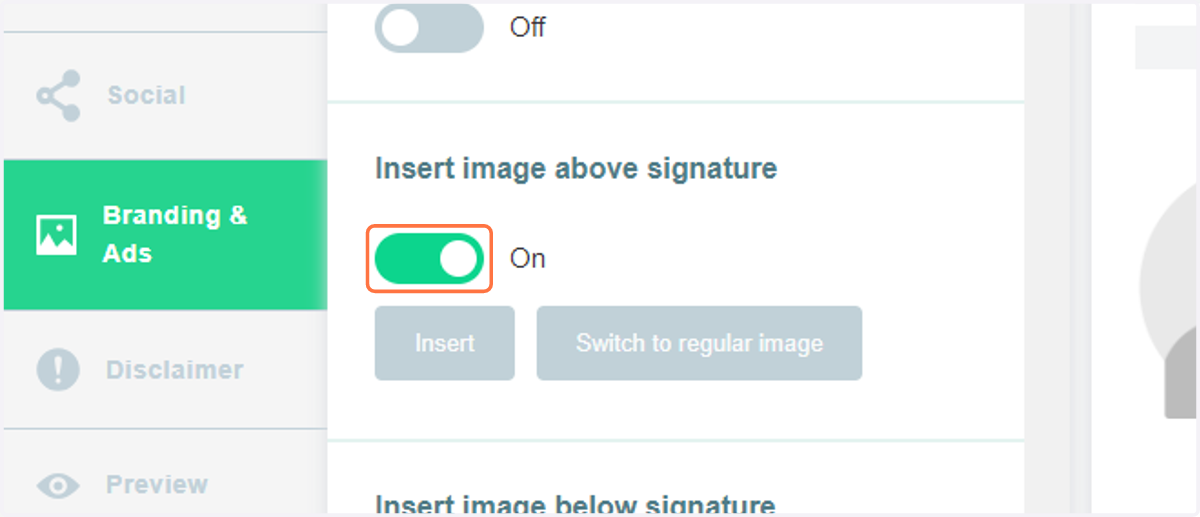
5. Toggle the button and click the "Insert" tab.
6. Upload the created file from the local folder
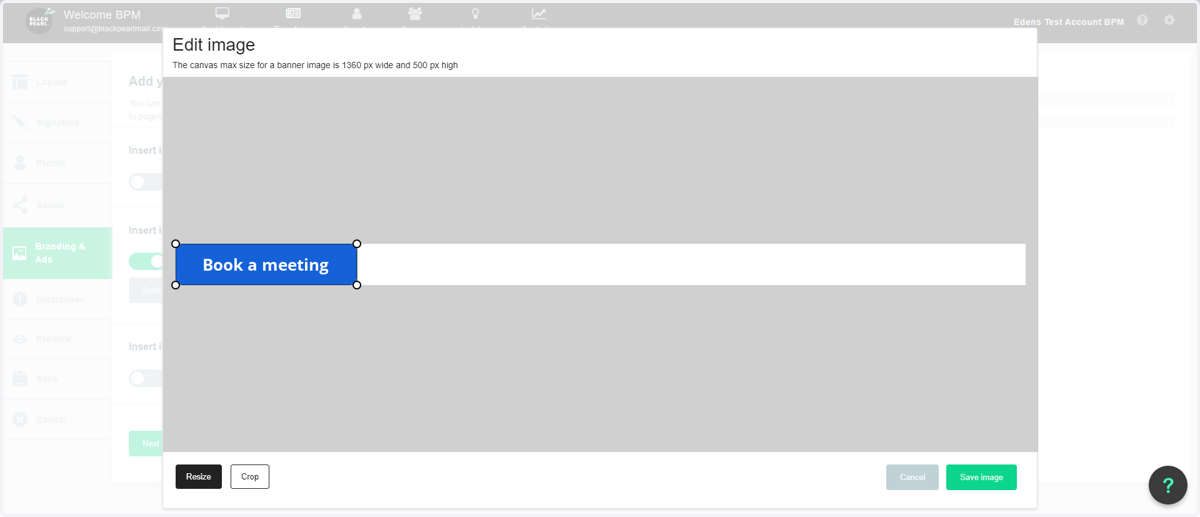
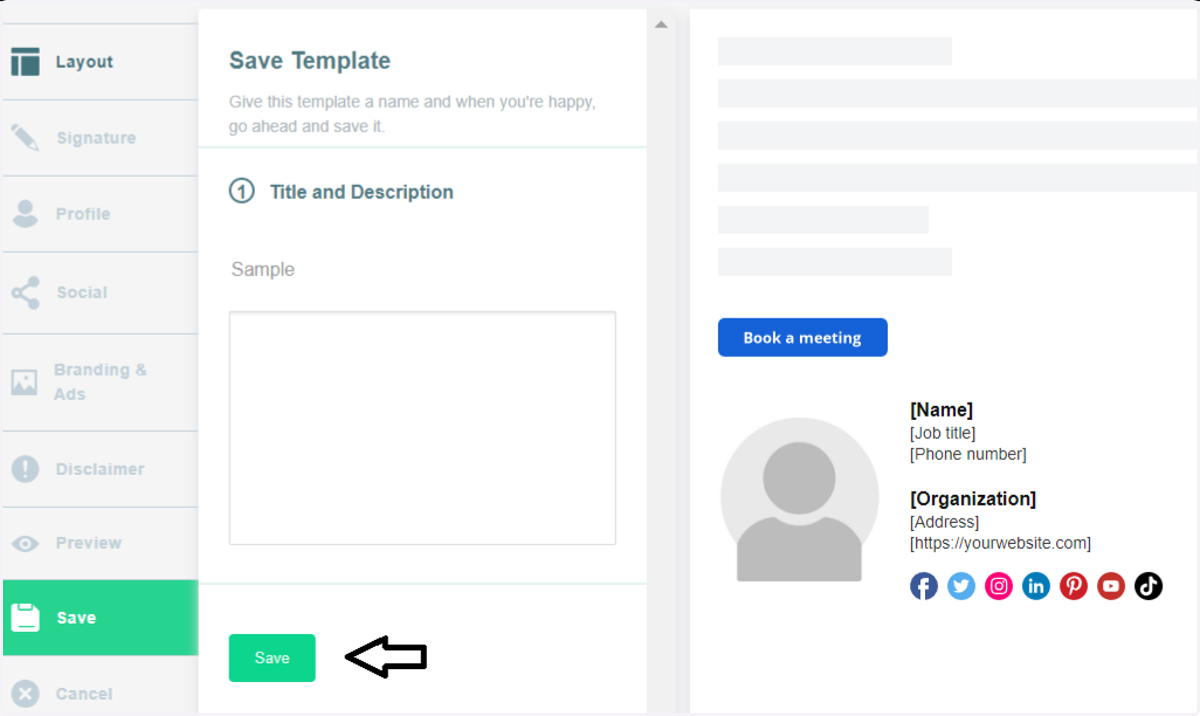
7. Click on Save image
8. Then save the changes.