CustomGPT
XML Sitemap
1. Find your website sitemap by entering the following into your browser: https://www.ADDYOURBUSINESSURLHERE.com/sitemap.xml
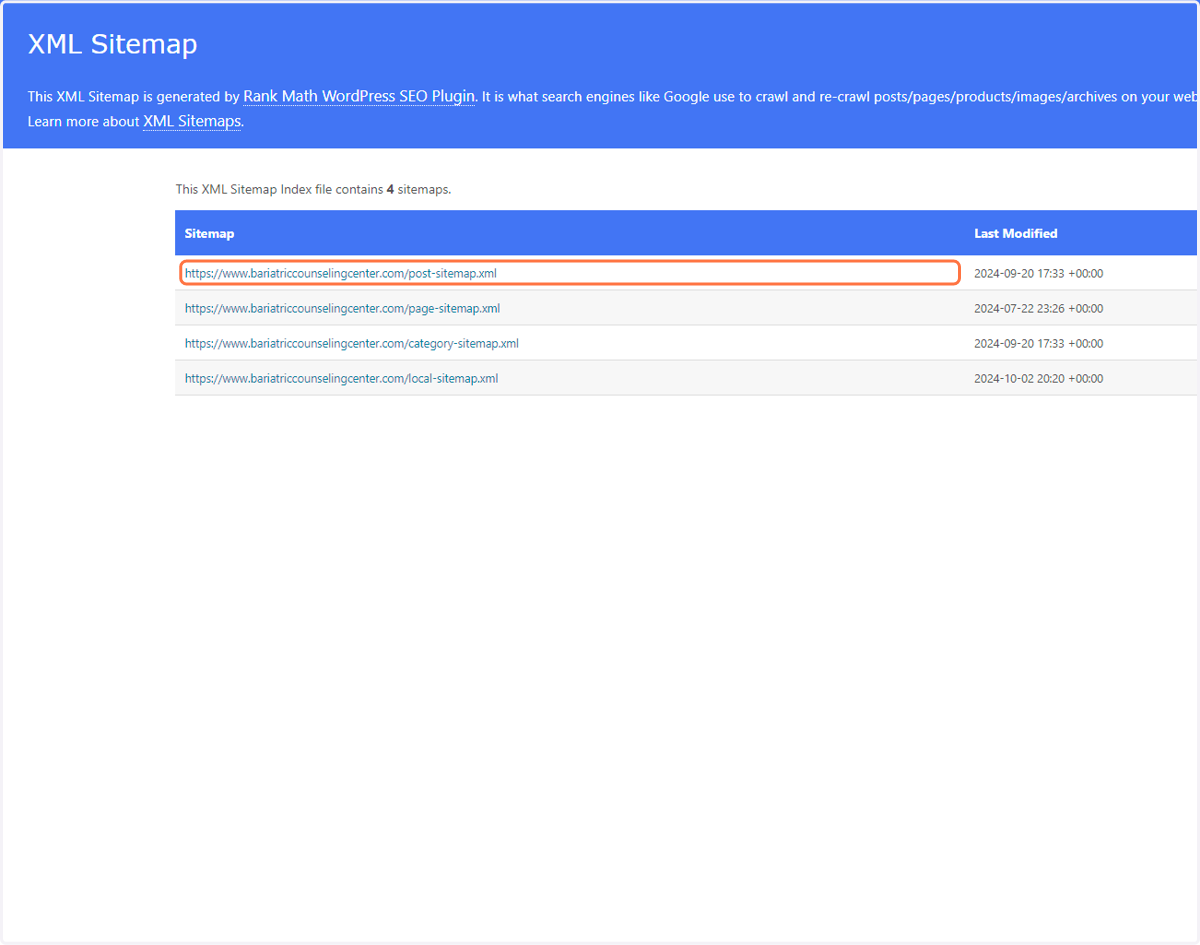
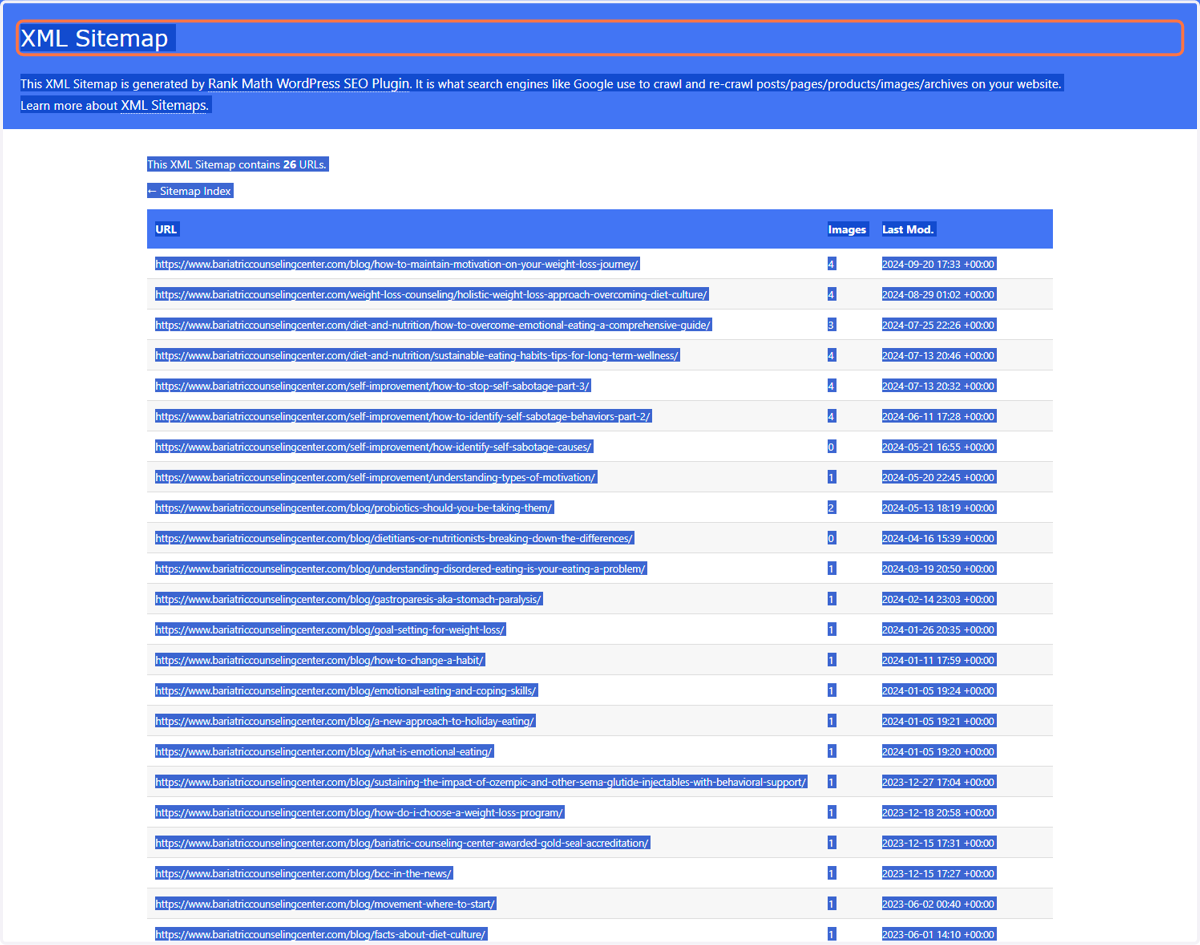
2. Highlight and copy (Ctrl + c) the text.
Open ChatGPT
3. Open ChatGPT. Type the following prompt in the prompt bar, and then add your URLs:
Build a list from the pasted sitemaps from my website, only include the URLs.
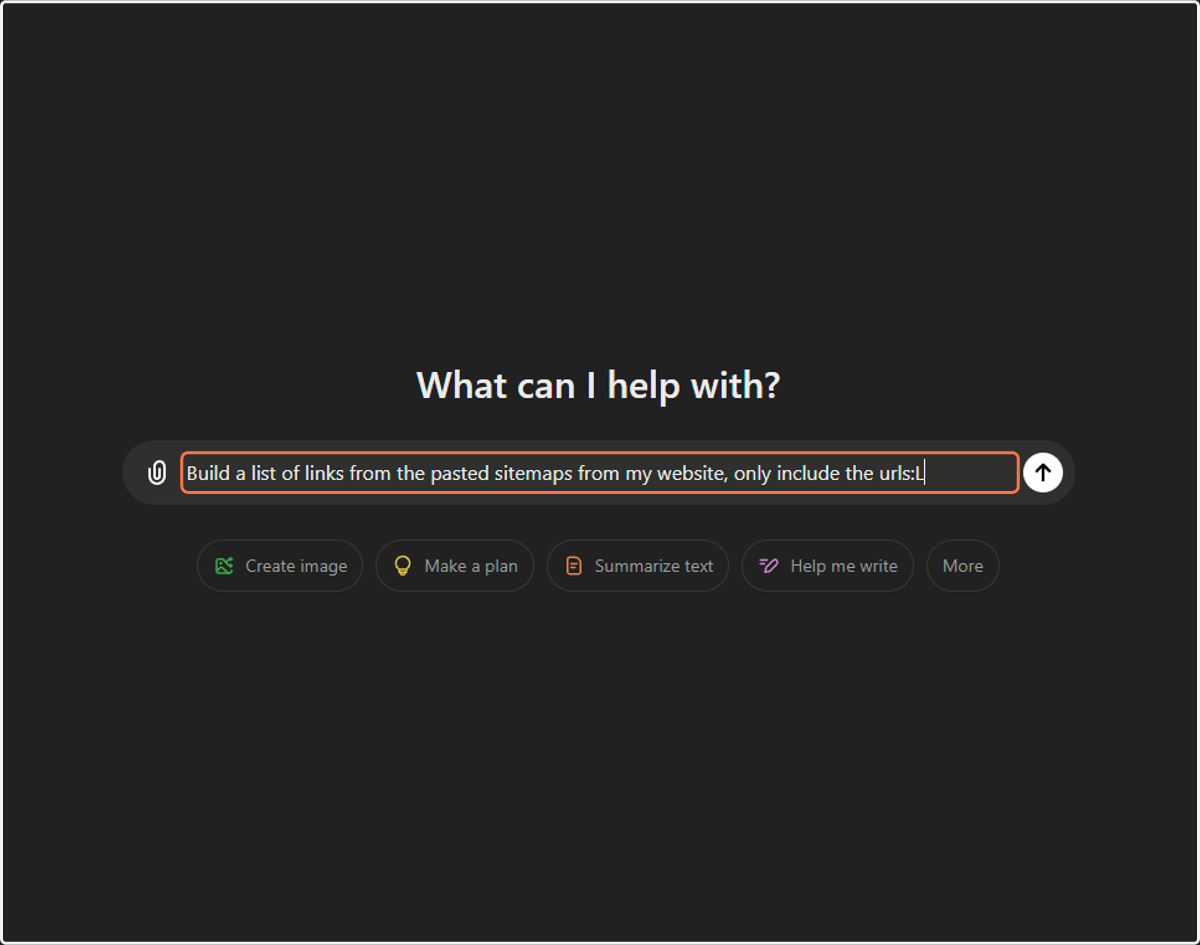
4. Paste (Ctrl + v) your sitemap text / URLs into the prompt window.
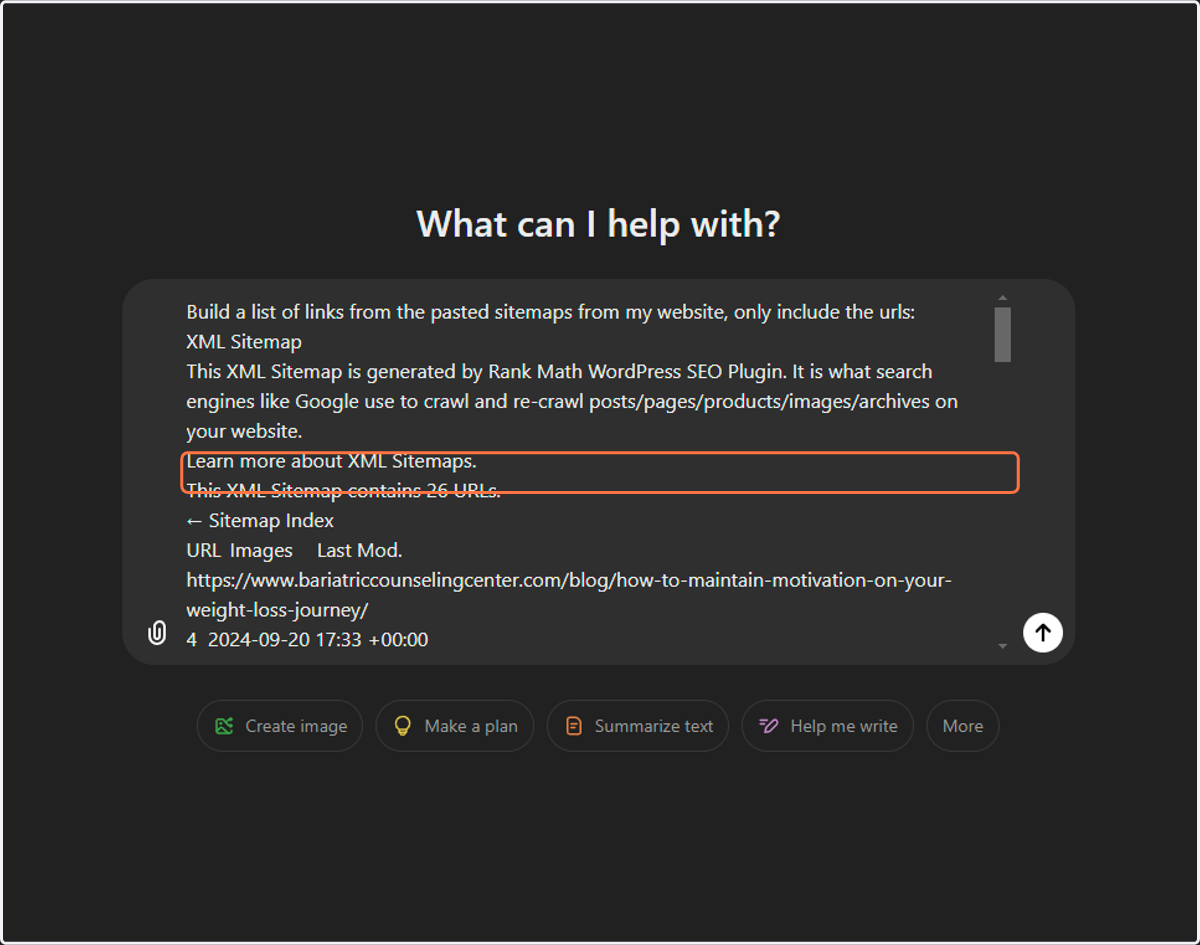
5. Click Send (arrow)
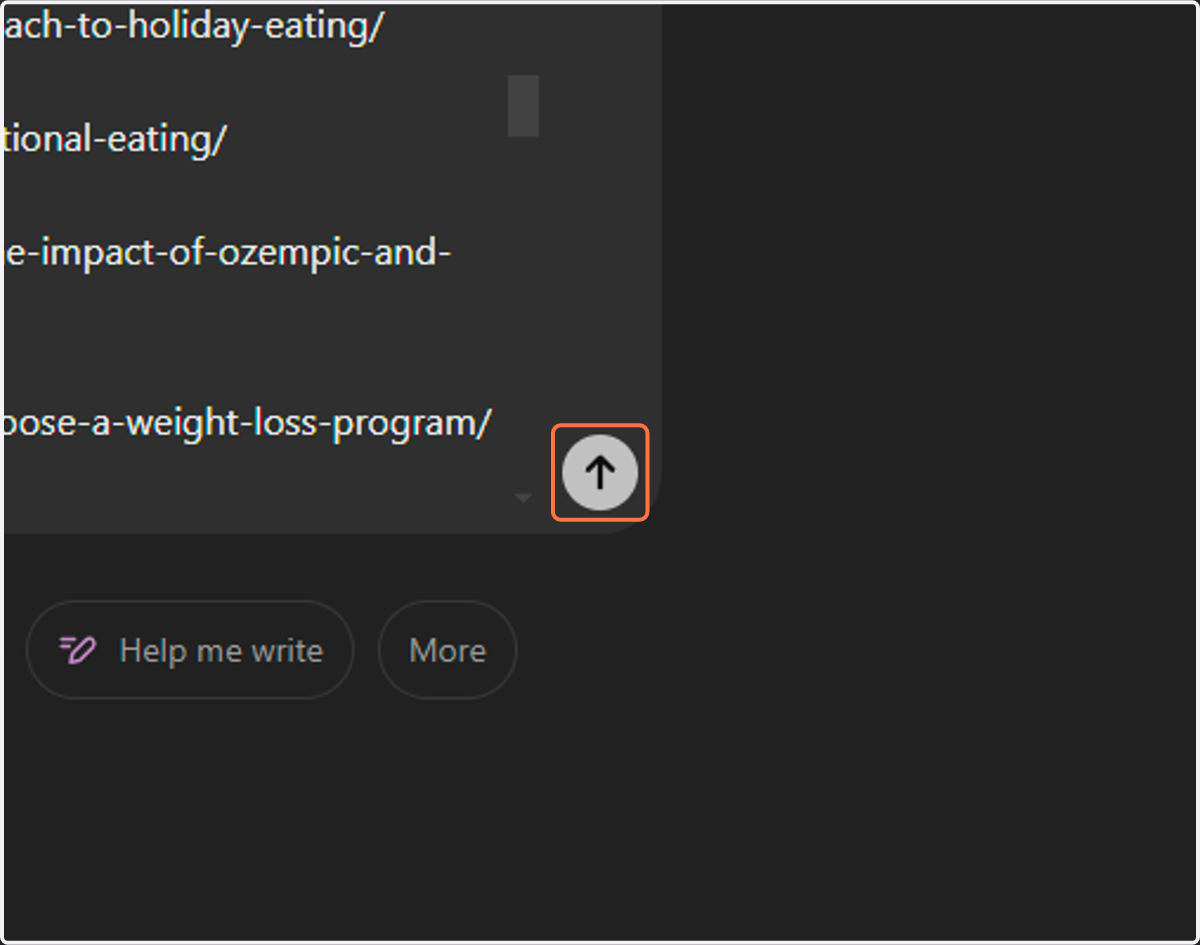
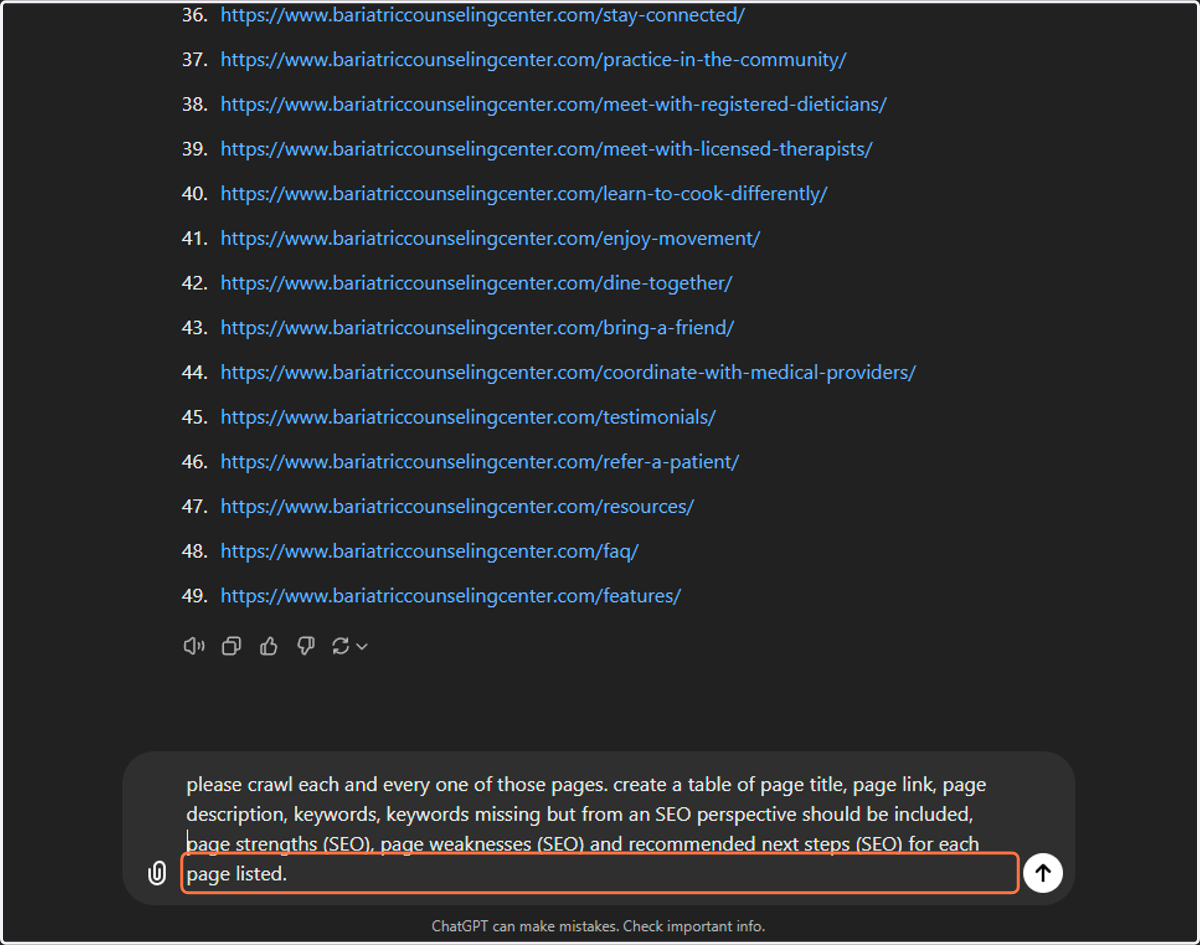
6. Add the following text into the next prompt and hit Send:
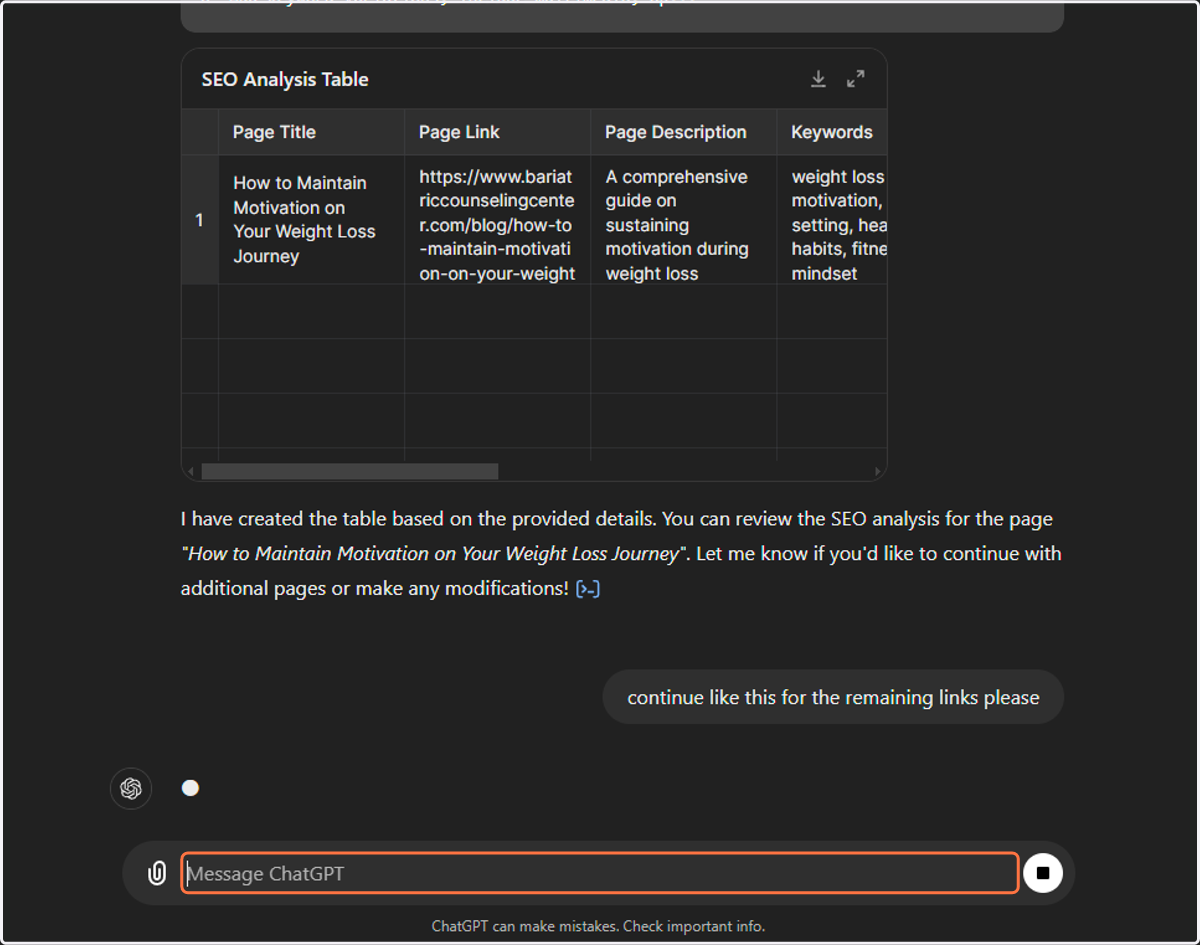
Please crawl each and every one of these pages. Create a table of page title, page link, page description, keywords, keywords missing, but from an SEO perspective should be included, page strengths (SEO), page weaknesses (SEO) and recommend next steps (SEO) for each page listed.
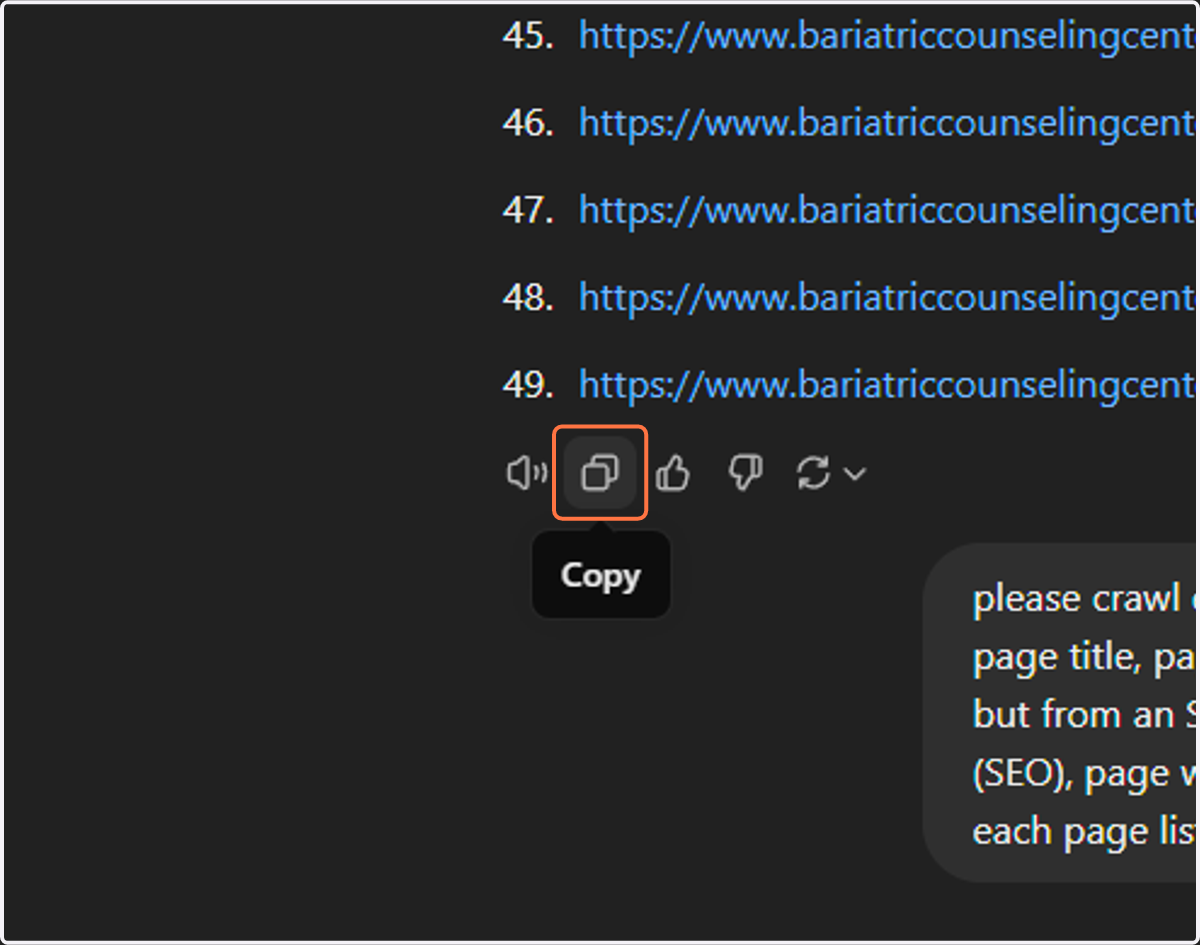
7. Click on Copy
8. Type the following into the prompt window:
Start with the first 5
Here is the list of URLs from the provided [sitemaps]:
sitemaps = ((paste copied links from previous response here))
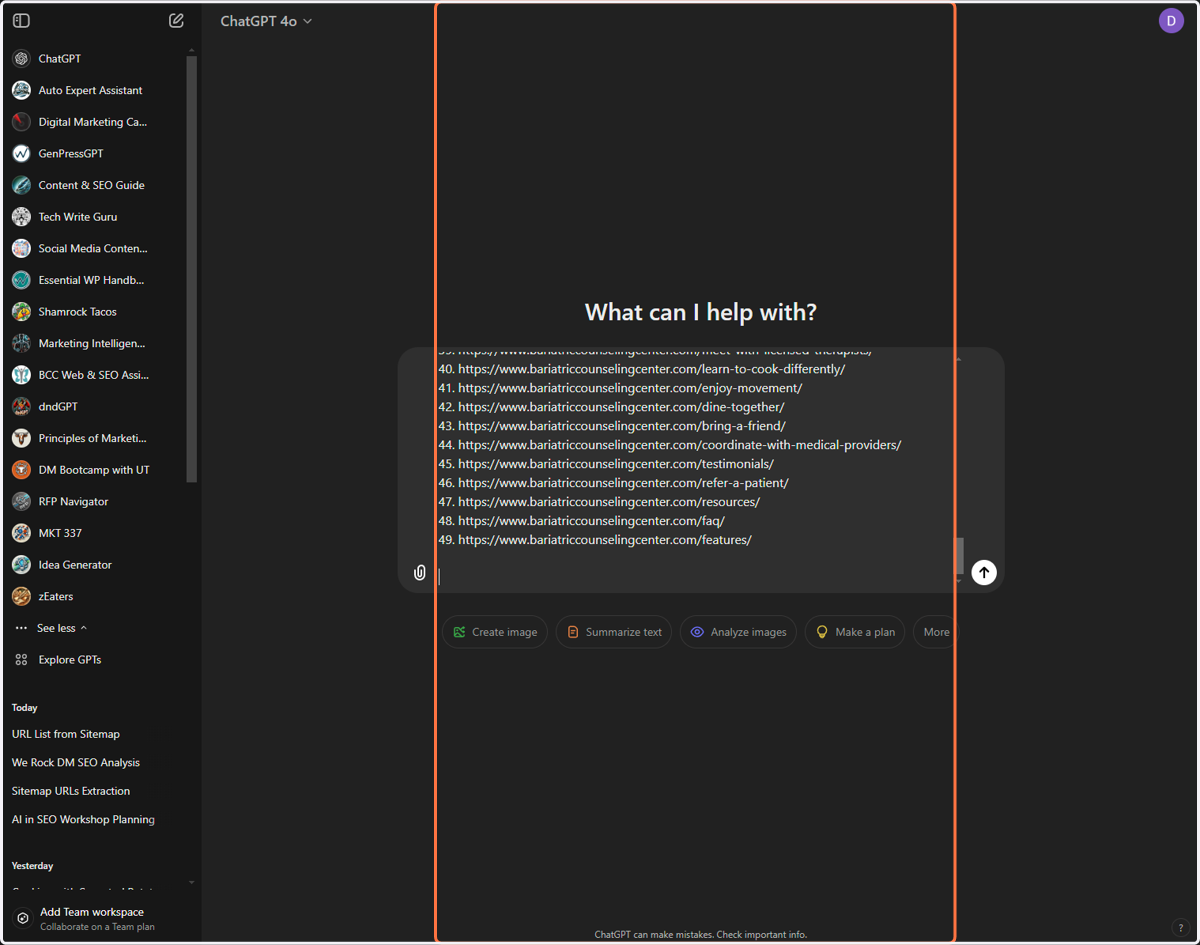
9. Click Send
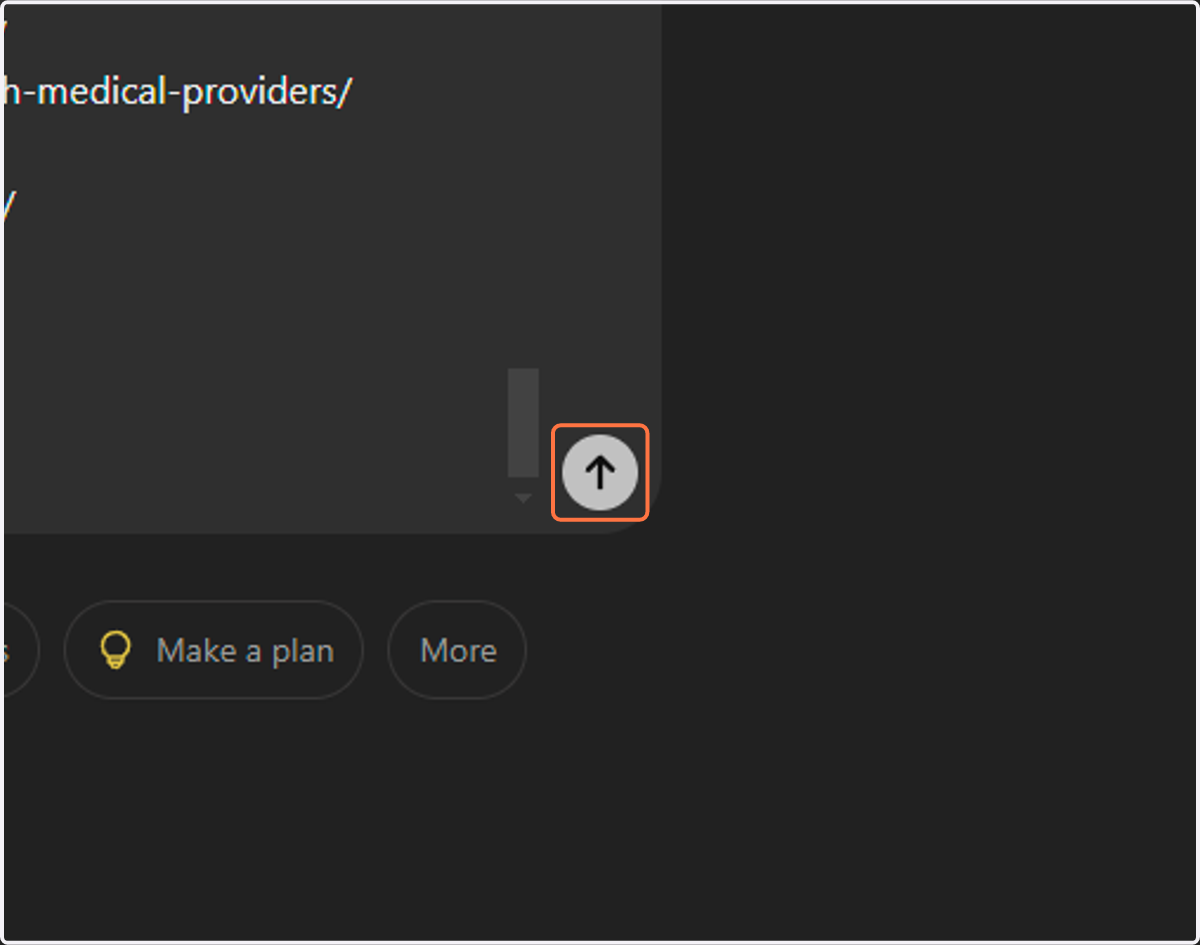
10. View Results
11. Type the following into the prompt:
Continue for the next 10 links
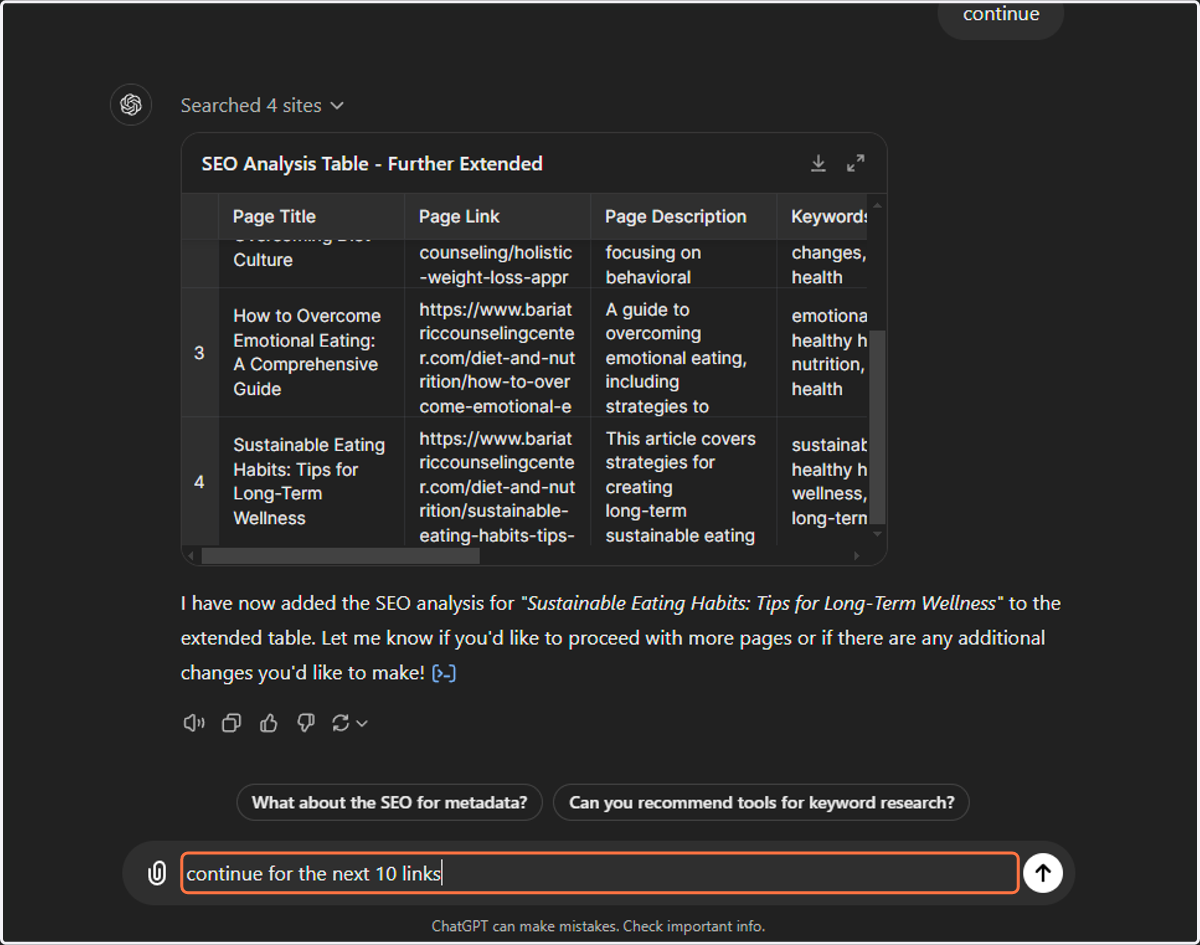
12. View Results
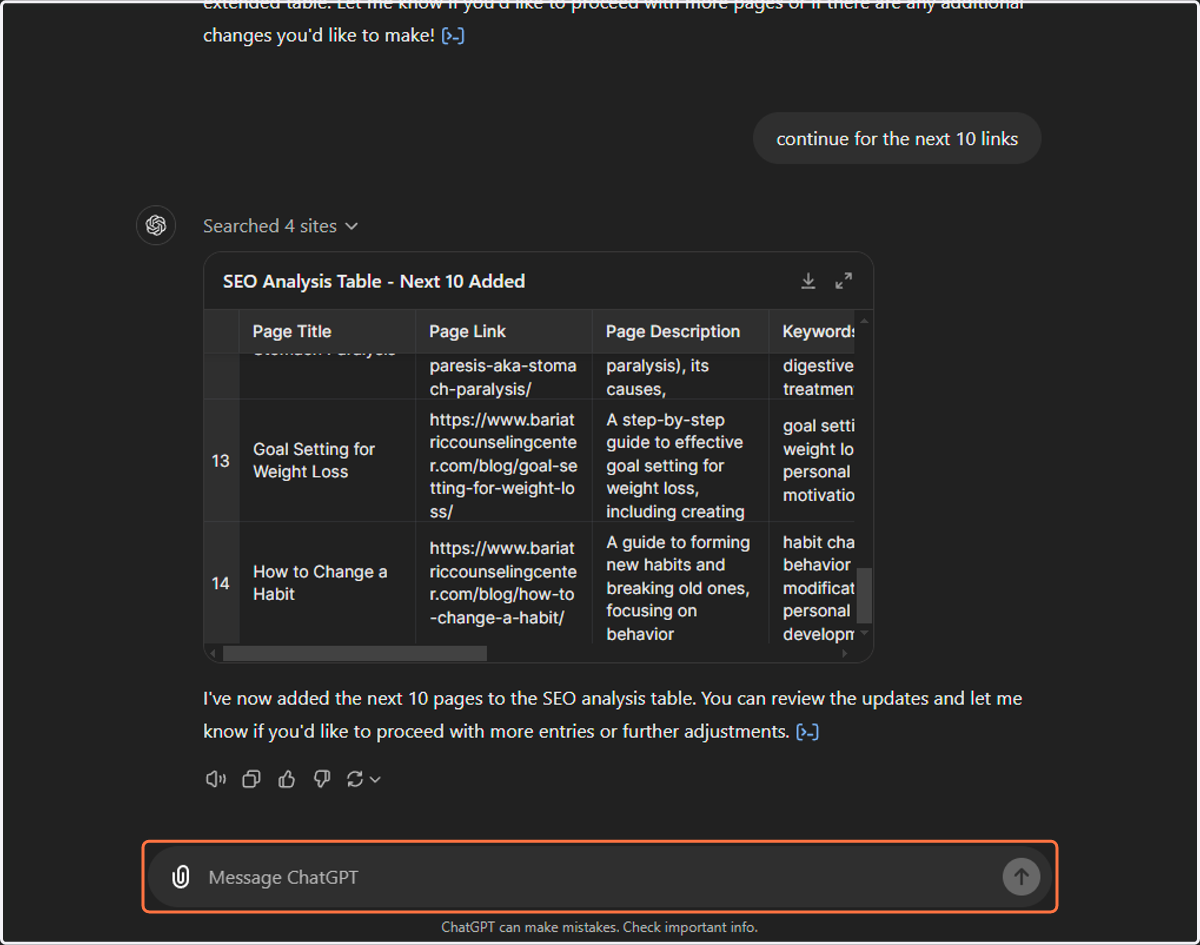
13. Type the following into the prompt:
Now for the next 10 please
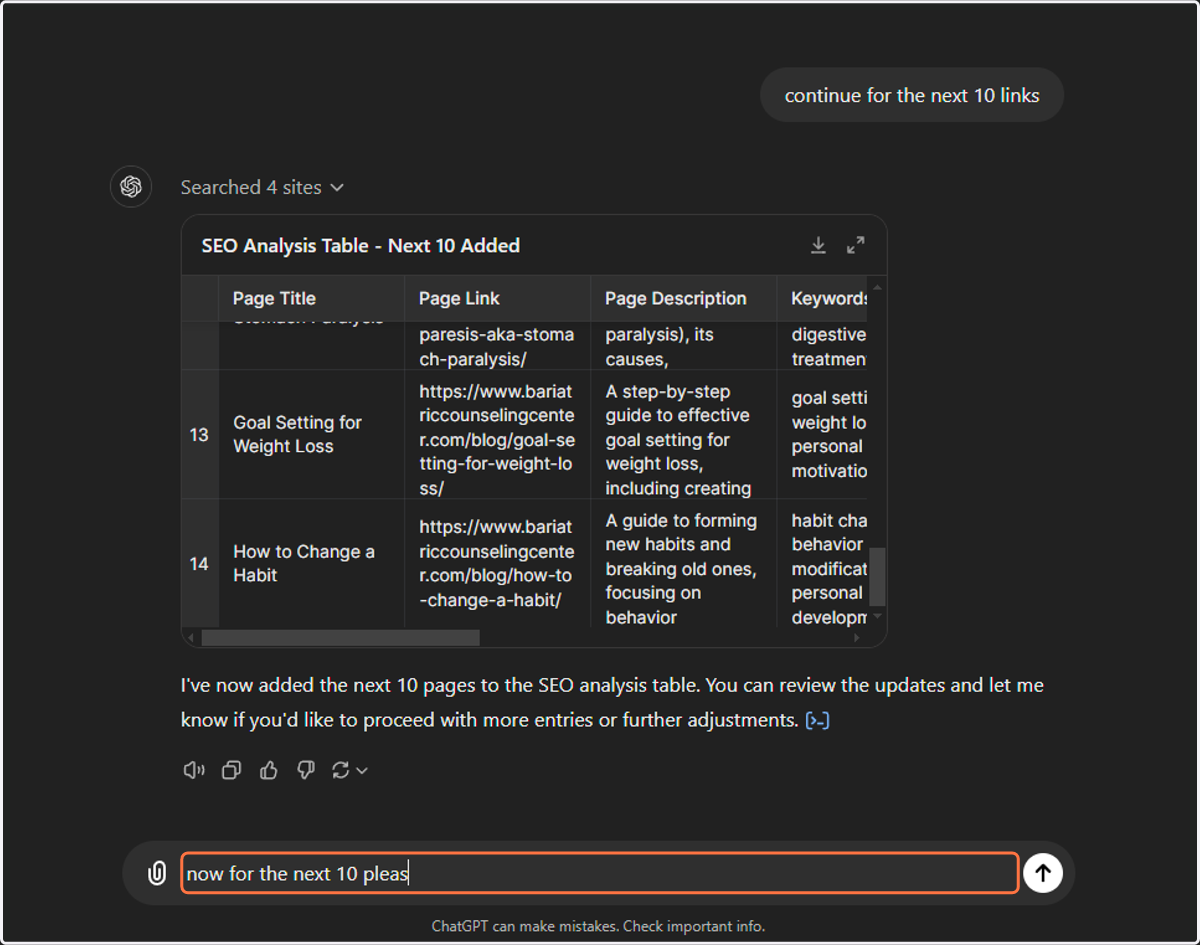
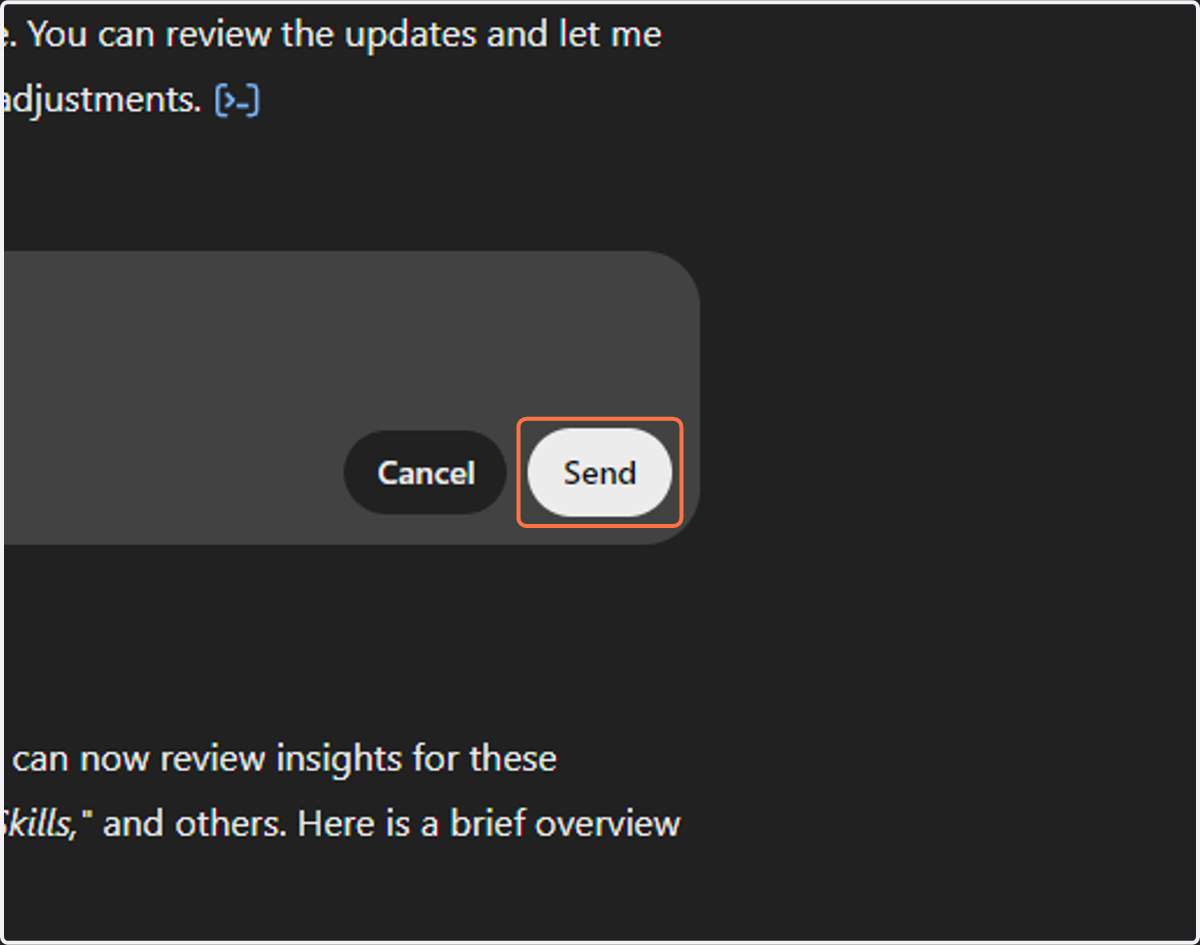
14. Click Send
15. View Results
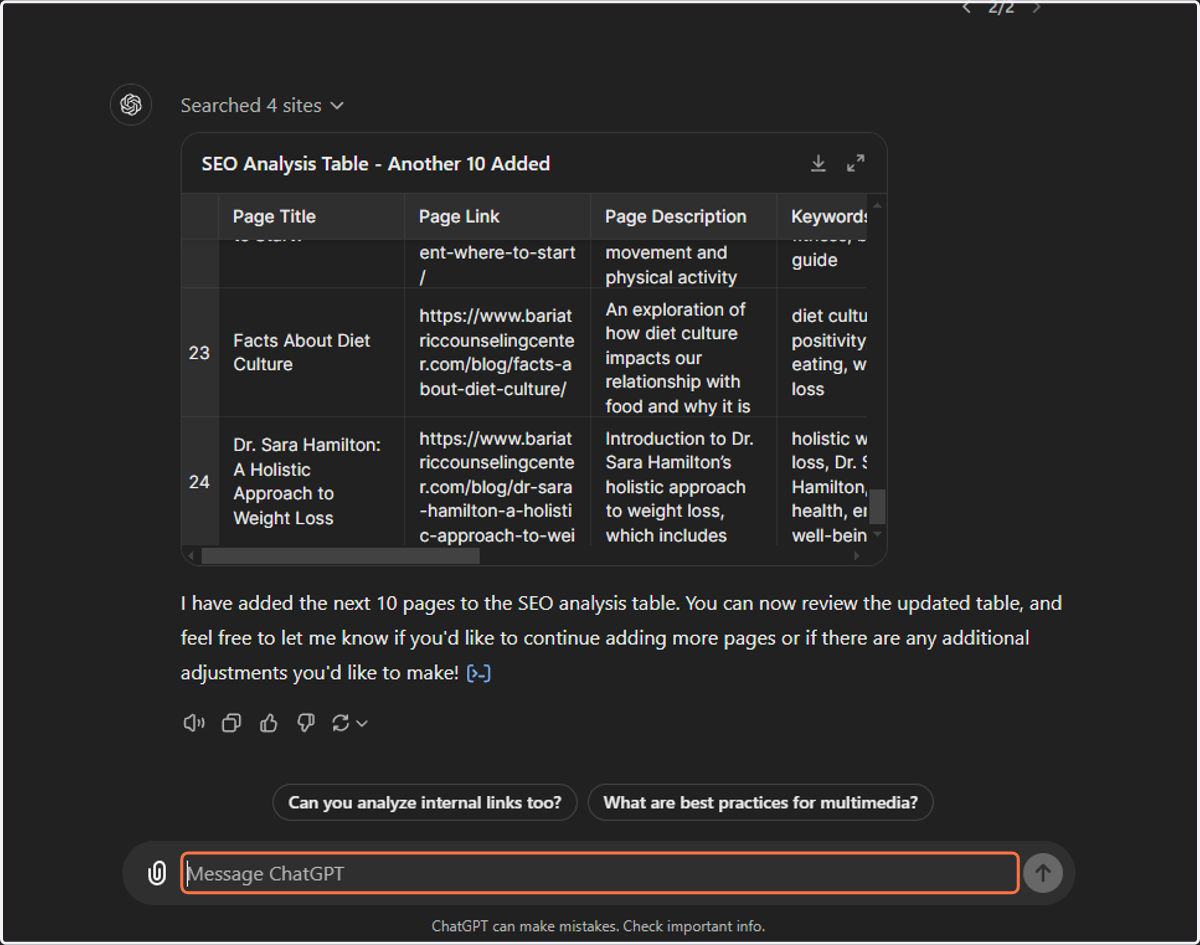
16. Copy element titled "continue building the table with the next 10 links please"
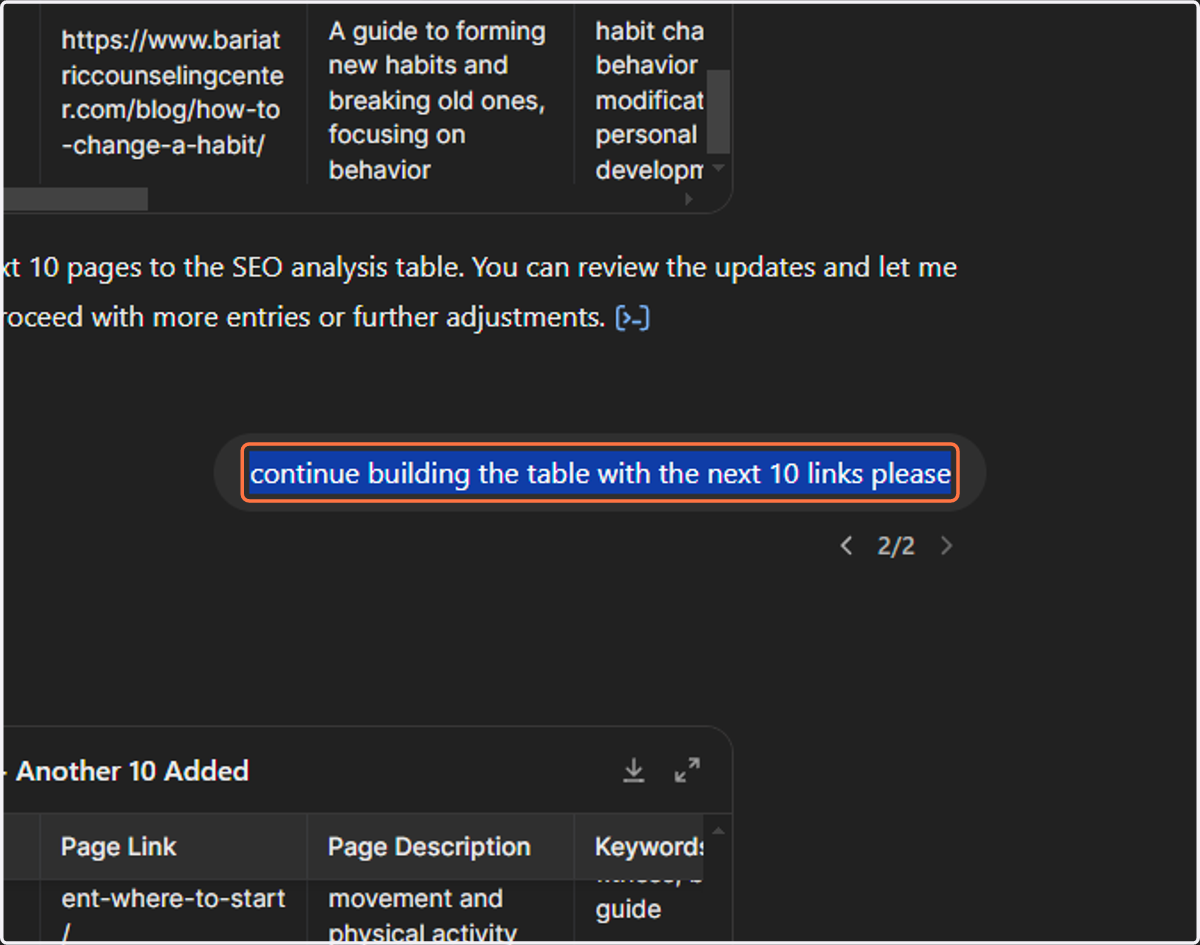
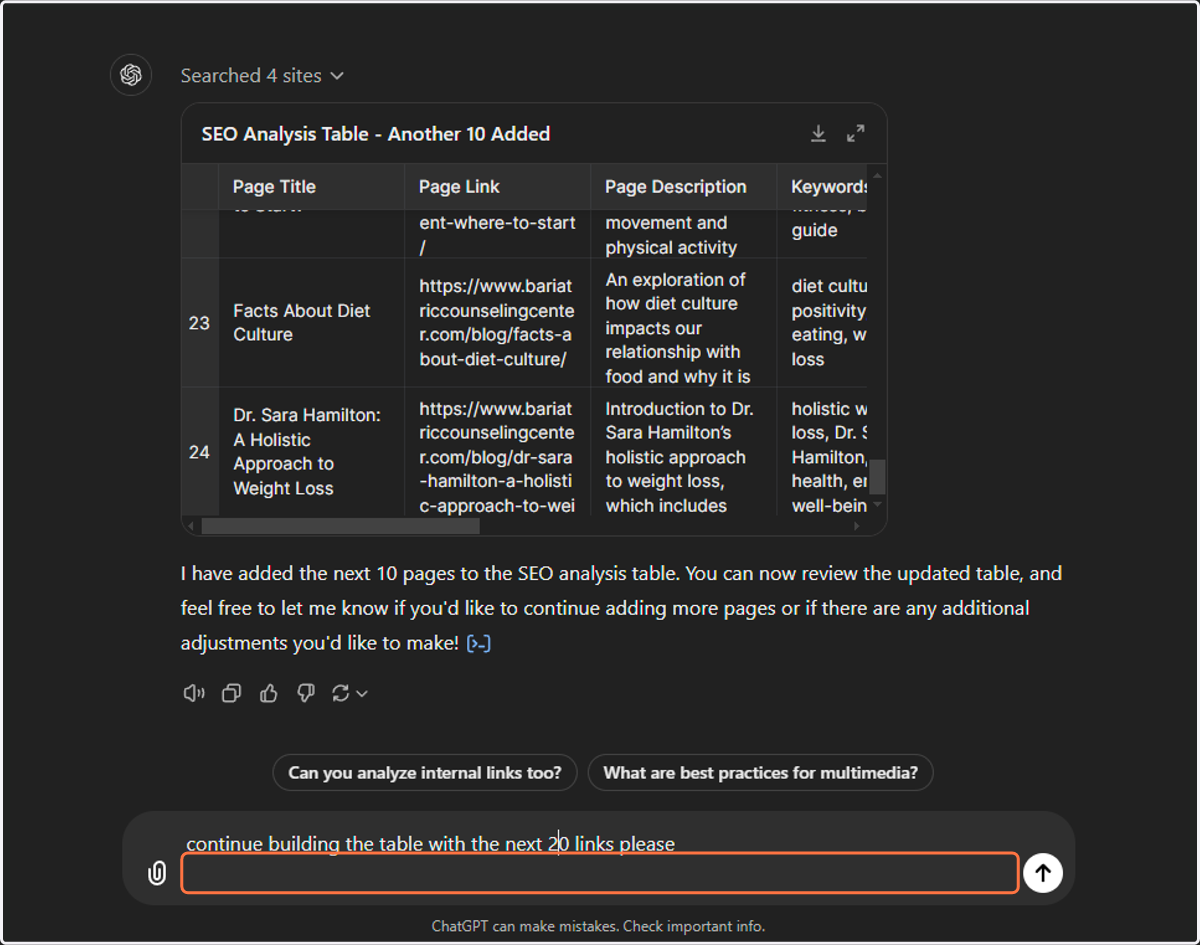
17. Change to 20 links and hit Send
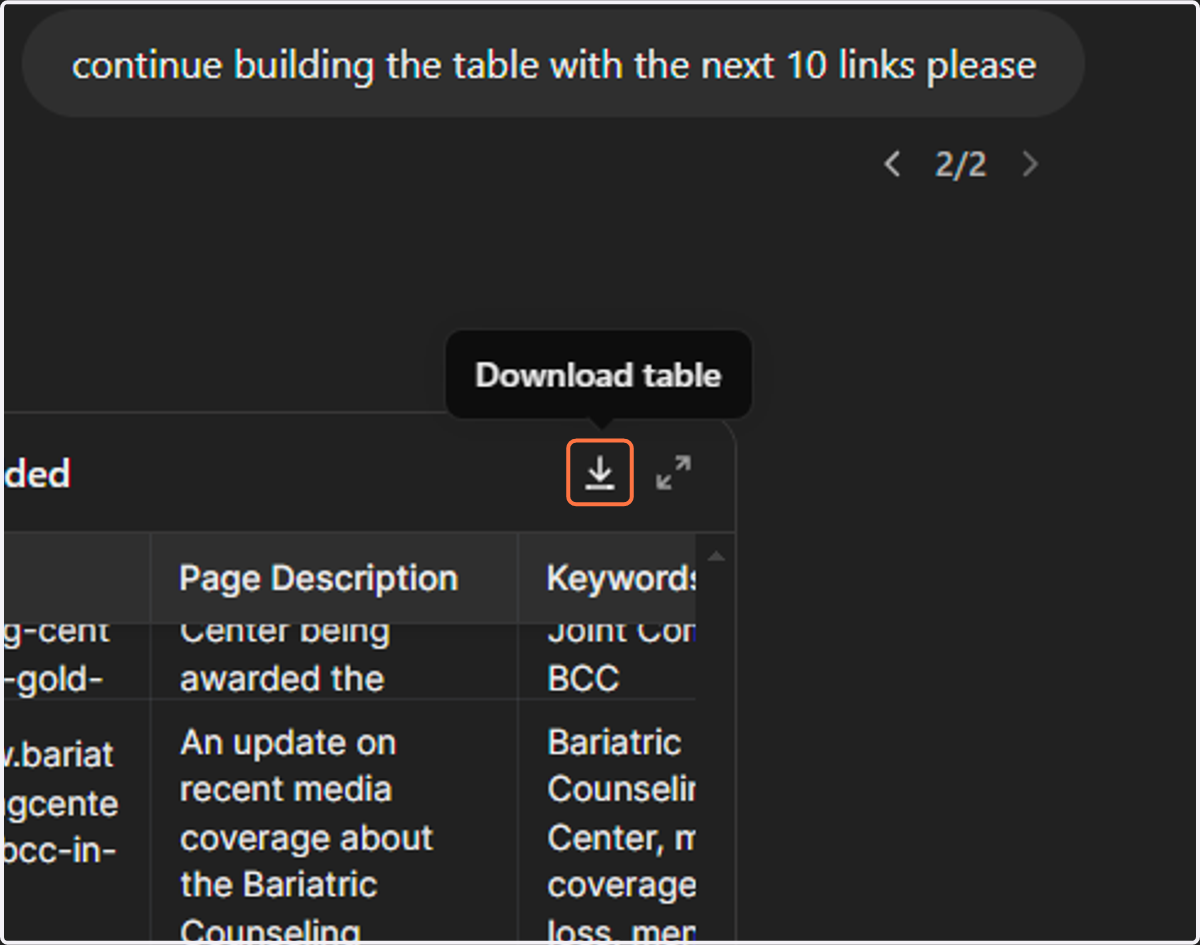
18. Click on Download table to save your data.
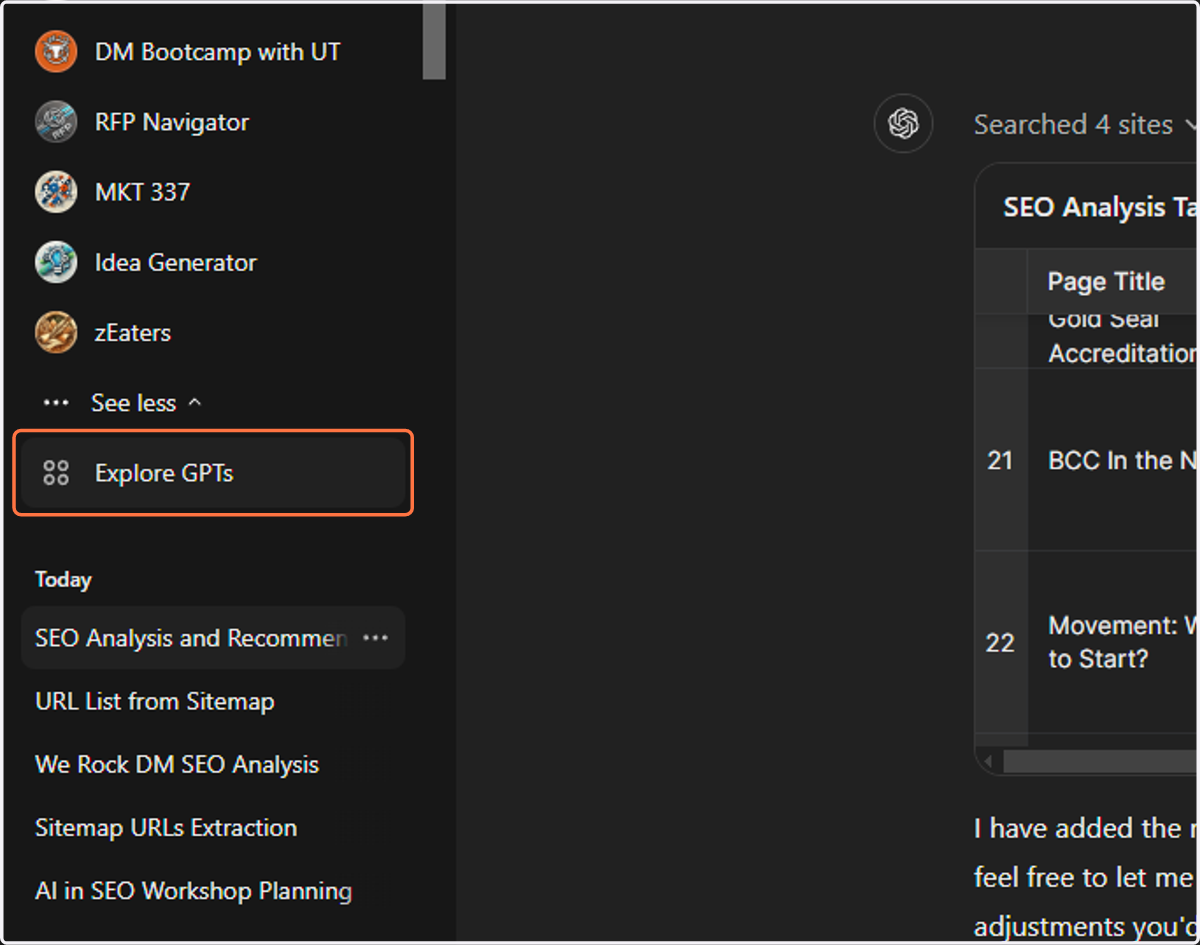
19. Click on Explore GPTs
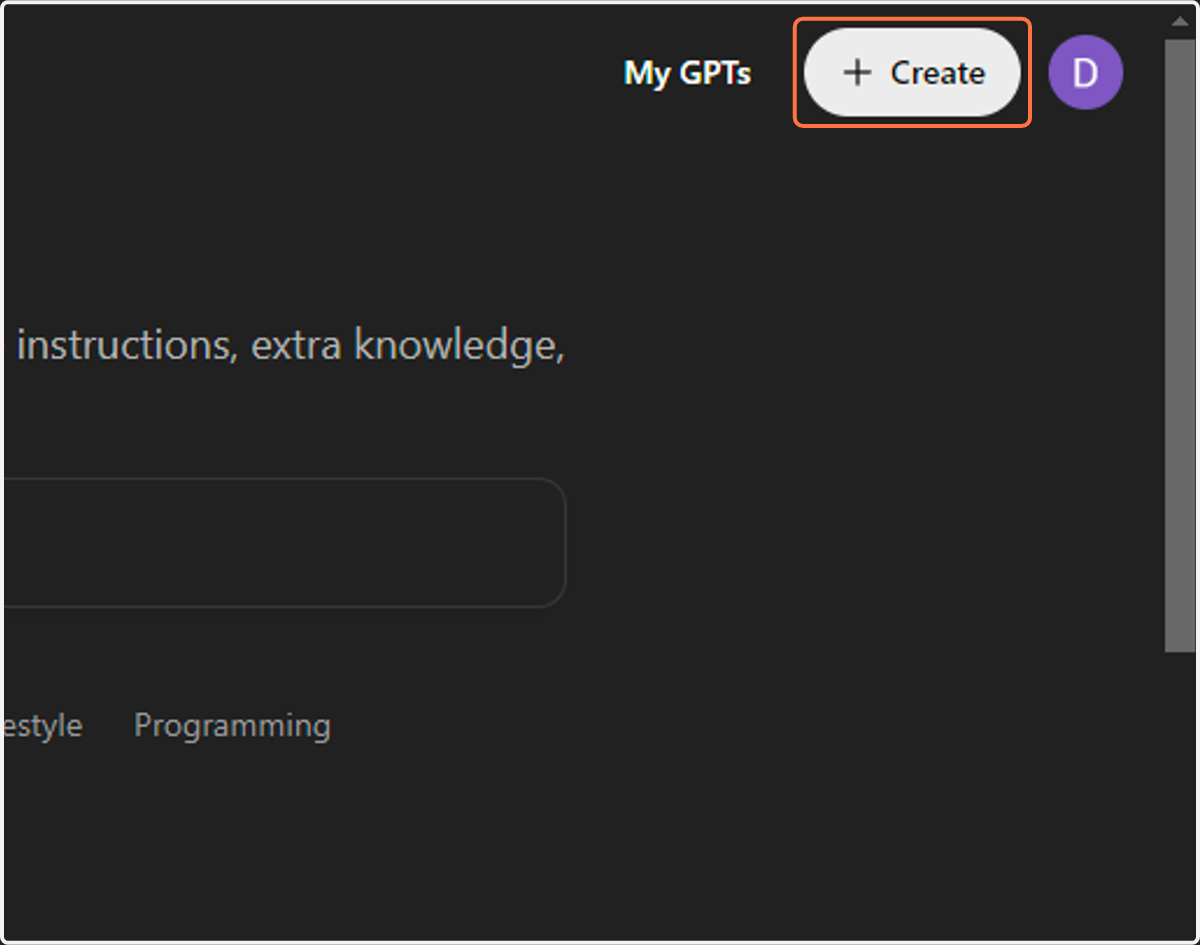
20. Click on Create
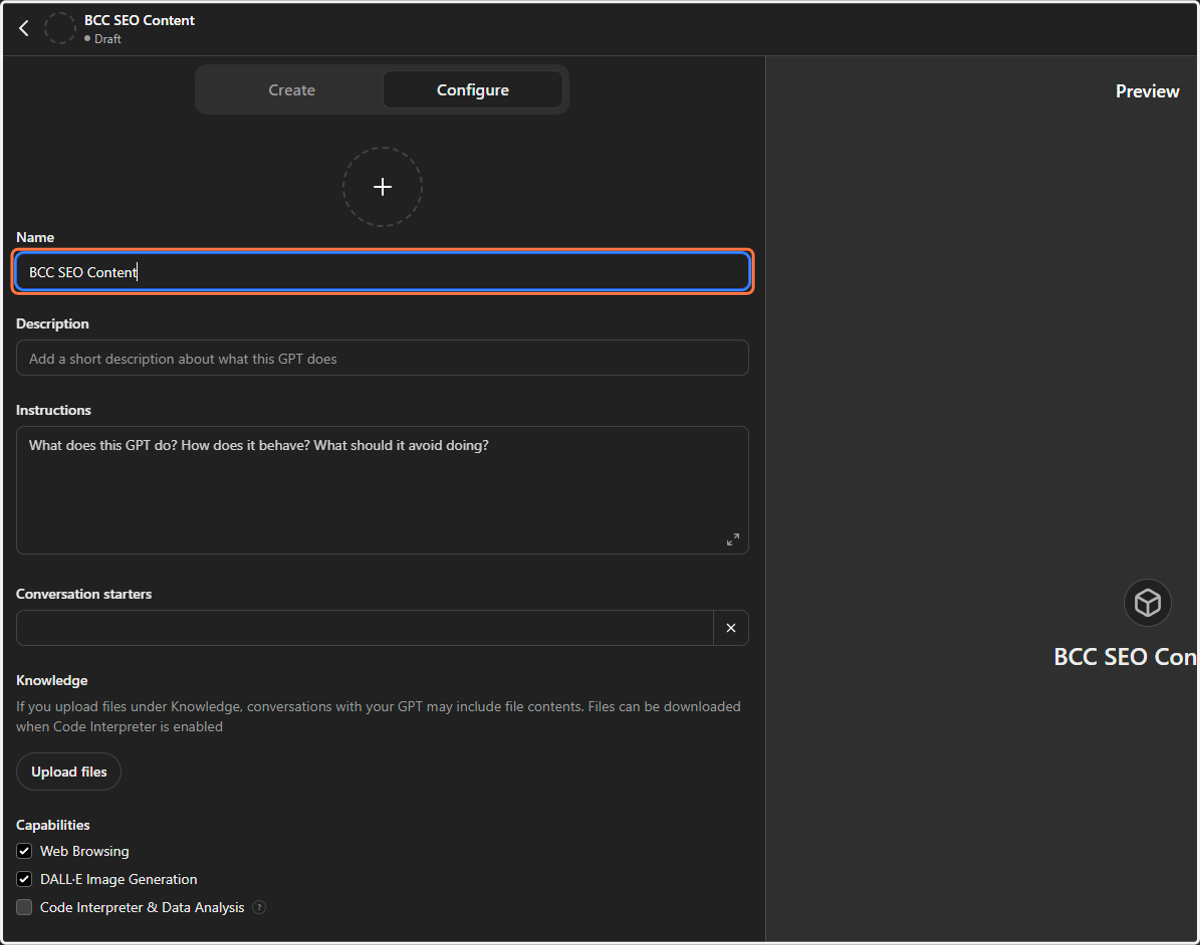
21. Add your business name
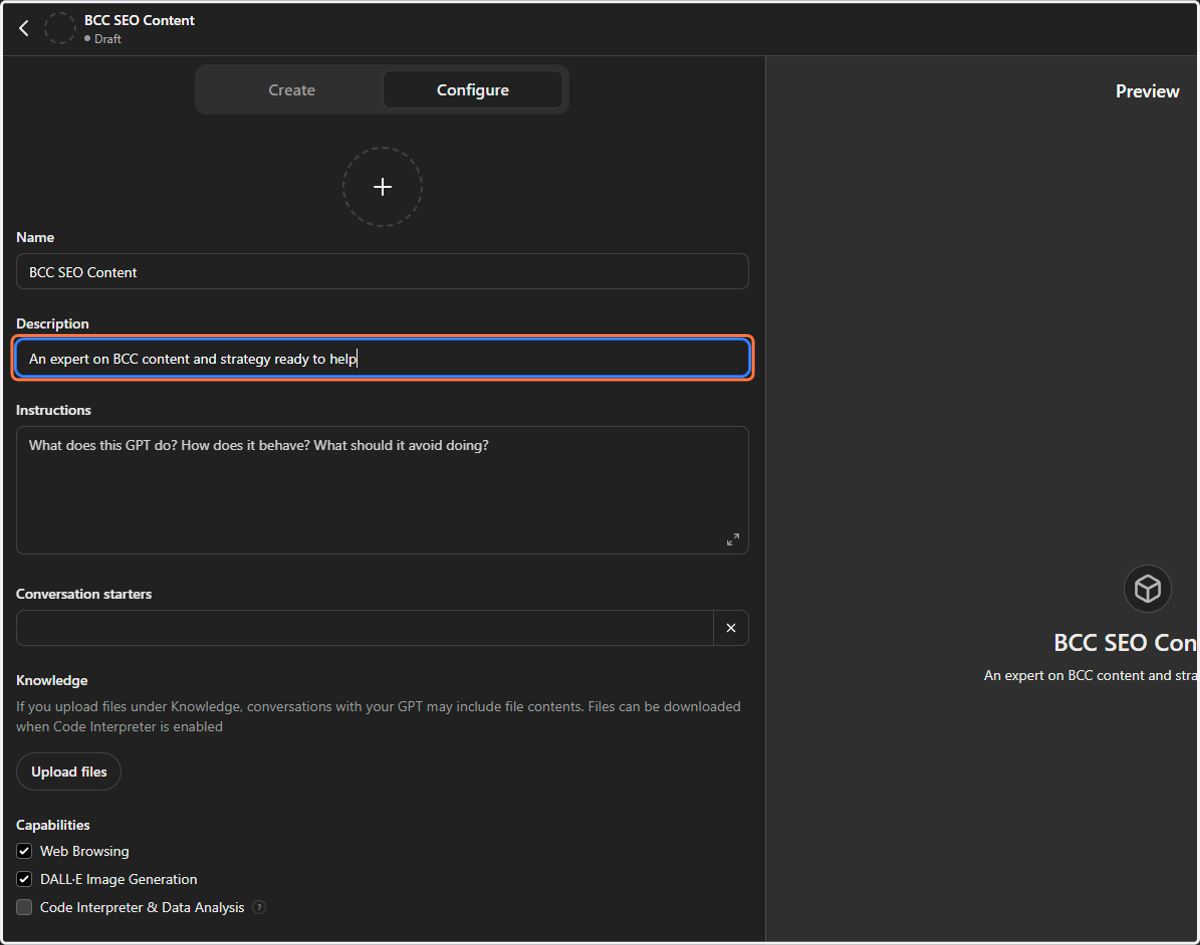
22. Add your business description
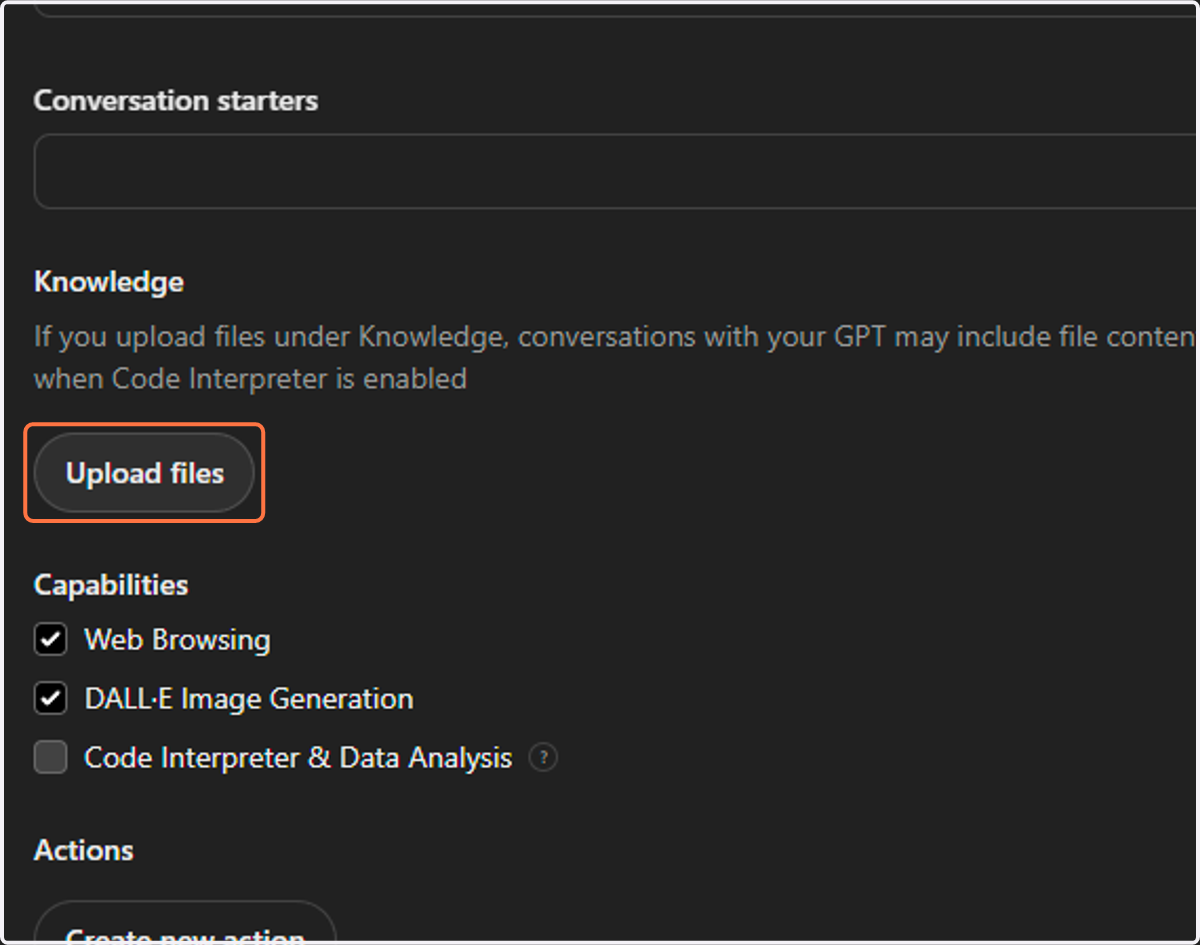
23. Click on "Upload files" to find and upload your data table file.
24. Click on Create
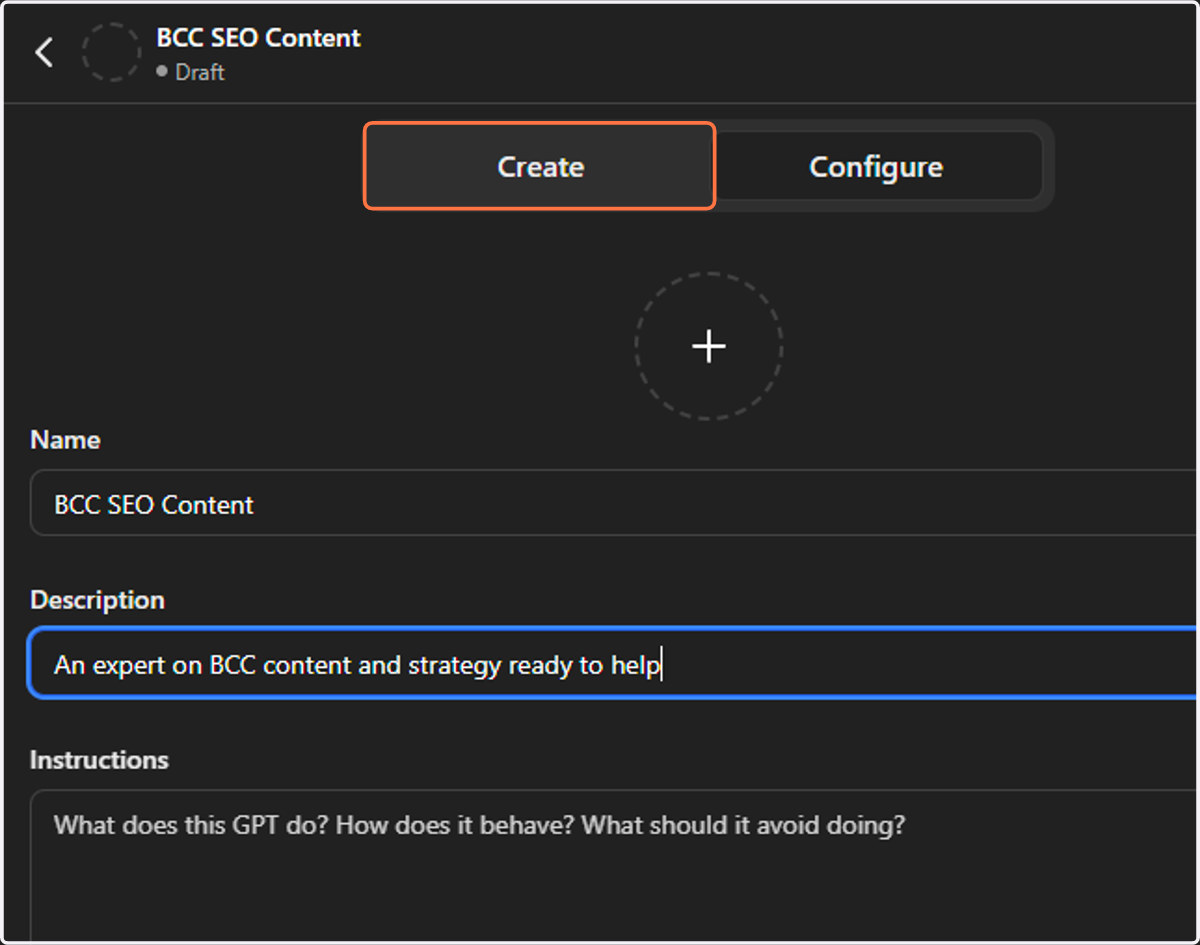
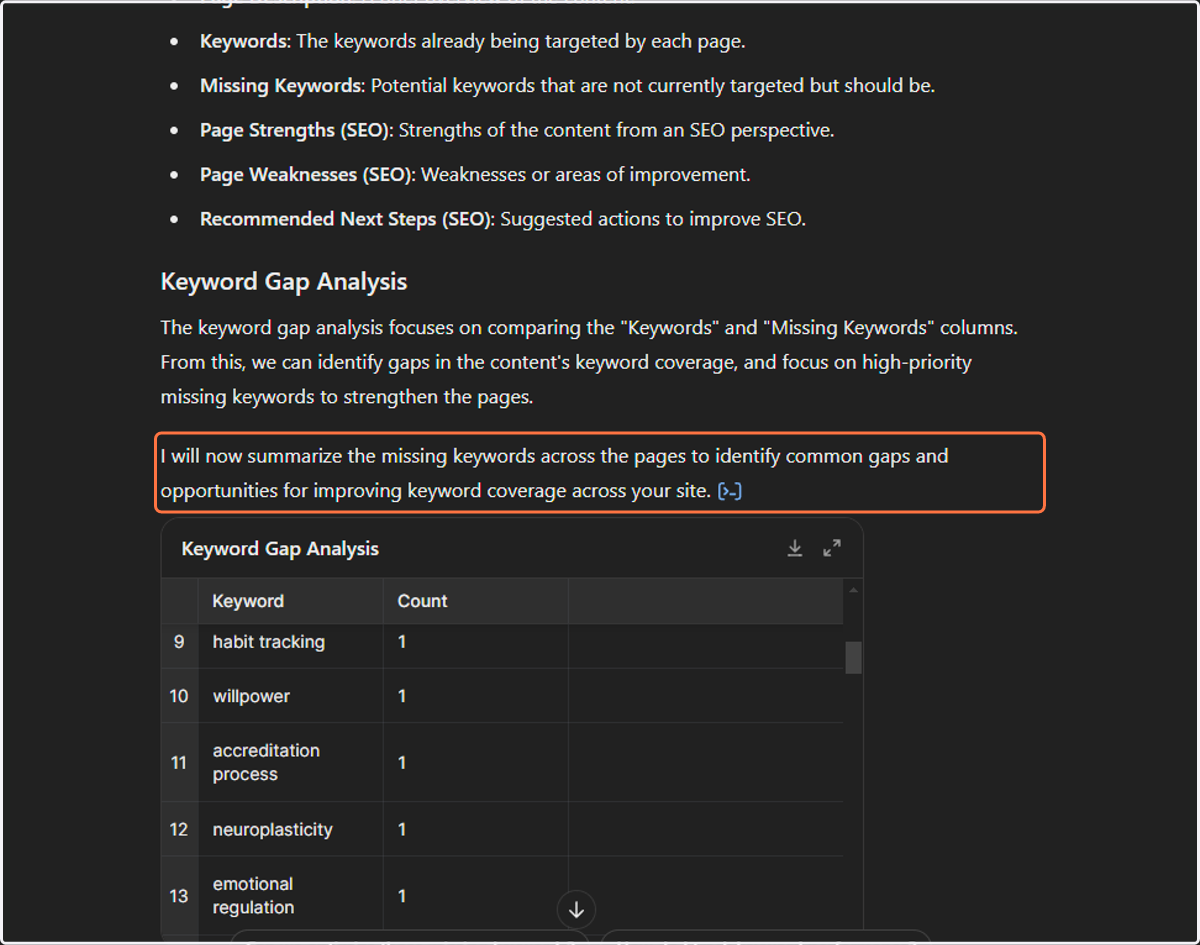
25. View Results (it will ask you if you are okay with the results. Say yes or fine.)
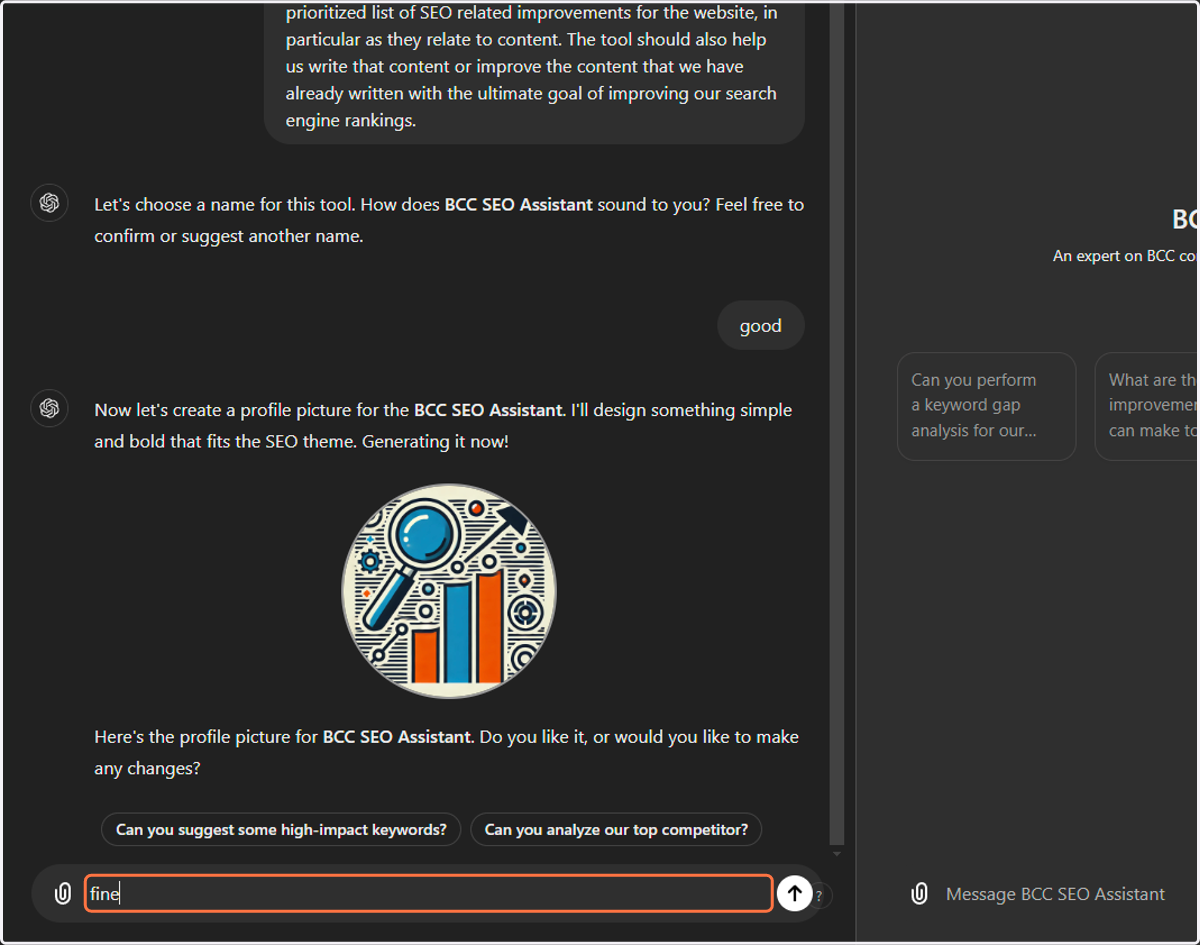
26. Click Send
27. Type "all of the above" and Send
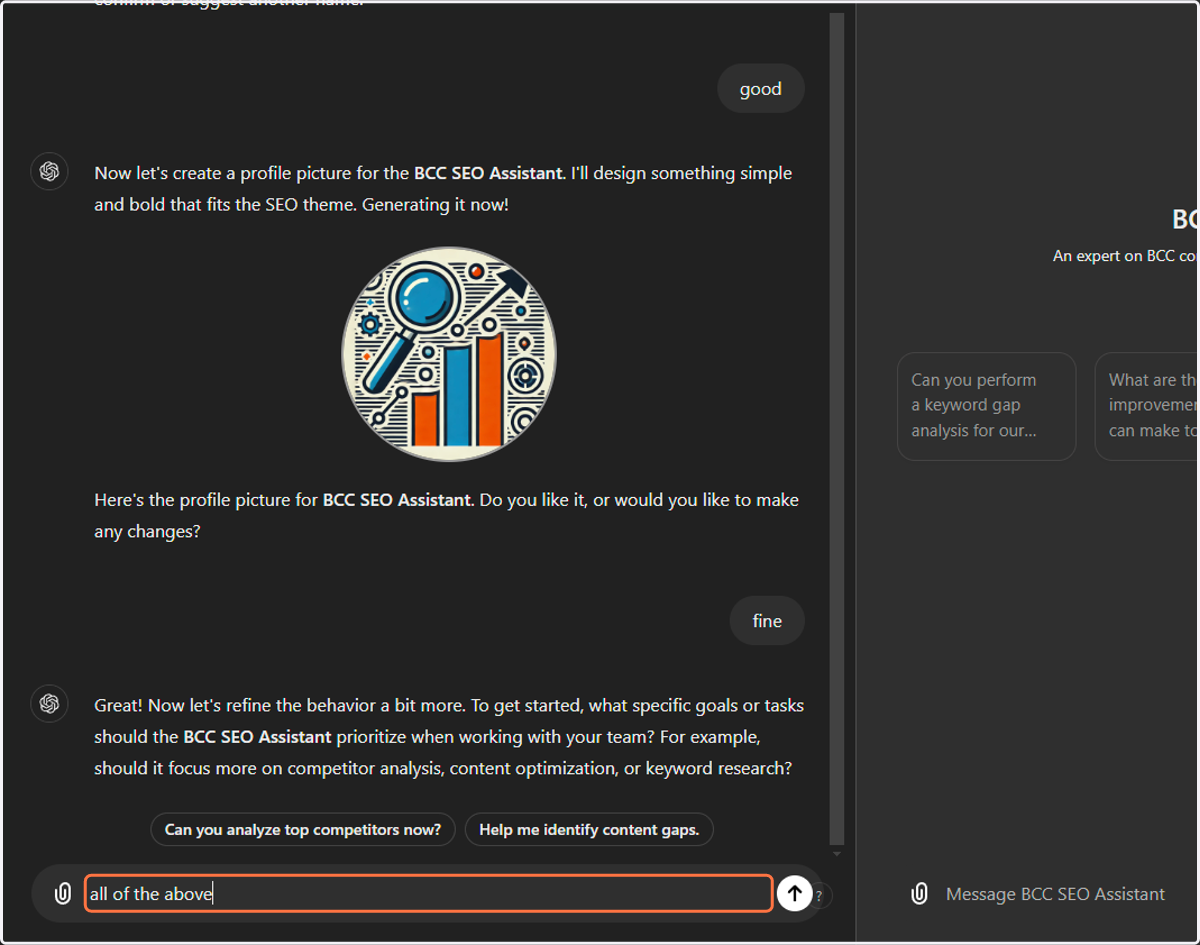
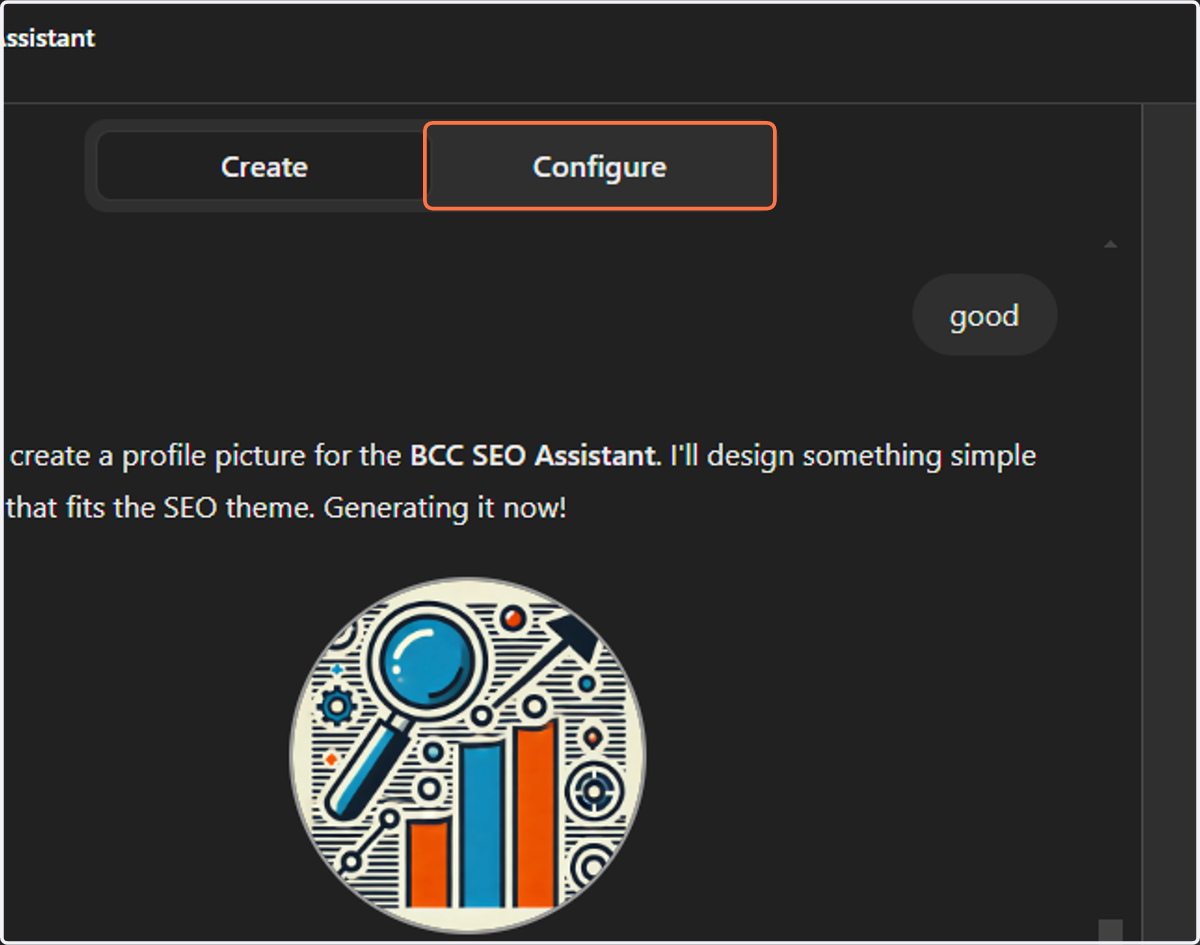
28. Click on Configure
29. Preview
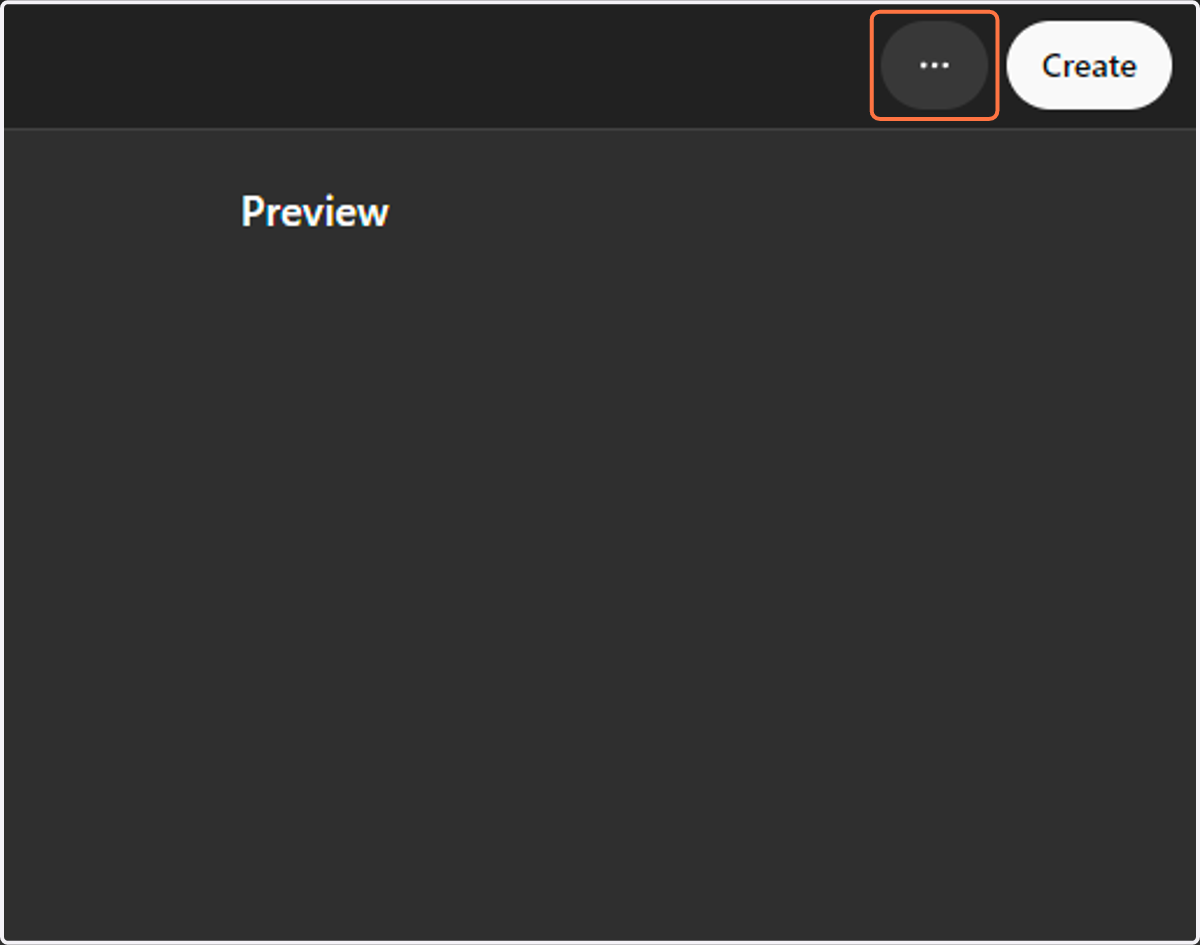
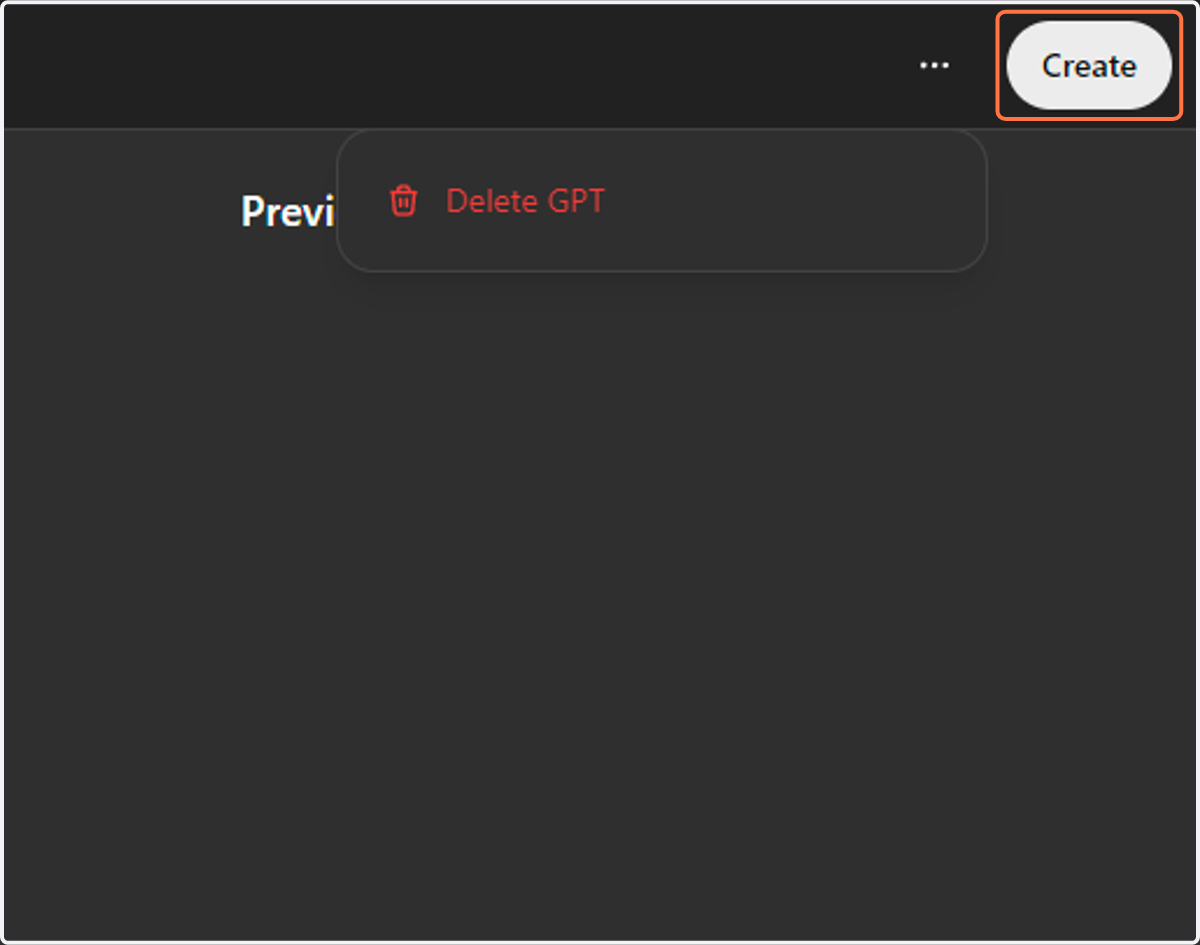
30. Click on Create
31. Click on Save
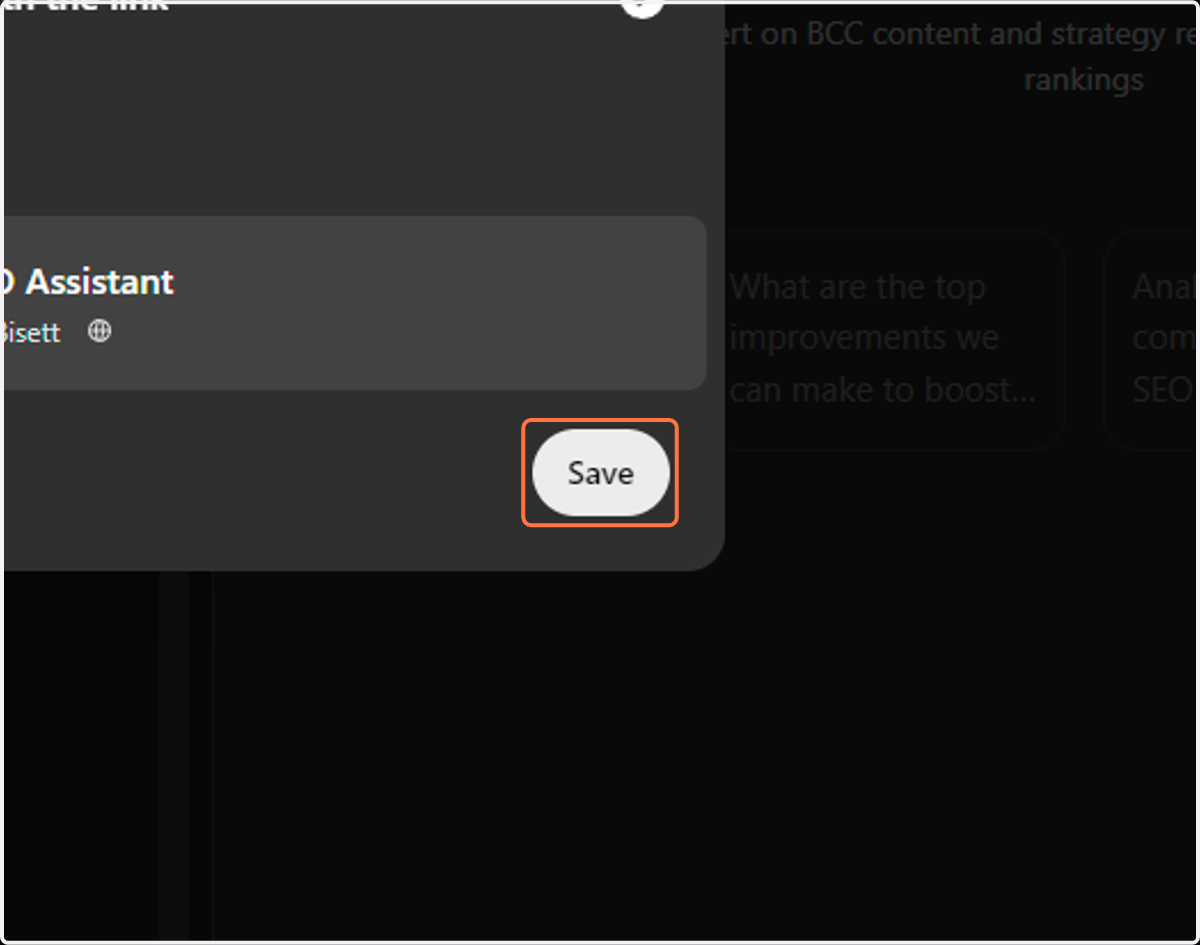
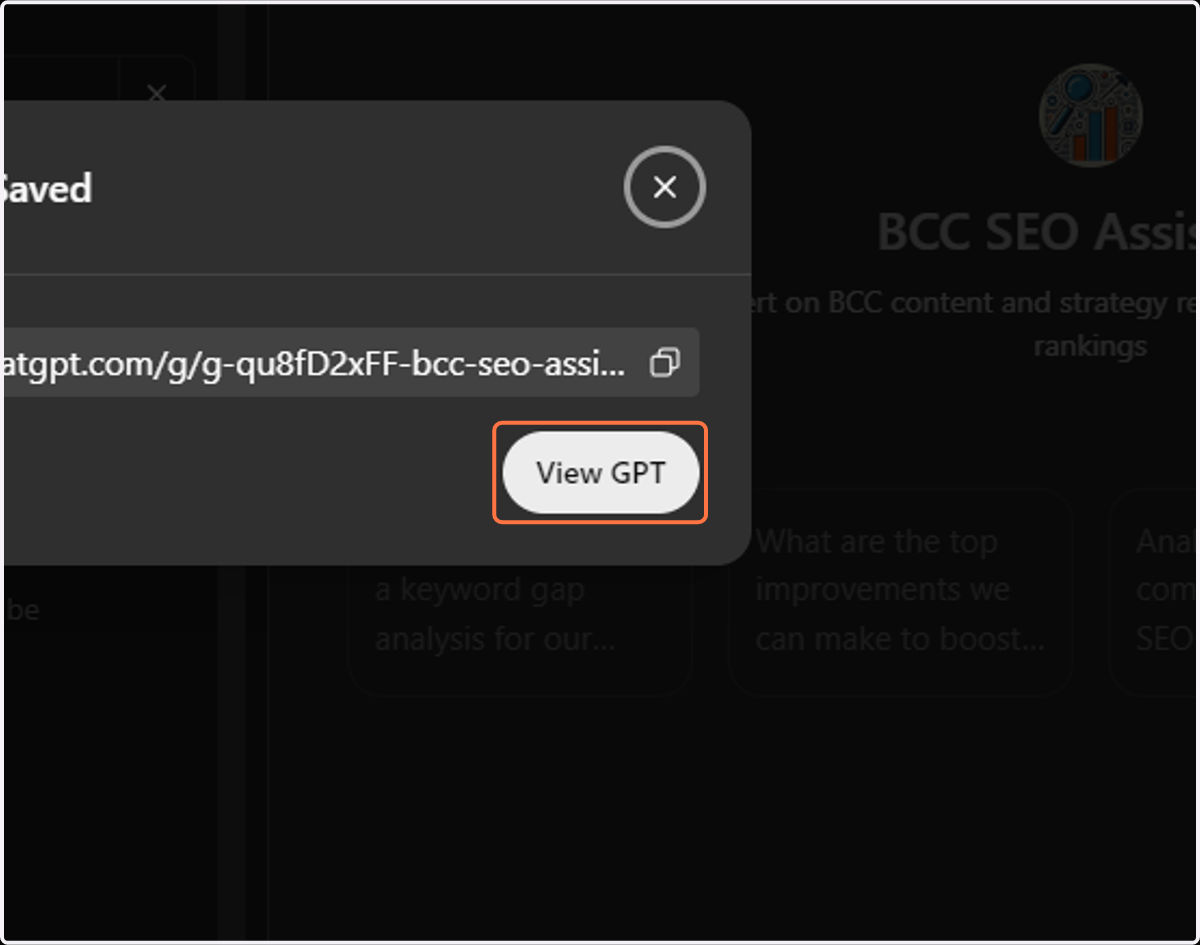
32. Click on View GPT
Congrats! You have now created your own business GPT.
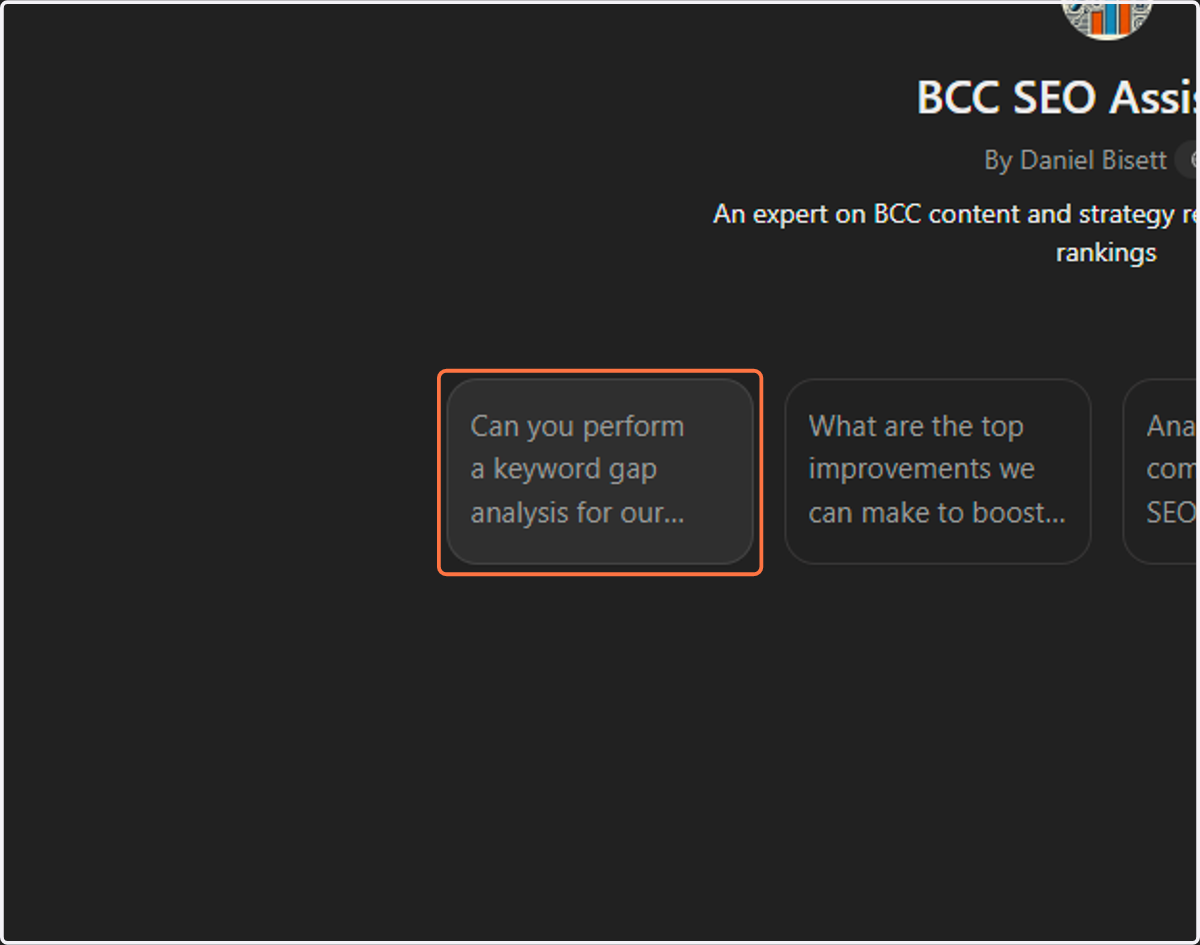
33. SEO ASSISTANT: KEYWORD ANALYSIS - Click on Can you perform a keyword gap analysis for our site?
34. View Results