Credit Recovery Grade Suppression
Suppress the ORIGINAL Transcript Record
Transcripts | Infinite Campus
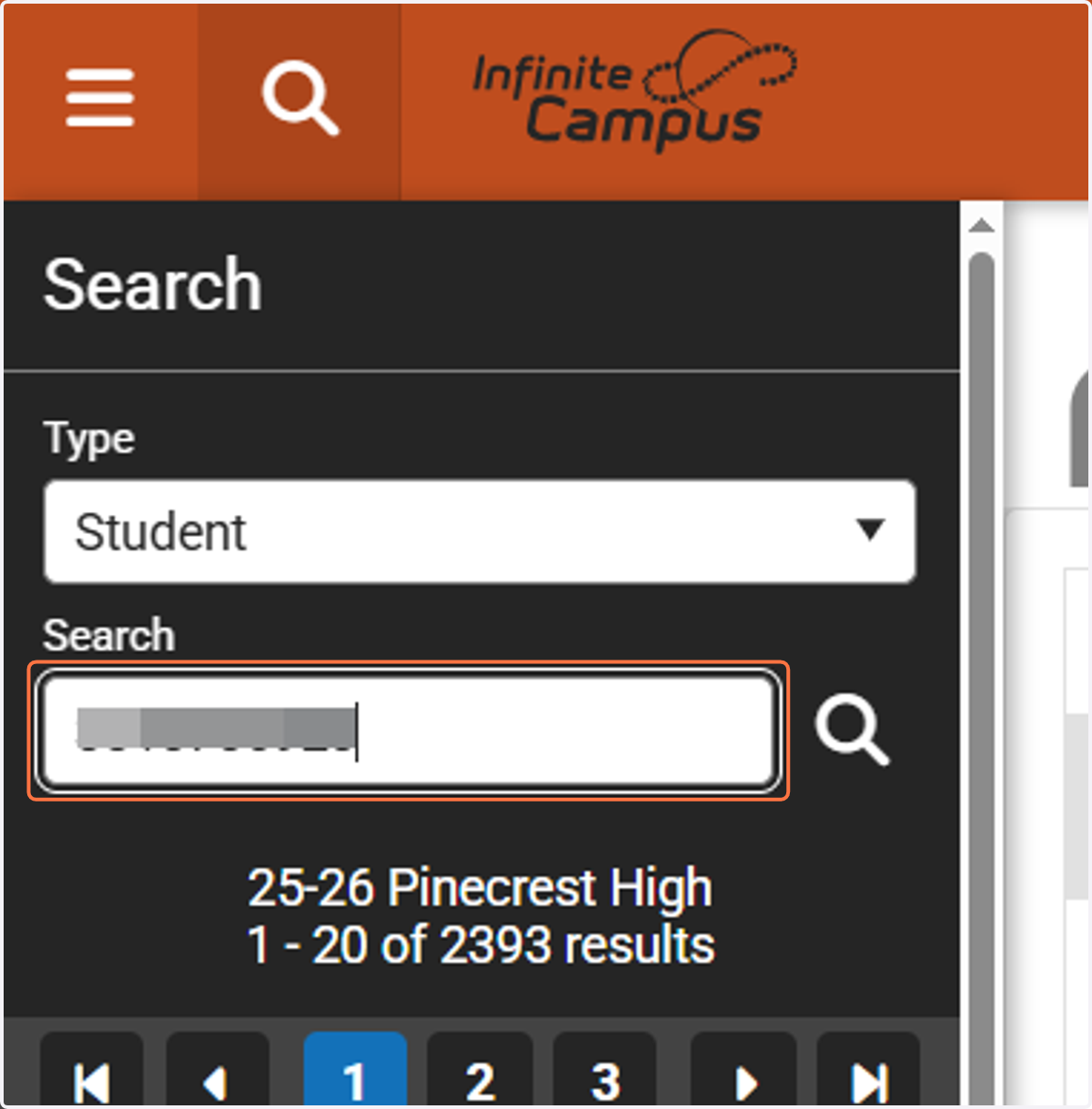
1. Search for your student.
2. Navigate to the student's Transcript's page.
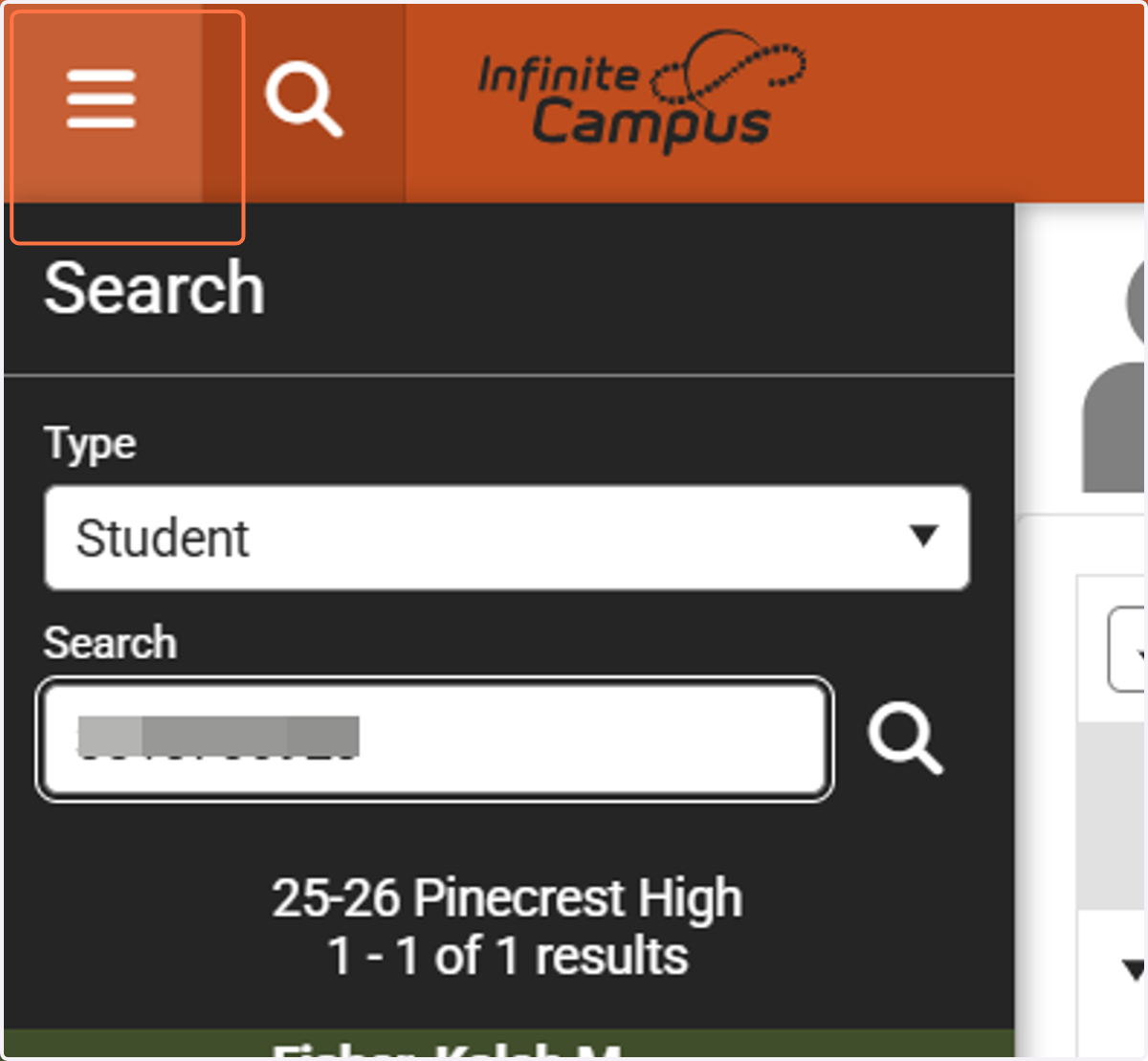
3. Click on Student Information
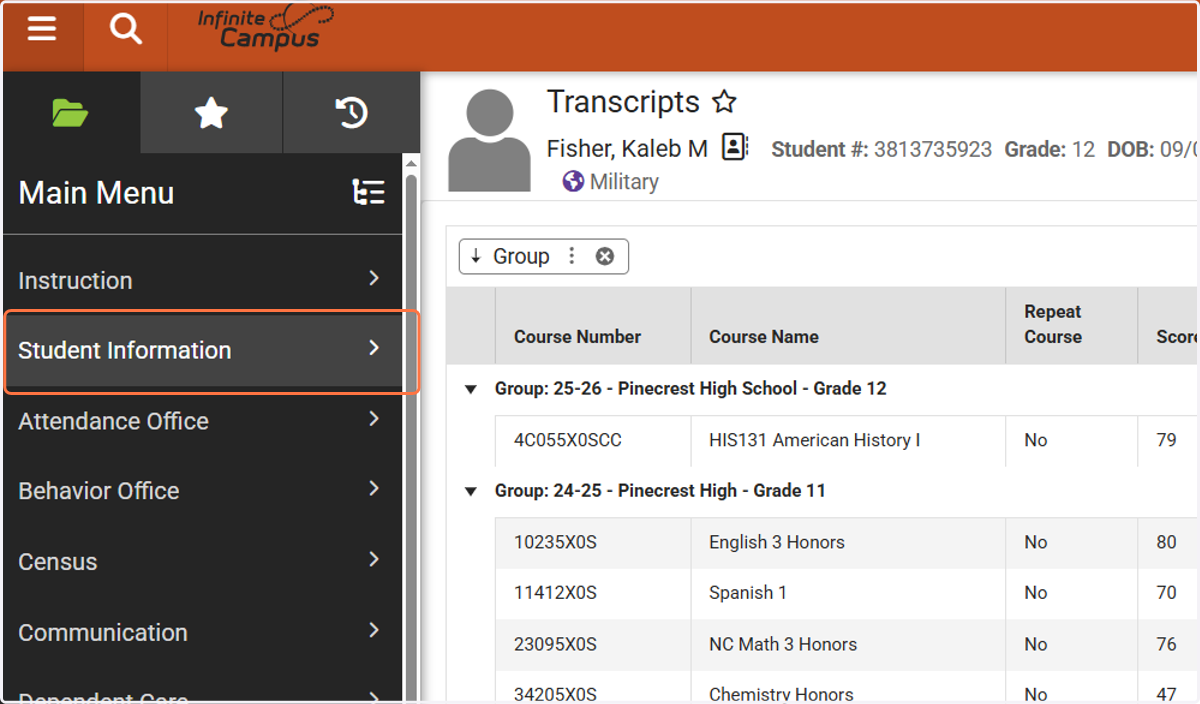
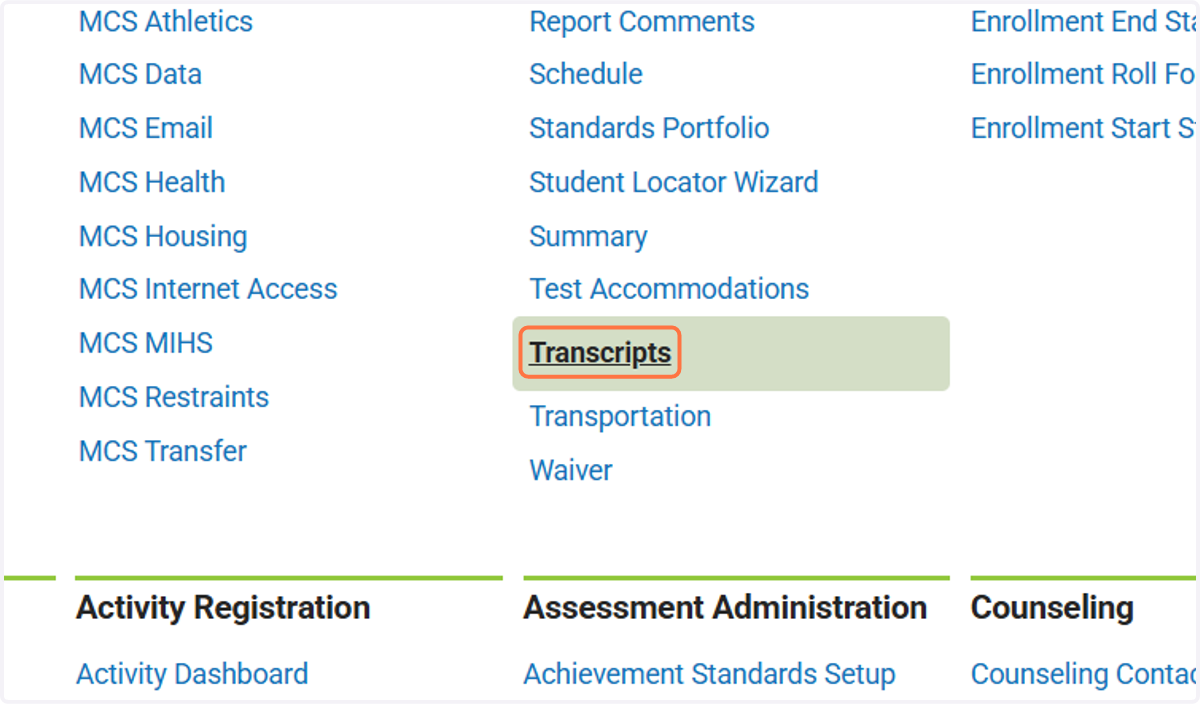
4. Click on Transcripts
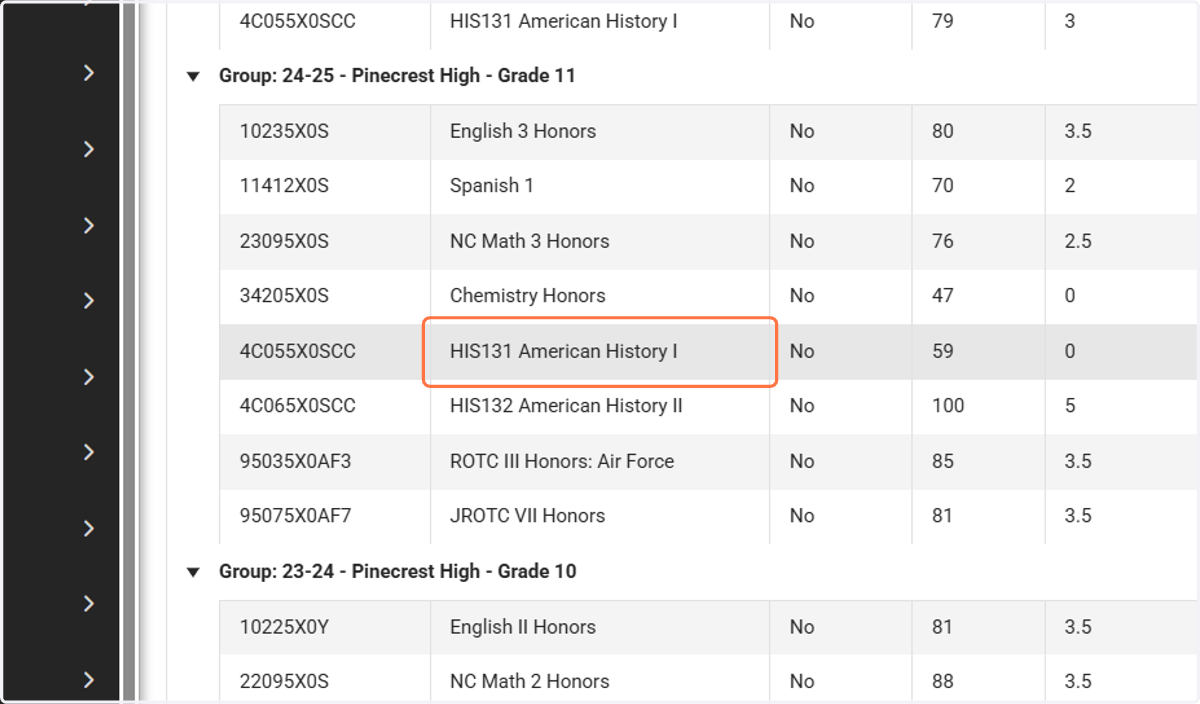
5. Locate the transcript record for the ORIGINAL Course and click on it.
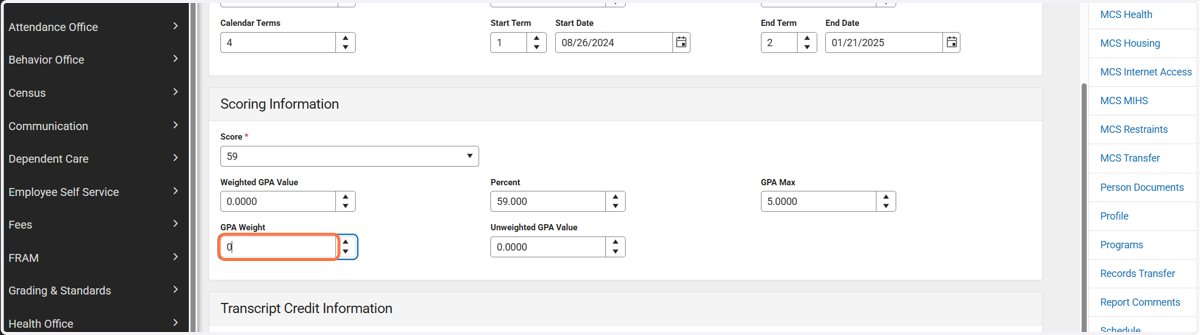
6. Under Scoring Information, change GPA Weigh to 0.00.
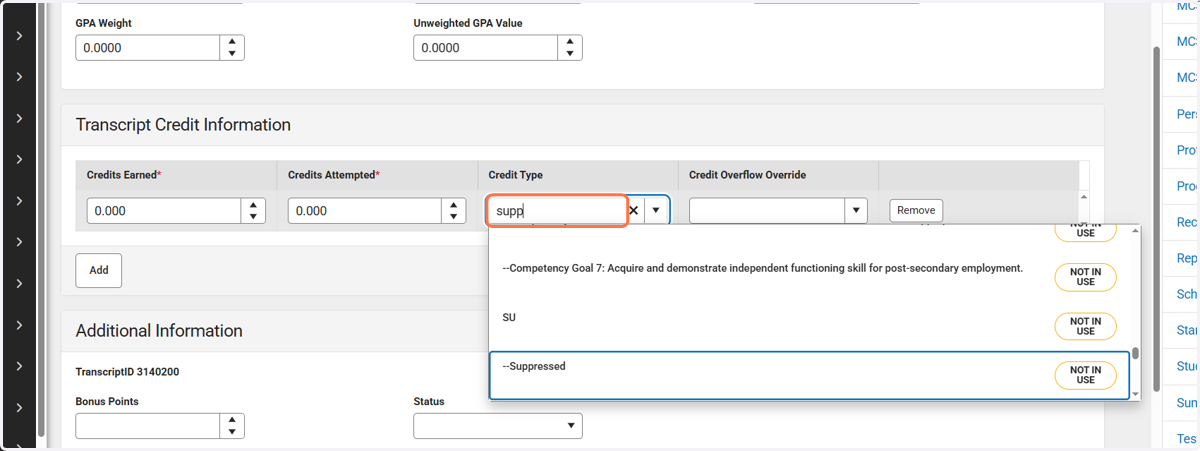
7. Under Transcript Credit Information, change Credits Attempted to 0.00 and Credit Type to Suppressed.
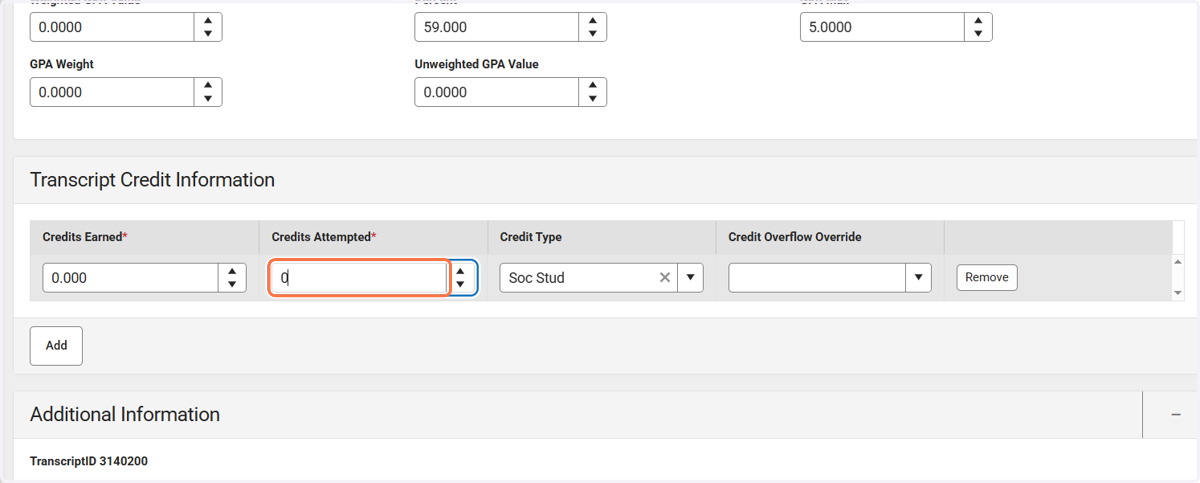
8. Type "supp"
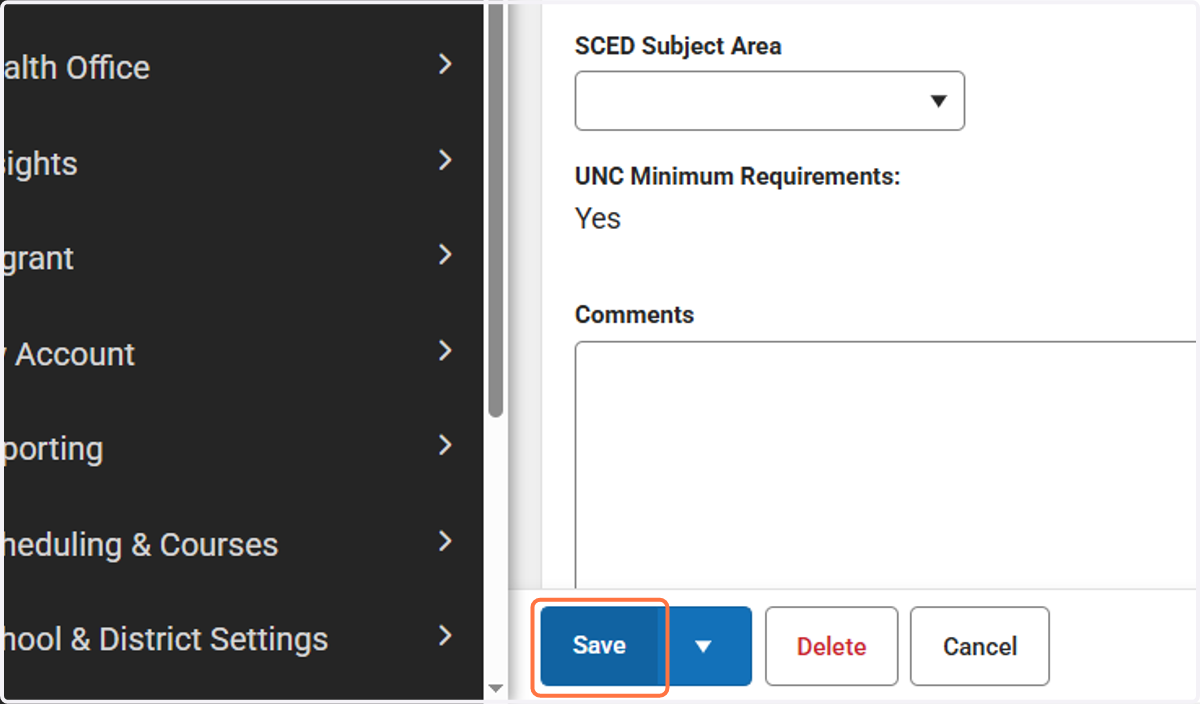
9. Click on Save