Creating an Online Baby Bottle Campaign in Peer-to-Peer
FundEasy
1. In your FundEasy Account, Click on Add New Event
2. Click on Get Started (on the Peer-to-Peer tile)
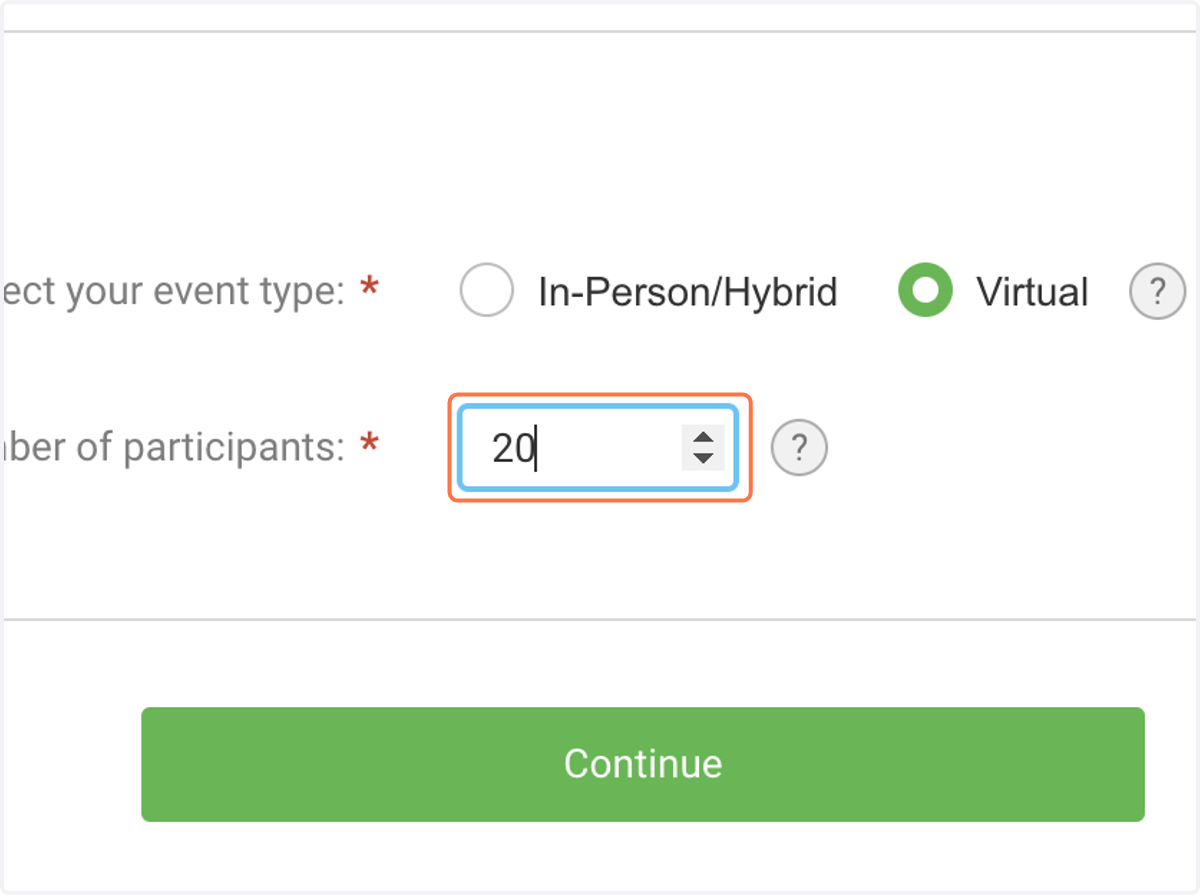
3. Select Virtual as your event type
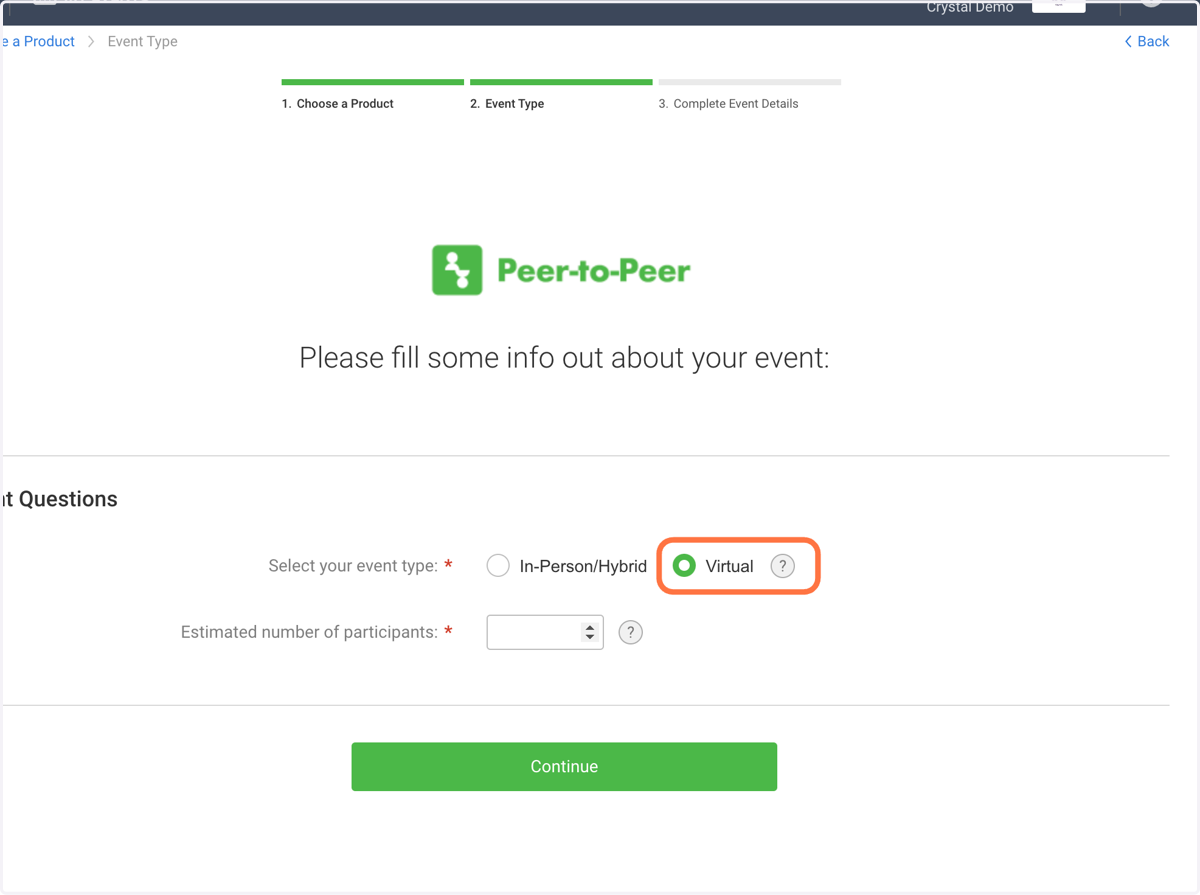
4. Enter an estimate for the number of churches you expect to participate
Note: This is just a guess and doesn't affect your event access in any way. It simply gives our team a window into the participation you're expecting.
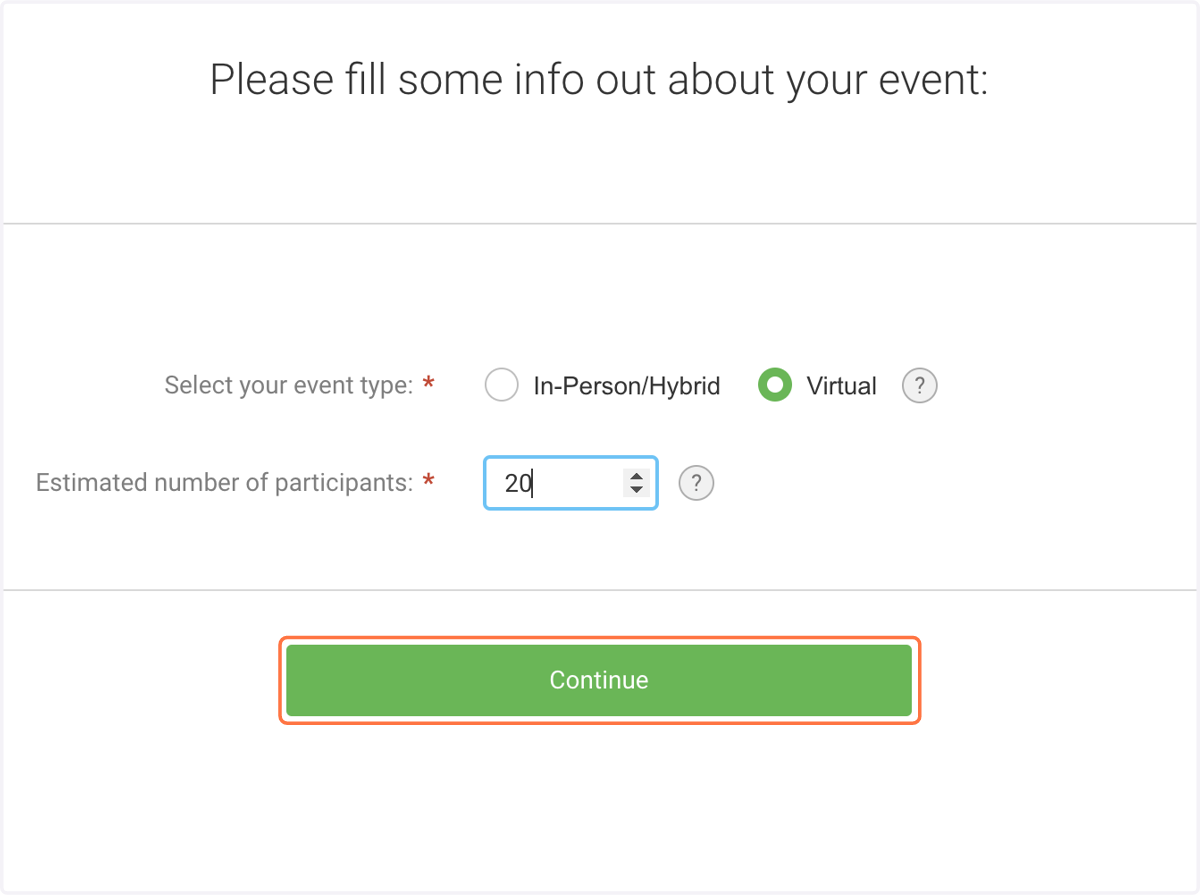
5. Click on Continue
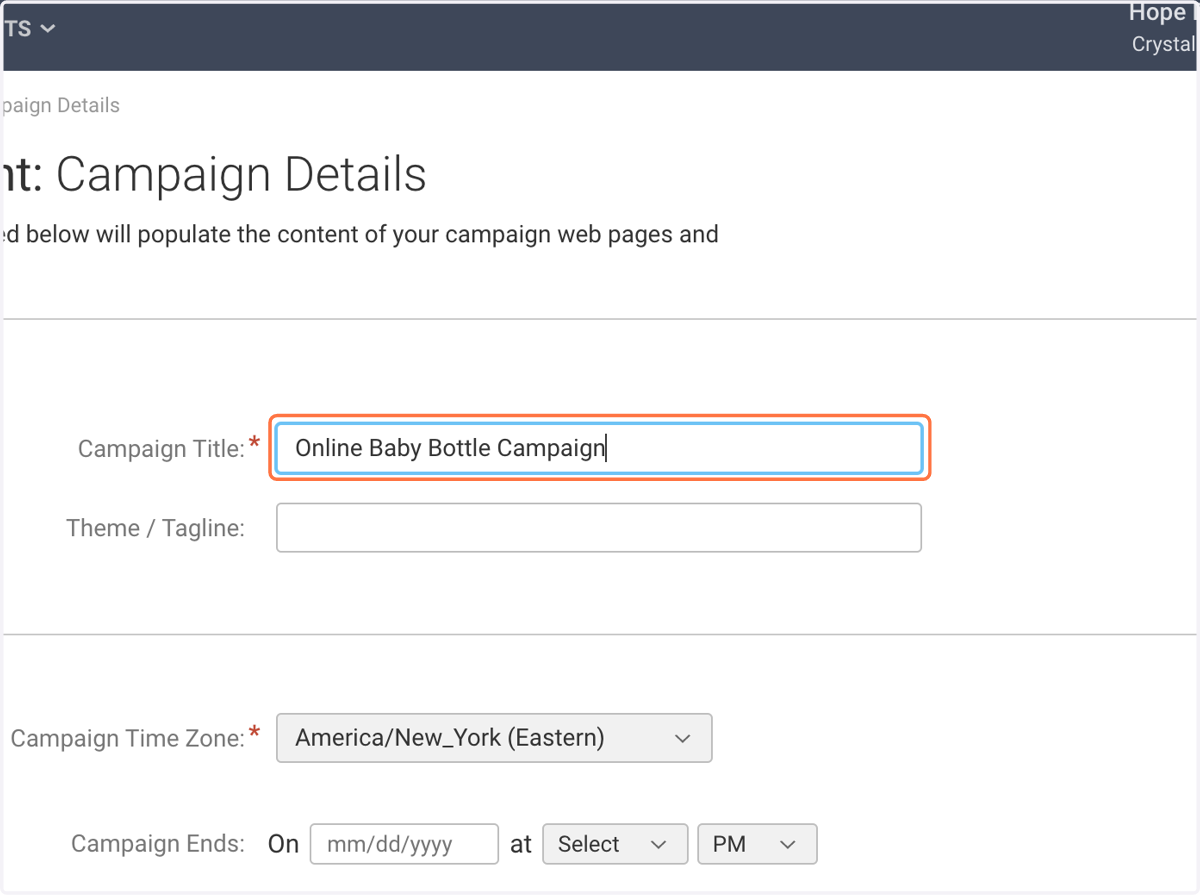
6. Name your Campaign.
Note: Everything from here forward can be changed later. Don't stress about getting everything right, right away! You've got this.
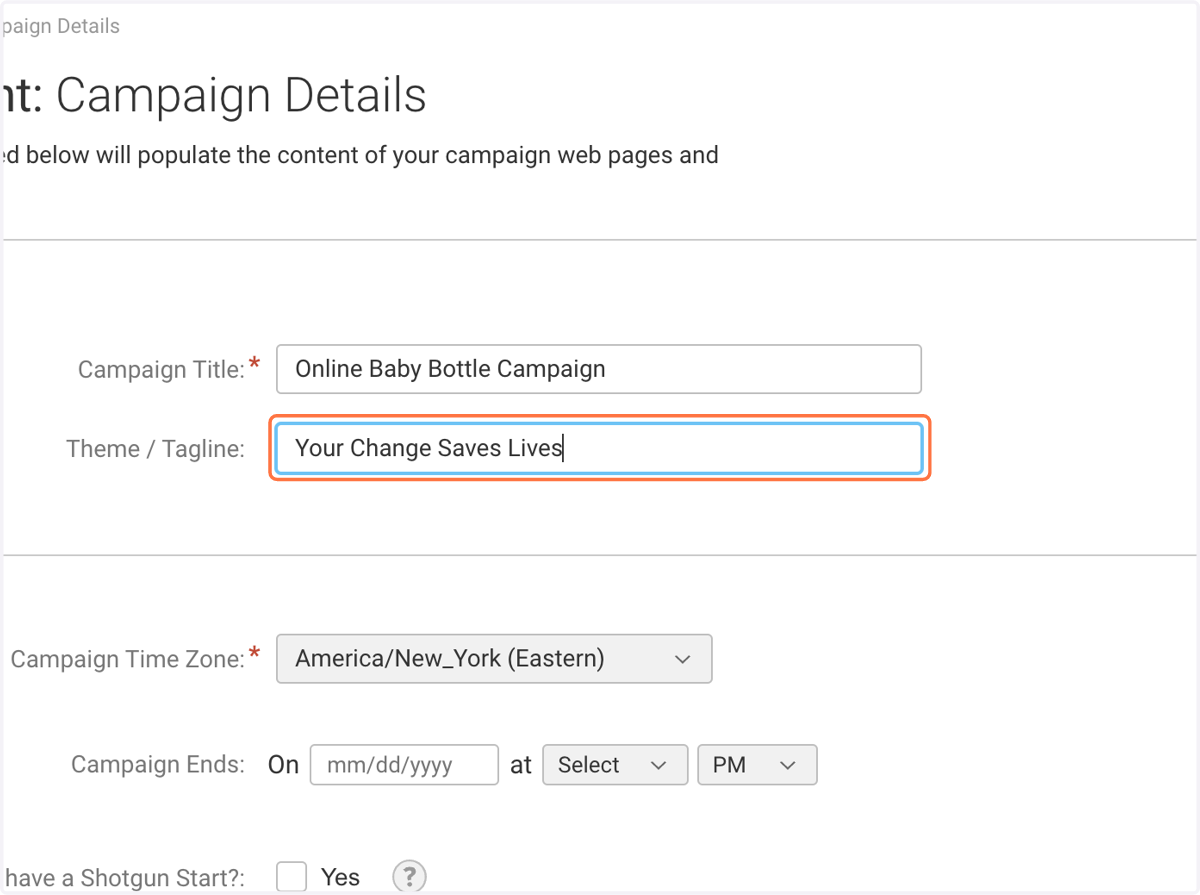
7. Theme/Tagline is optional.
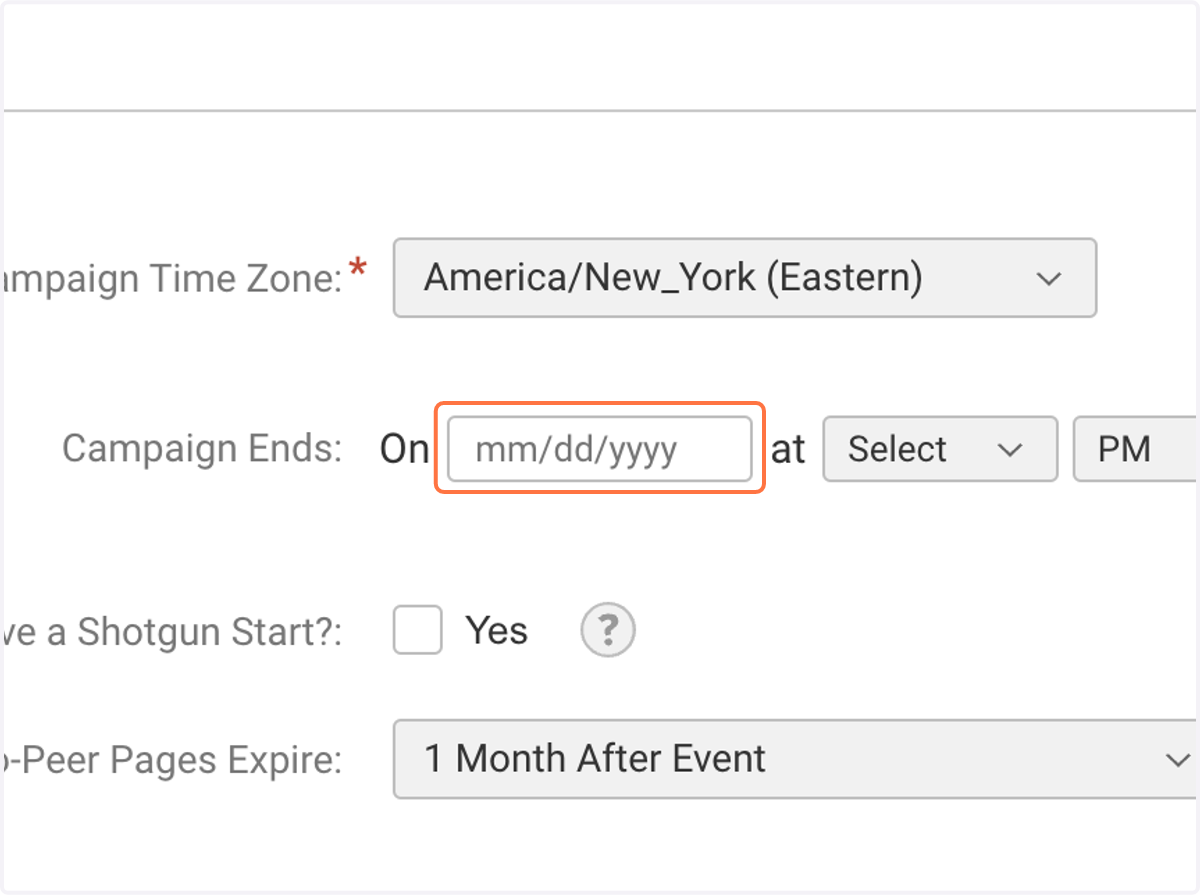
8. Choose an End Date for your Campaign
This could be on Father's Day if your fundraiser ONLY runs through Father's day; however, most organizations have churches that participate at other times throughout the year, and would then end the campaign on 12/31 of that year.
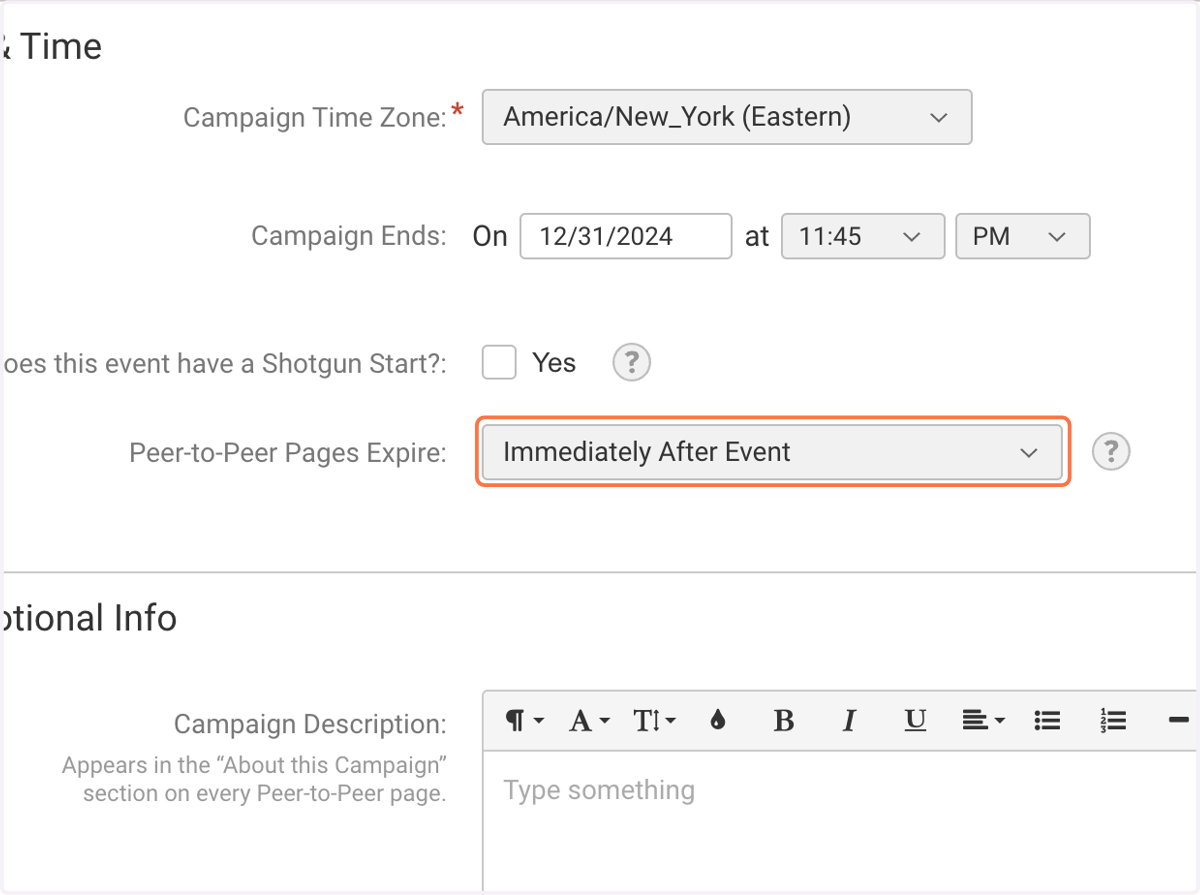
9. Select when you'd like your churches' fundraising pages to go offline and no longer accept donations ("Peer-to-Peer Pages Expire")
This decision is entirely yours. If your campaign ends on Father's day your physical bottles may still trickle in for months. You can allow the same post-deadline participation on your Churches' fundraising pages with your choice here!
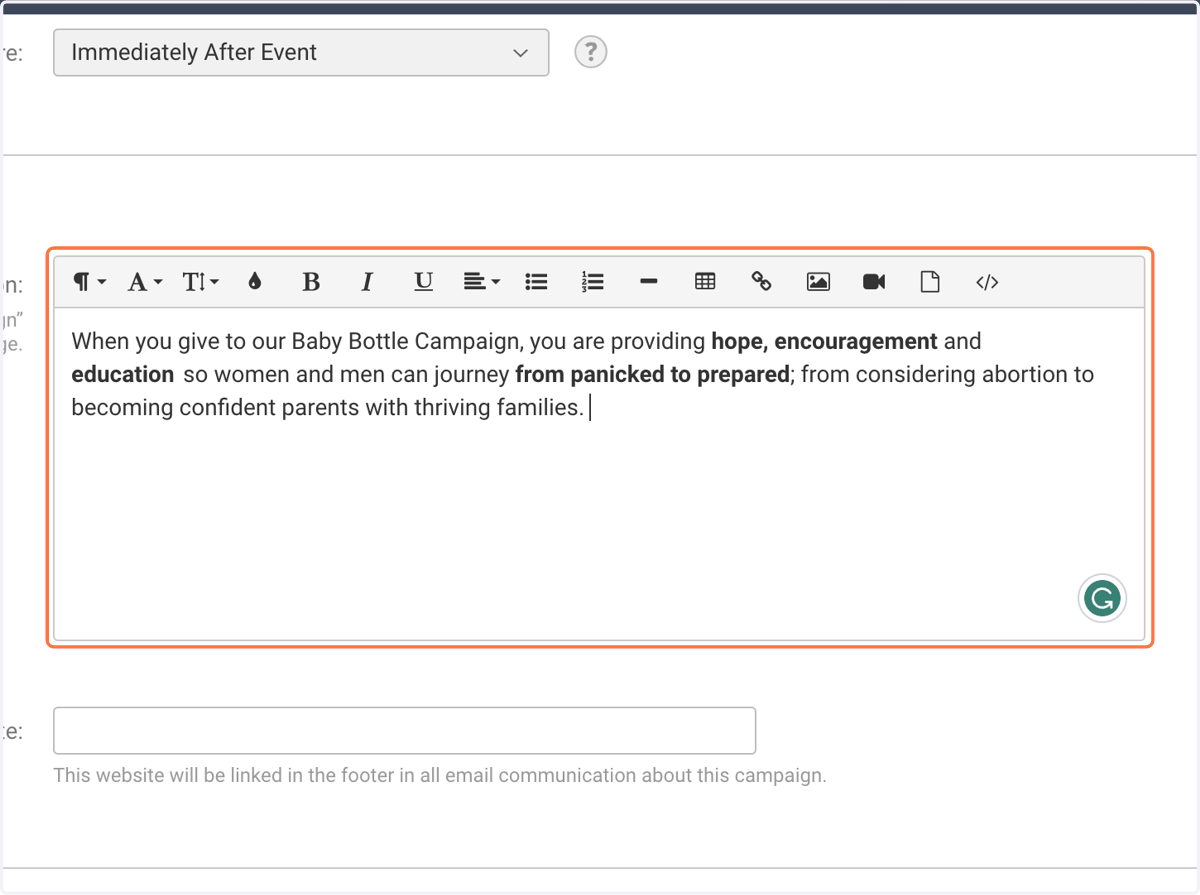
10. Enter a Campaign Description
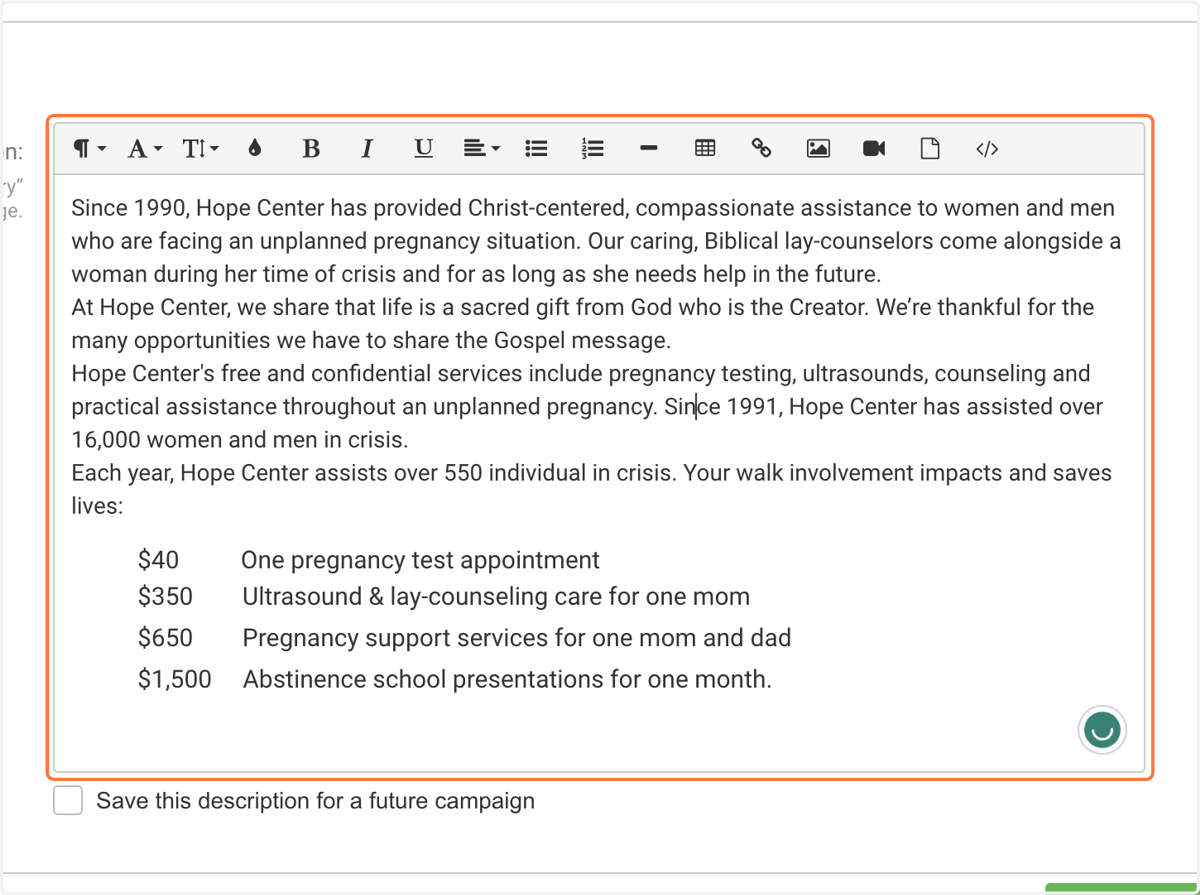
11. Enter an Organization Description
This could be as simple as your mission statement!
12. Enter your Federal Tax ID Number
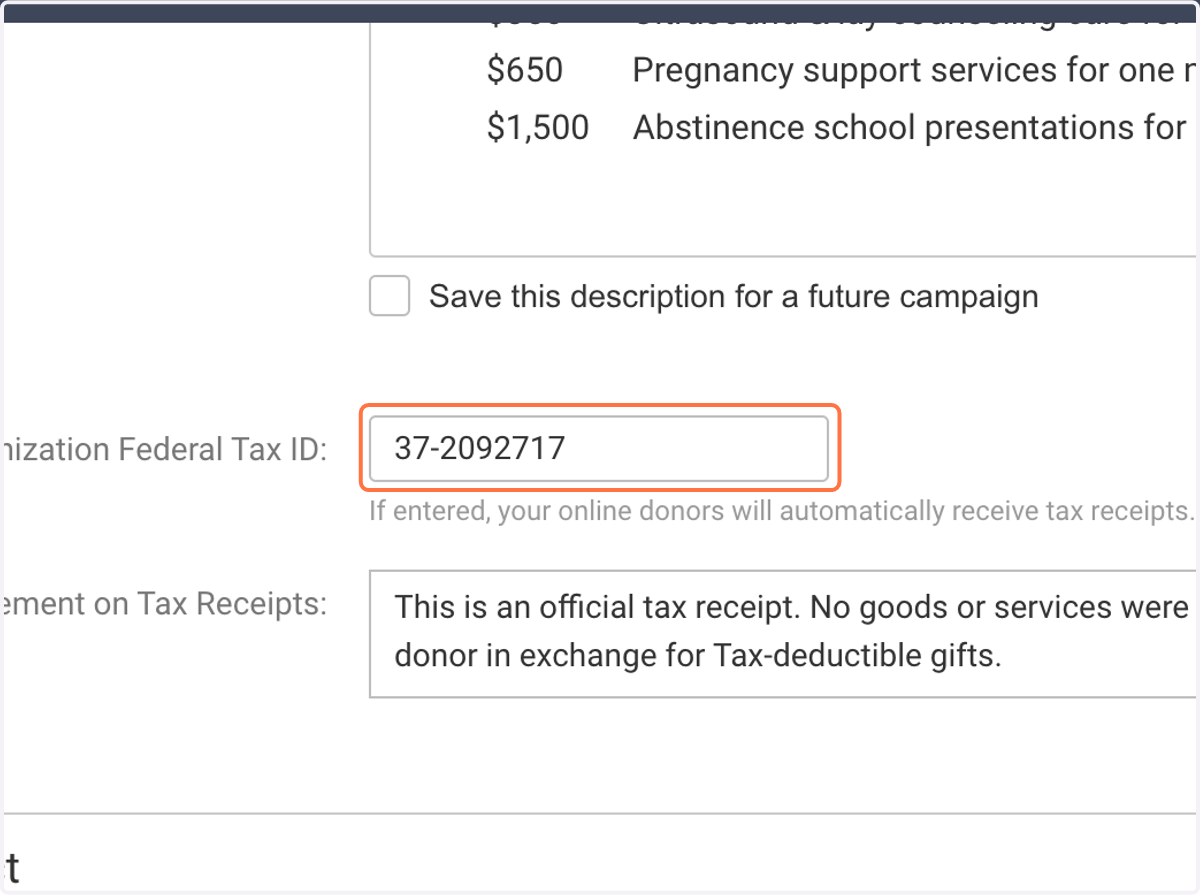
13. If desired, edit tax statement
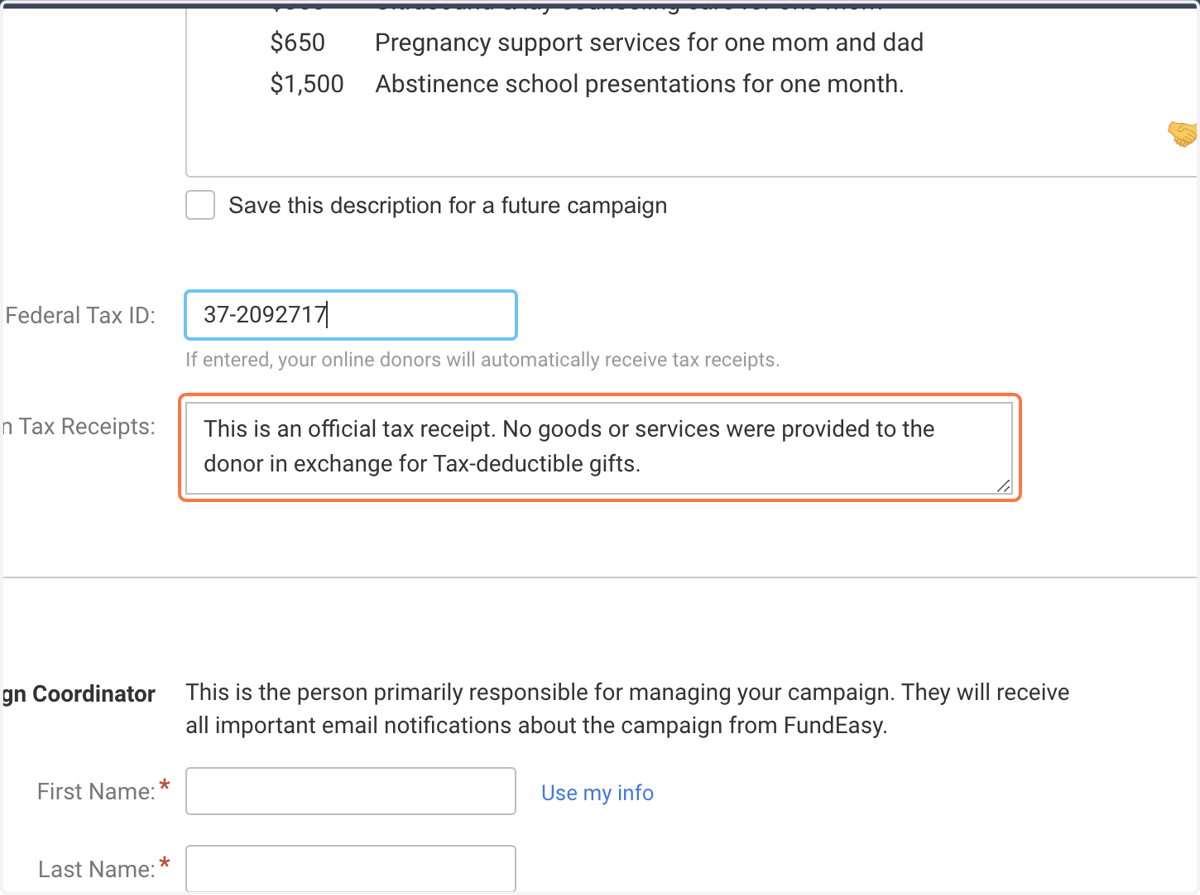
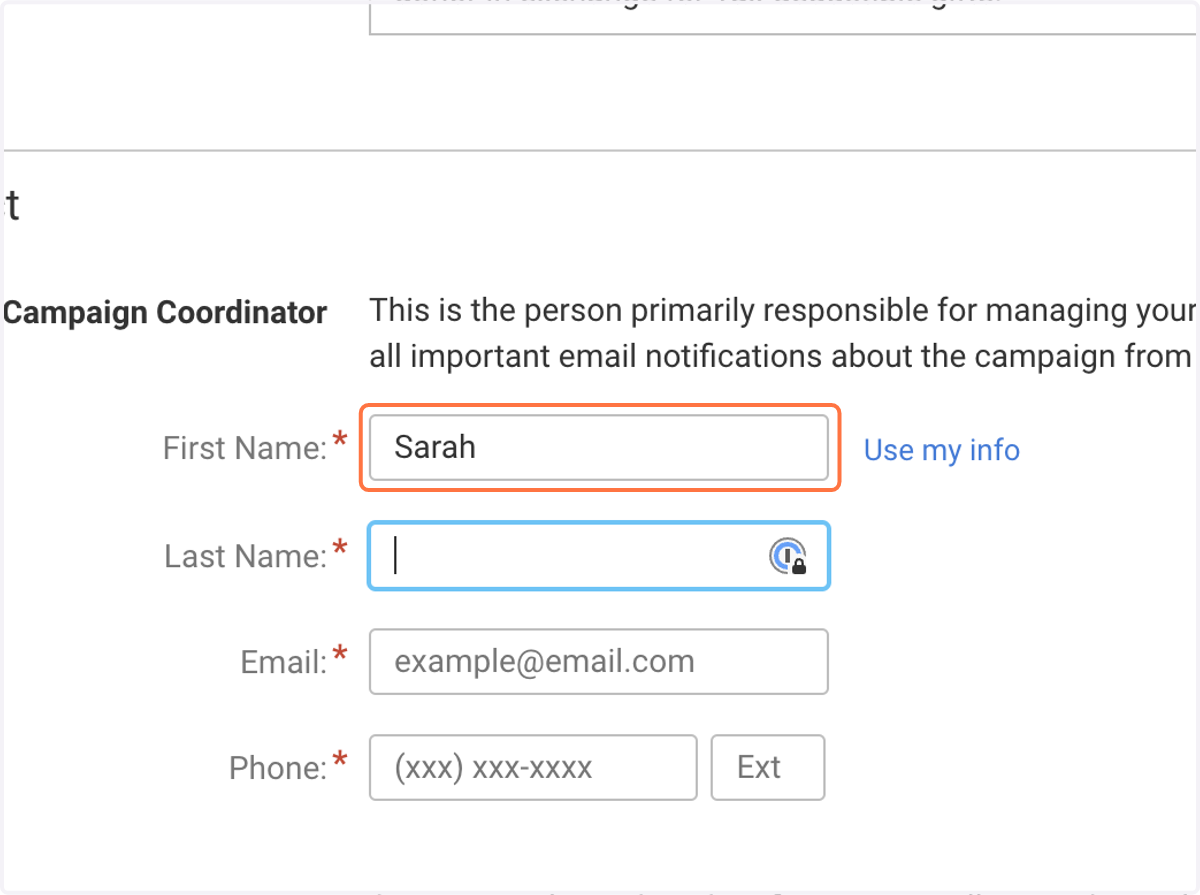
14. Enter Campaign Coordinator's Name & Contact Information
15. Select "No" for "Do you use Liaisons..." question
You may have liaisons, but you will not use the tools that changing this selection to "yes" would enable. To eliminate confusion, you'll want to leave "no" as the selection.
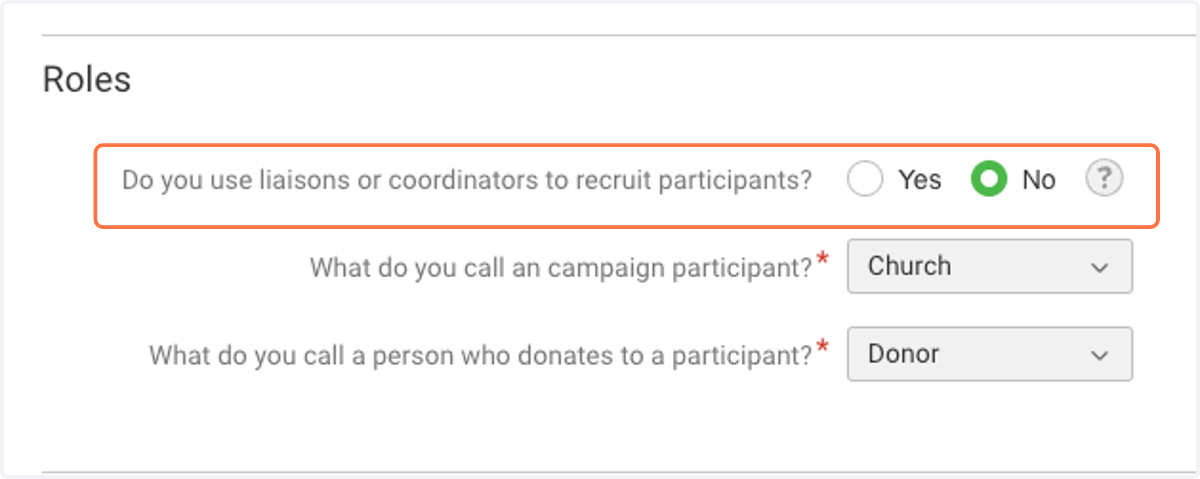
16. Define what you call a campaign participant
"Church" is the most common selection here, however, if your fundraiser also invites individuals to set up fundraising pages then you may want to choose something more neutral, like "Fundraiser".
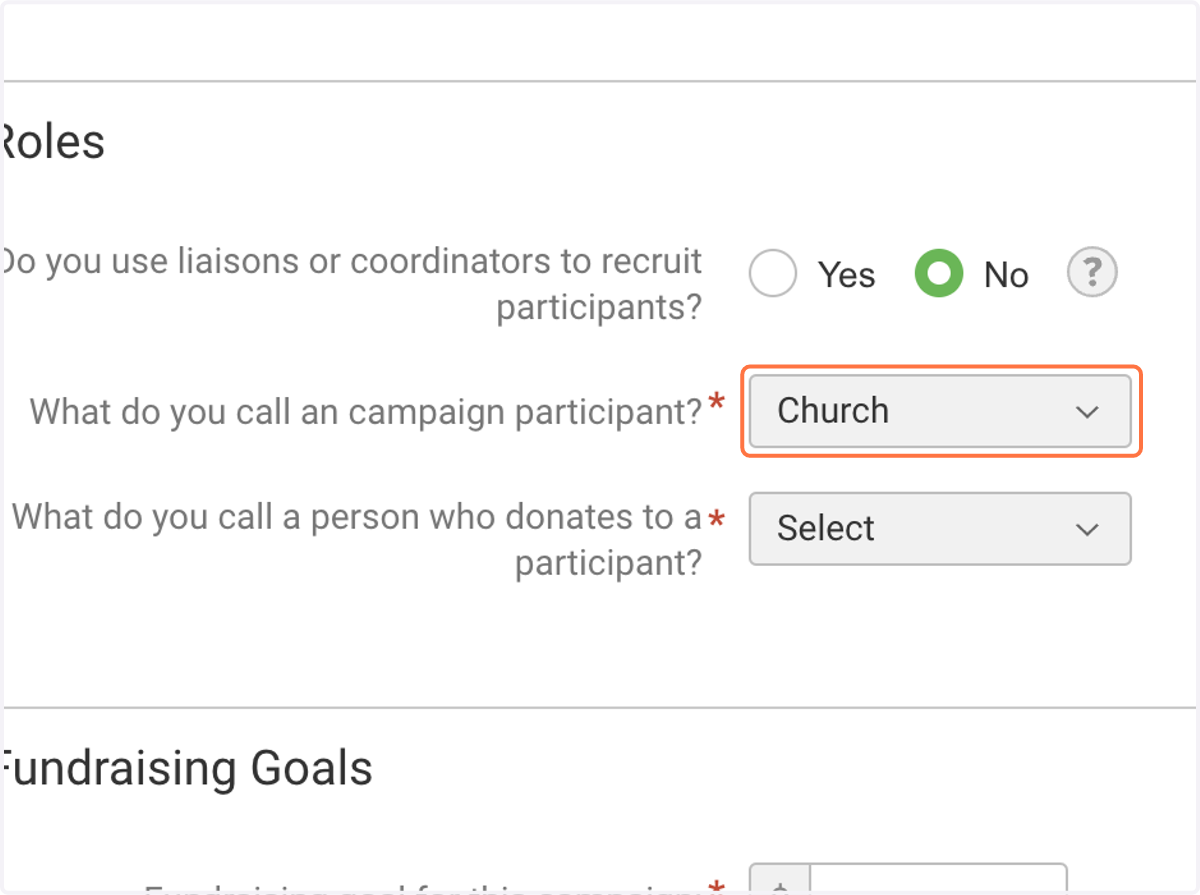
17. Define what you call a person who donates to a participant
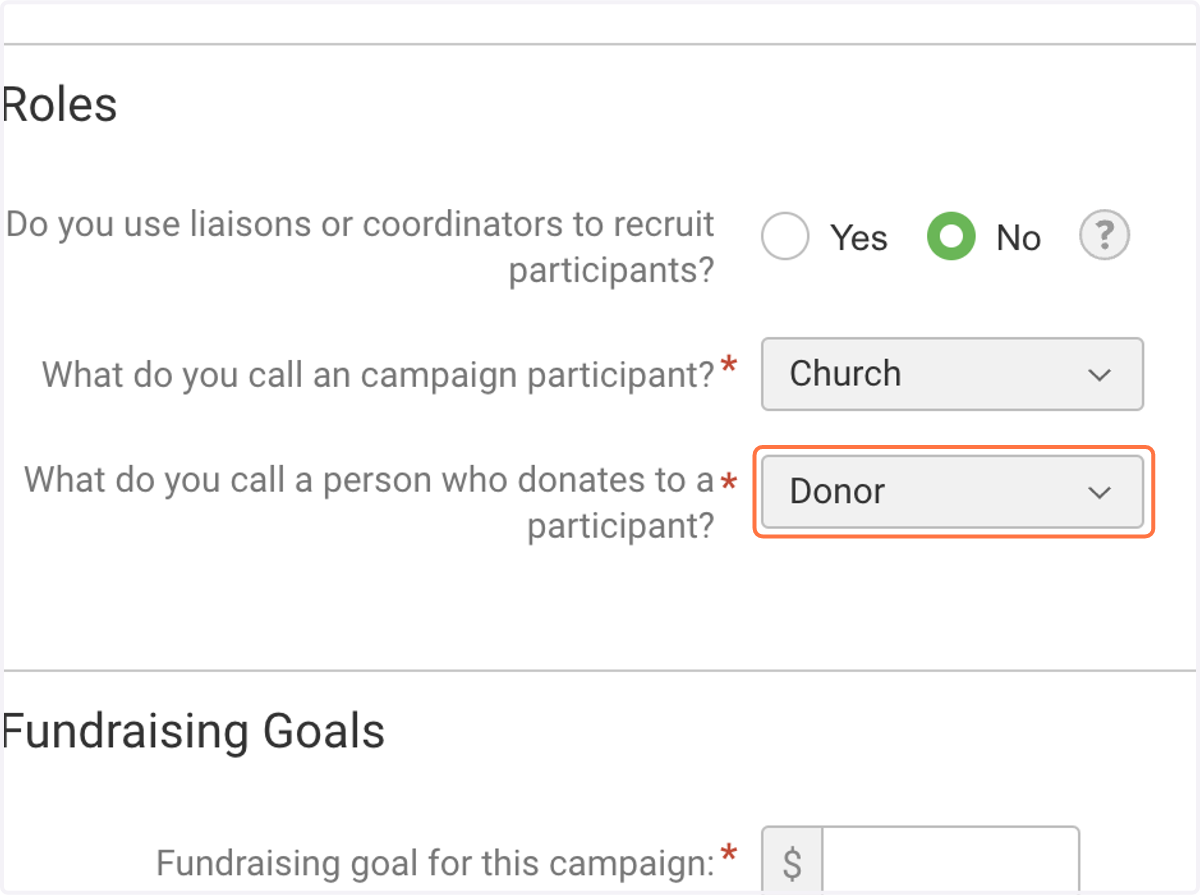
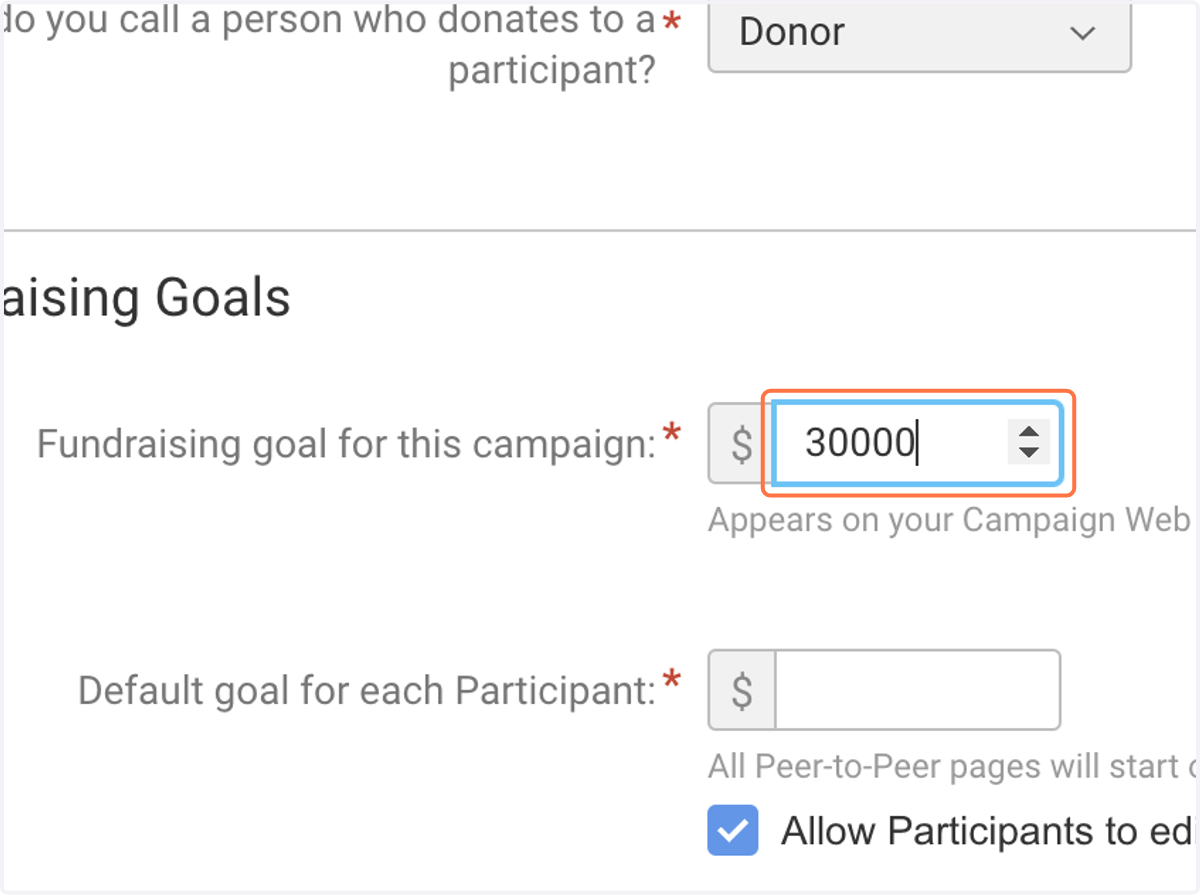
18. Define your overall fundraising goal
This likely includes online donations as well as the donations collected in physical bottles.
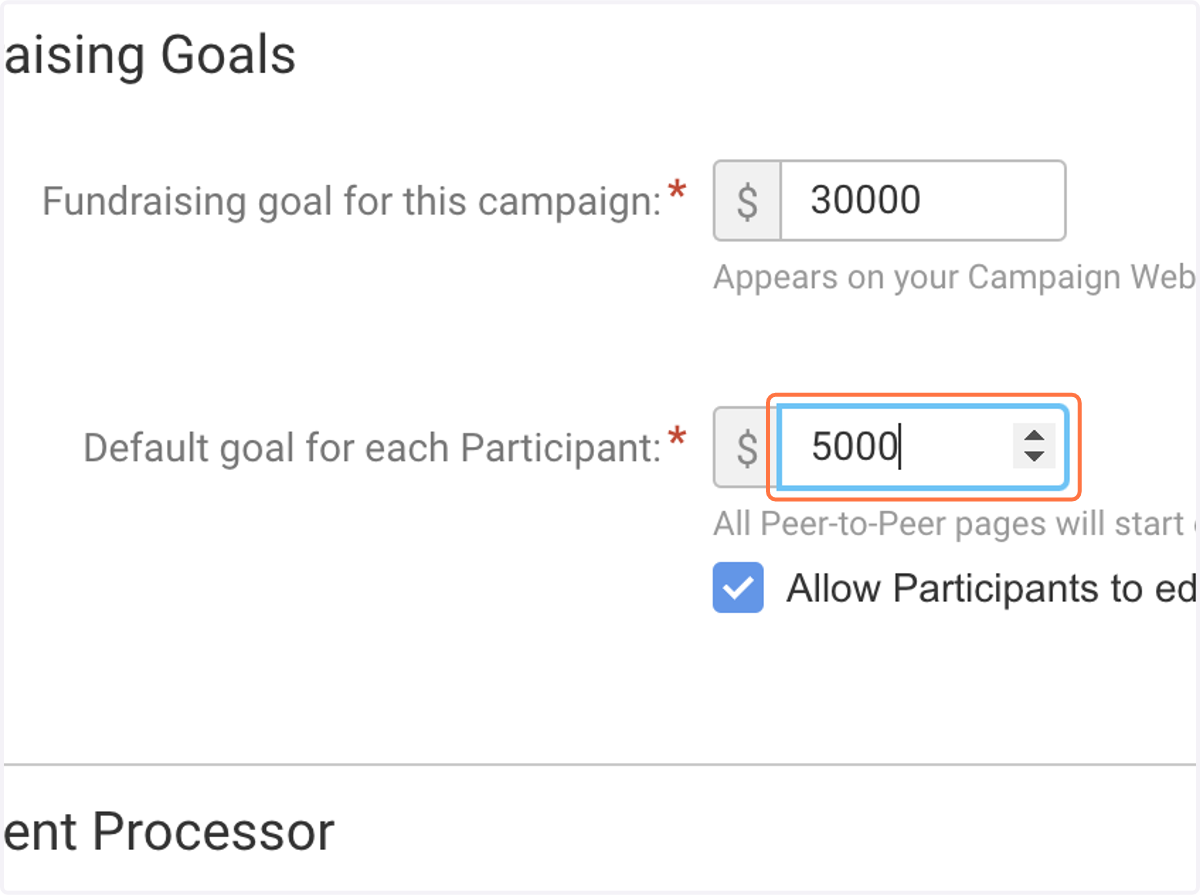
19. Set a default goal for each Participant (Church)
Note: Each church will likely have a different goal. This will set the default, but Churches' goals can be individually set.
20. Click on Create Event
Well done, your Online Baby Campaign is created! 🎉
We'll complete Campaign Setup in the next steps.