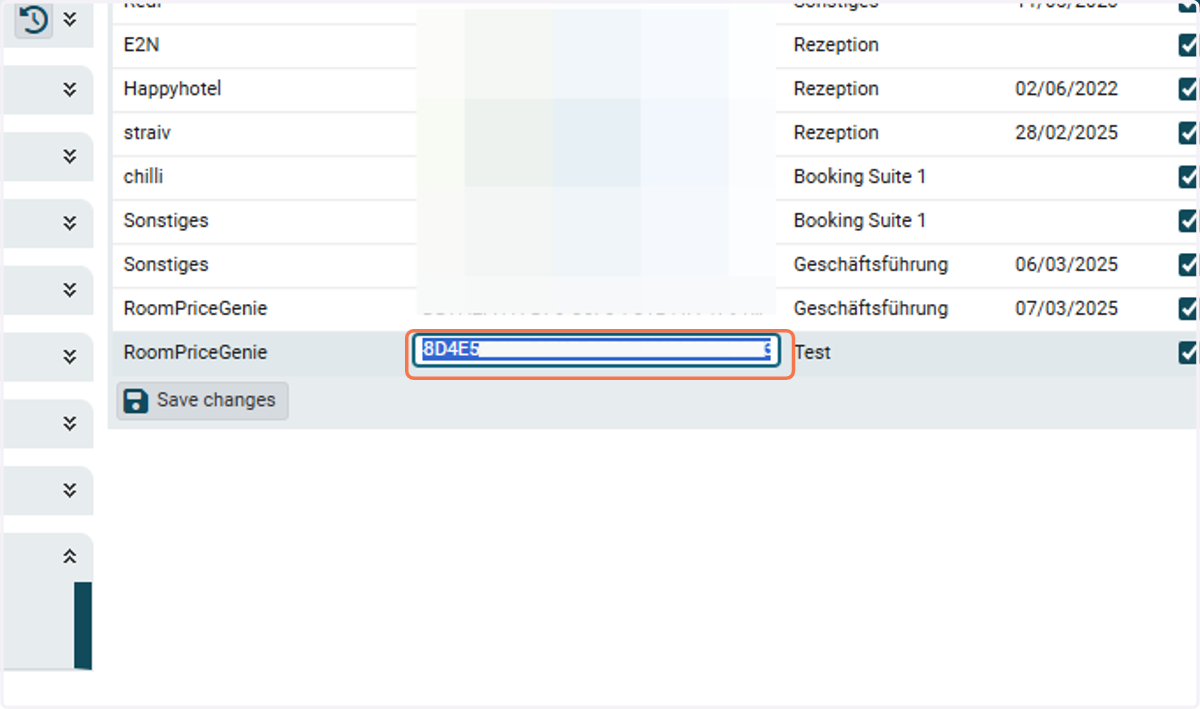
Creating an API Key in ibelsa
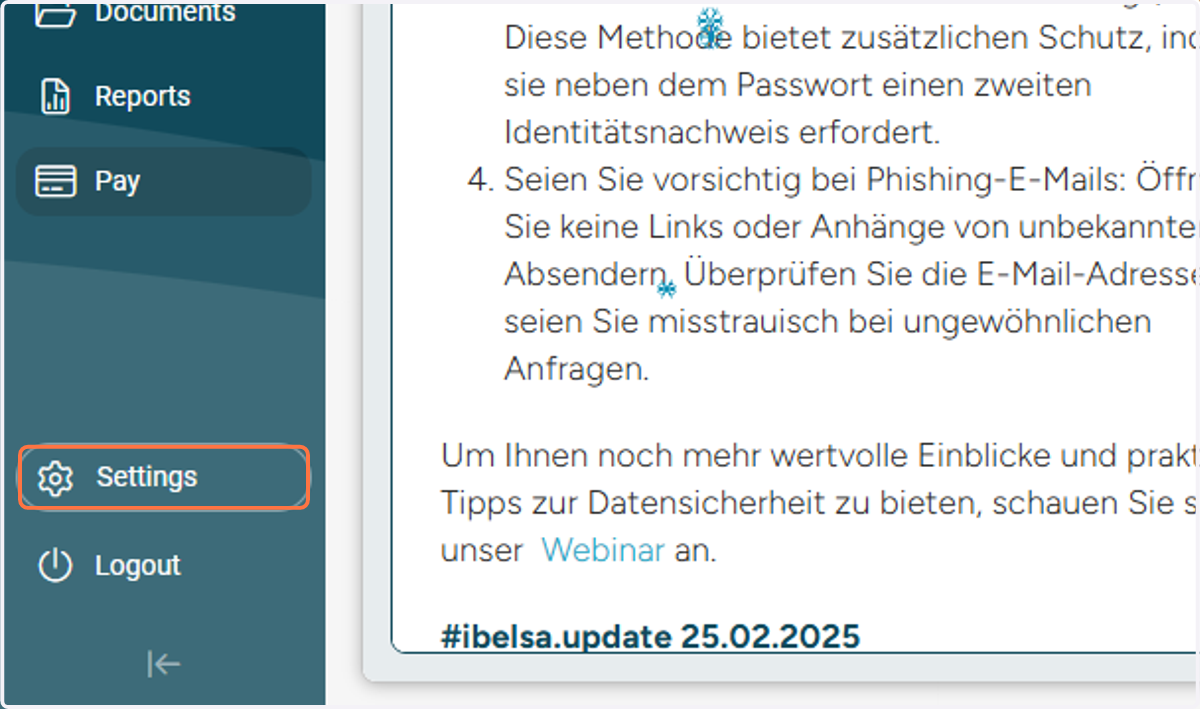
1. Click on Settings
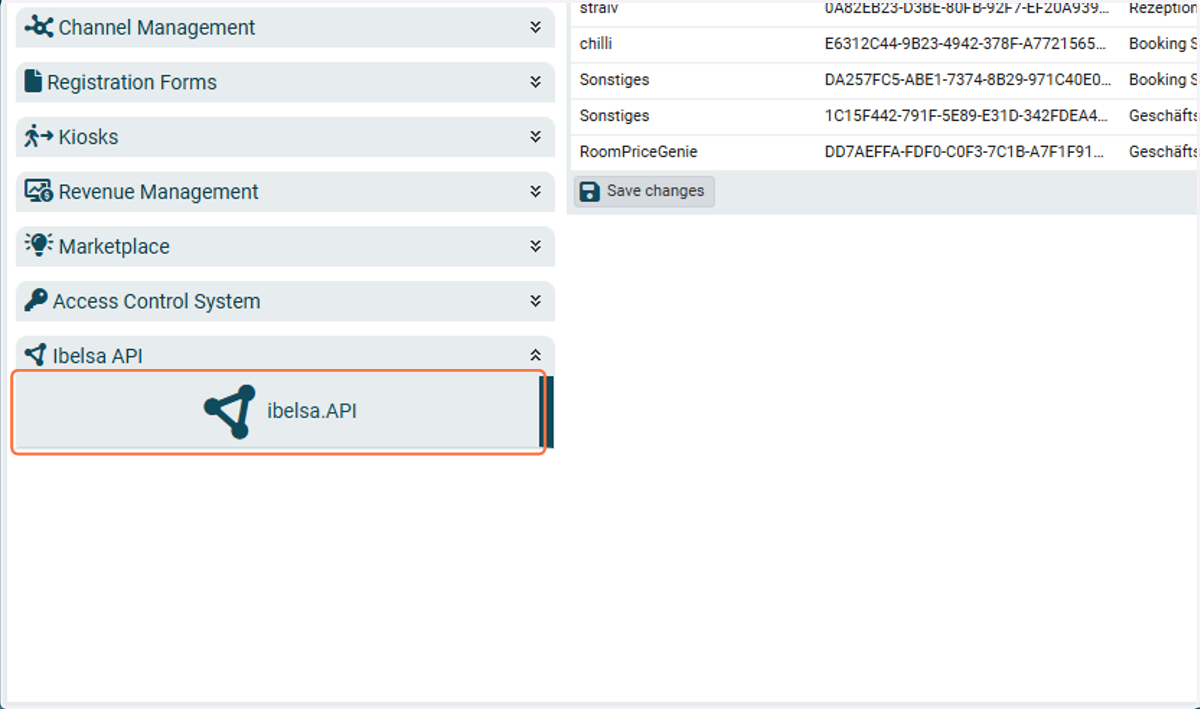
2. Click on Integrations

3. Click on ibelsa.API
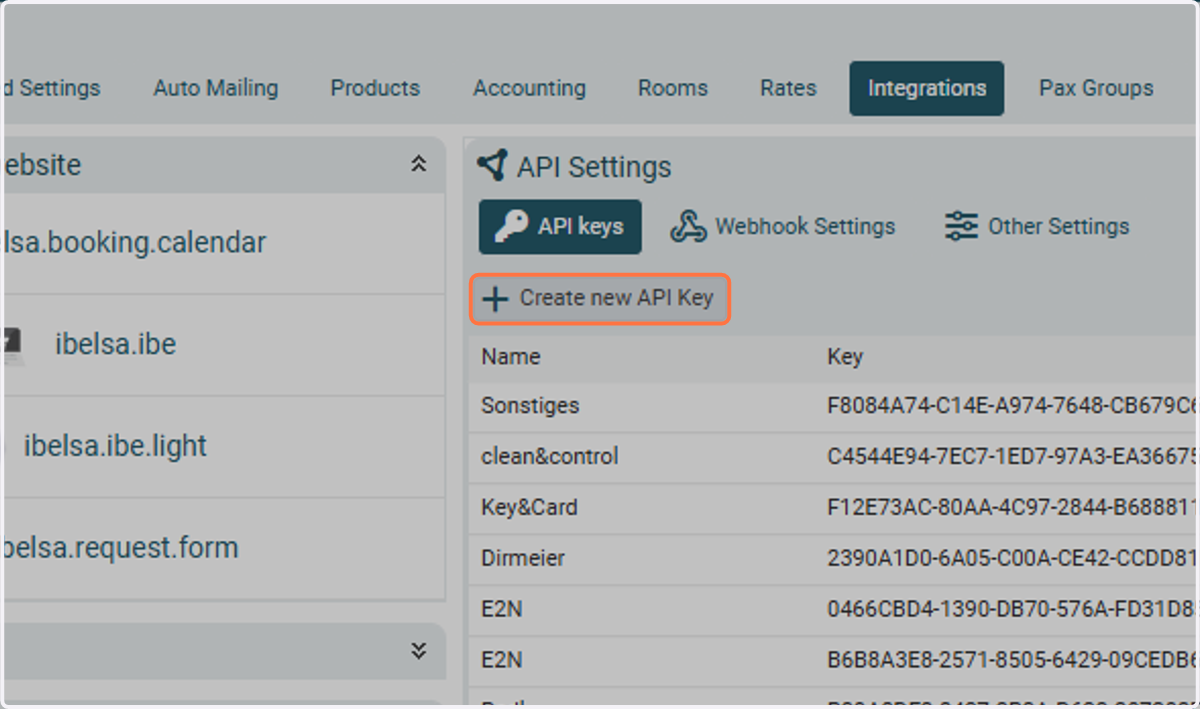
4. Click on Create new API Key
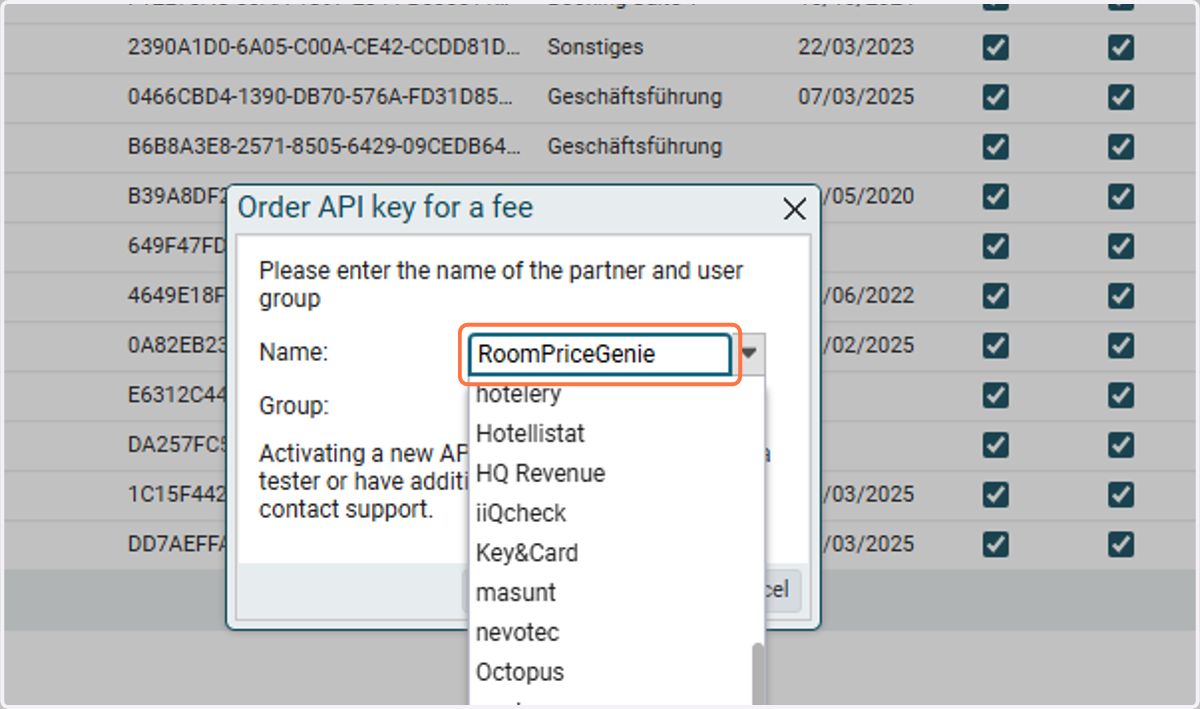
5. Name: Select RoomPriceGenie
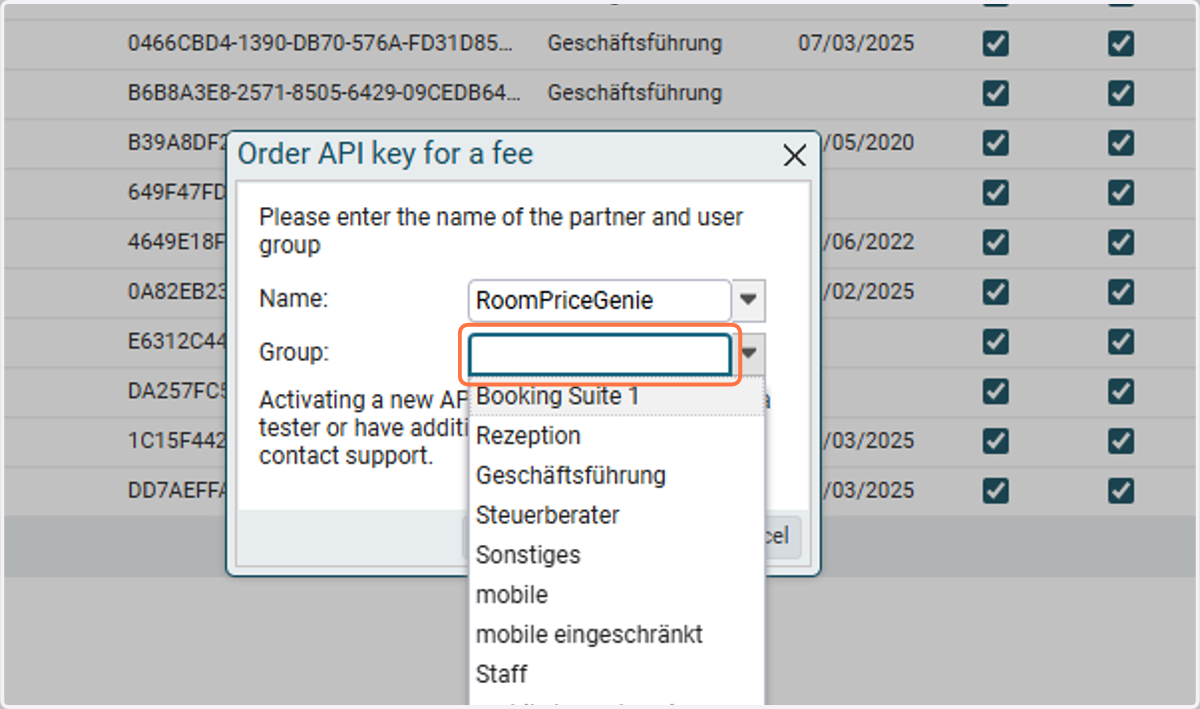
6. Group: Leave it blank
If it doesn't allow to leave it blank, then select ADMIN
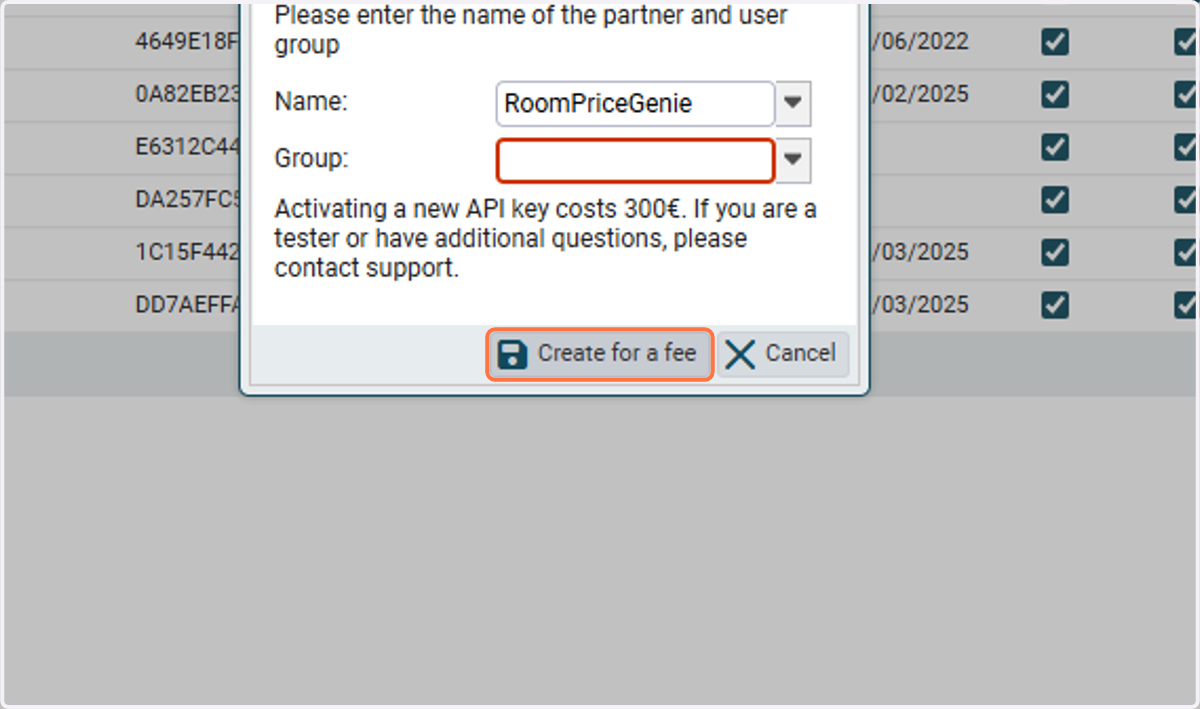
7. Click on Create
8. Ensure to check both "Active" and "Write Access" for the API Key
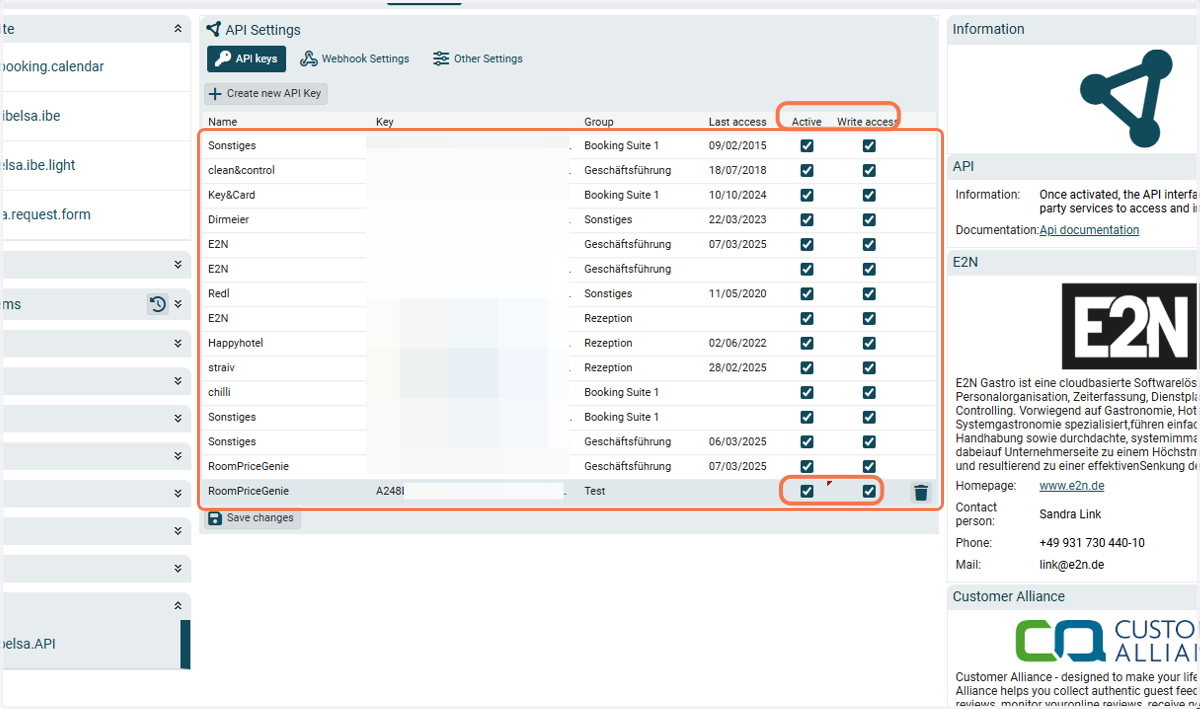
9. Copy the API Key and send it to RoomPriceGenie