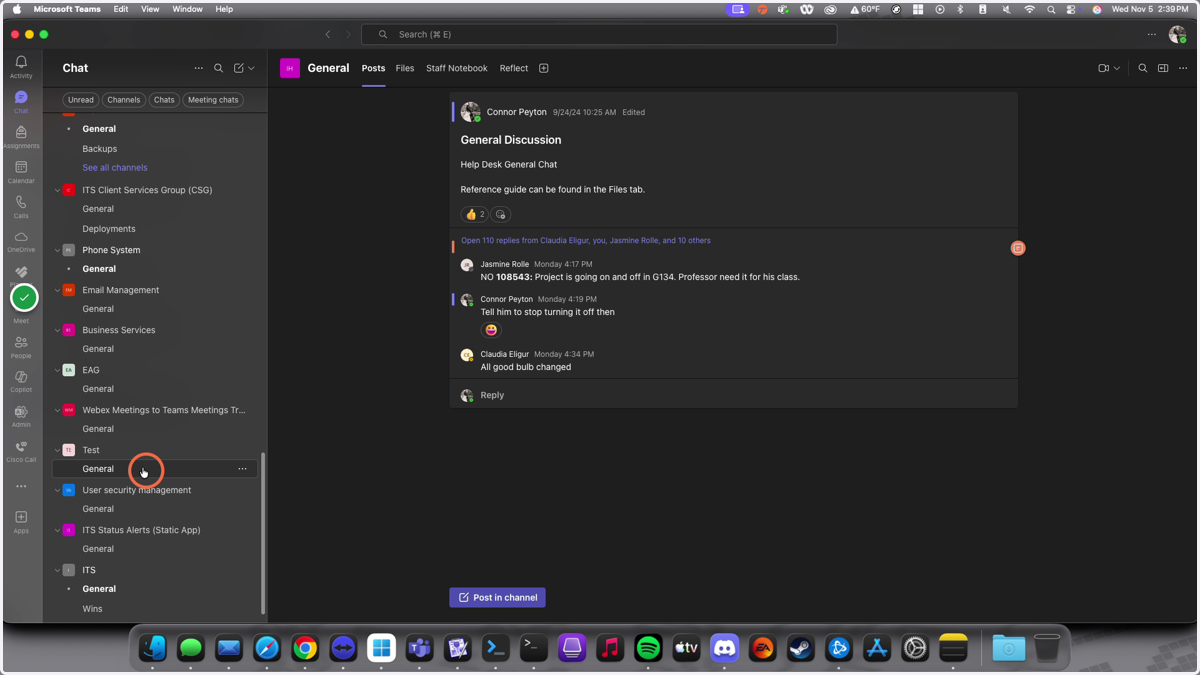
MS Teams: Creating a Team
MS Teams - Creating a New Team
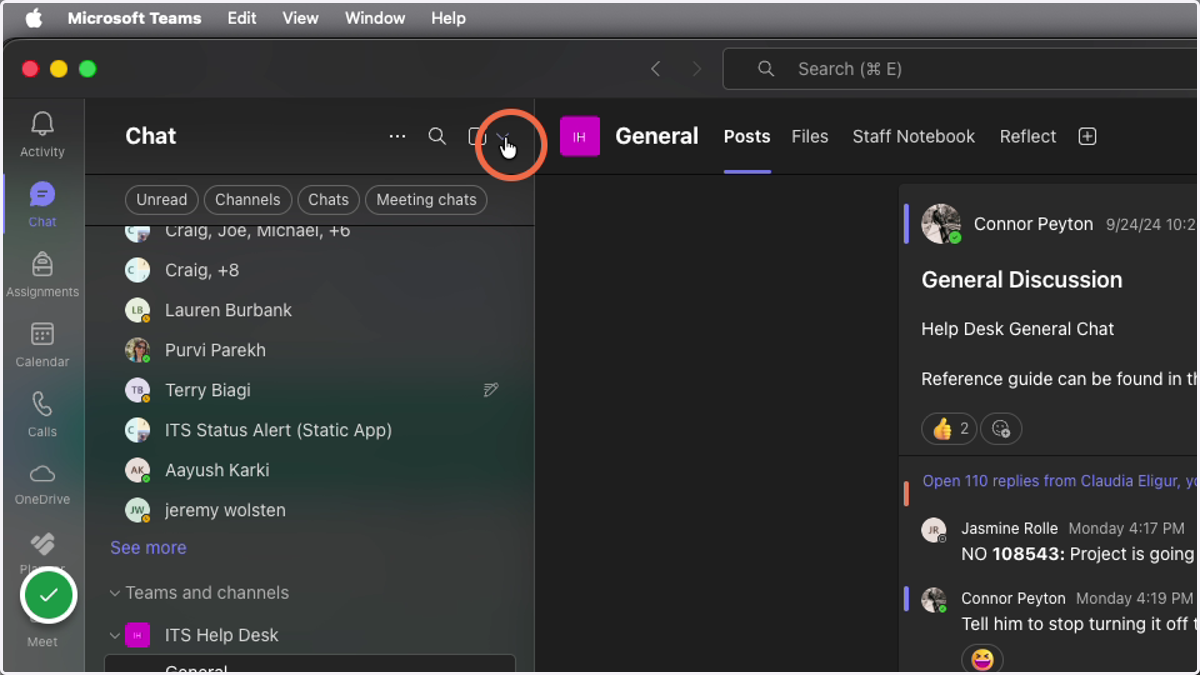
1. Click on the dropdown arrow in your Chat/Teams Window
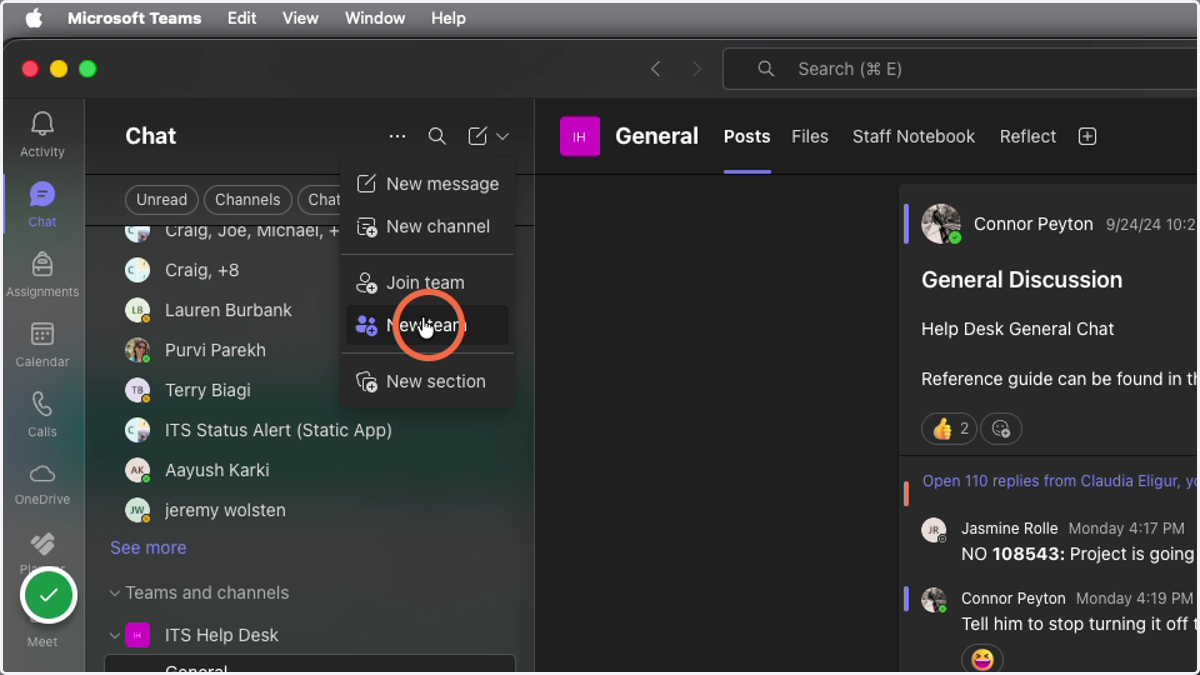
2. Click on New Team
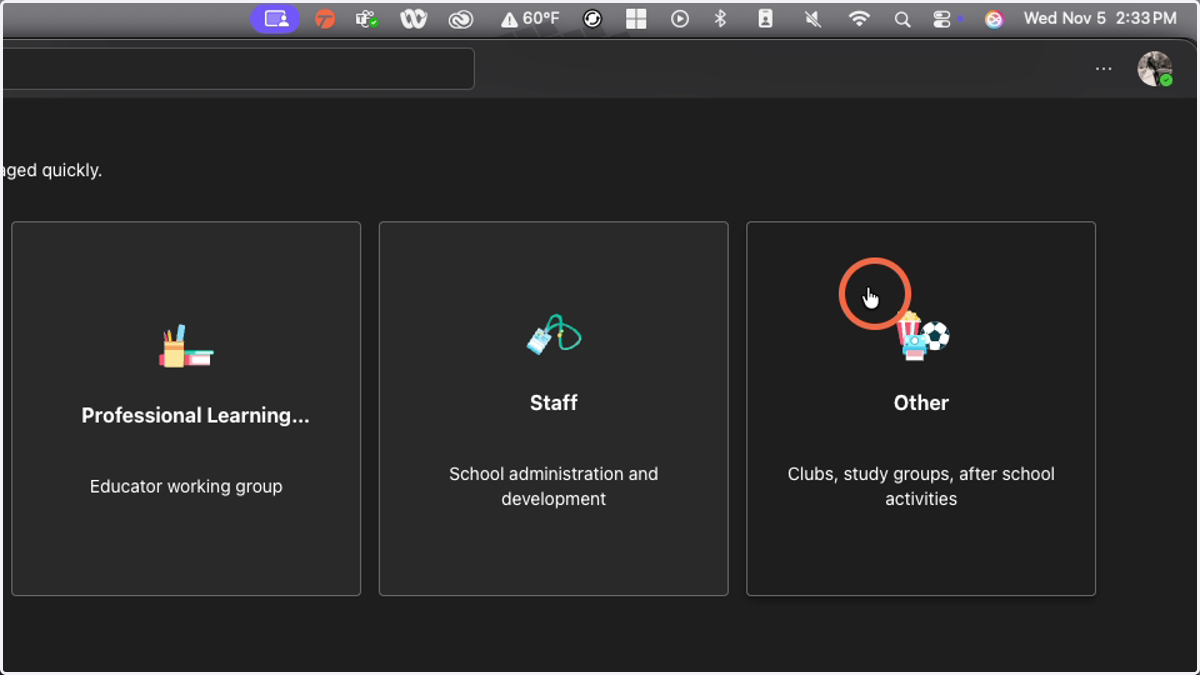
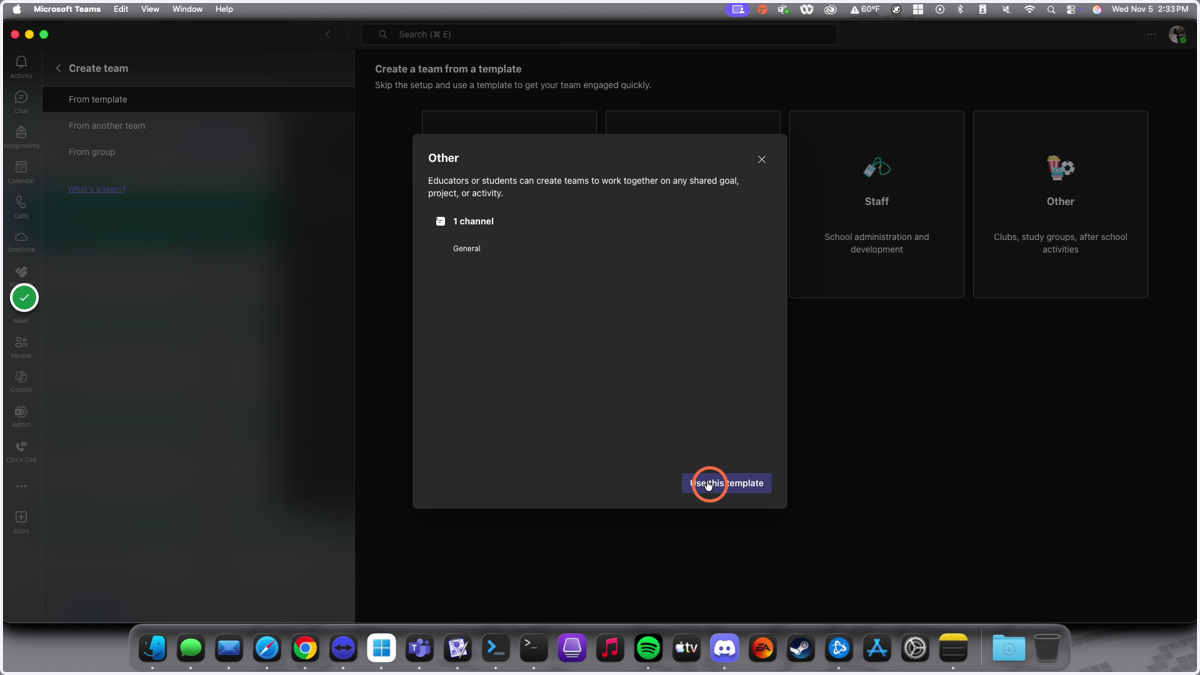
3. Select 'Other'
4. Click on "Use this template"
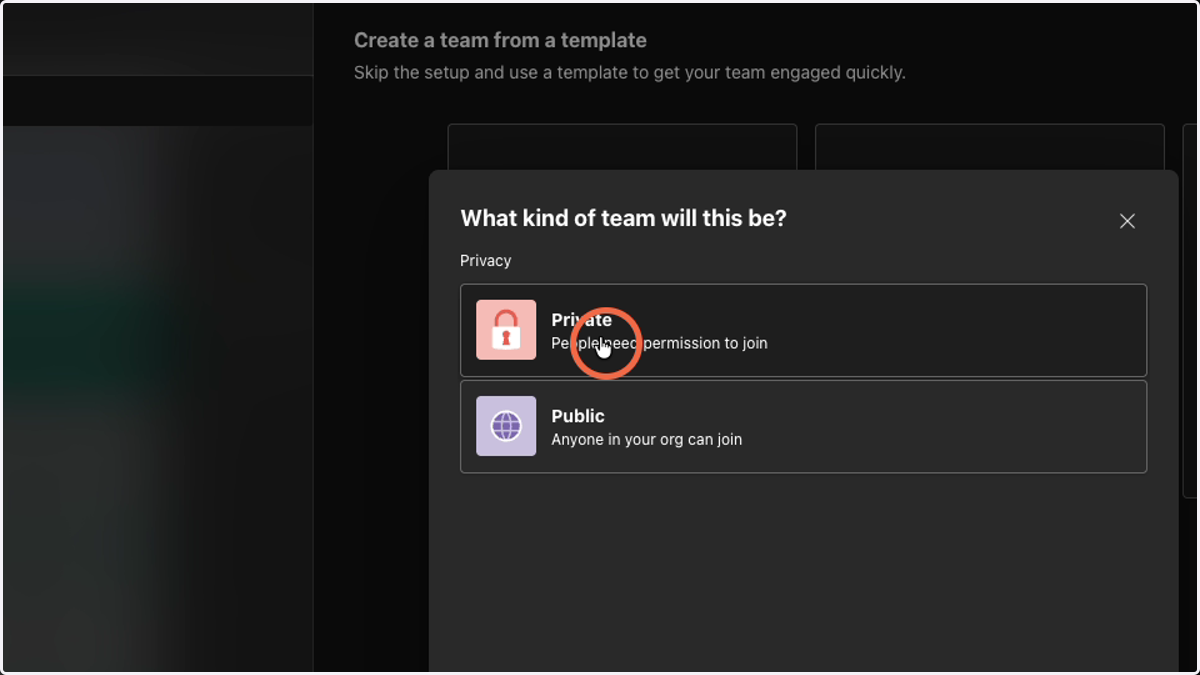
5. Make the Team Private
Note: Unless you want anyone from Ramapo to be able to join the team channel
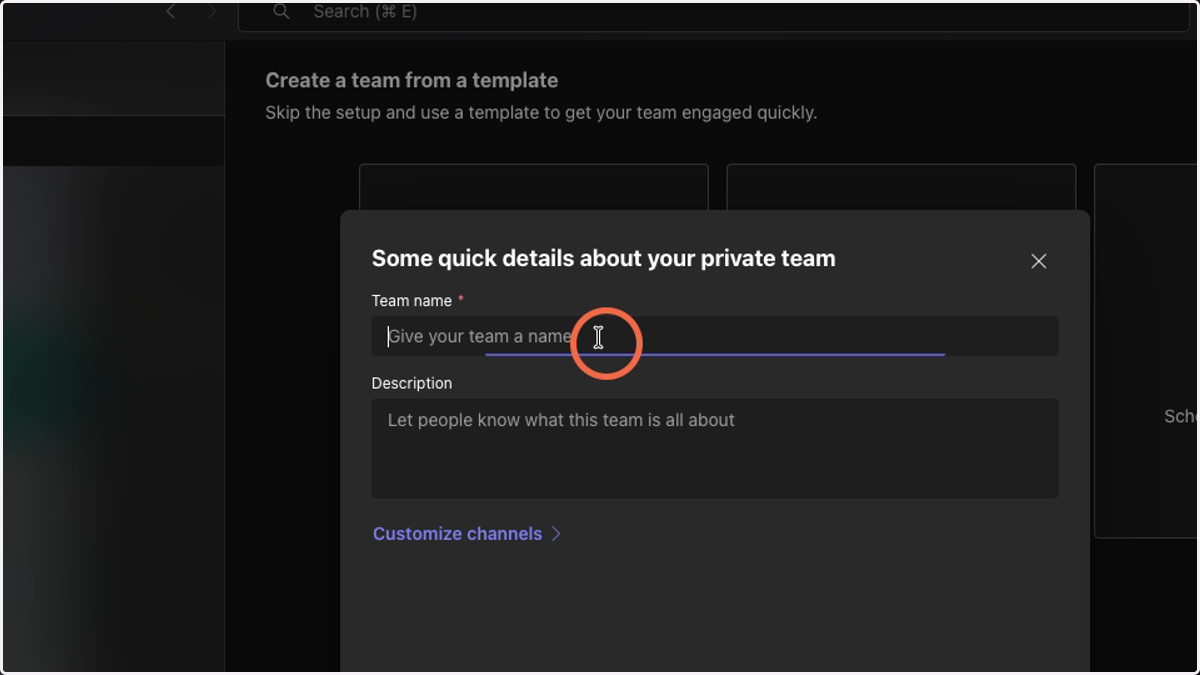
6. Provide a name and Description for your Team
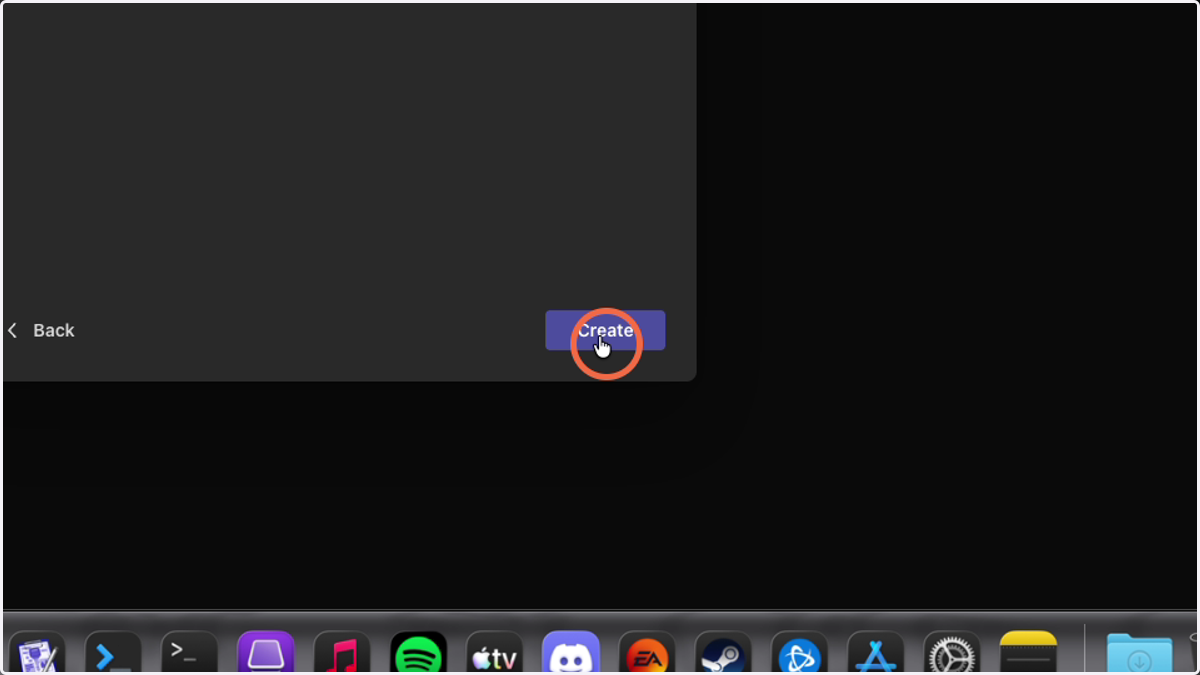
7. Click "Create"
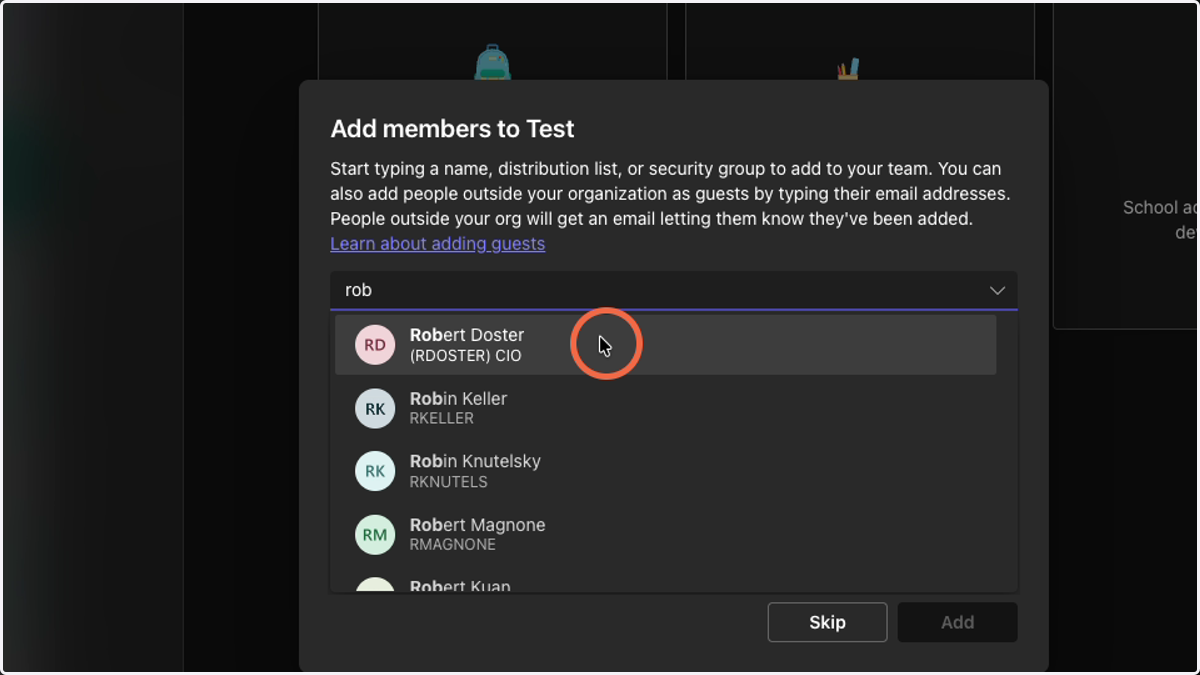
8. Add Team Members
Type the first few letters of the user's name to search. (If they are not found, they are not yet set up for MS Teams.)
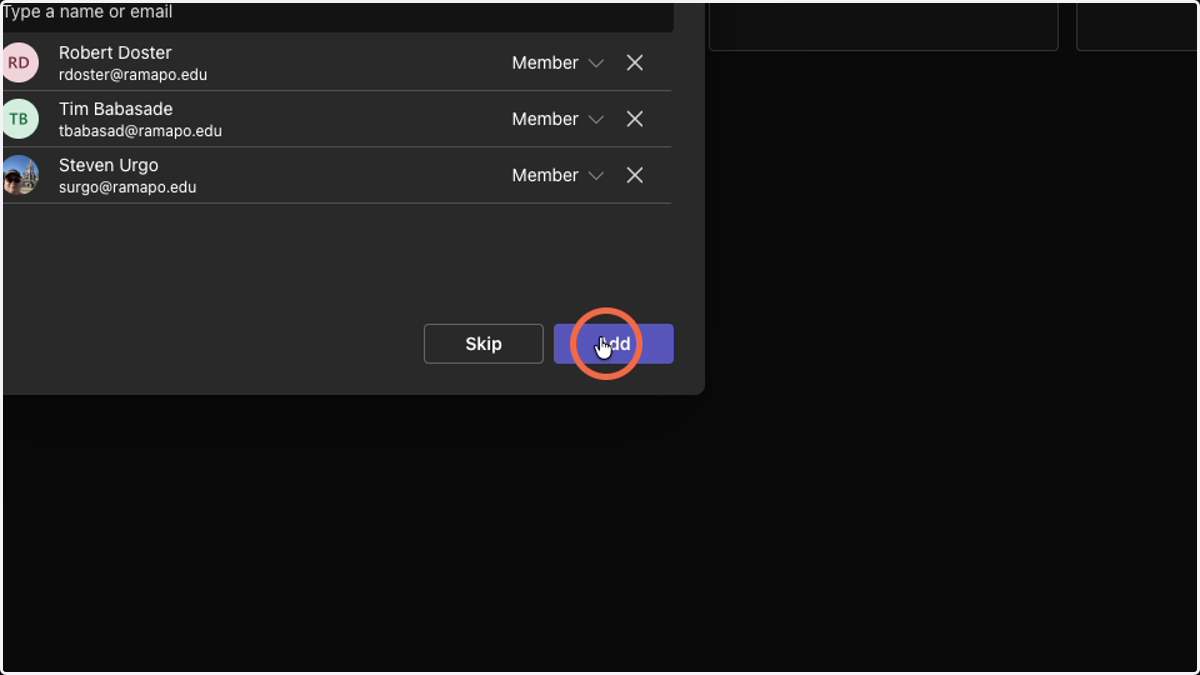
9. Click add
Note: Only click 'Add' once you are satisfied with your team member selections. (This can always be changed after Team creation is completed.)
10. Locate your New Team in your Teams list