Creating a Split Test in Contentful
Content: All content — Shelter England — Contentful
Creating the "B" variant
1. Firstly you'll need to create the "B" variant of your "A" control page
2. As an example, I've opened the "Rent, rights and reports" entry here
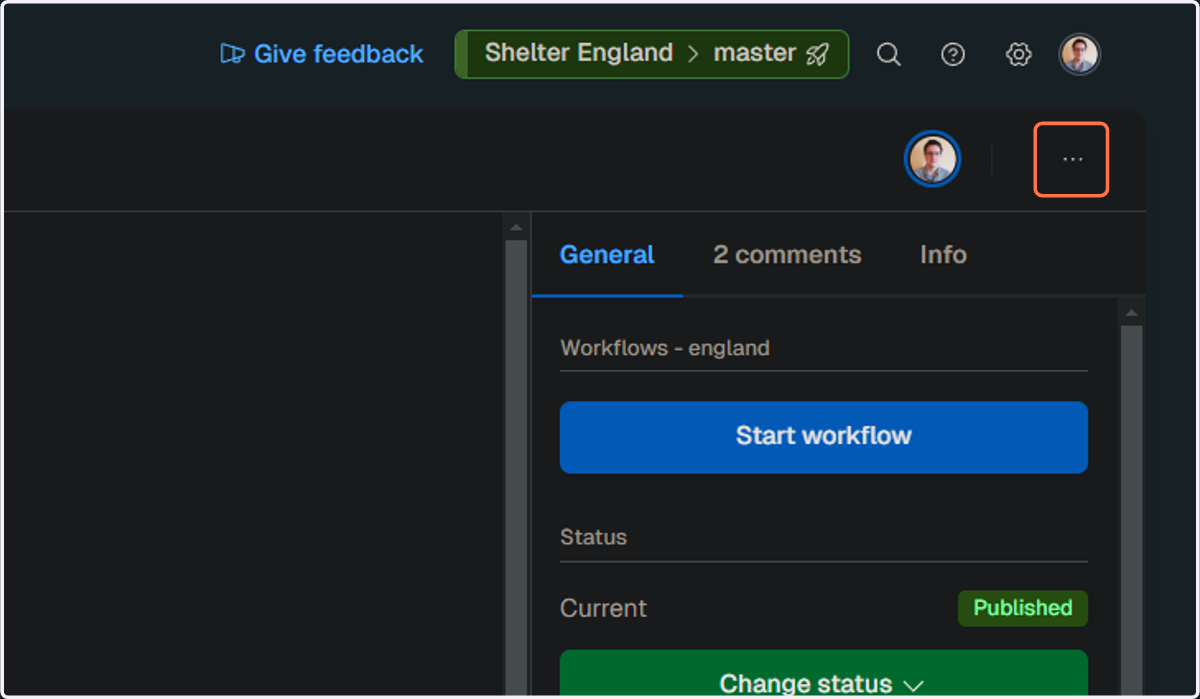
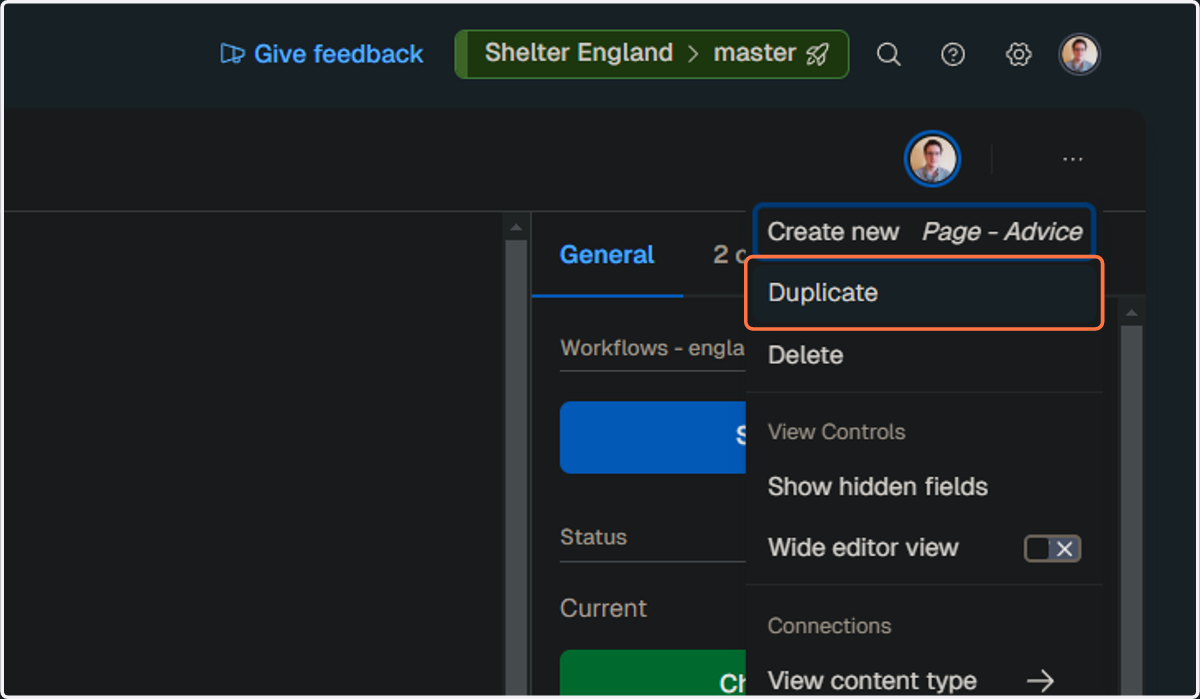
3. Click on Duplicate to create the basis for the "B" variant
4. Enter your "B" variant's title
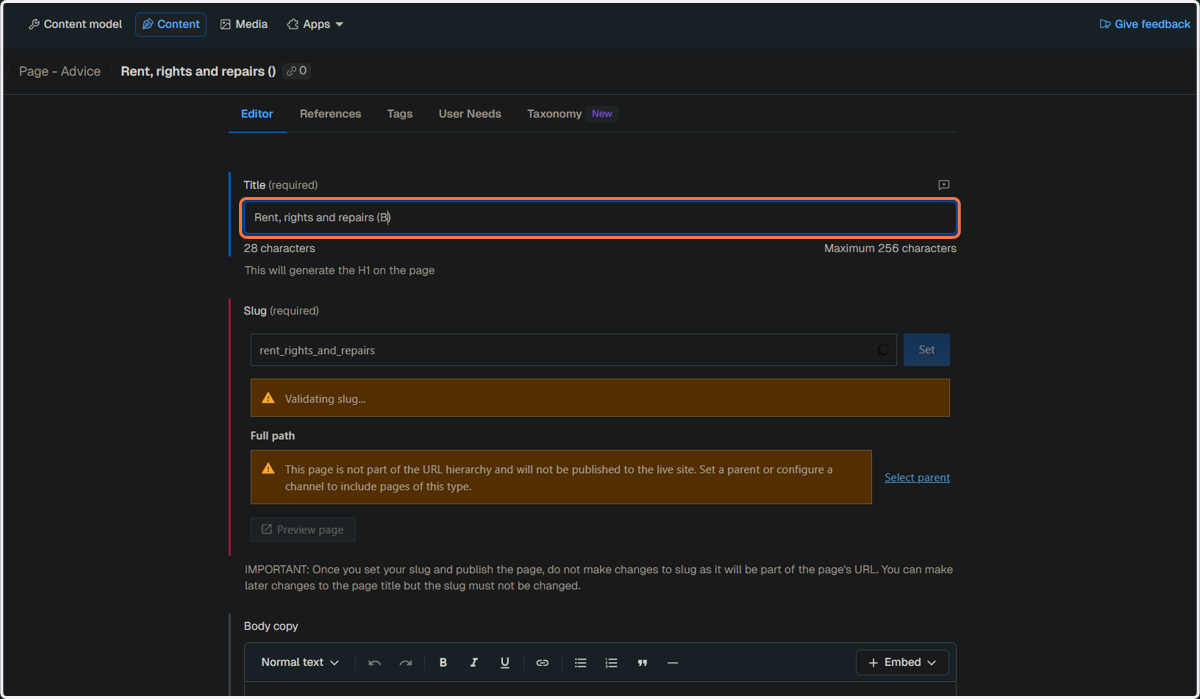
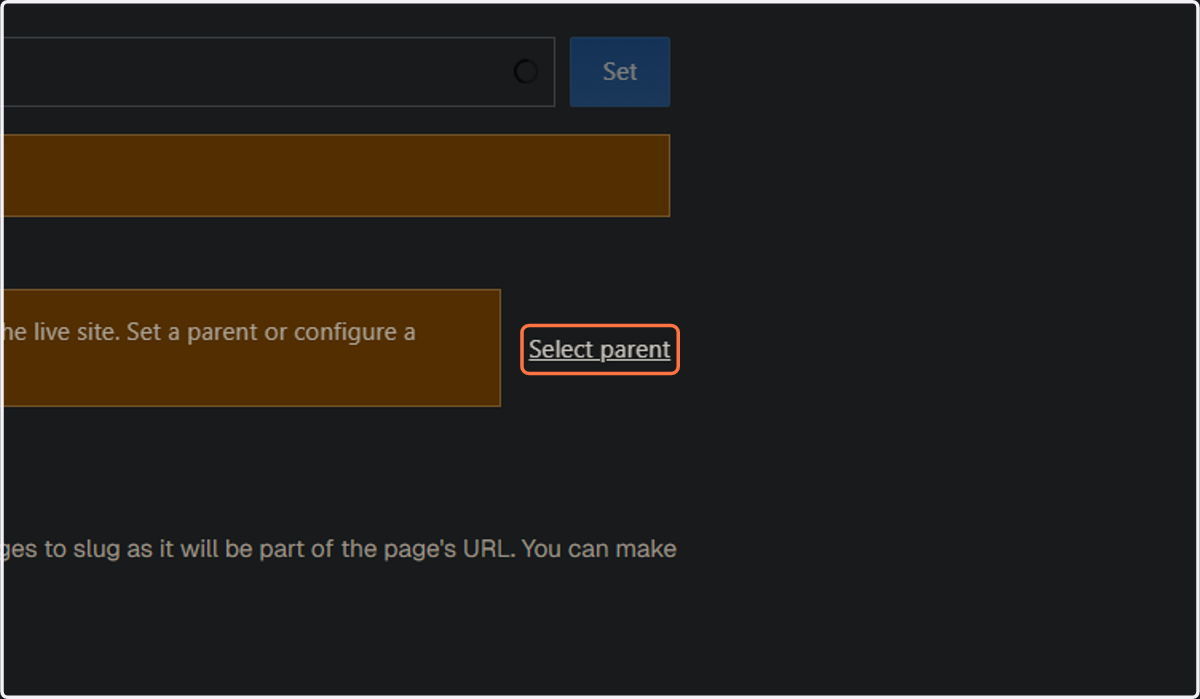
5. Select the parent page
You can use "Tests and demos" as the parent page, as the URL of the ‘B’ variant page will not be visible to users
Note: You may need to refresh the page after this step to set the slug above
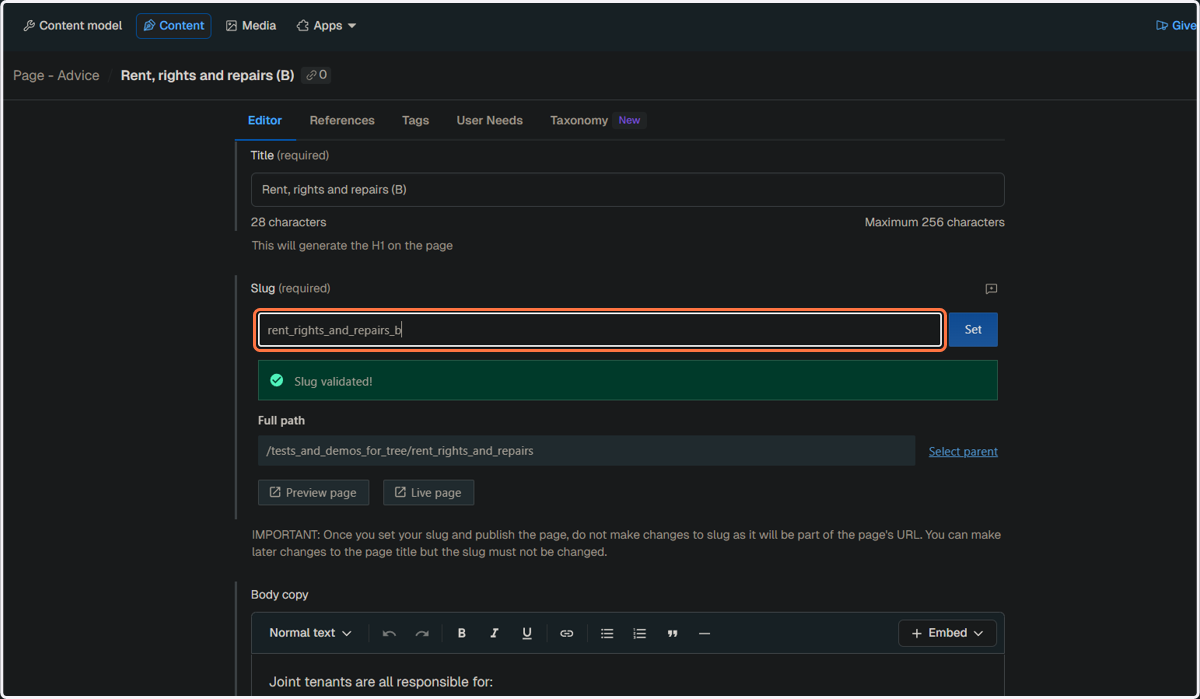
6. Enter the slug for your "B" variant page and click on "Set"
7. Make any necessary edits to the "B" variant page so that it is distinct from the "A" variant page
For example, if you are A/B testing the body copy on the page, you would need to edit the body copy on the "B" variant page
Creating the Split Test
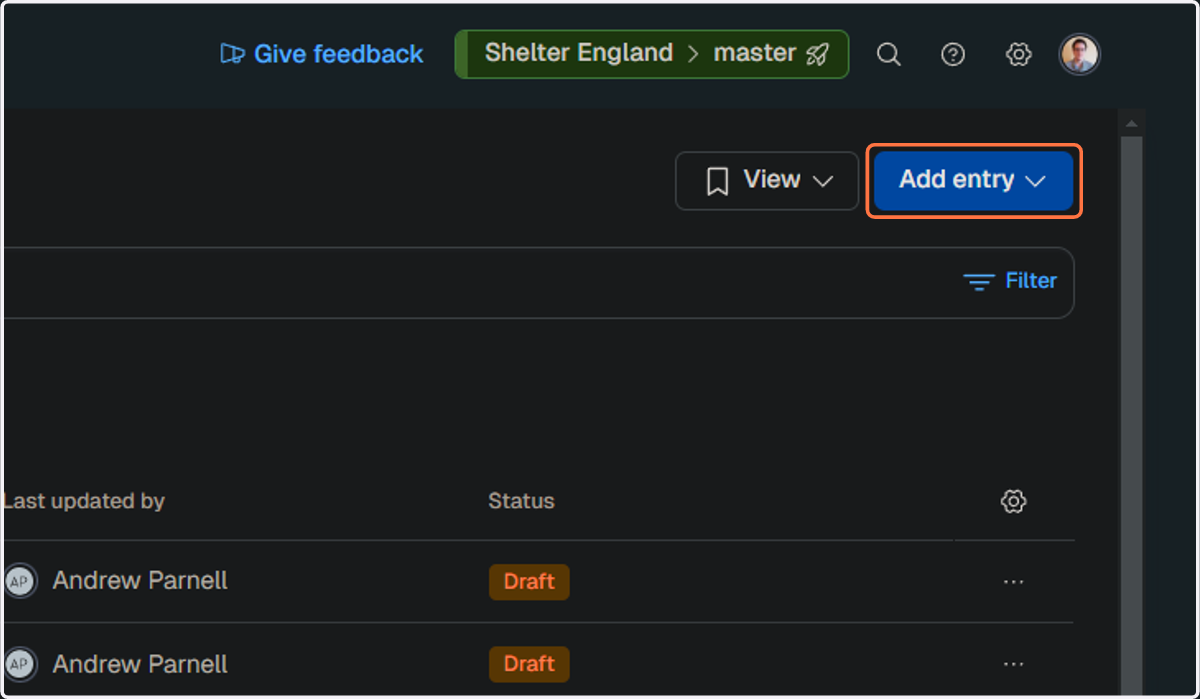
8. Click on "Add entry" and select "Split Test"
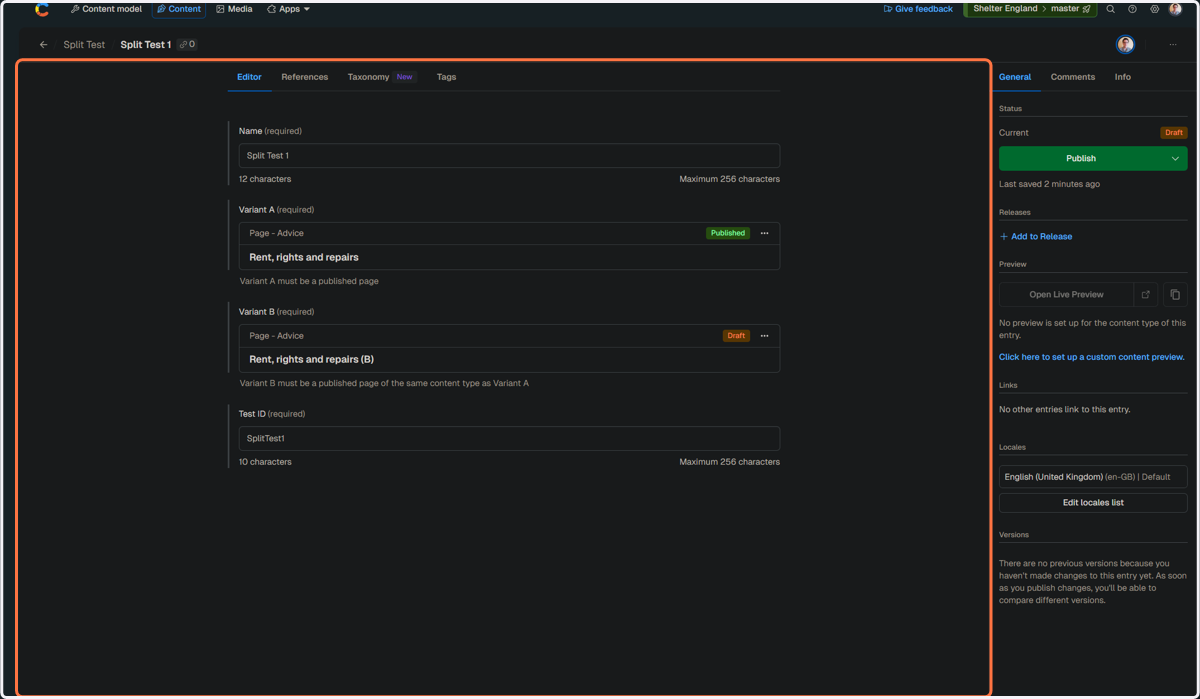
9. Enter your split test name
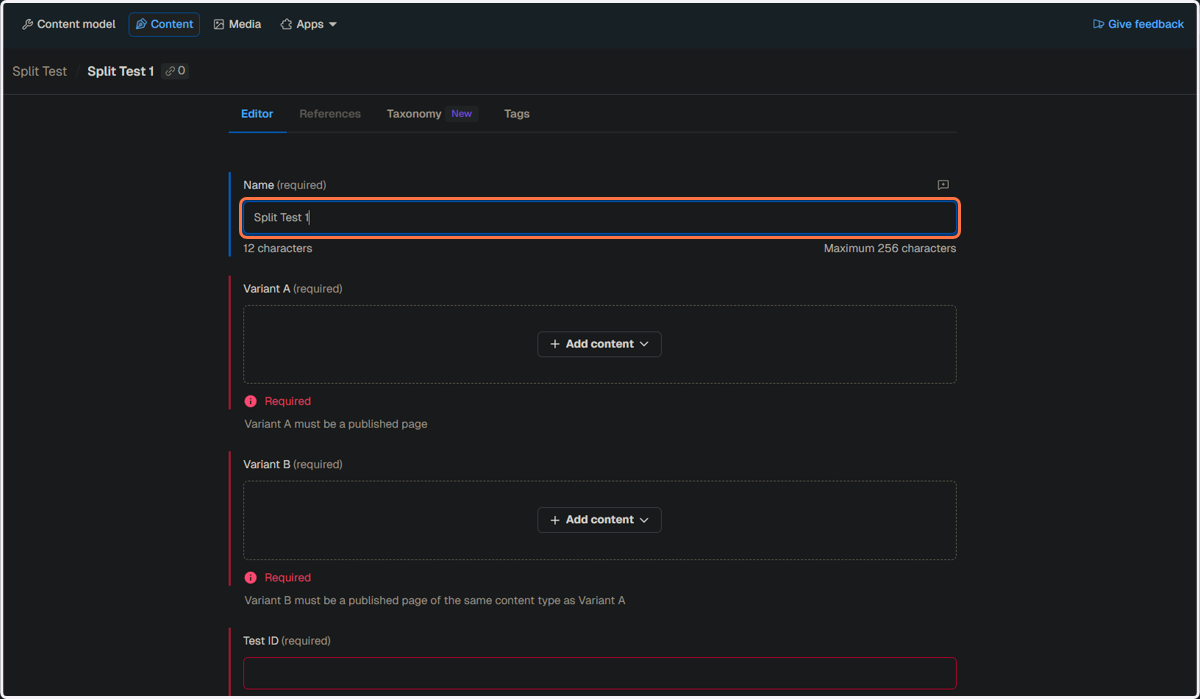
10. Enter your split test ID, used for tracking purposes
Currently we use the format "{page_variant}_{date}"
eg "donate_images_jan25"
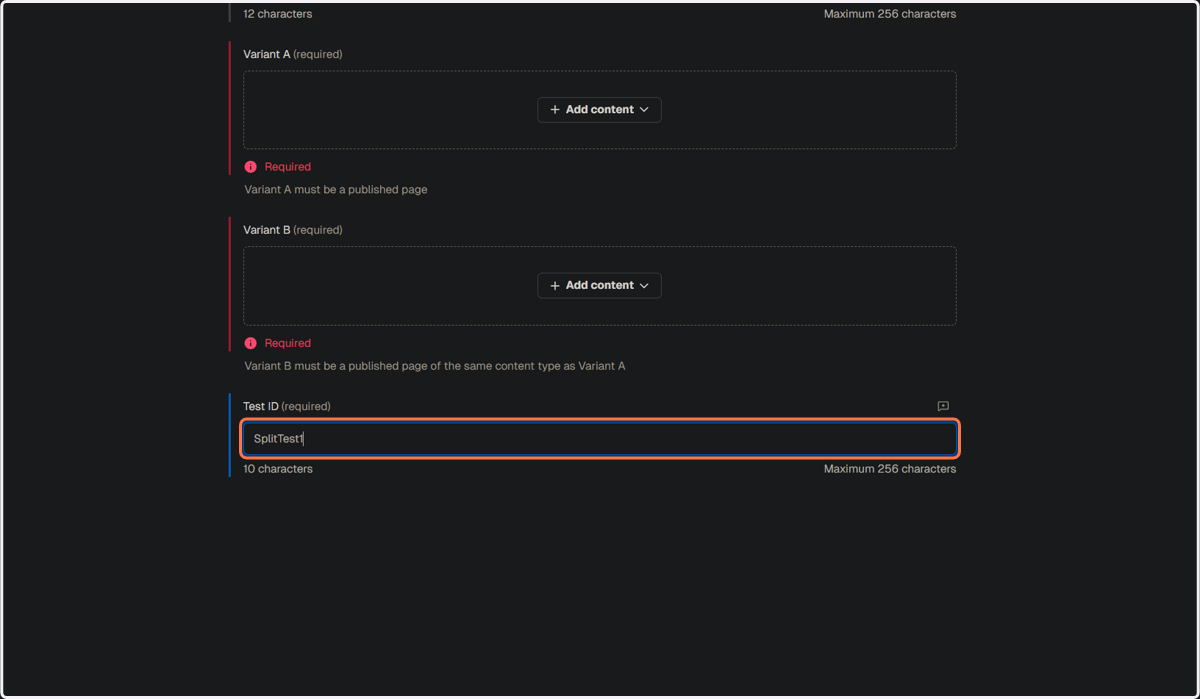
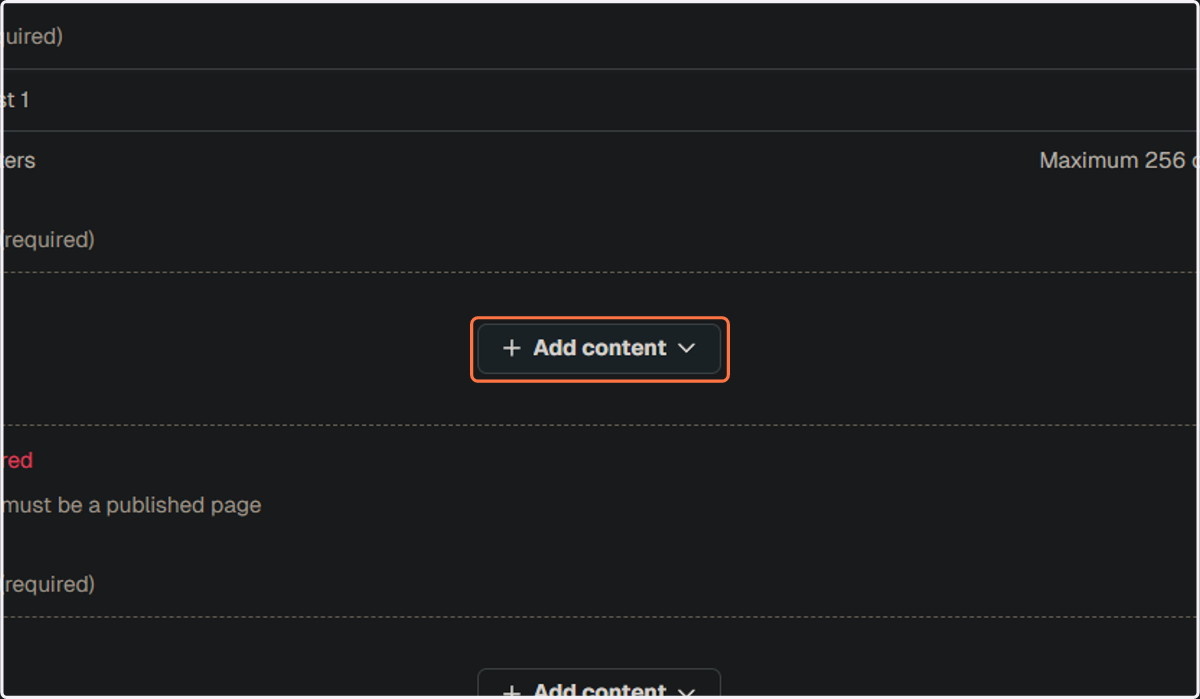
11. Set your "A" variant - this is the web page that will be used as a control in the A/B test
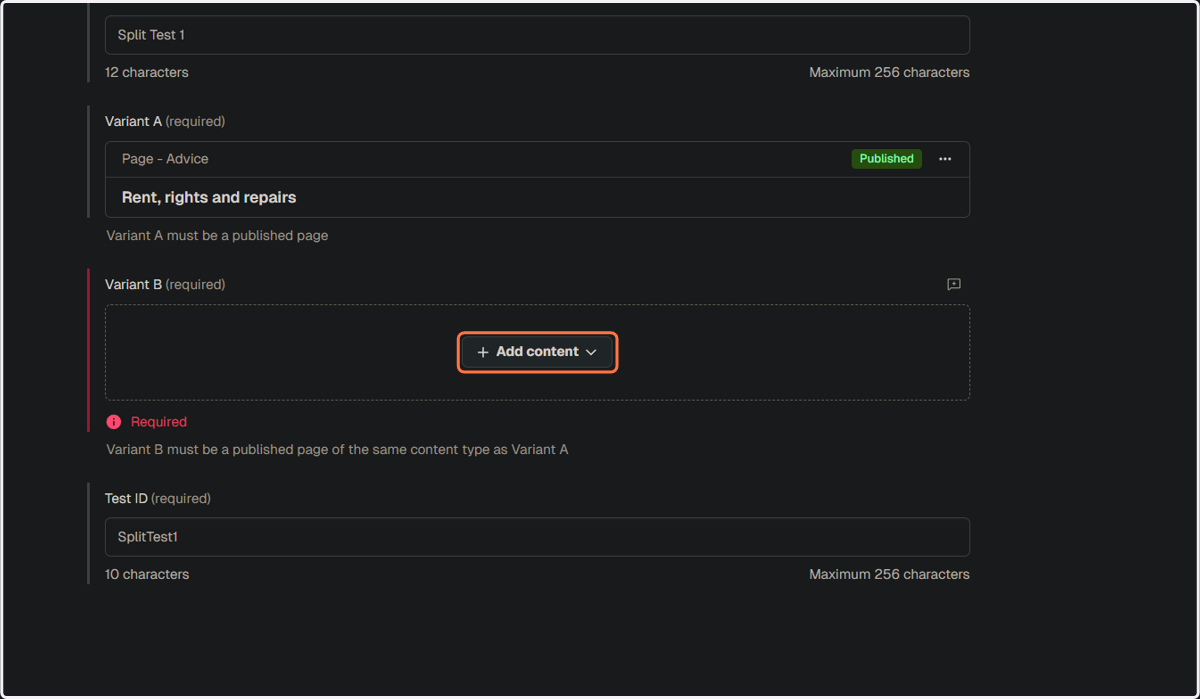
12. Set your "B" variant
13. Select the "B" variant page that you have created
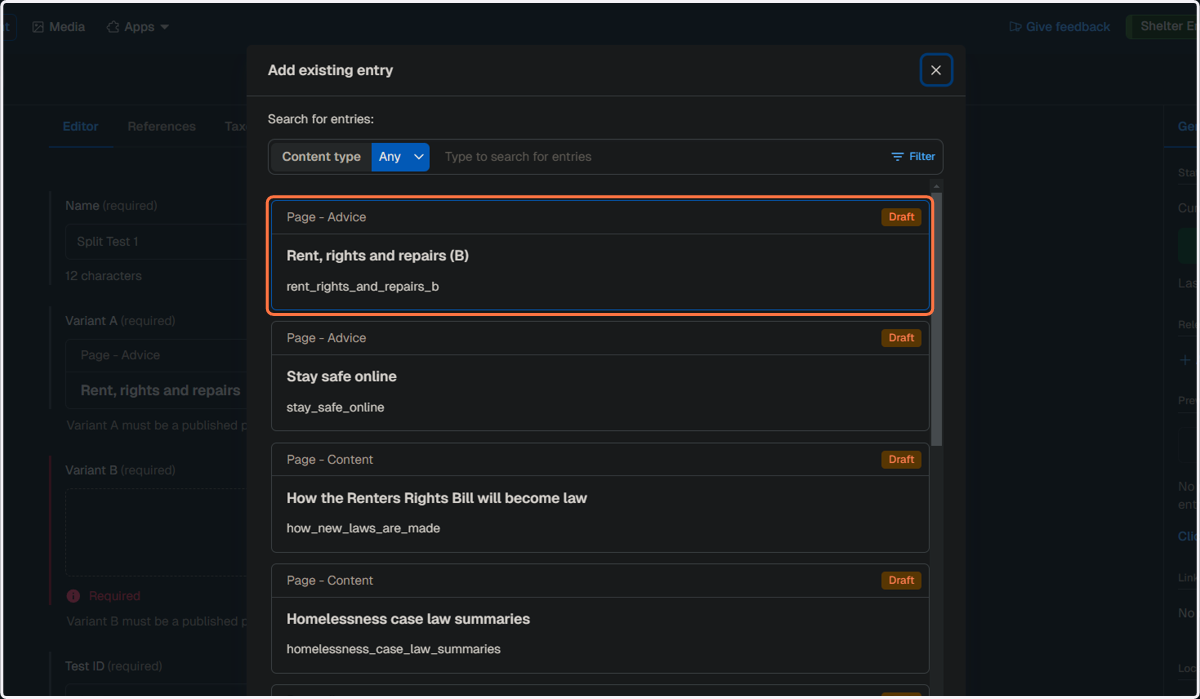
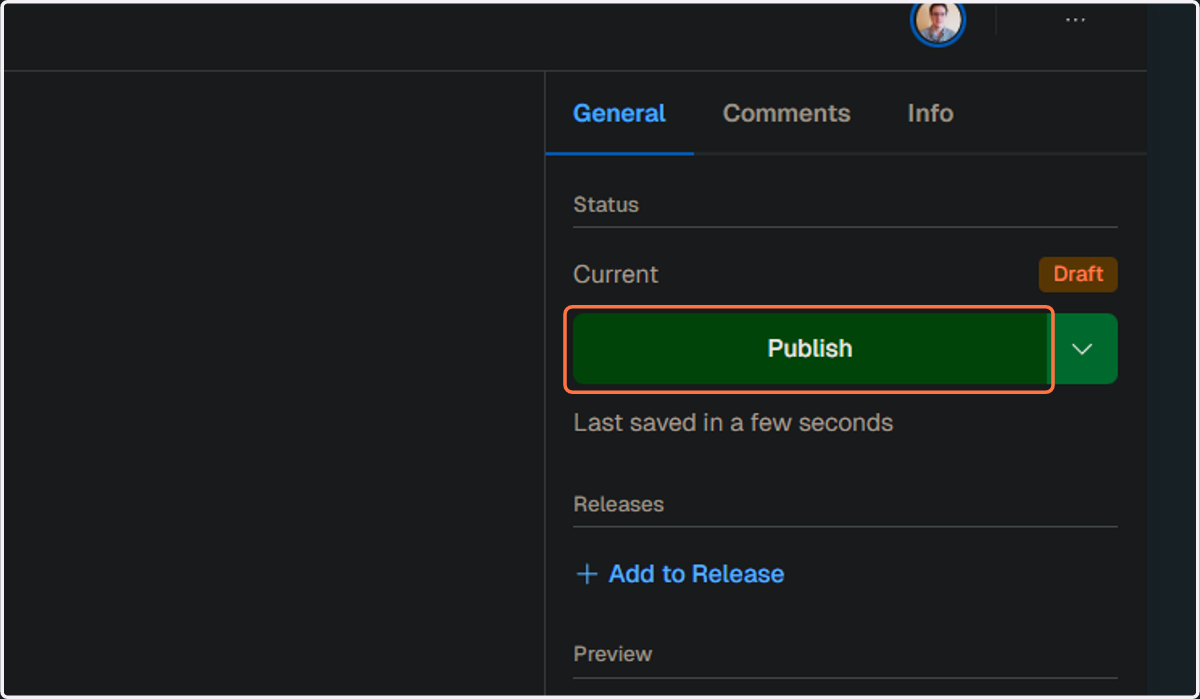
14. From here you'll want to publish the "B" variant
15. Now you can deploy your Split Test