Creating a Repository on GitHub
A visual on how to create a repository on GitHub
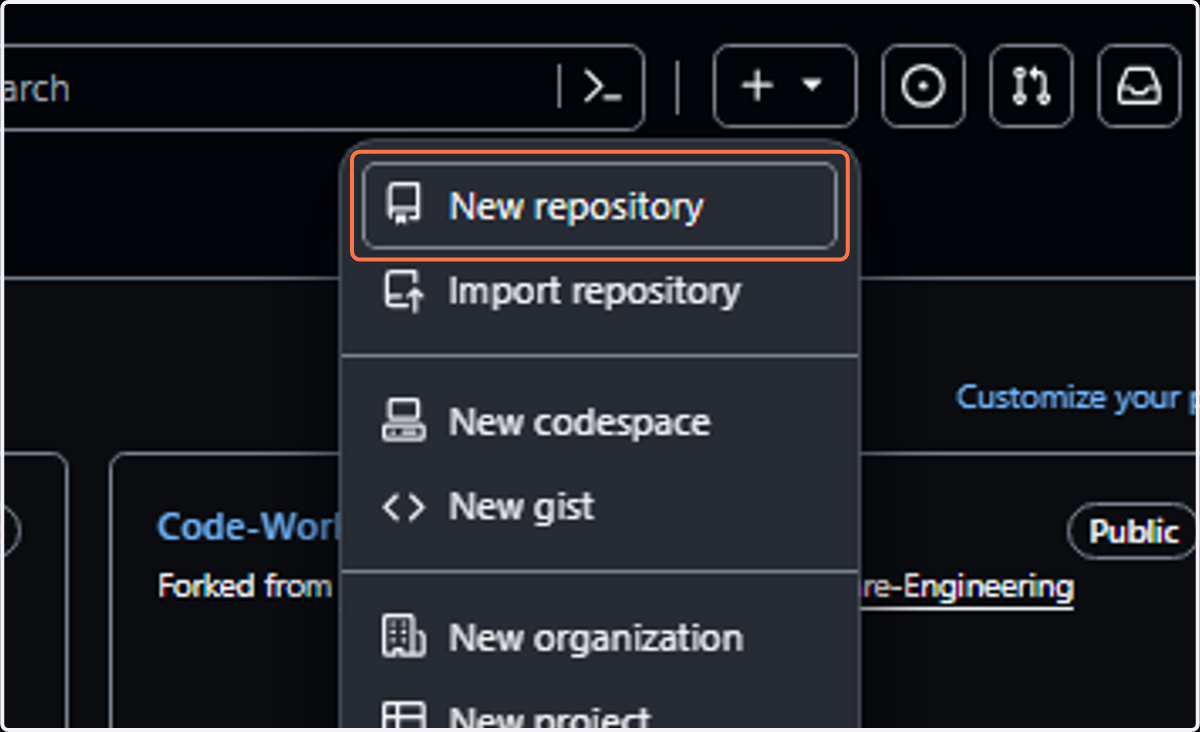
1. Click on + sign at the top right of your profile.

2. Click on New repository
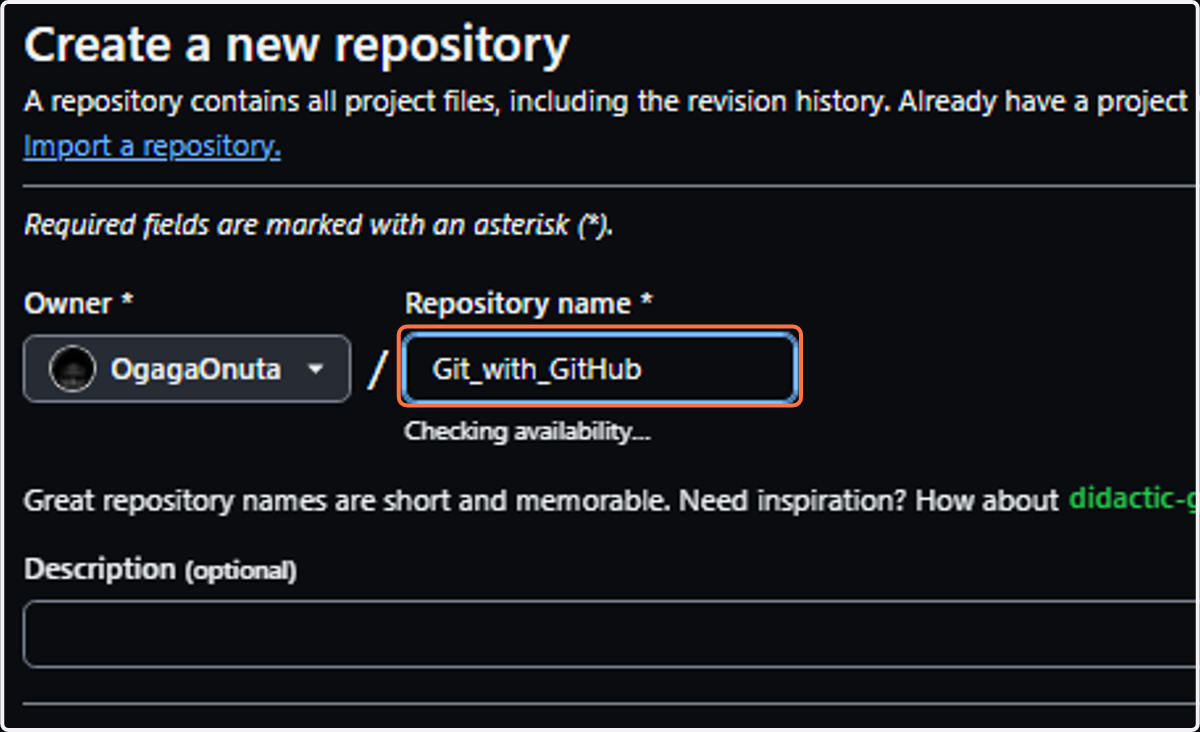
3. Input a repository name
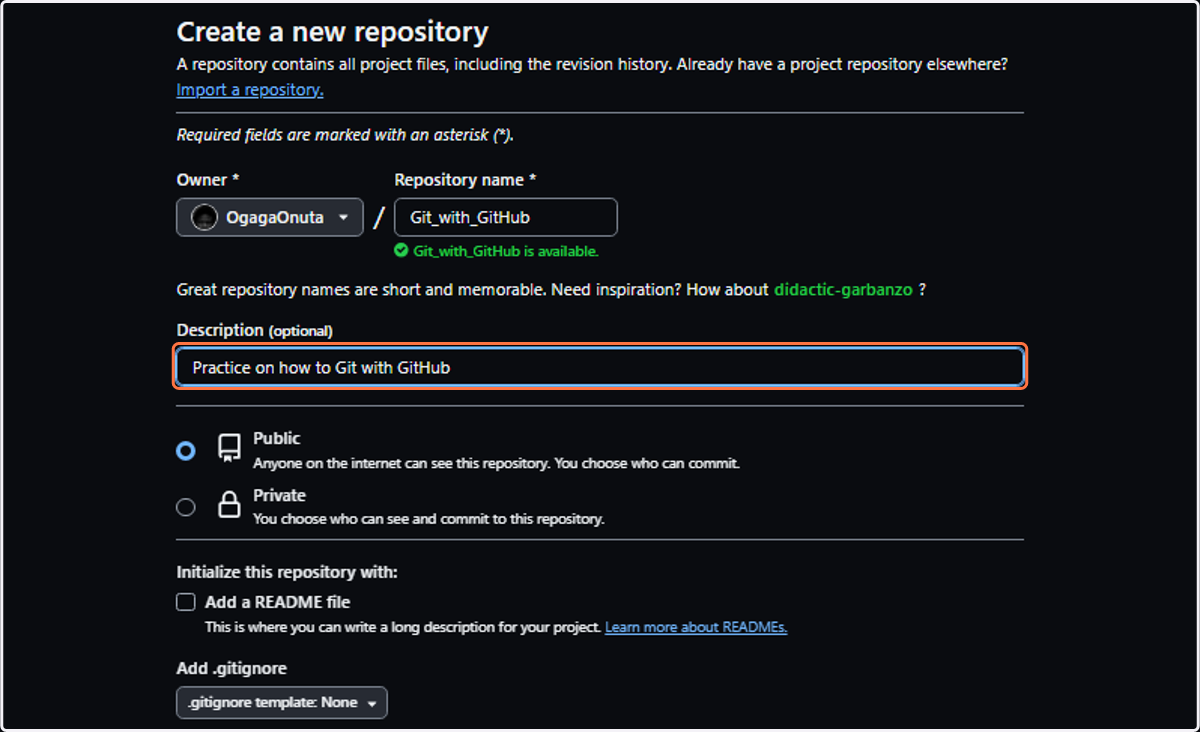
4. Write an optional description
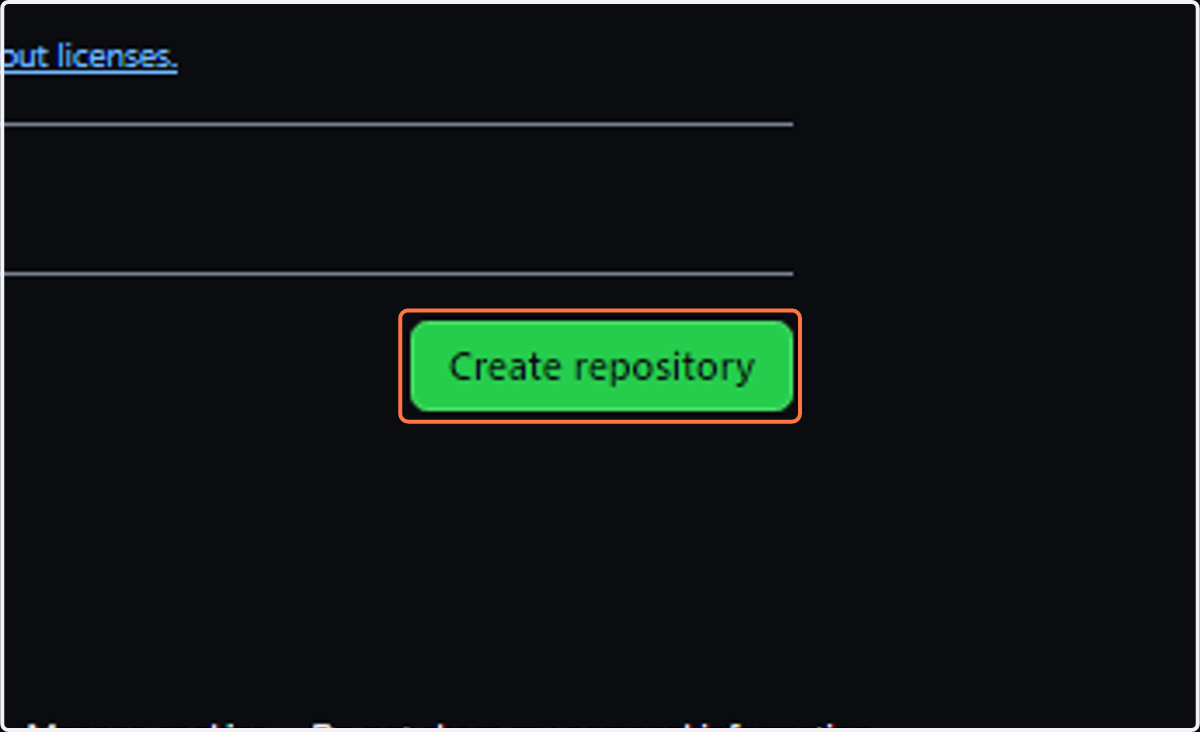
5. Click on Create repository