Creating a New Movers Mailing List
Create a mailing list to target homes that have recently been moved into.
Edit Mailing List | DirectMail Portal
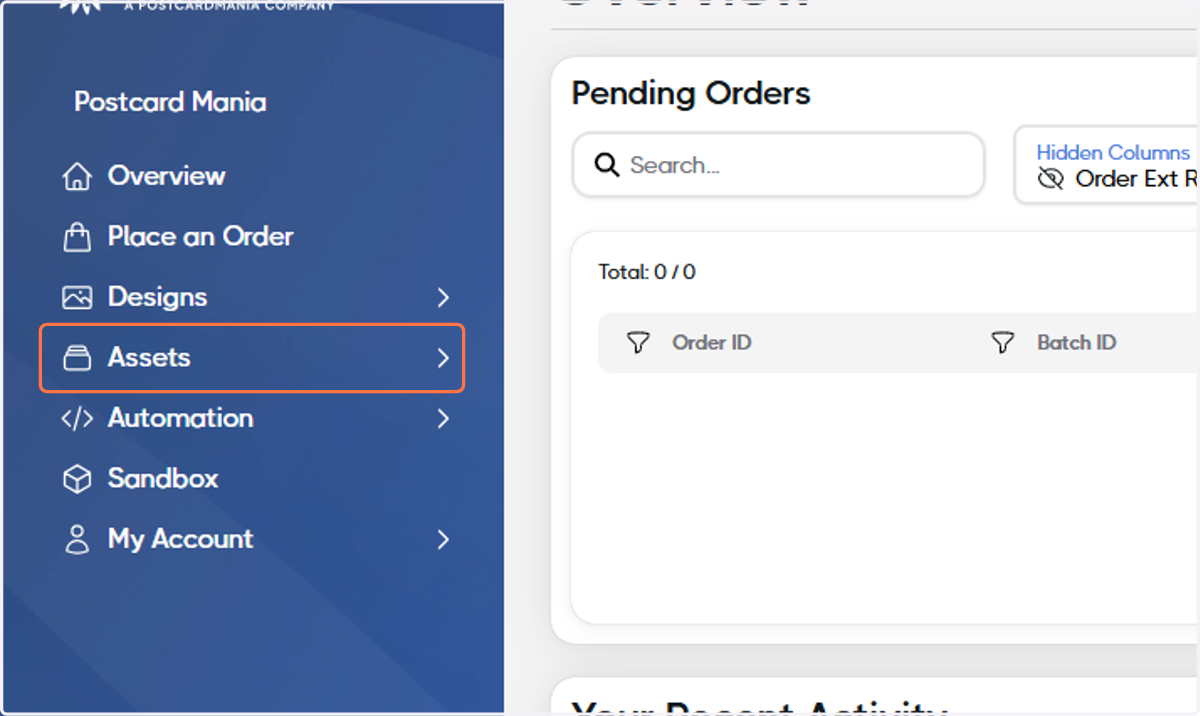
1. Click on Assets
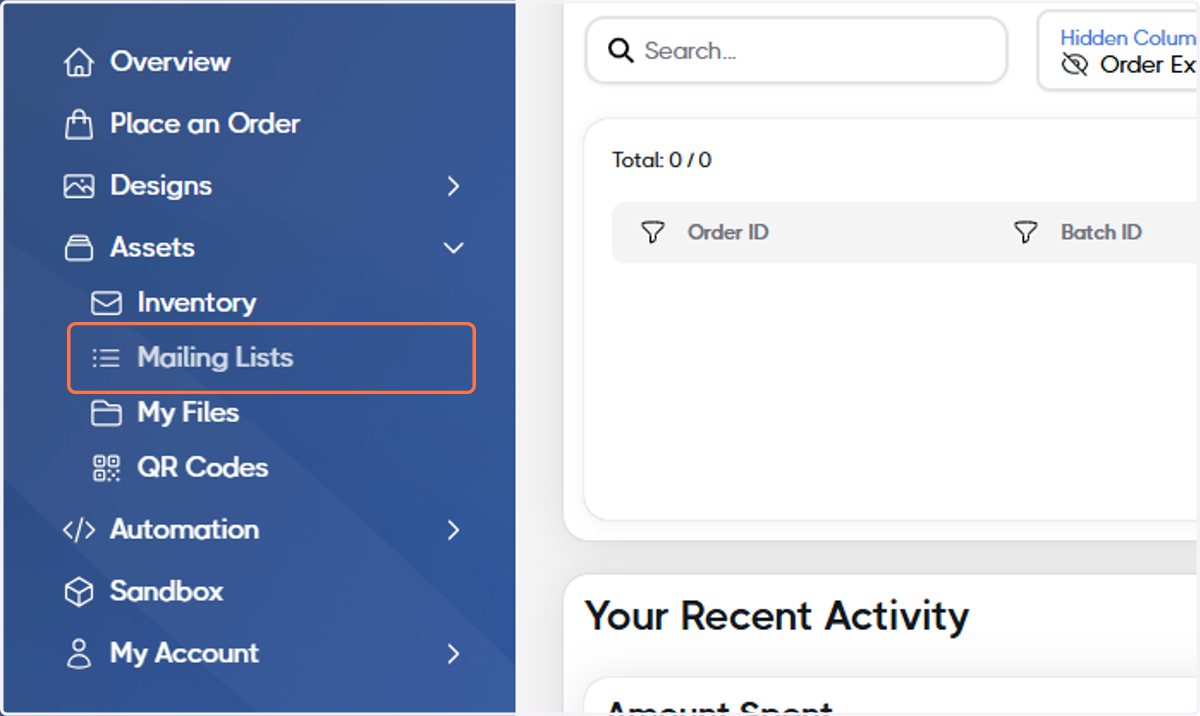
2. Click on Mailing Lists
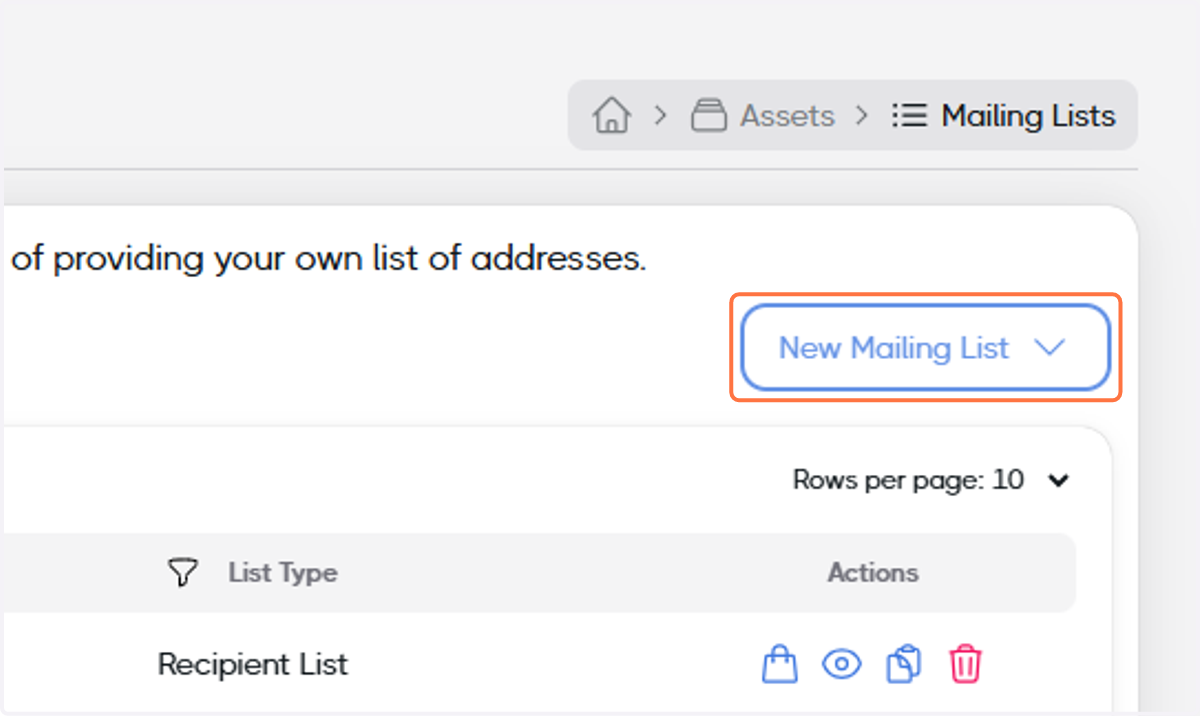
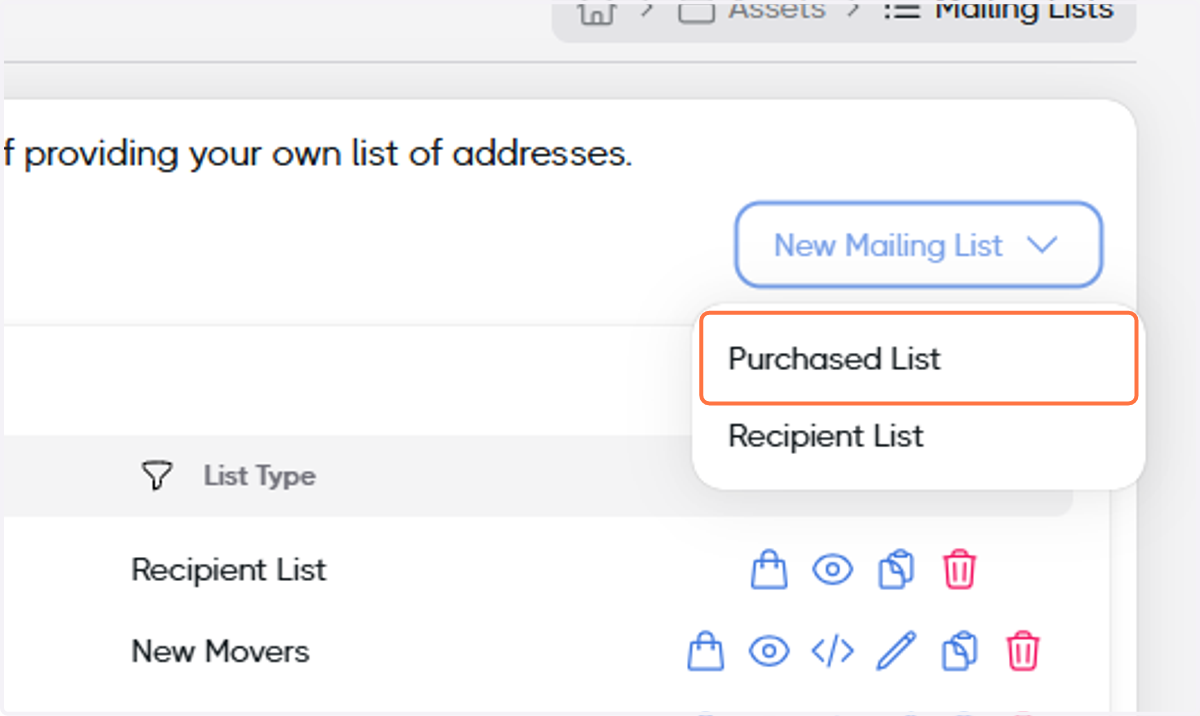
3. Click on New Mailing List
4. Click on Purchased List
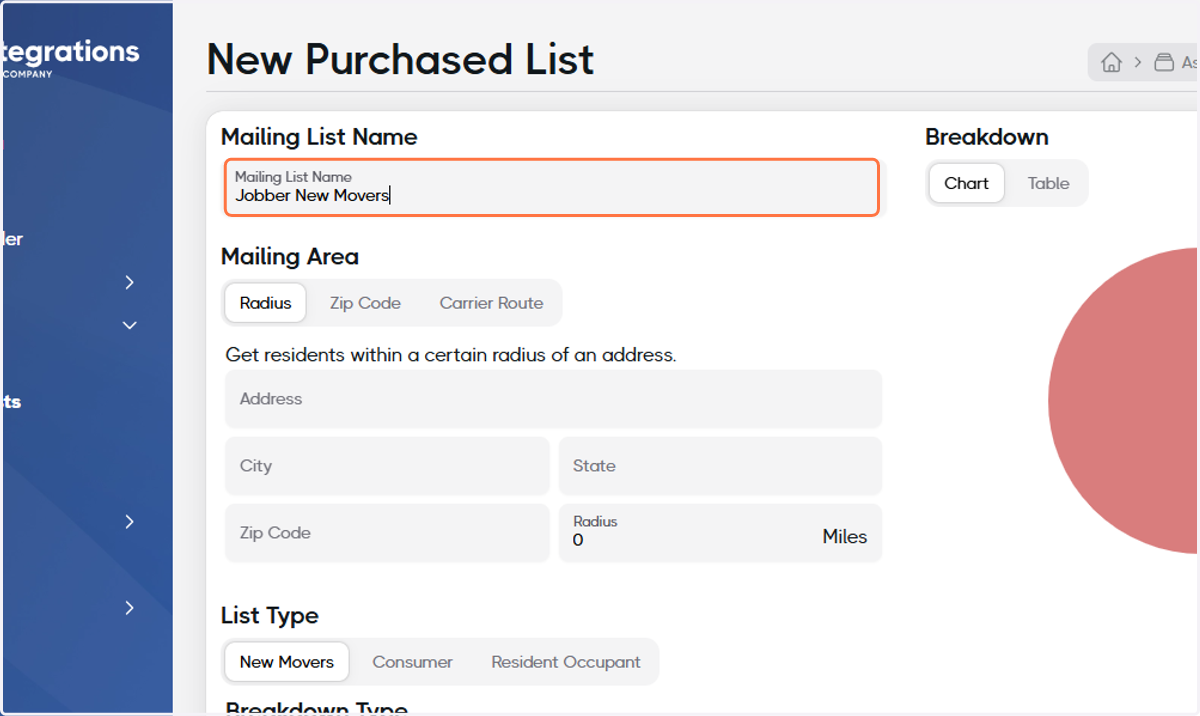
5. Name your List
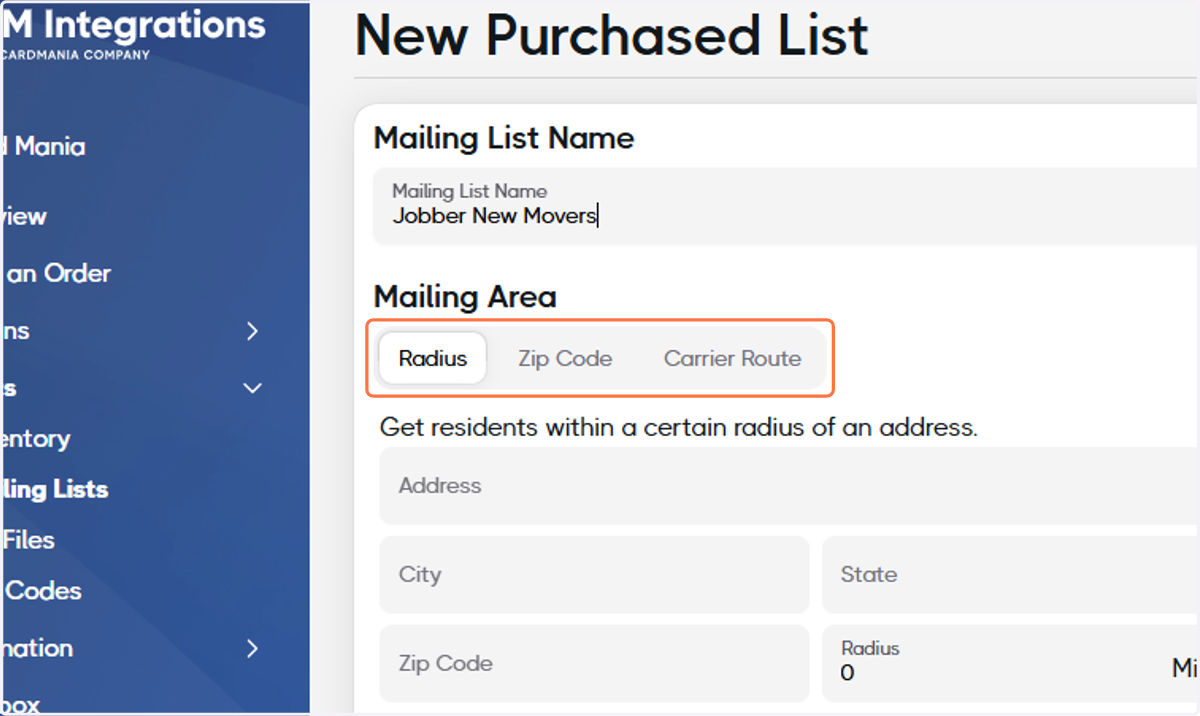
6. Select how you'd like to source the area for your Mailing List
For this example, we'll select Radius.
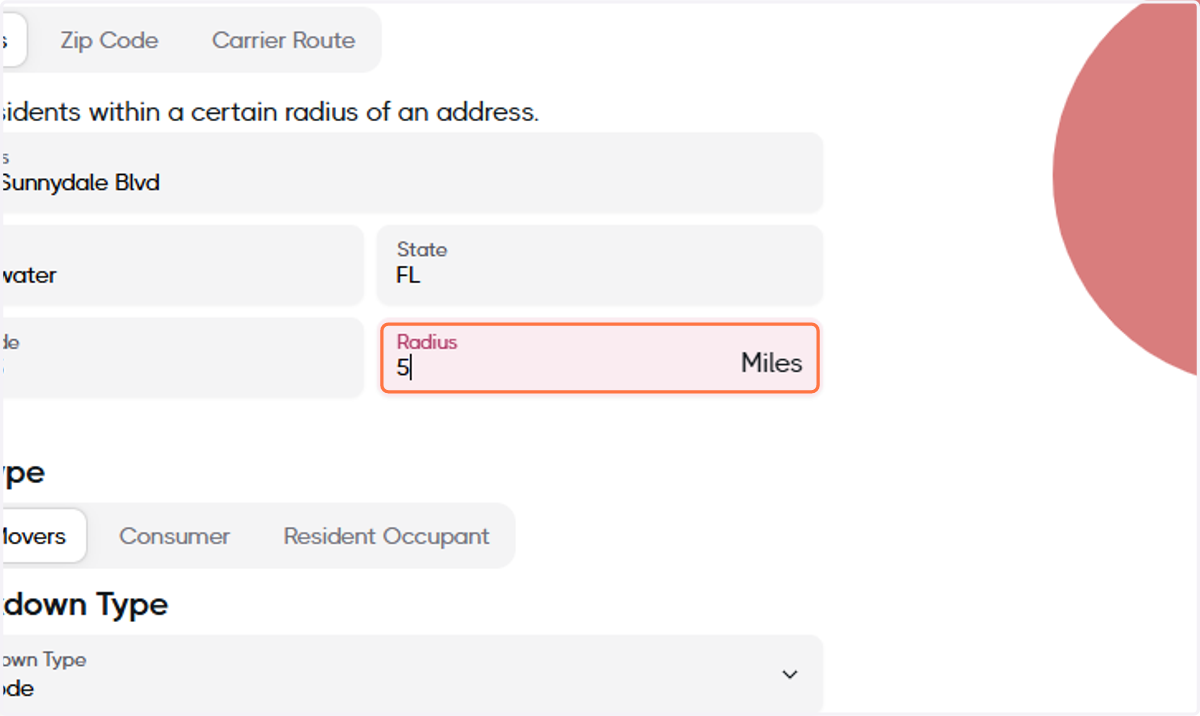
7. Fill out the information
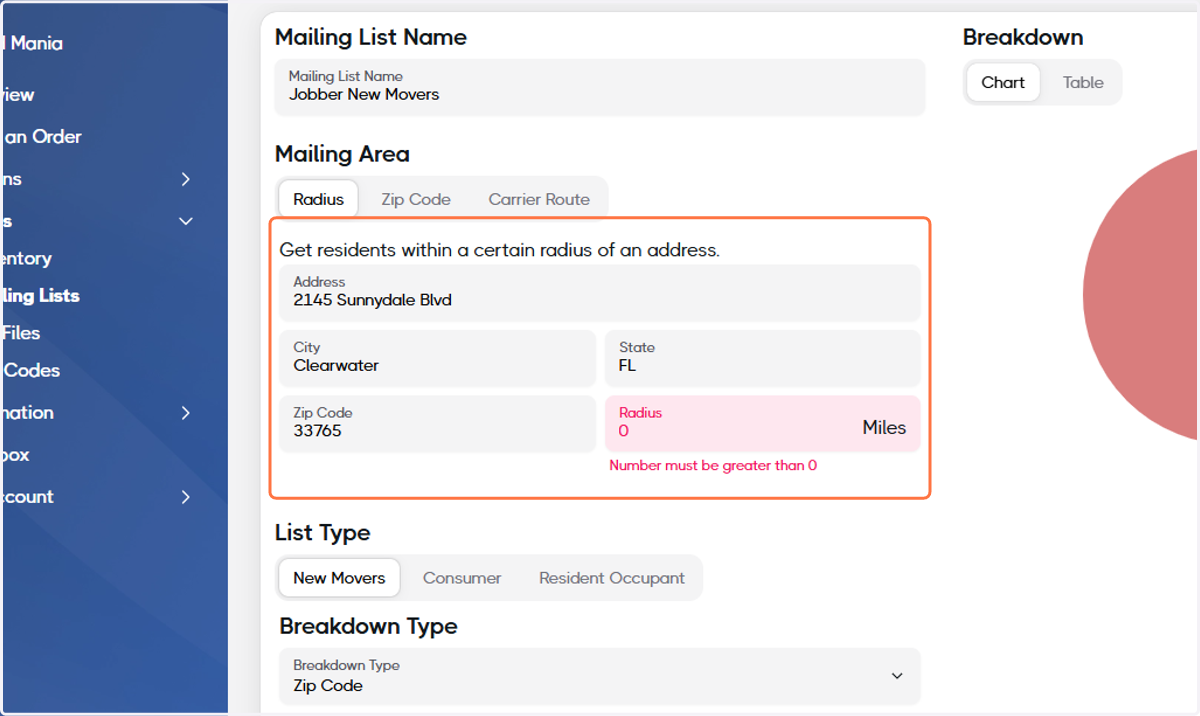
8. Set the Radius distance
In this example, we'll set it to 5 miles.
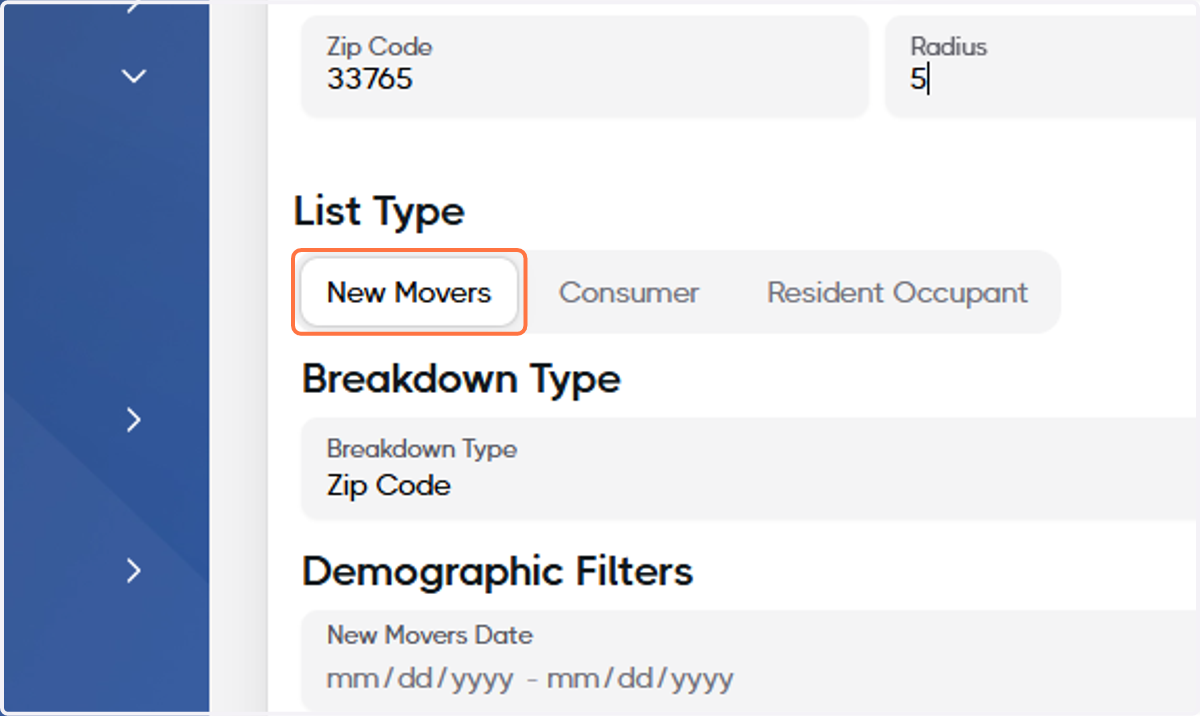
9. Ensure New Movers is selected under List Type
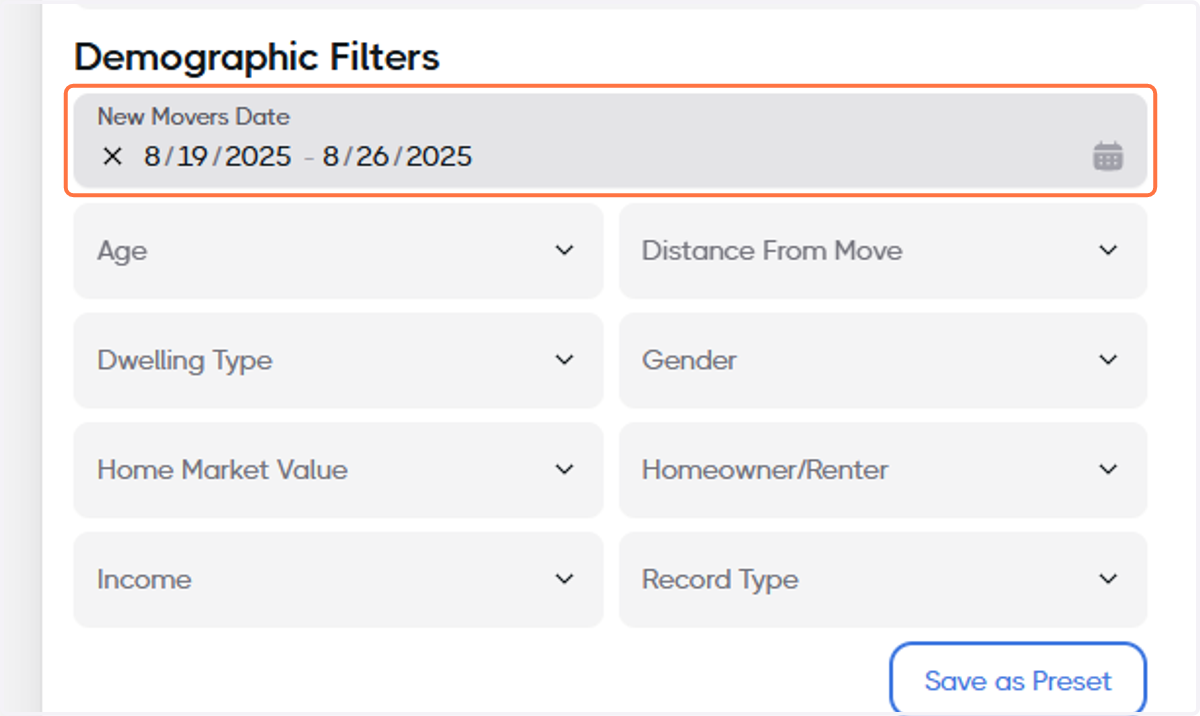
10. Set the New Movers Date
We recommend setting the range to the last 7 days.
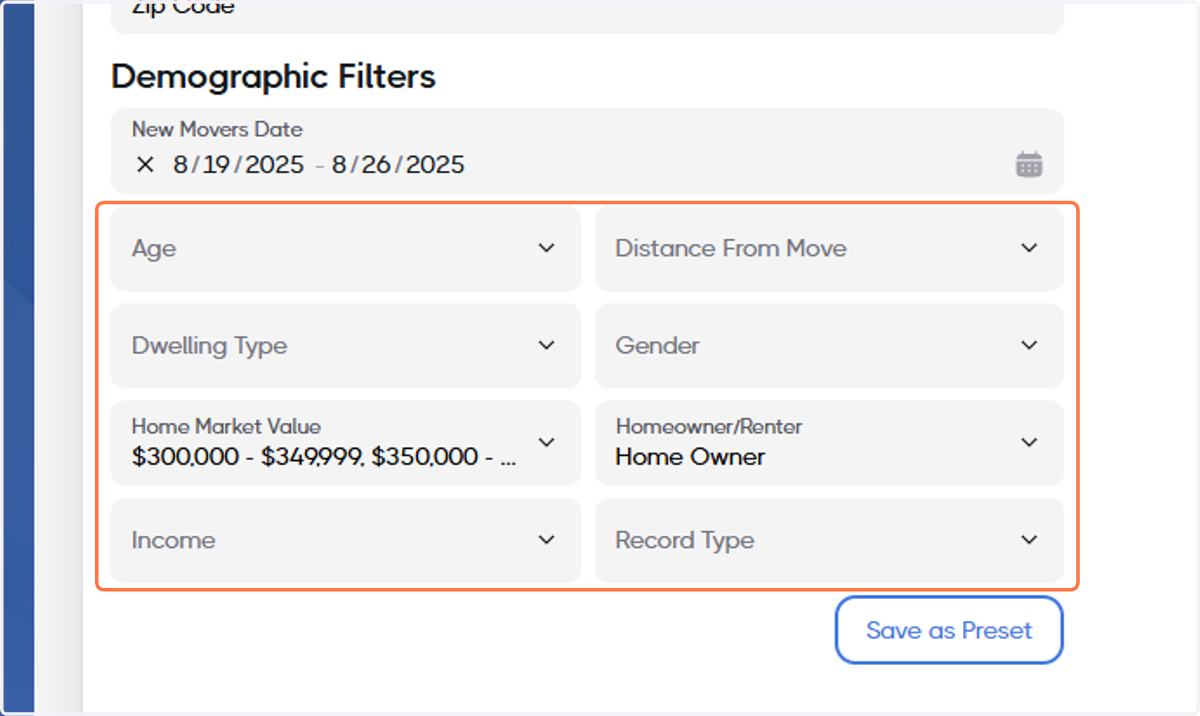
11. Select any other desired Demographic Filters
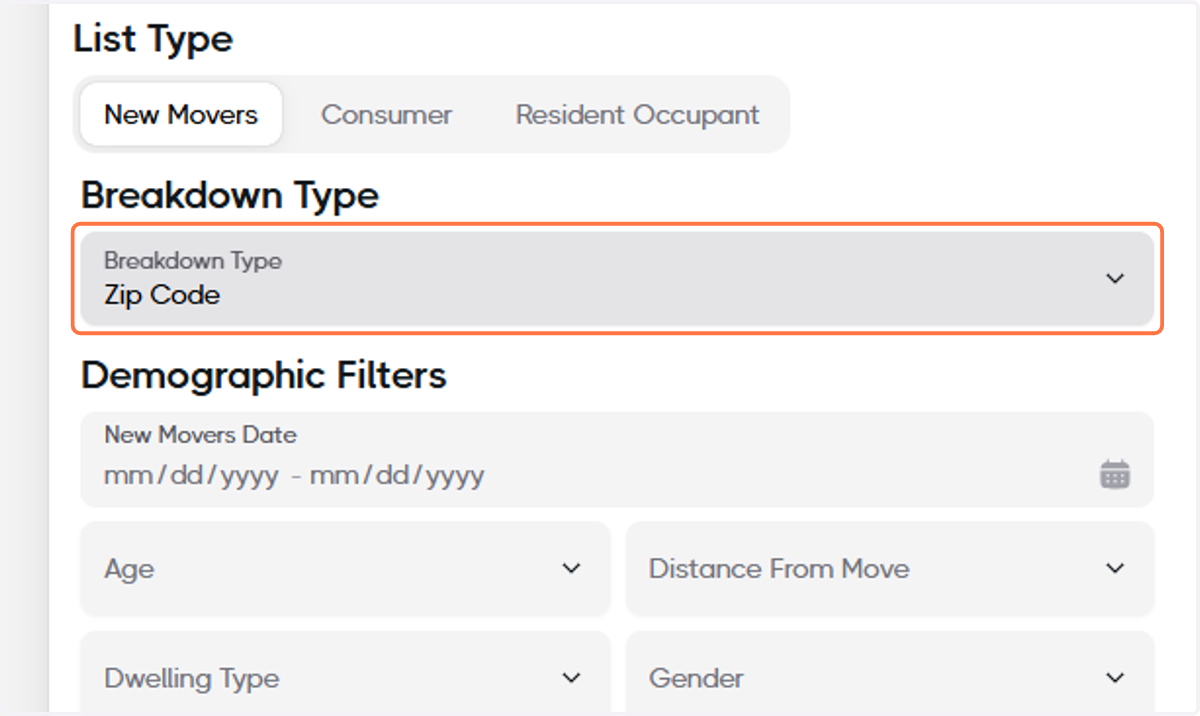
12. Set the Breakdown Type
In this example, we'll set it to Zip Code.
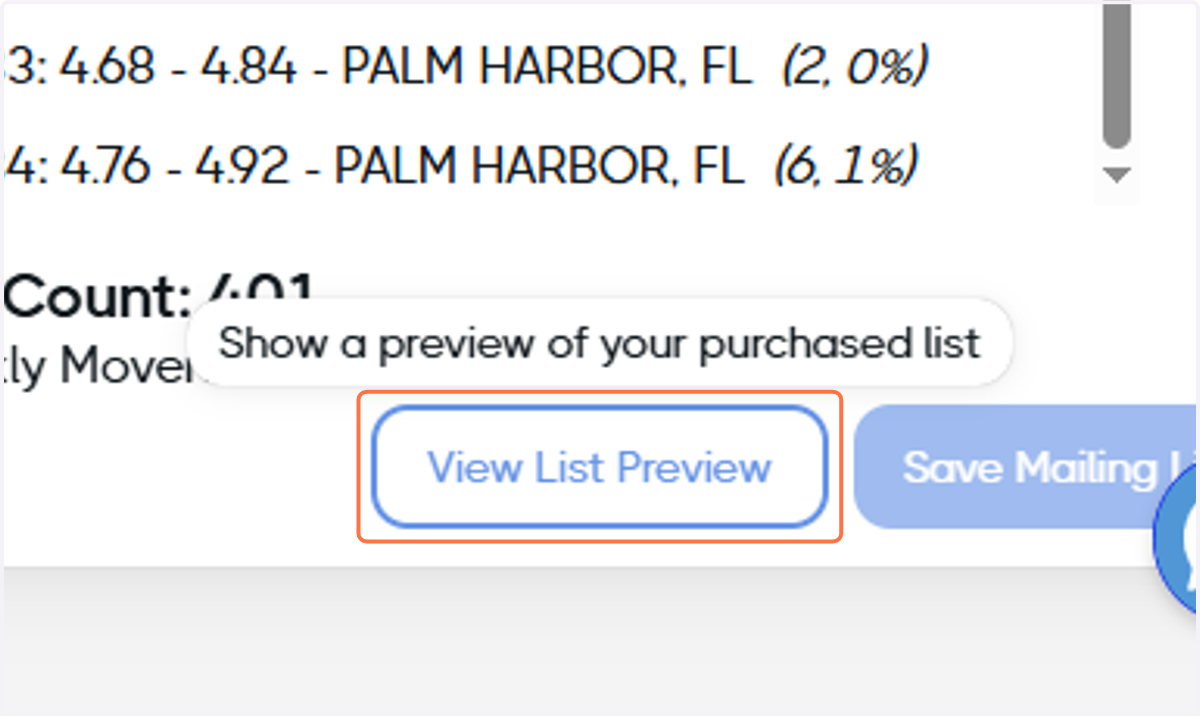
13. Click on View List Preview
14. Analyze the preview data and make adjustments to the Demographic Filters and the Breakdown Type as needed
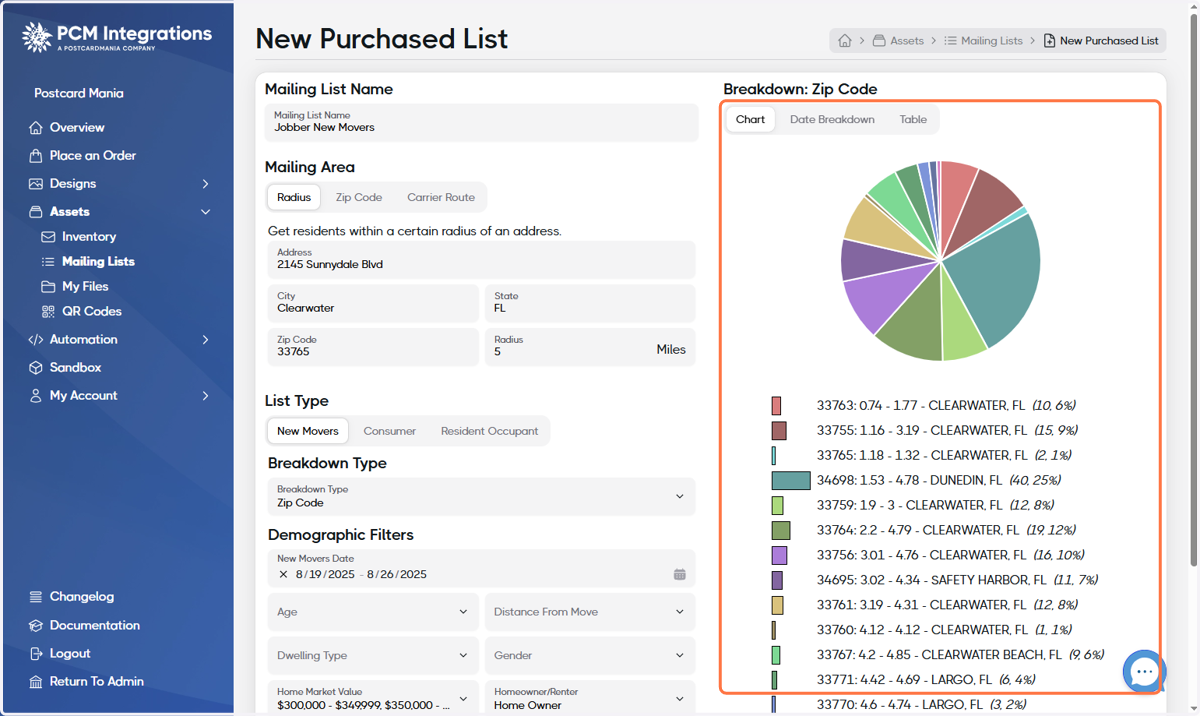
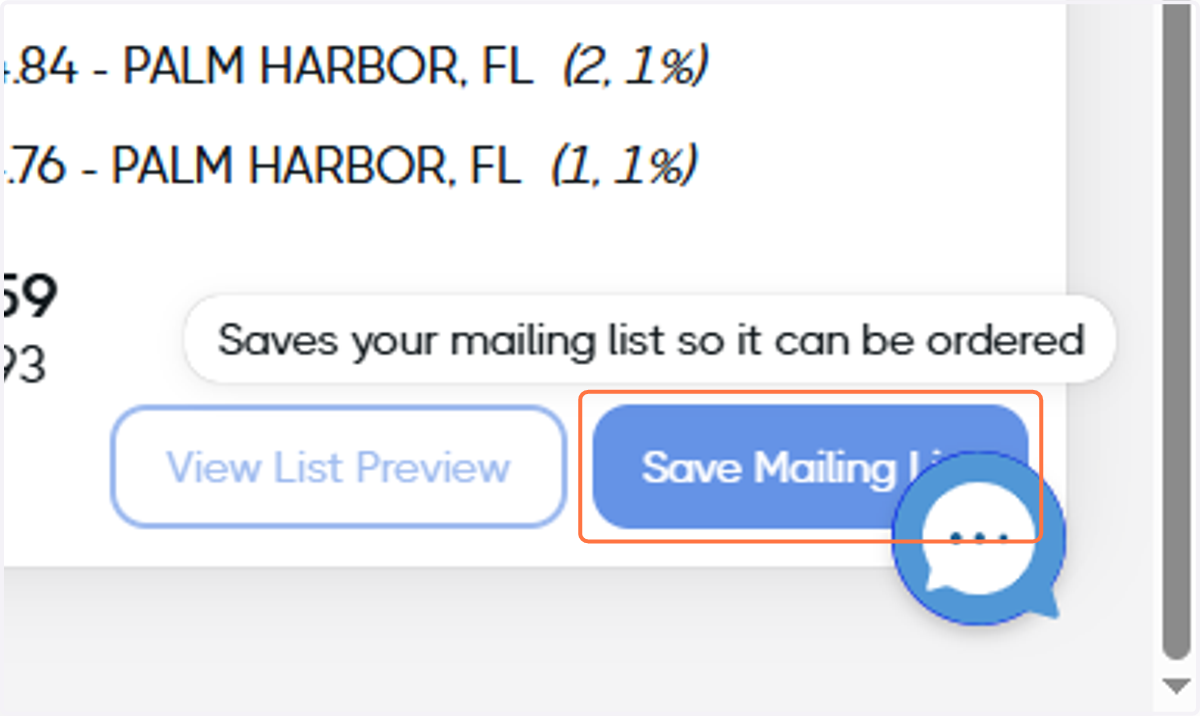
15. When you're satisfied with your list, click on Save Mailing List and your mailing list is ready!