Creating Number Status' Property in HubSpot
Prospecting | HubSpot
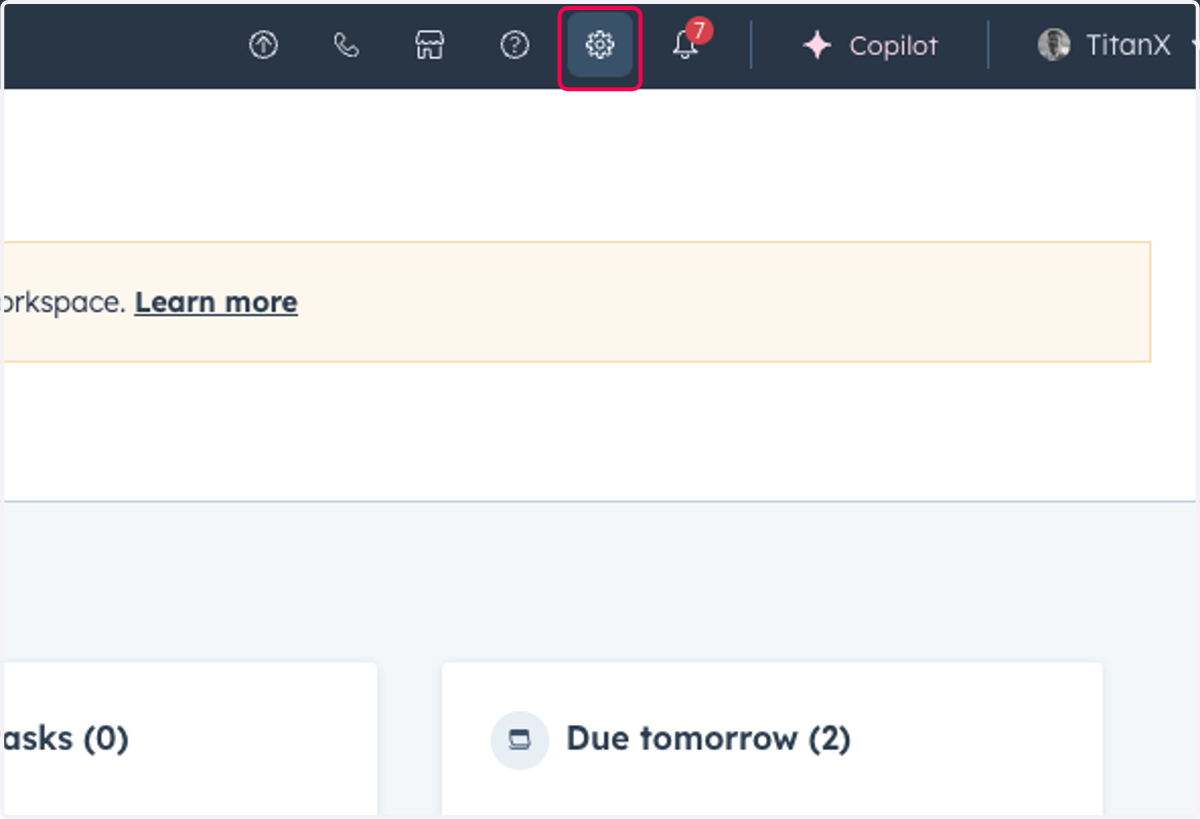
1. Click on Settings
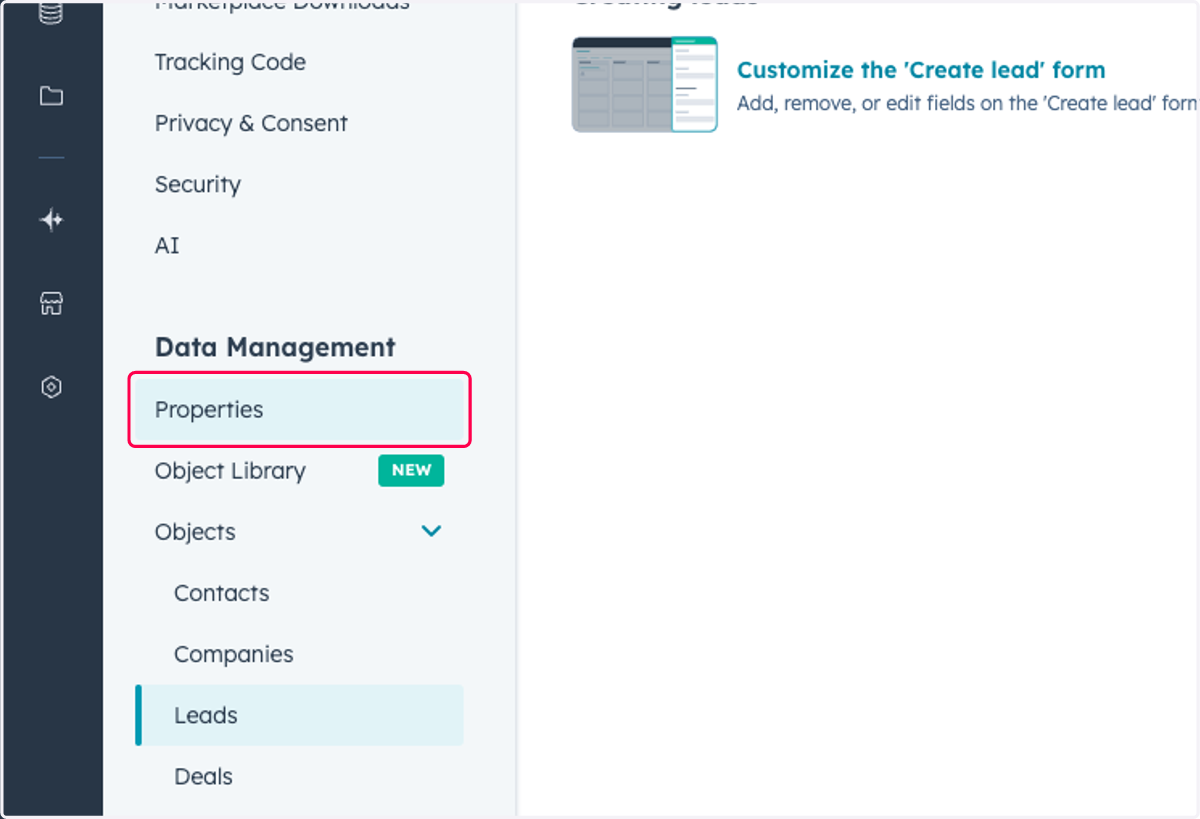
2. Click on Properties
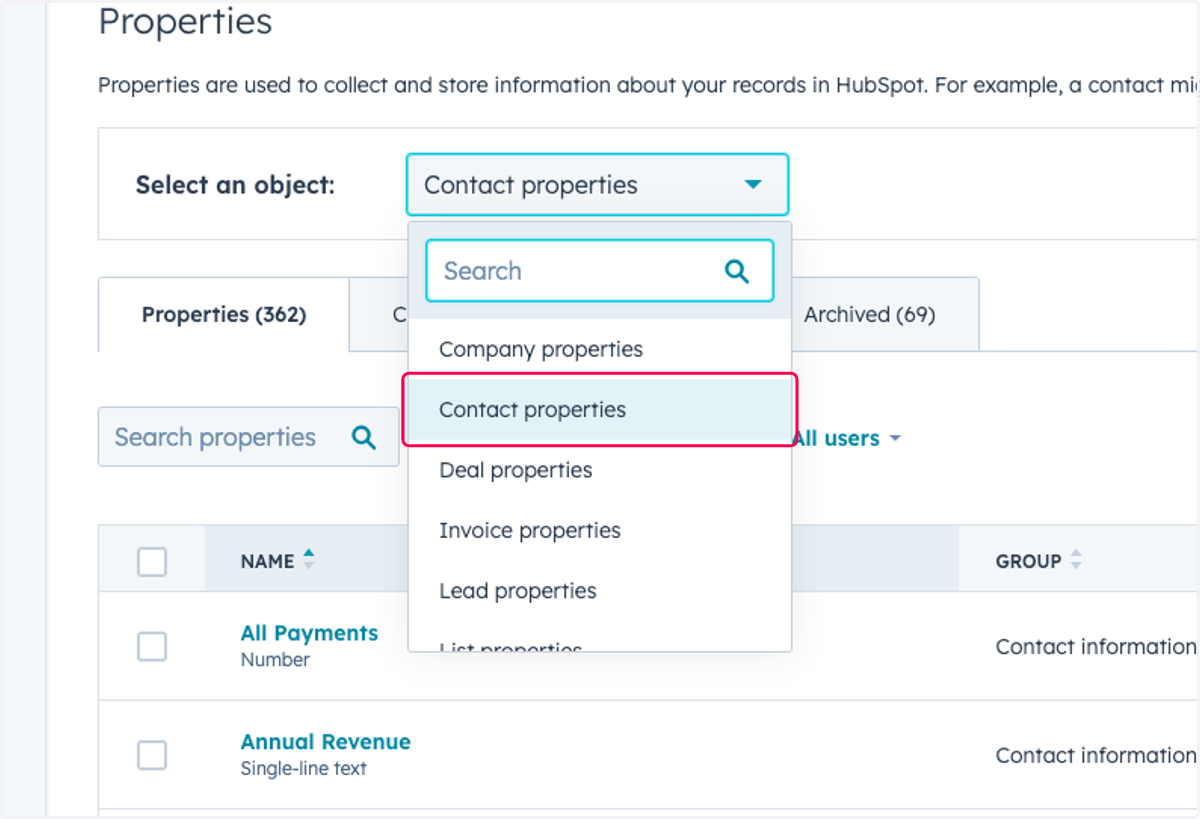
3. Click on Select object type
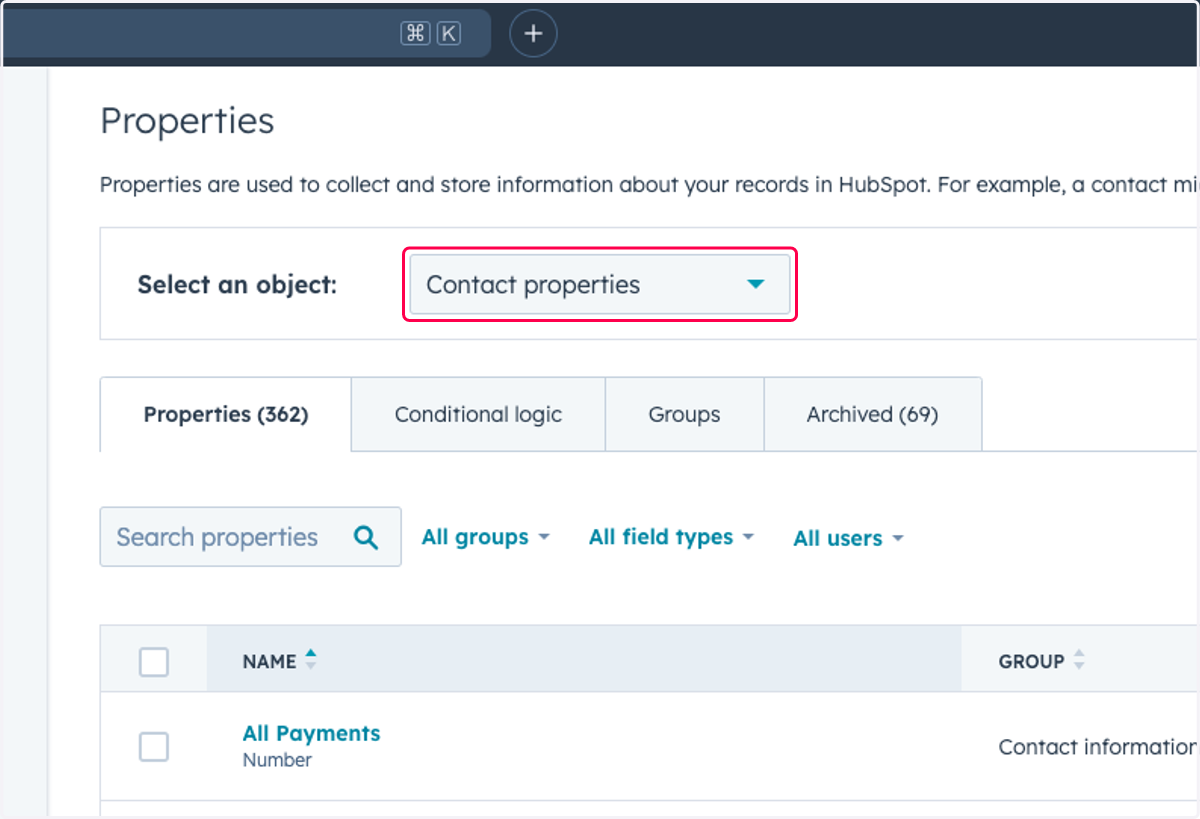
4. Click on Contact properties
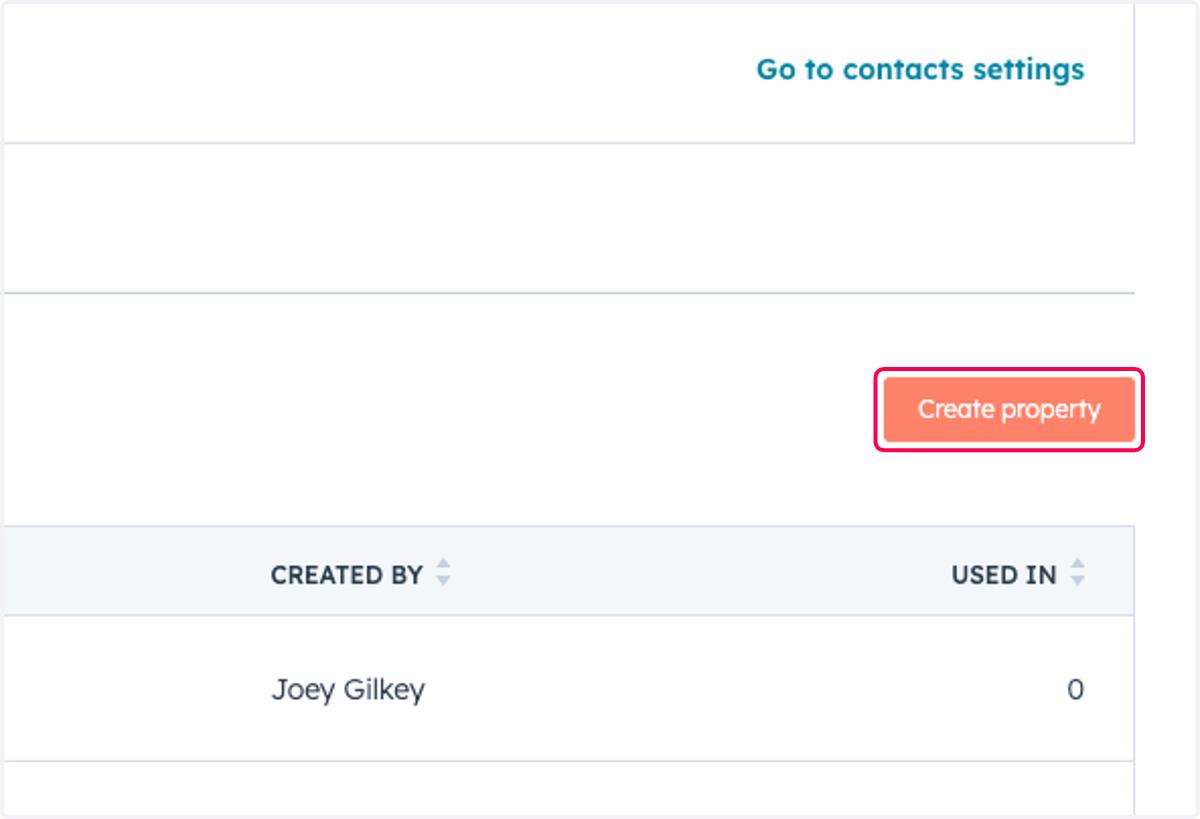
5. Click on Create property
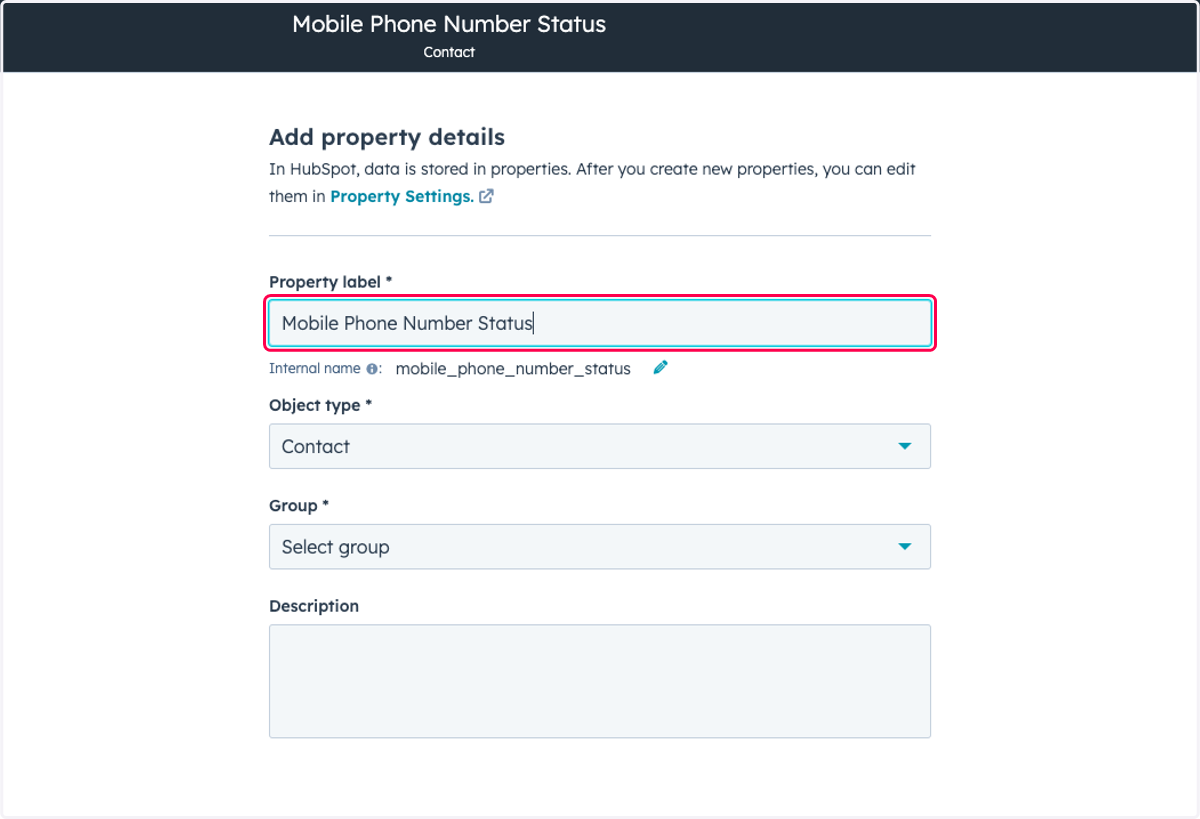
6. Type "Mobile Phone Number Status"
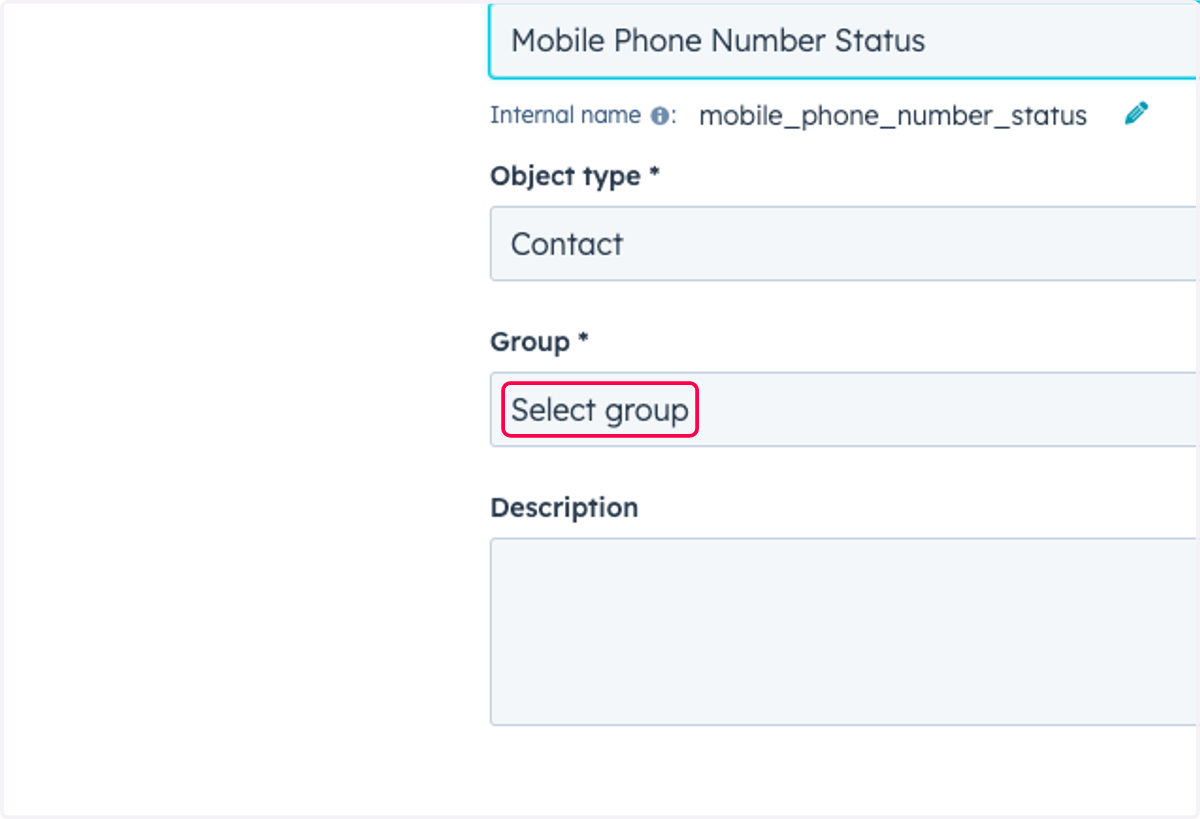
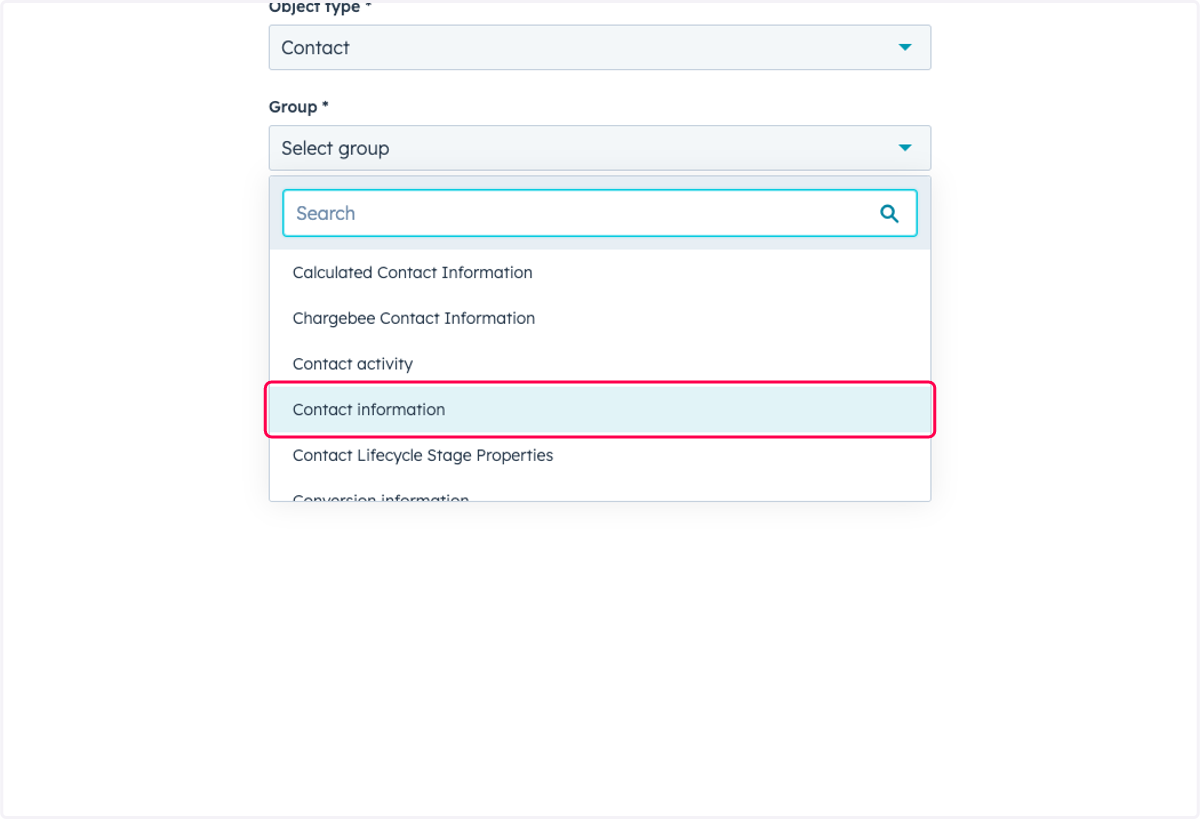
7. Click on Select group
8. Click on Contact information
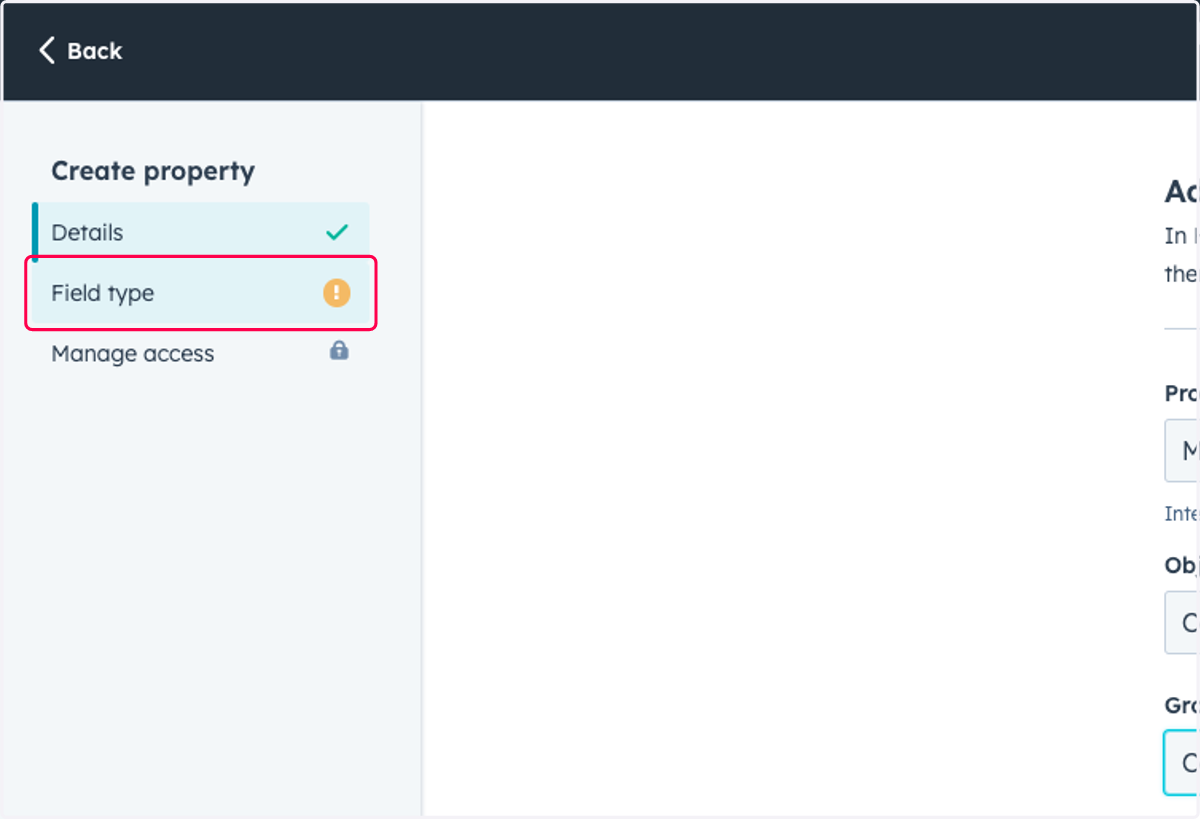
9. Click on Field type
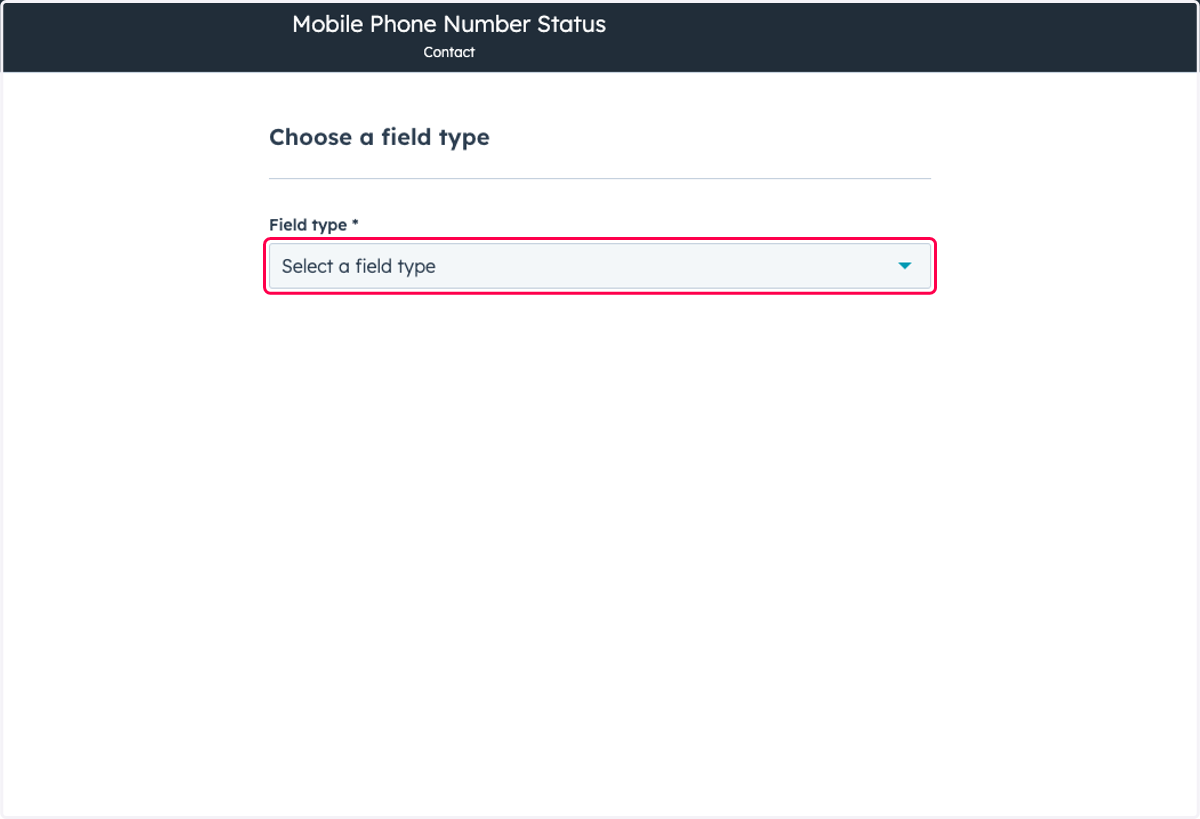
10. Click on Field type
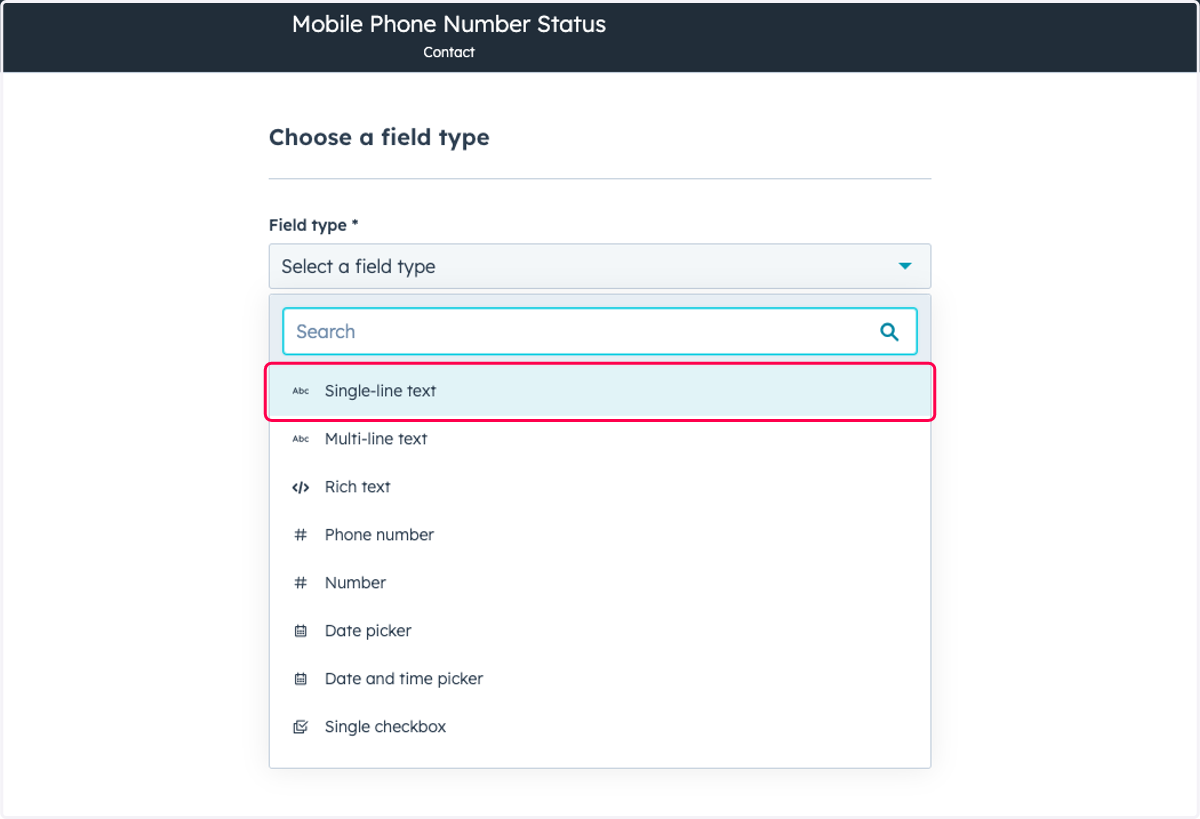
11. Click on Single-line text
12. Click on Create