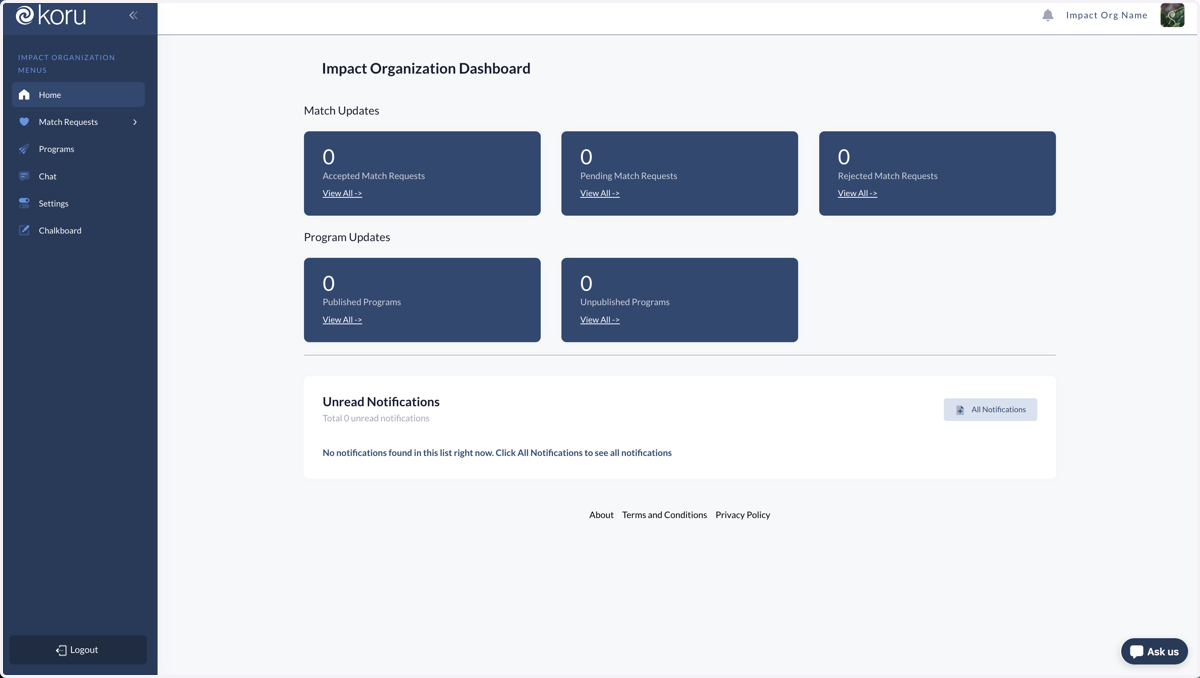
Creating a Koru Account as an Impact Organization
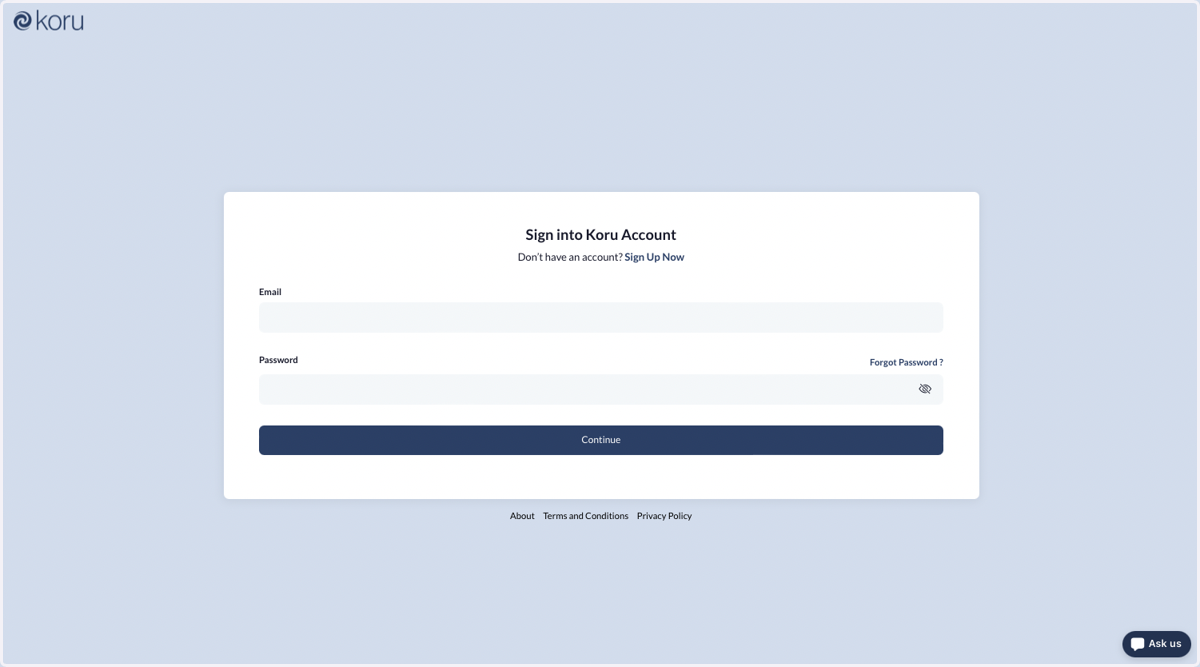
Sign in to Koru
1. Navigate to https://app.koru.global/ to start the process
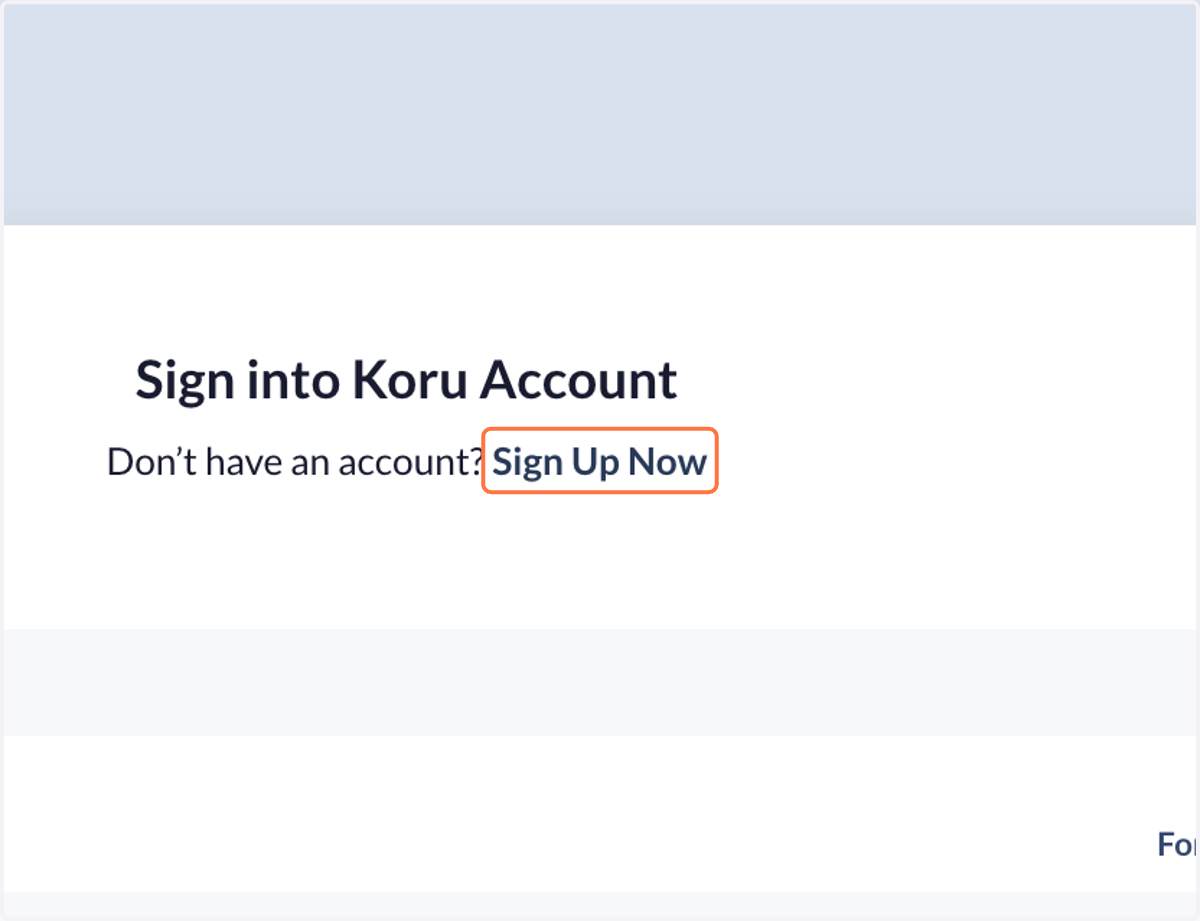
2. Click on Sign Up Now
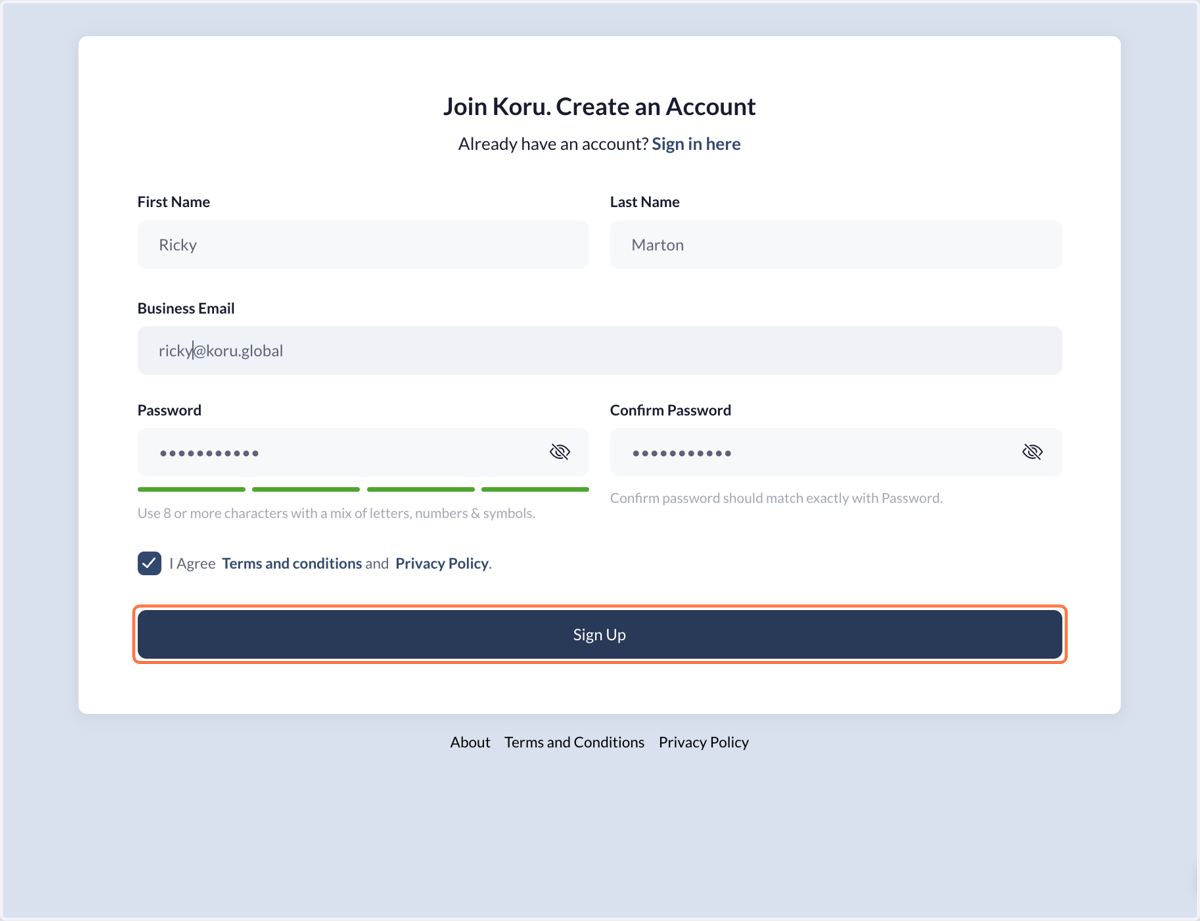
3. Fill in all the information on the form, and press Sign Up.
4. After clicking the button, check your email for a verification checker.
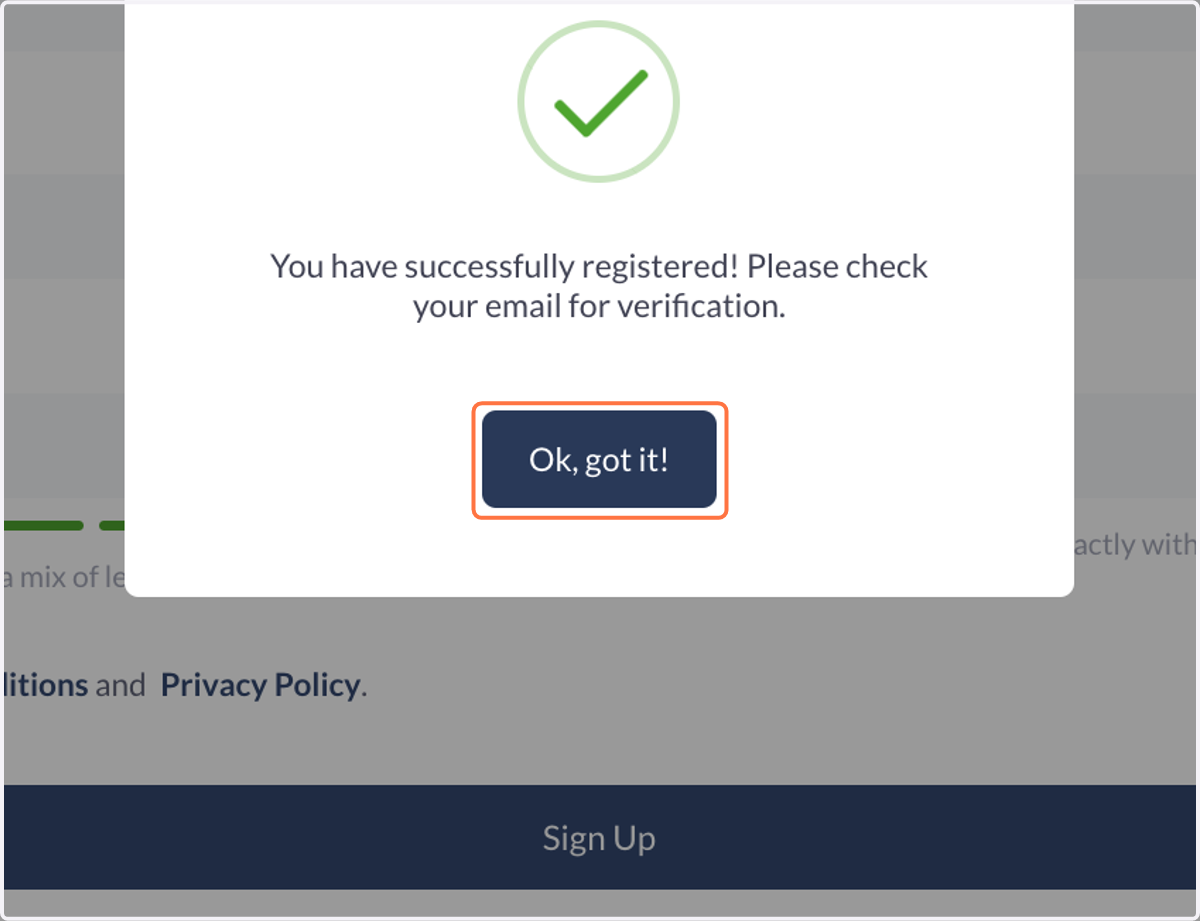
5. You should now have an email from Koru Support Team.
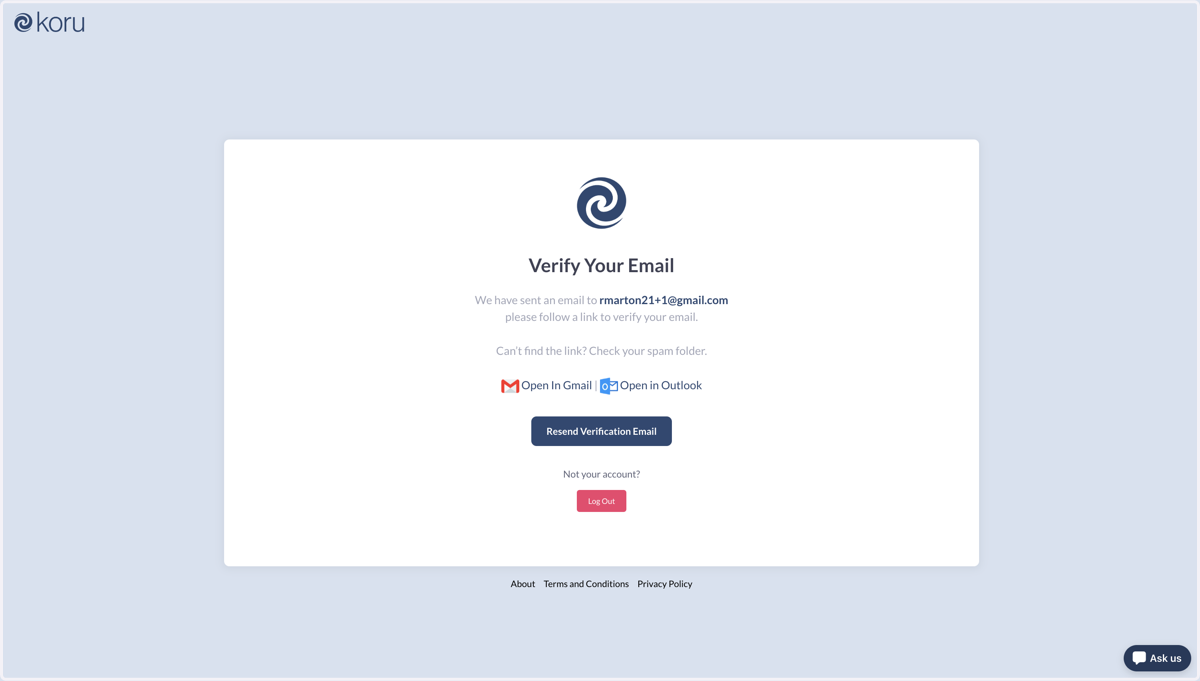
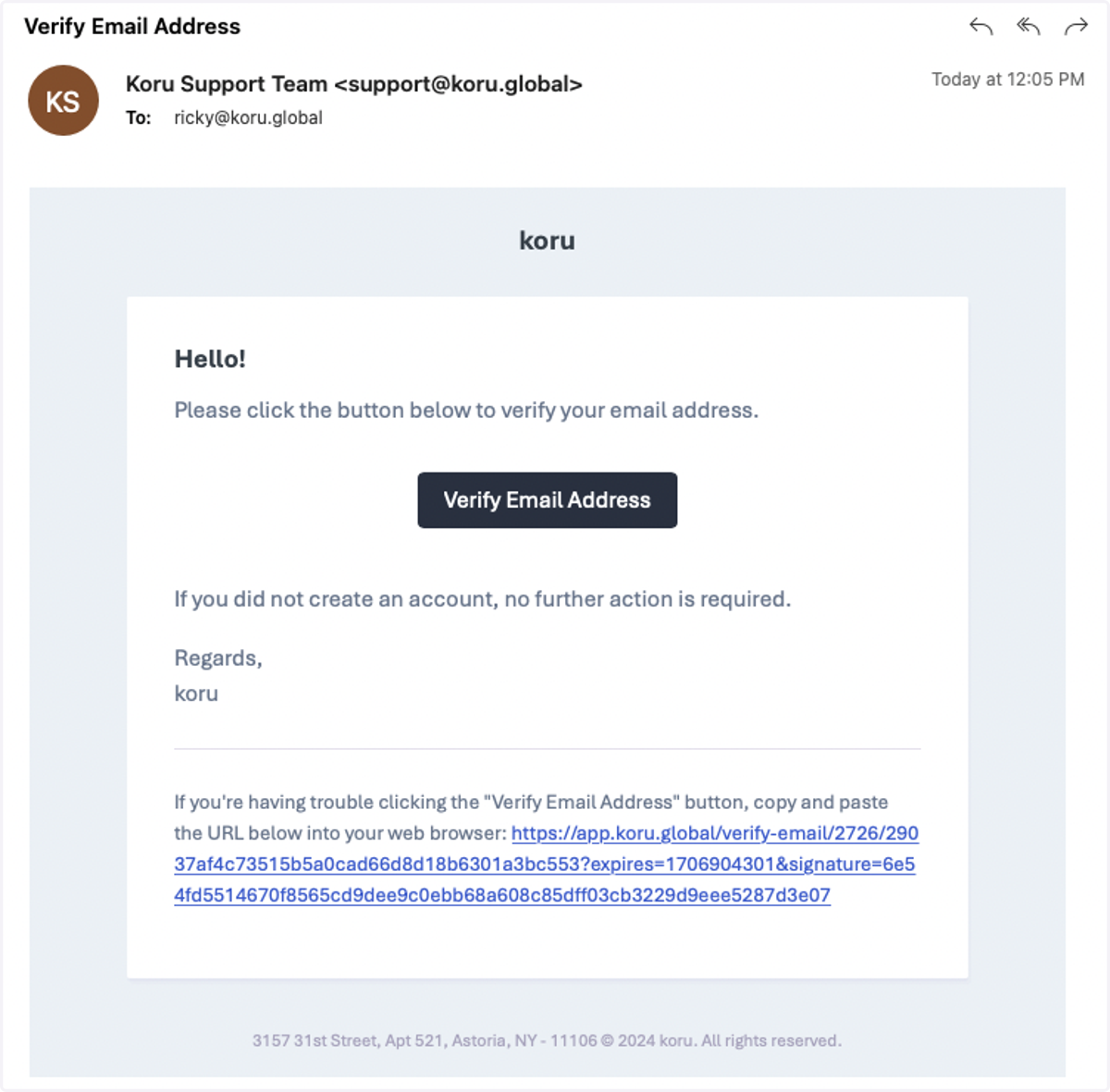
6. Click the Verify Email Address button in the email.
Tip: check spam if you do not immediately see the email from Koru Support Team
7. You should find yourself on this page - you're almost there!
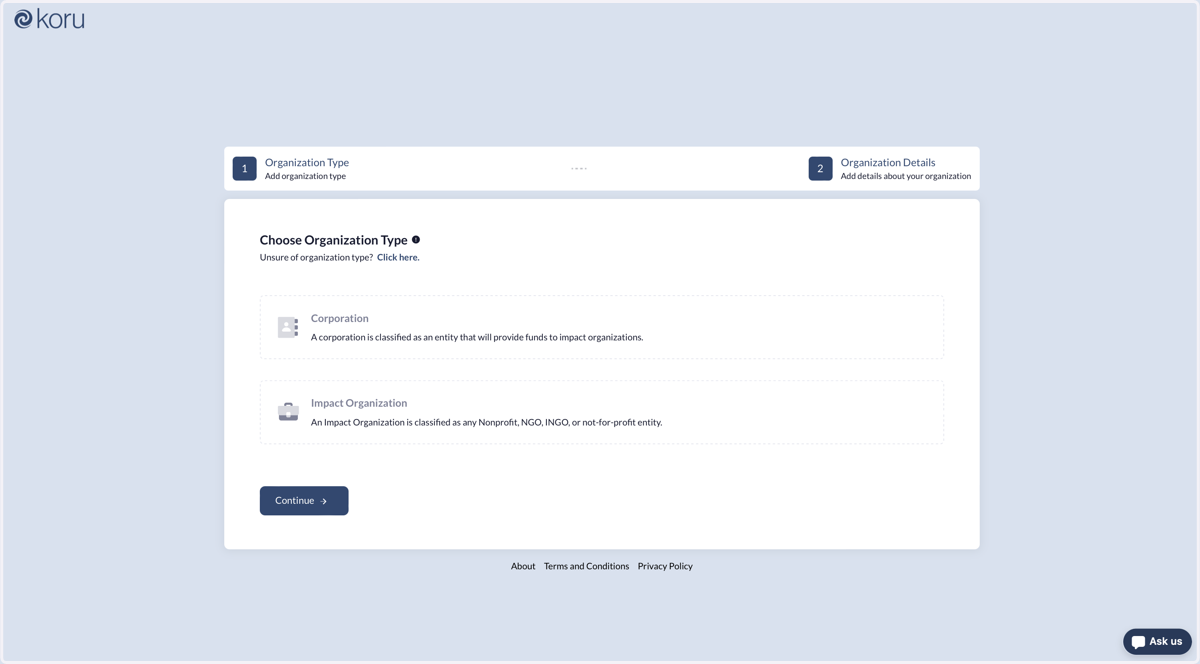
8. From here, select Impact Organization…
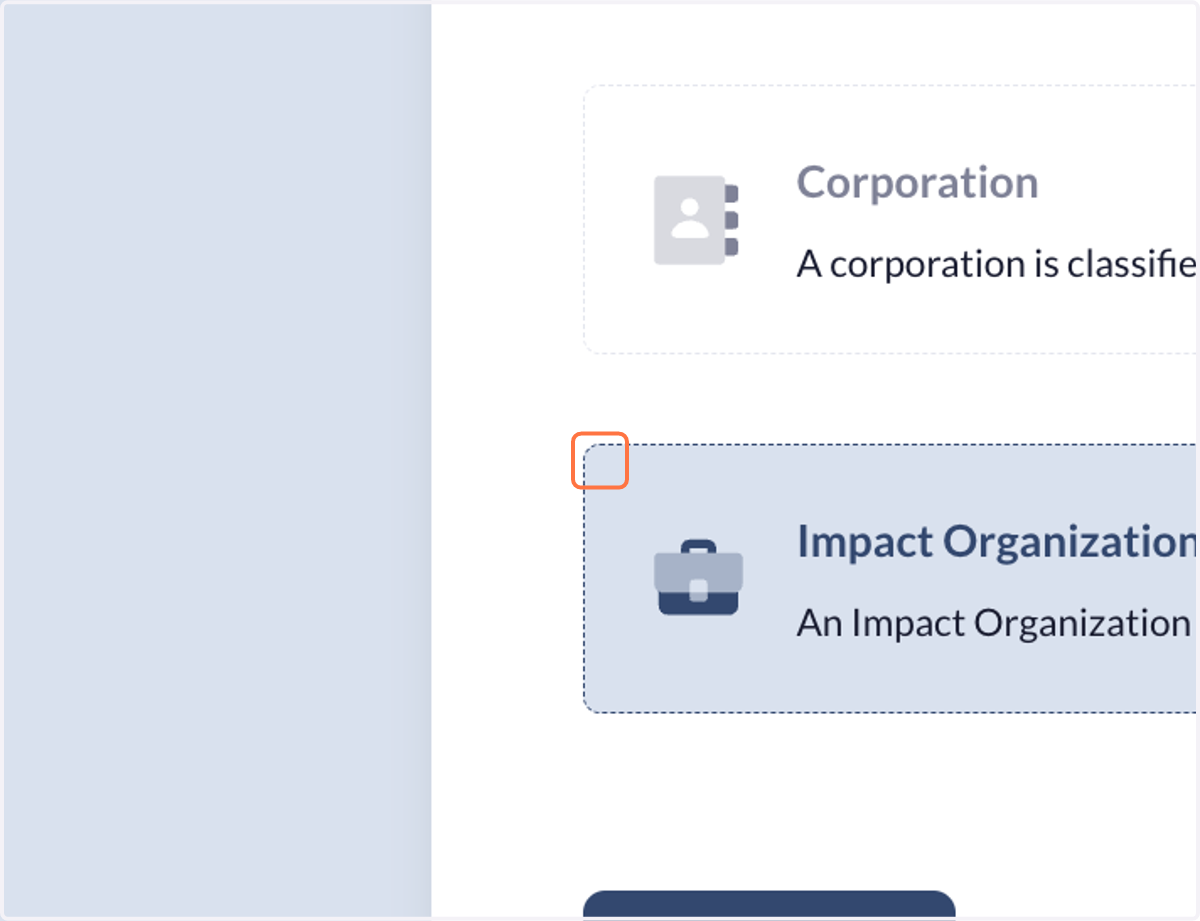
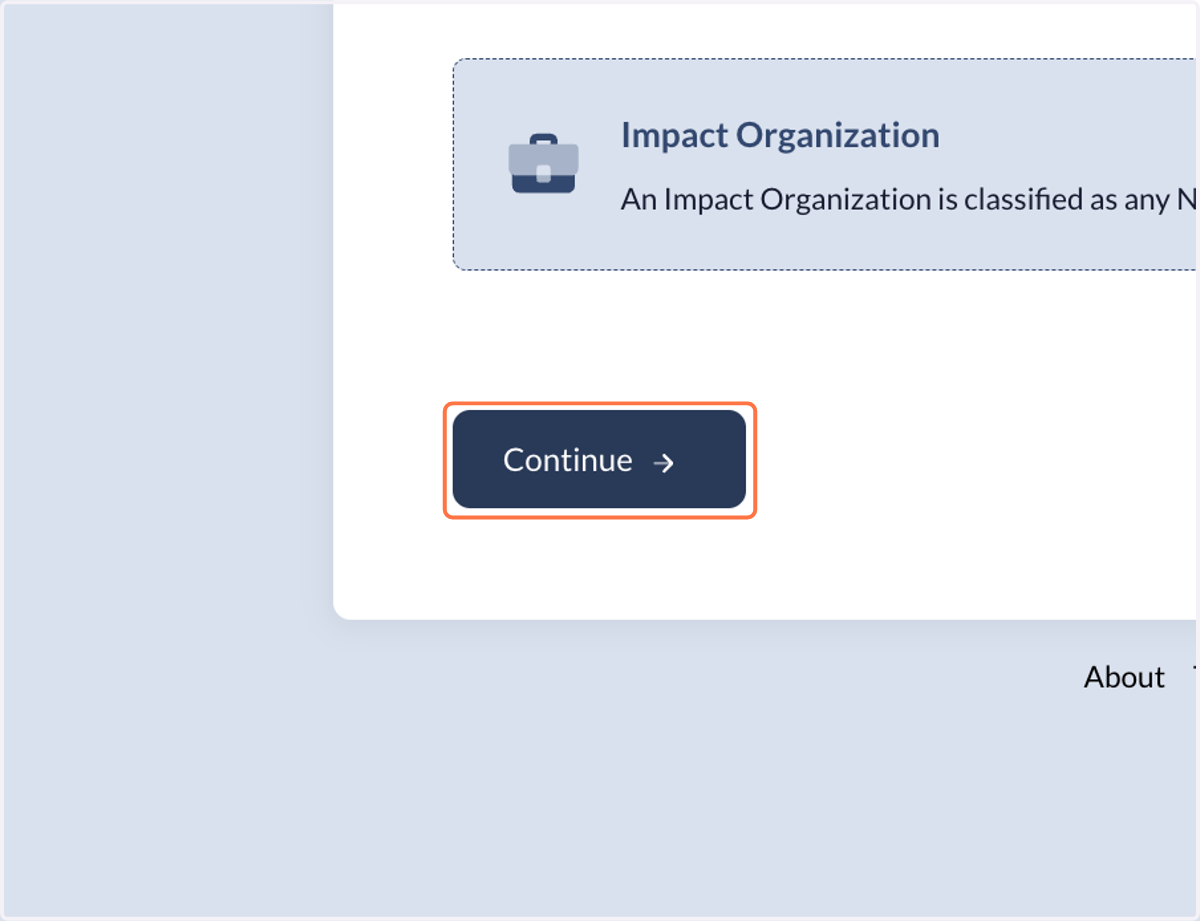
9. Click on Continue
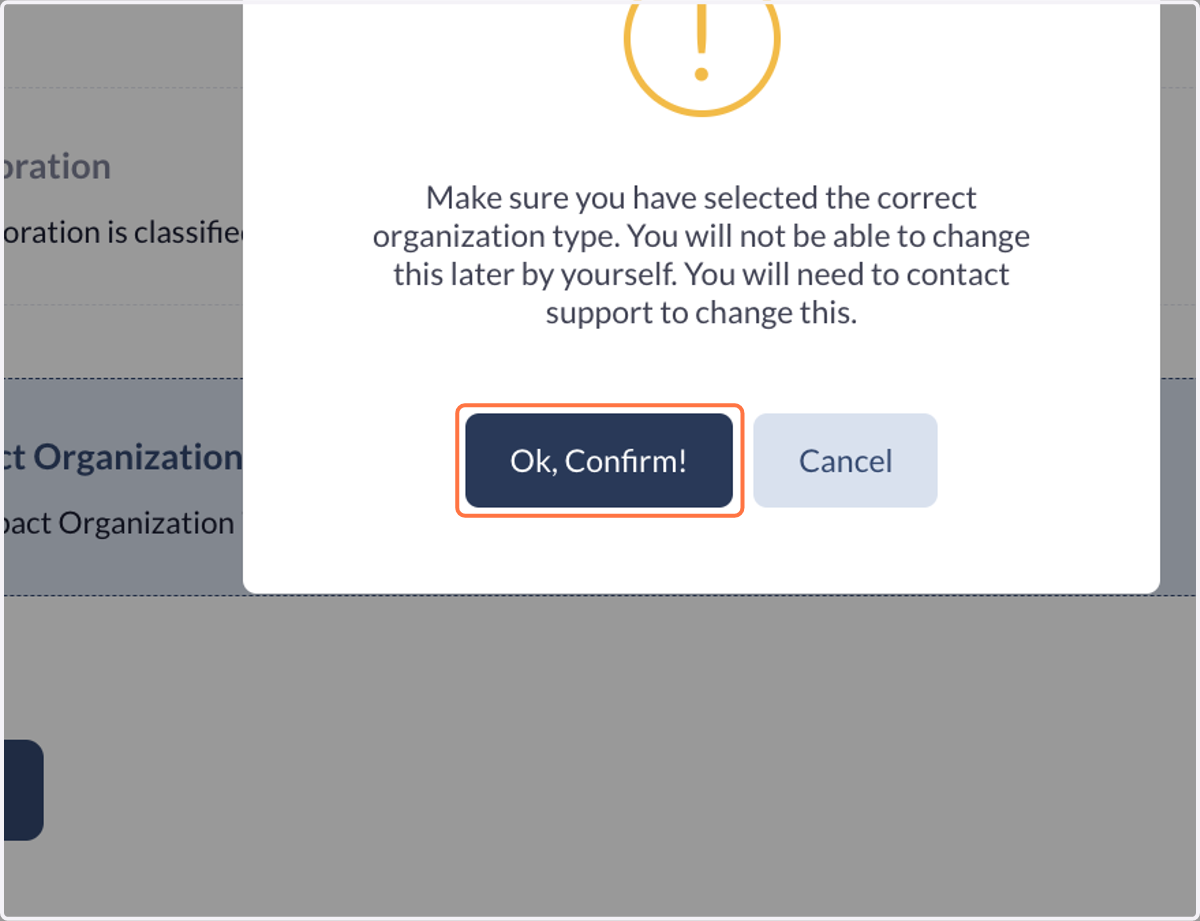
10. Click on Ok, Confirm!
11. Fill in the information on your organization.
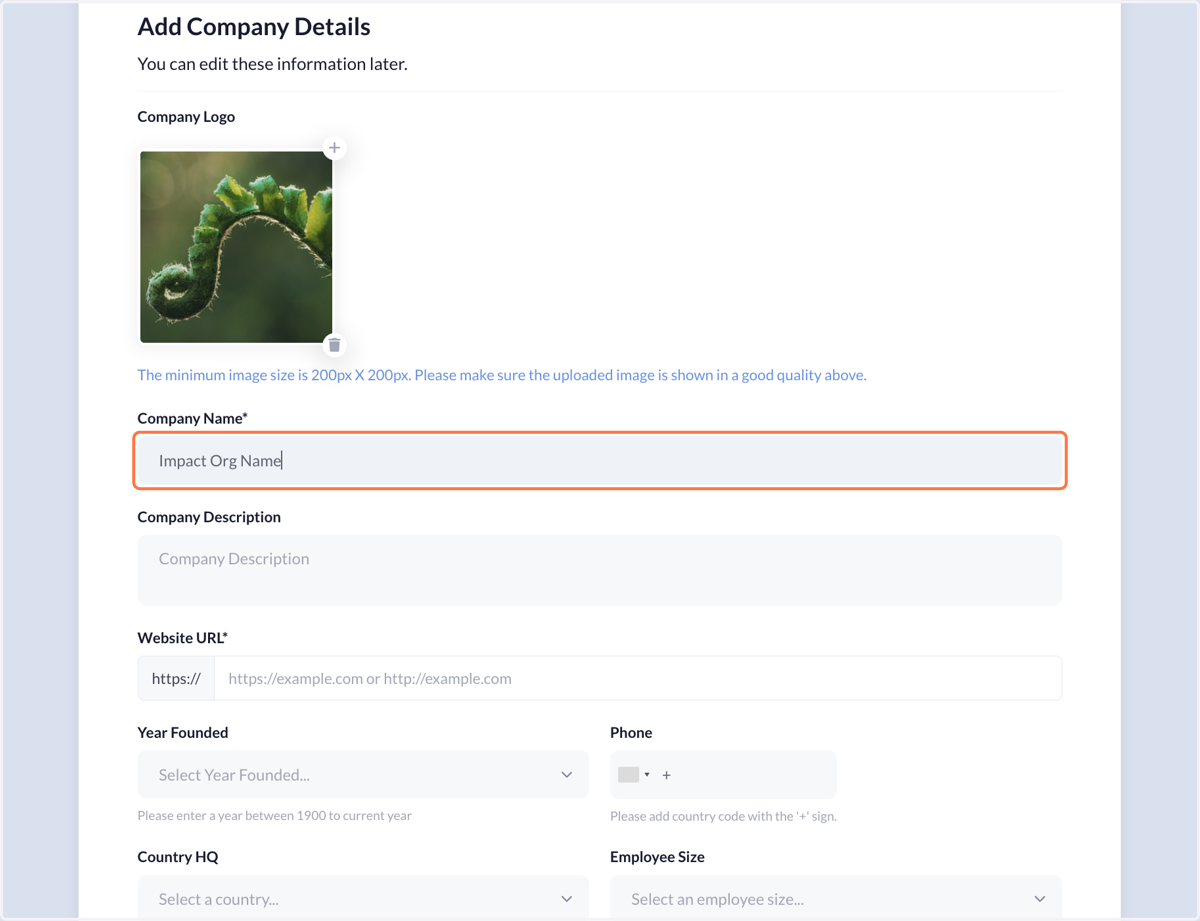
12. Click on Continue
13. You're finished! Good job!
Let's now create a program! Click here for a step-by-step tutorial!