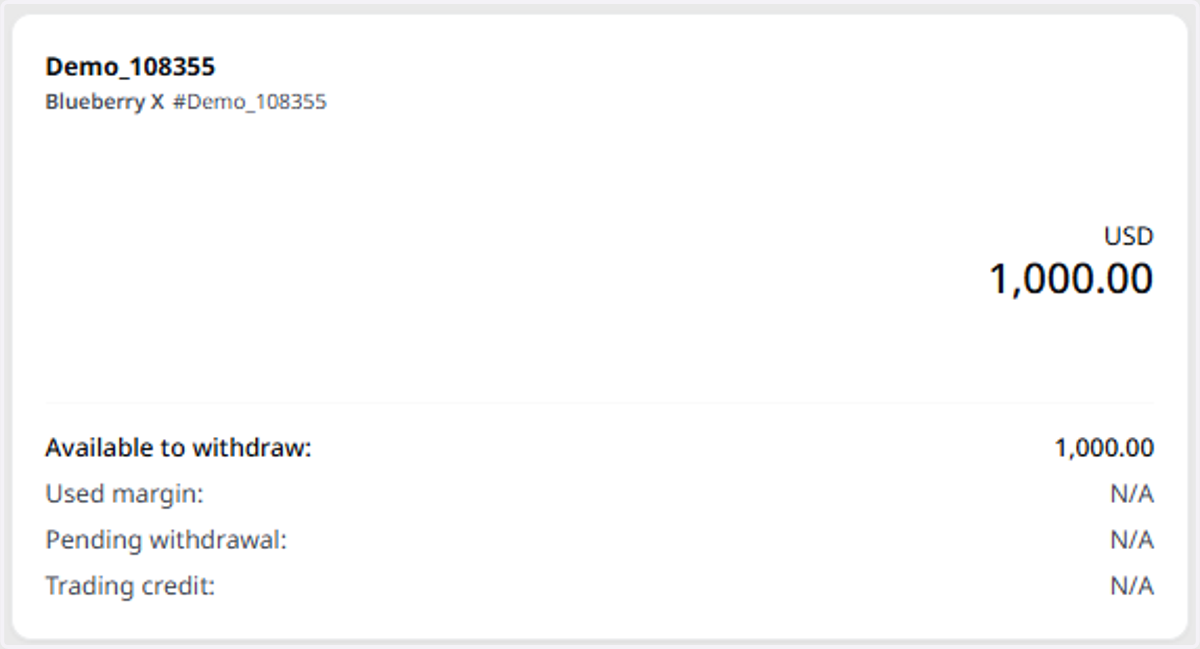
Creating a Demo BlueberryX Trading Account in Client Portal
Blueberry
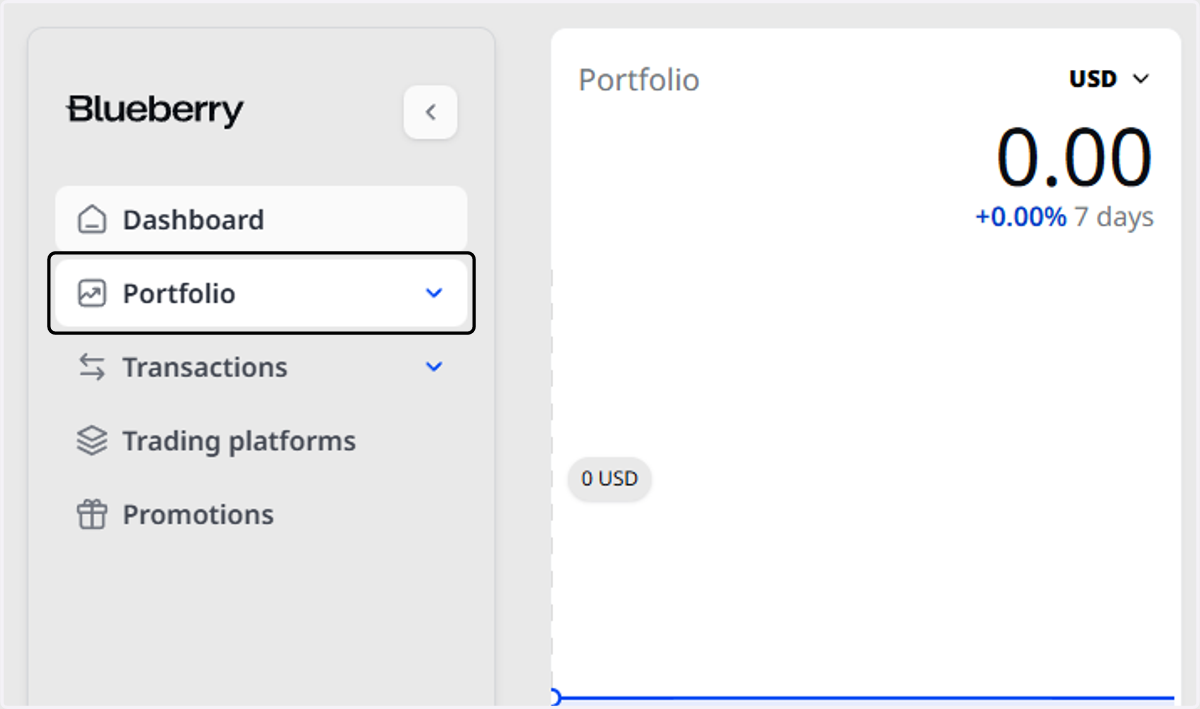
1. Click on Portfolio
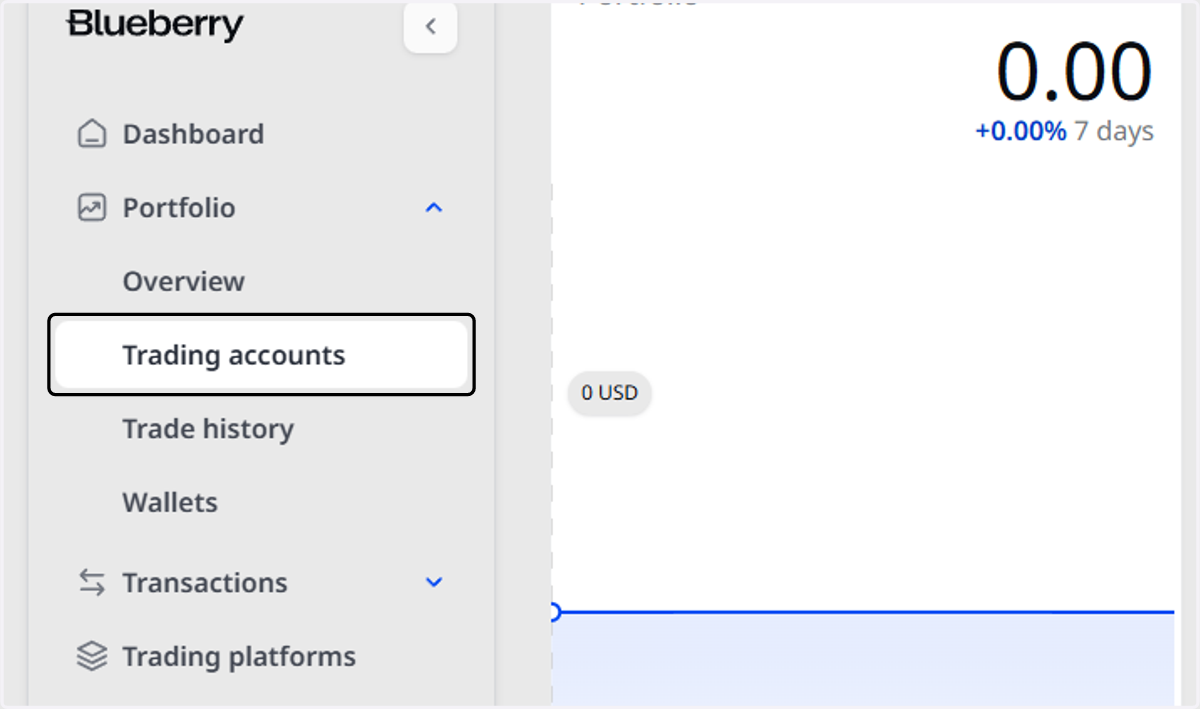
2. Click on Trading accounts
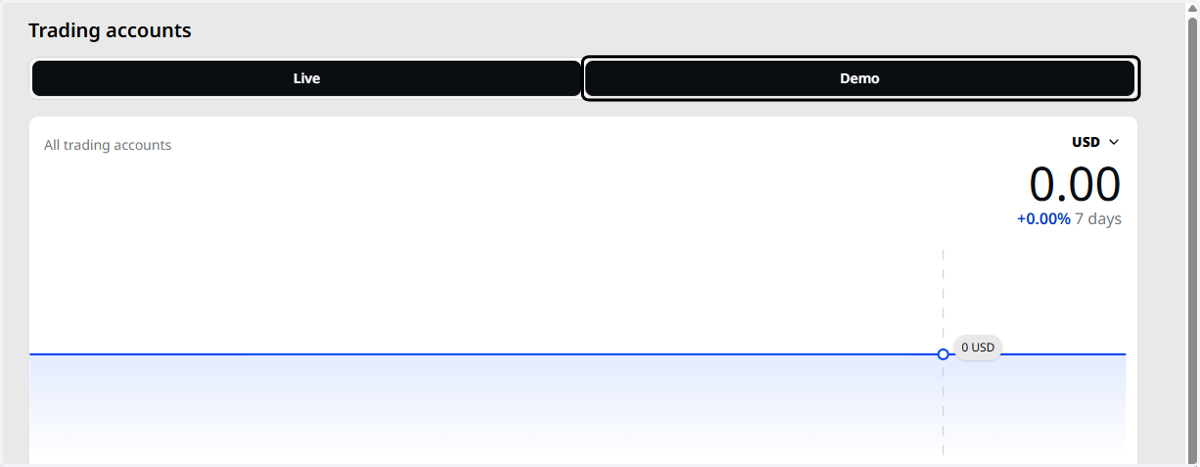
3. Click on Demo
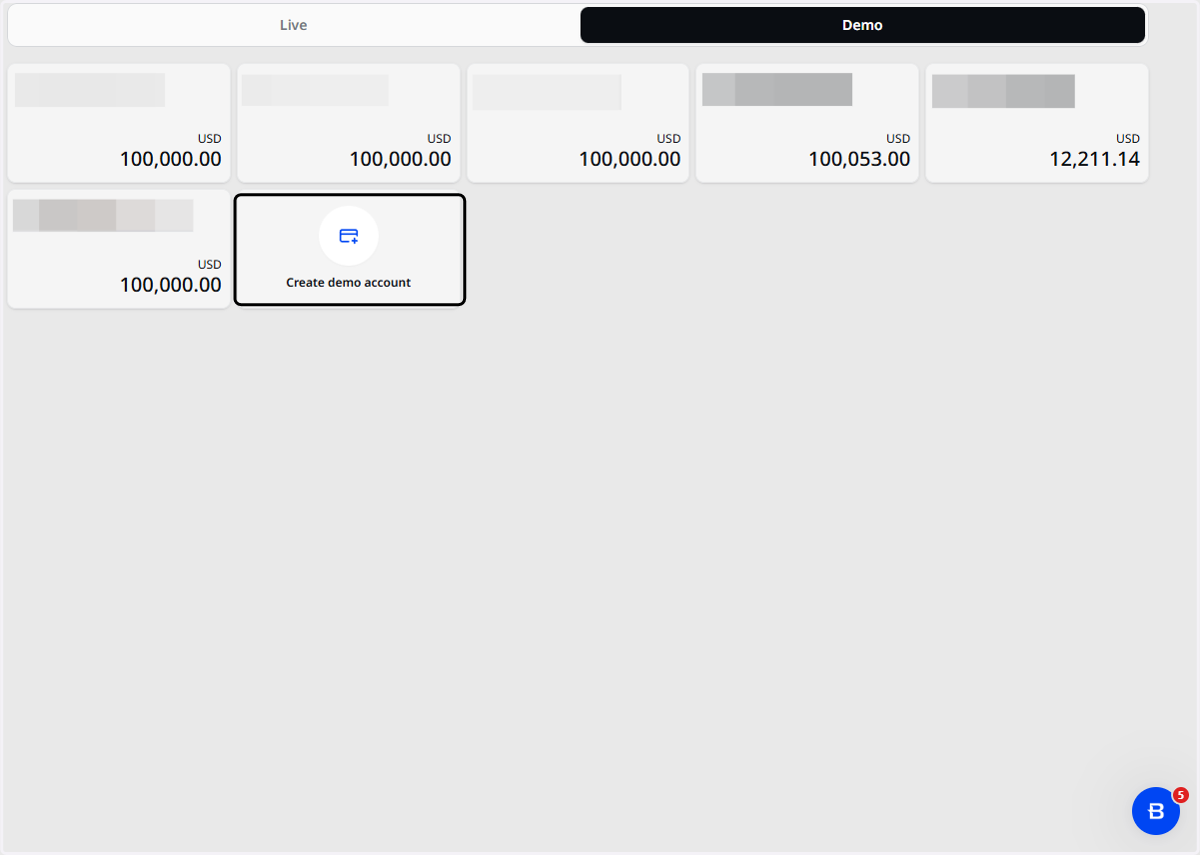
4. Click on Create demo account
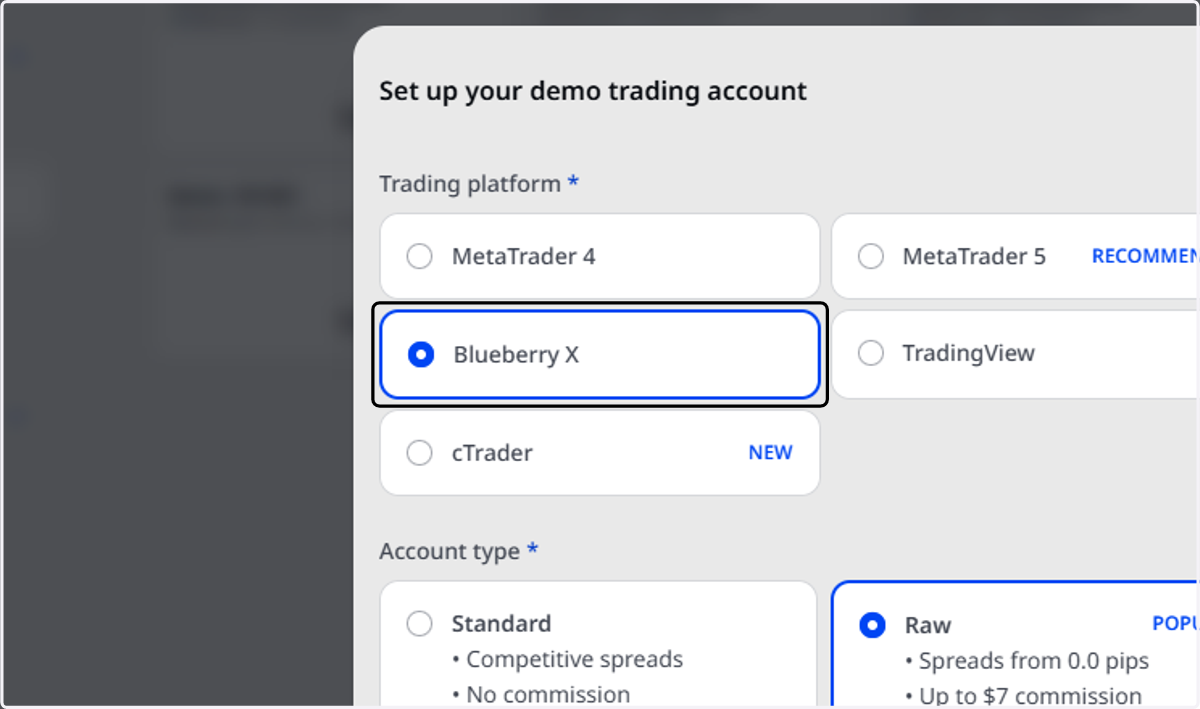
5. Select BlueberryX as the Trading Platform
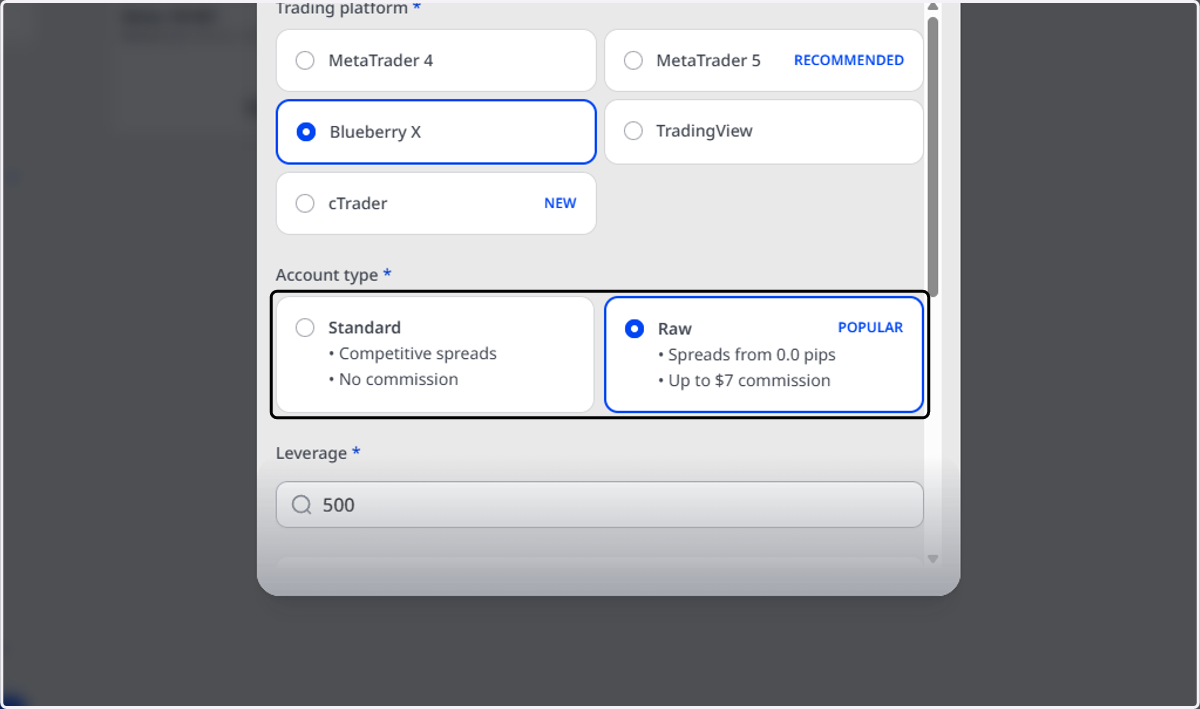
6. Select your preferred Account Type
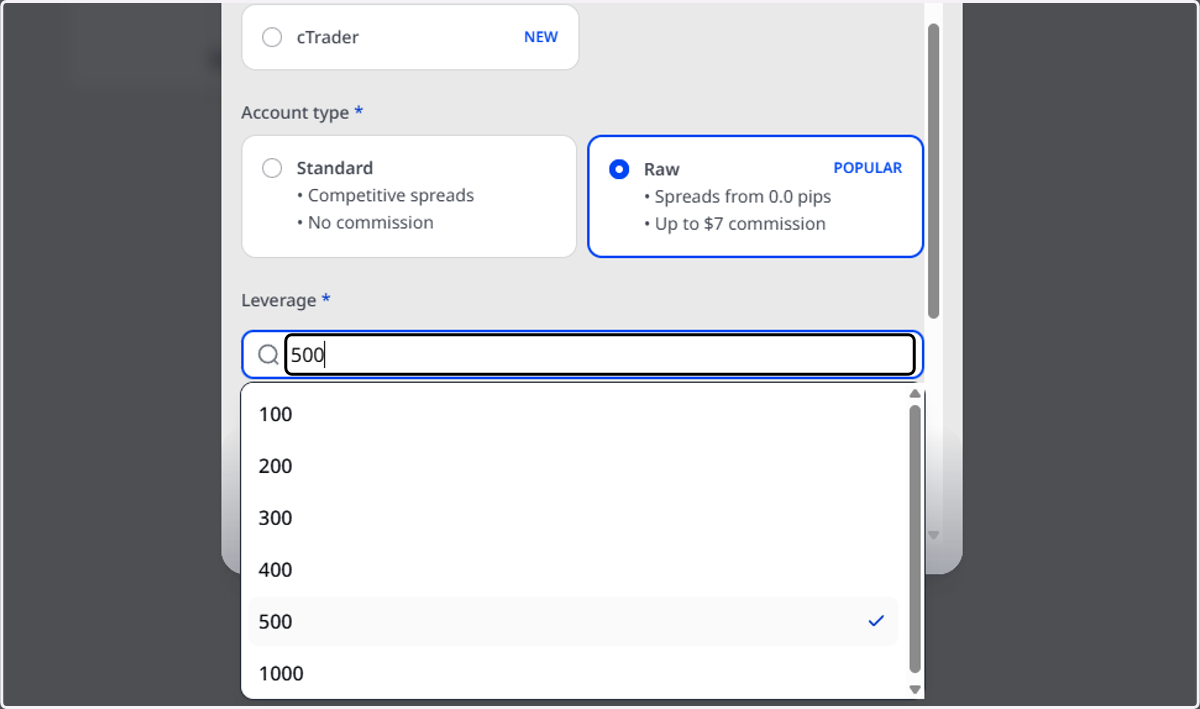
7. Select your preferred Leverage
8. Select your preferred Currency
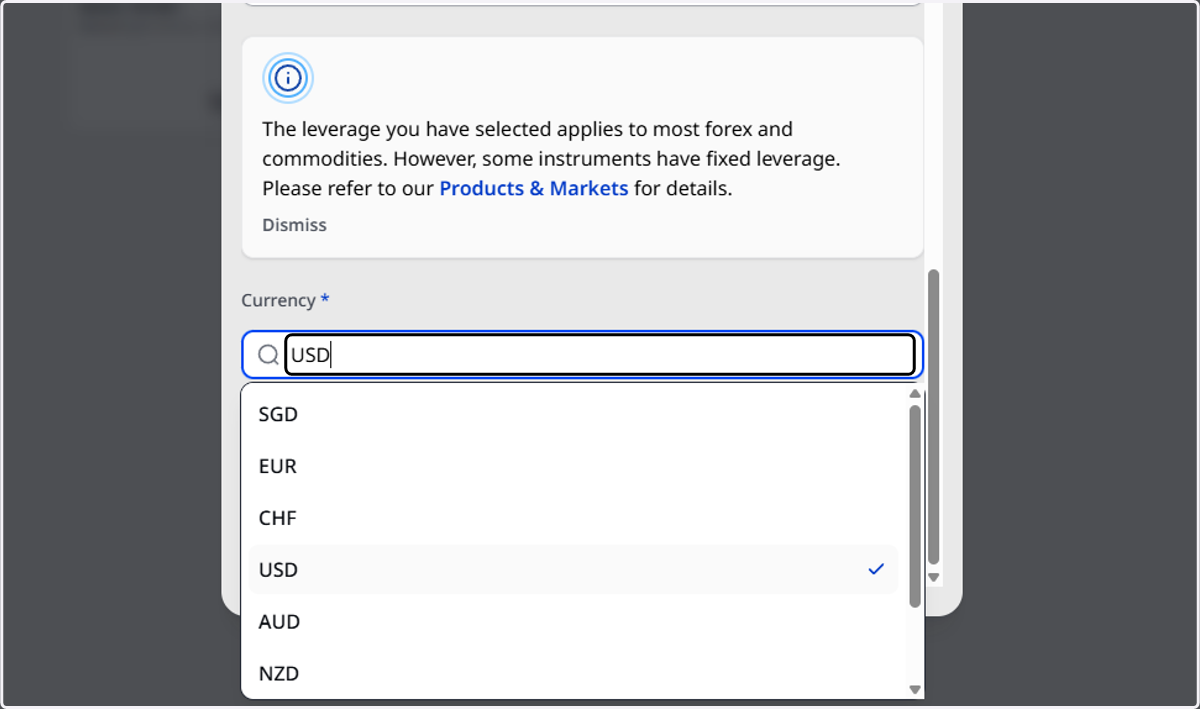
9. Insert the amount you would like to start off with
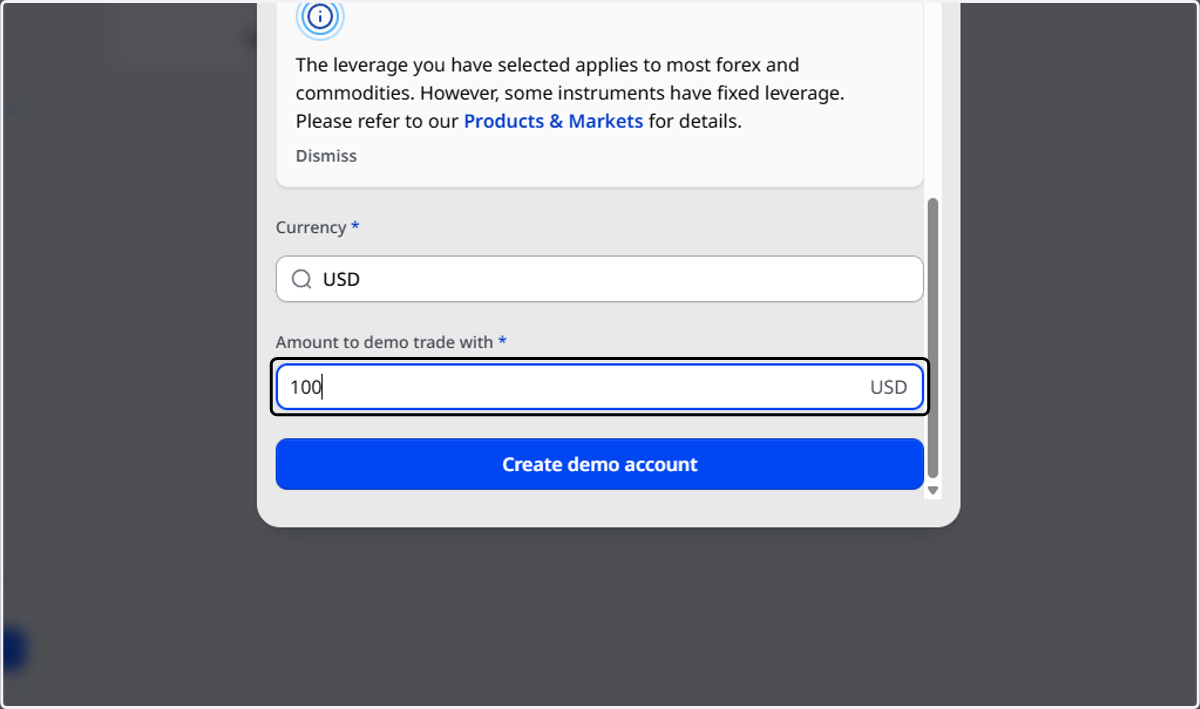
10. Click on Create demo account
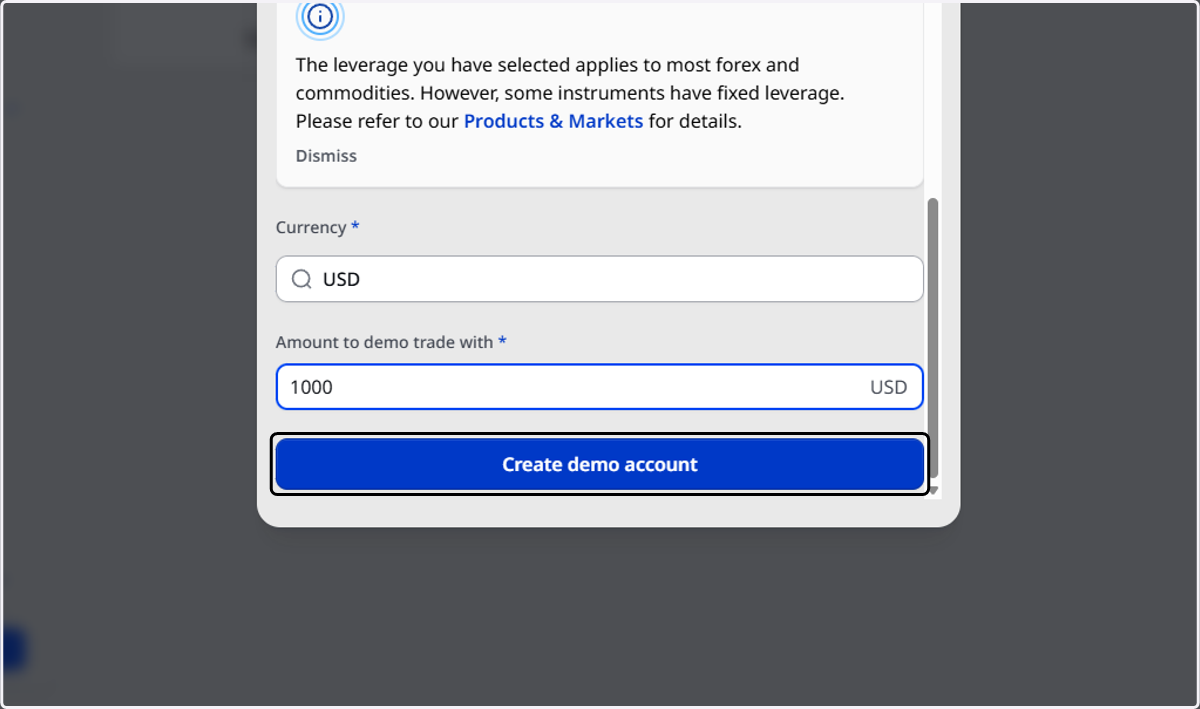
11. Congratulations! You have successfully created a BlueberryX Demo Account