Creating New Items, Importing from CSV, Setting up with AI, and Cloning.
Manual Create New Item
1. Click on New
On the right side bar click "new"
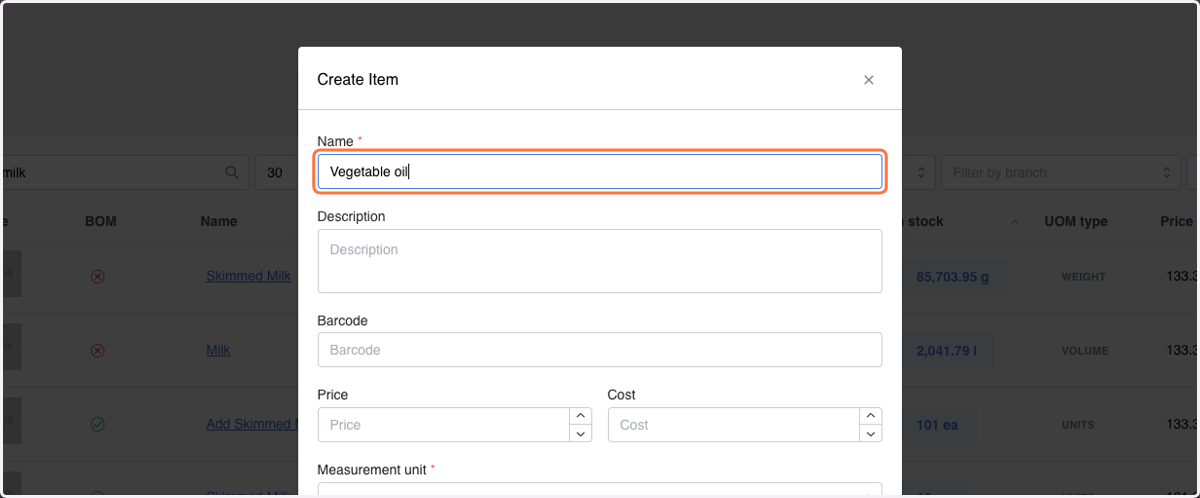
2. Input Item Name *
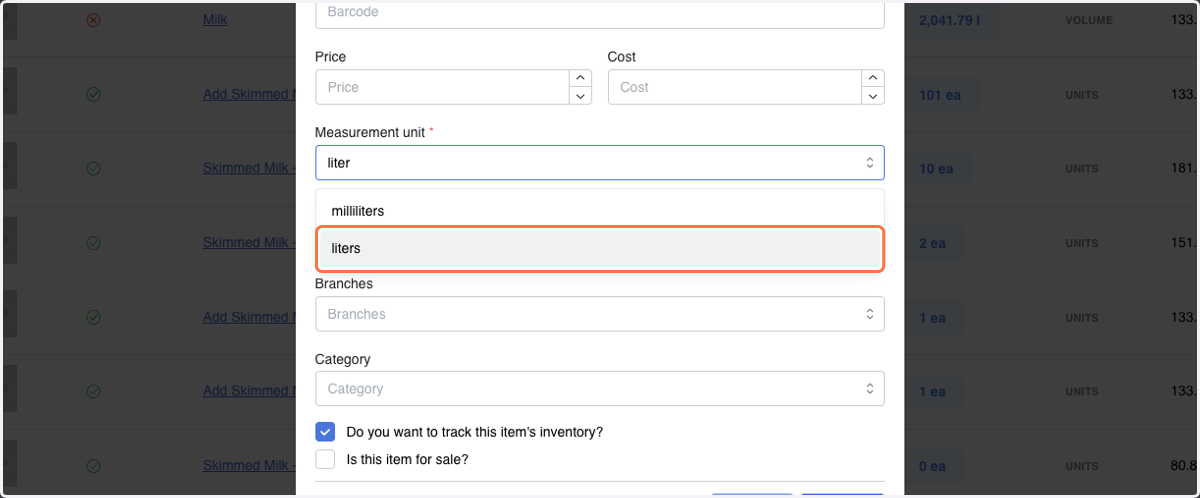
3. Select Measurement Unit *
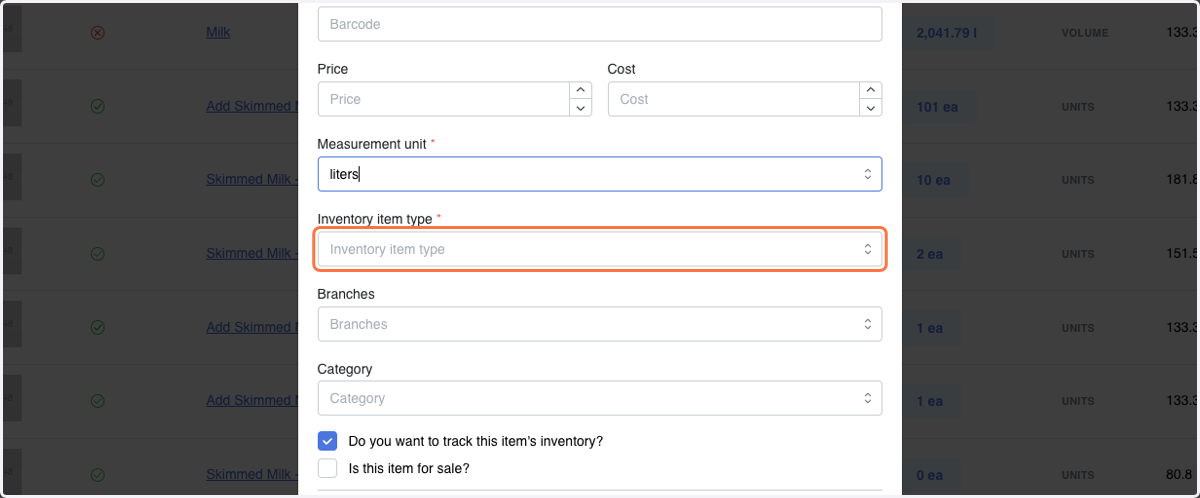
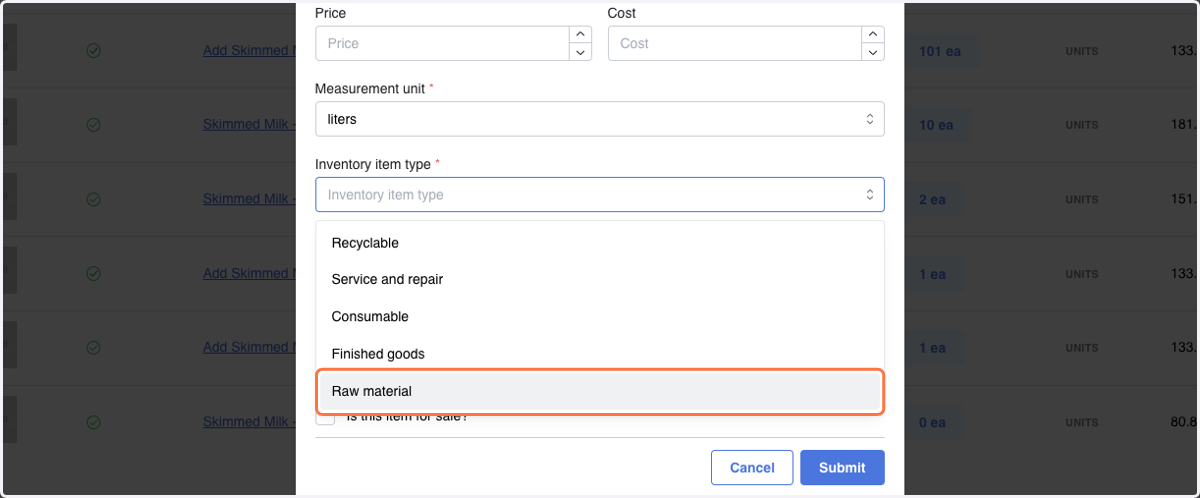
4. Click on Inventory item type *
5. Select Item Type *
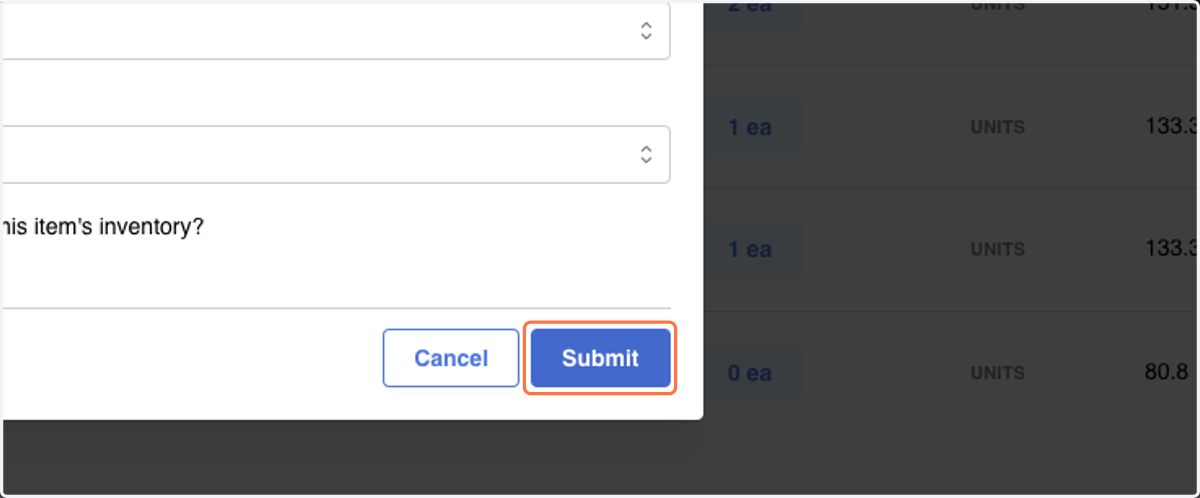
6. Click on Submit
Import CSV
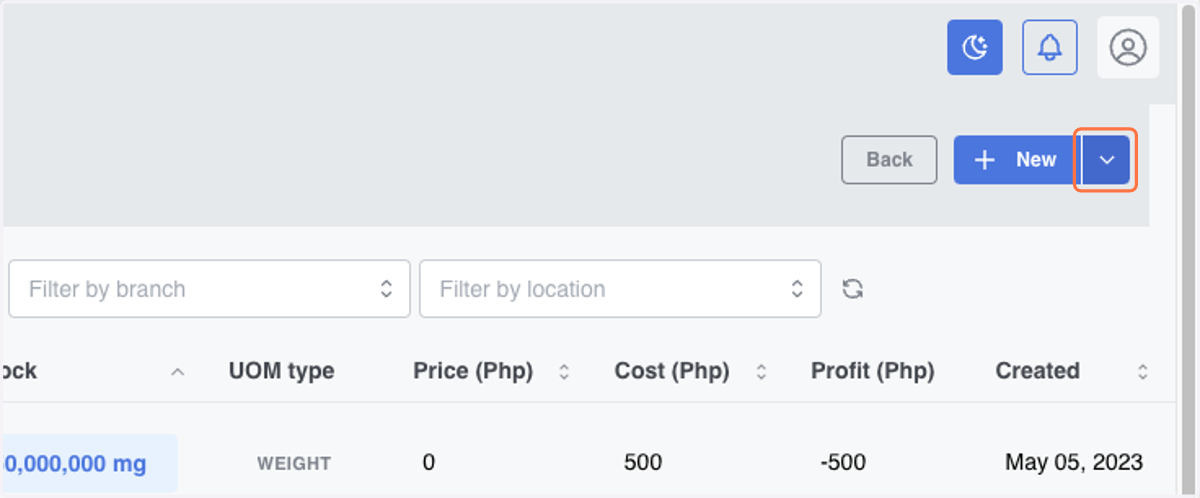
7. Click on dropdown trigger
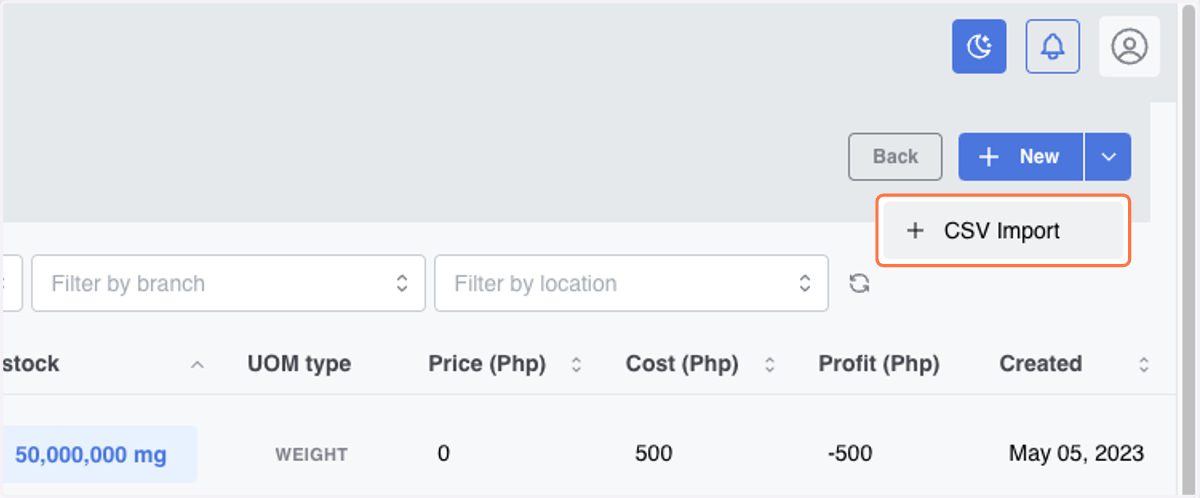
8. Click on CSV Import
9. Click on Upload CSV
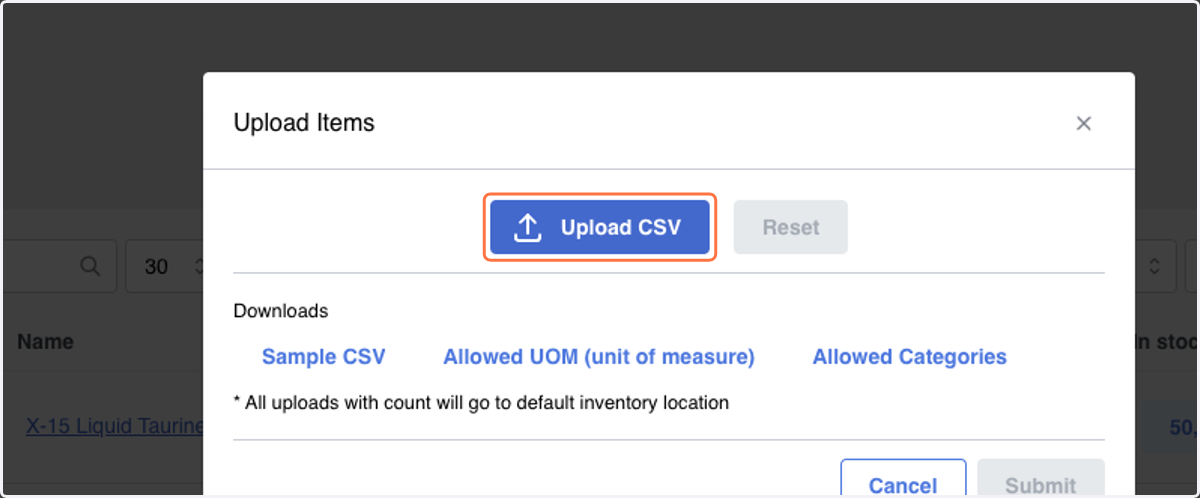
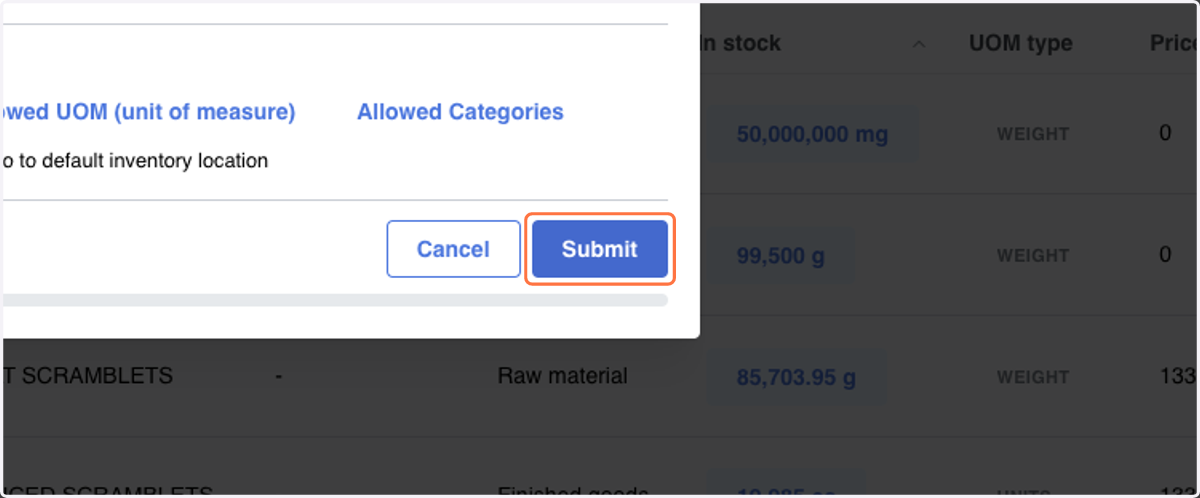
10. Click on Submit
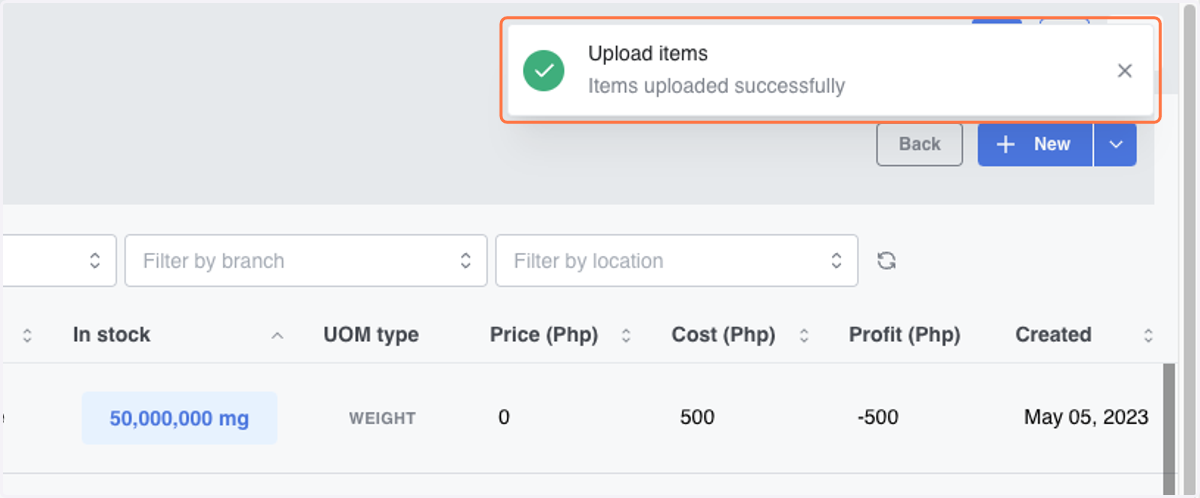
11. Items uploaded successfully
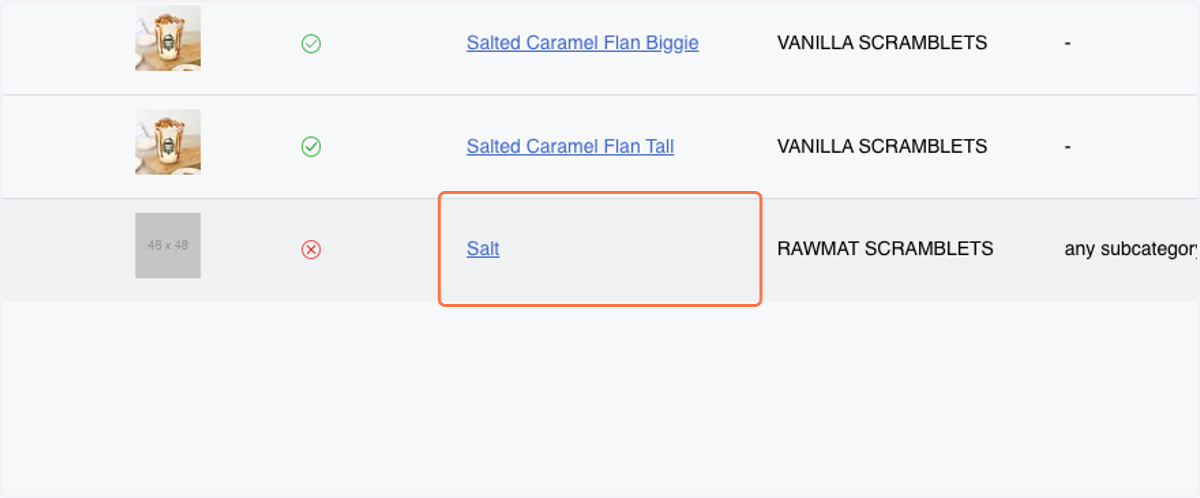
12. To verify the refresh the page and Search item(s) based on imported item from CSV
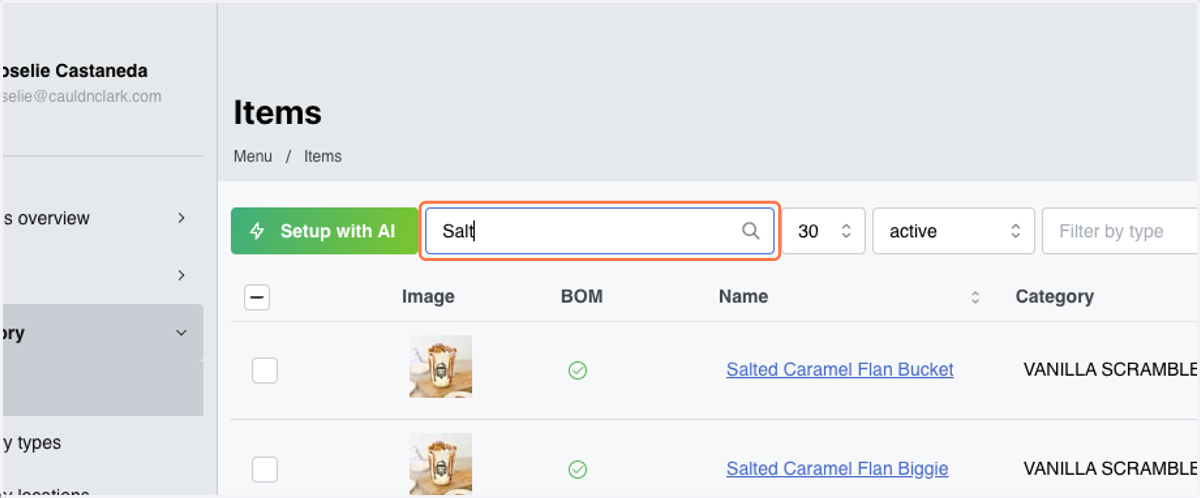
13. Result "Salt"
Setup with AI
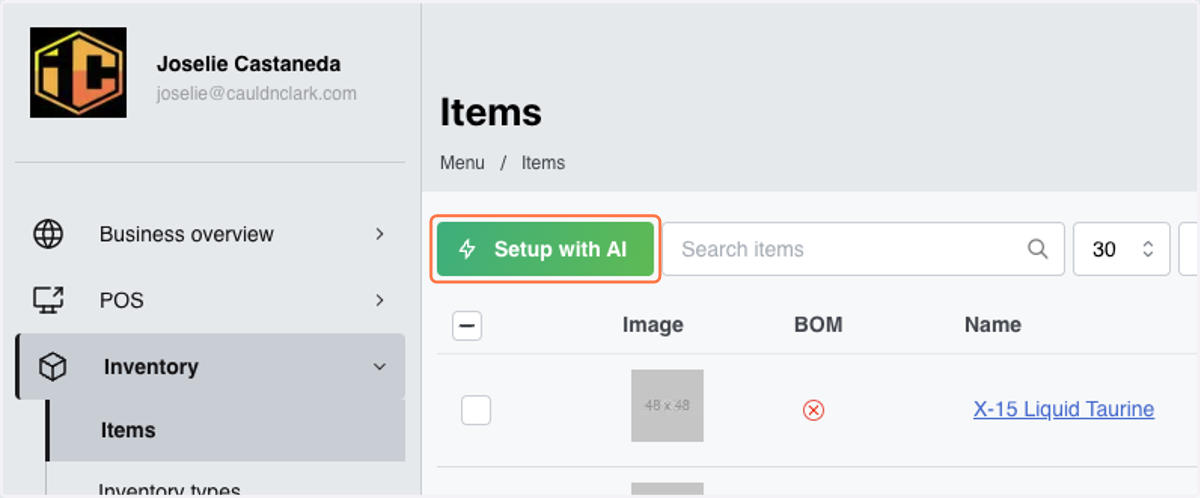
14. Click on Setup with AI
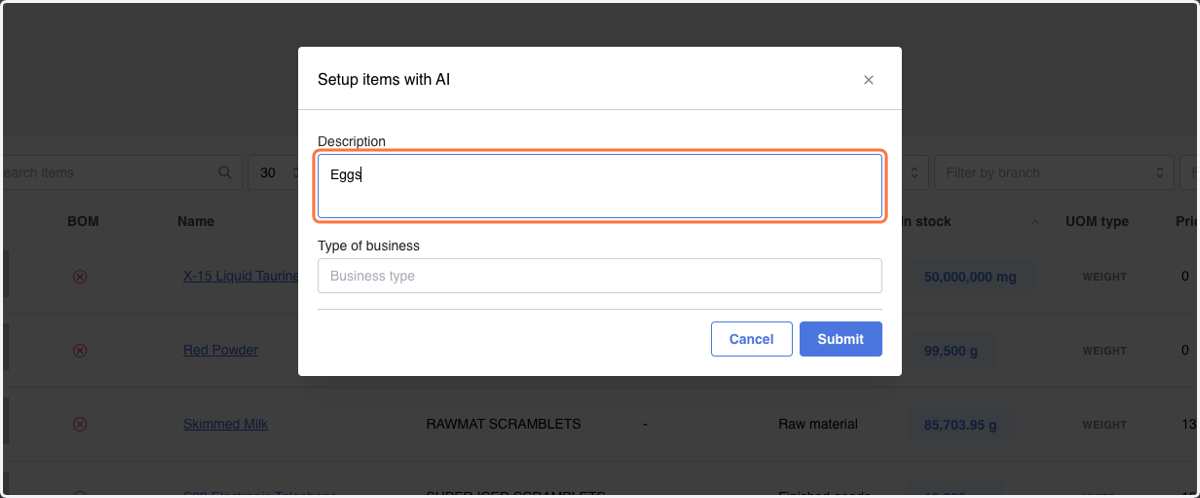
15. Type description of Item(s)
16. Type "Type of Business"
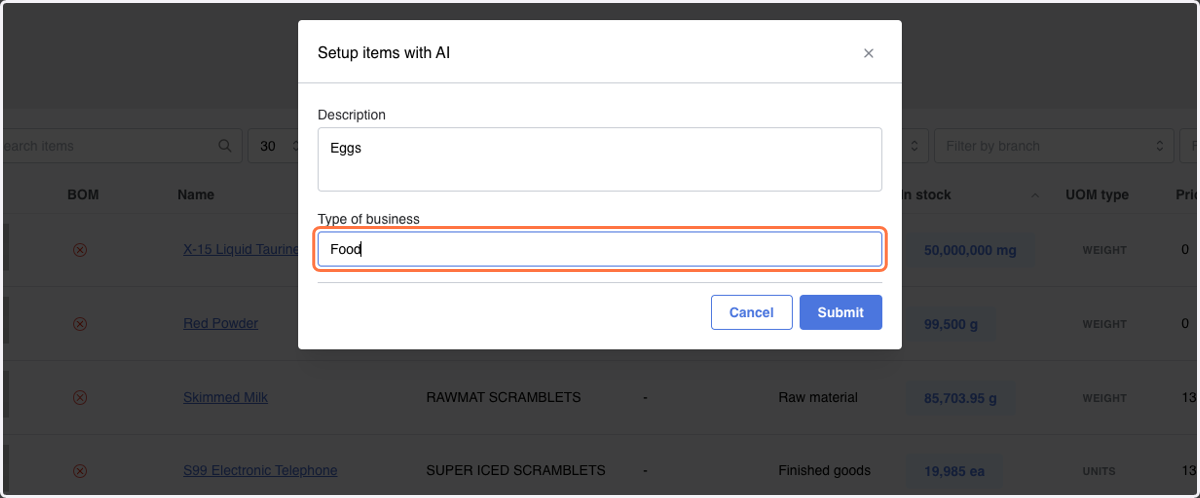
17. Click on Submit
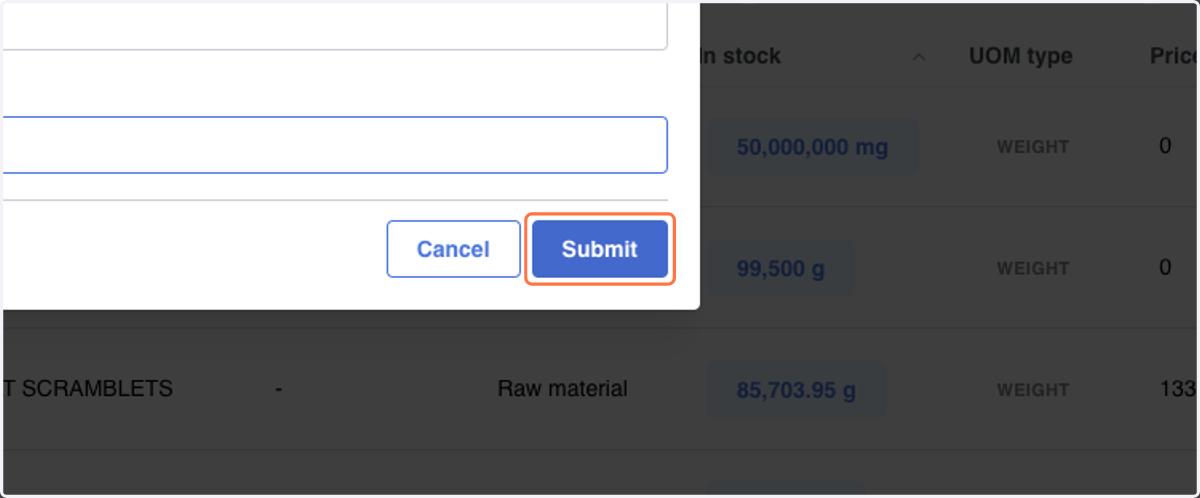
18. Click on alert
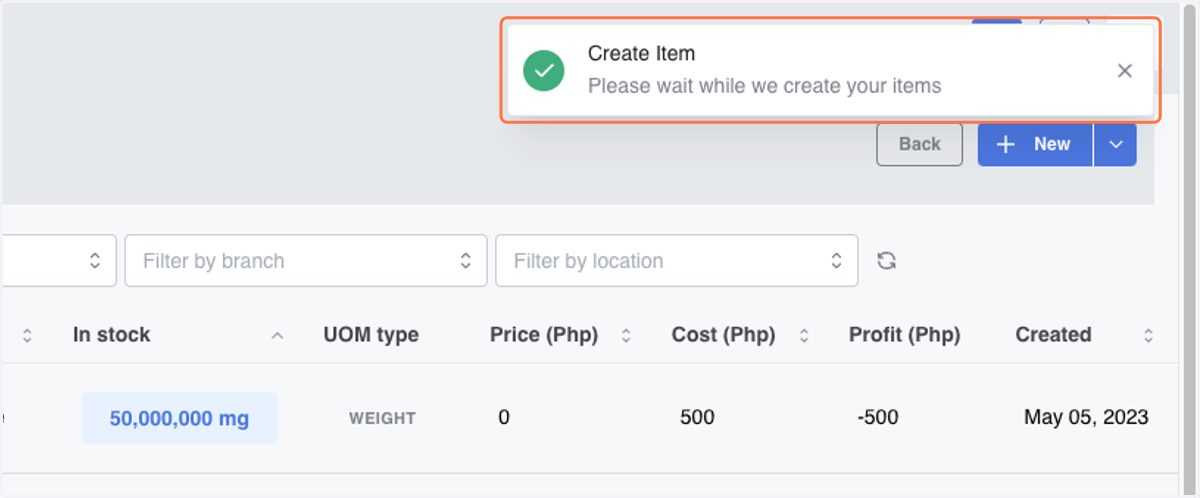
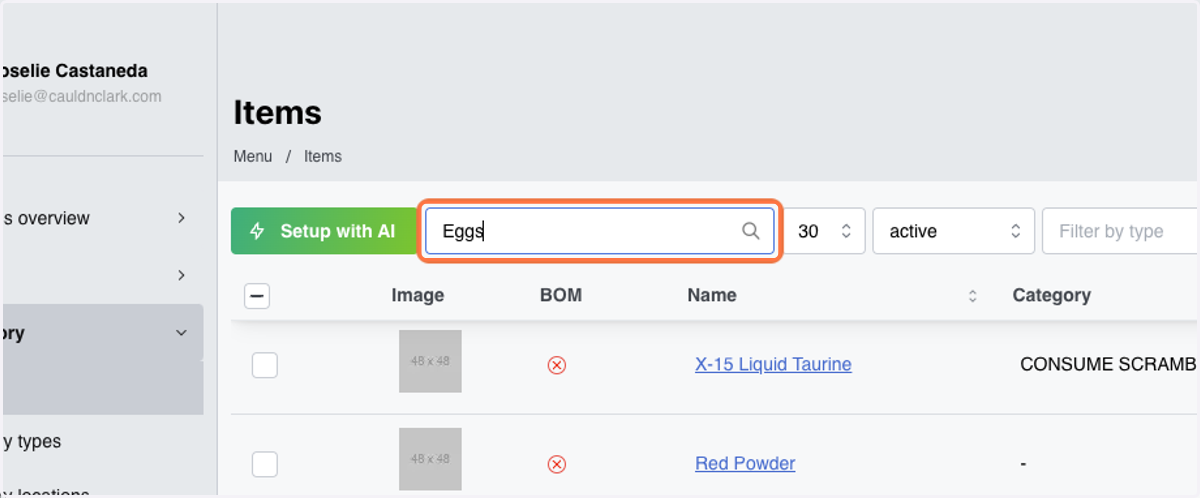
19. To verify the refresh the page and Search item(s)
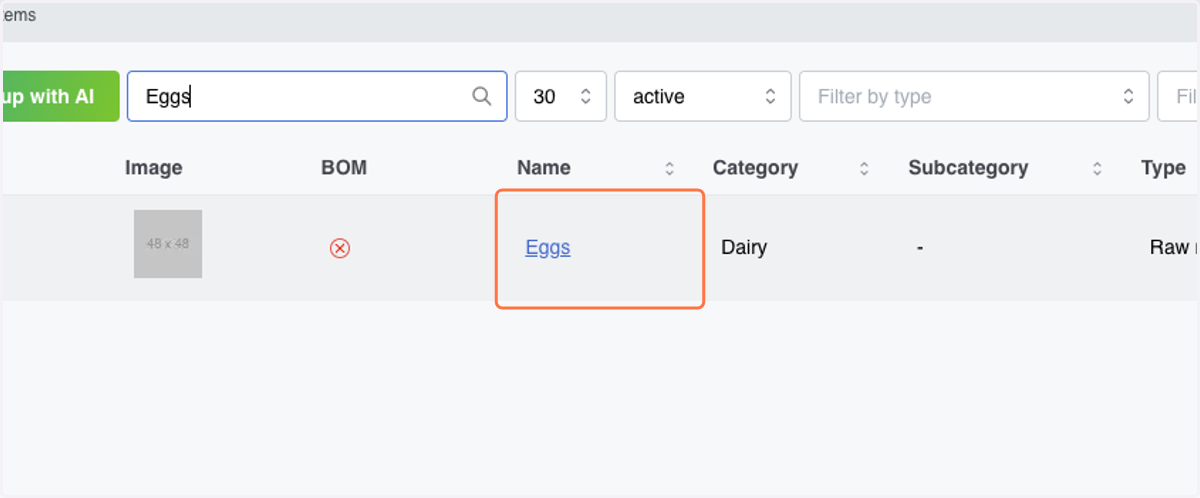
20. Click on Eggs
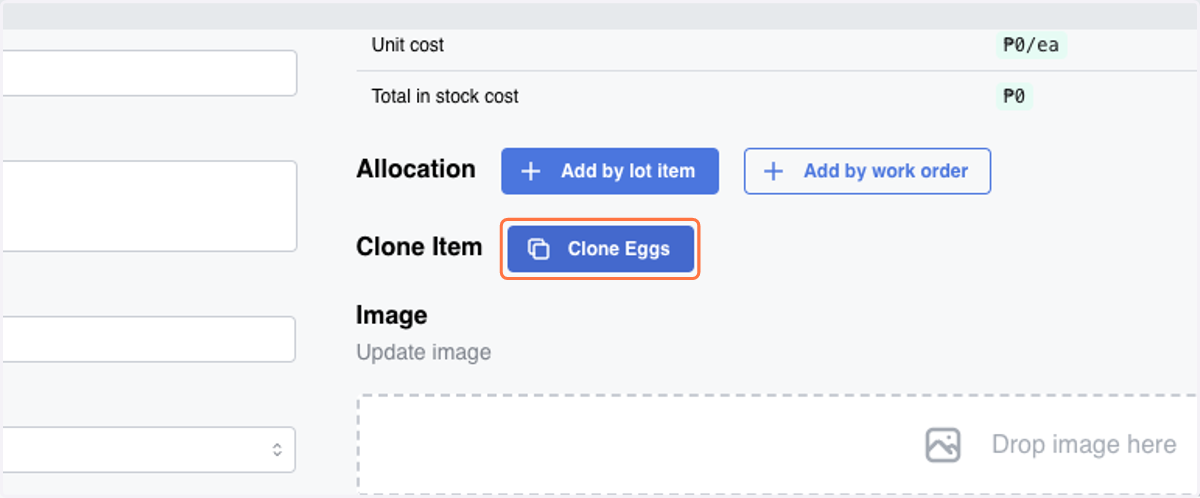
Clone Item
21. Go to Item details and Click on Clone Eggs