Creating Accessible Content with YuJa Panorama
Brightspace has a tool called YuJa Panorama implemented that will allow you quickly to ensure the content you are creating is accessible.
1. Create your content in Brightspace. This could be adding content to a folder, page, assignment, etc.
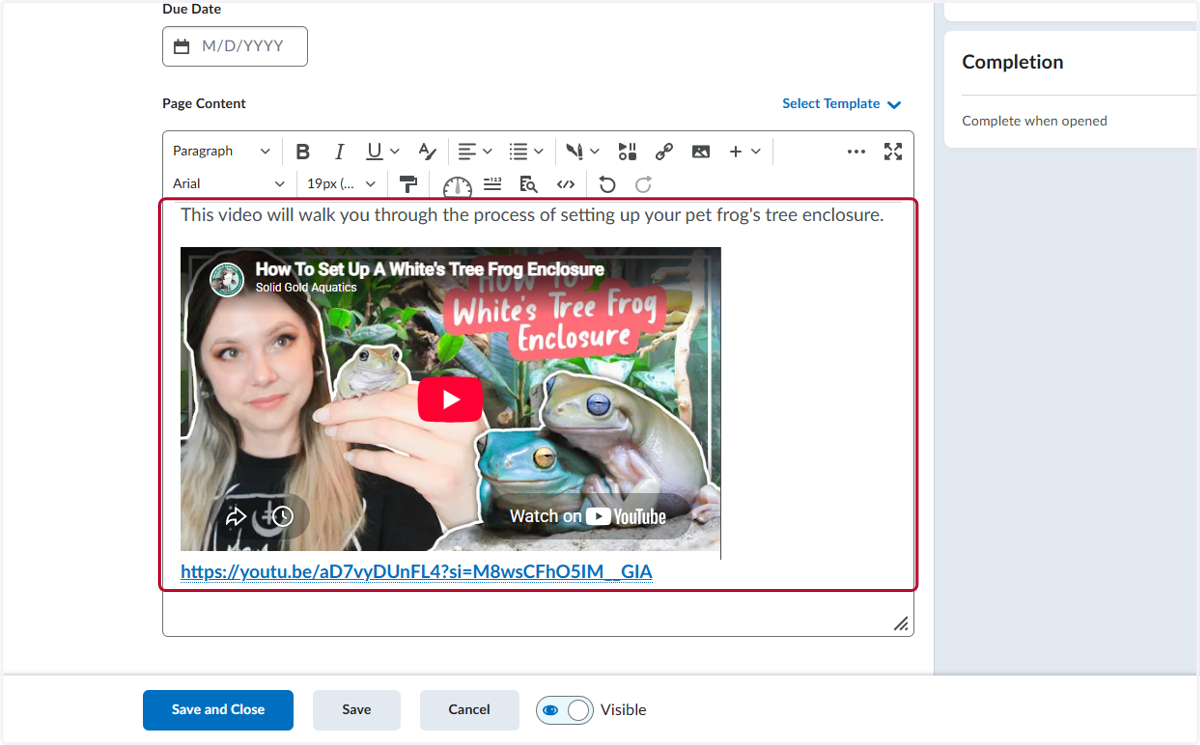
2. On the toolbar, locate the Guage. If it's yellow or red then you need to review the content by clicking on it.
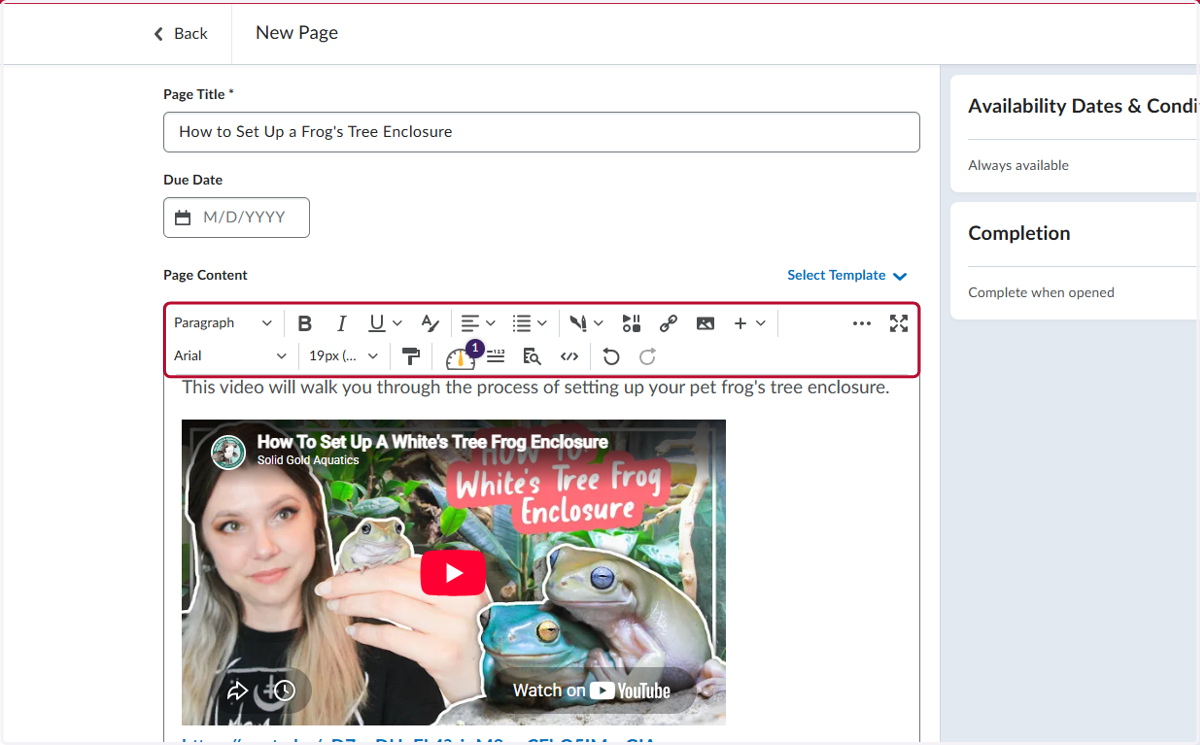
3. The issues that need to be addressed will be listed.
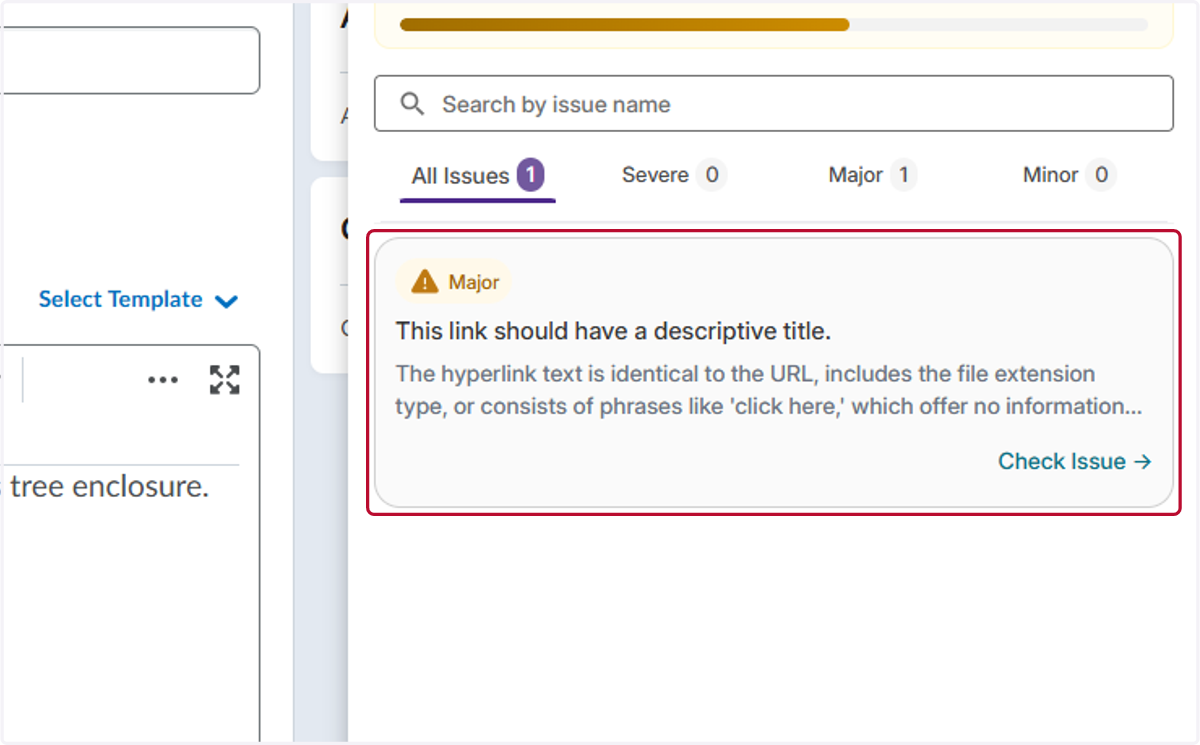
4. Click on Check Issue →
5. Make any needed changes and click on Apply fix
6. Repeat Steps 4 & 5 until your you receive a 100% accessibility score
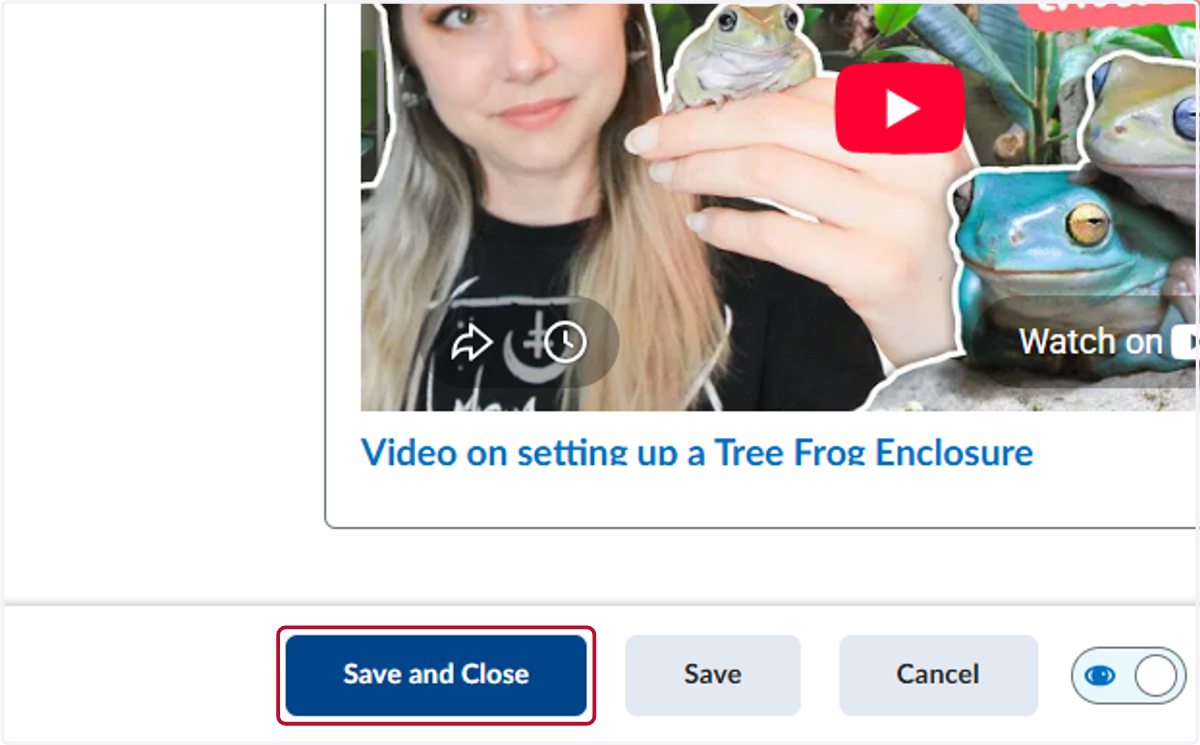
7. Click on Save and Close